Part VII - SSL certificates (manual)
A section on automated certificates is present later in the guide but as we don’t have a web server yet we are going to do this manually. Also it is just good practice to understand the process.
First we need a CSR. You can do this on your server with OpenSSL using the command below or any of the many CSR creation pages on the internet.
sudo openssl req -out planetexpress.csr -new -newkey rsa:4096 -nodes -keyout planetexpress.key
Answer all the questions and you will have the two files you need.
Move the key file to the correct location with
sudo mv planetexpress.key /etc/ssl/private/
Get a copy of the csr text with
sudo cat planetexpress.csr
and copy it into a text editor program.
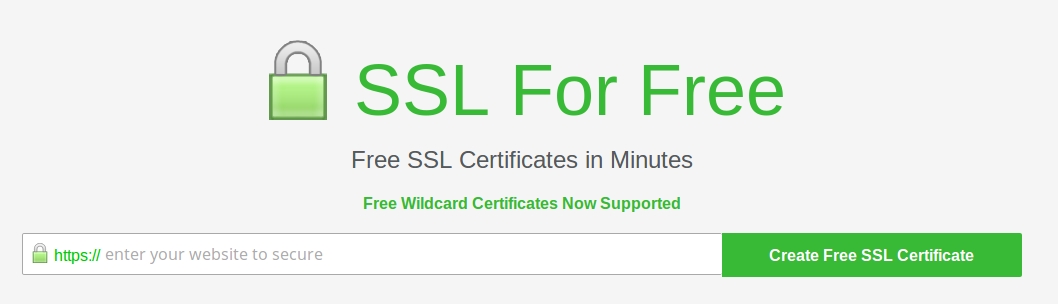
Head over to sslforfree.com and create an account. Once done enter planetexpress.net in the field shown.
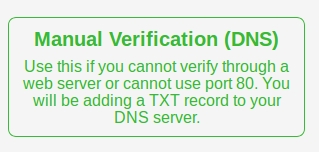
Then select “Manual Verification (DNS)”
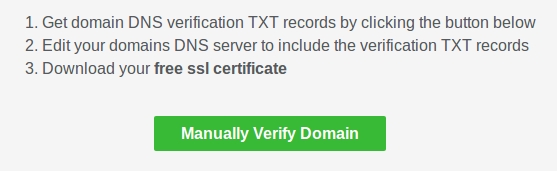
Then “Manually Verify Domain”
Paste in your CSR into the field at the bottom and then head back to your DNS registrar and put in the txt record as shown in point 2. with a 1 second TTL
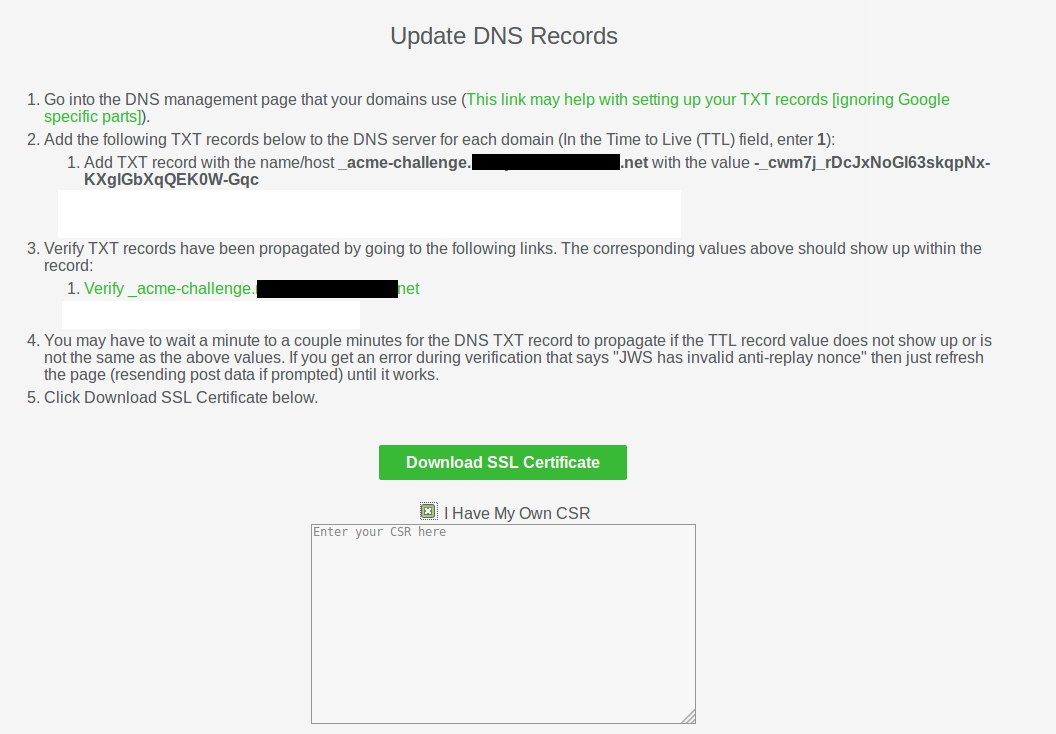
Verify this is correct by clicking on the link in point 3. Make sure it returns a valid response as shown.
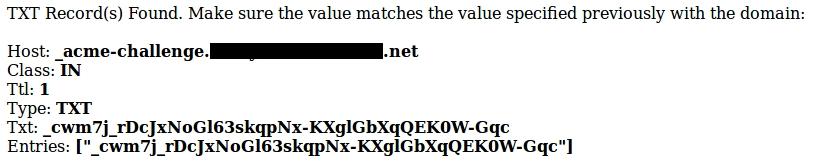
Now you can click “Download SSL Certificate”. If all goes well you will see the screen below appear.
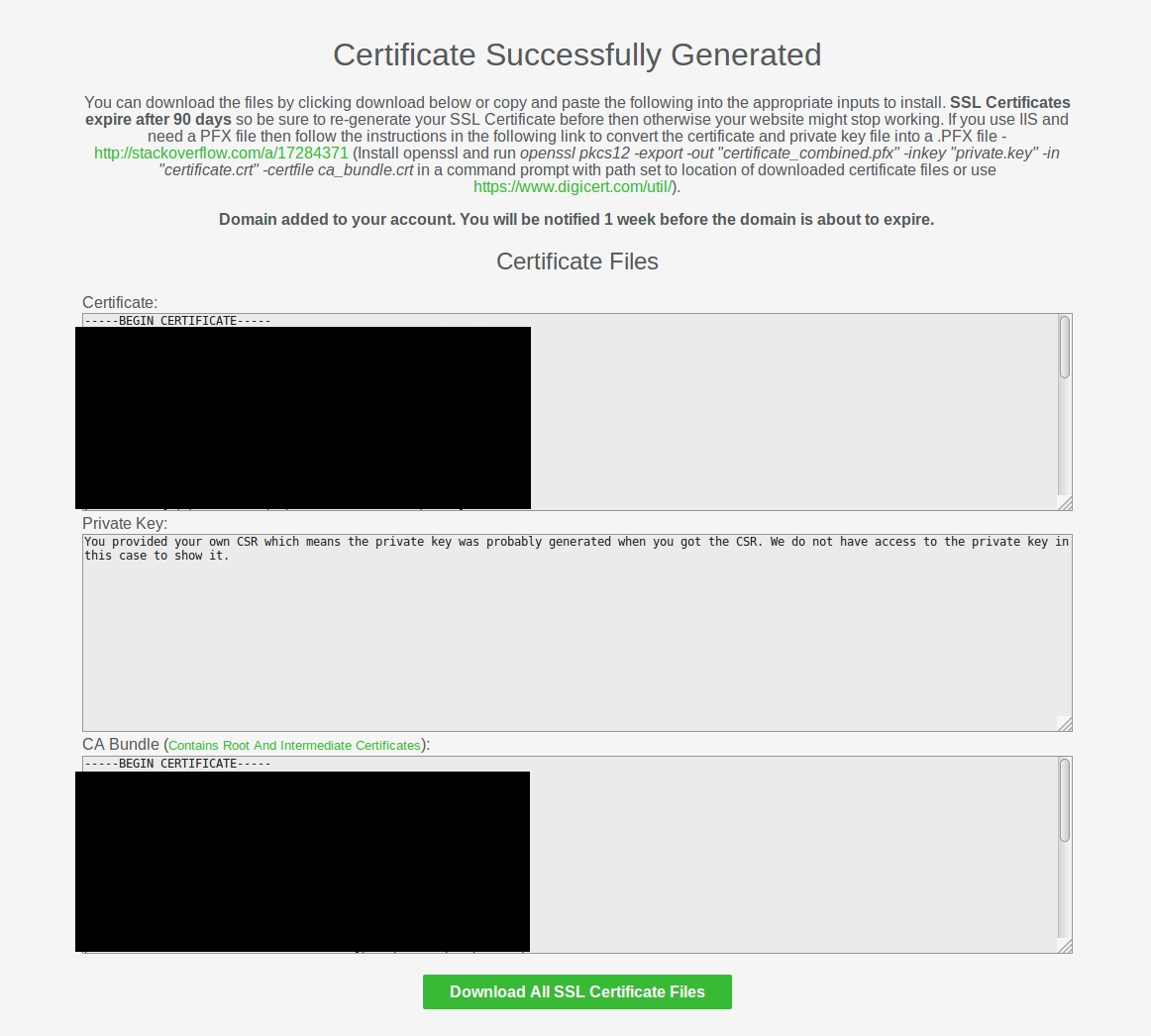
Click “Download all SSL certificate files”.
You will download a zip with the following files.
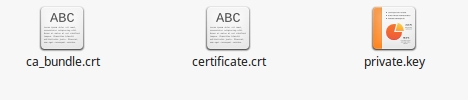
Make a new text file called “planetexpress.pem” and paste in the text from “certificate.crt” first then paste in the text from “ca_bundle.crt” directly under it.
Save the file and then double click on it.
It should look like this.
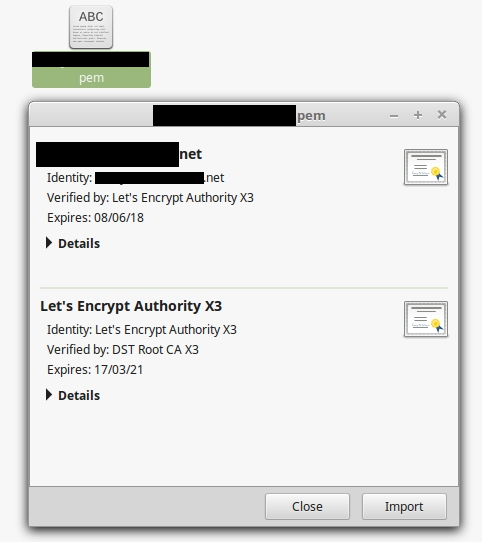
Copy this file to your server at /etc/ssl/certs/
You should now have the following files on your server ready to be used by our mail server software.
/etc/ssl/certs/planetexpress.pem
/etc/ssl/private/planetexpress.key