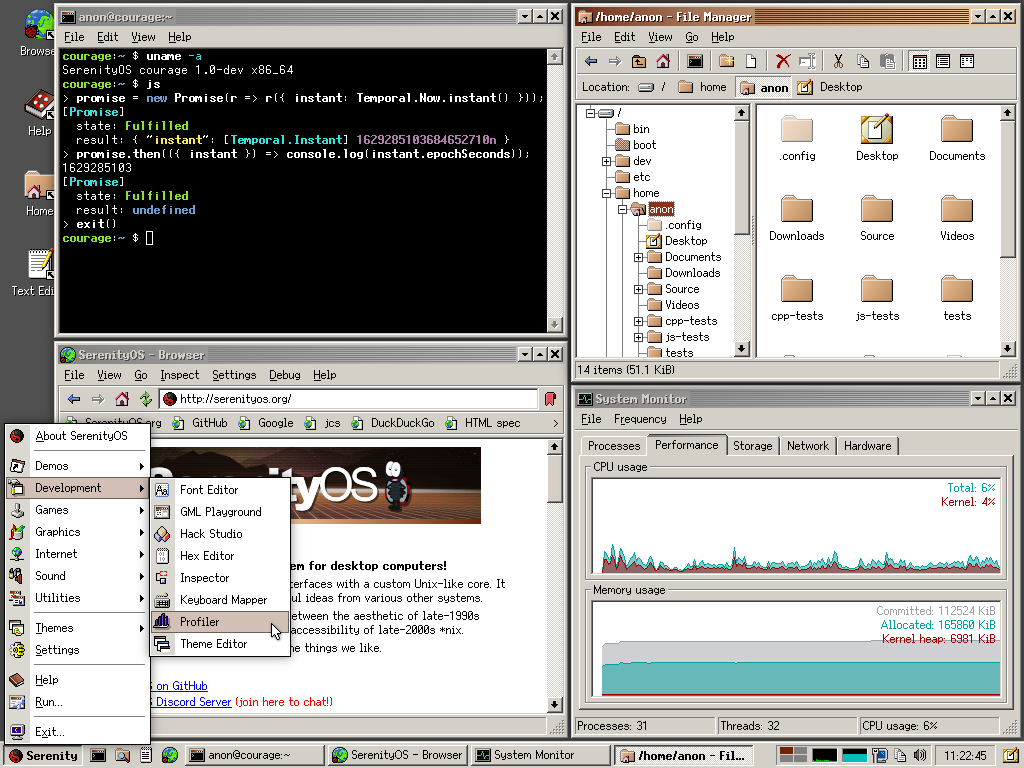
Another interesting thing is https://serenityos.org if you manage to build it. Of course it’s just as useful as Redox. Not even on Haiku level in terms of functionality it seems.
1 Like
Still has the 95/98 vibes. Ive seen this elsewhere online before and its a weird take on the OS.
IIRC its a separate build entirely. Its neither MS/WinNT code, Linux, BSD or a rewrite like ReactOS.
Lets see how far along is it…
From February 2022. 
FWIW, when this was in the current stage in Jan of 2022, the dominant user base of Win11 that was testing/deploying it via azure/autopilot ran into issues like these. The solution was just to kill some options via OOBE XML, like it’s always been in every other version of windows. Everyone so jumpy about headlines 
I guess I’m a little disappointed in the Linux nerds here. When someone’s ready to try switching to Linux (or at least dual boot), we’ve won - hold your fire!
Also disappointing nobody tried to answer some of the OP’s switching related question… 
Command line - not needed these days, but I will say, it can be fun once you get used to it. People will walk by, and they’ll have NO CLUE what the hell you’re doing. lol Plus it’s a really useful skill to have, it just takes time to learn.
For your M.2 question (I’m assuming it’s currently bootable) - the answer is yes*… but it depends. If you have enough space on the drive, you should be able to shrink an existing partition to put Linux on the remaining space at the end of the drive. Most will still tell you to back your data up before such an operation, but at that point sometimes you may as well throw another drive in there, and just install to that - that’s much simpler.
(Of course the reason to resize the existing partition is to format the other half, so you kind of are formatting it some…) I’ve also read that you want to reboot back into Windows twice (for some bizarre reason) after such a resize so it can do integrity checks or whatever it wants to do…
GParted is a good tool (UI) for messing with partitions that should work for that (I don’t know if it runs on Windows so you’d probably have to run it from a bootable Linux USB.) But you should be able to get some good guidance and advice with a new thread specific to that problem, usually the penguin team is very willing to help.
1 Like
I think Windows partitioner is capable enough to shrink a partition. In the installer you can then just ask the Linux installer to use the free space, no need for manual partitioning and all that fun stuff.
I recommend at least 150 GB of memory for a combined root and home partition, but if you do have the space and want to just try it, it would be even easier to just buy a 250 GB SATA drive for $15. That isn’t much of a commitment, and while not quite as nice as m.2, is good enough to show what Linux is capable of. Most of the Linux core system functionality runs in a dedicated RAM disk these days so speed of disk is less important.
1 Like
yeah I’m not interested enough in Linux to spend literally any money on it.
Is that some free thing they have now? It’s been a long time since I’ve tried partitioning from WIndows (because why would I) and IIRC it was hard to find anything decent that’ll do much with partitions for free, it was all 3rd party stuff. (There’s also the issue of needing to be booted to the Windows install… which would be using the partition being modified. Maybe it can get around that somehow with a clunky rebooting process but I’m not a fan of such solutions.)
If $15 is too much to invest to get away from malware and improve your privacy (not to mention get away from an openly abusive corporation), it’s hard to be optimistic because you will need to invest time and effort in switching. That said, you can definitely do it for free if you’ve got the spare disk space and the time to figure it out.
I believe Windows 7 is when they added the partition shrink capability into the built in partition manager, which can modify the partition even while it’s in use by the OS.
Tangent:
I just bought a fairly expensive MESA FPGA IO card to hopefully make EMC2 Linux as fast at IO output as Windows XP is using just a built in IEEE1284 port.
It’s surprising that Windows can get several times better I/O jitter performance than Linux on the same hardware, even with Linux running RTAI kernel extension; I suppose it goes to show how efficient Windows XP is.
If a modernized version of XP was made I wouldn’t hesitate using it. Maybe someday Microsoft will open source XP like they did with MS-DOS… although that would probably cannibalize their OS market share.
2 Likes
Buying a $15 SSD drive is hardly spending money on Linux - rather, see it as investing in a lab drive so you can safely experiment with a cut down Windows, ReactOS, or whatever else without actually having to worry your daily driver is at risk.
Or, partition your existing drives for a more complex and more fragile setup.
Or, do neither, but if you do not change anything, nothing will change for you, either. I have given you the tools, up to you what you should do with it. Does not really bother me either way. 
3 Likes
You should be able to, just be careful about your partitions. You can probably setup the partition in windows or using gparted or a other tool suggested. In the past, people have complained windows overwriting linux partitions, though it may have changed.
Alternatively, have you considered trying linux on a live cd on a usb thumbdrive? It won’t be as fast as a ssd, but is pretty useable. When I was first trying linux I booted off of a usb because my sata connector was broken.
I’d say linux mint is the closest to xp, tho steam OS’s desktop is pretty close to windows 7.
If you are on windows 10, you could try wsl to dip your toe.
Cli can be a bit overwhelming, but with the rise of AI such as chatgpt or open assistant, you can ask a chatbot the cli for doing X.
I remember when I started out on linux, I’d have to copy paste cli errors and crawl the web to find solutions.
If you need help, you can always start a thread or post your issue to this thread
If people can help, they will reply. For individual threads, it’s good ettiquite to show what solutions/commands you have tried or your thought process, as people are be more willing to help.
2 Likes
I have indeed tried a live USB, at least for mint. I have also heard of Pop! OS and they say it’s better for games? And I’m interested in that distro as I am primarily a gamer.
2 Likes
Pop is great for gamers as everything comes out of the box. It just needs a tweak to be able to dual boot it.
How to Dual Boot Pop OS 22.04 LTS and Windows 11 2023 (EASIEST WAY) - YouTube this guide should answer your questions and hold you through the whole operation of making space on your drive from windows, installation and said tweak. Feel free to ask anyone if you’re unsure or have questions when you do tackle this challenge. ^^
1 Like
Pop works fine, it’s a fork of ubuntu (fork being a mod with customizations applied). I’ve been gaming on my steam deck so, I have been using steam os (a fork of arch linux).
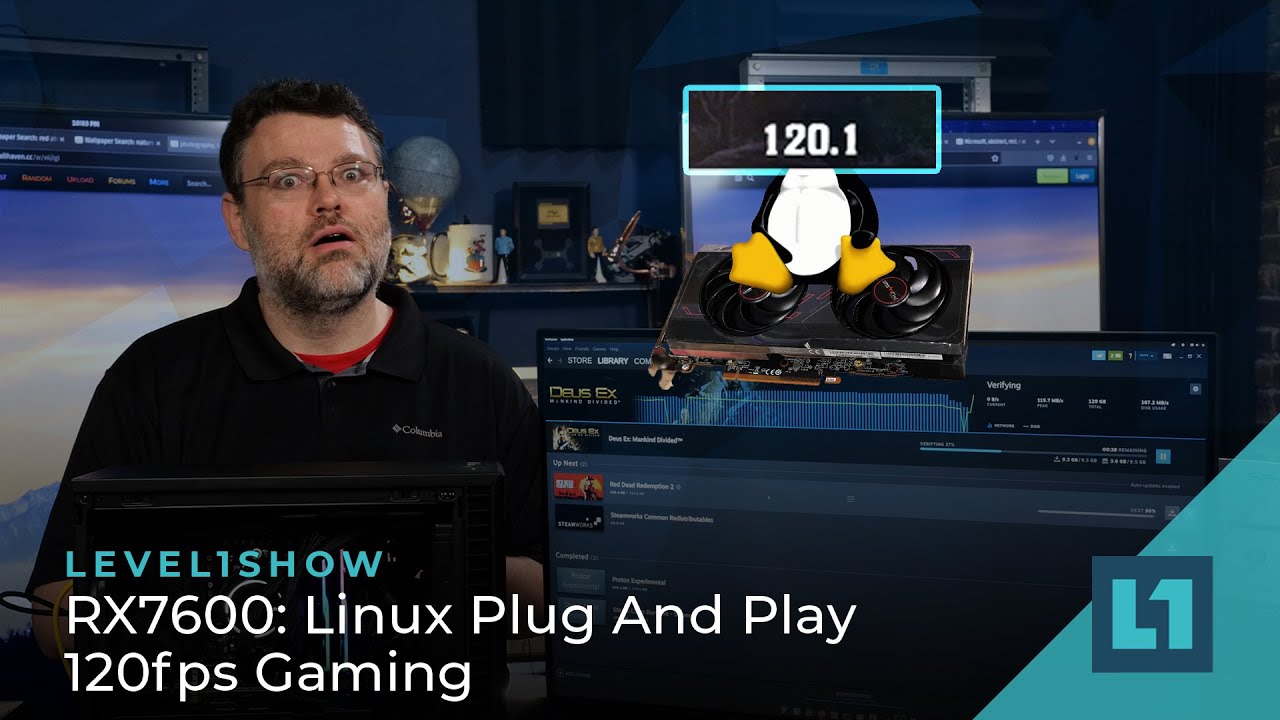
There’s a lot of guides on youtube for getting gaming on linux setup
2 Likes
ROFL the look on Wendell’s face omg. right now I’m uploading a first episode of Duckstation emulated Chrono-cross, one of my favorite PSX games. Will look at it later.
1 Like
I game on Mint quite a bit, probably one of the best distros for a new user. The Mint installer is very reliable about detecting an installed Windows partition and adding a dual boot entry for it automatically.
PopOS has a more “polished” look (more “mac-like”?), supported by a good company. I’ve never installed PopOS since it comes preinstalled on System76 laptops, but it seems like a good one to start with too.
Well,
Revision OS team do not want to implement telemetry, so using Revi11 or Revi10 for a base to change into XP could work.
But why? Why would you want XP?
I remember it having pretty poor navigation and UI.
I’ve been wishing for a modern XP in my head for two decades, but don’t be so vauge. Modernizing something is like telling “them” to add more resource sharing and spyware. I’d use simplifying instead.
My XP ran with 20 processes in the task manager. Windows 11 is on average, what… 160? Safe mode brings that down to maybe 45? Read the services and ask yourself “could this be used maliciously?” and you start to realize what those Windows services are.
Ok, so I bit the bullet and formatted my D: drive to install a clean Pop OS! install. I hate it. I installed steam on the pop OS store, thinking that would be a one click solution, cause I wanted to play Star Wars: Empire at War, Thrawn’s revenge mod, just to get a feel if the experience was better, and nope, I can log into steam, but I can’t download the base game, much less a mod. frustrated
1 Like
Might be worth starting a thread or posting in the small linux problems thread.
I haven’t really gamed on linux outside of steam os, but here are some guides I found searching star wars empire at war linux on youtube.

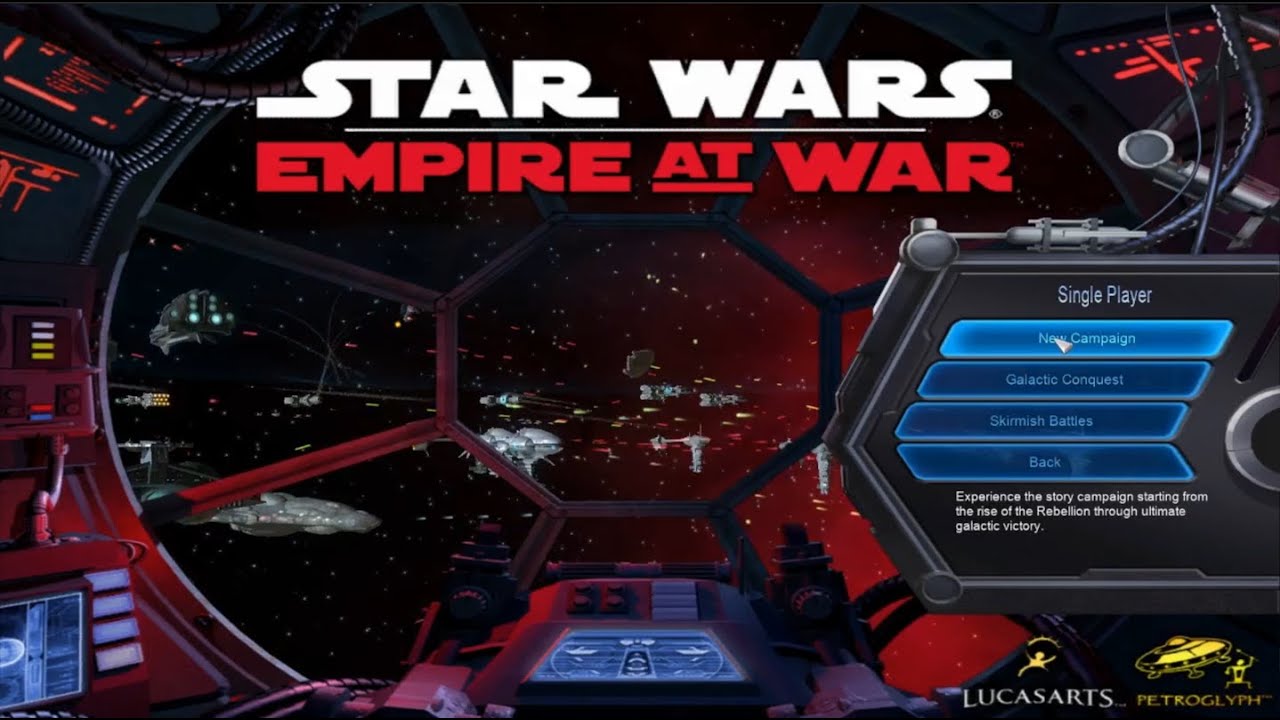
The linux mint guide is probably closer to pop_os as it is a fork of ubuntu which is a fork of debian
Gaming on linux is a bit of an adjustment, but it’s a lot better than in the past. I wouldn’t expect windows levels of plug and play, but over time you get used to it’s quirks and learn the linux way of setting things up
2 Likes
yeah I switched pretty much immediately away from POP OS, it was pretty terrible, IMO, started again with Mint, and the only real problems I’ve had are resolution, and a weird effect within the mod, where the animated background of Thrawn’s revenge didn’t play, and had a blue screen instead, and it’s REEEEEEEALLLY slow, which I assume it Proton itself. NM the mod is crashing immediately after starting a new game. F. Will watch the guide you posted.
1 Like