This is just a live blog of my experiences using KDE. I wanted to give it a shot because it was pretty seamless with my steamdeck. Also get some validation of issues I encounter
I started by installing a different login manager
My system settings
Operating System: Fedora Linux 41
KDE Plasma Version: 6.3.2
KDE Frameworks Version: 6.11.0
Qt Version: 6.8.2
Kernel Version: 6.12.15-200.fc41.x86_64 (64-bit)
Graphics Platform: Wayland
Processors: 16 × AMD Ryzen 7 5800X3D 8-Core Processor
Memory: 62.7 GiB of RAM
Graphics Processor: AMD Radeon RX 7900 XTX
Manufacturer: Micro-Star International Co., Ltd
Product Name: MS-7C02
System Version: 1.0
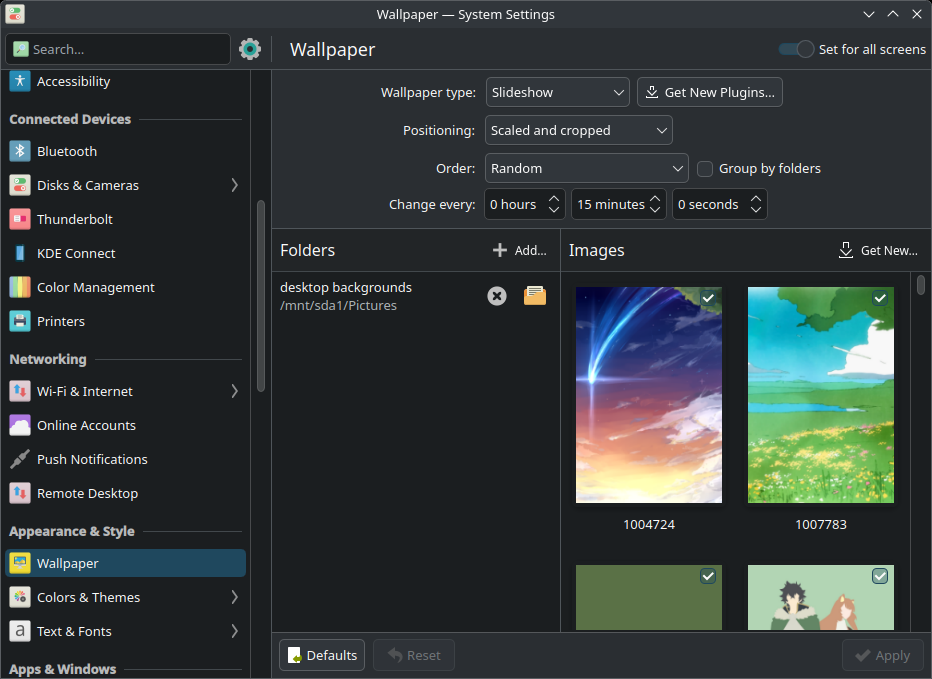
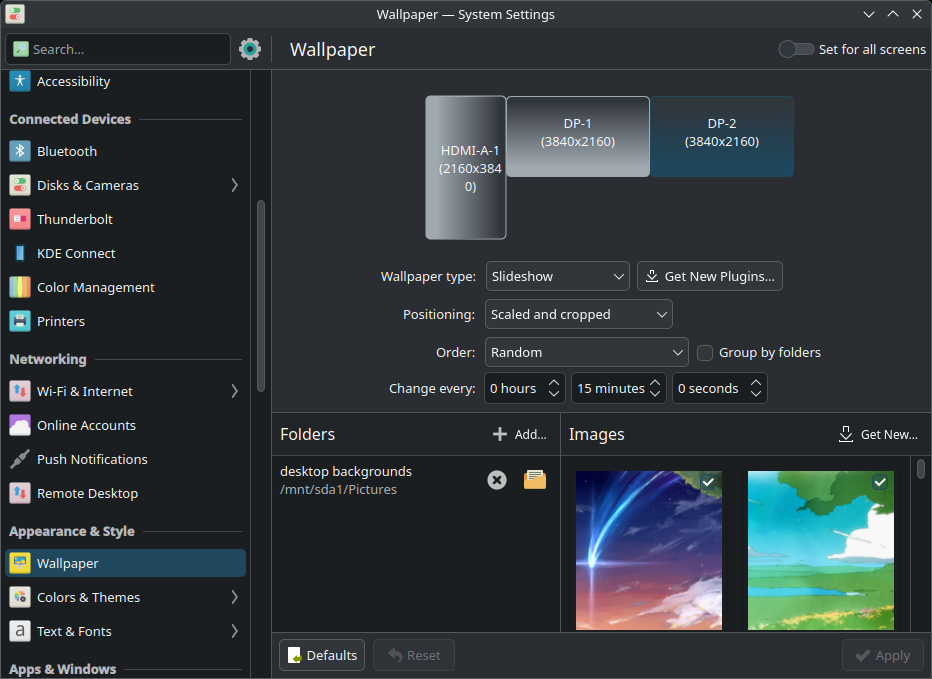
Hey there, as far as I know there is no way to force randomized slideshow showing the same image on both monitors, it will randomize separately for each. It will apply the same wallpaper for both screens if you use any other static option though. Instead, try checking out an app called “Variety”, it should be able to do what you need.
Buuut, you can manually clone a panel from one screen to another. Find a panel you want to clone, Show Panel Configuration → Clone Panel. For widgets, seems like there is no such option.
Repeat on each monitor:
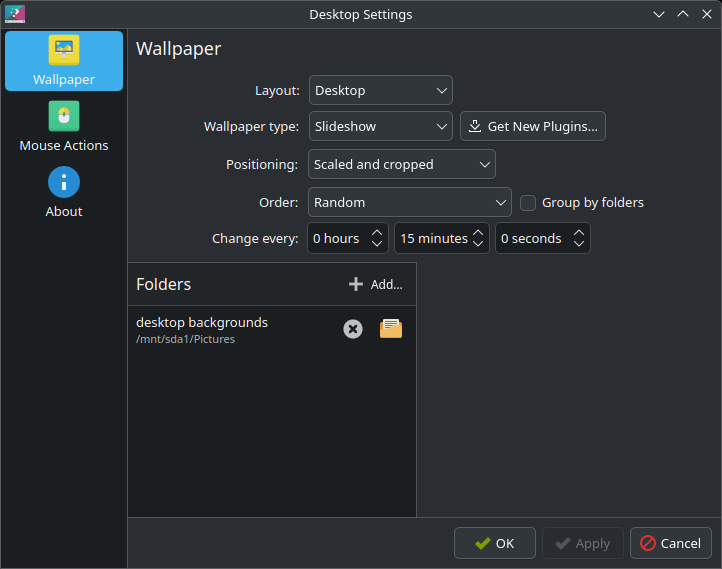
- Rclick on each individual desktop > Desktop and Wallpaper
- Select the wallpaper you want, ok/apply & close
I’ll agree I find some of the decisions made in wallpaper assignment perplexing, but the developers aren’t using their (laptops, presumably) like I.
To span/scale a single wallpaper across all monitors I wrote a script to scale then cut one image into individual images I can then assign like the above (or, being your question, the same fragment on each). I do feel like there should have been a better way to achieve that, but since I don’t change wallpaper that often once I’ve chosen it, it’s fine for me.
I wish they had a right click context menu option. It isn’t as obvious. Looking this up on line found some results, but they didn’t work for my version of plasma
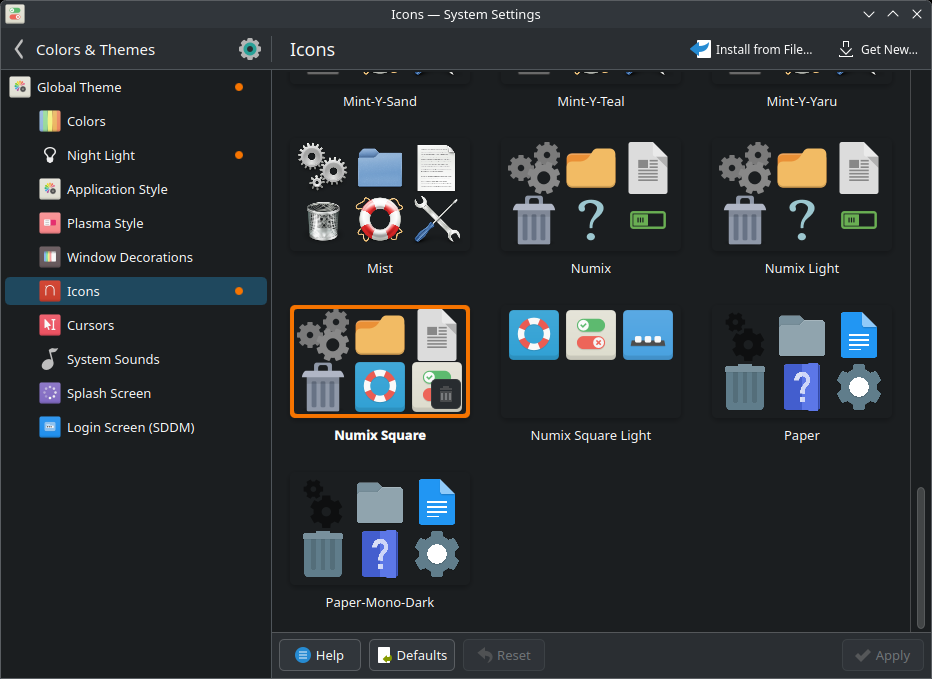
changing icons to numix square
navigate to kde settings, search color & themes. Set the icons as numix square