The Ultimate Guide to Building a Threadripper 9000 System

So, you’re buying a Threadripper CPU, but you’re not sure what to pick up next? We’ve compiled the best options for memory, power supplies, cases and more. Keep in mind your specific use case may require something different; these are just good all-around options to look into:

MOTHERBOARD

Your choice of motherboard will have knock on effects throughout your whole build. Threadripper and Threadripper Pro have different socket orientations, so you’re going to want to make sure you pick up the correct motherboard for your CPU. TRX50 supports both Threadripper and Threadripper Pro, while WRX90 only supports Threadripper Pro. Additionally TRX50 only supports 4 DIMMs, while WRX90 supports 8 DIMMs.

TRX50

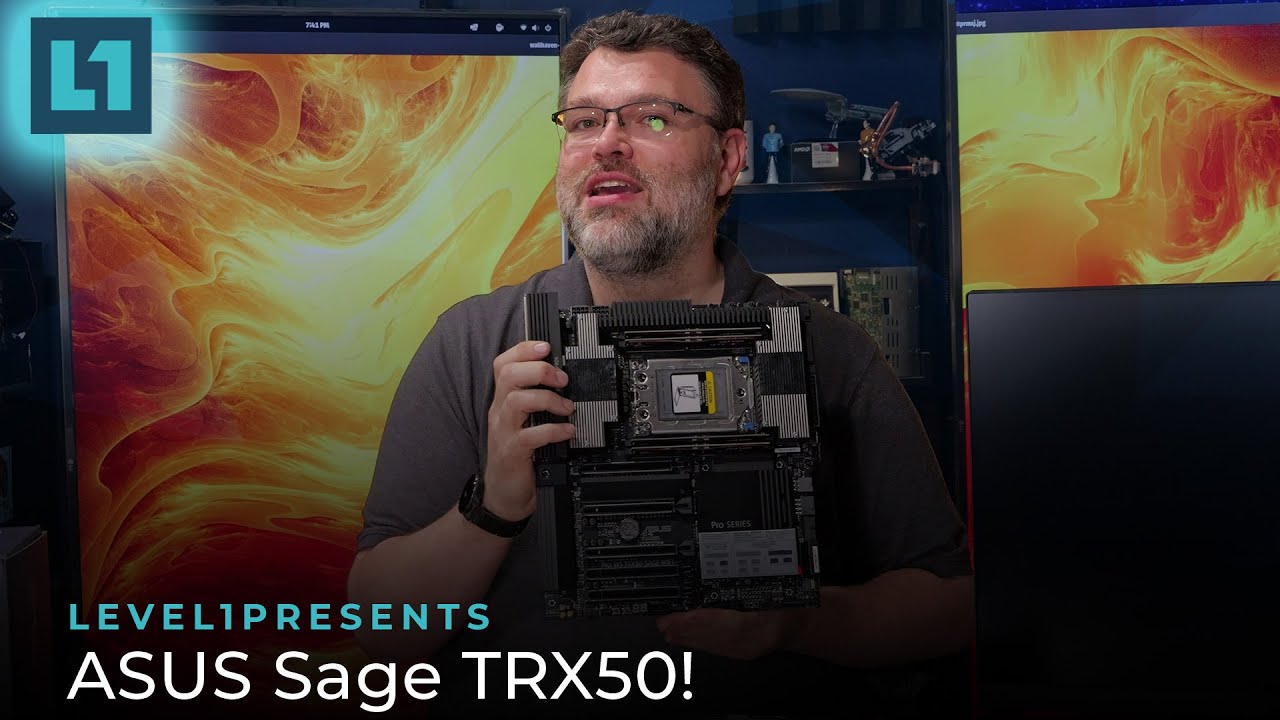
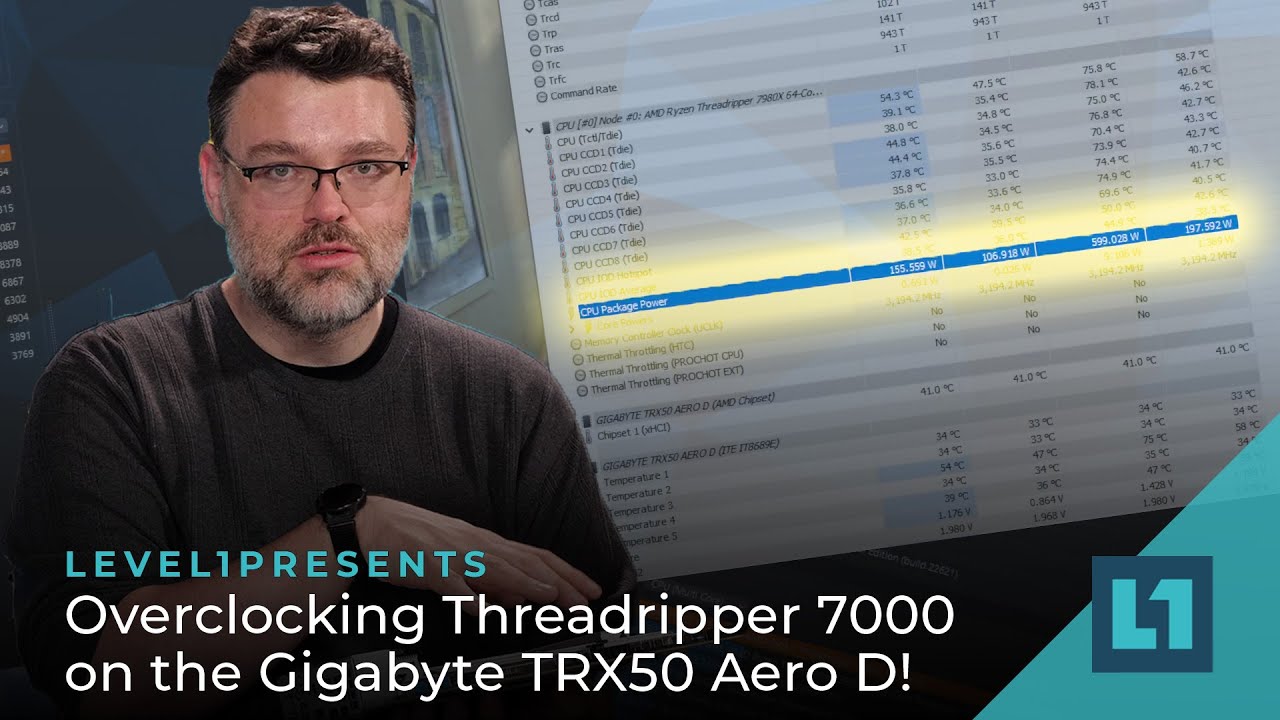
For TRX50 we recommend the ASUS Sage TRX50, which has a ton of PCIe connectivity for whatever you want to do. However both the ASRock TRX50 WS and the Gigabyte TRX50 Aero D are also great choices.
All three board support PCIe tunneling (aka Thunderbolt in all but name).
WRX90

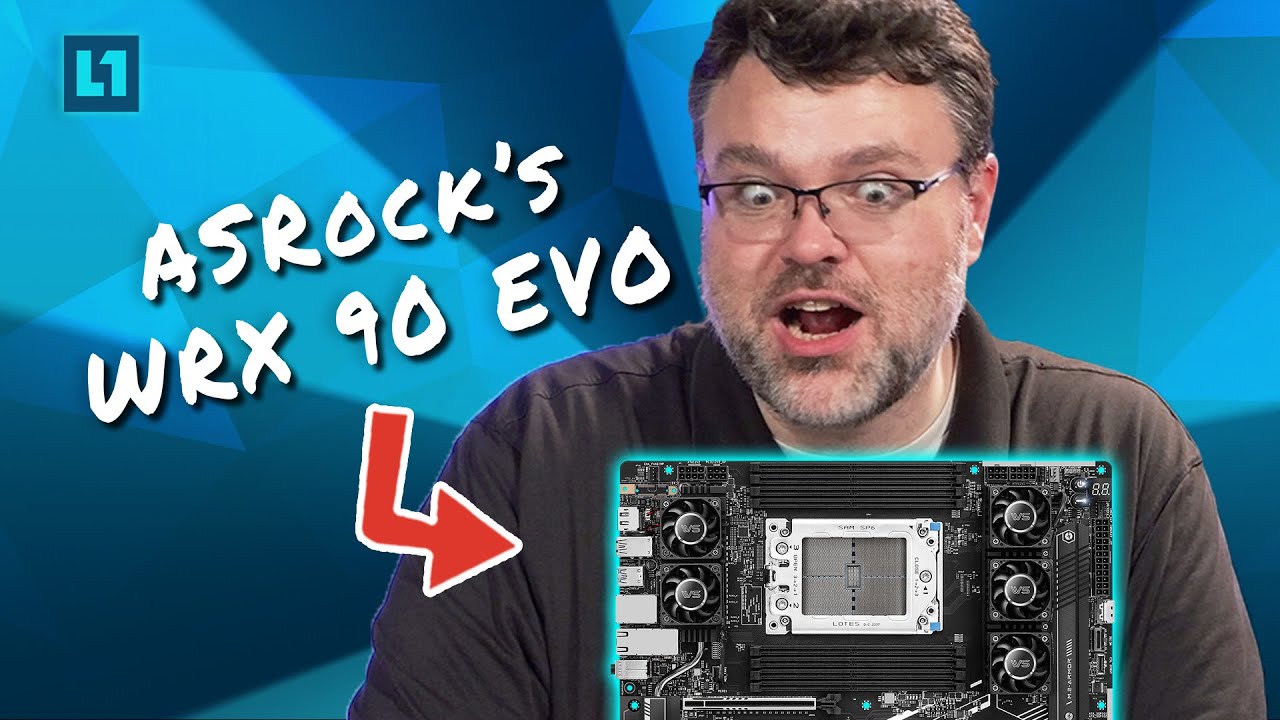
For WRX90, your choices are very limited, and of those choices we like both, but we have to give the edge to the the ASRock WRX90 WS EVO. It has two MCIO ports which let you get up to all kinds of storage shenanigans. However the WRXE90 Sage is still a very good motherboard. Gigabyte also makes a server WRX90 motherboard that’s very nice, but it’s not suitable for workstations or enthusiast overclocking scenarios, so keep that in mind.

CASE

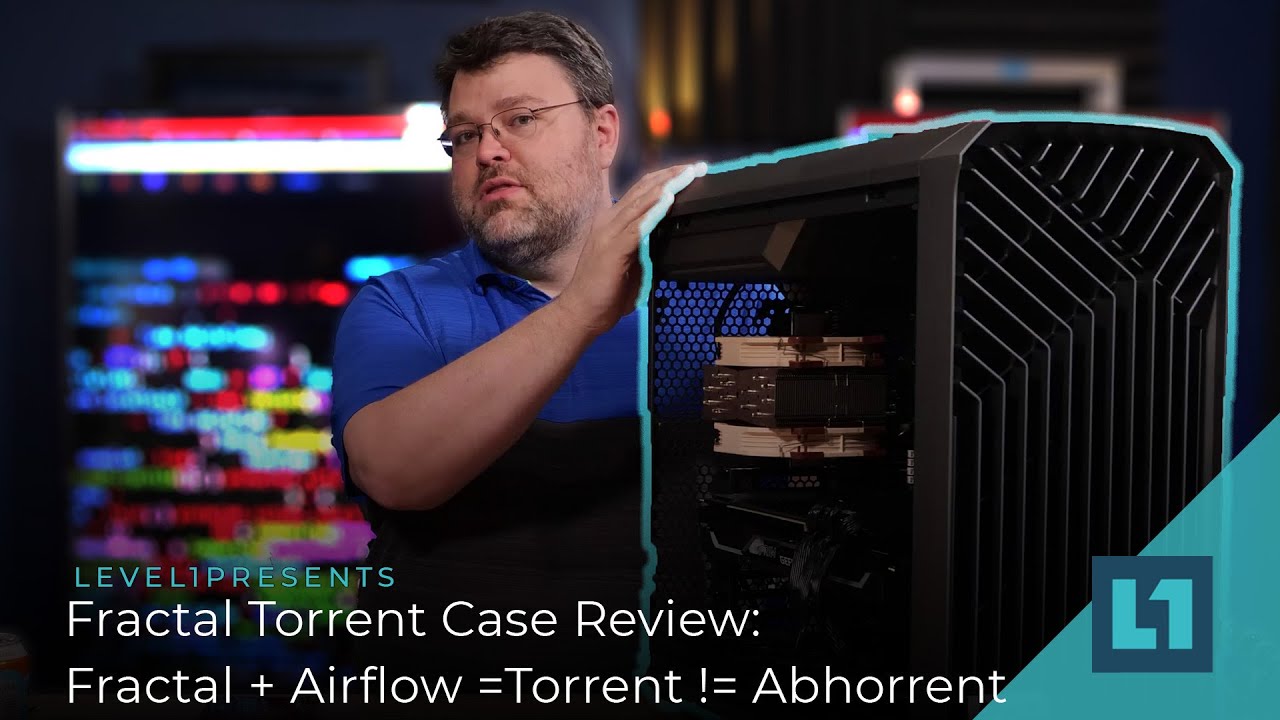
The most important thing here is to find a case with high airflow and also enough room for whatever you want to do with your build. The Fractal Torrent is a good all around choice, it has great airflow and two massive fans in the front for even more cooling. Fractal makes other cases that are fit for the job, but you’ll probably want to add your own fans to help keep things cool. If you’re looking for something more enterprise level, the Silverstone RM53 is a great choice, again with plenty of cooling. If you have a choice, go for a mesh side panel; it’ll improve your airflow even more.
PSU

FSPGroup makes a ton of great PSUs, and we specifically recommend their Hydro line. What wattage you go for depends on your use case, but we recommend buying a platinum certified PSU. Remember that Threadripper Pro consumes more power than regular Threadripper, so you might want to grab a 1200W PSU if you’re getting one, while 1000W should be enough for a standard Threadripper.

GPU

Look, I get it. You’re thinking because you’re building a workstation that you need a workstation GPU. Something like a Blackwell RTX 6000, maybe. Well, you don’t. You can get by just fine with a normal gaming GPU like an RTX 5090, or even a Radeon 7900XTX. Unless you’re doing machine learning, you don’t need the gobs and gobs of vram that an RTX 6000 has. However, the GPU you go with will depend on what kind of work you’re doing with your machine. The 5090 is a good all around option, so we’ll recommend that, but be sure to do your research.

MEMORY

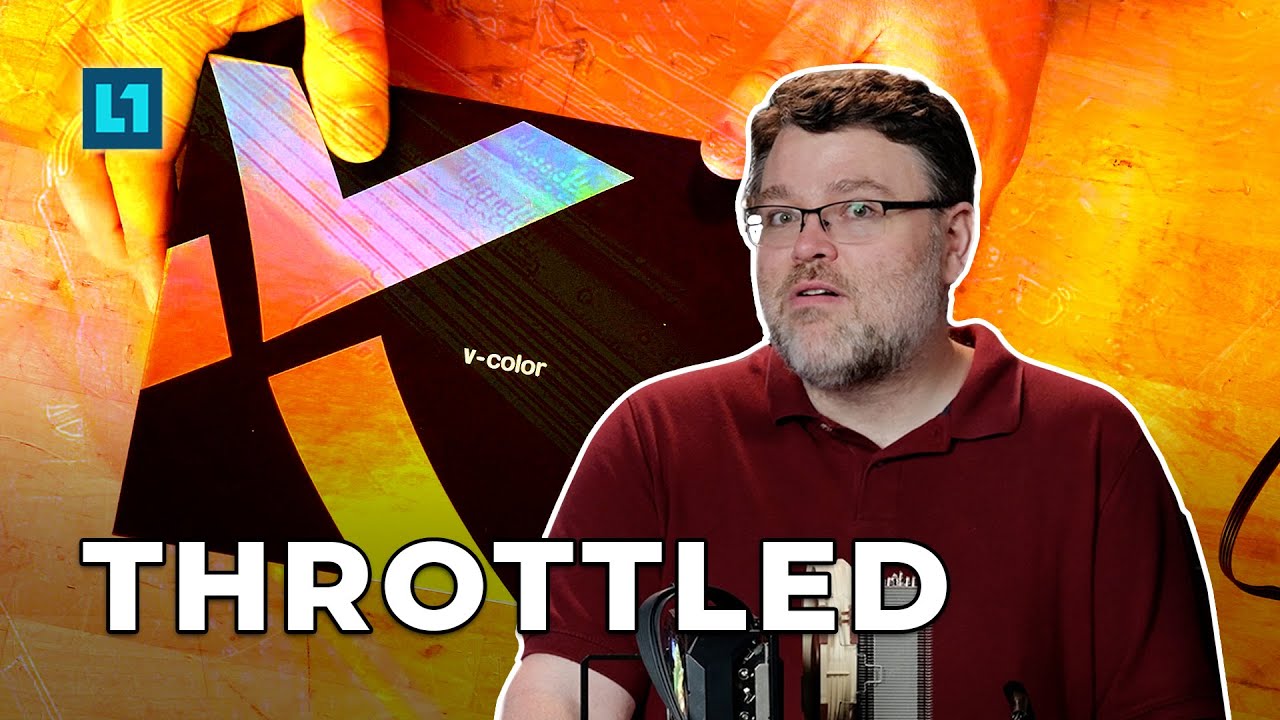
Threadripper requires RDIMMs, so your options are a little limited. V-COLOR, Kingston, and GSKILL all have good options. We’re partial to the 96GB 7200 MHz kit from V-COLOR, but like GPUs your choice of memory kits depends on your use case.
COOLING

Like GPUs, there are several good options for cooling. Generally you have a choice between HSF (HeatSink and Fan, aka traditional air cooling) vs AIO (All In One liquid cooling). If you want an AIO, the SilverStone XE360-TR5 is a great option, while the Noctua NH-U14S TR5-SP6 is an ideal HSF cooler. Keep in mind that Threadripper Pro consumes more power and operates hotter, so you’re going to want an AIO or a custom loop solution over an air cooler in most cases.

STORAGE

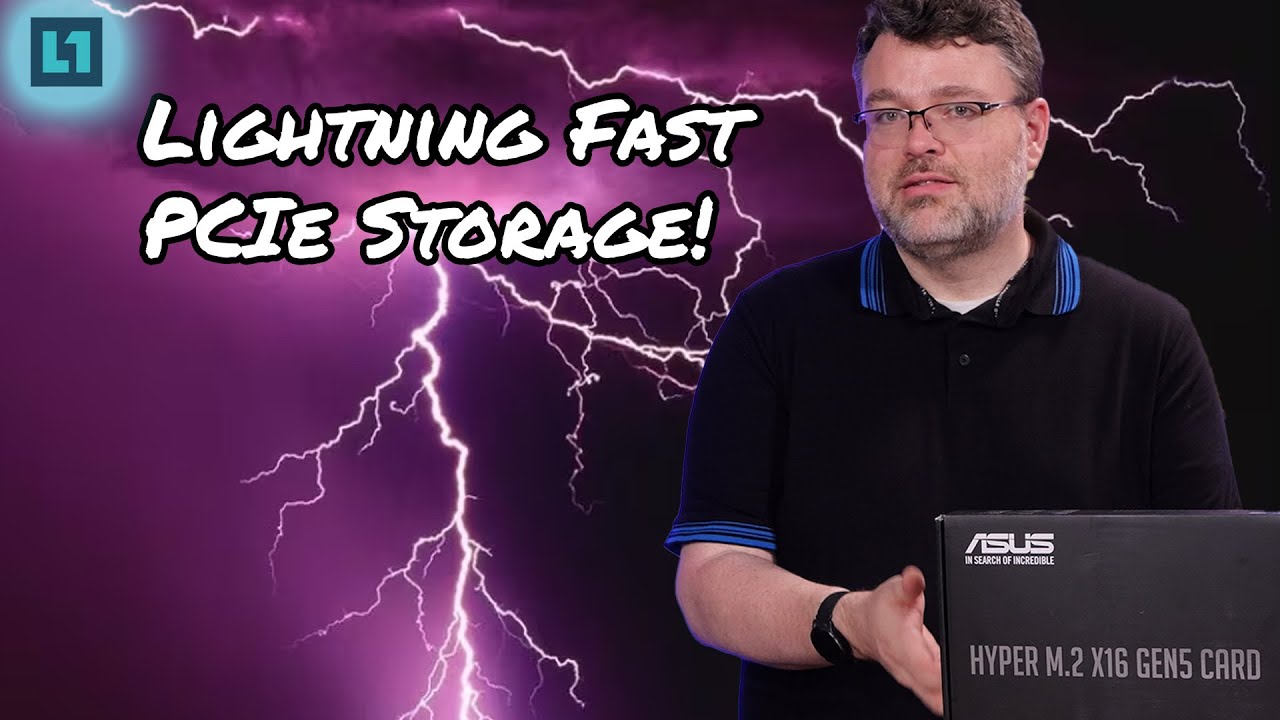
The Crucial T705 is one of the fastest PCIe Gen 5 SSDs on the market, and it’s our recommendation for storage in just about any machine you can think of. You can set up a bunch of these in a RAID using the ASUS Hyper m.2 card we’ve linked below and be set for almost any storage scenario you’ll encounter.
One thing to keep in mind, all of these recommendations apply not only to last gen Threadripper, but to the current Threadripper 9000 CPUs as well, so feel free to grab a 7000 series Threadripper, they’re great too!

4 Likes

Thank you!

1 Like

Hey,

thanks for sharing this!

I hope it’s okay I jump in with some follow-up questions on the recommendations in this thread (let me know if my post should be moved to a new thread).

So I am currently looking at buying the Threadripper 9970X for my personal rig. I do a lot of open source stuff related to simulation and CAD and related software development which benefits from a TR system.

I use the 7975WX at work and love the performance gains it provided for compilation and simulation work in my dayjob as a structural/software engineer!

Motherboard

I noticed the Gigabyte TRX50 AI Top is not mentioned here.

I was considering this board in case I wanted to upgrade to the PRO version in the future (not knowing the future, but if the increase in memory bandwidth of going from 4->8 dimms provides a large enough benefit on running local LLM. Then maybe going PRO can be worth it?).

Also most of the online reviews I have seen of the 9000 series did not include the Gigabyte AI TOP board. So, maybe I’m missing something obvious about the AI TOP board?

Case

I have been back and forth between the Meshify 3 XL vs non-XL.
Right now I am leaning towards the Meshify 3 XL in fear of not having enough space for my components. However, I do feel the XL might be too large for my use-case.

If the Meshify 3 gives sufficient room for air circulation inside the case with the Silverstone XE360 SP5 AIO in the front AND 1-2 GPU’s, then I probably would opt for the regular Meshify 3.

If anyone has any experience with the Meshify 3 non-XL vs XL I’d really appreciate the input?

PSU

I was considering the Seasonic Prime TX 1600W ATX 3.1. I am tempted to go for the Noctua version if there’s any noticable noise reduction. I see some local vendors has the ATX 3.0 version though. Is there any meaninful difference between ATX 3.0 and 3.1 that might impact my build?

FYI, I am located in Norway if anyone has any concrete suggestions for alternatives products.

Best Regards
Kristoffer

1 Like

I lot changed since ripper 7000

This is a Meshify S2 from back in the day. I stuffed it pretty full, and believe me it was hot in there, but it all fit. EDIT: Not a threadripper board!

It actually wasn’t that bad with all cards running inference, but I’d say it was a stretch.

Maybe the comparison between S2 and 3/3xl and might help you judge things.

If you can’t get 1-2 slot GPUs, I would definitely go bigger. Also, the AI TOP board is significantly bigger than this one.

MSI Meg ACE x570e
RYZEN 9 3950x
RTX 3090 - 3 slot
2x RTX 4000 Ada - 1 slot each

TBH I would go with as much room as you can.

Get the motherboard measurements, also see what connectors are on the edges.

Check out Wendell’s video building with the Fractal North XL:
https://youtu.be/EDO-Fh2nxSs?feature=shared

I did a very similar build and it’s working quite well.

To sum it up, I’m not 100% but I wouldn’t recommend the non XL Meshify… Others probably know more than I do. :slight_smile:

1 Like

Hey, thanks for the comment. Looking at Wendell’s video I am convinced I should go for the XL variant.

Also your North XL build in Threadripper 9000wx series! <-- now a build log - #26 by aatchison looks really good. So I am considering going for a North XL instead of a Meshify 3 XL. (the north XL is also smaller than the meshify 3 XL which to me is a more sensible size!).

1 Like

Great! Glad that helped :slightly_smiling_face:

The AI Tops board is totally fine but it doesn’t let you do 8 dimms on a non-pro CPU so Wendell thought it would be best if we stuck to the other ones for this guide, but it should work fine as long as you keep that in mind!

3 Likes

Thanks for this note! Does that mean that going for the Asus Pro with a 9980x you can use 8 rams as long as it’s below 1TB? like 8x96GB or did I understand that wrong?

4 dimms only. can never use 8 on a non wx CPU. only pro wx CPUs can use 8 dimms. others max out at 4 dimms.

1 Like

In this video, Wendell mentions vcolor memory throttle really easily, and recommends gskill.

Howdy folks, we recently released a video on the Gigabyte TRX 50 AI Top, and I figured I’d do a small write up on it since we had some people ask about it, so here it is:

Thank you for this! What if I’m running After Effects and need 128 gigs of ram? Any recommendations for fast & stable ram kits at 128 gb or 196 gb? Thank you!

The Meshify 3 XL is not tall enough for 2 RTX 5090 or other 4-slot GPUs. The Meshify 2 XL is (barely).

I want to comment on the Threadripper Pro 9985WX. I’m running it on a TRX50 Top AI (Rev.1.1), with 8 channels G.Skill RAM (128gb total) at 6000 Mt/S (Expo I). The setup has also 2xRTX5090s. In the beginning I had have problems with RAM at high speeds, but after the BIOS update to FA 12d, everything runs great and 100% stable. By the way the case is a Gigabyte Aorus C500 Glass ATX Mid-tower and it has enough space for setup.

1 Like

Does anyone know where the 3D model referenced in the video can be found? It is designed to hold Arctic (presumably 40 mm) fans to cool the DIMMs.

1 Like

@GigaBusterEXE ^^

2 Likes

@wendell Can you link the model files for the fan bracket? I’m also interested in that.

I’m having issues keeping my kit below 80c.

1 Like

Came here for that too. @GigaBusterEXE you linked the AM5 version somewhere, in the video it seemed you guys made a Threadripper version for the bracket. Can you please link us the file?

1 Like

So far I have a zip tie-based ‘solution’ that only delays overheating-induced reboots. A 7 day ML task (1.8kW system draw) rebooted 2 days in recently…

Hopefully a more refined fan placement can prevent this outright.