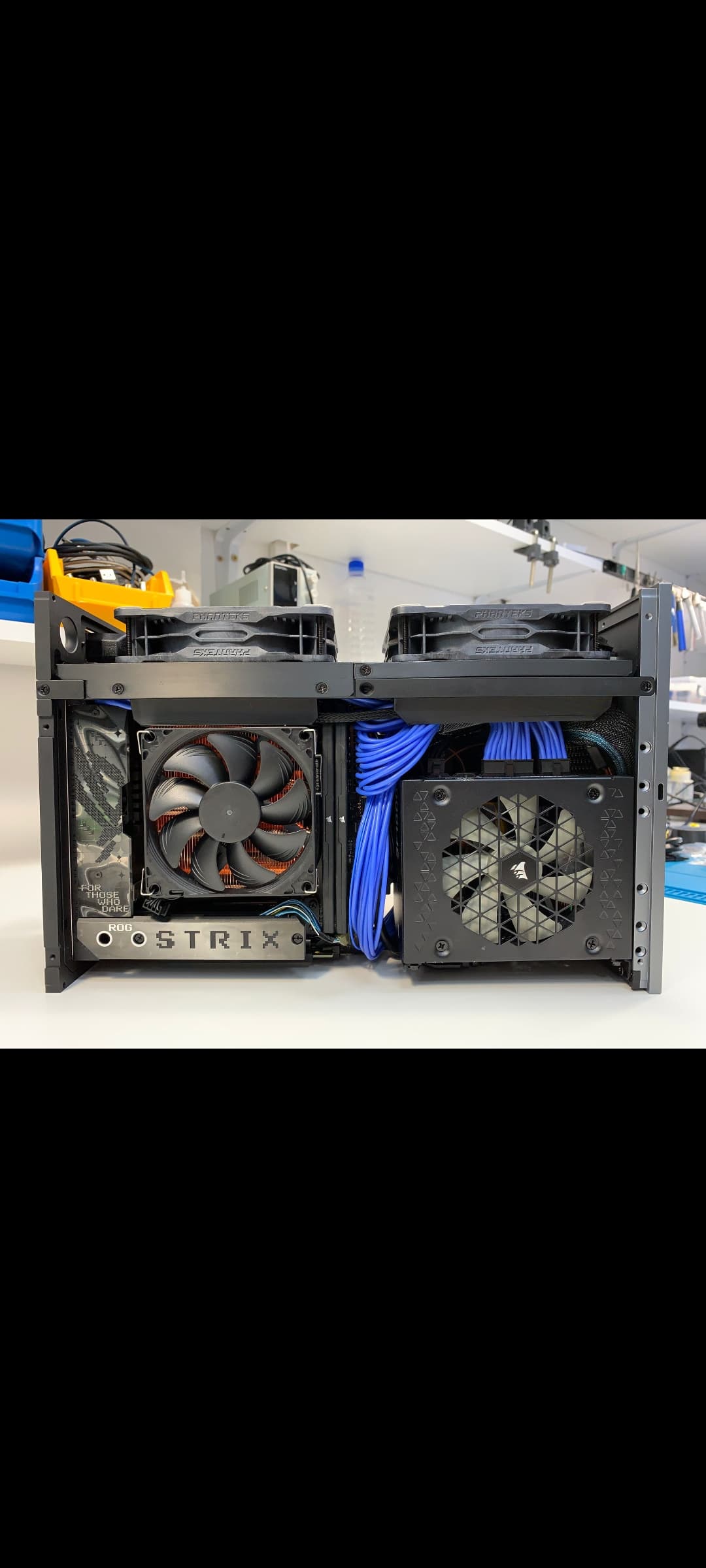
Rtx 4080 Super
Amd ryzen 7950x3d
Asus x870 i
Corsair vengeance 96gb
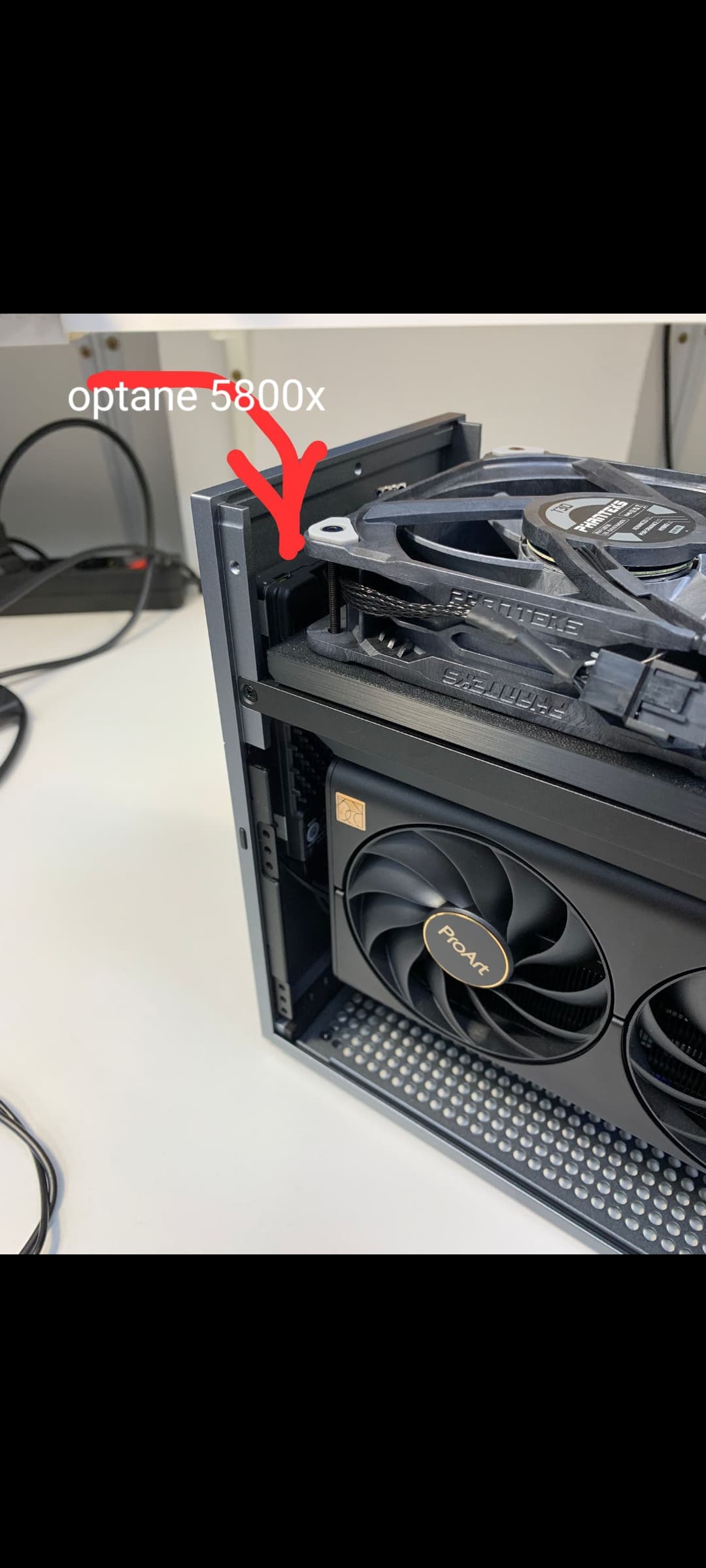
Optane p5800x 400gb
Samsung 990 pro 4tb
I watched Wendell clips and he mentions a lot optane in combination with primocache,in order to get full potential
My plan is to have Windows installed on an optane p5800x 400g (C drive optane 200gb where will be windows) and D drive 200g optane,F drive 4tb 990pro,my goal is to have the fastest Windows response, Google Chrome and the fastest boot time possible
what I’m interested in, as far as I understand, Primo will use RAM and then there is not much load on the ssd, so what kind of full potential of optane is Wendell talking about if the ssd does not have a big role when most of the work is done by the ram or there is something that optan do better then rest ssd when is combines Primocach and there is some setting to use the full potential ?
some firmwares “slightly” underperform and this thread is a good walkthrough.
if you use optane as your boot drive and a slice of it with primocache that should give you the best of both worlds. It really depends on your use case and workload, and how you use your system. If 400g is enough for your OS and primary apps, for games running entirely from the 990 then thats pretty optimal and you might not need the extra complication of primocache.
try it for a while without primocache. you can have a 200g partition and 200g of emptyspace. if it works really well then you can resize your C to be the full 400g. or you can try primocache on the 200g partition and if it isnt helping, then reclaim it all for your c drive.
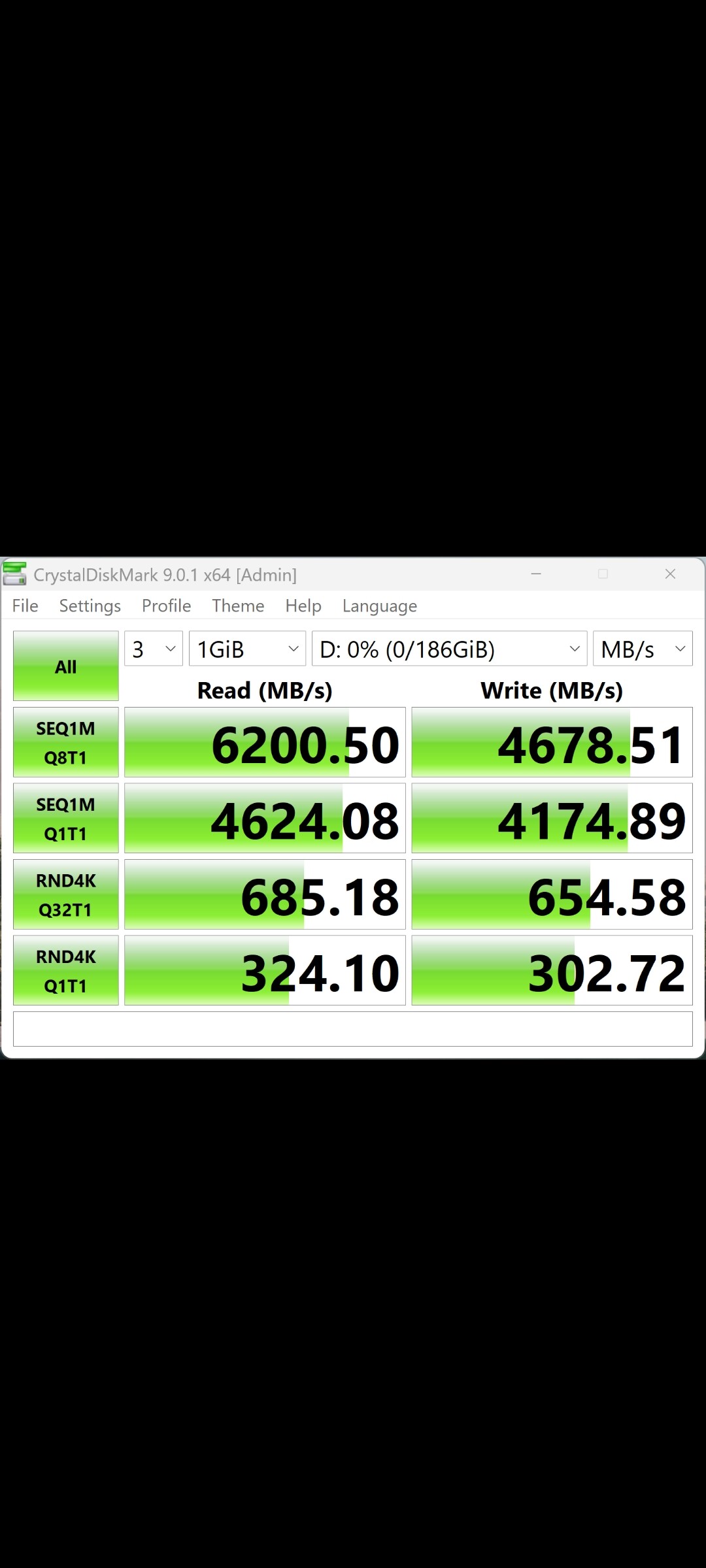
I’m interested in how you feel about this speed, is this normal for optane p5800x,I read somewhere that Intel is underperforming and that the firmware needs to be updated.
just looking if everything is set up as it should be to get the maximum out of it
Data that will be loaded is only put into the RAM cache after you have loaded that data for the first time each time the computer has booted. It wont be in RAM until you have run it once. Edit: it is possible to set Primocache to save RAM to disk at shutdown and pre-load it at boot. But I have never liked using that as it often made my shutdowns take many minutes and Windows boots take a minute or two extra as well.
I do like PrimoCache, and usually run it on my gaming PCs. I remember posting some screenshots about it sometime within the last 2-3 years. Not its own thread so I doubt I can find it again, but certain games loved primocache and hit the cached data anywhere from 30-50% of the time. A great speed boost. Sins of a Solar Empire 2 for instance after the first load if you relaunch the game it launches near instantly, same for loading a giant map. The first load may take 3 seconds, subsequent starts on the map load in .2 seconds. lol
But then other games almost never hit the cache, usage rate of like 0.5-1%. So it really depends entirely on the game itself and how it is coded on what benefit you will get from this program. But I do like it for gaming PCs because some games do benefit loading times greatly and even helps some games on loading stutter while playing.
My current gaming PC is set to use 48GB of RAM for gaming cache, with 16GB dedicated to write cache and 32GB for read cache. Overkill, but since the PC has 128GB of RAM might as well use it.