I tried again running a Batch sweep with 4 simultaneous jobs, but this time I started COMSOL with -numasets 4. The CPU usage still looks strange, the total utilization is roughly 40%-50%, but task manager shows that one CPU (‘NUMA Node 0’) has ~ 70% utilization, and ‘NUMA Node 1’ around 20%-30%. I assume it’s just Windows at this point?
I will try next runs with -numasets 8 and -numasets 16 as you suggested to see if I get any improvement.
I also wonder if I would get better parallelisation for running e.g., 8 simultaneous jobs with a set -numasets N, as the amount of memory isn’t a limiting factor.
Yes, I’ve seen this exact behavior on Windows; it just doesn’t seem to balance NUMA workloads very well.
It’s possible setting NPS0 in BIOS and then solely relying on “userspace” NUMA settings (via the -numasets N command) could lead to performance improvements since Windows doesn’t seem to be balancing the workload, but at that point you are trying to work around Windows performance quirks.
If you have the memory capacity to support, this could be the case.
You should have 16 chiplets between your two CPUs, so this would be the upper limit of NUMA nodes I’d try.
Could be a scheduling issue… dual EPYC 9355 with SMT disabled fits exactly within the 64 core windows processor group limit. If you’re willing to give up the benefit of SMT for other workloads disabling SMT may speed up comsol in your case.
So, unfortunately, one of the 8 cores of the 5960x is broken, crashes due to AVX2 instability, so I run 7 cores. Spent weeks running a lagoon case on Fluent.
However, I was gifted a Legion laptop with 5070ti, 32 GB RAM, and core ultra 9 275hx. Its my new gaming device and laptop for school/work. However decided to run some COMSOL tests:
As you can see, W11 is faster. But its due to the issue that linux kernel can’t use the Legion Power limits properly. The q button only changes the fan curve. So I used Tunned to set up legions PL states, duration, and max clocks, now it’s faster (but not by a lot)
Hi, I’m late, FP64 has clearly decline for a decade now.
I wonder how much Tensor core could leverage that and, if so, with witch software stack ?
The FP32 should be OK (in TFLOPS), you should check, could be sufficient for lots of problems after all and then really more powerfull than your CPU (if your solver is translated to GPU).
This is more specific to comsol, but my thoughts on FP32 vs FP64 on GPU is that FP32 is kind of a necessity since only direct solvers are available on GPU. Modern GPUs already have about an order of magnitude too little memory to be useful for the size of problems I’m interested in, FP64 calculation would required GPUs to move well into the terabyte range of memory to be useful.
Better defined boundary conditions and meshes can probably make up for the reduction in solution stability FP32 causes in most cases and get similar accuracy to FP64.
I think/hope its only a matter of time before Nvidia figures out how to implement an iterative solver on their GPUs. I was surprised Nvidia’s only had a first party direct solver available on their GPUs for a couple years, I thought something so foundational would have been around for longer.
It could vary depending on problems but your are right and that is why (comercial) GPU solver are frequently presented based on FP32 versions (EF, CFD, DEM even SPH i think, don’t know for LB might need FP64 there ?).
The advantage of speed computation would benefit more on bigger sized problem whitch doesn’t fit then.
It is less true nowdays ( I guess thanks AI ?! ) but the computation has also shifted to lower precision or new dedicated format ( Ah thanks AI !)…
It was probably never a big concern for nvidia whitch was immediatly into ML, then DL and now LLM. Don’t have any clues on complexity of implicit solvers on GPU, what is the main drawback ?
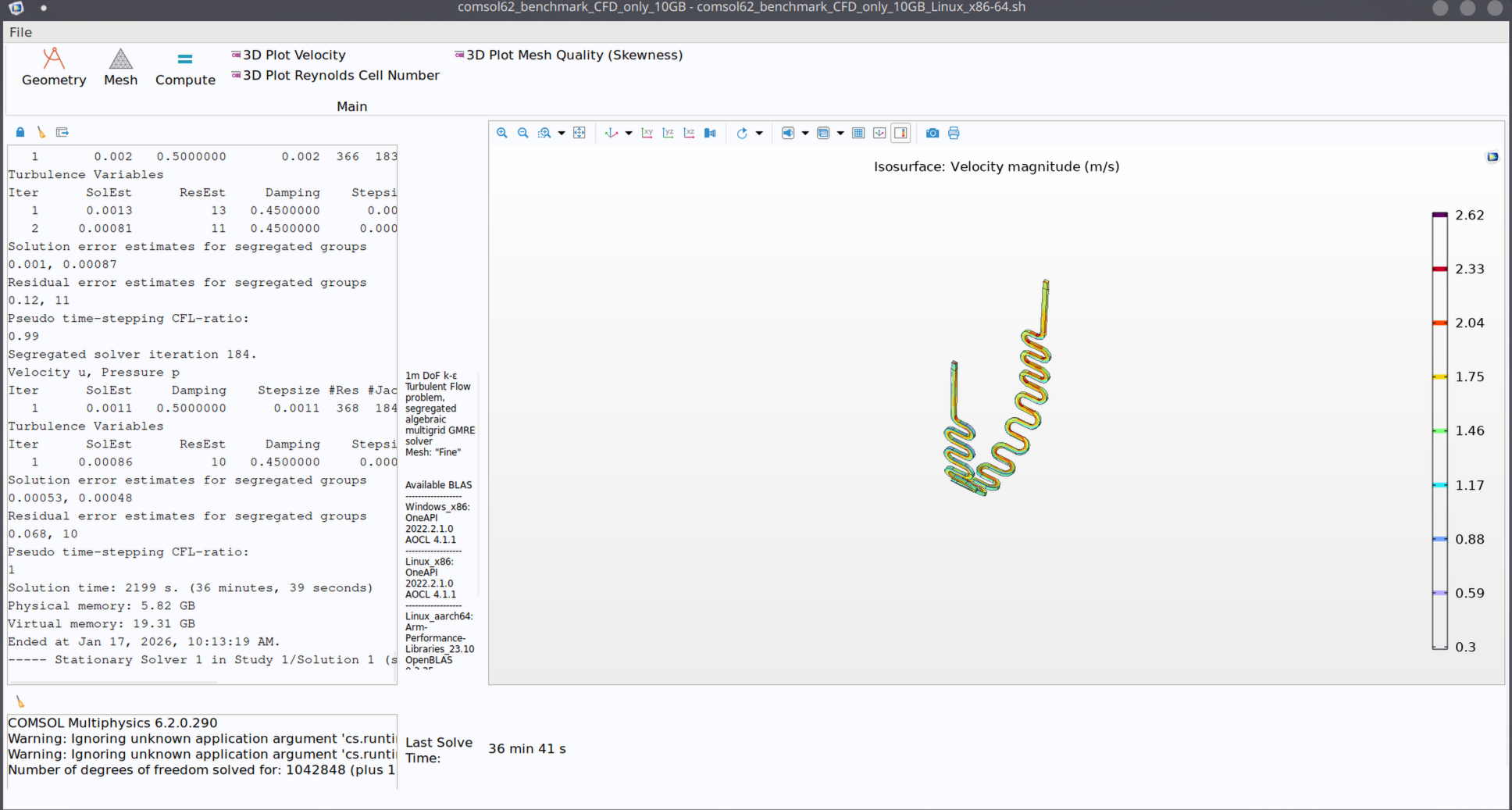
Upgraded to 9970X, numasets -4, affinity to disables ht forced to 0x5555555555555555, with 32c, DDR7200 with 192G or 4x48G Hynix. PBO is on but no CO set yet, as need to check the memory stability first. Clocks are about 5.1G during the testing, power is about 300-400W at the CPU and 500W at the wall.
Win 11
10G CFG Only → 18m 31s
CFD+EM 60G → 3h 4m
For Win 11 decent I think. I guess Linux would be ~15-20% lower based on my testing with by old 7960x. Overall pretty happy with upgrade.
That is really good, the 4 channel Threadrippers punch above their weight, or I guess conversely the 8 channel Threadrippers don’t seem to benefit from the theoretical memory bandwidth advantage they have as much as one would think.
I just finished major surgery on my workstation upgrading from my old Threadripper 3960X to a 9960X with 192GB DDR-6000. I just ran the 10GB benchmark as stock under Debian 13 with the 7.0 kernel. I haven’t played with PBO or anything yet but doesn’t see too shabby…..
Reported CPU power bounced around between about 250-300W. Only 20s slower than a 9970X under Win11 so I guess I gain by not paying the Windows tax….
Windows definitely loses out to Linux when it comes to scheduling on high core count homogenous CPUs (might have an edge for heterogenous CPUs under some circumstances though).
The upcoming Kernel 7.2 is slated to get the cache aware scheduler that might give us a large uplift in performance:
I haven’t got a chance to test any of the RFC patches for this feature but it looks like the most promising software development in many years for performance we’ve had.
Will cache aware scheduling have any effect on heavily threaded processes that necessarily span all cache domains? I haven’t looked into it but the superficial view seems like it may just try to confine lightly threaded processes to a single cache domain.
In Debian Trixie backport-land we don’t have kernel 7.1 yet so I look forward to hearing results from others with 7.2. I only updated to 7.0 to fully support my new motherboard so I’m used to being behind the curve kernel-wise!
Possibly. It sounds like the patch should have a huge affect on processes that spawn out many tasks over different LLC domains by “organizing” them better according to LLC domain. I’m just not sure how much this problem has been addressed in current software in ways that do an end run around the scheduler. Looking through some of the benchmarks being thrown around in the various iterations of the CAS patch, there are some that increase in speed by a factor of 2 or 3 with the patch, others are only double digit percentage increases.
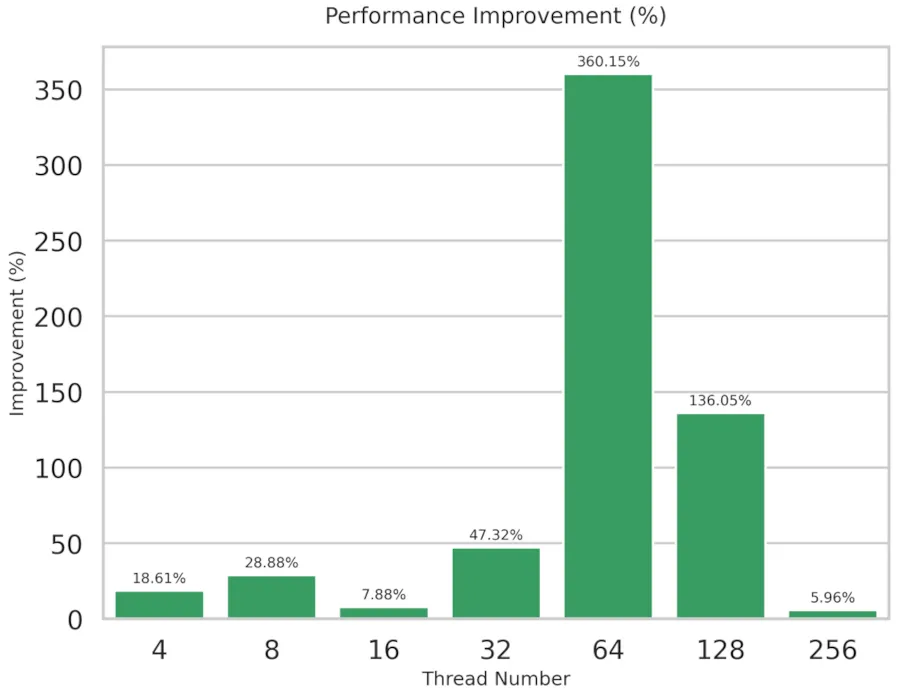
The way I’m reading the patch notes it sounds like heavier threaded processes should benefit more than lightly threaded, but looking at some of Phoronix’s benchmarks, there seem to be “sweet spots”, atleast for specific benchmarks like this MySQL one:
I wonder if the results on the chart relate more to the number of cores per LLC domain on the test system. systems with 32 cores +SMT per domain would allow a 64 thread workload to fit perfectly… although the results seem very erratic.
It’ll be interesting to see what benefits can be realized under various scenarios, especially with all the dual CCD AMD parts that are out there.
Late to the party, but just to give a comparison since it is not allways easy to find with editors speach .
In my experience a V100 is rougthly egual to 2P Genoa ( ever 9384X or 9474F ) for fp64 CFD complex problem that can fit in there (two phase, chemistrery, non linearity, …) and can outperform a bit on more easier one (like coupled aero) or even vastly in lagrangian, ofc.
On A100 you get like +33% FLOPS and more VRAM whitch is not a luxury.
I know it would scale differently for EF, and you rather take the 80 GB version also.
I want to supply some numbers as well
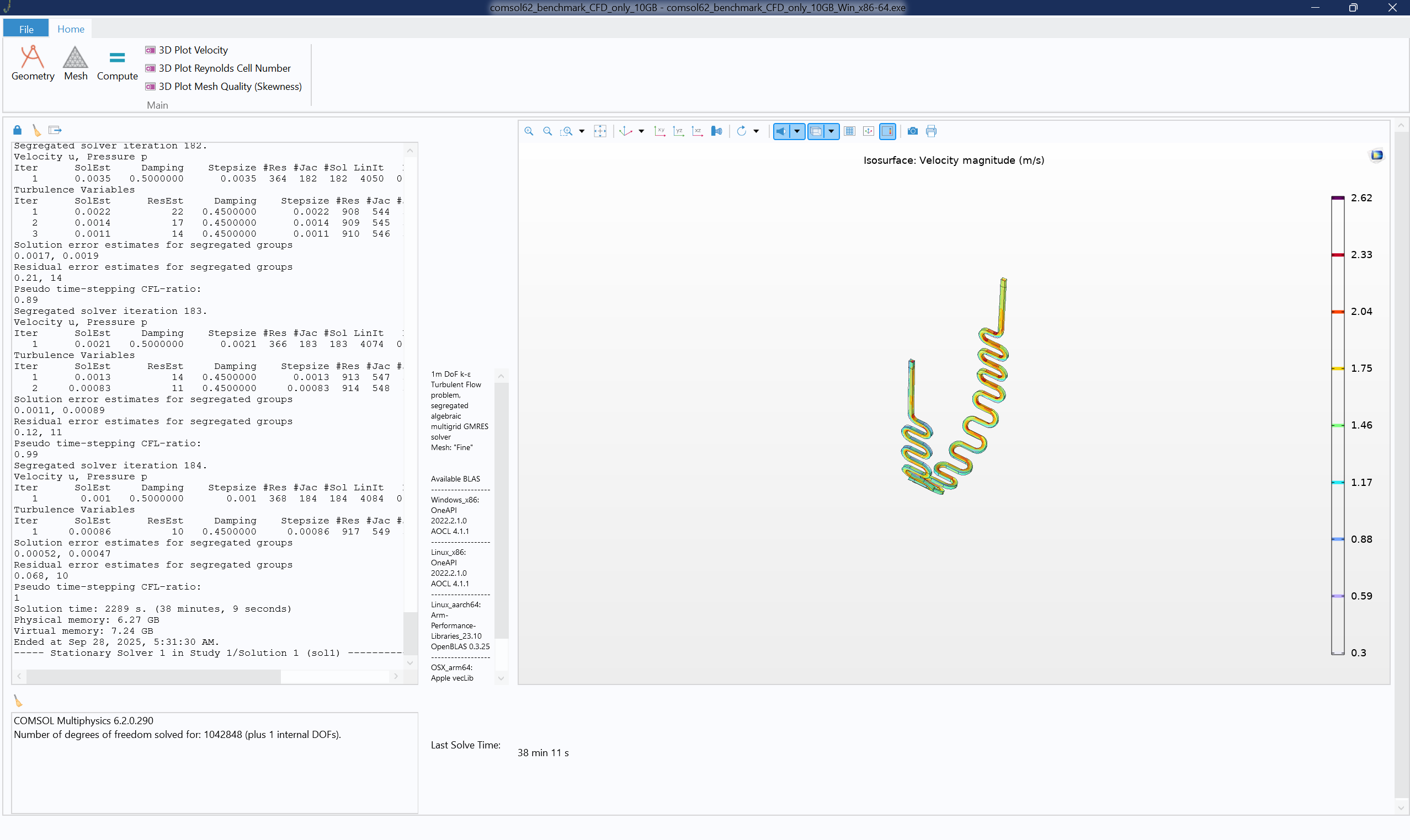
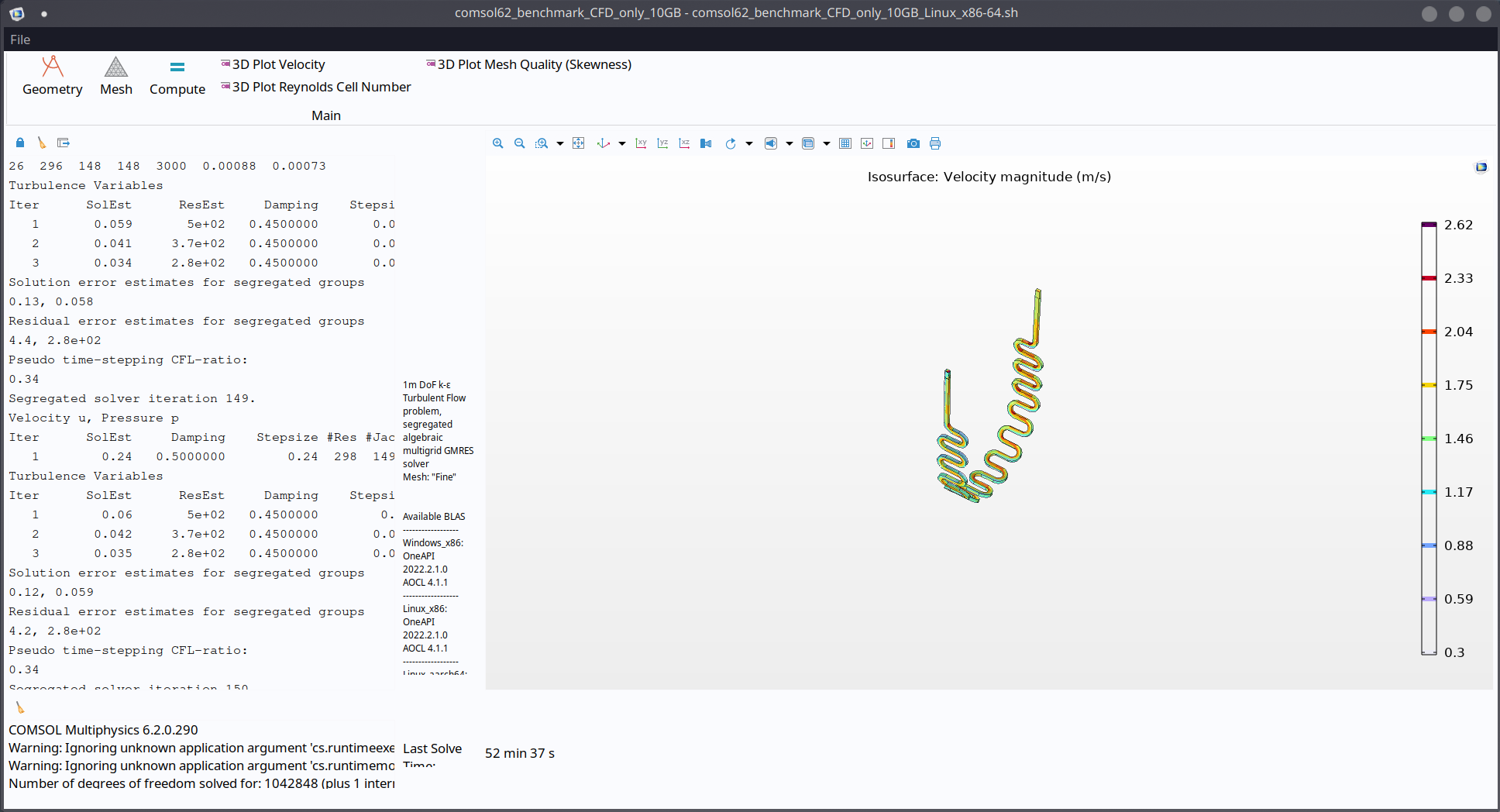
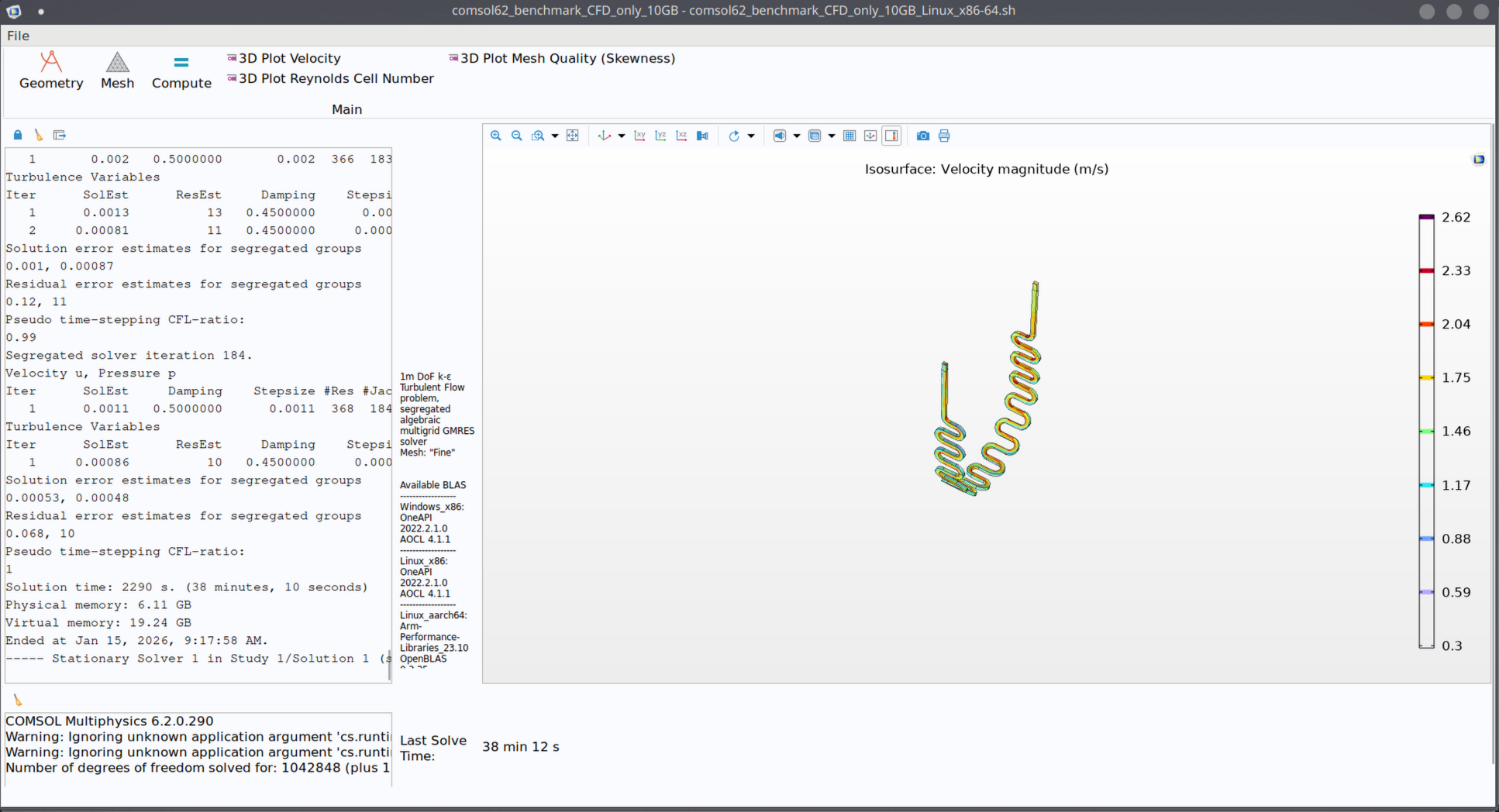
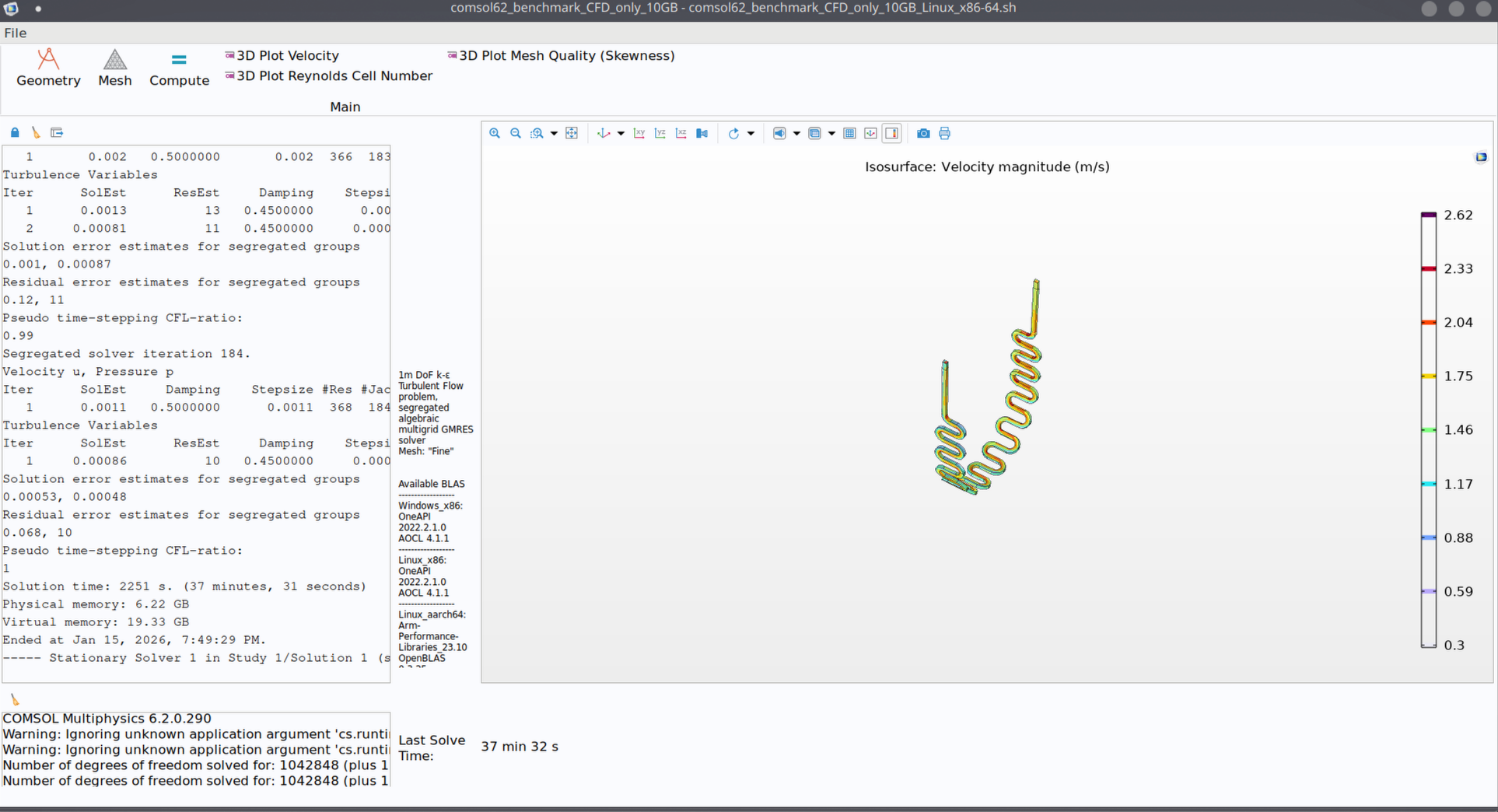
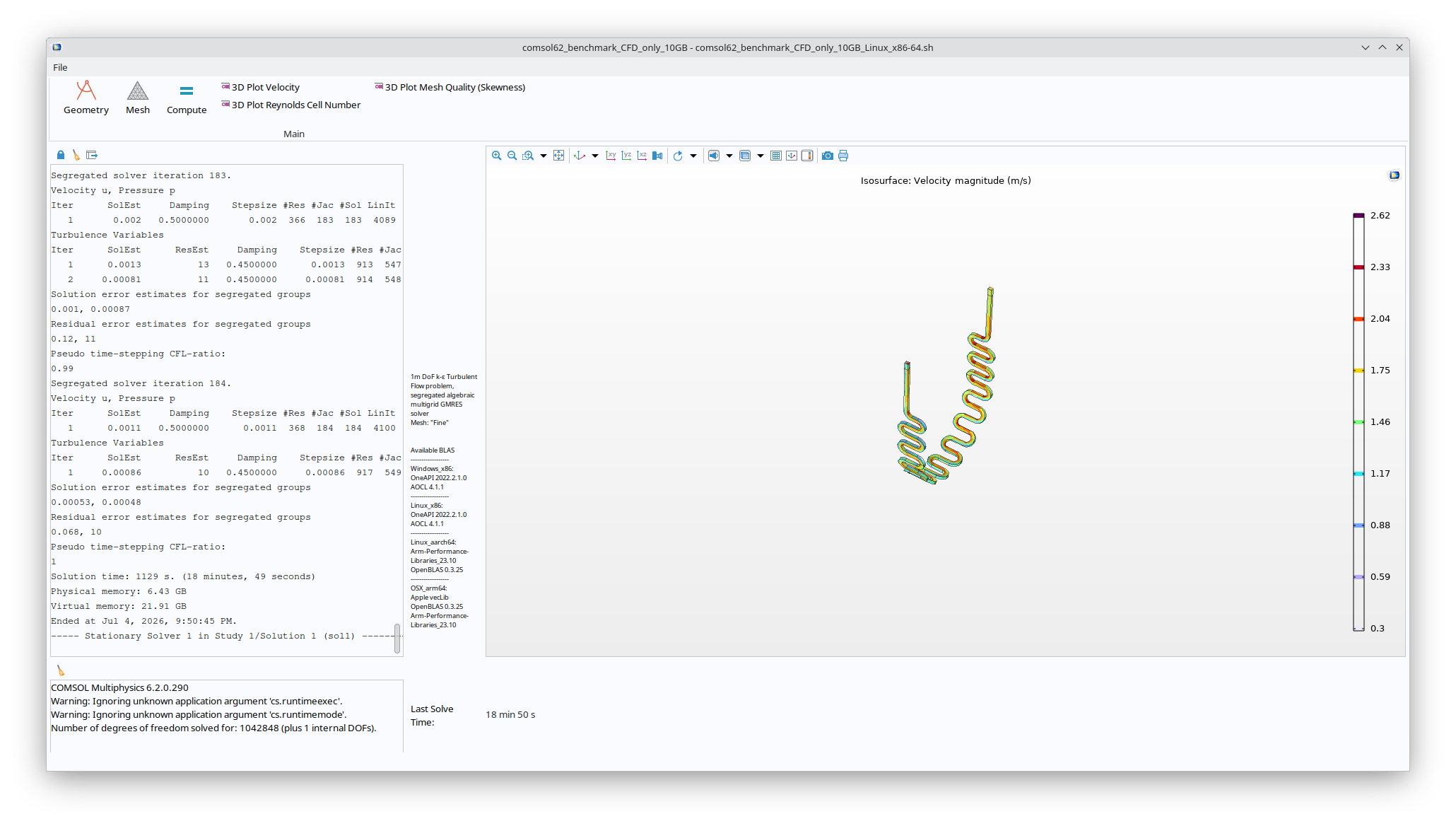
i have been running the 10Gb CDF Only on my home PC, and now also on an older workstation with a few different settings:
I am also using a small program called “CPU SetSetter” to control the affinity of processors and threads seperate programs are allowed to use, in the same style as the “-np” settings, but with even more control over the usage of HT or real Cores
Home-PC (Setup for gaming response times) 7800X3D (5050Mhz) PBO+CO -35 all cores
32Gb DDR5 6000Mhz CL30 Buildzoid Timings
AsRock x870 Nova Wifi
Asus Prime 5070Ti
10Gb CFD-Only:
No Settings:
44Min
-blas AOCL:
48Min
SetSetter No HT -AOCL:
39Min
-np 4 -AOCL:
1h12min
SetSetter No HT -np4 -AOCL:
1h0m43s
Dual-Run of No HT -np4 -AOCL:
1h0m43s & 1h10m53s
So it seems, for compute on the “smaller ryzen”-processors, it benefits to cut out the HyperThreading, probably because of a small latency-cost!
But it is actually quite efficient on 4 cores in relations to 8, and when running two parallel instances, i almost cut my result-time to 30min (If i were to run 2 different sims in parallel)
And for the Workstation PC, we have an older system, that i have made a previous testing-thread with, because we had the wish to upgrade to a much beefier system.
Although it got chocked by management last minute, and the suggestion aged like milk
The system i designed for about 10k$ has now exploded into somethin in the vicinity of 50k$ during the last year
We will be doing a small upgrade from our 9900X to a 10980XE (Even though i know Wendell did not recommend it) it seems to be the only setup where we can fit 256Gb of Ram on a decent priced chip and motherboard at reasonable performance.
(although if anyone has a bid to get better COMSOL-performance with 256Gb DDR4 ram-compability for around 1000$ i am all ears - because i cant seem to find benchmarks on others that has the same performance both single-core and multi, with the support for that amount of ram on a DDR4 platform.. )
The current system is an: i9 - 9900x 10Core Oc’ed for 4.5Ghz Boost (AVX -200Mhz)
128Gb DDR4 3200Mhz CL16
MSI x299 SLI Plus
Ada6000 24Gb Graphics
10Gb CFD Only:
No Settings:
58Min
SetSetter No HT:
57m7s
No HT -np8:
1h2m6s
SetSetter - No C0 & T0:
1h4m56s
So it seems that the old Intel is having no real issues distributing loads between HT and Cores, although it seems to be working wlightly more efficient by forcing it to only work on real cores, and that it scales fairly well with proper cores
Which is what i hope to gain when upgrading from the 10-core 9900x to the 18Core 10980XE (With more bandwith as well )
60GB CFD+EM:
no settings:
9h15m54s
So sadly, far from fast, but luckily enough, it has been working well enoigh for the smaller simulations we have been doing in-house for the past few years (Acoustics with ~360DOF)





 - because i cant seem to find benchmarks on others that has the same performance both single-core and multi, with the support for that amount of ram on a DDR4 platform.. )