Having owned my first home server for a bit over a year now, it is time to change things around. I will document my journey for the rebuild and the AI stuff that is to come. Feel free to voice your opinions!
How I ended up being a home server owner:
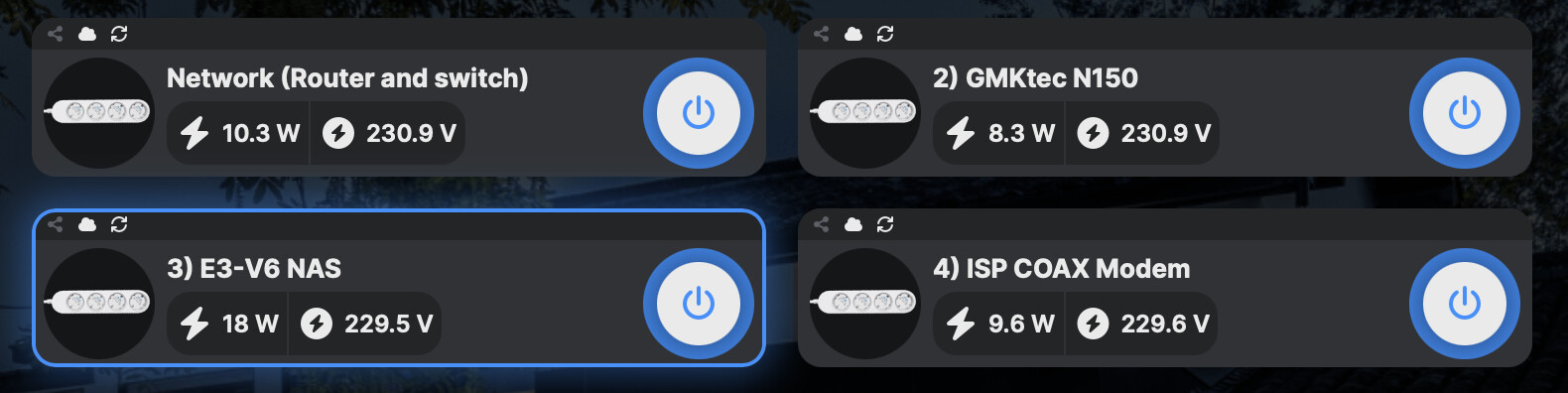
A growing photo library and scepticism of big tech brought me to the conclusion that I need a NAS. When I realised there was more to a home server than just file storage I was hooked. Having been rather unhappy with the apps library I got with Truenas 24.10 I decided to buy a N150 mini PC for Proxmox VE. I then installed Proxmox BS in a VM on the Truenas box. B2 for backup. Good enough some would say.
I say that 16 GB of ram on the n150 does not leaves me with “much room for activities”. Having compute and storage on different machine adds bottlenecks and bad vibes. Also paying for B2 is not fun.
The plan until 2 days ago:
Truenas Xeon E3-1270 V6 → PVE Xeon E3 V6 with igpu
n150 PVE → PBS n150
B2 → PBS removable datastore for off-site storage
The removable datastore concept was a bit clunky but the ROI presented a clear winner. In my quest for an E3 (Kaby lake) with igpu I found a local deal on a E-2224G (Coffee lake-s) system. I could have it for cheaper than most E3 V6 4c8t igpu CPUs I could find online. This provides me with a spare E3-1270 V6 system that will make a fine offsite storage appliance. The gmktec G3 is a bad server platform so it will find a new home. Let’s adapt the plan!
Proxmox is one complex software. I did my research, I have made a plan. Was the research good enough? We will see, let’s use a LLM to clean up my notes so others can follow.
Proxmox do it all home server game plan
 Homelab Architecture Proposal (Proxmox + ZFS + PBS + Offsite Pull Design)
1. Overview
This homelab is designed around a 3-tier resilience model:
- Primary system (compute + storage + services)
- Local recovery system (fast restore + backup staging)
- Offsite disaster recovery system (air-gapped-style pull backups)
The core design goal is to survive:
- Single disk / pool failure
- Full Proxmox host compromise
- Ransomware affecting live systems
- Full site loss
It achieves this using:
- ZFS snapshots + replication (data layer protection)
- Proxmox Backup Server (system state protection)
- Pull-based offsite synchronization (attack surface minimization)
2. Hardware Layout
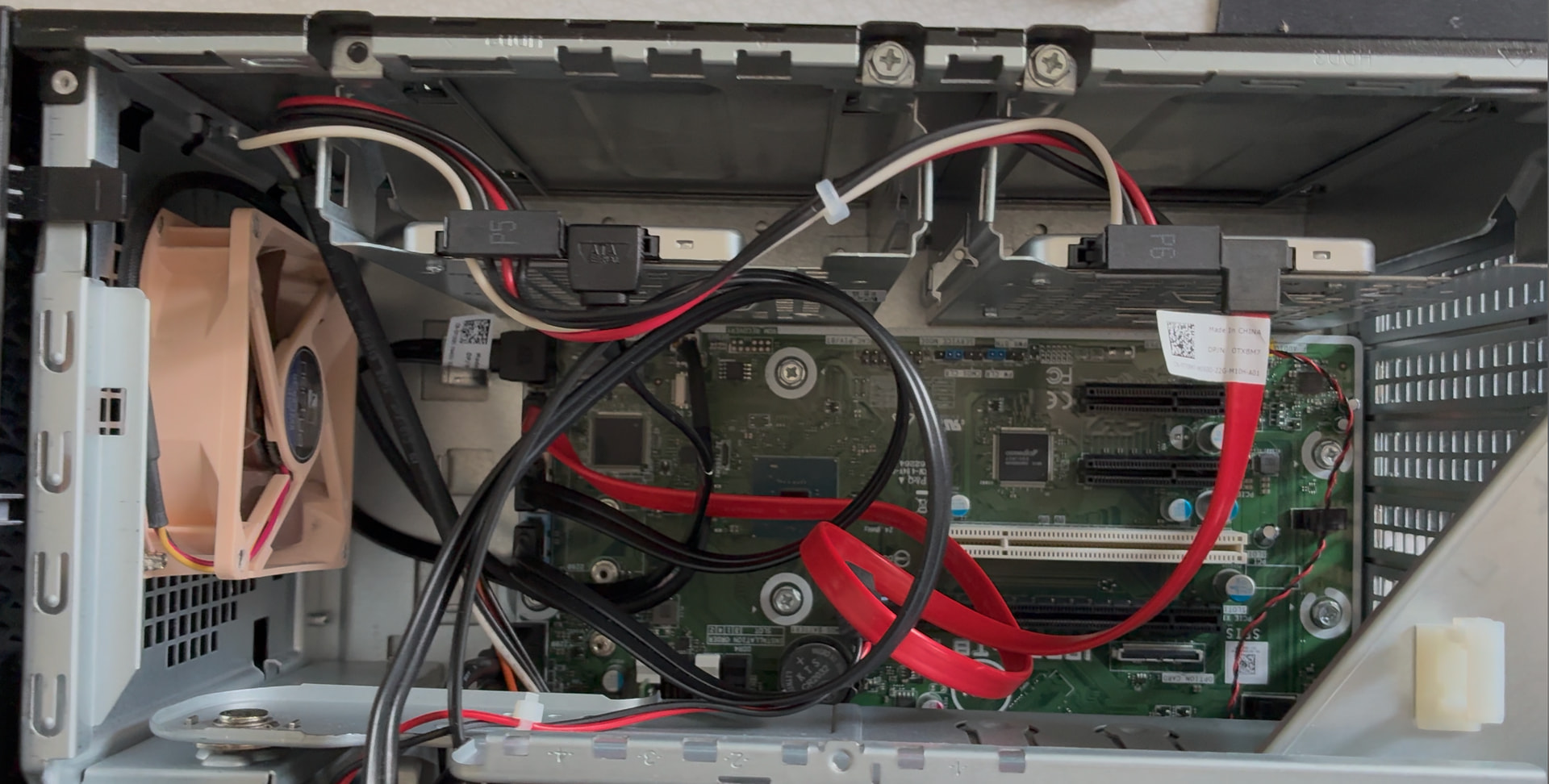
Primary Server (Dell PowerEdge T40)
- Intel Xeon E-2224G
- 64GB ECC RAM
Storage
Pool A (Production SSD mirror)
- Proxmox VE OS (ZFS root)
- VM disks
- LXC root filesystems
- Active datasets (SMB, media, application data)
Pool B (Local Recovery SSD mirror)
- Proxmox Backup Server datastore (PBS1)
- Replicated ZFS datasets from Pool A
- Fast local recovery copy of critical data
Offsite Server (Xeon E3-1270v6)
- 16GB ECC RAM
- ZFS pool
- Intermittently powered (backup window only)
Role
- Proxmox Backup Server (PBS2)
- Offsite ZFS replica storage
- Disaster recovery environment
3. Service Architecture
Services are isolated into LXC containers:
- Jellyfin → media dataset
- Immich → photos dataset
- Nextcloud → documents dataset
- Samba → multi-dataset file sharing layer
- Minecraft → dedicated game dataset
Data Model
- ZFS datasets store all persistent data
- LXCs provide service layer only
- Data is independent of applications
4. Data Protection Model (ZFS)
Snapshot Strategy
Applied per dataset:
- 15-min: 4
- Hourly: 24
- Daily: 30
- Weekly: 8
- Monthly: 12
Critical datasets are optionally “held” (immutable snapshots).
ZFS Replication Strategy
Local (Primary → Pool B)
- Continuous incremental replication of datasets
- Provides fast recovery from Pool A failure
Offsite (Primary → Offsite pull)
- Offsite server initiates replication during backup window
- Uses SSH restricted replication user
- Incremental zfs send/receive
Key Principle
- Primary never pushes to offsite
- Offsite always pulls when online
5. System State Protection (PBS)
PBS1 (Local, Pool B)
- Stores VM and LXC backups
- Acts as fast recovery layer
PBS2 (Offsite)
- Pulls backups from PBS1 during scheduled windows
- Maintains independent backup copy
PBS Flow
VMs / LXCs
↓
PBS1 (local datastore)
↓
PBS2 (offsite pull sync)
- Deduplicated incremental backups
- Multiple retention layers
- Independent offsite backup copy
6. Offsite Backup Operation Model
The offsite server is not continuously online.
Backup Cycle
- Offsite server boots (scheduled window)
- WireGuard tunnel established
- PBS2 pulls backups from PBS1
- Offsite ZFS pulls dataset snapshots from Primary
- Verification of sync completion
- Server shuts down
7. Network Model
- WireGuard VPN between sites
- No public exposure of PBS or ZFS services
- Offsite is the only initiator of cross-site traffic
- Primary does not maintain persistent trust connection
8. Threat Model Goals
The architecture is designed to survive:
 Disk / Pool Failure
- Pool B or snapshots provide immediate recovery
VM/LXC corruption
- Restored via PBS1 or PBS2
Ransomware on primary system
- Cannot directly reach offsite systems
- Snapshots + delayed replication limit damage
Full Proxmox host compromise
- Offsite backups remain inaccessible to attacker
- Credentials are segmented and single-purpose
Full site loss
- Offsite system contains both:
- PBS backups
- ZFS dataset replicas
9. Security Model (Key Design Principle)
Credential separation:
- ZFS replication user is restricted to zfs recv only
- PBS sync uses read-only or sync-only roles
- No shared credentials between systems
- No bidirectional trust relationships
Offsite isolation:
- Pull-only replication
- No inbound management access from primary
- Time-limited availability (backup windows only)
10. Data Recovery Paths
File-level recovery
- ZFS snapshots (instant)
- Pool B replicas (fast)
- Offsite ZFS (disaster recovery)
VM/LXC recovery
- PBS1 (fast local restore)
- PBS2 (offsite restore)
Full system recovery
- Reinstall Proxmox
- Import Pool B
- Restore PBS backups
- Reattach datasets
11. Key Design Principles
- Data and system state are backed up separately
- Local recovery is prioritized over remote recovery speed
- Offsite systems are never continuously exposed
- Pull-based replication reduces attack surface
- Multiple independent recovery layers exist
- No single system compromise can erase all backups
12. Summary
This homelab design provides:
- Fast local recovery (ZFS snapshots + Pool B)
- Reliable system restore (PBS layered backups)
- Strong offsite resilience (pull-based replication)
- Reduced attack surface (no persistent offsite trust)
- Protection against ransomware and full-site failure
It is intended as a self-hosted, multi-layer resilience system balancing performance, complexity, and security within a 4-drive Proxmox node constraint.
I thought to myself; this seems complicated, and I really like TrueNAS for the rock-solid SMB share. And having hung around this forum a bit, I learned about TrueNAS-Compose workflow. That seems like a simpler route. Additionally, I also like the changes and improvements implemented in the upcoming TrueNAS 26.
Again, LLM make it structured.
Truenas architecture that might be good enough
Homelab Architecture Proposal (TrueNAS SCALE 26 + ZFS + Apps + AI Workloads + Offsite Replication)
1. Overview
This architecture is a storage-first self-hosting platform built around TrueNAS SCALE 26, combining:
- ZFS as the core data layer
- TrueNAS Apps (Docker-based services)
- LXC containers for lightweight compute workloads
- A dedicated VM for agentic AI systems
- Native ZFS snapshots + replication
- Pull-based offsite backup model
The design prioritizes:
- simplicity of operations
- strong data integrity
- flexible mixed workload support (services + AI + automation)
- reduced infrastructure complexity compared to hypervisor-heavy stacks
2. Hardware Layout
Primary Server (TrueNAS)
- 1 × 120GB SSD (boot device)
- 3 × SSD RAIDZ1 (main storage pool)
RAIDZ1 Pool
├── SSD 1
├── SSD 2
└── SSD 3
Provides:
- single-disk fault tolerance
- ZFS snapshots + replication
- unified storage for apps, VMs, and datasets
Offsite Server
- Separate TrueNAS system
- ZFS pool for replicated datasets
- Powered on only during backup windows
Purpose:
- disaster recovery
- offsite snapshot + dataset storage
- cold standby recovery system
3. System Architecture
Core Principle
TrueNAS is the central storage and workload platform, combining datasets, containerized services, and limited VM workloads.
4. Dataset Structure
tank/
├── media
├── photos
├── documents
├── shared
├── apps/
│ ├── joplin
│ ├── nginx-proxy-manager
│ ├── immich
│ ├── jellyfin
│ ├── llama.cpp
│ └── misc-services
├── ai/
│ ├── agentic-vm-storage
│ └── model-storage
└── backups
Each dataset supports:
- ZFS snapshots
- replication policies
- compression and quotas
- direct application or VM mounting
5. Application & Compute Layer
5.1 TrueNAS Apps (Docker-based services)
- Immich → photo management
- Jellyfin → media streaming
- Joplin → note sync server
- Nginx Proxy Manager → reverse proxy + TLS termination
These are lightweight and stateless where possible.
5.2 LXC Containers (lightweight compute layer)
Used for:
- llama.cpp inference services
- small automation agents
- utility services (APIs, scripts, schedulers)
- lightweight AI tools
Benefits:
- fast startup
- low overhead
- direct dataset access
- good fit for CPU-based inference workloads
5.3 Virtual Machine Layer (agentic AI)
A dedicated VM is used for:
- agentic AI frameworks
- tool-using LLM systems
- sandboxed reasoning/automation workloads
- heavier dependencies (Python stacks, GPUs if added later)
This separation ensures:
- stronger isolation from host storage layer
- independent lifecycle management
- safe experimentation environment
6. Backup Architecture (ZFS-native)
6.1 Local Protection
- ZFS snapshots (hourly/daily/monthly)
- instant rollback capability
- dataset cloning for recovery testing
6.2 Offsite Replication
Primary TrueNAS
↓ ZFS snapshot replication (SSH)
Offsite TrueNAS
- incremental ZFS send/receive
- pull-based offsite initiation
- encrypted transport (WireGuard optional)
- immutable snapshot history preserved
6.3 File-Level Recovery
Available via:
- ZFS snapshots (instant rollback)
- dataset clones (service recovery)
- offsite replicas (full disaster recovery)
7. Offsite Backup Model (Pull-Based Design)
Backup Cycle
-
Offsite system boots on schedule
-
WireGuard tunnel established
-
Offsite initiates ZFS replication pull
-
Incremental snapshot streams transferred
-
Integrity verification
-
Offsite system shuts down
Key Principle
- Primary never continuously trusts or pushes to offsite
- Offsite controls replication timing and ingestion
8. Snapshot Strategy
Snapshots are the core resilience mechanism.
Retention Policy (per dataset)
| Type | Retention |
|---|---|
| 15-minute | 4 |
| Hourly | 24 |
| Daily | 30 |
| Weekly | 8 |
| Monthly | 12 |
Additional Protections
- critical datasets use ZFS snapshot holds (immutable states)
- snapshots are dataset-scoped, not global
- retention varies by workload type (AI vs media vs documents)
9. Security & Threat Model
Protection goals
This system is designed to survive:
- disk or pool failure
- accidental deletion
- ransomware in application or container layer
- compromised LXC or VM workloads
- full site loss with offsite recovery
Key security properties
ZFS snapshot resilience
- immutable history chains
- fast rollback and cloning
- layered retention strategy
Offsite isolation (pull-based)
- no persistent trust from primary
- replication initiated externally
workload separation
- containers (lightweight services)
- LXC (compute tools like llama.cpp)
- VM (agentic AI sandbox)
- datasets (persistent state layer)
Limitations vs hypervisor-heavy design
- weaker isolation than full Proxmox + PBS stack
- shared kernel for LXC workloads
- AI VM increases complexity compared to pure storage appliance
- less granular backup orchestration than PBS-based architectures
10. Recovery Strategy
Scenario A — File loss
- ZFS snapshot rollback (seconds)
Scenario B — Dataset corruption
- restore from snapshot or offsite replica
Scenario C — Service failure
- redeploy container or restart LXC
- reattach dataset
Scenario D — AI VM failure
- restore VM from dataset snapshot
- resume agentic workloads
Scenario E — Full site failure
- boot offsite TrueNAS
- promote replicated datasets
- restore services and AI systems
11. Key Design Principles
- Storage-first architecture (TrueNAS-centric)
- ZFS is the canonical source of truth
- Mixed workload model (Apps + LXC + VM)
- AI workloads separated by isolation level
- Backups handled exclusively via ZFS replication
- Offsite system is pull-based and intermittently powered
- Simplicity prioritized over hypervisor-level abstraction layers
12. Summary
This TrueNAS-based design provides:
- unified storage + application + AI workload platform
- simpler operational model than Proxmox + PBS
- strong ZFS-native resilience and snapshot management
- flexible compute layer (Apps + LXC + VM hybrid model)
• • reduced infrastructure overhead while retaining offsite disaster recovery
I now have two paths to consider. Fortunately, I’ll be travelling this weekend so I’m forced to reflect before implementing. Hopefully, I’ll have chosen one after that or I’ll have created 27 new plans. Who knows, life’s a journey.