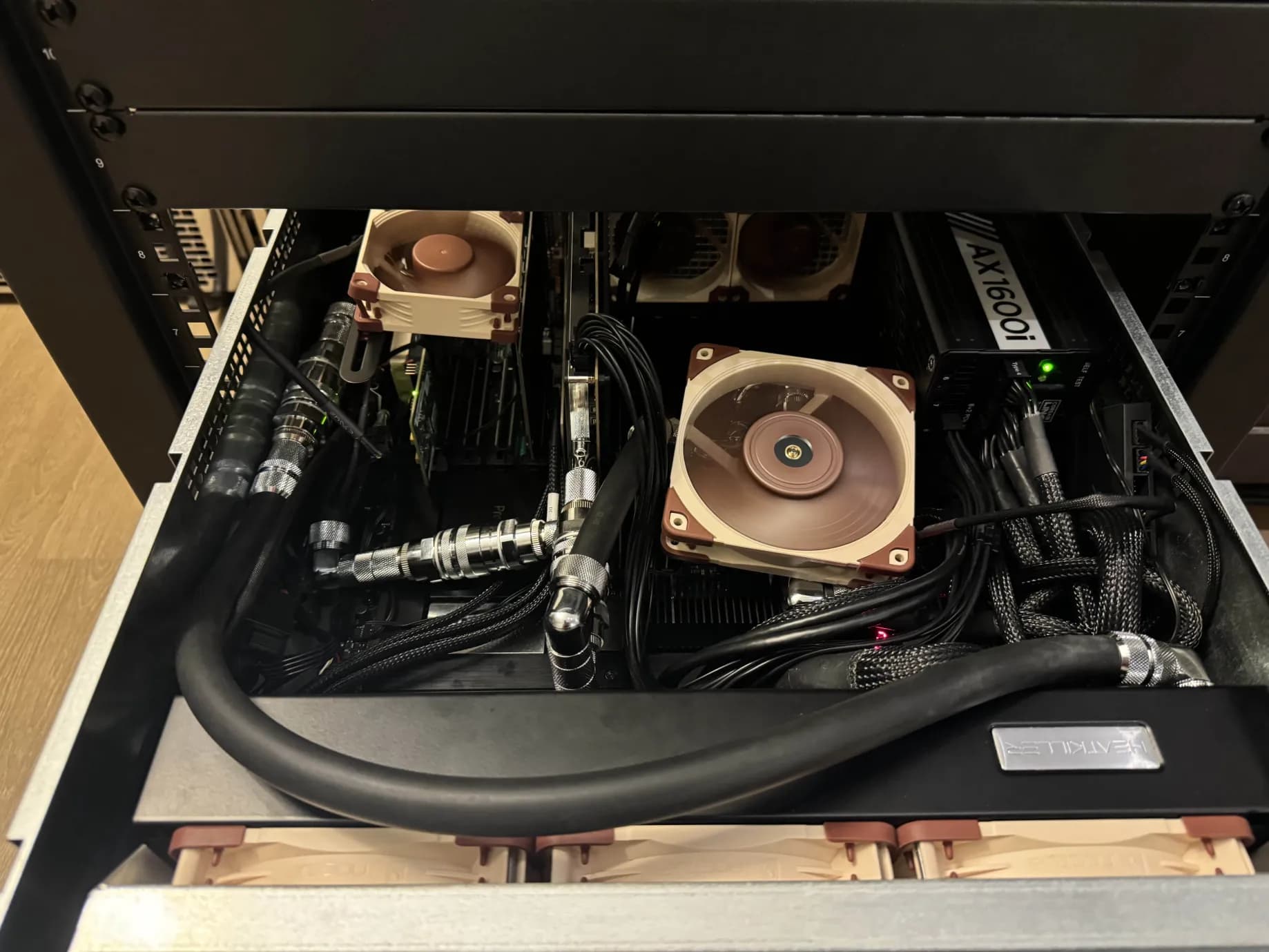
Threadripper DDR5 Throttling problem!?
I have this awesome gskill kit of memory for threadripper and eypc systems – 8 sticks, 512gb, 6400. This has quickly become top contender for 512gb of memory / 64 gb per dimm / for one of these high end workstation builds.
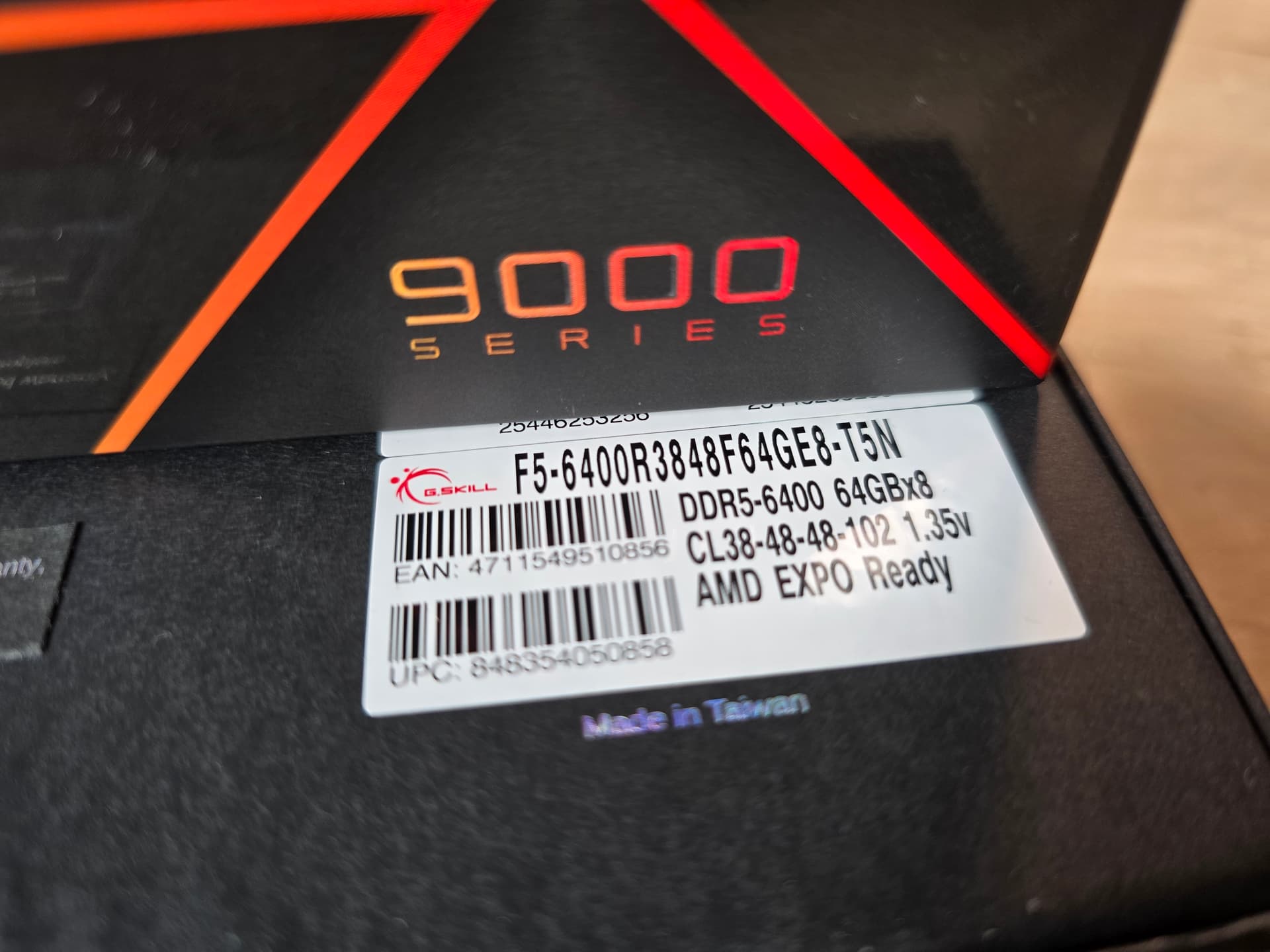
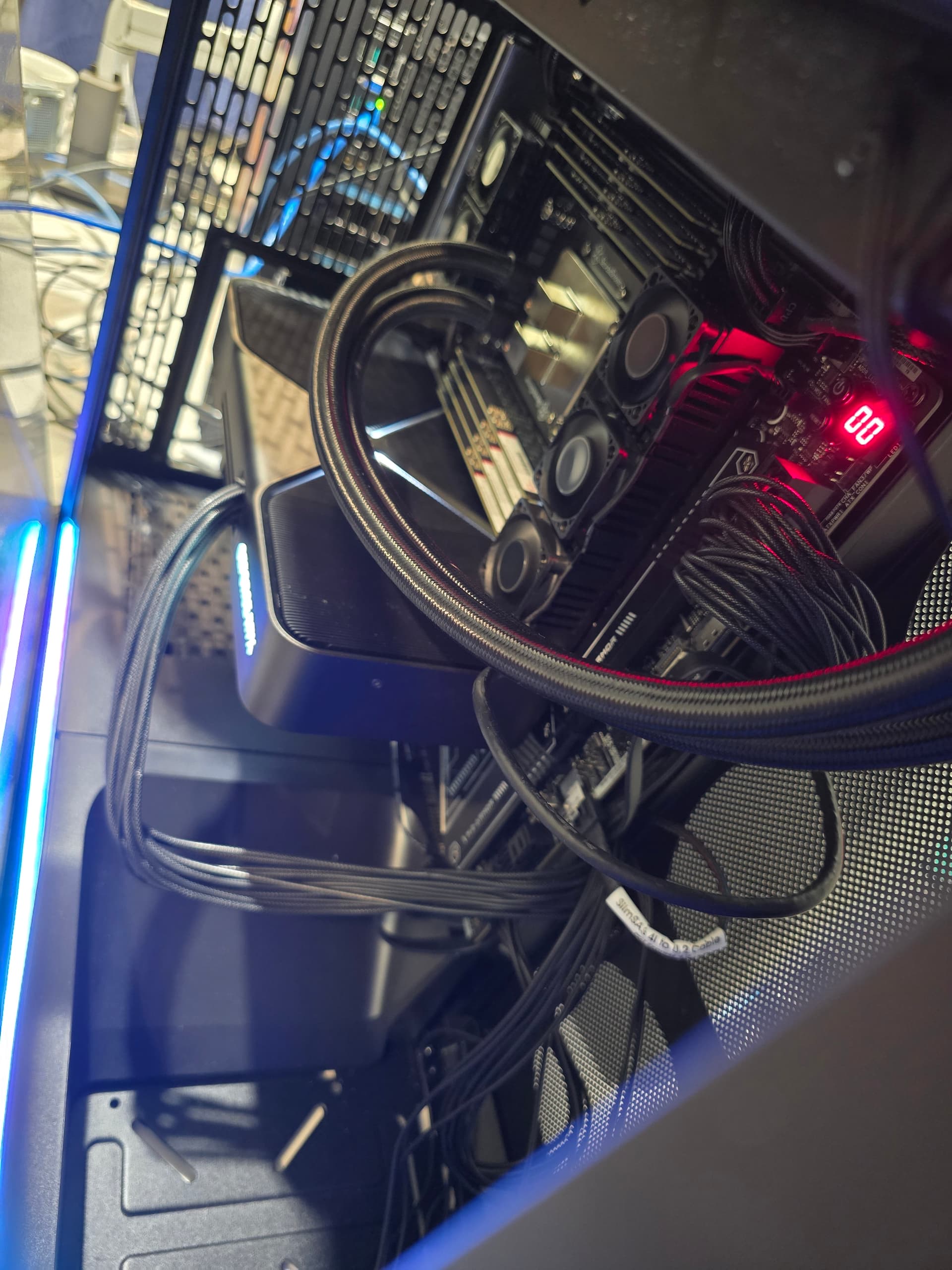
The below results show that the 9995WX (96 core, and the 64 core) can achieve the highest memory bandwidth whereas the 64 core TRX50 Threadripper CPU, while showing a modest performance uplift @ 6400, still can’t quite match a 7975WX 32 core @ 6400 with 8 memory channels.
It is most correct to say the memory bandwidth doesn’t exactly follow the socket or channels available on the platform, but instead follows the core count. And that (probably) 48 or more cores are needed, because of the # of chiplets involved, to achieve max memory banwidth.
Of course for Epyc, this isn’t so – we have Epyc “F” series CPUs with as little as 1 core per chiplet enabled.
Long live 8 (or more) chiplets for 8 memory channels!!
Results with the 9995WX (8 channel, 6400f):
root@amdrocm:/home/w/Linux# history |grep nr_hu
   93  history |grep nr_hu
root@amdrocm:/home/w/Linux# history |grep huge
   94  history |grep huge
root@amdrocm:/home/w/Linux# history |grep sys
   95  history |grep sys
root@amdrocm:/home/w/Linux#     sudo sysctl -w vm.nr_hugepages=4000
vm.nr_hugepages = 4000
root@amdrocm:/home/w/Linux# chmod +x ./cuda_13.0.2_580.95.05_linux.run ^C
root@amdrocm:/home/w/Linux# ls
mlc  mlc_script.sh  redist.txt
root@amdrocm:/home/w/Linux# ./mlc_script.sh
Running initial MLC to establish target bandwidth...
Intel(R) Memory Latency Checker - v3.12
Measuring idle latencies for random access (in ns)...
                Numa node
Numa node            0
       0         117.0

Measuring Peak Injection Memory Bandwidths for the system
Bandwidths are in MB/sec (1 MB/sec = 1,000,000 Bytes/sec)
Using all the threads from each core if Hyper-threading is enabled
Using traffic with the following read-write ratios
ALL Reads        :      322238.8
3:1 Reads-Writes :      310136.1
2:1 Reads-Writes :      304908.7
1:1 Reads-Writes :      286958.1
Stream-triad like:      301840.5
All NT writes    :      286935.8
1:1 Read-NT write:      288508.9

Measuring Memory Bandwidths between nodes within system
Bandwidths are in MB/sec (1 MB/sec = 1,000,000 Bytes/sec)
Using all the threads from each core if Hyper-threading is enabled
Using Read-only traffic type
                Numa node
Numa node              0
       0        322268.1

Measuring Loaded Latencies for the system
Using all the threads from each core if Hyper-threading is enabled
Using Read-only traffic type
Inject  Latency Bandwidth
Delay   (ns)    MB/sec
==========================
 00000  212.45  322487.4
 00002  213.74  322620.9
 00008  214.76  322318.3
 00015  209.25  322413.8
 00050  215.09  323994.2
 00100  225.98  324406.1
 00200  226.60  324009.1
 00300  222.09  323698.0
 00400  209.87  323047.2
 00500  152.58  307602.3
 00700  137.87  233079.9
 01000  132.78  170425.3
 01300  130.75  134462.0
 01700  133.89  106836.2
 02500  133.09   74461.4
 03500  128.21   54171.2
 05000  127.16   38504.3
 09000  125.84   21886.6
 20000  125.02   10215.0

Measuring cache-to-cache transfer latency (in ns)...
Local Socket L2->L2 HIT  latency        16.1
Local Socket L2->L2 HITM latency        16.1

Target Memory Bandwidth: About 322gb/sec
Running MLC (2); Bandwidth 322377.5 MB/sec; 100.0% of original
Running MLC (3); Bandwidth 322480.7 MB/sec; 100.0% of original
Running MLC (4); Bandwidth 322433.1 MB/sec; 100.0% of original
Running MLC (5); Bandwidth 322405.0 MB/sec; 100.0% of original
Running MLC (6); Bandwidth 322550.1 MB/sec; 100.0% of original
Running MLC (7); Bandwidth 322430.6 MB/sec; 100.0% of original
Running MLC (8); Bandwidth 322468.5 MB/sec; 100.0% of original
Running MLC (9); Bandwidth 322466.0 MB/sec; 100.0% of original
Running MLC (10); Bandwidth 322463.7 MB/sec; 100.0% of original
Running MLC (11); Bandwidth 322472.8 MB/sec; 100.0% of original
 Running MLC (12); Bandwidth 322530.1 MB/sec; 100.0% of original
Running MLC (13); Bandwidth 322481.9 MB/sec; 100.0% of original
Running MLC (14); Bandwidth 322556.2 MB/sec; 100.0% of original
Running MLC (15); Bandwidth 322449.6 MB/sec; 100.0% of original
Running MLC (16); Bandwidth 322513.0 MB/sec; 100.0% of original
Running MLC (17); Bandwidth 322535.9 MB/sec; 100.0% of original
Running MLC (18); Bandwidth 322403.2 MB/sec; 100.0% of original
Running MLC (19); Bandwidth 322466.2 MB/sec; 100.0% of original
Running MLC (20); Bandwidth 322480.3 MB/sec; 100.0% of original
7975WX @ 6400 mt/s
Intel(R) Memory Latency Checker - v3.12
Measuring idle latencies for random access (in ns)...
                Numa node
Numa node            0
       0          93.3

Measuring Peak Injection Memory Bandwidths for the system
Bandwidths are in MB/sec (1 MB/sec = 1,000,000 Bytes/sec)
Using all the threads from each core if Hyper-threading is enabled
Using traffic with the following read-write ratios
ALL Reads        :      216582.6
3:1 Reads-Writes :      295526.7
2:1 Reads-Writes :      313226.1
1:1 Reads-Writes :      245388.7
Stream-triad like:      290518.8
All NT writes    :      122426.9
1:1 Read-NT write:      244245.9

Measuring Memory Bandwidths between nodes within system
Bandwidths are in MB/sec (1 MB/sec = 1,000,000 Bytes/sec)
Using all the threads from each core if Hyper-threading is enabled
Using Read-only traffic type
                Numa node
Numa node              0
       0        216461.6

Measuring Loaded Latencies for the system
Using all the threads from each core if Hyper-threading is enabled
Using Read-only traffic type
Inject  Latency Bandwidth
Delay   (ns)    MB/sec
==========================
 00000  360.20  217970.4
 00002  355.01  217937.4
 00008  355.42  217965.2
 00015  354.84  217911.1
 00050  355.52  217931.8
 00100  356.75  217942.6
 00200  106.37  184581.9
 00300  103.13  124888.8
 00400  103.36   92040.3
 00500  101.21   74323.9
 00700  100.59   53659.9
 01000  100.15   37985.9
 01300   99.92   29483.3
 01700   99.84   22760.8
 02500   95.66   15747.9
 03500   95.47   11458.6
 05000   95.28    8234.4
 09000   94.99    4879.9
 20000   94.70    2570.3

Measuring cache-to-cache transfer latency (in ns)...
Local Socket L2->L2 HIT  latency        18.4
Local Socket L2->L2 HITM latency        18.4
9970X (32 core, 4 channel / 256gb configuration)
Running initial MLC to establish target bandwidth...
Intel(R) Memory Latency Checker - v3.12
Measuring idle latencies for random access (in ns)...
                Numa node
Numa node            0
       0          98.9

Measuring Peak Injection Memory Bandwidths for the system
Bandwidths are in MB/sec (1 MB/sec = 1,000,000 Bytes/sec)
Using all the threads from each core if Hyper-threading is enabled
Using traffic with the following read-write ratios
ALL Reads        :      189341.6
3:1 Reads-Writes :      174562.8
2:1 Reads-Writes :      174456.9
1:1 Reads-Writes :      175813.7
Stream-triad like:      175140.0

Measuring Memory Bandwidths between nodes within system
Bandwidths are in MB/sec (1 MB/sec = 1,000,000 Bytes/sec)
Using all the threads from each core if Hyper-threading is enabled
Using Read-only traffic type
                Numa node
Numa node              0
       0        189460.7

Measuring Loaded Latencies for the system
Using all the threads from each core if Hyper-threading is enabled
Using Read-only traffic type
Inject  Latency Bandwidth
Delay   (ns)    MB/sec
==========================
 00000  177.81  189504.1
 00002  169.49  187525.9
 00008  163.60  189010.9
 00015  176.44  189444.9
 00050  178.06  189840.1
 00100  170.74  189873.7
 00200  171.04  189770.9
 00300  154.43  186897.0
 00400  115.51  151963.7
 00500  113.11  126630.1
 00700  110.46   94382.4
 01000  106.84   68299.5
 01300  107.99   53926.4
 01700  104.91   41803.9
 02500  107.99   29102.0
 03500  108.57   20975.2
 05000  133.54   14158.9
 09000  109.96    8591.2
 20000  109.78    4249.9

Measuring cache-to-cache transfer latency (in ns)...
Unable to enable large page allocation
Using small pages for allocating buffers
Local Socket L2->L2 HIT  latency        18.1
Local Socket L2->L2 HITM latency        18.6

Target Memory Bandwidth: About 190gb/sec
Running MLC (2); Bandwidth 186161.3 MB/sec; 98.2% of original
Running MLC (3); Bandwidth 188476.8 MB/sec; 99.5% of original
Running MLC (4); Bandwidth 188806.1 MB/sec; 99.6% of original
Running MLC (5); Bandwidth 187688.7 MB/sec; 99.0% of original
Running MLC (6); Bandwidth 184859.1 MB/sec; 97.5% of original
Running MLC (7); Bandwidth 188693.9 MB/sec; 99.6% of original
Running MLC (8); Bandwidth 187970.9 MB/sec; 99.2% of original
Running MLC (9); Bandwidth 184880.7 MB/sec; 97.6% of original
Running MLC (10); Bandwidth 188165.8 MB/sec; 99.3% of original
Running MLC (11); Bandwidth 188652.5 MB/sec; 99.6% of original
Running MLC (12); Bandwidth 188066.8 MB/sec; 99.2% of original
Running MLC (13); Bandwidth 188746.5 MB/sec; 99.6% of original
Running MLC (14); Bandwidth 188655.2 MB/sec; 99.6% of original
Running MLC (15); Bandwidth 188888.1 MB/sec; 99.7% of original
Running MLC (16); Bandwidth 187420.9 MB/sec; 98.9% of original
Running MLC (17); Bandwidth 186783.4 MB/sec; 98.6% of original
Running MLC (18); Bandwidth 185938.2 MB/sec; 98.1% of original
Running MLC (19); Bandwidth 188119.9 MB/sec; 99.3% of original
Running MLC (20); Bandwidth 184304.3 MB/sec; 97.3% of original
7980X (64 core, 256gb 4-dimm)
./mlc_script.sh
Running initial MLC to establish target bandwidth...
Intel(R) Memory Latency Checker - v3.12
Measuring idle latencies for random access (in ns)...
                Numa node
Numa node            0
       0          78.7

Measuring Peak Injection Memory Bandwidths for the system
Bandwidths are in MB/sec (1 MB/sec = 1,000,000 Bytes/sec)
Using all the threads from each core if Hyper-threading is enabled
Using traffic with the following read-write ratios
ALL Reads        :      194581.7
3:1 Reads-Writes :      174510.3
2:1 Reads-Writes :      170525.6
1:1 Reads-Writes :      164374.6
Stream-triad like:      168151.9
All NT writes    :      170939.1
1:1 Read-NT write:      163267.2

Measuring Memory Bandwidths between nodes within system
Bandwidths are in MB/sec (1 MB/sec = 1,000,000 Bytes/sec)
Using all the threads from each core if Hyper-threading is enabled
Using Read-only traffic type
                Numa node
Numa node              0
       0        194468.2

Measuring Loaded Latencies for the system
Using all the threads from each core if Hyper-threading is enabled
Using Read-only traffic type
Inject  Latency Bandwidth
Delay   (ns)    MB/sec
==========================
 00000  575.31  194593.6
 00002  575.85  194355.5
 00008  571.85  194675.6
 00015  577.73  194682.4
 00050  562.69  194236.2
 00100  554.93  194250.7
 00200  544.65  194644.4
 00300  422.93  194485.3
 00400  109.55  170936.4
 00500  103.88  139046.1
 00700  100.61  101083.4
 01000   98.49   71824.4
 01300   97.31   55883.1
 01700   96.51   43070.0
 02500   91.74   29704.6
 03500   91.19   21483.2
 05000   90.79   15285.6
 09000   90.43    8831.4
 20000   90.23    4373.4

Measuring cache-to-cache transfer latency (in ns)...
Local Socket L2->L2 HIT  latency        17.6
Local Socket L2->L2 HITM latency        17.5

Target Memory Bandwidth: About 195gb/sec
Enter, The Throttling Problem
So when we did our testing in the July Video, we were testing mainly Asus, Gigabyte and ASRock. Every board showed proper throttling behavior, and it was interesting that heatspreaders helped as much as they did.
What I didn’t realize then was that Asus throttling happens on 7000 series threadripper CPUs, but not on 9000 series CPUs.
The memory will sail well past 95c, 110c, even 125c on Asus TRX50 and WRX90 boards when throttling is not working correctly. This will permanently damage most memory.
The GSkill memory here adds a safety fuse, which will blow, but that still leaves you with a dead dimm that must be repaired by replacing the fuse.
Generally, this gskill kit doesn’t use as many watts at 6400 as our JEDEC 1.1v SK kit – except under the most extreme circumstances.
Color me surprised! But Asus is aware of the issue and working on a bios update due soon to resolve the issue.
We’ll update this thread when that happens.