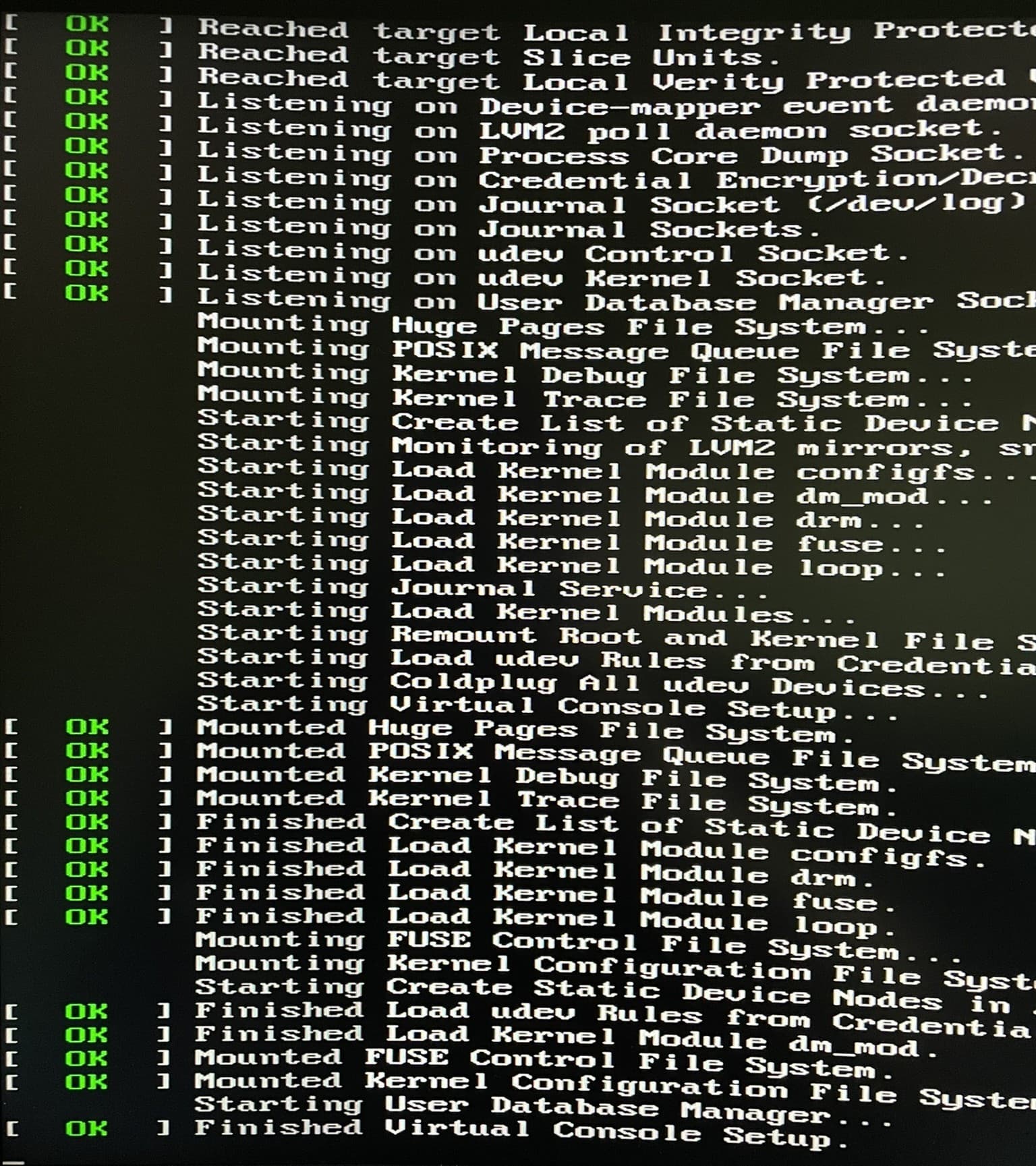
Few of you have seen my (and others) struggle to use AMD Ryzen 7xxx iGPU for host, while isolating the dGPU for our VMs.
This post has a lot of information and the problems few people facing.
I had a workaround that was convenient, where I had my “shared” monitor off, until the boot menu loads up, and then I was switching it on, and worked seamlessly, and was trouble free even with multiple VM reboots.
However, I replaced my monitor few days ago and now that workaround is not working anymore, so I need to get under the desk, remove the cable, boot, and after I boot up the VM, to plug the cable… This is very inconvenient I must say…
So, I need your help to solve this once and for all.
I was thinking to try a modified “single-GPU-passthrough” technique, but have my host still running on my iGPU as it is now. So, what I need to do is just “ignore” my dGPU, and just pass it through on demand when I am starting a VM.
Steve has a demo here how it is done, but they don’t have a tutorial of the scripts etc they are using.
Tried to follow his guide on their blog, but few things not working.
So, when I try to run the “nvidia-disable” commands, which executes this:
sudo rmmod nvidia_modeset nvidia_uvm nvidia && echo "NVIDIA drivers removed" && sudo modprobe -i vfio_pci vfio_pci_core vfio_iommu_type1 && echo "VFIO drivers added" && sudo virsh nodedev-detach pci_0000_01_00_0 && echo "GPU detached (now vfio ready)" && echo "COMPLETED!"'
I am getting an error:
rmmod: ERROR: Module nvidia_modeset is in use by: nvidia_drm
rmmod: ERROR: Module nvidia is in use by: nvidia_modeset
Can somebody guide me through this please?
inxi -F
System:
  Host: wizzy-manjaro-kde6 Kernel: 6.10.5-1-MANJARO arch: x86_64 bits: 64
  Desktop: KDE Plasma v: 6.0.5 Distro: Manjaro Linux
Machine:
  Type: Desktop System: Gigabyte product: X670E AORUS MASTER v: -CF
    serial: <superuser required>
  Mobo: Gigabyte model: X670E AORUS MASTER serial: <superuser required>
    UEFI: American Megatrends LLC. v: F30 date: 05/22/2024
CPU:
  Info: 16-core model: AMD Ryzen 9 7950X3D bits: 64 type: MT MCP MCM cache:
    L2: 16 MiB
  Speed (MHz): avg: 2992 min/max: 545/5759 cores: 1: 3305 2: 3228 3: 3932
    4: 3229 5: 4510 6: 3625 7: 545 8: 545 9: 3190 10: 545 11: 3888 12: 545
    13: 3169 14: 3164 15: 3388 16: 4746 17: 3221 18: 3125 19: 545 20: 3168
    21: 4631 22: 3908 23: 3182 24: 545 25: 3796 26: 3185 27: 545 28: 3199
    29: 4418 30: 4725 31: 3648 32: 4368
Graphics:
  Device-1: NVIDIA AD103 [GeForce RTX 4080] driver: nvidia v: 550.107.02
  Device-2: AMD Raphael driver: amdgpu v: kernel
  Device-3: Logitech HD Pro Webcam C920 driver: snd-usb-audio,uvcvideo
    type: USB
  Display: wayland server: X.org v: 1.21.1.13 with: Xwayland v: 24.1.2
    compositor: kwin_wayland driver: X: loaded: amdgpu,nouveau
    unloaded: modesetting failed: nvidia dri: radeonsi gpu: nvidia,amdgpu
    resolution: 1: 3440x1440 2: 1440x2560
  API: EGL v: 1.5 drivers: kms_swrast,nvidia,radeonsi,swrast
    platforms: gbm,wayland,x11,surfaceless,device
  API: OpenGL v: 4.6.0 compat-v: 4.5 vendor: mesa v: 24.1.6-arch1.1
    renderer: llvmpipe (LLVM 18.1.8 256 bits)
  API: Vulkan v: 1.3.279 drivers: nvidia,radv surfaces: xcb,xlib,wayland
Audio:
  Device-1: NVIDIA driver: snd_hda_intel
  Device-2: Logitech HD Pro Webcam C920 driver: snd-usb-audio,uvcvideo
    type: USB
  Device-3: Creative Sound Blaster X5
    driver: cdc_acm,hid-generic,snd-usb-audio,usbhid type: USB
  Device-4: KTMicro USB_Audio_Device
    driver: hid-generic,snd-usb-audio,usbhid type: USB
  API: ALSA v: k6.10.5-1-MANJARO status: kernel-api
  Server-1: PipeWire v: 1.2.2 status: active
Network:
  Device-1: Intel 82576 Gigabit Network driver: igb
  IF: enp12s0f0 state: up speed: 1000 Mbps duplex: full
    mac: 98:b7:85:01:e3:3e
  Device-2: Intel 82576 Gigabit Network driver: igb
  IF: enp12s0f1 state: down mac: 98:b7:85:01:e3:3f
  Device-3: Intel Ethernet I225-V driver: igc
  IF: enp13s0 state: up speed: 1000 Mbps duplex: full mac: 74:56:3c:4b:74:7e
  Device-4: Intel Wi-Fi 6E AX210/AX1675 2x2 [Typhoon Peak] driver: iwlwifi
  IF: wlp14s0 state: down mac: 5a:0a:dd:f2:bd:20
  Device-5: Realtek RTL8153 Gigabit Ethernet Adapter driver: r8152 type: USB
  IF: enp22s0u1u2u3 state: up speed: 1000 Mbps duplex: full
    mac: 34:1b:22:83:0f:1f
  IF-ID-1: virbr0 state: down mac: 52:54:00:3d:8b:7c
Bluetooth:
  Device-1: Intel AX210 Bluetooth driver: btusb type: USB
  Report: rfkill ID: hci0 rfk-id: 0 state: down bt-service: enabled,running
    rfk-block: hardware: no software: yes address: see --recommends
Drives:
  Local Storage: total: 5.52 TiB used: 1.19 TiB (21.6%)
  ID-1: /dev/nvme0n1 vendor: Kingston model: SKC3000D2048G size: 1.86 TiB
  ID-2: /dev/nvme1n1 vendor: Seagate model: XPG GAMMIX S50 Lite
    size: 953.87 GiB
  ID-3: /dev/nvme2n1 vendor: Samsung model: SSD 970 EVO 500GB
    size: 465.76 GiB
  ID-4: /dev/sda vendor: Crucial model: CT2000BX500SSD1 size: 1.82 TiB
  ID-5: /dev/sdb vendor: Samsung model: SSD 850 EVO 500GB size: 465.76 GiB
Partition:
  ID-1: / size: 448.43 GiB used: 34.05 GiB (7.6%) fs: ext4 dev: /dev/nvme2n1p2
  ID-2: /boot/efi size: 299.4 MiB used: 296 KiB (0.1%) fs: vfat
    dev: /dev/nvme2n1p1
Swap:
  ID-1: swap-1 type: partition size: 8.8 GiB used: 10.2 MiB (0.1%)
    dev: /dev/nvme2n1p3
Sensors:
  System Temperatures: cpu: 40.6 C mobo: N/A gpu: amdgpu temp: 36.0 C
  Fan Speeds (rpm): N/A
Info:
  Memory: total: 64 GiB note: est. available: 61.76 GiB
    used: 41.54 GiB (67.3%)
  Processes: 546 Uptime: 1h 26m Shell: Zsh inxi: 3.3.35