“scientific”

“scientific”
Oh my god if someone records it and puts it on youtube ill be laughing for weeks
Look if someone cant appreciate a good joke like this broadcasted once an hour at the 51st minute legally… they need to touch grass LOL
This will be the LOS of that node btw. We got official permission
1 Watt. Extremely well filtered
My voice will be a heart beat in the red shaded area for many many years to come LMFAO
US - UTAH mesh
US - IDAHO mesh
US - WY - Evanston Mesh
Are now one mesh. Freq51
The hop to Idaho is live
Lol

MQTT to connect some of the nodes?
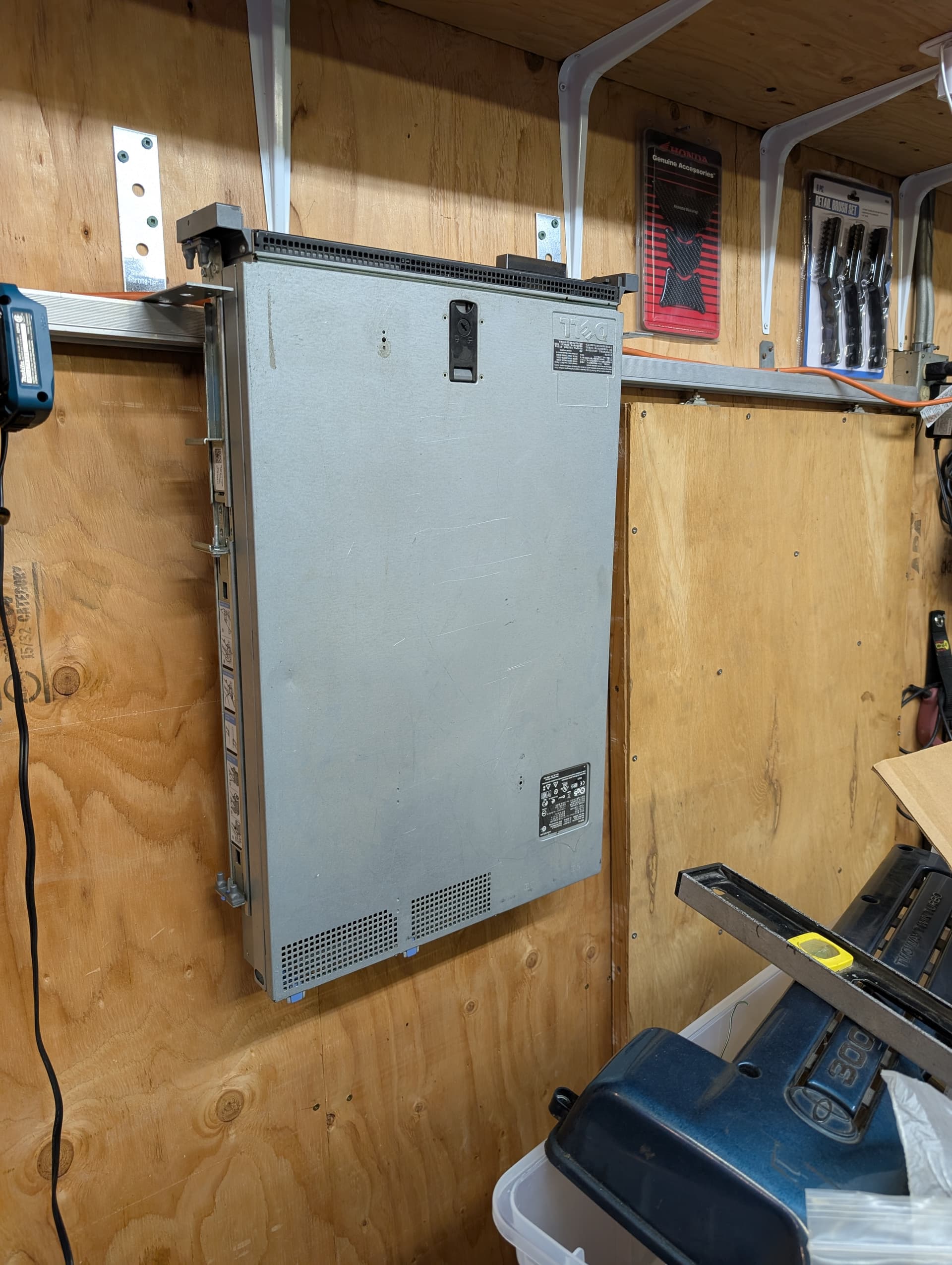
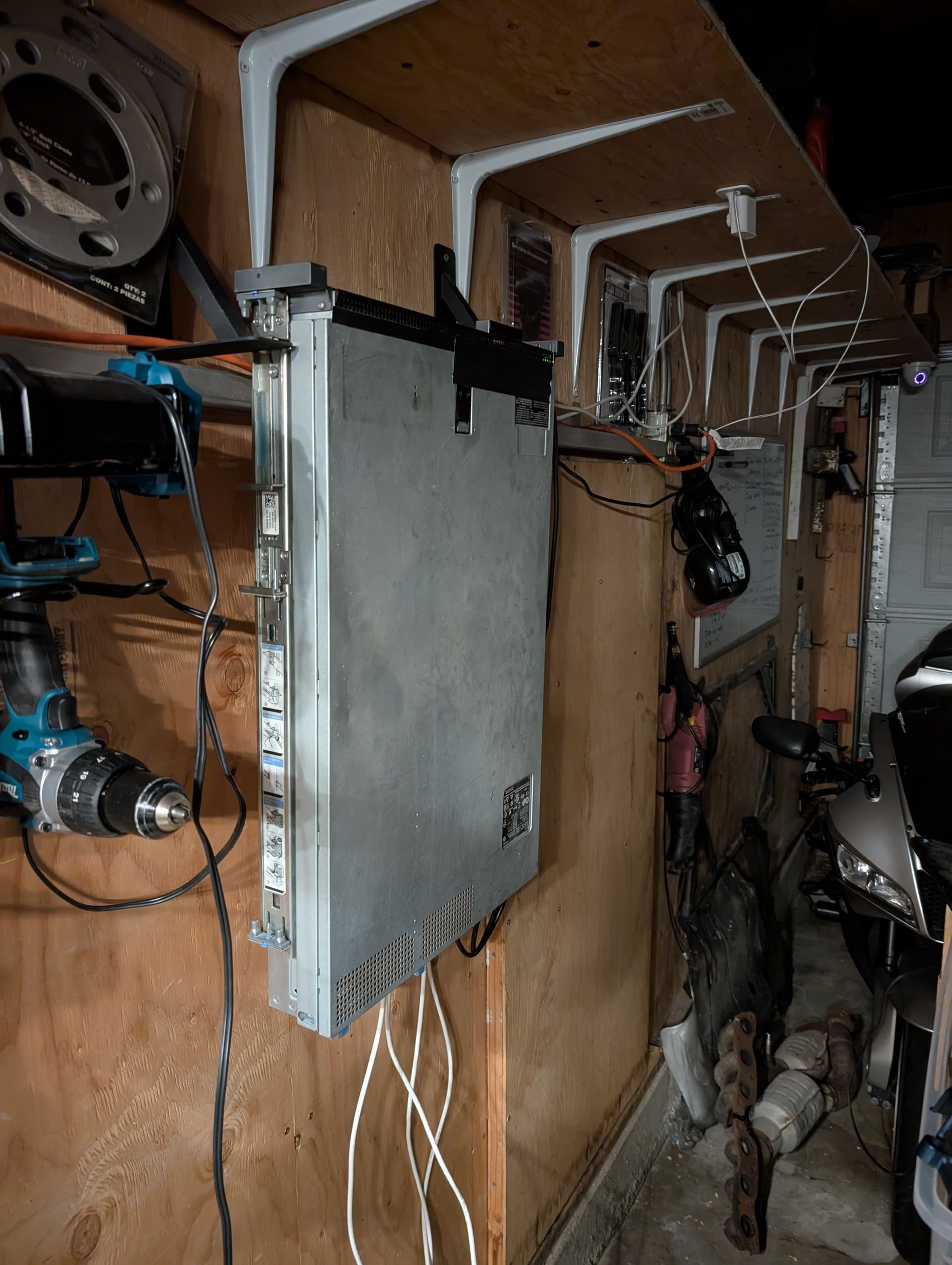
So i cant seem to shed this Dell Poweredge r710 x2 x5675 on marketplace short of free so im playing with the idea of only spinning it up for some specific tasks and then shutting back down.
Easy enough with the built in IPMI i think, but one of the many reasons of getting rid of it was footprint - i needs my square ft so im playing with the idea of wall mounting, specifically in a ‘dead space’ on the wall where a sliding door prevents use of that wall for anything else.
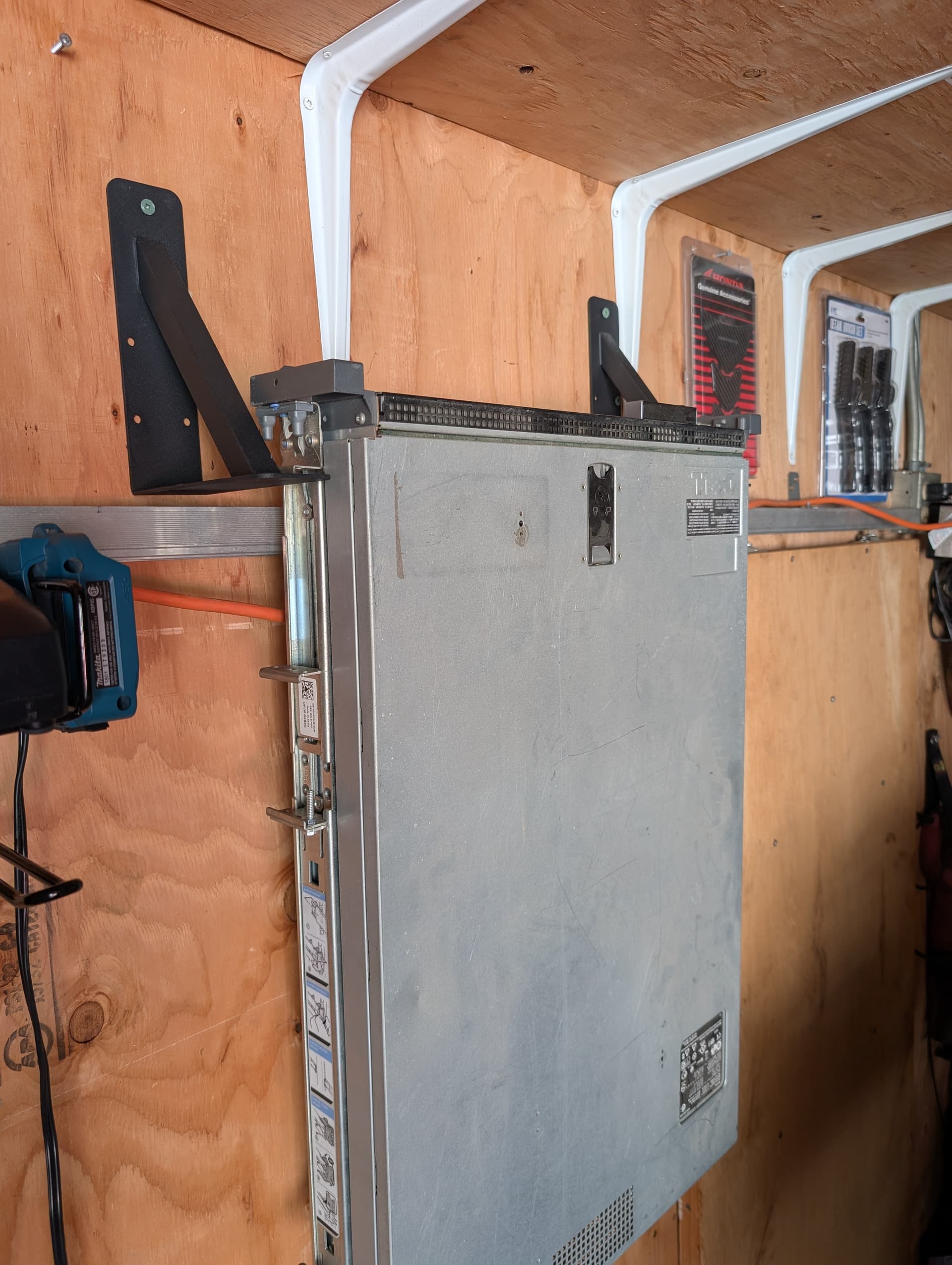
She is a chonker so i know i cant just hang it from the front built in bracket so installed the rails/sliders to hang from it. Even then the rail bracket is made for horizontal load and not a 90 degree change.
Also those framing brackets on the wall will need gussets at the very least.
I have a mig and some scrap, but its darn tempting to get some nice beefed up stuff for under $20 on Amazon
Yep, much more rigid plus later added some random bolts as space fillers under the brackets.
Now to run power and network cables, hdd and proxmox.
For a second I thought it had fallen off its mount. 
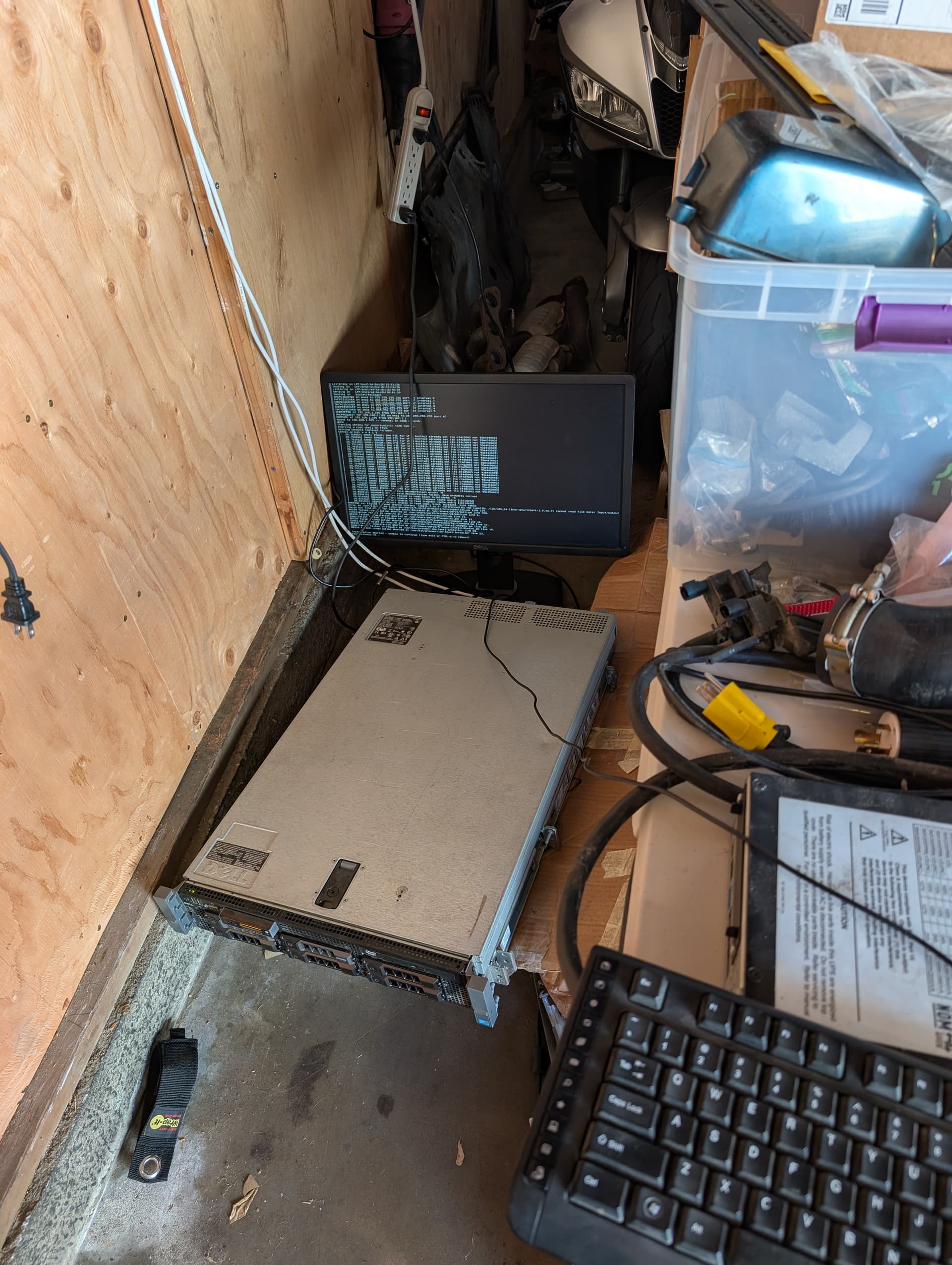
No haha. I needed to see the display panel on the front- there is a fan error and something else but it boots.
Today ill be installing Debian and rhen tre proxmox on top of that.
Its got all scrap HDDs in there. Plan is to build out some kind of lab that doesn’t meed to be powered on all the time but just when i want to work something.
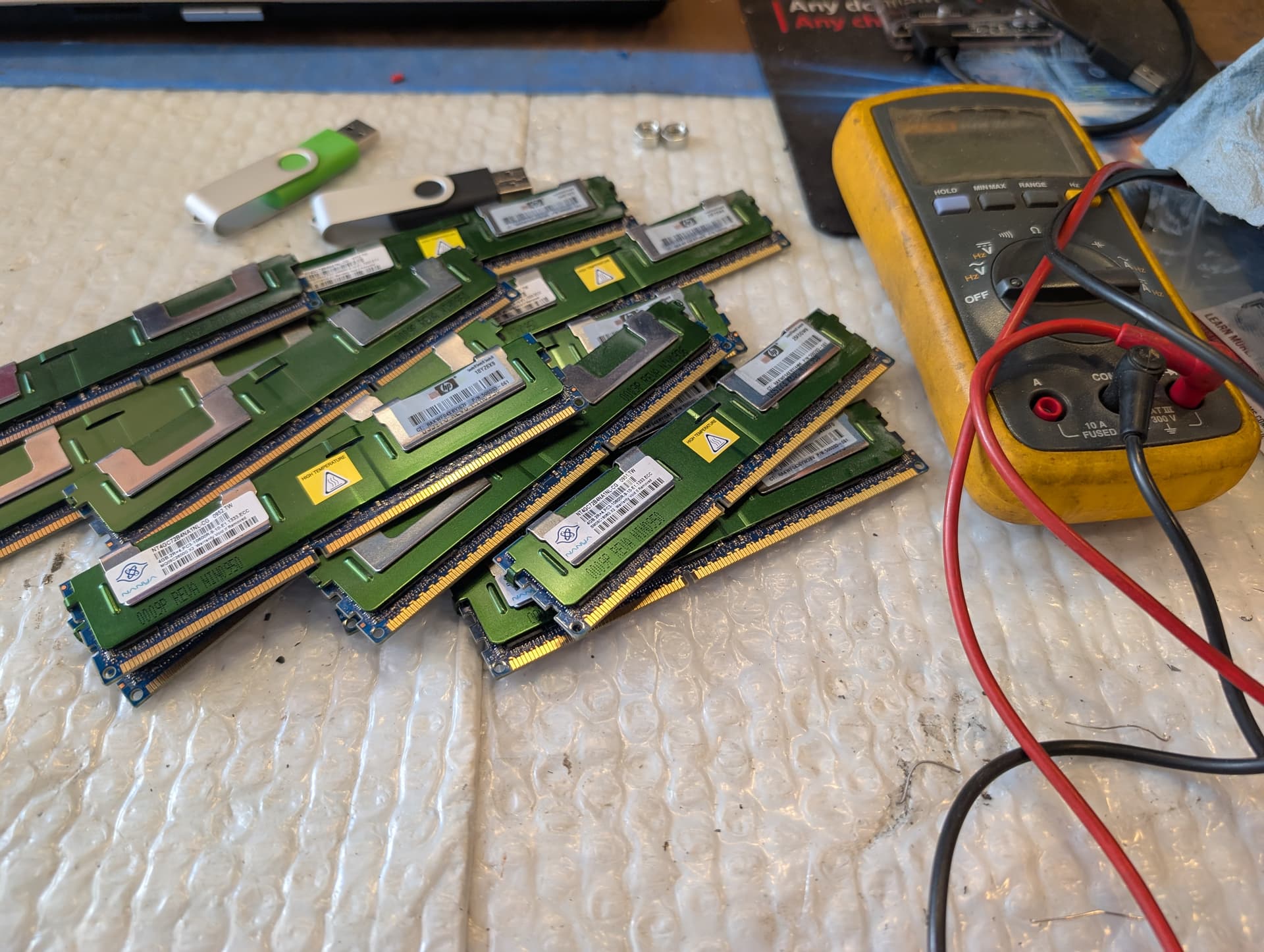
Its not happy with the RAM, so doing minimal install to start trouble shooting
I want to flash the hardware raid to IT mode but I guess id have to buy a different card first. Not doing that so im not running the combo of disks i had. Im limited to about 600 gigs…
I might use a 2tb ruster but afraid how slow it will be
Sweet, so lots of relearning:
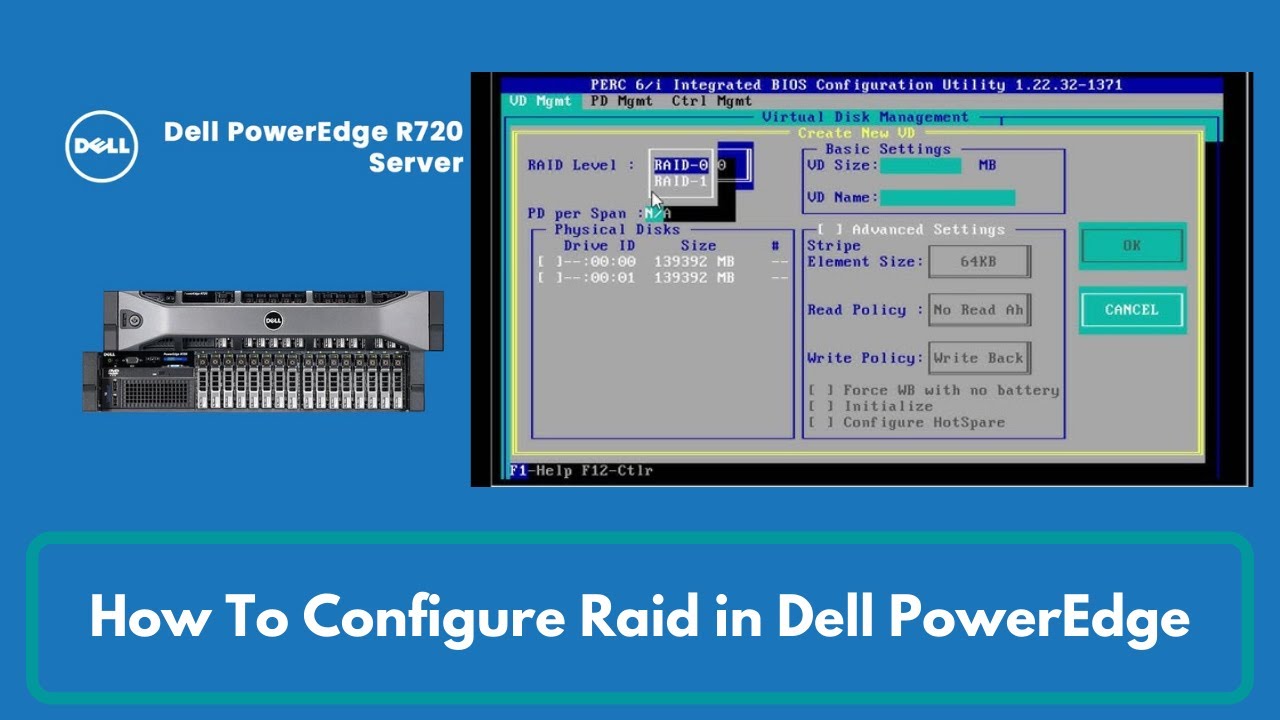
Realized I need a different RAID card for IT mode so just rolling with hardware RAID (forgive me @wendell )
Went into the hardware RAID configuration and made three Virtual disks all RAID 0. One 120gig OS drive, three 240 gig SSDs as another VD and a 1TB rusty as another VD. Very rusty so this was a help:
Burned the latest 13.x Debian and finally, OS installed on the 120gig.
Then followed this to install Proxmox:
https://pve.proxmox.com/wiki/Install_Proxmox_VE_on_Debian_13_Trixie
Then this script:
Currently rebooting- then will boot/shutdown as I add those RAM sticks back in per channel guidance and hopefully only down two sticks when done.
So…
when the guide says:
Its not a little suggestion you can do later after a reboot.
I fail at RTFM yet again.
You must go into /etc/network/interfaces
remove the auto stuff for the interface once being used.
Should end up looking something like this:
auto lo
iface lo inet loopback

iface enp1s0 inet manual

auto vmbr0
iface vmbr0 inet static
    address 192.168.1.100/24
    gateway 192.168.1.1
    bridge-ports enp1s0
    bridge-stp off
    bridge-fd 0
I can now access the webUI again…
Installed six more sticks of RAM, seems to be good and at 48 gigs now.
Will load the remaining 6 soon, maybe I’ll get the full 72gigs back.
All RAM back in and passing tests.
Back on the wall finally and time to resume other projects. Was a spur of the moment project when realizing its a few years from ewaste.
Now to make some actual productive labs on the thing. I think it might have enough power to spin up a whole domain of 6+ machines to play with compliance automation, scanning etc. Would fit the use-case of being able to shut it down whenever not labbing as well.
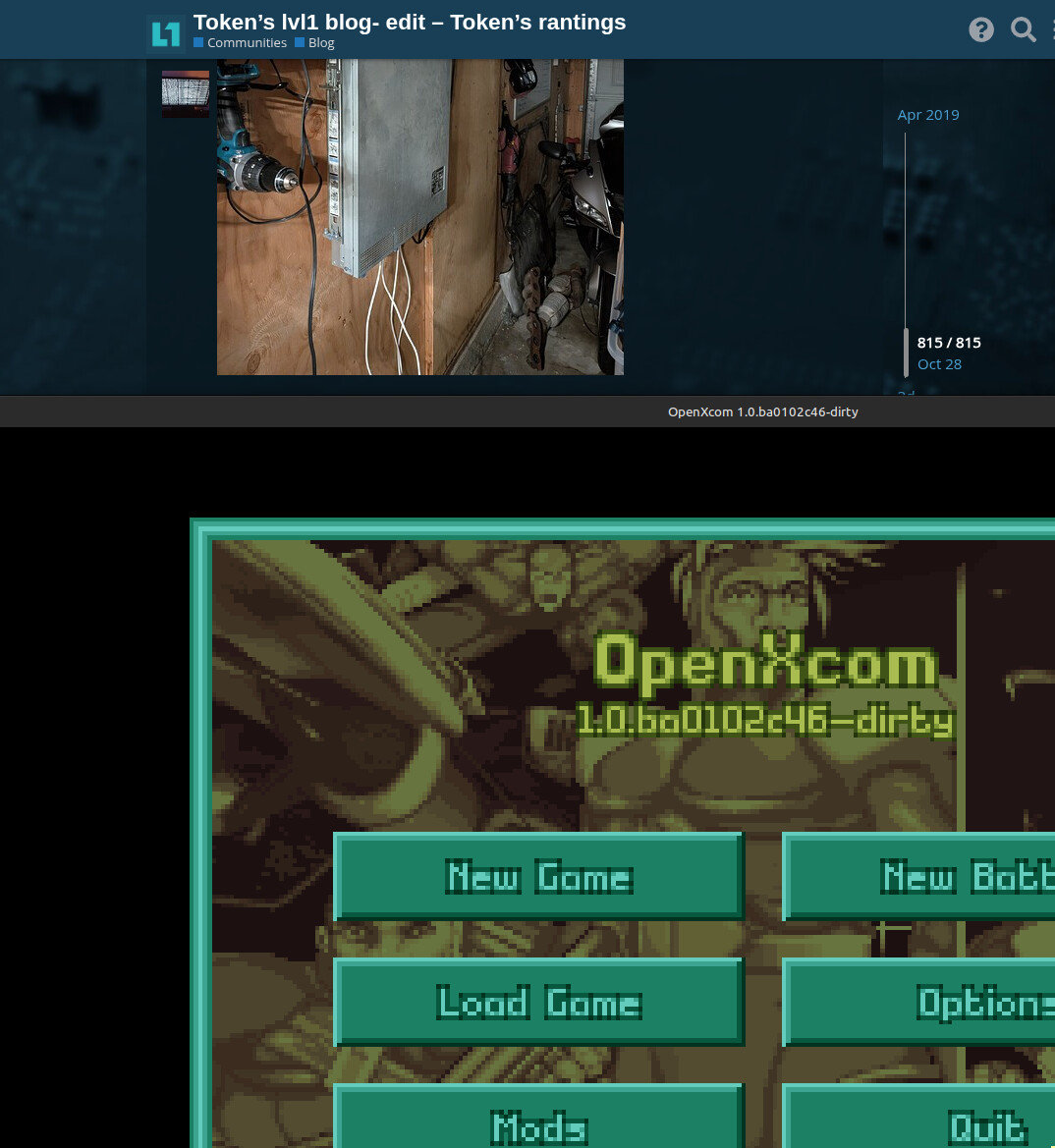
sweet, got the original OG xcom to run on Linux Mint- non steam method.
Downloaded the nightly openXcom AppImage:
https://openxcom.org/git-builds/
OR
Or if you want to run the older more stable 1.0:
chmod +x
Then ran it just to make the folder structure.
Then in the /home/.local/share/openxcom had to mkdir UFO
Then in UFO move over the original game folders:
GEODATAGEOGRAPHMAPSROUTESSOUNDTERRAINUFOGRAPHUFOINTROUNITSThen run ./openxcom_git … again
It runs, but in a small window.
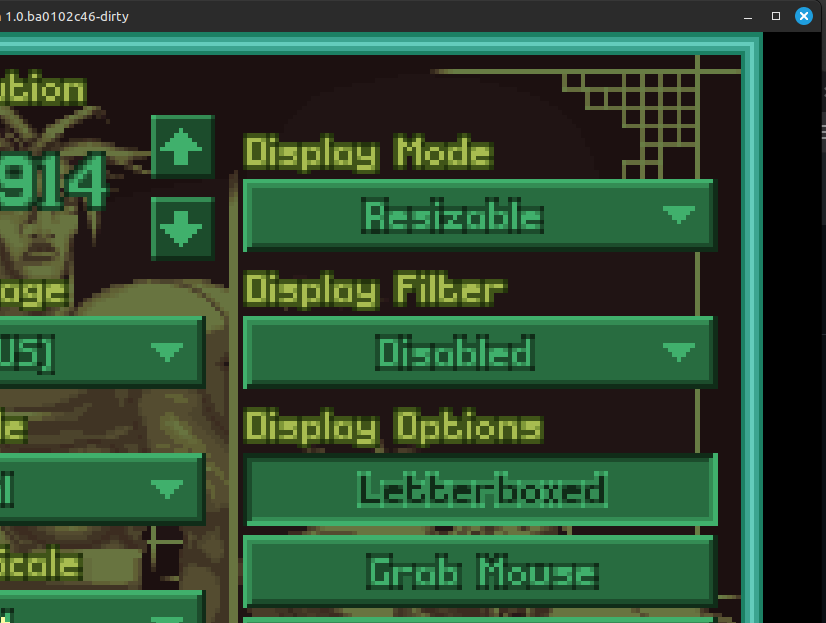
Then in game options I tried a fixed resolution change but it borks the mouse in a way that you can’t accept the change, so I just enabled the re sizable window option instead.
Been craving another run of openXcom and to not need Windows this time.
So getting it installed wasn’t crazy, lots of various documentation out there to narrow down one i liked.
But thinking about getting a little freaky and use syncthing to sync the saved games to the NAS and to an Ubuntu laptop i use in another room.
Welp, Linux Mint at 2025 is now just too bloated for the old Toshiba Satellite L770 (2011 build date?): 17.3 inch Core i3 with 4 gigs ram.
Before updating to current Mint it ran decently, it now runs like total ass.
What is a distro known for running on old hardware?
I know there is really good lean distro’s out there but at the cost of not supporting chrome and some packages/software.
Just needs to be able to browse the internet via a browser that can log into google services and run HP printer and scanner software. Google says Lubuntu, Linux Lite, Puppy Linux
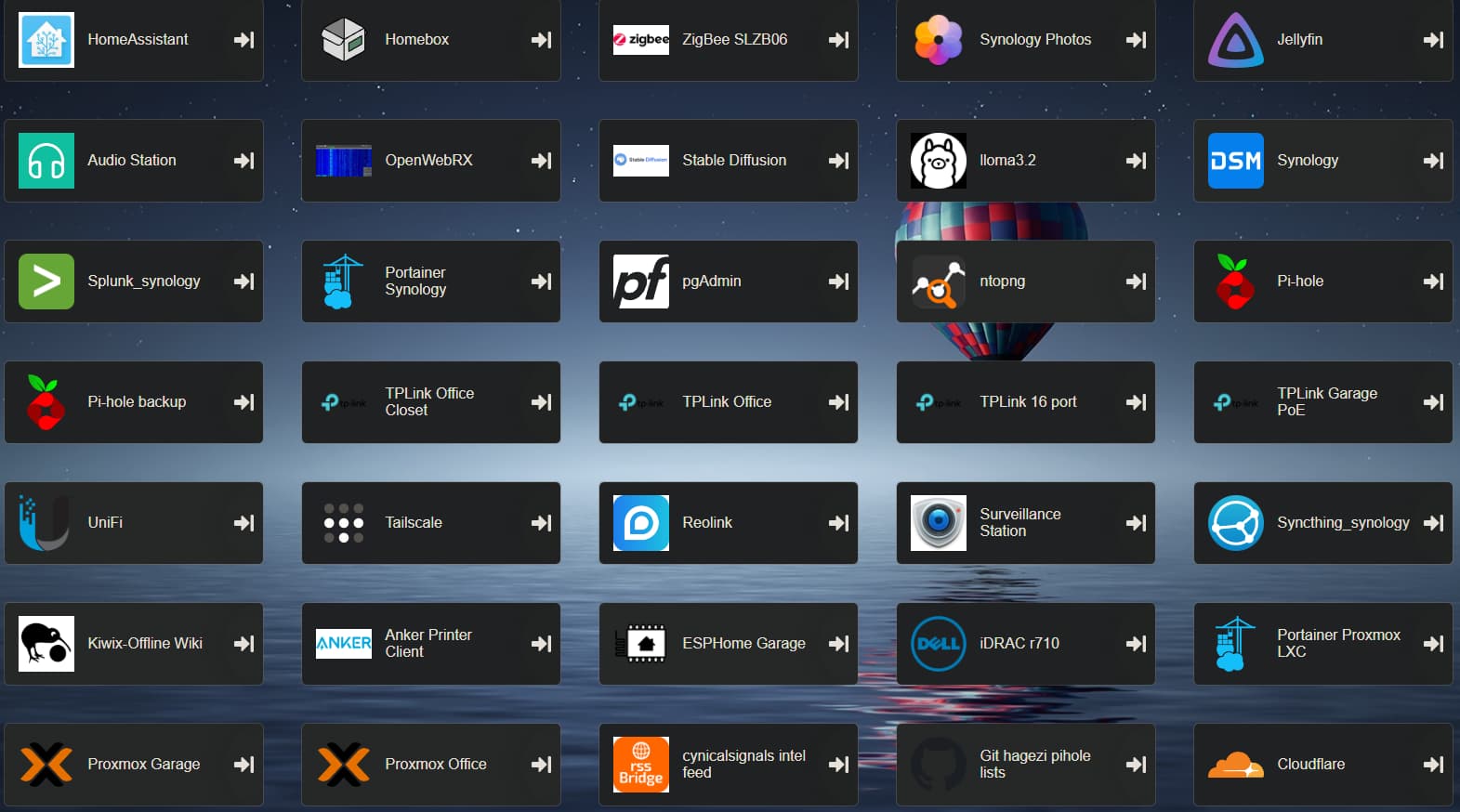
And here I am being worried I was running a lot of stuff
I guess we will be okay 



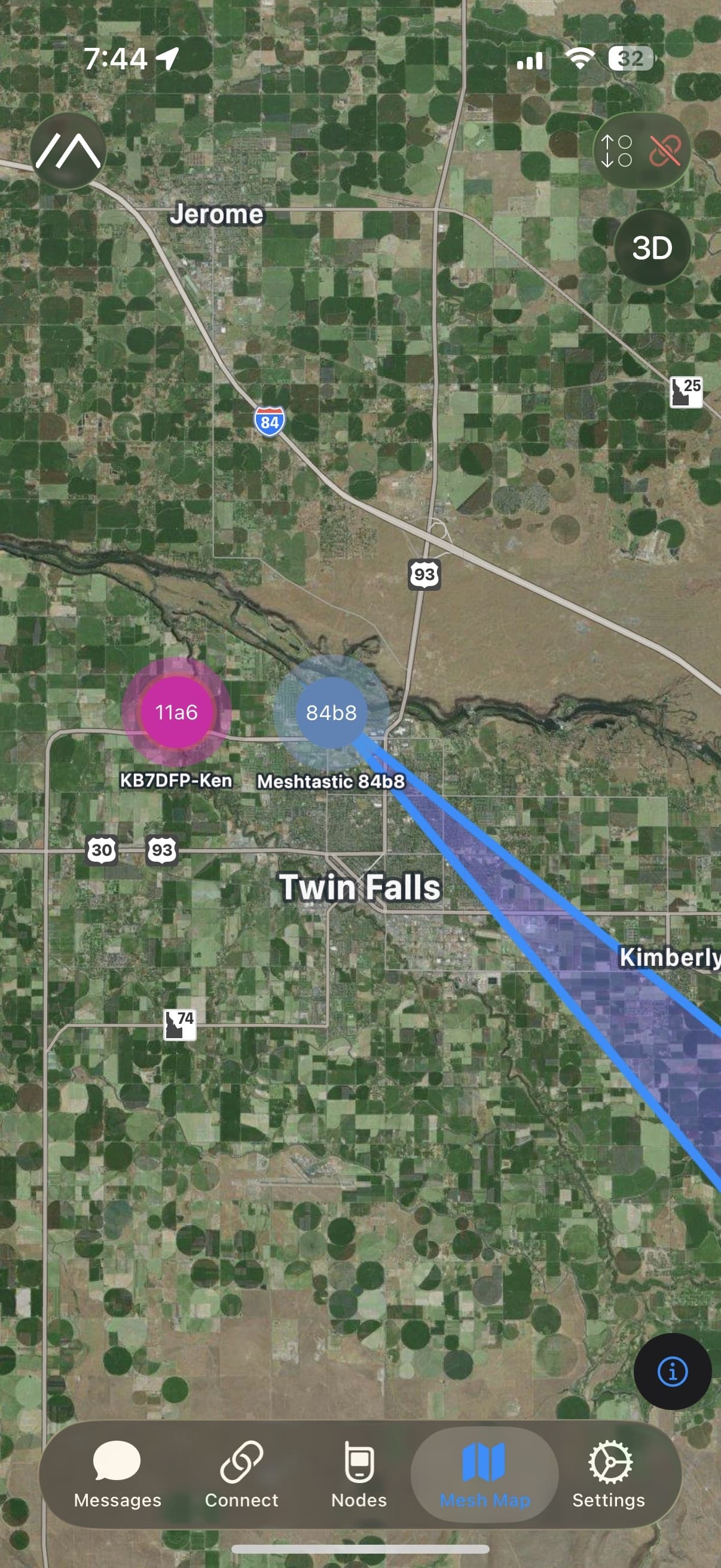
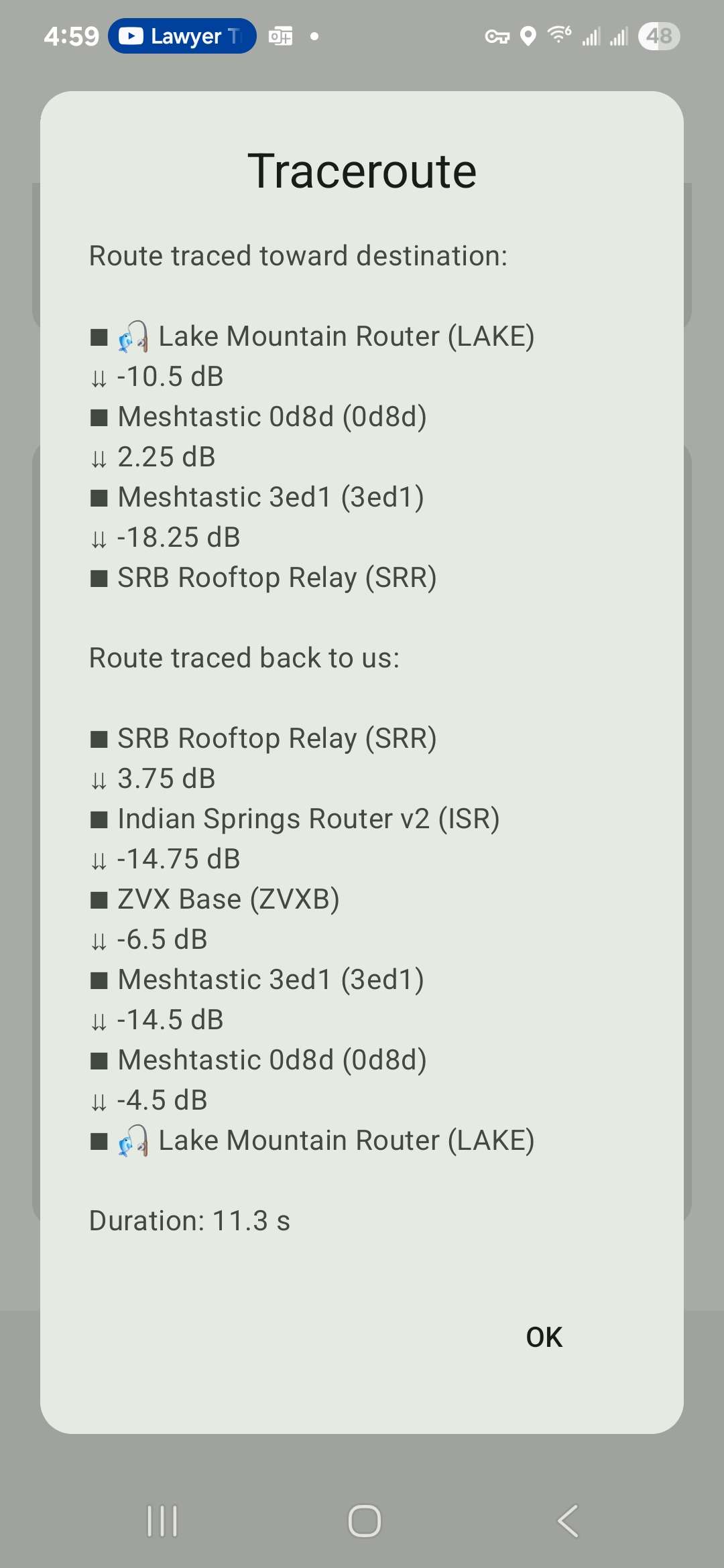
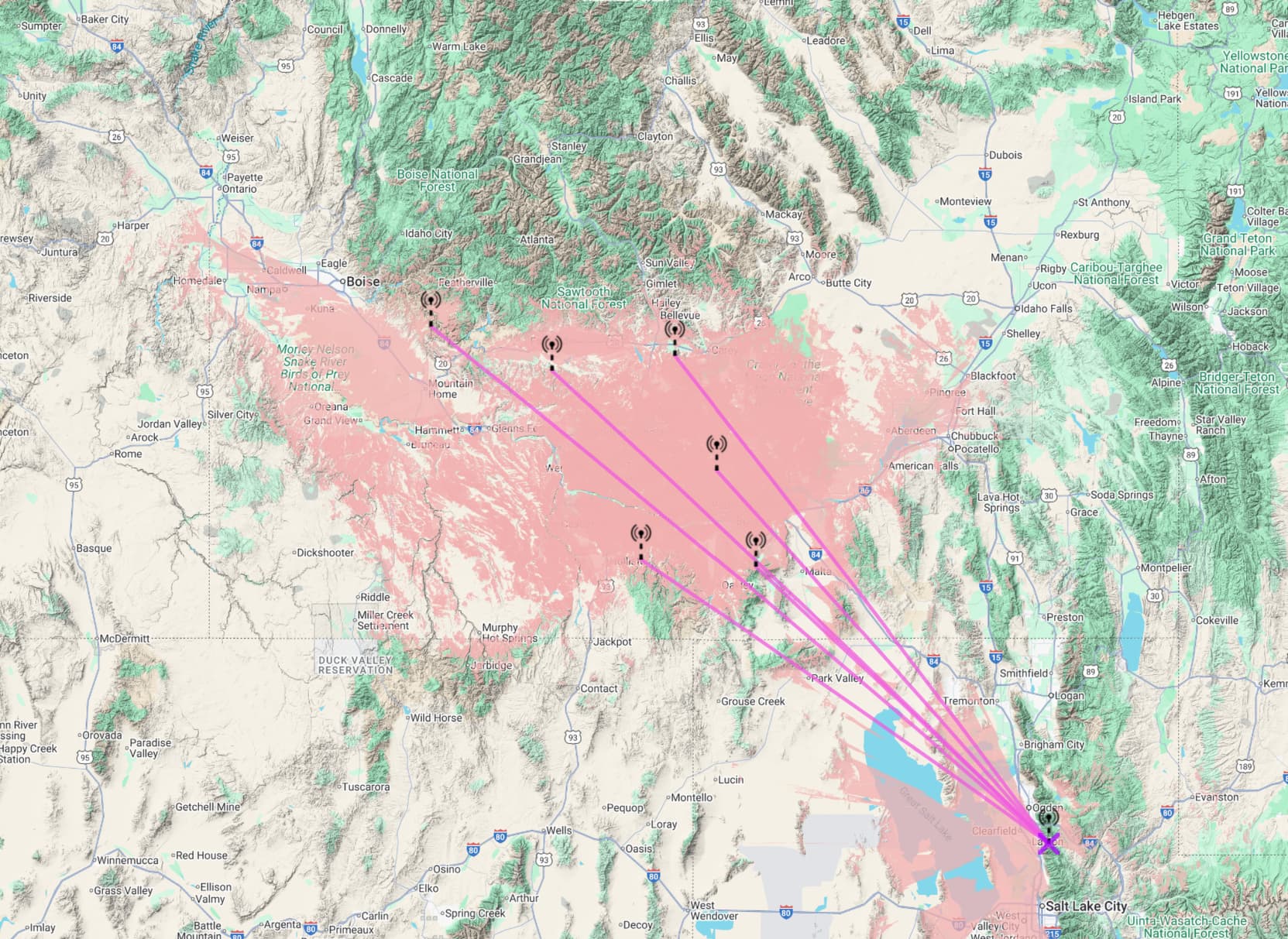
 sites but there is the interlink