Threadripper 9975wx! <-- now a build log

So, here you go! After swapping fans…

Here I’m running phoronix-test-suite benchmark c-ray, and it’s pegging the CPU. PBO is on, and it’s drawing about 567w.

Then, I pegged the RTX Pro 6000 at 600w using ollama. Running it almost continuously, the GPU fan hasn’t gone over 50% yet.

My NAS is louder/more annoying, you might be able to hear it whining in the background. :grinning:

The motherboard fans are surprisingly quiet on this motherboard, considering that they are so tiny.

Here I was right next to the machine.

Absolutely incredible, really. If I had two 9000 GPUs, and disabled PBO, I would be pulling almost exactly 1600w (which is what this power supply is rated for,) but I think I could pull it off.

At any rate, I doubt my girlfriend will be able to tell when I’m doing something intense and the TV is on.

I’m hoping that when I get a ram kit, it won’t thermally throttle much. I couldagbe even get another side fan mount and position it above the RDIMMS, but the temperature of the graphics cards and SIO seem to be very well isolated.

The exhaust air is actually pretty cool, with the real heat radiating out of the top and a bit behind the PCIe slots… I wonder if I could optimize it further. EDIT: I realize that the exhaust is actually an intake, I did it that way because I need a fan grill to keep the AIO pipes out of it lol. I didn’t think about how it’s now pulling air in lol… I need an exhaust.

Also, the front and side fans are running at a constant speed, I didn’t realize they weren’t PWM, so I just have them on full blast all the time. I could use the low noise adapters and run them at a slower speed as well.

2 Likes

Another 140mm fan and some 120mm fan grills in the mail. I also finally decided on this.

# V-COLOR DDR5 384GB (48GBx8) 6800MHz CL34 3Gx8 2Rx8 OC R-DIMM (Overclocking ECC Registered DIMM) 1.25V Memory Ram for WRX90 Workstation (AMD EXPO) (TRA548G68D834O)

2 Likes

Wow, thats much more of a quiet swoosh than I anticipated! Did the noise level improve much with the noctua fans?

Yeah, Hahaha. It’s a bit loud when going full blast. It’s barely audible a few feet away though. The AIO fans are much quieter I think. Either that or they aren’t ramping up as much…

Unfortunately, I seem to be having some errors now.

After installing Fedora 42, I tried to set up SEV-SNP, and enable ram encryption. SMEE wasn’t working, so I decided to enable SME-MK to see what that did. I rebooted after entering the os, and now I have an endless post code loop. :thinking:


January 1st 1970, 12:00:00 am Current Post Codes
9393 9196 9393 9196 9695 9691 9691 9291 0706 0014 0000 A000 A0A0 A1A0 A2A0 A0A0 A0A0 A0A0 A0A0 A0A0 A0A0 A3A0 09A4 09A4 5042 000C 9900 0000 000C 5426 000C 0800 C40C BB0C 000C 5200 B795 C100 0000 0001 5655 C90C 5854 0000 0000 0000 0000 0000 0000 0000 0000 0000 0000 0000 CD00 1500 0F0A ADDE 9330 6812 ADDE 9330 6812 ADDE 9330 6812 ADDE 9330 6812 ADDE 9330 6812 ADDE 9330 6812 ADDE 9330 6812 ADDE 9330 6812 ADDE 9330 6812 ADDE 9330 6812 ADDE 9330 6812 ADDE 9330 6812 ADDE 9330 6812 ADDE 9330 6812 ADDE 9330 6812 ADDE 9330 6812 ADDE 9330 6812 ADDE 9330 6812 ADDE 9330 6812 ADDE 9330 6812 ADDE 9330 6812 ADDE 9330 6812 ADDE 9330 6812 ADDE 9330 6812 ADDE 9330 6812 ADDE 9330 6812 ADDE 9330 6812 ADDE 9330 6812 ADDE 9330 6812 ADDE 9330 6812 ADDE 9330 6812 ADDE 9330 6812 ADDE 9330 6812 ADDE 9330 6812 ADDE 9330 6812 ADDE 9330 6812 ADDE 9330 6812 ADDE 9330 6812 ADDE 9330 6812 ADDE 9330 6812 ADDE 9330 6812 ADDE

I get no signal on the BMC, for over 30 mins. Can’t enter the BIOS.
Investigating…

Based on another thread, 93 might be a PCI issue. Going to have to take it apart.

1 Like

Luckily, a CMOS reset did the trick!

2 Likes

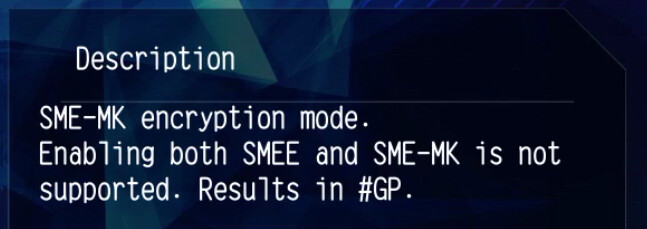
It seems that enabling both SMEE and SME-Mk will trigger protection.
image

Did you check the register to see if SMEE has been enabled?
17. AMD Memory Encryption — The Linux Kernel documentation

1 Like

Good call! I did actually see that, and I tried enabling SME-MK without SMEE and that’s when this happened. It’s possible I didn’t get something disabled though… That’s probably exactly what happened.

I reported this issue to the ASUS BIOS development team in early July 2024 and have been in contact in support of resolution. In my case a simple CMOS reset did not restore the system to working order; a complete re-flash using BIOS Flashback was required.

Thanks for confirming this.

2 Likes

Holy cow! I’m glad I didn’t have to go that far…
Adding to the pile of evidence!

Just got vfio enabled and working. I have to say, the IOMMU groups on this are stellar. The things you don’t have to deal with on this platform, like using the vfio kernel patch!

Rock solid so far.

I added the second 140mm fan to the side bracket, it’s really helping my GPU temps. Low and consistent temps = quiet.

The RTX Pro 6000 in the vm is also showing up as pcie 5x16 now, instead of 4.0 (and 4x!,) in my Ryzen 9 system. The others are both 4x16. Brillaint.

4 Likes

Is that btop?

1 Like

Yep, It’s btop in the top terminal frame, and nvtop on the bottom.

1 Like

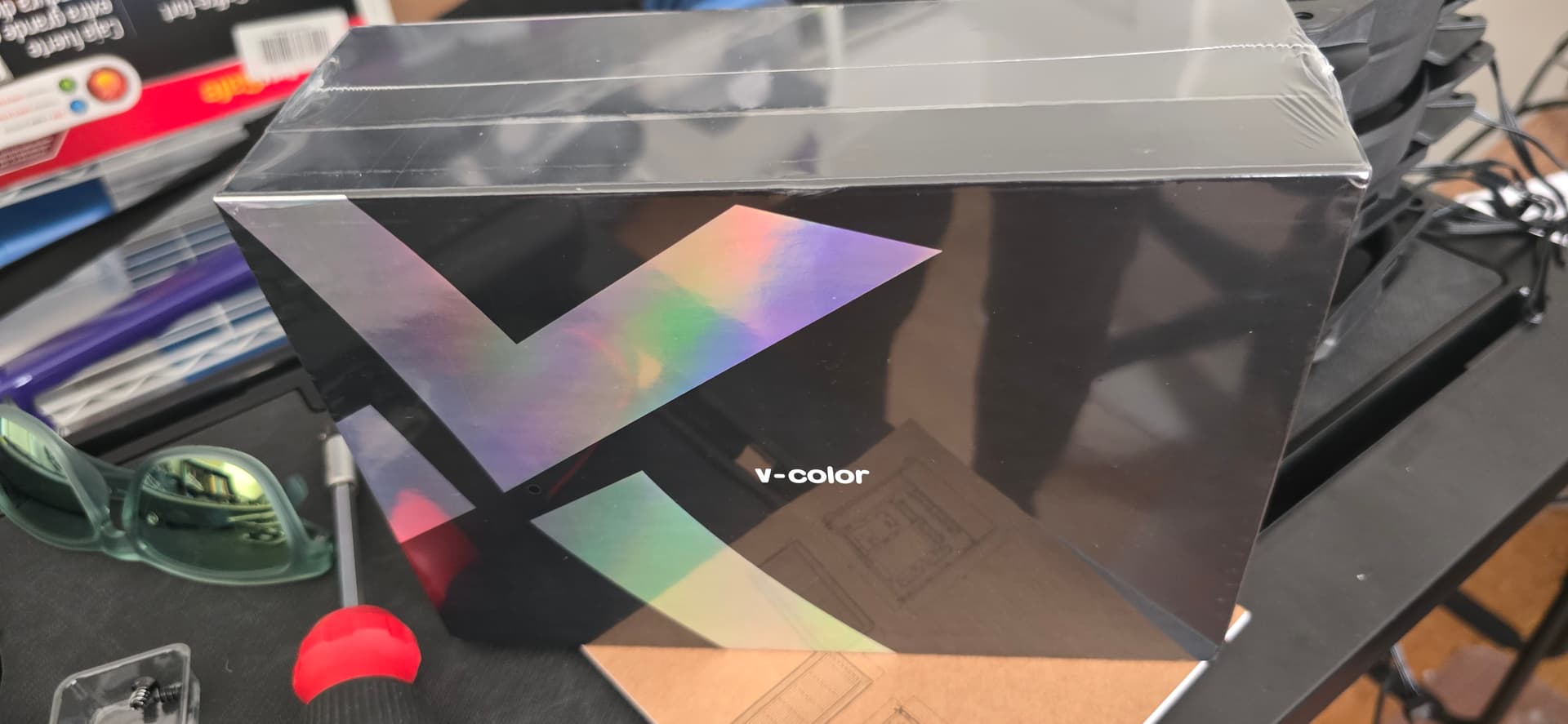
Straight from Taiwan! Can’t wait to plug these in later tonight.

Will report! :saluting_face:

2 Likes

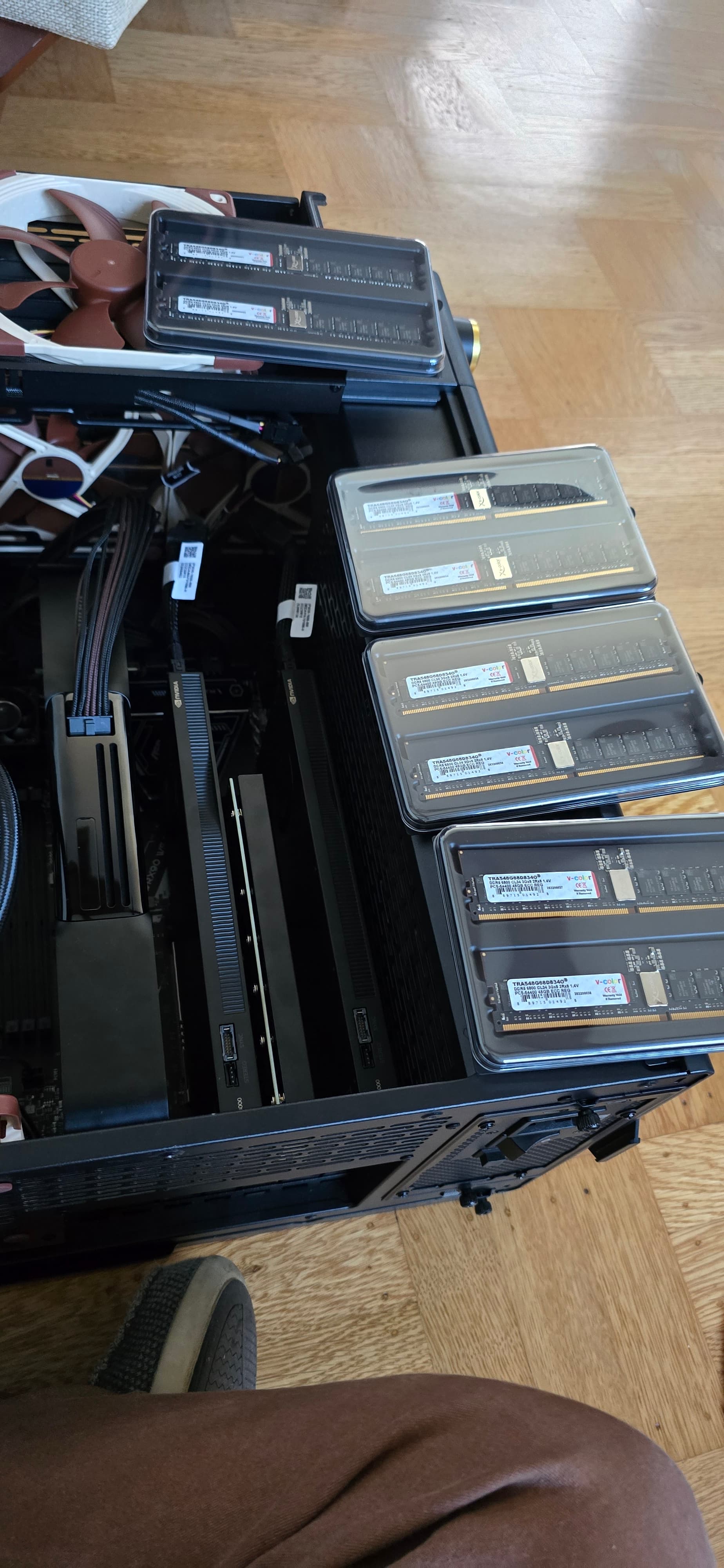
I asked my girlfriend if she would like to experience the satisfying click of installing 8 channels and 384gb worth of ddr5 6800 ECC RDIMMS, but she declined, gracefully.


6 Likes

That is why I love the Asrock Rack mobos. Updating the BIOS so easy. Don’t even need a cpu or memory installed. Just a network connection and power supply turned on to get the IPMI connected.

2 Likes

I’m glad I chose this board over the Gigabyte AI TOP, the management engine alone was worth it to me. It’s another level, my other machines seem like toys! I once built a system for a friend, and we had to pull a cpu out of my dad’s motherboard to update the bios, what a drag!

DDR5 and especialy high clocked RDIMMS run hot. Need to keep them cool or they will silently throttle. Wendell has as a video. Put a fan on the DIMMS to keep them happy.

1 Like

Yeah, I’m debating moving my fans from the GPUs, but let me see what happens. Any recommendations on Linux cli utilities for monitoring ram temps?

Percentile Classification Of Current Benchmark Run
    MEMORY
        RAMspeed SMP
            Add - Integer:             98th
            Copy - Integer:            97th
            Scale - Integer:           97th
            Triad - Integer:           98th
            Average - Integer:         98th
            Add - Floating Point:      98th
            Copy - Floating Point:     97th
            Scale - Floating Point:    98th
            Triad - Floating Point:    98th
            Average - Floating Point:  98th
        Stream
            Copy:                      98th
            Scale:                     95th
            Triad:                     95th
            Add:                       96th
        Tinymembench
            Standard Memcpy:           97th
            Standard Memset:           96th
        MBW
            Memory Copy - 1024 MiB:    98th
        t-test1
            1:                         97th
            2:                         98th
    PROCESSOR
        CacheBench
            Read Cache:                93rd
            Write Cache:               77th
                                       OpenBenchmarking.org Percentile