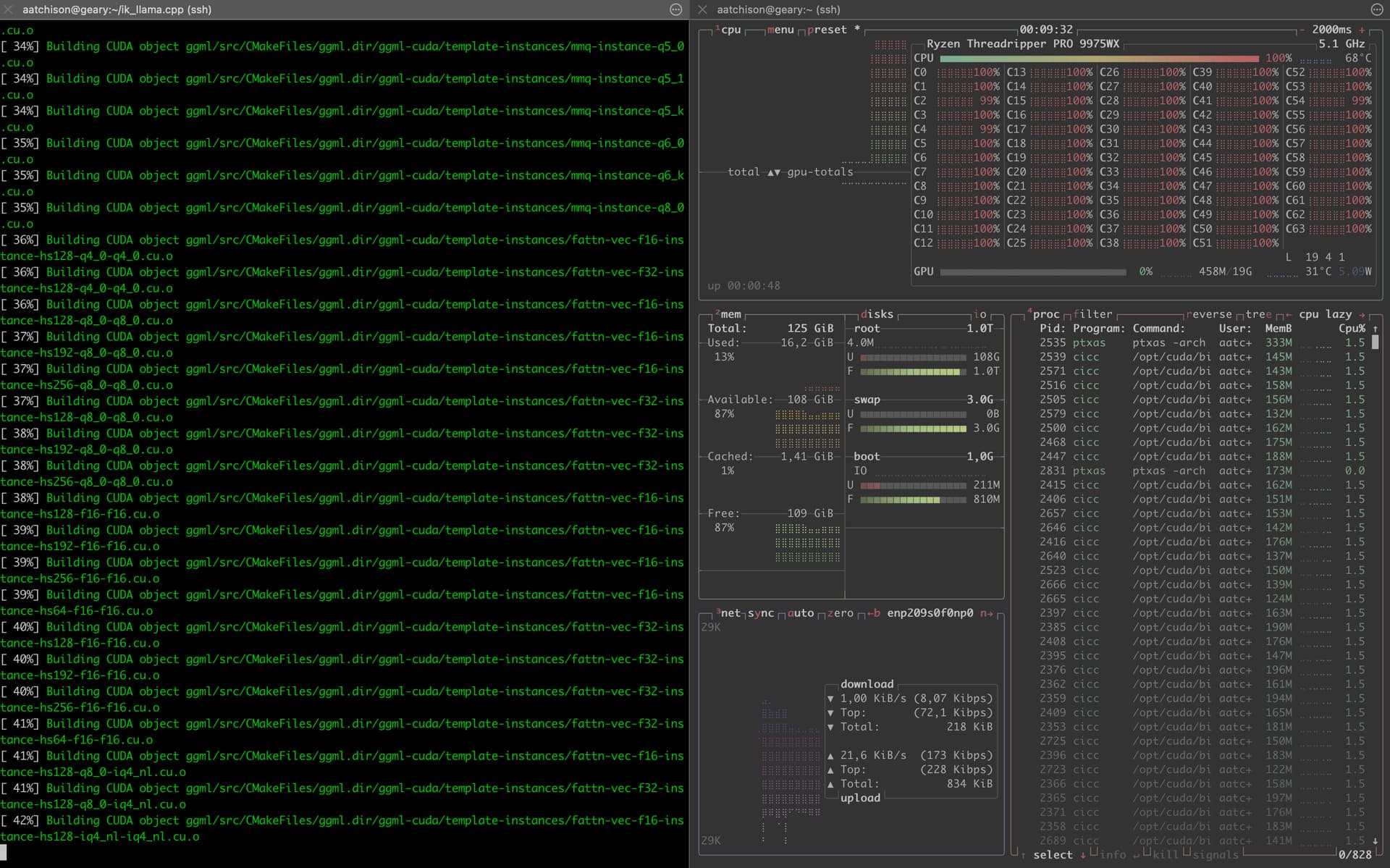
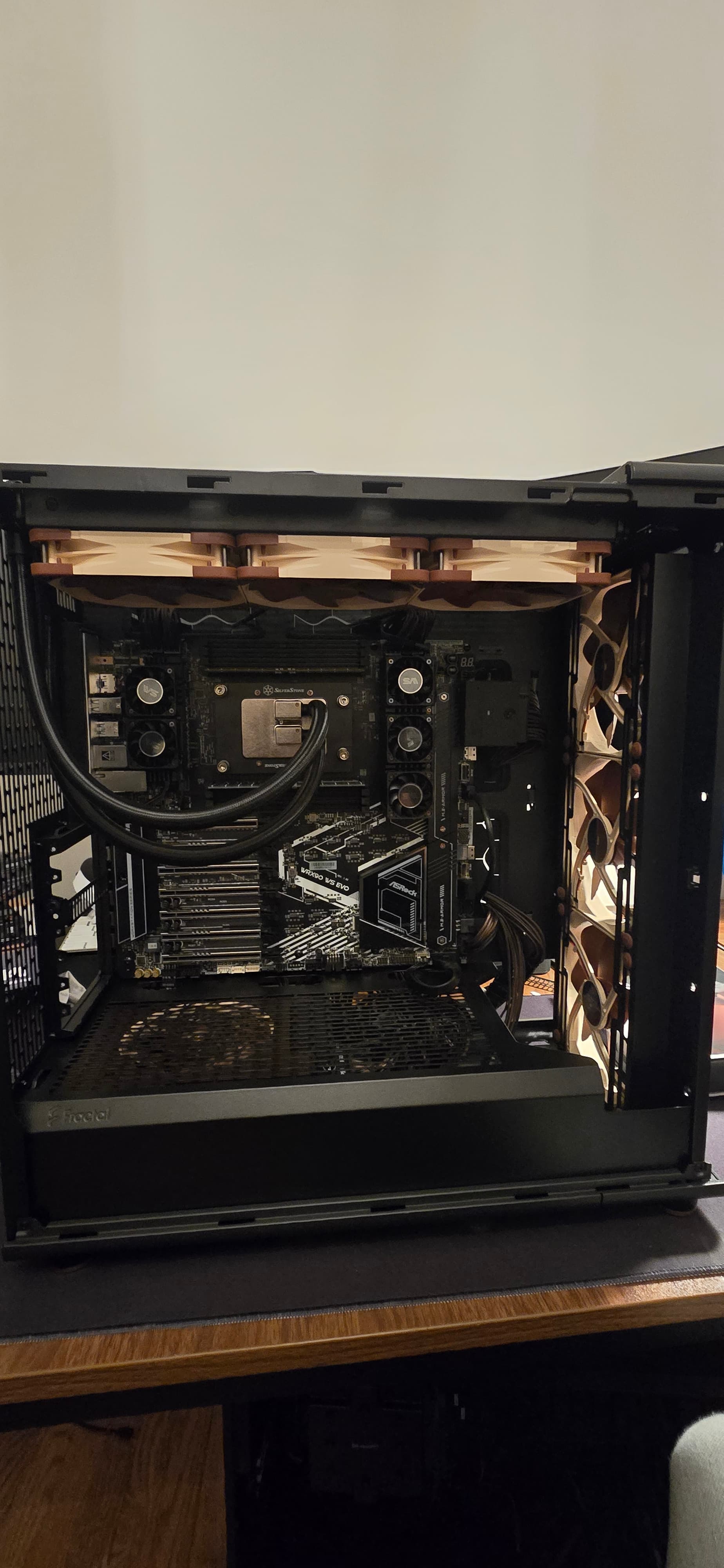
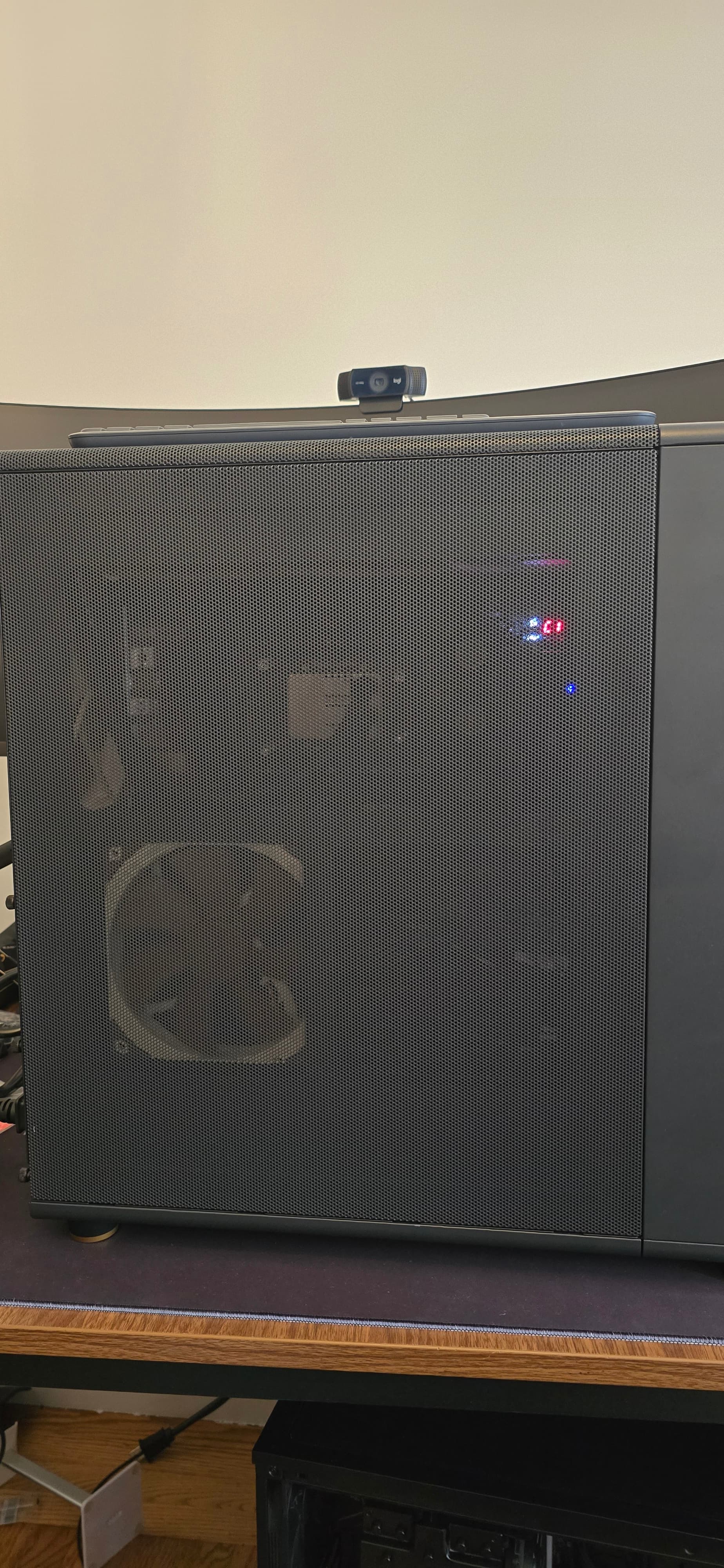
Threadripper 9975wx! <-- now a build log

A quick video of what’s going on.

The green light near the pcie slot is BMC_LED1. After about 35 seconds it starts blinking.

PS: the blinking light indicates that the IPMI management engine is up and running.

I did plug things back in, I’m taking it to a shop tomorrow to see if they can throw a different stick in.

2 Likes

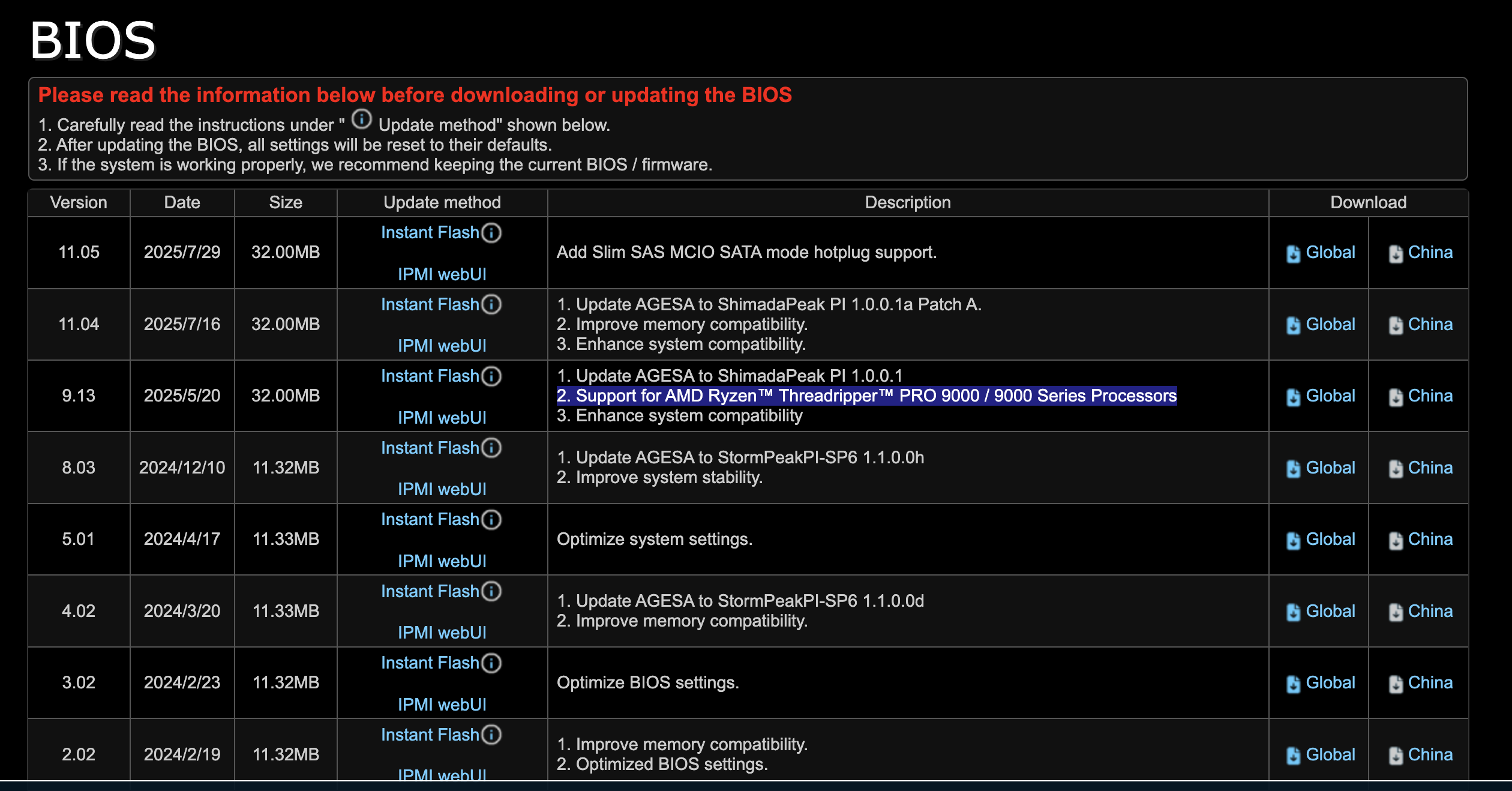
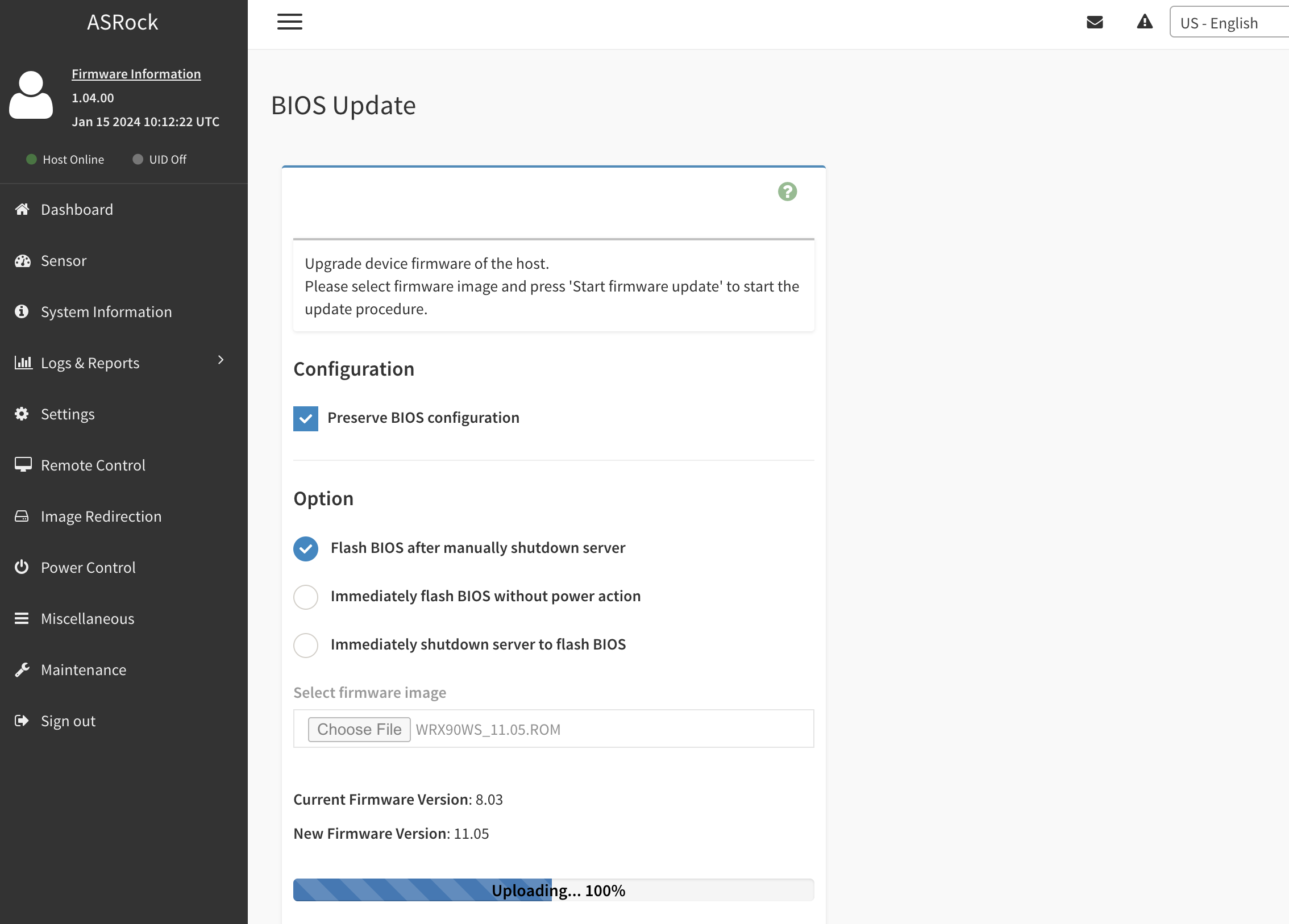
I also wonder if it needs a bios update? Is it possible to do that if it wont post?
It looks like I can, via ipmi! Back out of bed to haul it to another room and plug it into my router.

2 Likes


How did I not think of this! Live and learn. All hail IPMI.

6 Likes

Amazing!


2001-apes

Now, let’s talk ram kits.

6 Likes

Almost the final boss, for now…

Case fans, front panel I/o, all hooked up.

2tb Crucial T-710 gen 5 m.2
4tb Sabrent m.2 gen 4 m.2 (mobo only supports gen 4 in second slot.)

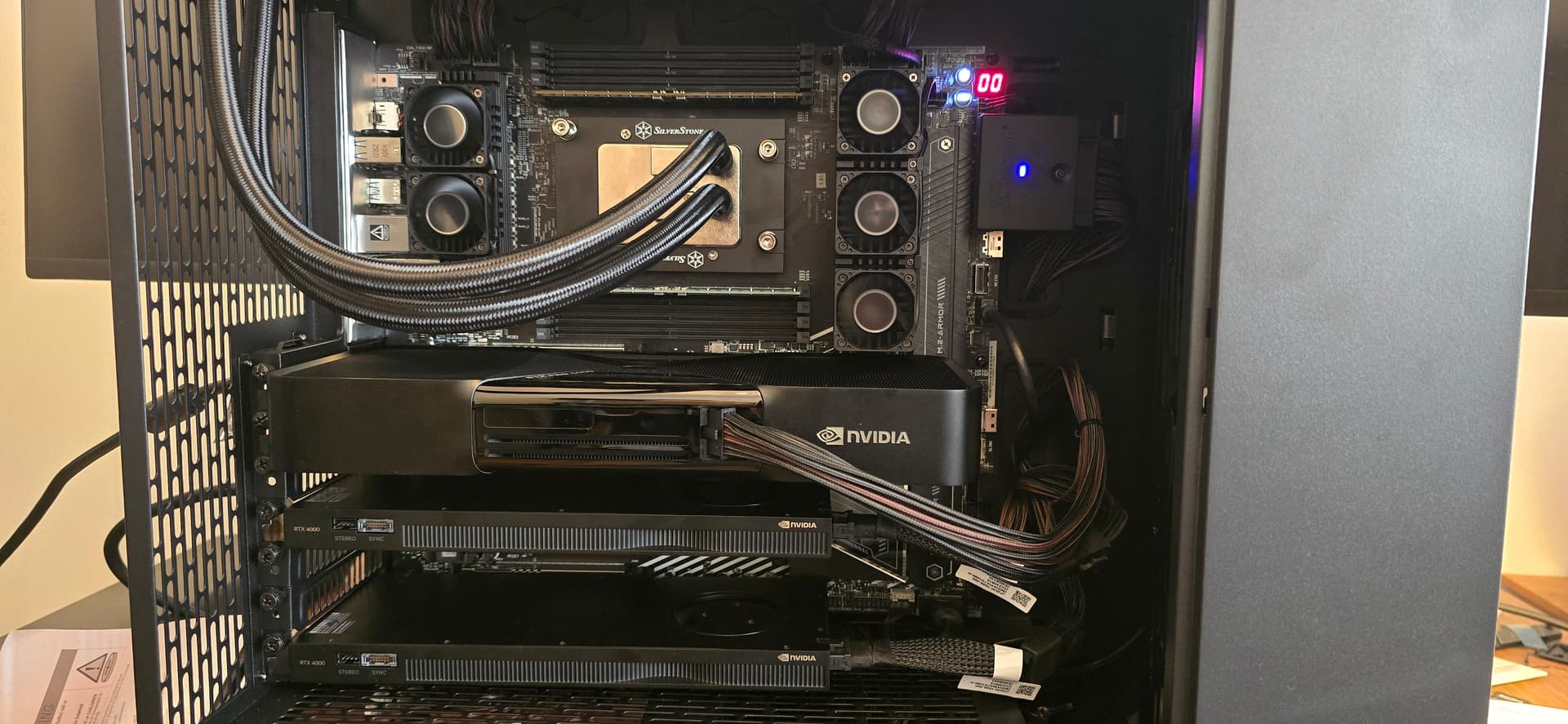
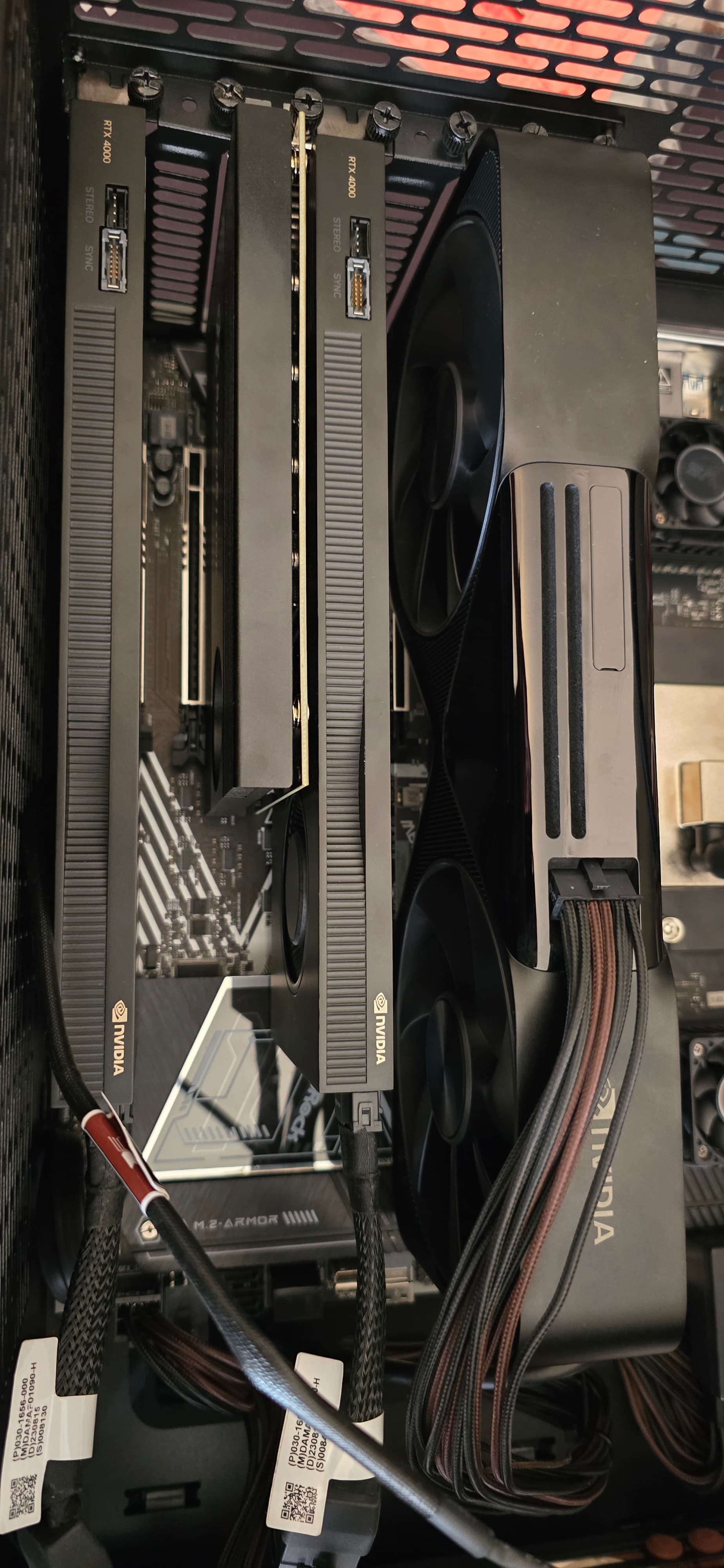
RTX Pro 6000 installed
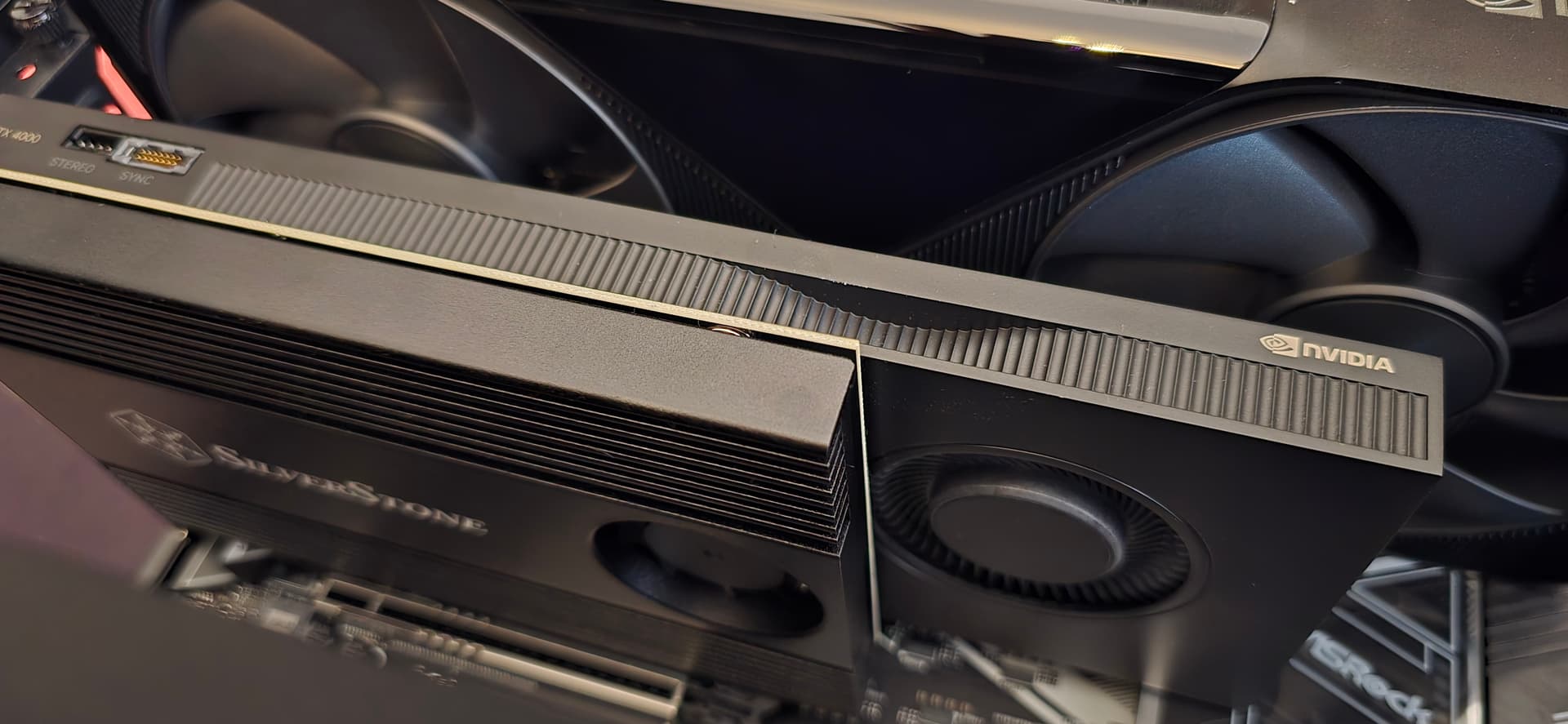
RTX 4000 ADA x2 installed

This gives me 136gb of vram (96 + 20 + 20)

She fires up! Now to close up the case and test a bit…


I have very little room to work, so I’m impressed so far that I’ve not broken anything else. :grinning:

5 Likes

What a beast!!!

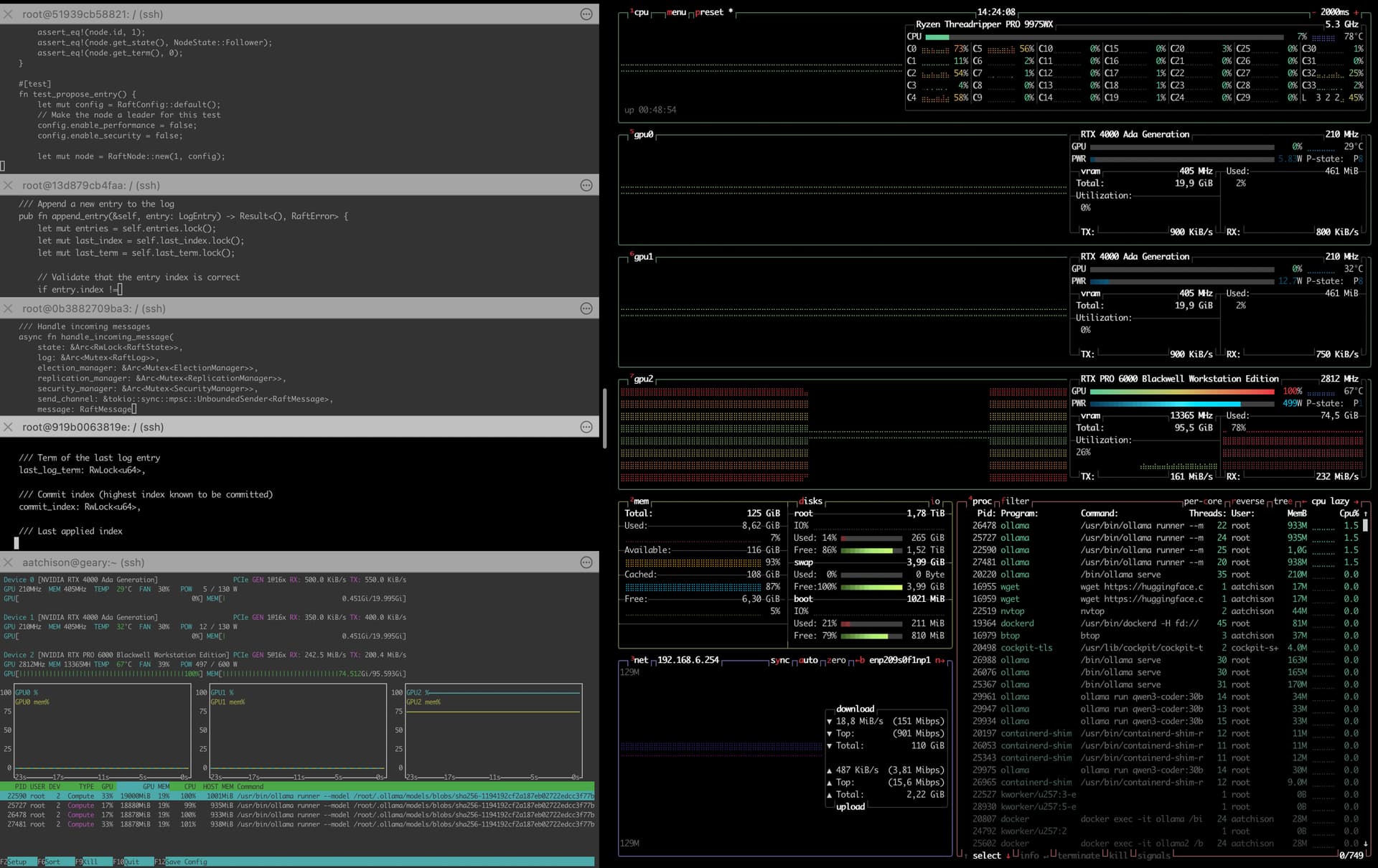
I ran 4 ollama servers to sort of benchmark while I wait for a download. Wow, almost instantaneous model loading into ram. Still not touching the 4000 adas.

ollama run qwen3-coder:30b “Let’s write the raft protocol in rust. Break into modules. Add security and performance enhancements. Don’t stop until you are done. Please comment all code. Write documentation.” --verbose

Barely scratching the surface here, but time for a beer.

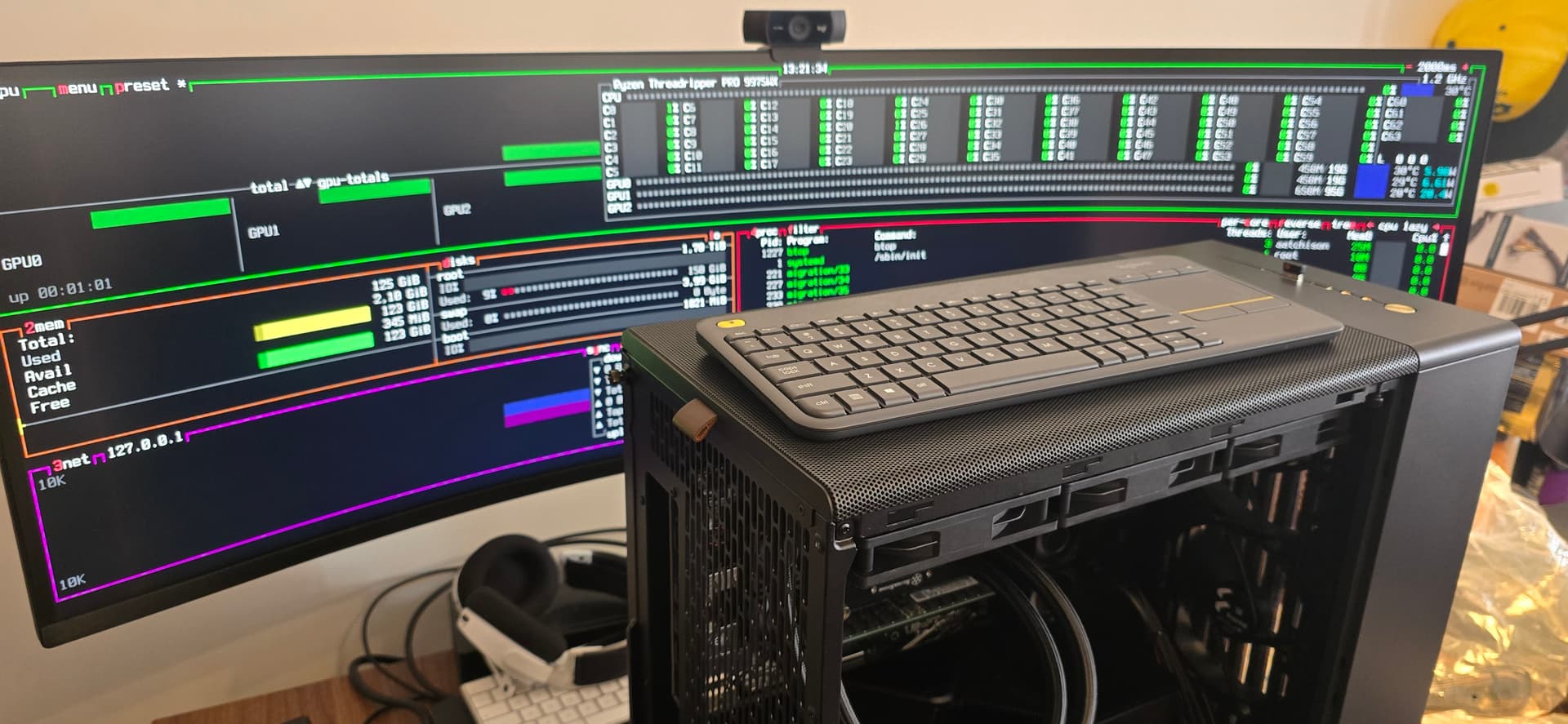
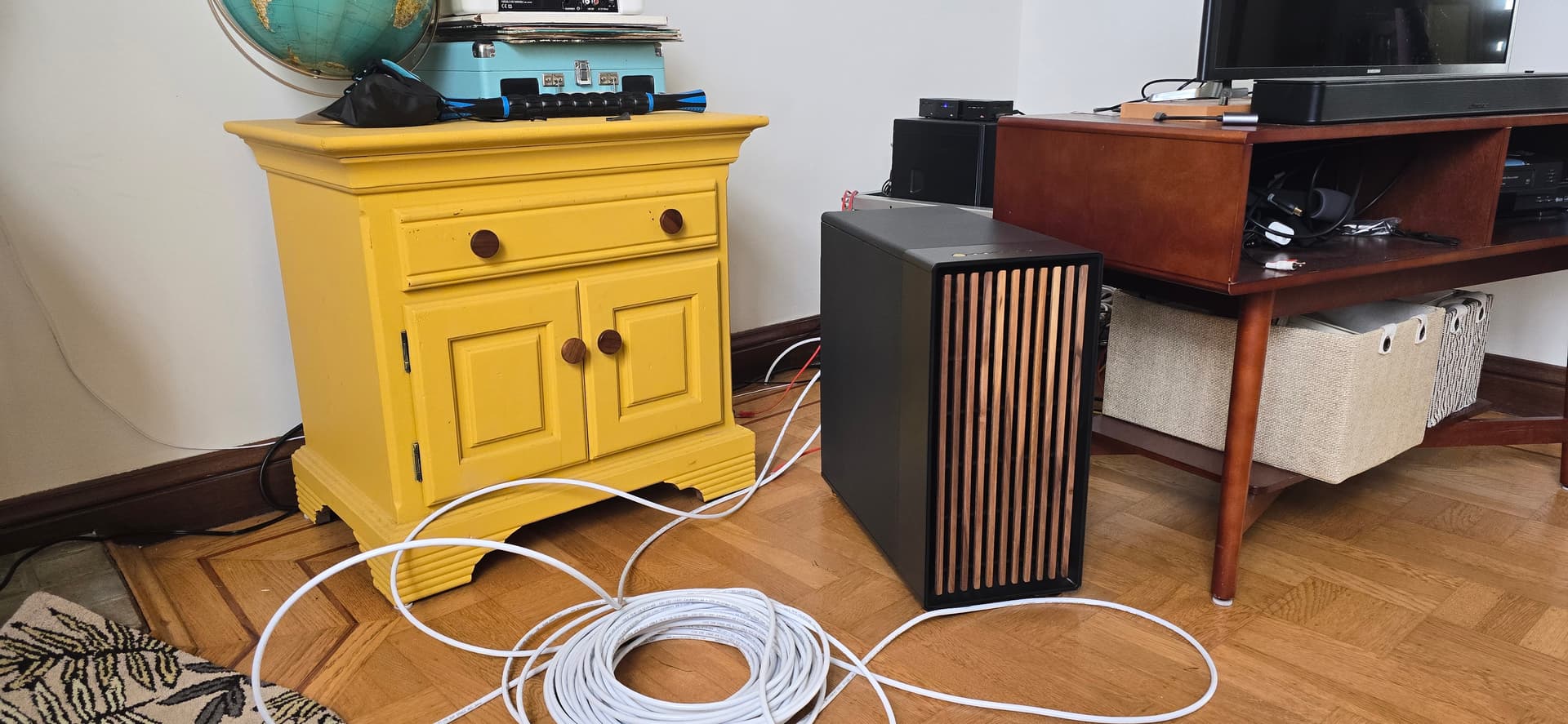
This case is actually nice too, girlfriend approved so far. It’s almost blending into mid-century modern.

Yes, I hastily used a really long cable for the management NIC. :rofl:

Unfortunately the fiber connection is in the living room, and I can’t do runs to my office, so about that fan noise situation…

9 Likes

Very nice, congrats!! My RAM will be selected by the vendor…I suspect the choices are limited for now.

Part of what I’m paying for is that they need to find a kit that will work:)

1 Like

Thank you!

Yeah, I guess that makes sense, they will have more resources to find the right kits. I’m just watching Wendell’s videos over and over trying to glean :rofl:

I did find these v-color kits in the Specific System Memory category:

https://www.newegg.com/v-color-wrx90-oc-r-dimm-128gb-ddr5-6600-cas-latency-cl34-memory/p/2SJ-004R-00066

I do want to get at least 6400, but it looks like I cant get 512 at that speed. I am considering Nemix, but it seems that maybe v-color is a better choice here. I could also go Samsung, if I go to the local vendor. I actually might do that.

By the end of last night, I was thinking I’ll wait for a minute. I did see that v-color is announcing new products right now.

1 Like

Glad the IPMI BIOS upgrade worked… this is why I had not yet purchased the Threadripper 9000 WX for my motherboard. Thank you

1 Like

You’re welcome, happy to share! Not much on the internet about it.

1 Like

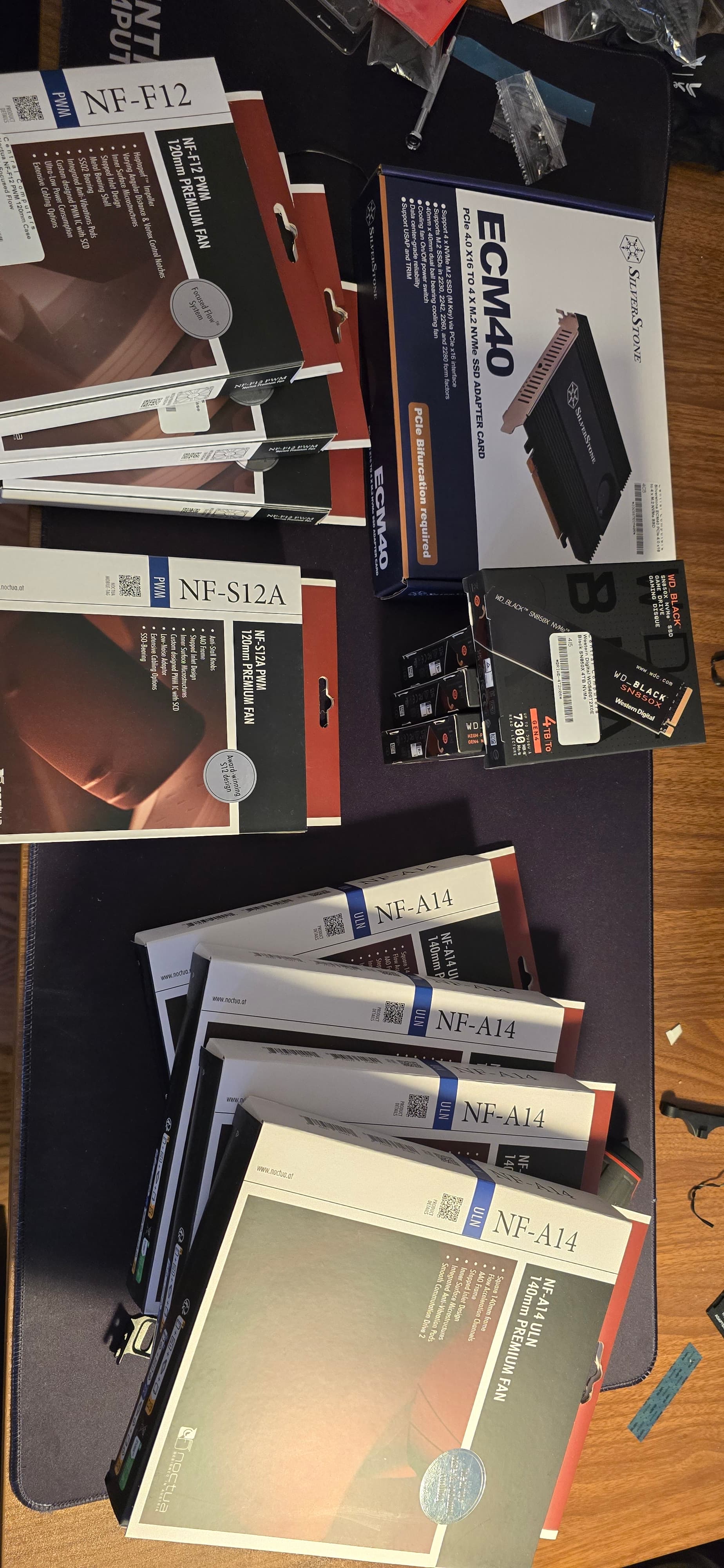
Stuck in the house for the weekend, for the most part. Decided to add some unnecessary frill and storage.

1 Like

Storage is up and running!

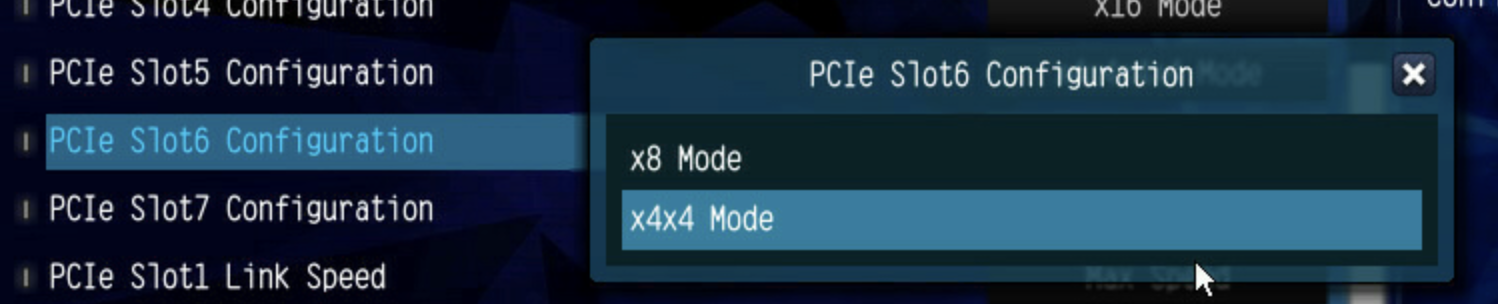
TIL: The pcie 4.0 slot (slot 6) only supports x8 and x4x4 mode, had to switch to slot 5.


4 Likes

I’ve never used Noctua fans before, they do look pretty great! Definitely high quality.


Something cathartic about getting hands on and building a machine, I tend to throw them together and shove them in a corner. Other than that I’m in the cloud…

6 Likes

Looks great!

I’m wondering. How is the noise level when stressing the cpu/gpu BTW?

For example. Would it be fine to have the case sit on top of the desk next to you while working?

1 Like

Great thread, thanks for sharing your journey!

1 Like

Well, I wish I recorded a before and after video. It’s very quiet, but a big workload does make the AIO spin up hard it’s more of a whoosh than an annoying sound though.

The RTX Pro 6000 definitely spins up also, but I do find it to be less annoying than my 3090 FE fan.

I’m hoping these fans are slightly quieter, and I’m also adding a few more to hopefully keep the temps down so it doesn’t spin up as much.
Will record once I’m running again.

1 Like

Thank you!

Happy to share. :slight_smile:

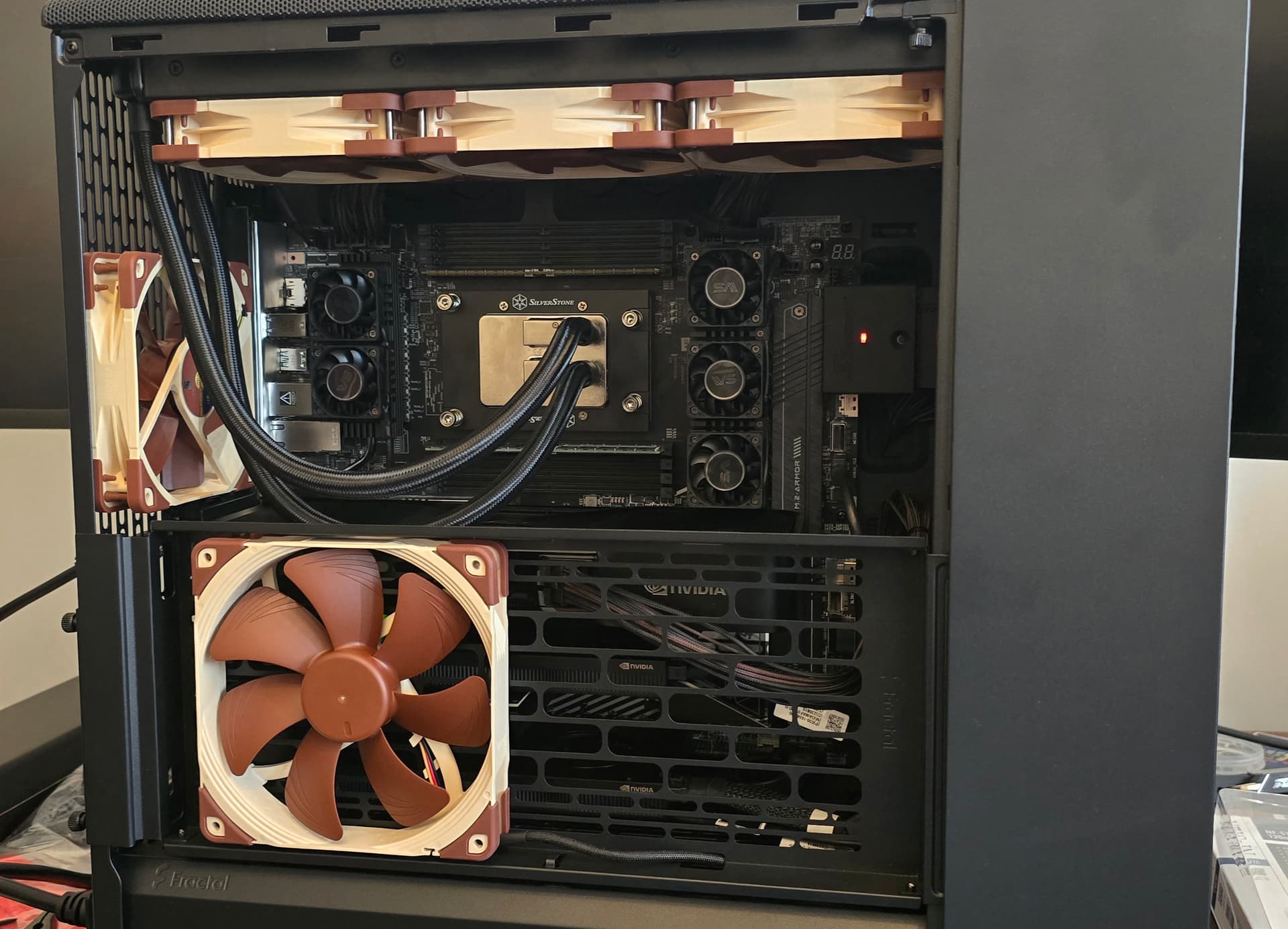
Tight squeeze in here, but the fan placements actually work out pretty well on these cards.

Very tight with the 3rd GPU, right up against the PSU.

Threw a 140 and an exhaust in there as well. I want one more but I bought them out.

One advantage of the mesh case.

Now to go plug it in and run some tests!

4 Likes

Very nice build!

1 Like

Thank you so much! It’s kind of blowing my mind :nerd_face: