Sir
Unfortunately I don’t have the link to the 987 and I don’t have the download anymore.
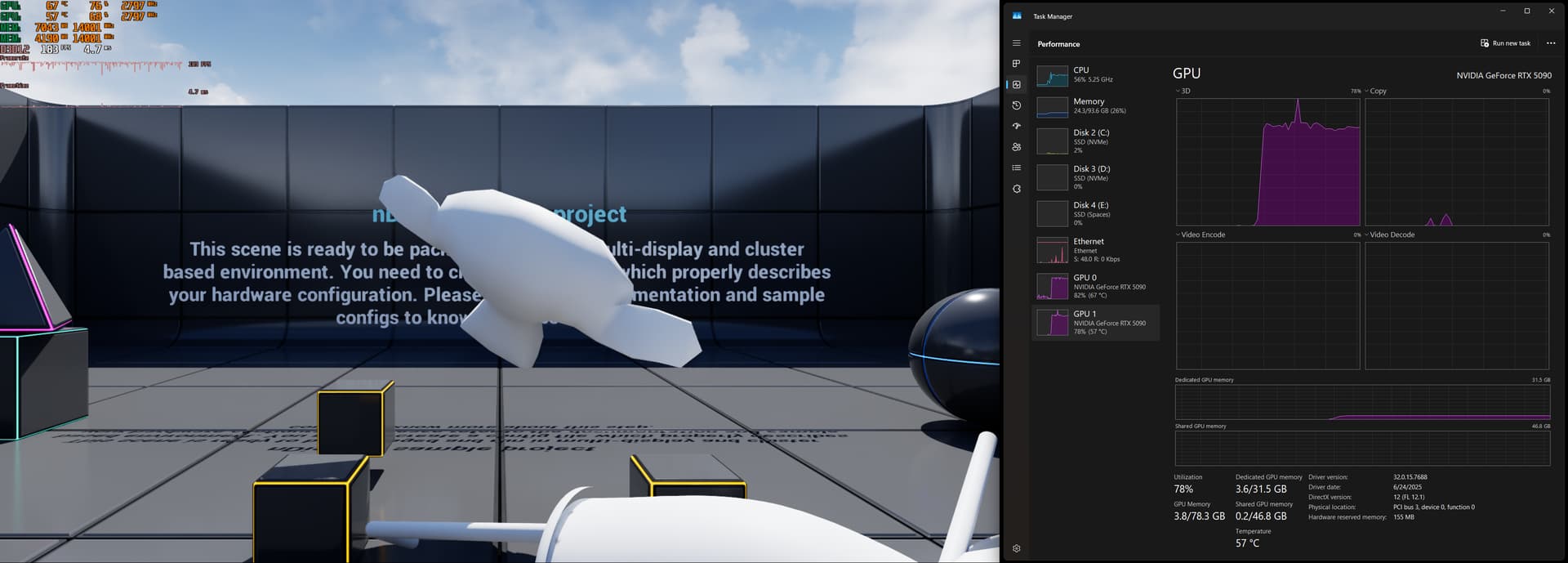
When I get back to my house (we have been gone for a few days) I’ll send what I have for chernobylite config. I use the GOG version of it so that nothing else needs to be running to play. I have a few settings in a cell phone shot so I’ll include those for now.
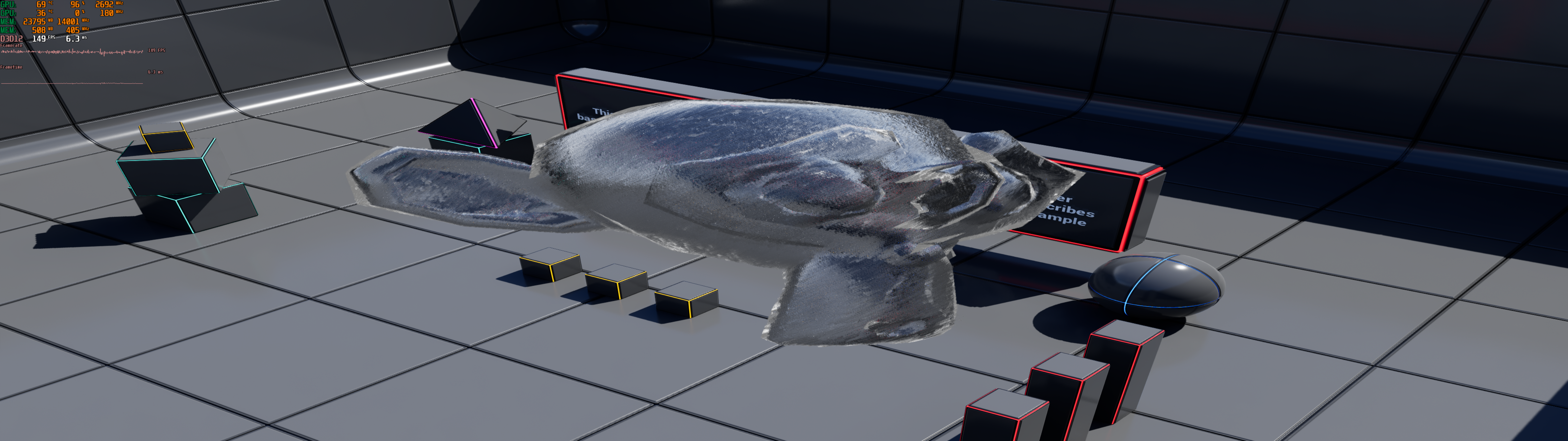
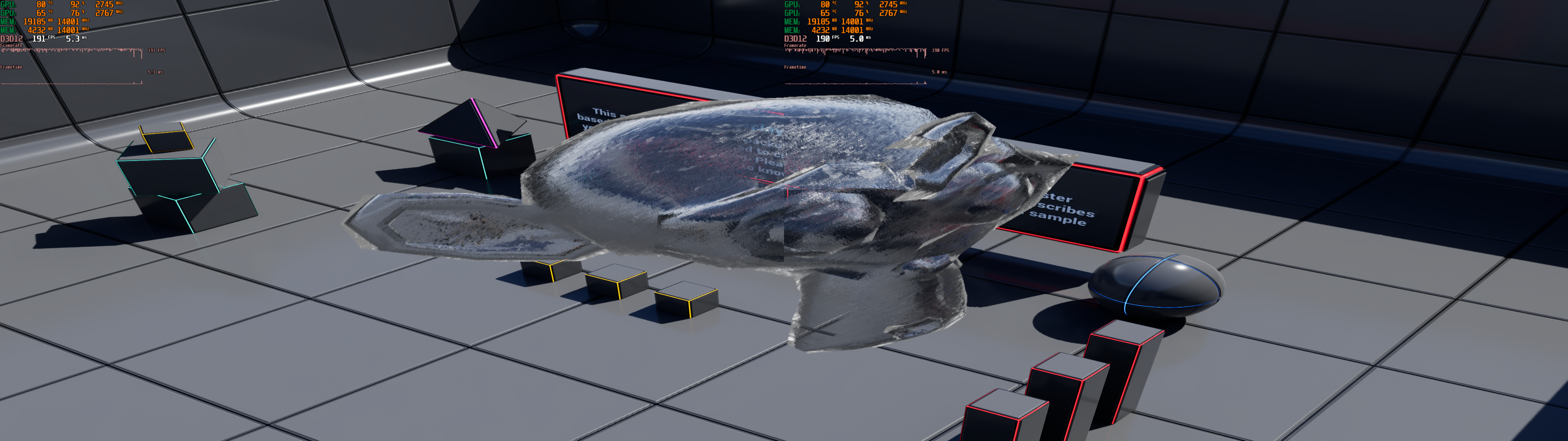
You have a nice score in gravitymark by the way. They (tellusim) are going to fix the dual 5090 dx12 problem in the upcoming vs 190 release of gravitymark
To answer your original question here are some of the settings you can try:
some of the things I used:, but from memory and from which attempt…:
[/Script/Engine.GarbageCollectionSettings]
gc.MultithreadedDestructionEnabled=1
[/Script/Engine.Engine]
bAllowMultiThreadedShaderCompile=True
[SystemSettings]
r.Streaming.MipBias=-1
r.Streaming.LimitPoolSizeToVRAM=0
r.Streaming.UseAsyncRequestsForDDC=1
r.Streaming.FullyLoadUsedTextures=1
r.Streaming.DefragDynamicBounds=1
r.Streaming.HLODStrategy=2
r.ParallelRendering=1
r.ParallelShadows=1
r.ParallelTranslucency=1
r.TextureStreaming=1
r.PoolSizeVRAMPercentage=95
r.ParallelRendering=1
r.ShaderPipelineCache.Enabled=1
r.UseShaderCaching=1
r.GPUBusyWait=0
r.GPUParticle.AFRReinject=1
r.AllowMultiGPUInEditor=1
r.EnableMultiGPUForkAndJoin=1
D3D12.AFRSyncTemporalResources=1
D3D12.AFRUseFramePacing=1
InGamePerformanceTracking.HistorySize=0
for reasons I don’t know, anistrophy 16x seems to keep going away in some settings of some games evert since the 5090s, so I manually include it and mark file read only:
r.MaxAnisotropy=16
in the game shortcut I used (point to your directory):
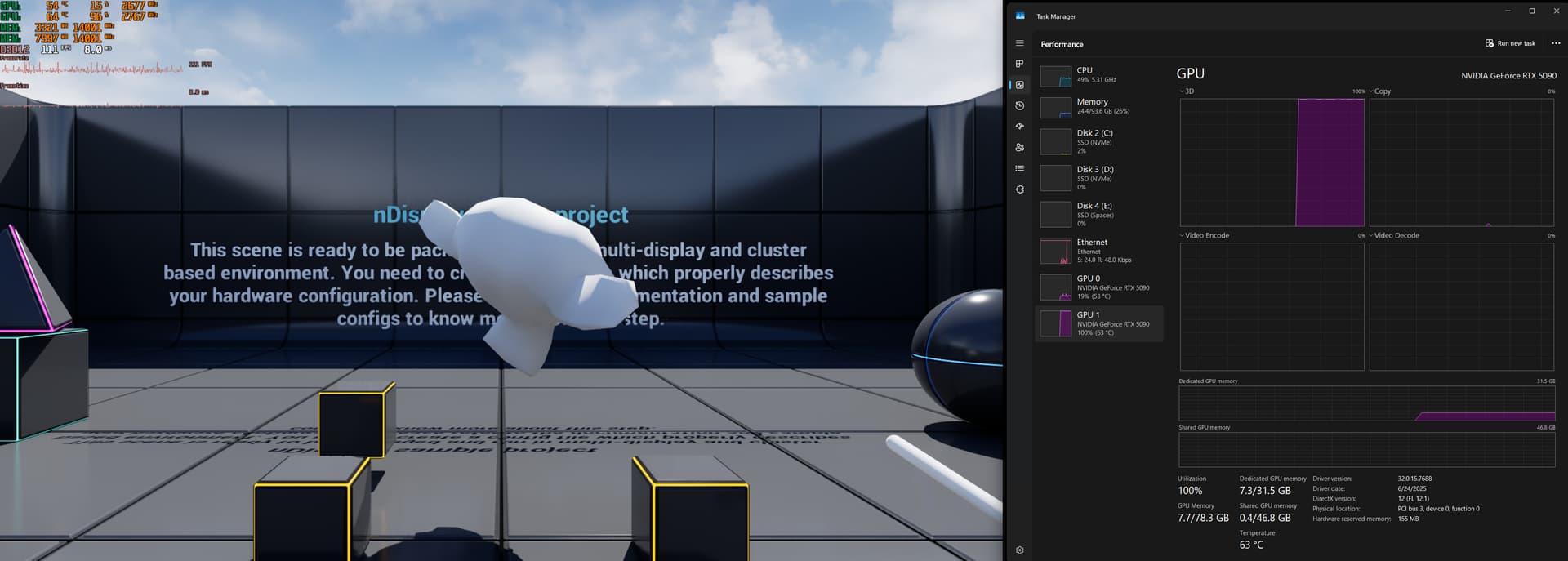
“D:\Chernobylite\ChernobylGame\Binaries\Win64\ChernobylGame-Win64-Shipping.exe -DX12 -NoWrite -MaxGPUCount=2”
only works on the actual exe in the dx12 directory of the game
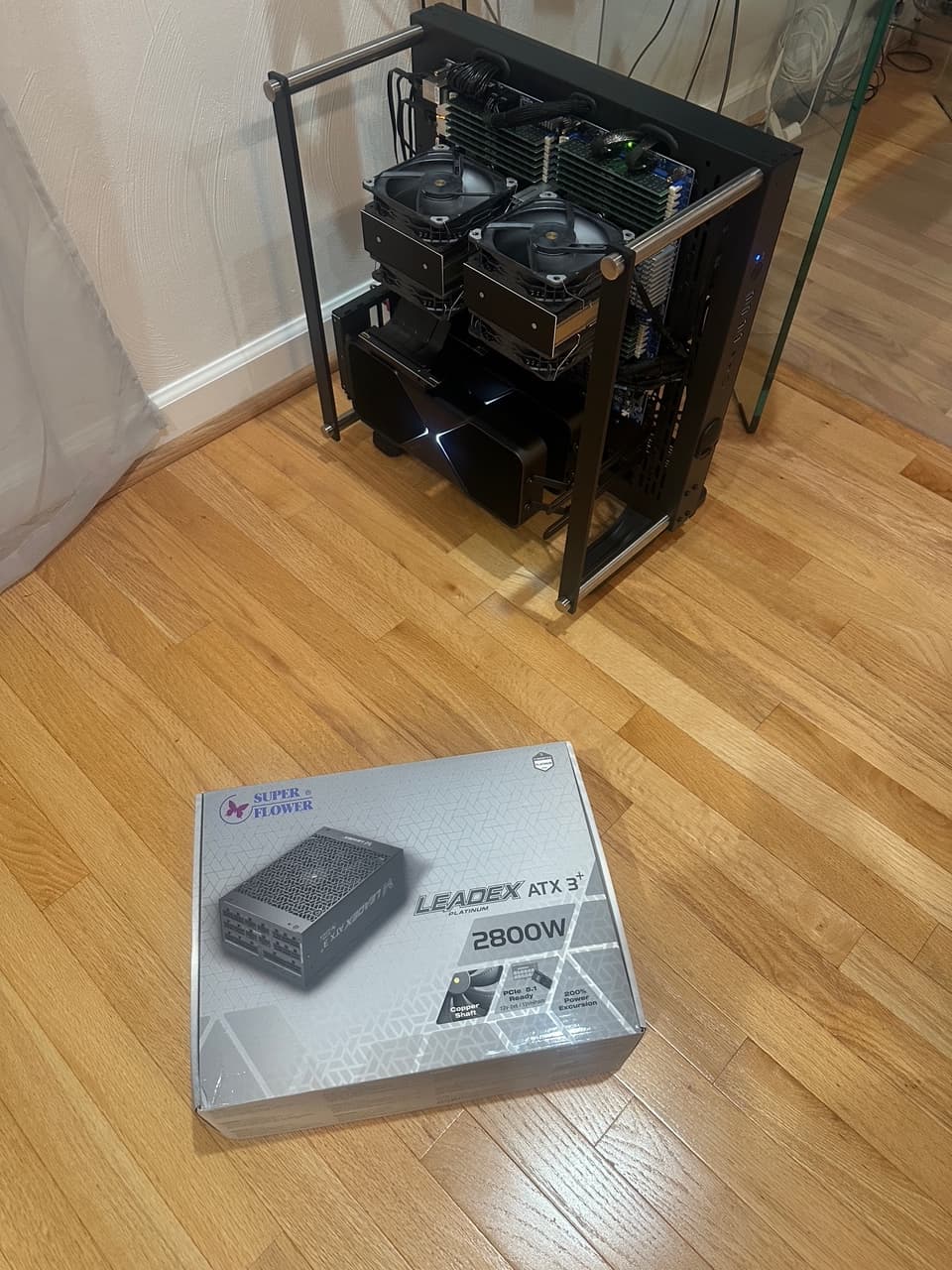
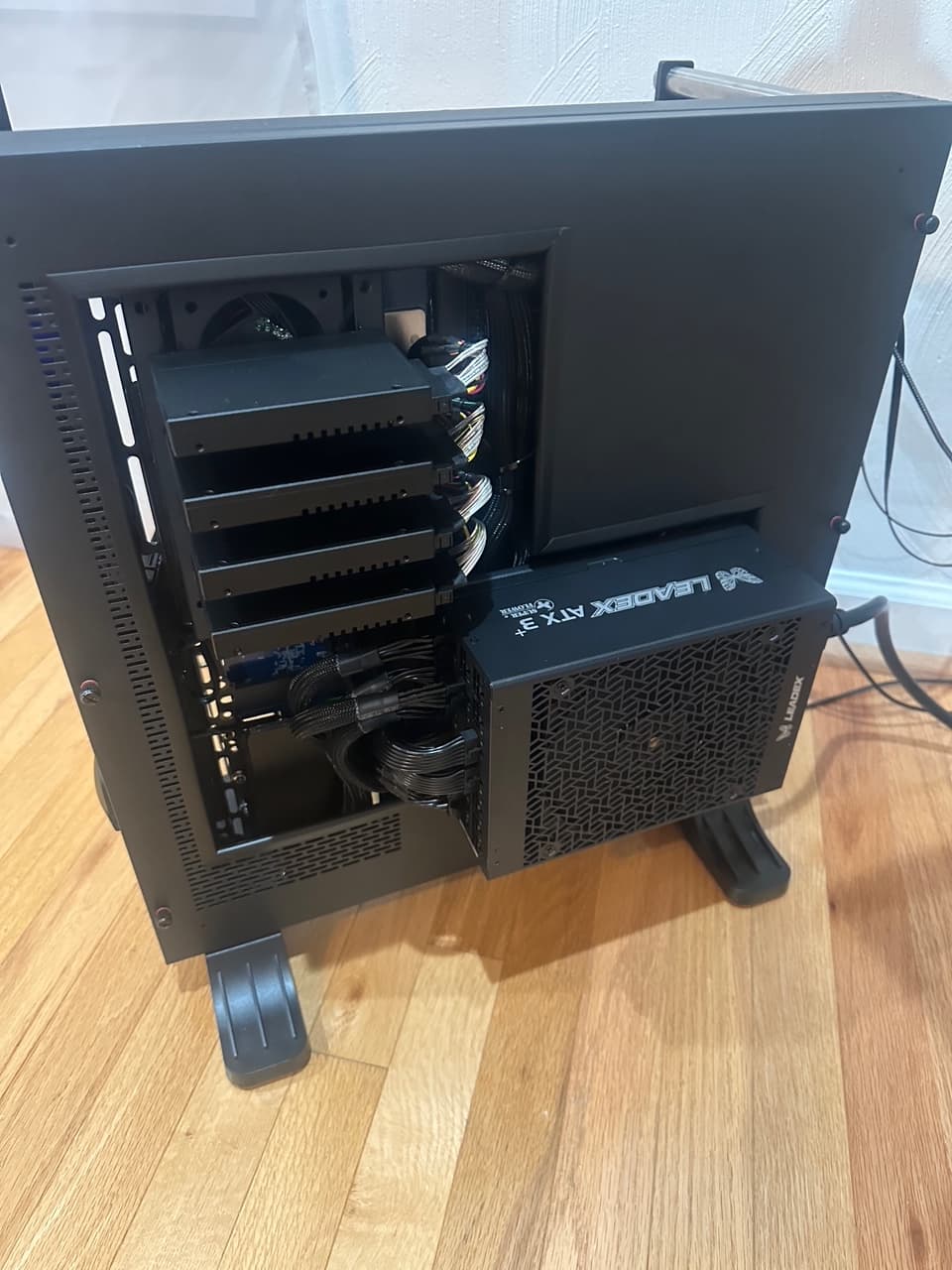
I had other things to overcome in my dual GPU set up since I am on a dual epyc MZ73-LM0 board.
I had to set xGMI to no encryption ( (not auto)
width control to 16x (not auto)
fixed 32GBs 16x (4x) cpu to cpu to pcie (not auto)
4 link xGMI max speed 32Gbps (not auto)
3 link xGMI max speed 32gbps (not auto)
disable SMEE (not auto)
transparent encryption disabled (not auto)
fabric state 1, mode 0
SEV control disabled
in windows, disable mitigations (override mask 3)
HAGS set on
ReBAR enable on global profile, rebar size set to unlimited in profile inspector
set rebar to 32 (unlimited) on bios/OS
THEN
I played with the inspector coolbits and settings in inspect (v xxxx xxx .29)
and in the nvidia game profile set power to Maximum (not the default)
MUST also disable shader cache
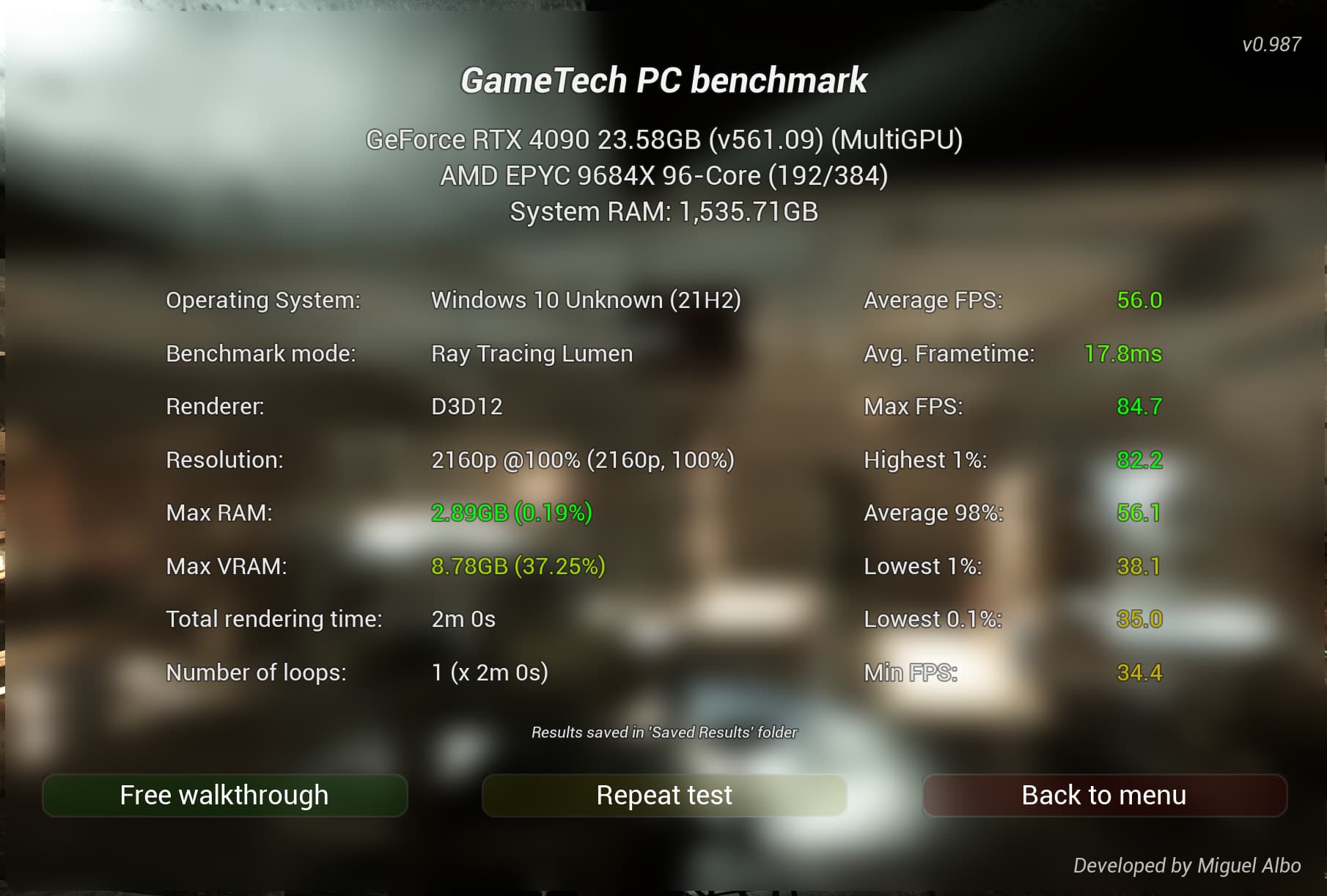
If you are in one of the new games (UE5) that is using Lumen, (I’ve seen it get corrupted) then include for visuals:
r.ReflectionEnvironment=1
r.Lumen.Reflections=1
r.Lumen.ScreenProbeGather.ScreenTraces=1
r.Lumen.Reflections.HighQuality=1
r.Lumen.Reflections.HierarchicalScreenTraces=1
r.Lumen.GlobalIllumination=1
r.Lumen.DiffuseIndirect=1
r.Lumen.Reflections.HardwareRayTracing=1
r.Lumen.ScreenProbeGather.ScreenTraces=1
r.Lumen.ScreenProbeGather.RayTracing=1
r.Lumen.SkyLighting=1
r.Lumen.TranslucencyReflections=1
r.LumenScene.SDFTraceDistance=20000
~and make the file read only or it gets overwritten and visual corruptions may comeback
LASTLY, and MOST important:
nothing gets saved or works the 2nd time around (sometimes even the first time) of your load has the Microsoft Store enabled and not blocked, for reasons that are beyond my expertise, the MS store breaks some of these settings. In my case I have removed the MS Store / uninstalled and blocked use. I had trouble getting this to stay on Win 11, its one of the reasons I’m on server (as a workstation). Example, Civilization 6, would revert from mGPU and the menu selection for mGPU would be grayed out when MS store ran. Weird especially since my Civilization 6 is a standalone ~bought directly (not steam or MS store).
As I don’t have any MS products on my PC, other than the OS, and I don’t buy or use anything from the ms store, not having MS store has no cons in my world, but for others this may pose a compromise.
I know this list isn’t much but I
hope that helps