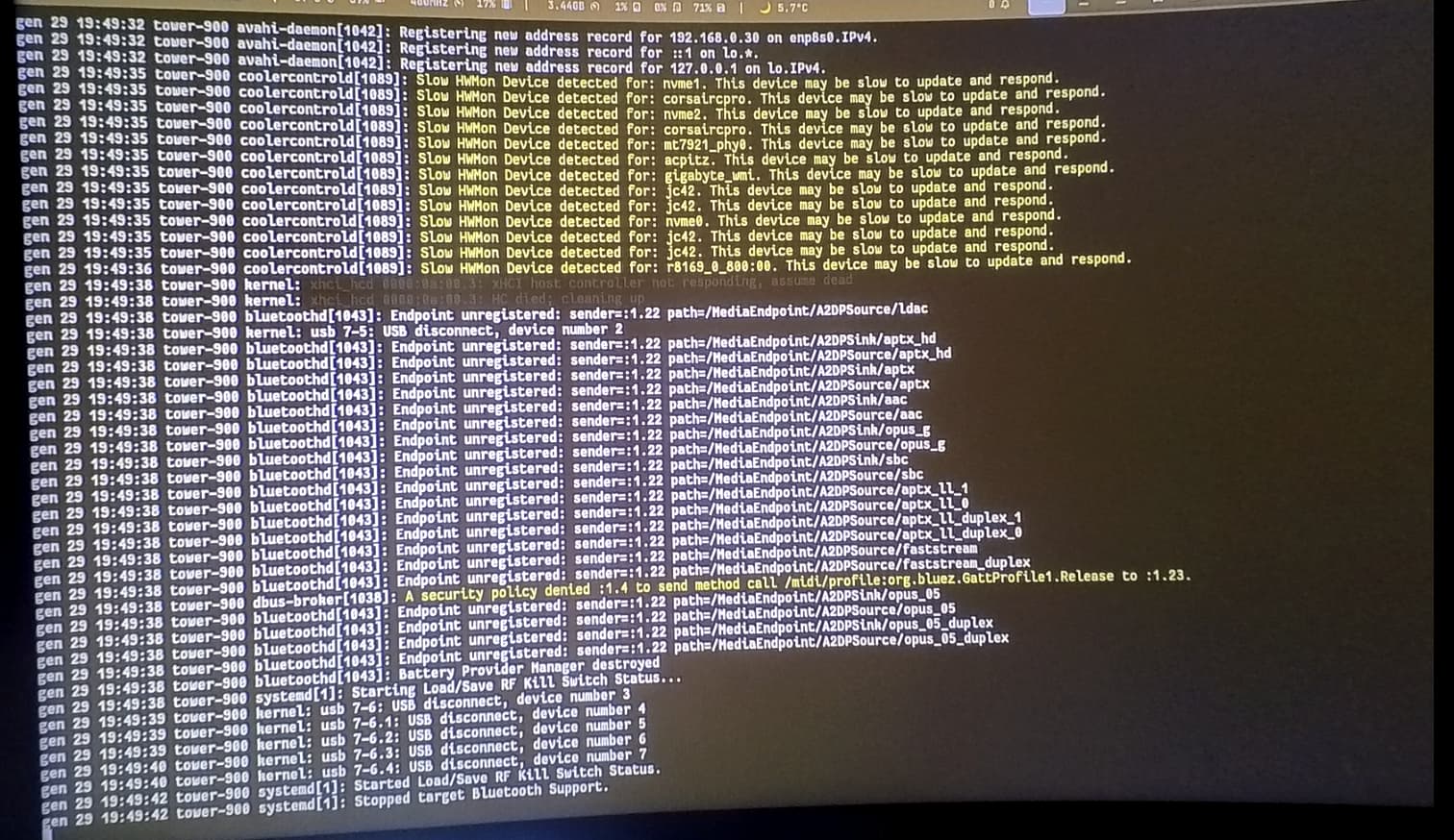
In the last week or so my system started crashing at random times on linux, the pattern is always the same, heavy stutters followed by a freeze and a black screen with no terminal. The time at which these crashes happen is totally random: sometimes the system is fine for hours sometimes it crashes after a couple of minutes. To restart the PC I have to hold the power button since the restart one does not work and sometimes the system is highly unstable causing freezes in the BIOS as well if I do not fully discharge the system before rebooting.
This behavior is consistent across multiple distros (tested in cachyos, arch, fedora and bazzite) however if the system boots into windows it is totally stable with no issues whatsoever.
Here is a crash report made via the cachyos tool
I cannot understand what is going on, already tried downgrading the graphics driver, mesa, using lts kernel and different DE (tested on hyprland and kde) and it also happens on a clean install without any packages. I also tested if it was a drive issue by installing linux on a known good drive with no difference. If anyone has any idea how to fix this please help because I am totally lost right now
I don’t see errors reported in the recorded logs.
If it wasn’t for you reporting Windows being stable I’d look for hw issues.
In case of driver issues, there are often (not always) crash reports.
Did you use Linux before? Was it stable then? If yes, what changed?
Yes, it passes memtest, also thinking of a memory issue I tried removing half of the memory and it crashes with every combination possible, even with xmp disabled
Back in the day, C states on agesa systems could cause unexplainable crashes.
If you rule out c states being the culprit, next id see if the system idles stable with nomodeset as a kernel option. This will break many applications, but if the OS can idle without issue, then we know its a driver issue, and can then go down the list of each modesetting driver until we find the issue.
Unfortunately I probably discovered the issue in the worst way possible, I was updating the bios of the board and it crashed while updating, so it is probable it was an issue with the motherboard that somehow only showed up while in Linux until it was too late. I’ll contact the manufacturer to RMA the board and see if it fixes the issue
disabling cstates did not work, neither did the nomodeset kernel variable, nor disabling EnableAggressiveVblank, I also tried disabling amd ftpm, nothing changed. Also another thing that happened is that I forgot to login after a reboot and crashed in sddm without even logging in.
Crashing during a bios update sounds bad, but it is possible that was unrelated to the system crashes you experienced. Try logging in via tty and using startx, startplasma-wayland, or start-hyprland to launch your desktop session. If you don’t experience a crash then you could continue to login and launch from tty or switch to something like lightdm, ly, greetd, or gdm.