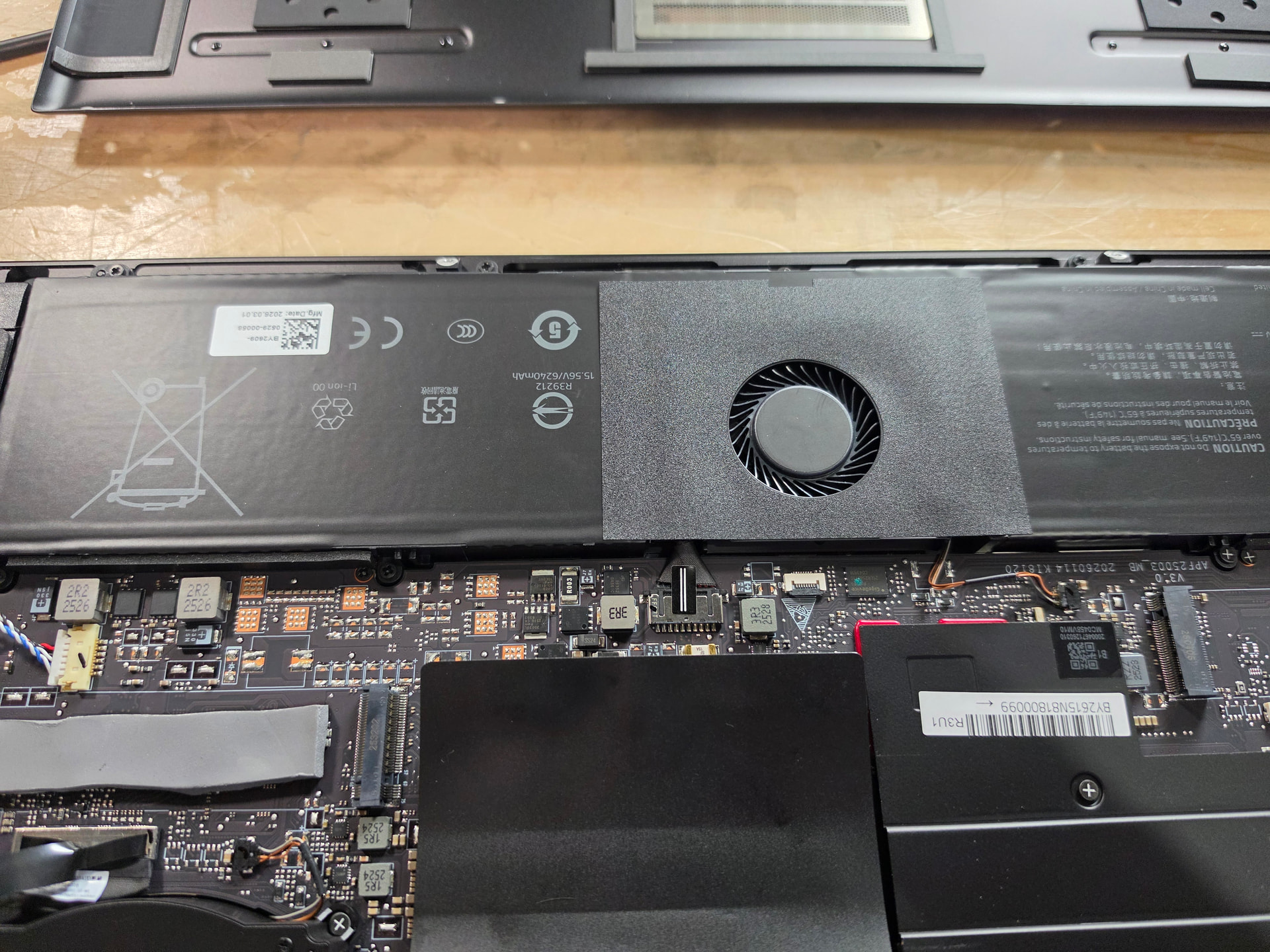
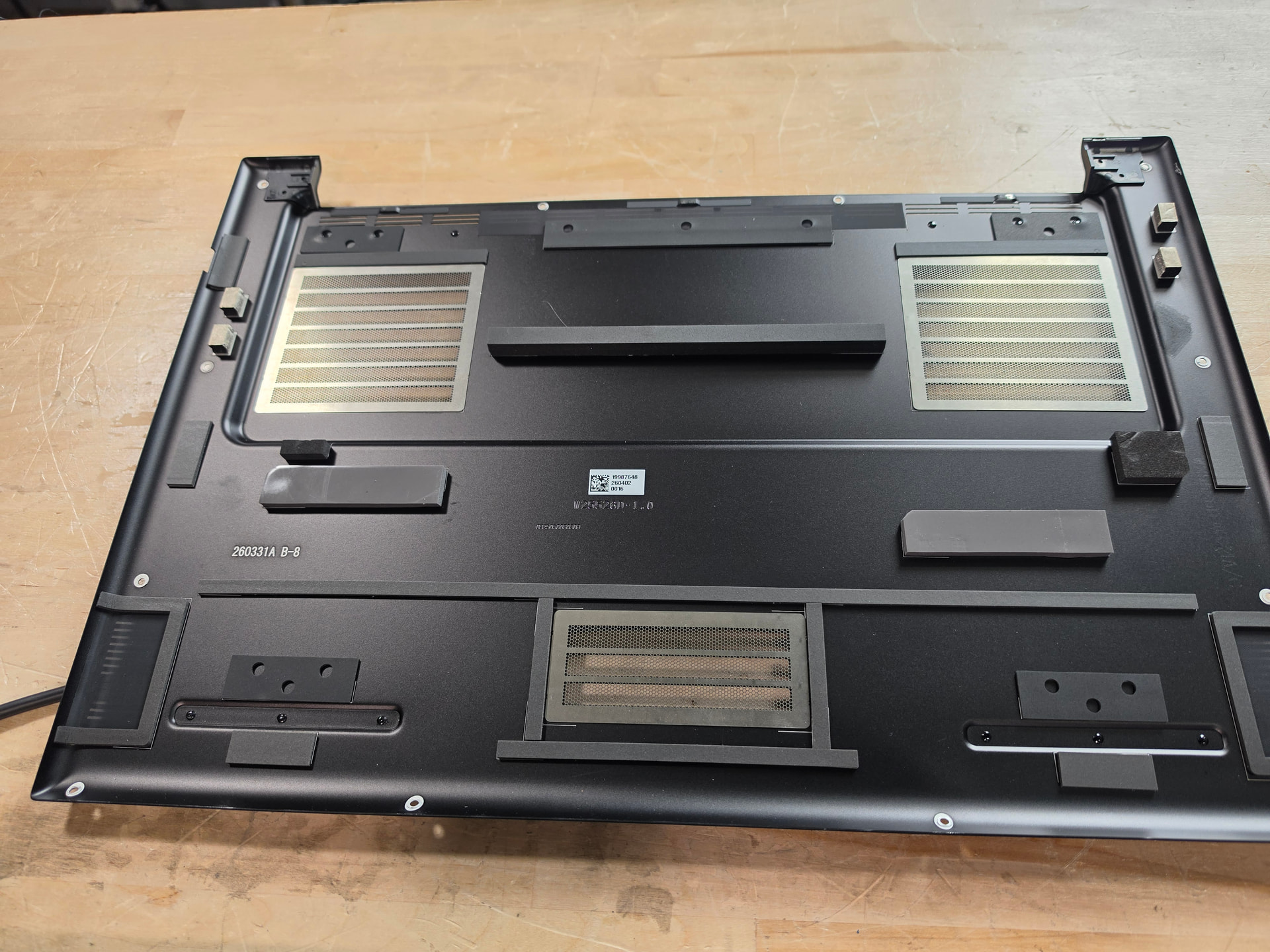
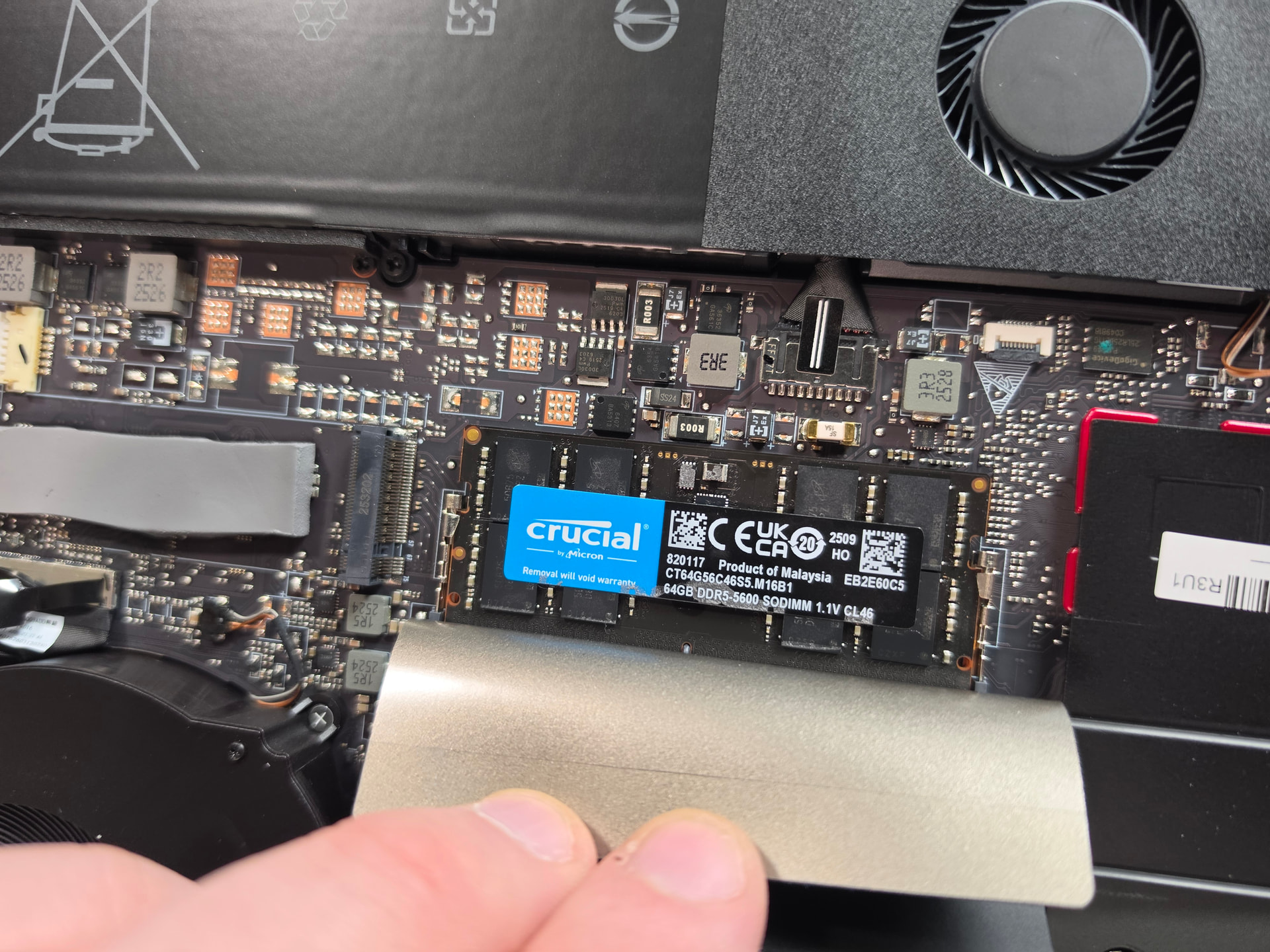

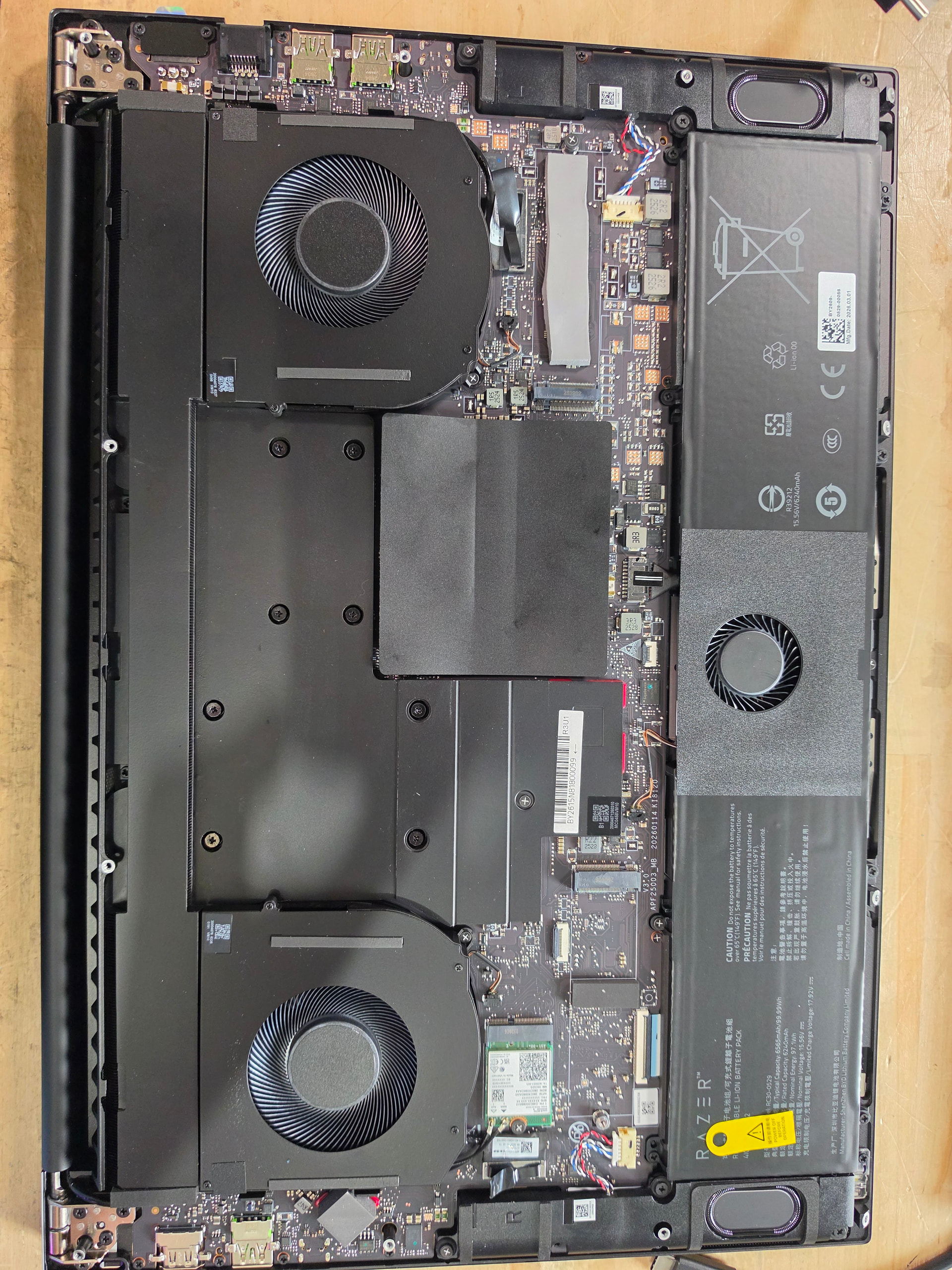
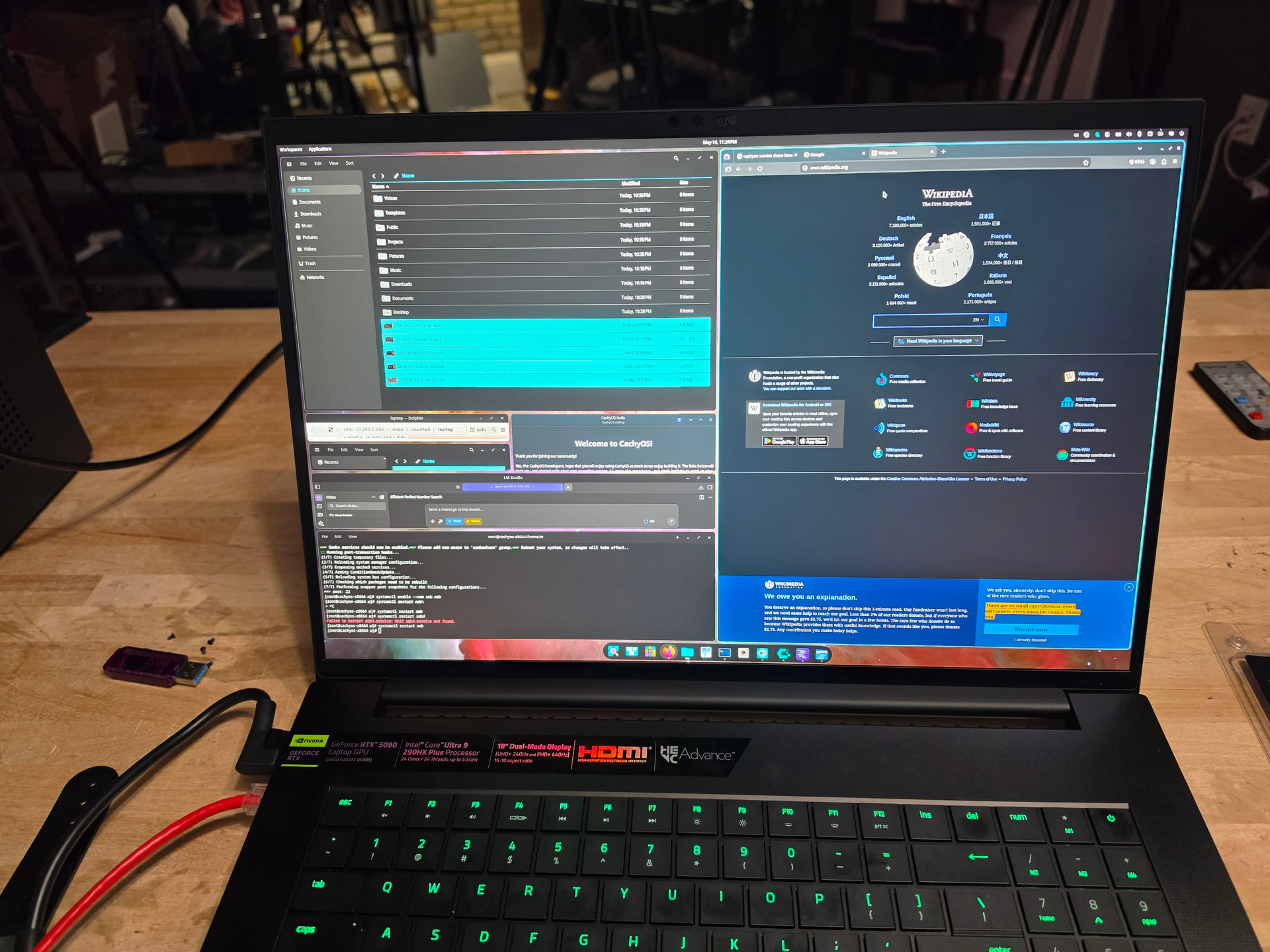
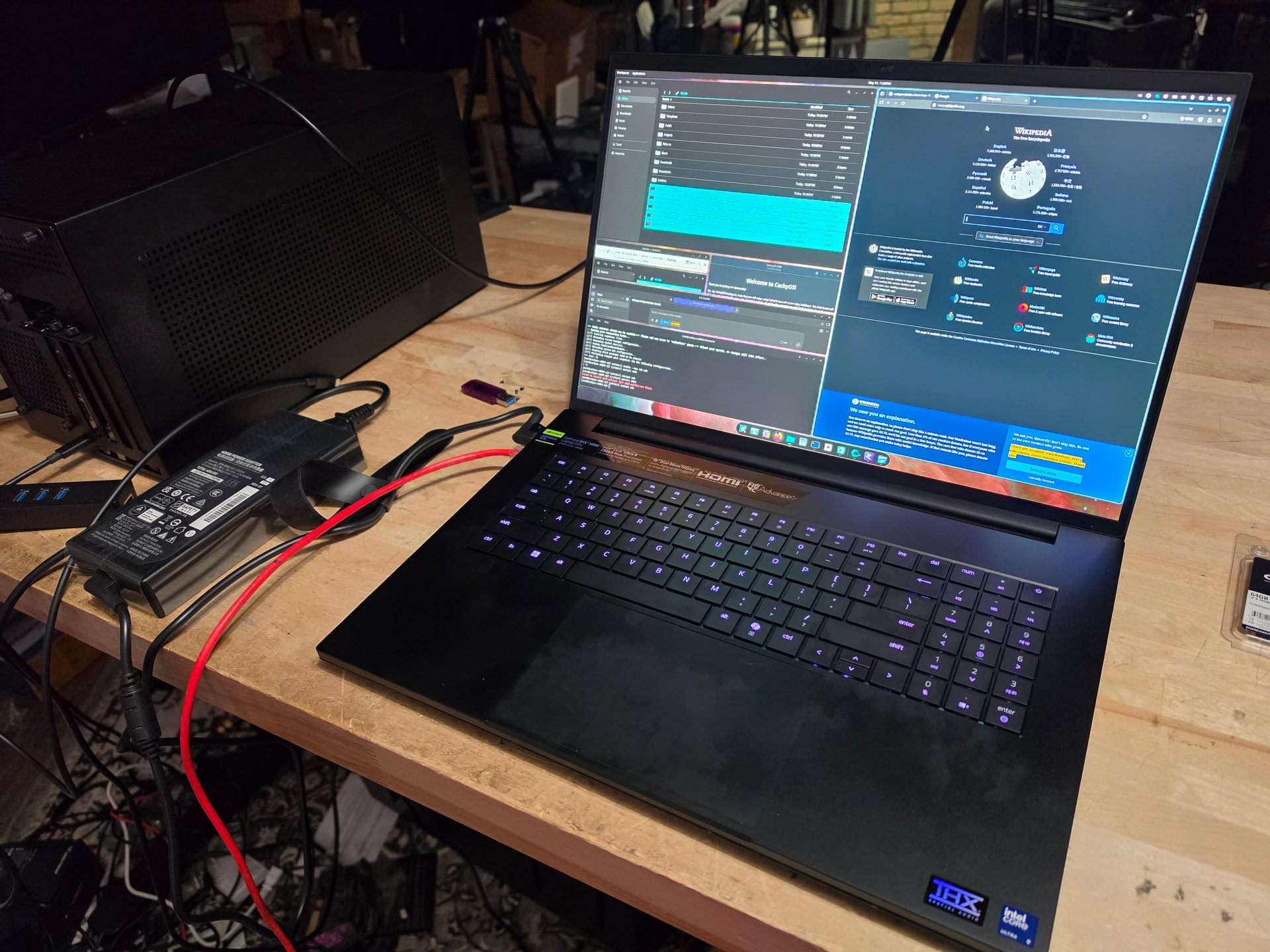
Cat tax

Did you manage to figure out how to switch performance profiles on Linux ? (GPU CPU) By default it runs in balanced I think.
I was able to do it on my Blade 16 2021 but it broke on arch couple of months ago
There’s bios control but it seems like when there’s a conflict between CPU and GPU profiles the GPU gets priority
1 Like
This was actually the main blocker for me, too. I have a 2021 Blade 16 as well and I have not been able to figure out how to change performance profiles under linux. I’m back on windows now and hate it.
Sound was another issue but that got fixes somehow, I think with the latest bazzite (Fedora) it simply just worked out of the box for me.
Anyway, I would love to see better support for razer devices under linux. Didn’t bother me a lot at the time I purchased it, but recently started regretting it (windows has become a real pain).
Not the latest Razer Blade 18, but I wrote a blog on my setup for my 2024 Blade 18 (with 4090 mobile). Can’t include links apparently, so, my blog is gitwrecked dot com. I only have 2 entries so far, and one is the Blade 18 with EndeavourOS entry.
Gave you a promotion so you can post links 
2 Likes
Hey @wendell, I’m sure you already sent this back, but have they fixed the trouble with the lid?
I have the Blade 14 - 2024 model and have been using it since early 2025. Initially, I encountered several issues, including problems with Bluetooth, the suspension feature (which was related to a GPU driver issue), and system instability that often led to complete freezes. For example, switching Wi-Fi networks would cause the system to freeze, requiring a reboot. Additionally, the built-in speakers did not work, so I had to rely on a USB Bluetooth receiver for sound.
To summarize, my main issues were:
- Bluetooth required a third-party device.
- The suspension feature was ineffective; if I unplugged the laptop, I had to shut it down; otherwise, the battery would drain within 40 minutes.
- I frequently experienced crashes and had to reboot the system unexpectedly.
- The built-in speakers did not work. Later, I discovered a workaround that involved running a command in the terminal, which I had to execute every time I rebooted the system.
However, since the release of Kernel 17 in September 2025, everything has been running smoothly, and my experience has greatly improved. My model was released in February 2024, and it took until September 2025 for the Linux kernel to catch up, which I consider quite fast.
At first, I was a bit disappointed and had a challenging experience, but after enduring those problems and seeing them resolved, I am now really happy with this machine. It’s very lightweight and powerful enough for me to prototype my machine learning work before running it on more powerful servers.
                            ....
              .',:clooo:  .:looooo:.           ------------------
           .;looooooooc  .oooooooooo'          OS: Ubuntu 26.04 LTS (Resolute Raccoon) x86_64
        .;looooool:,''.  :ooooooooooc          Host: Blade 14 - RZ09-0508 (10.04)
       ;looool;.         'oooooooooo,          Kernel: Linux 7.0.0-22-generic
      ;clool'             .cooooooc.  ,,       Uptime: 1 day, 12 hours, 46 mins
         ...                ......  .:oo,      Packages: 177 (brew), 1 (brew-cask), 2672 (dpkg), 50 (flatpak-system), 12 (flatpak-use)
  .;clol:,.                        .loooo'     Shell: zsh 5.9
 :ooooooooo,                        'ooool     Display (DELL UP2516D): 1080x1920 @ 1.77x in 25", 60 Hz [External]
'ooooooooooo.                        loooo.    Display (DELL P2719H): 1920x1080 in 27", 60 Hz [External]
'ooooooooool                         coooo.    Display (DELL U2720Q): 1920x1080 in 27", 60 Hz [External]
 ,loooooooc.                        .loooo.    DE: GNOME 50.1
   .,;;;'.                          ;ooooc     WM: Mutter (Wayland)
       ...                         ,ooool.     WM Theme: Yaru
    .cooooc.              ..',,'.  .cooo.      Theme: Yaru [GTK2/3/4]
      ;ooooo:.           ;oooooooc.  :l.       Icons: Yaru [GTK2/3/4]
       .coooooc,..      coooooooooo.           Font: Ubuntu Sans (11pt) [GTK2/3/4]
         .:ooooooolc:. .ooooooooooo'           Cursor: Yaru (24px)
           .':loooooo;  ,oooooooooc            Terminal: tilix 1.9.6
               ..';::c'  .;loooo:'             Terminal Font: Ubuntu Sans Mono (11pt)
                                               CPU: AMD Ryzen 9 8945HS (16) @ 5.26 GHz
                                               GPU 1: NVIDIA GeForce RTX 4070 Max-Q / Mobile [Discrete]
                                               GPU 2: AMD Radeon 780M Graphics [Integrated]
                                               Memory: 23.27 GiB / 30.13 GiB (77%)
                                               Swap: 1019.09 MiB / 8.00 GiB (12%)
                                               Disk (/): 58.94 GiB / 1.38 TiB (4%) - zfs
                                               Disk (/run/keystore/rpool): 28.00 KiB / 3.73 MiB (1%) - ext4
                                               Battery (Blade): 100% [AC Connected]
                                               Locale: en_US.UTF-8
Hi, I was wondering if you could detail how you were able to install Cachy OS as this is not the case for me  I’m trying to get rid off from Microslop…
I am on Blade 18 2025 (Intel 275HX + RTX 5070Ti). I have tried to mount Cachy OS with Rufus in both: ISO and DD image modes. But I can’t pass boot loader as it get’s stuck. I get errors like:
0.000000 Firmware Bug: Failed to parse event in TPM Final Events Log
1.201584 ACPI Error: No handler for Region [VRTC] ((_ptrval_)) [SystemCMOS] (20250807/evregion-131)
1.201624 ACPI Error: Region SystemCMOS (ID=5) has no handler (20250807/exfldio-261)
…
Failed to start Wait Until Kernel Time Syncronized
I have disabled Secure Boot in BIOS prior to trying to boot from Cachy OS iso
I installed using ventoy, and it just worked..even enrolling cert. try ventoy? I have to send it back shortly but I’ll try before I send it back
Thanks, I will give it a try and will report back.
However, I suspect it is something with strange with default SSD that Razer shipped this laptop with. Even if talking in terms of Windows 11 boot times: with out of the box OS it takes around 1 minute to spin up Windows… o_O
Still, I can boot into Windows 11 (fresh install) in 25-30 sec on my previous laptop from 2021!
I have tried to boot into Cashy OS while using SSD from my previous laptop installed into Razer and it works.
P.S. Did you have any issues with multigestures on trackpad by the way? Especially when trying area selection with two fingers. It works flawless on the right side of the trackpad (if you divide the area vertically into two halves) but sometimes I get strange behavior if performing same operation on the left side of the trackpad. Initially I though it was Windows / firmware issue but I noticed same problem when trying out Cachy OS in live mode.
Also, when in Windows 11 sometimes left side of the trackpad stops registering even pan movement and one has to reboot the system. Really strange 
Yes! This was alluded to in the video! After updating to cachy kernel from git --7.sometjing and installing the gestures helper stuff AND going in trackpad preferences…then it was okay for multi finger gestures. I have configured it for swiping to desktop etc.
Thanks! I will give a try too! 
And how was your experience with multigetures (especially area selection) on Windows though with this laptop?
I have more time on linux than windows at this point. how I do that is usually use both hands where one finger “holds it down” and the other finger moves the box. It’s not a good “feel” in either OS tbh but usable.
1 Like
So I am not the only at least. And that is strange as simpler trackpad on 2021 old laptop (not Razer) works flawless for such gestures… Neither had I such strange behavior when using other people laptops.
I was able to get the power modes switching working on arch (at least for blade advanced 2021)
This is what you are looking for GitHub - encomjp/razer-control-revived: revived version of an old software to support 2025 Razer Blade 16 with newer UI etc... (Experiemental but works) · GitHub (Ask your favorite AI how to set it up)
Then you can run this from user land `razer-cli write power ac 4 3 2`
ac - power mode (connected)
4 - custom
3 - CPU boost
2 - GPU high