Homelabing isn’t scary! Join us!!
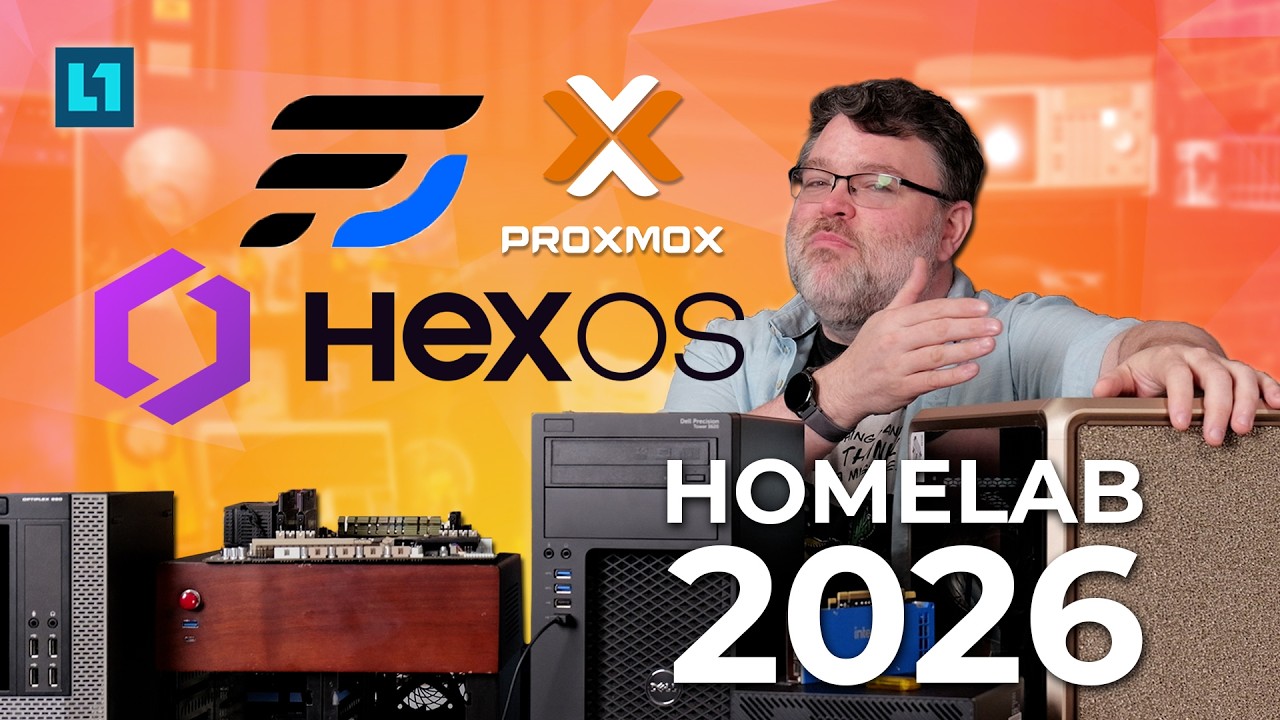
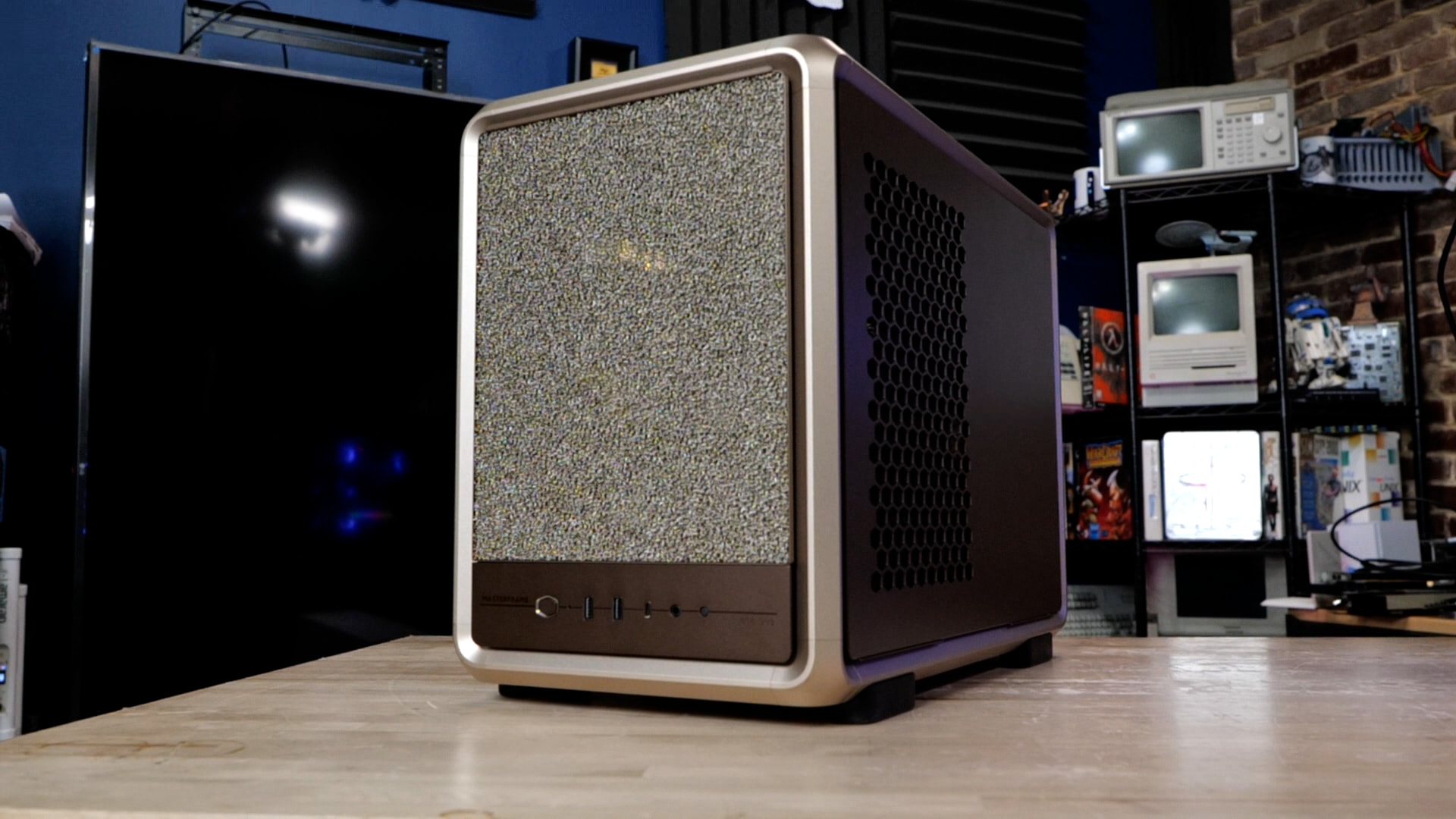
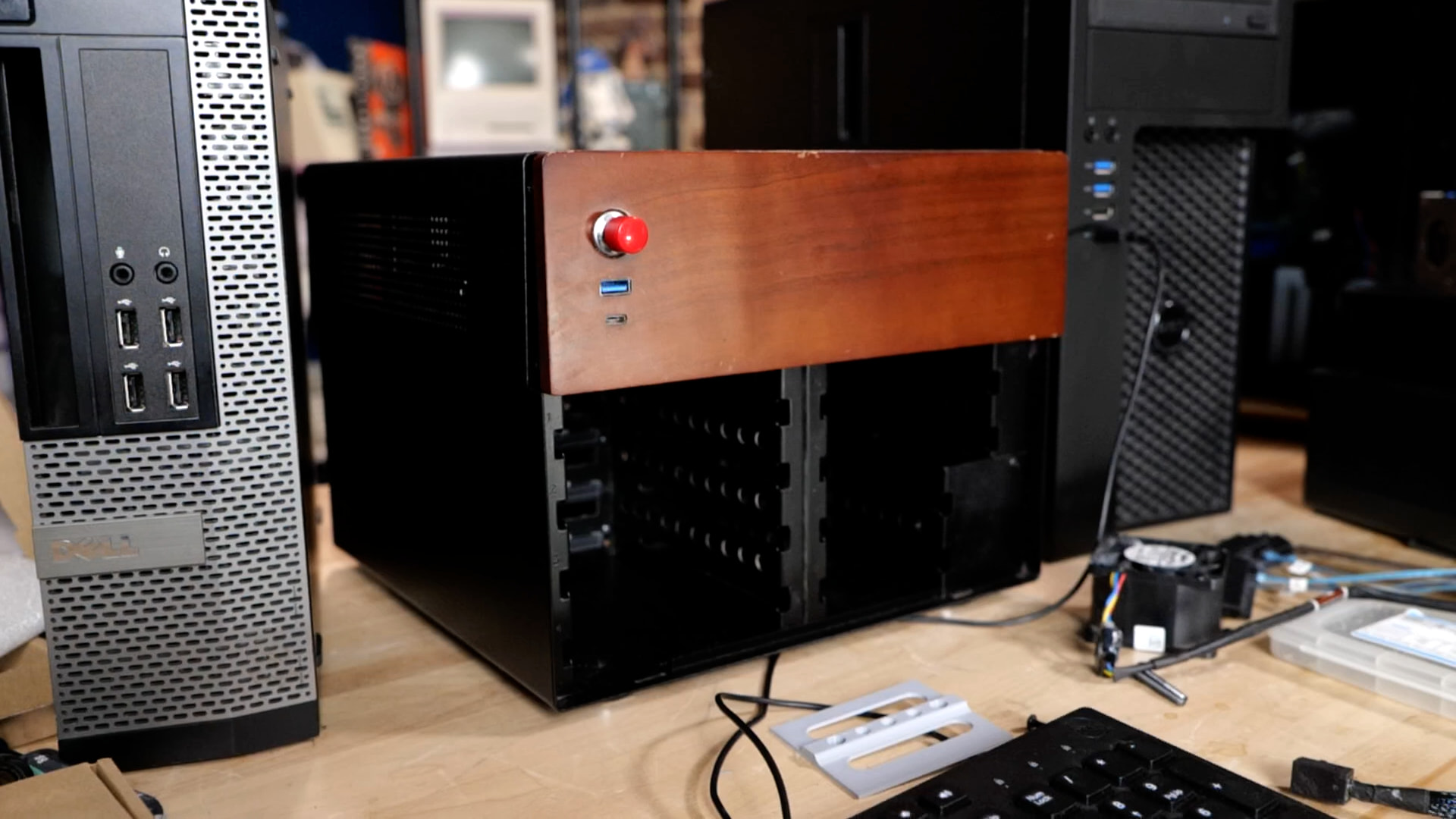
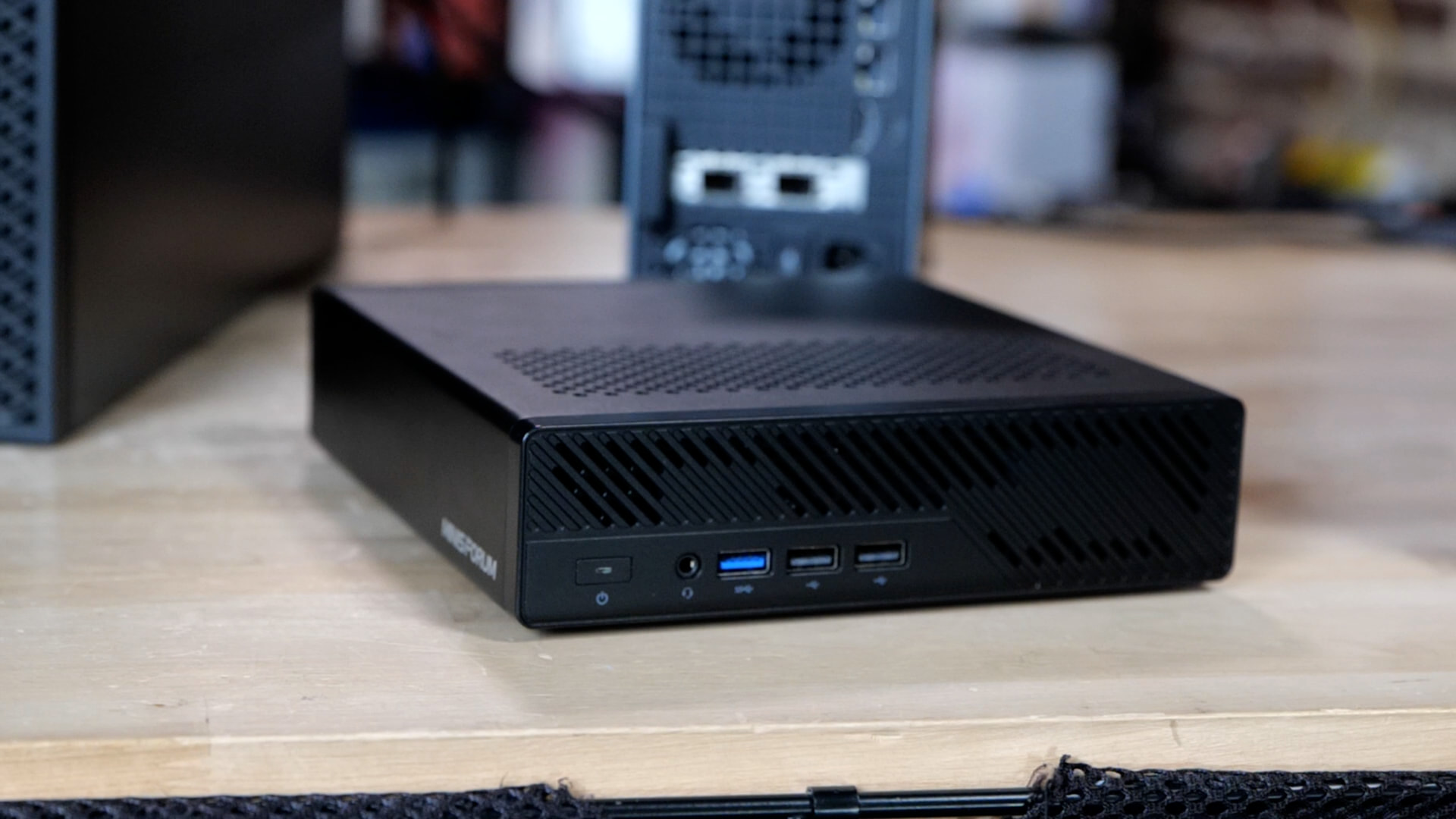
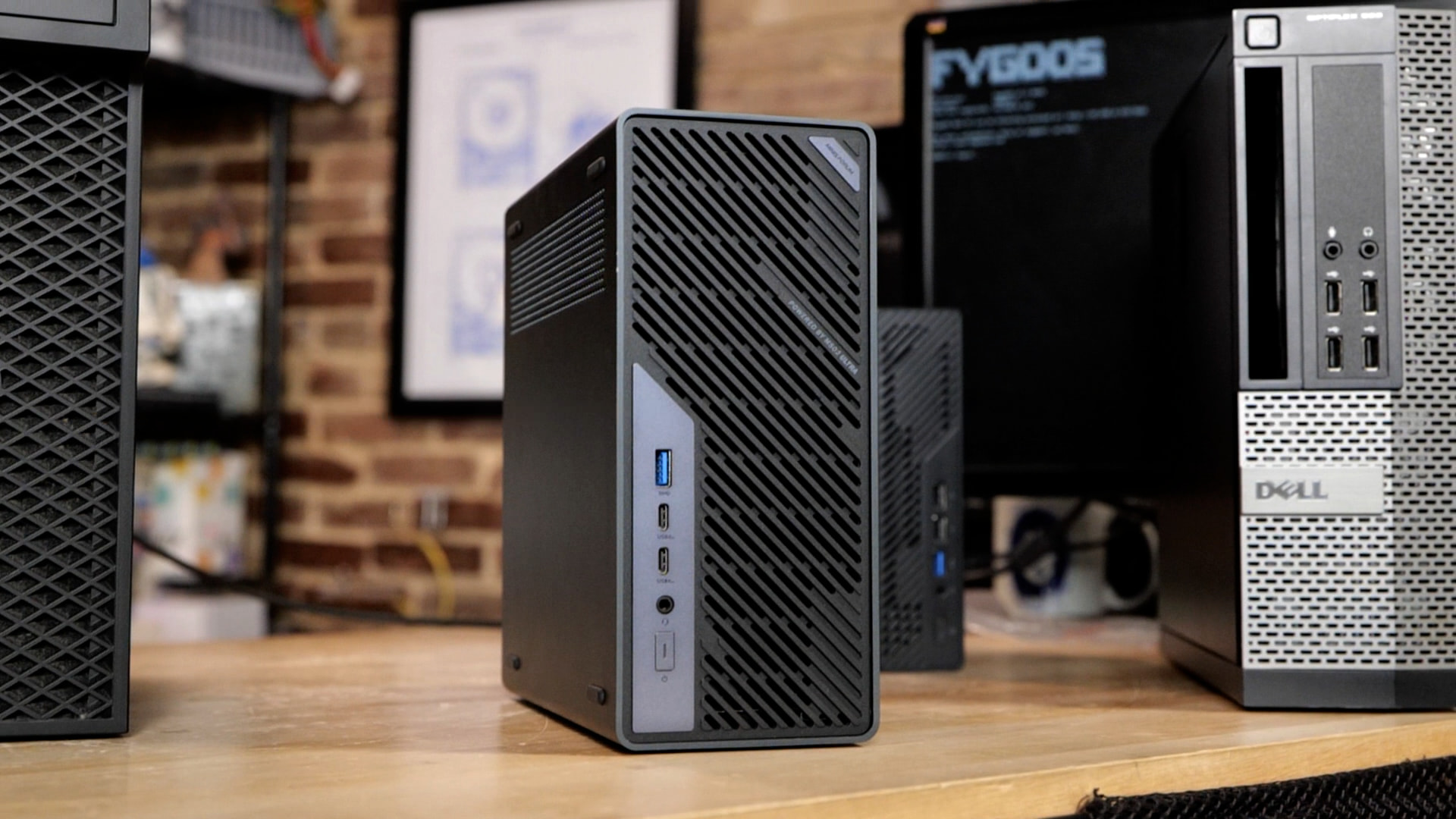
You don’t need new hardware to start building a useful home server: Fear not home system administration as a second job. The machines on the desk my video span everything from cast-off Dell business PCs to more elaborate builds with the awesome Cooler Master master frame case, reused enterprise hardware, and tons of mixed gear.
Jonesbo N4
Minisforum MS-A2
Minisforum MS-02 Ultra
Dell OptiPlex 990

Dell Precision Tower 3620
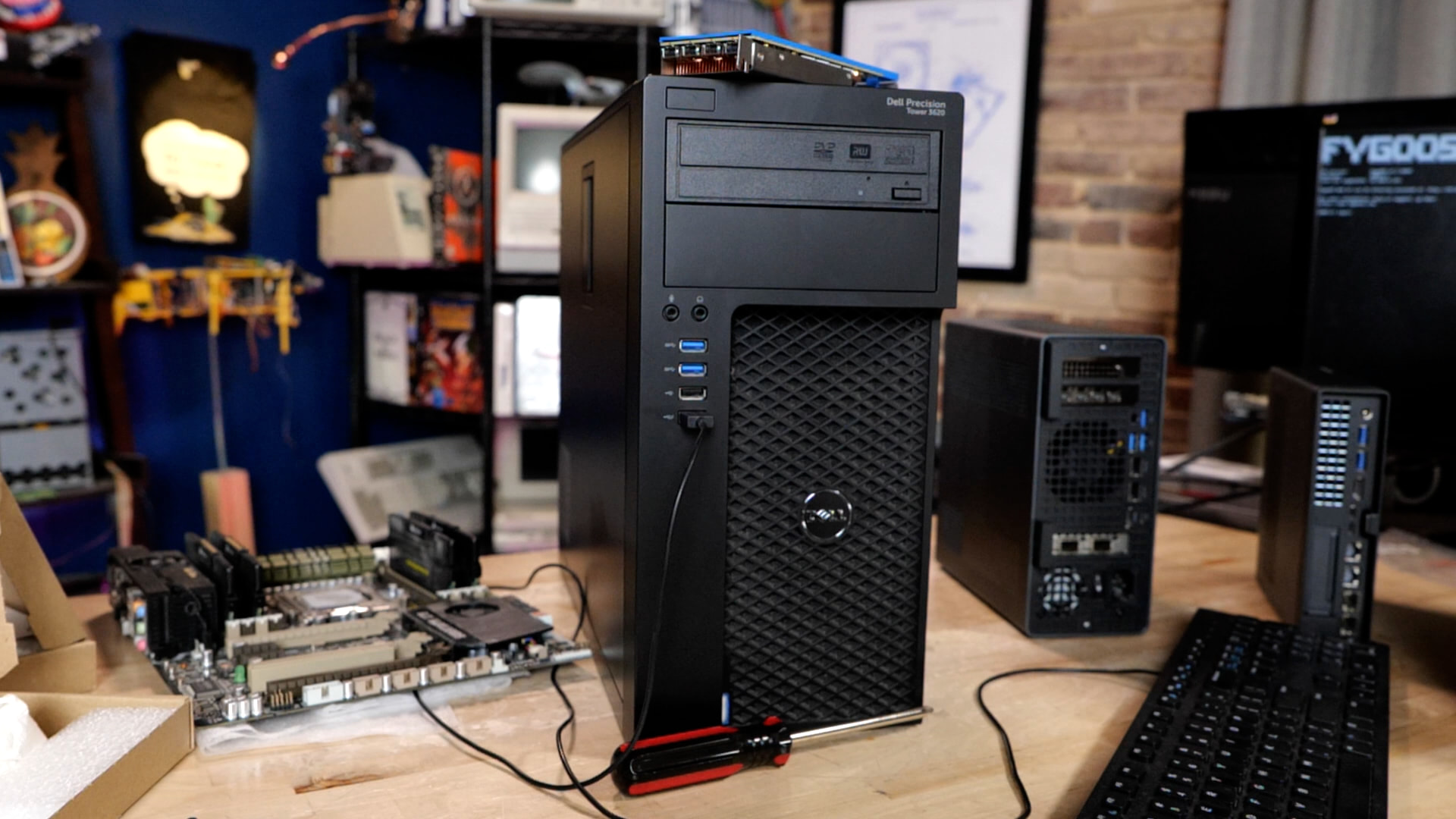
Intel Arc B50 with Nerdware changes
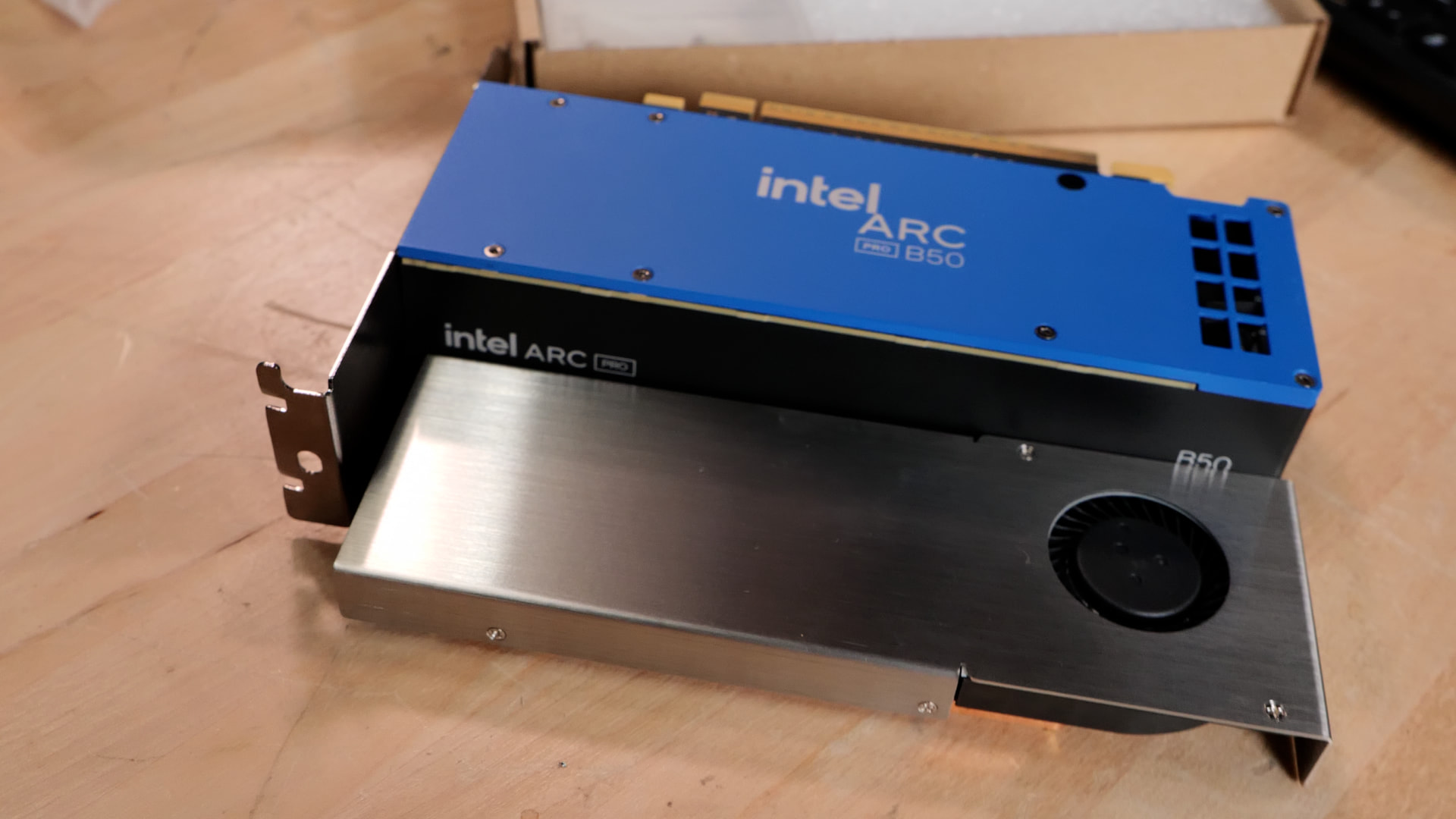
Each has different limits for storage, expansion, power consumption, and performance, but there is plenty you can accomplish with what you already own. Decade-old GPUs can still reach fast performance for both transcoding and media as well as whatever the new hotness is in ~30b parameter AI models. The idea is to put whatever hardware you’ve already got to work, first, so you can change the way you’re thinking about services. This is like building your own little software zen garden.
What’s in the zen garden? That’s up to you. Could be something awesome from here!
The software has a similar gradient as the hardware I showed in the video, depending on how much convenience you want and how much control you’re interested in taking on. FygoOS aims for an approachable experience, bringing storage and applications together with relatively little setup.
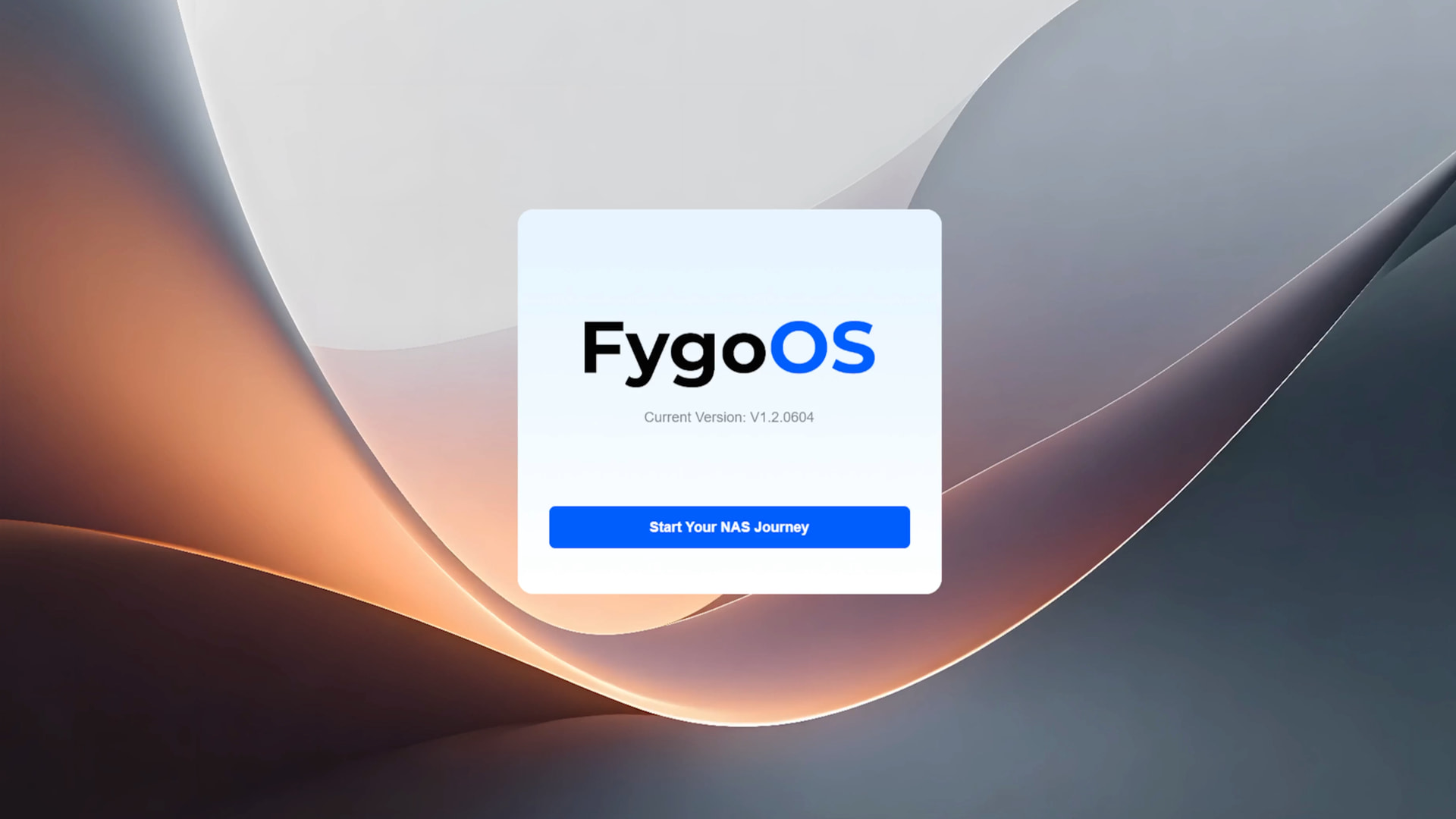
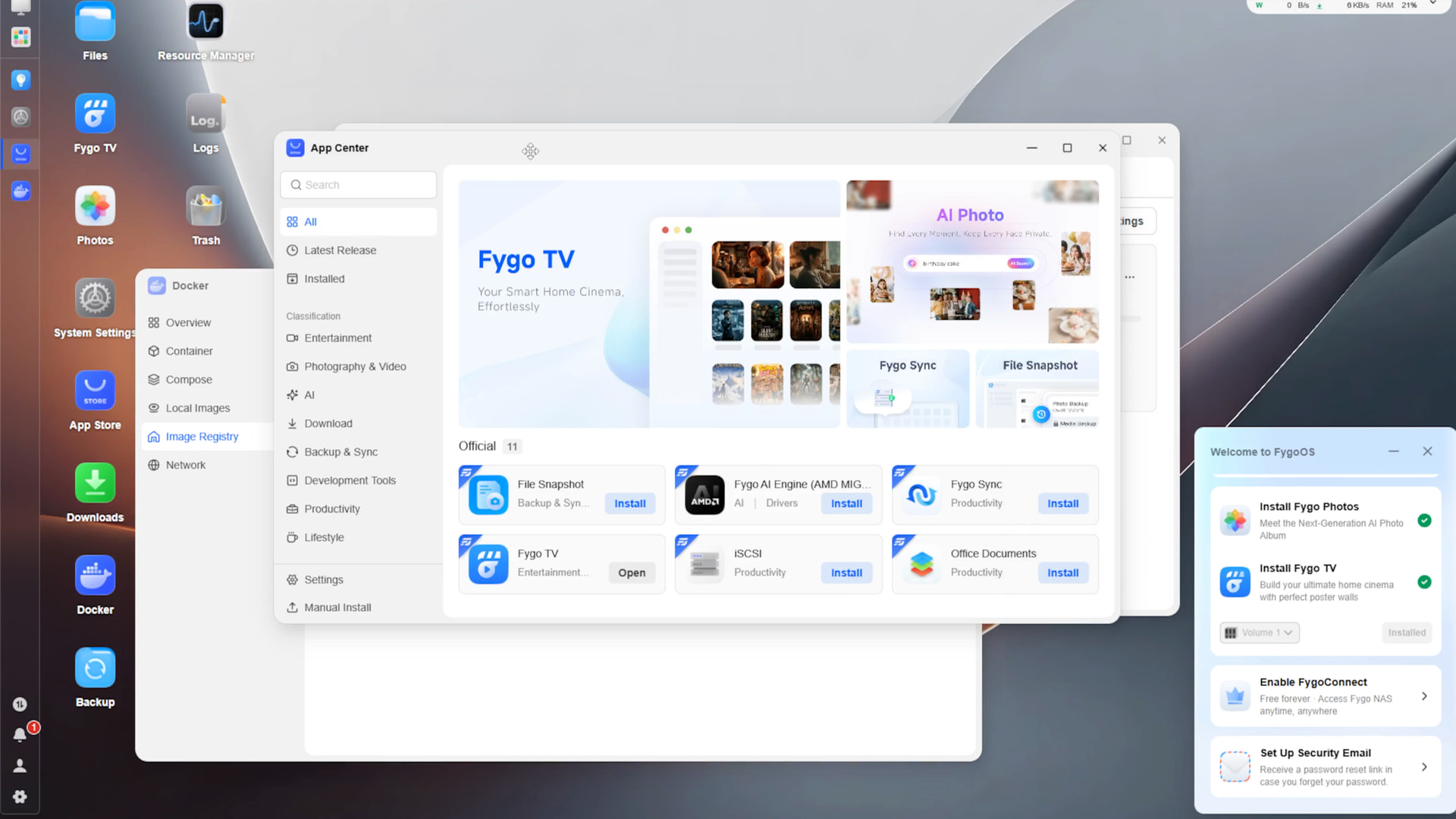
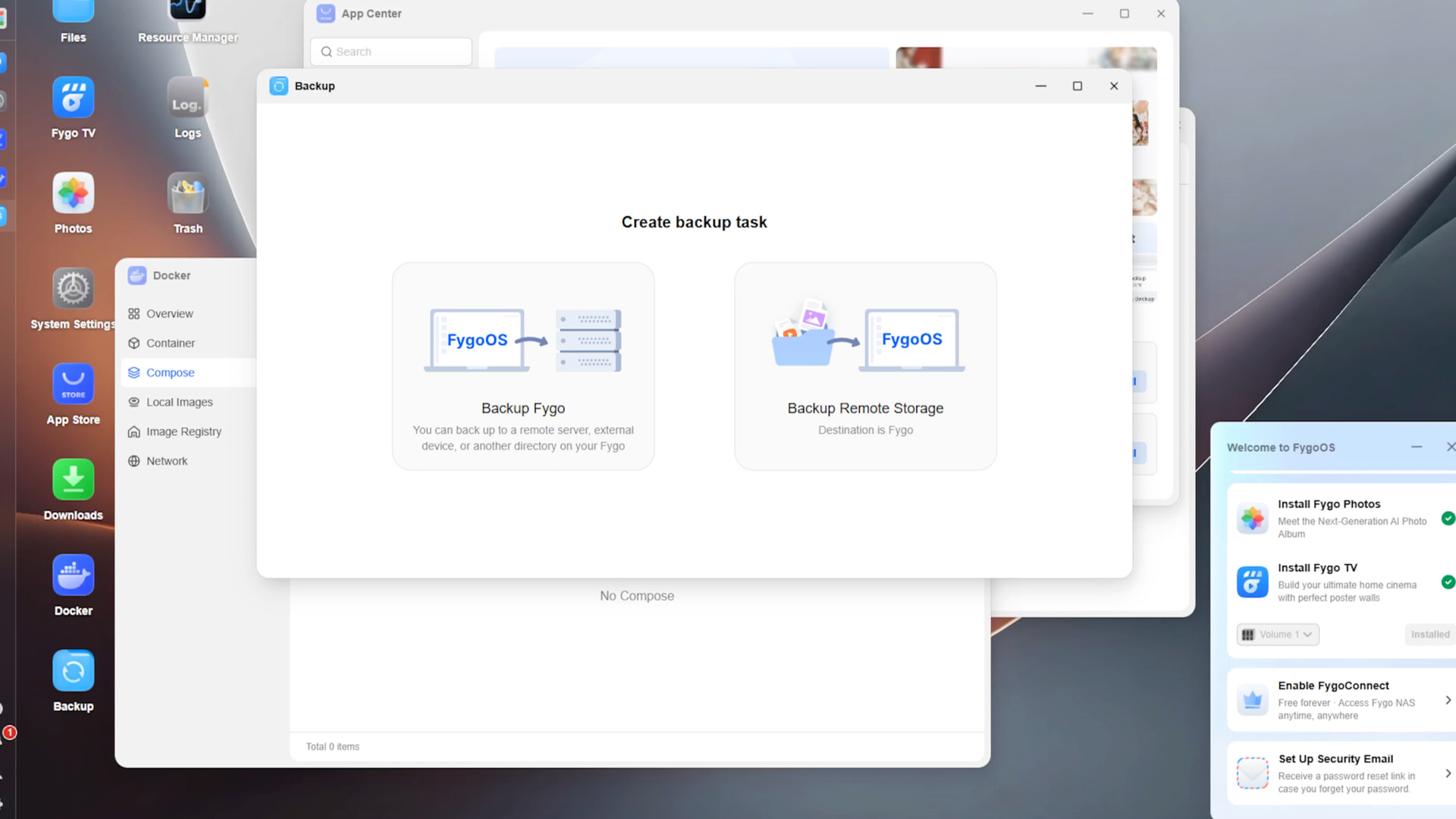
HexOS puts a friendlier interface over TrueNAS, drawing on its underlying storage capabilities while simplifying common tasks.
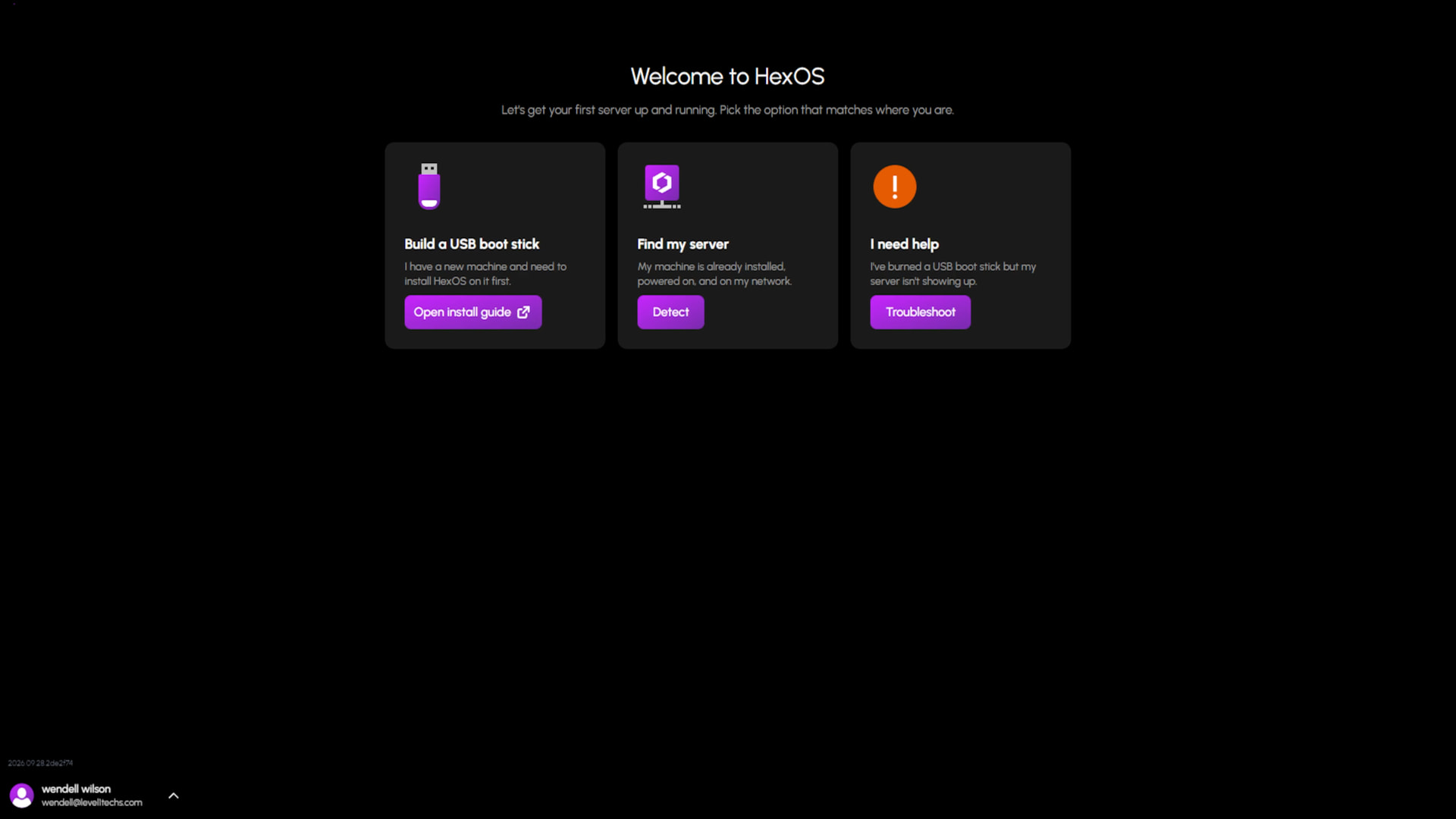

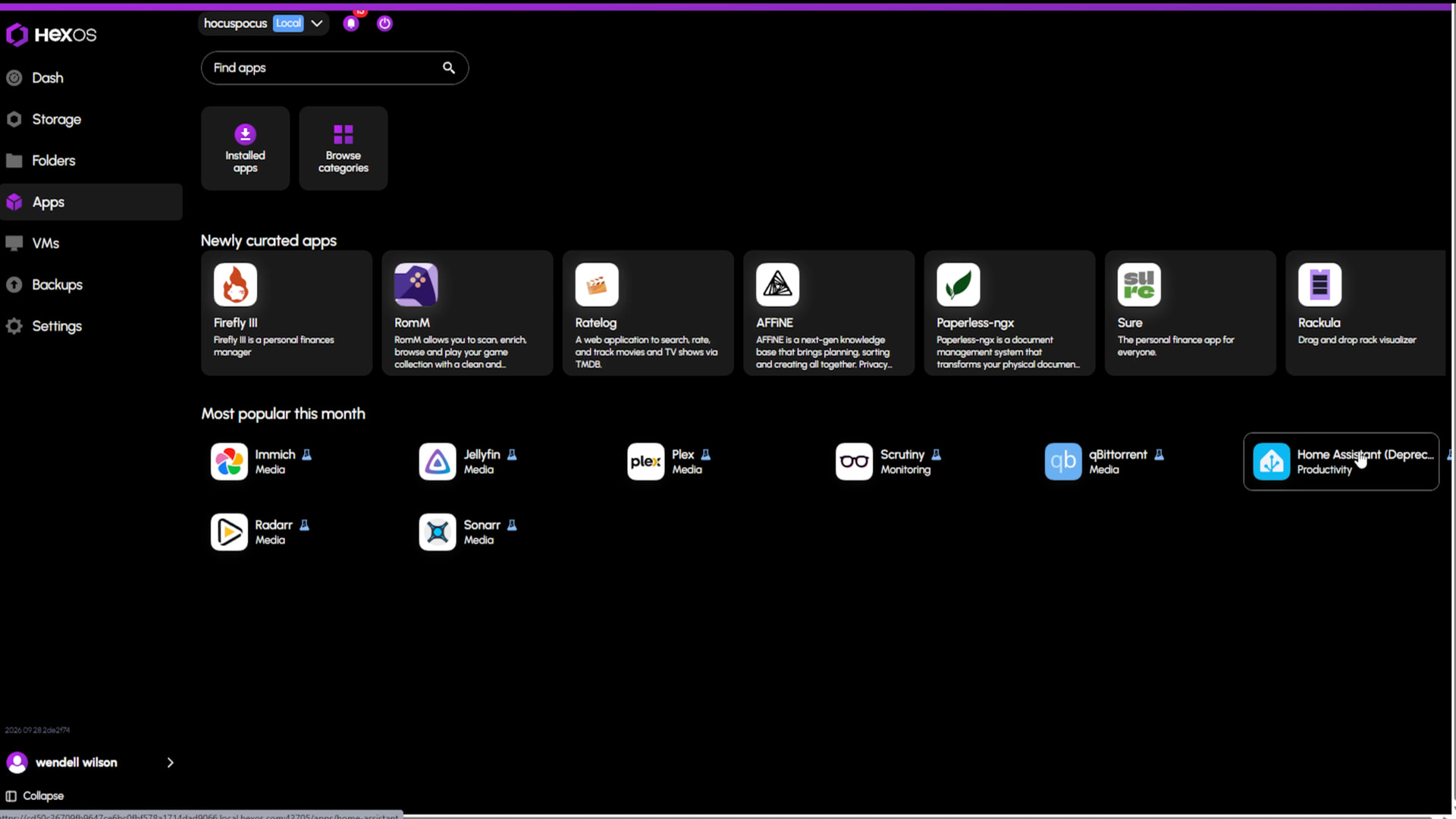
Proxmox gives you a flexible platform for virtual machines and containers, with more decisions and administration left in your hands.
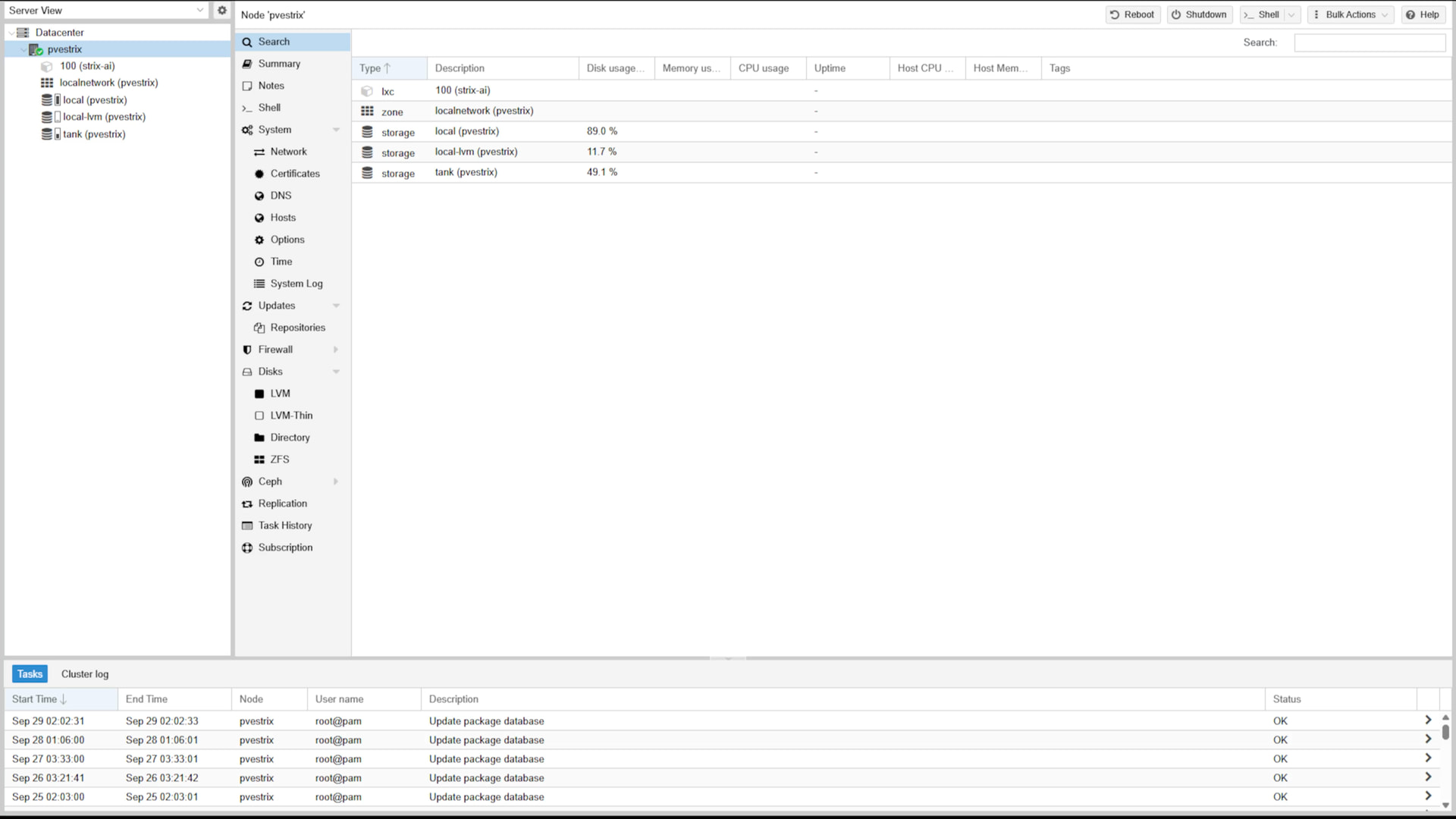

You can cosplay as a sysadmin to whatever extent you enjoy, while keeping the focus on what these systems actually do for you. That might mean organizing documents with Paperless-ngx, managing photos with Immich, serving your media, or building home automation and camera systems. These projects have rough edges, and keeping your data safe still requires backups beyond simply having a NAS. As we head toward Devember, this is an invitation to experiment, share what you learn, and help each other build useful things.
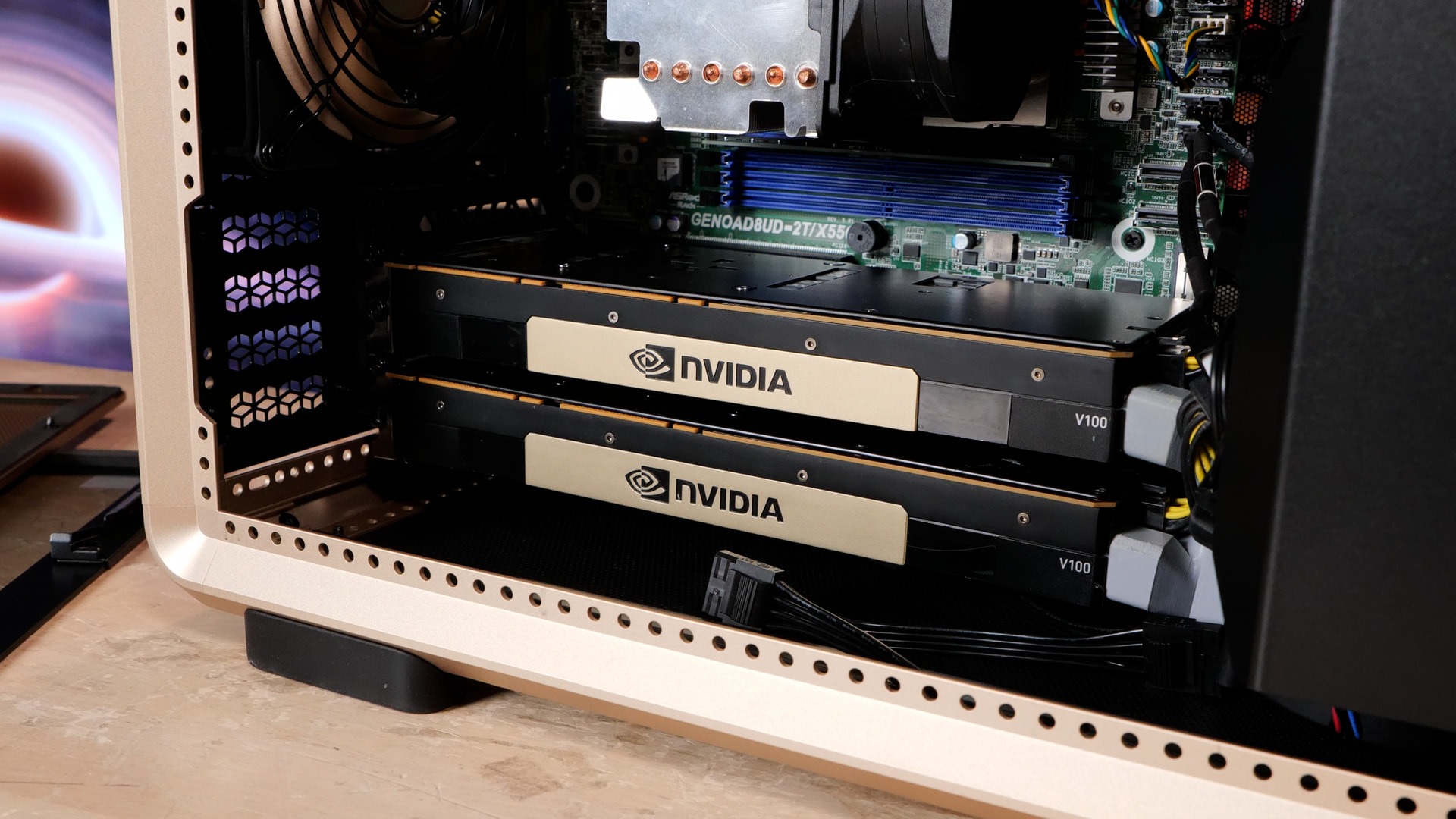
Why V100s in 2026?
Community software is giving NVIDIA’s aging Tesla V100 a second life. Projects such as ik_llama.cpp and the V100-focused llamacpp-v100 are improving inference through optimized kernels, quantization support, and speculative decoding, with the latter explicitly tuning matrix multiplication and attention for Volta. I have more about this coming up in a future video. It makes a big difference if you have the bridge, too, to get the unified 64gb memory pool not-over-pcie (ideally).
Intel B70 and Radeon R9700 can also be good “alternative” choices. I do not think a $4k+ 5090 GPU makes sense in a homelab. Possibly an upgraded 48g 4090 if you already have a 4090 makes sense? The software maturity of Radeon R9700 makes it a good all-rounder for 32gb; a B70 can be an even better deal but it has a couple performance caveats. More on all this later…
Where to go from here?
Pick something you actually want your server to do. Organize the family photos with Immich. Get your paperwork into Paperless-ngx. Put your media in Jellyfin. Start with the hardware you ALREADY have and choose how much of the machinery you want to manage. FygoOS, HexOS, and Proxmox represent different points on the software cosplay-as-sysadmin gradient; you don’t have to do do that if you just want an appliance without having to do deep of a dive.
(That’s also a bit of the meta commentary here – more and more the software and ecosystem is making the friction for admission much less than it has been.) You can reasonably have a goal to only learn enough about it to be confident your data is protected and replicated under your self-management.
Once something is running, the next question is: who needs access?
That’s coming up for Devember 2026 – Who needs access? And how are we going to manage the access?
and
for access;
for the landing page. Content soon ; comment below with where you are on this journey.