Just finished watching the video review for the Arc Pro B50 and the SR-IOV feature got me thinking…
I am basically a 100% linux user, I do have a windows VM on my unraid server for the 1 or 2 programs that I rarely need but haven’t been able to get working on Linux. My Unraid server also houses my media library and a plex container. It’s got an AMD CPU and everything I’ve read says that Plex doesn’t transcode well with AMD, so currently it has an Nvidia T400 4GB GPU in it for transcoding, which gives me comfortable transcoding for 2 streams at a time, which is the most that I need 99.999% of the time.
Anyway, I’ve got 1 game that I’ve never gotten to work on Linux that I miss playing, that is C&C Generals and the Zero Hour expansion. Even purchasing it on steam and following things people suggested on protondb I haven’t gotten it working.
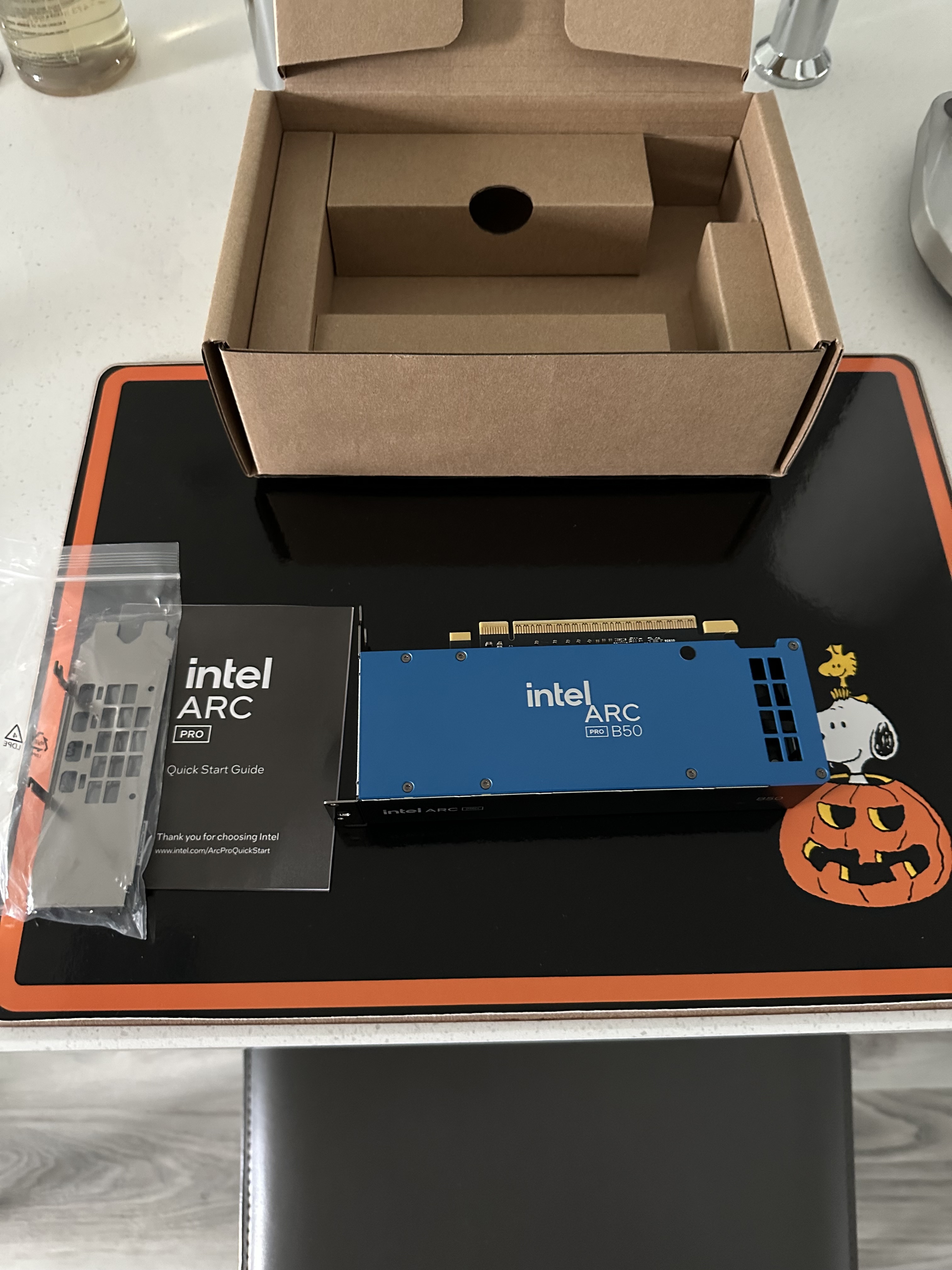
So, my thought: grab an Arc Pro B50, use SR-IOV to bifurcate the card into 2 8 GB virtual cards, pass one of those into my windows VM and use Moonlight to stream the occasional old game to my main gaming rig and use the other virtual card for plex transcoding.
Do you all think this would be a viable idea? I know it would be $350 to play a 20 year old game, but I may find other uses for it in the future as well.
Thanks for the reply, just grabbed one. Hopefully the SR-IOV features are on par with nvidia VGPU. Guess its time to stop sailing the high seas with vsphere and finally move onto proxmox.
I wish the UNRAID team would build in vGPU support but due to licensing issues I understand why they dont. However, with the B50 and SR-IOV around the corner, assuming no license implications, I would love to see Intel vGPU supported in UNRAID.
Fully supportet … doing this for 3 years on Unraid and about 2 fully implemented by Unraid.
They dont implement the NVidia vgpu Hack since you need to run your own Licensing Server … but there is a semi working Plugin downloadable from China with a Bit of working out you can sriov the nvidias to
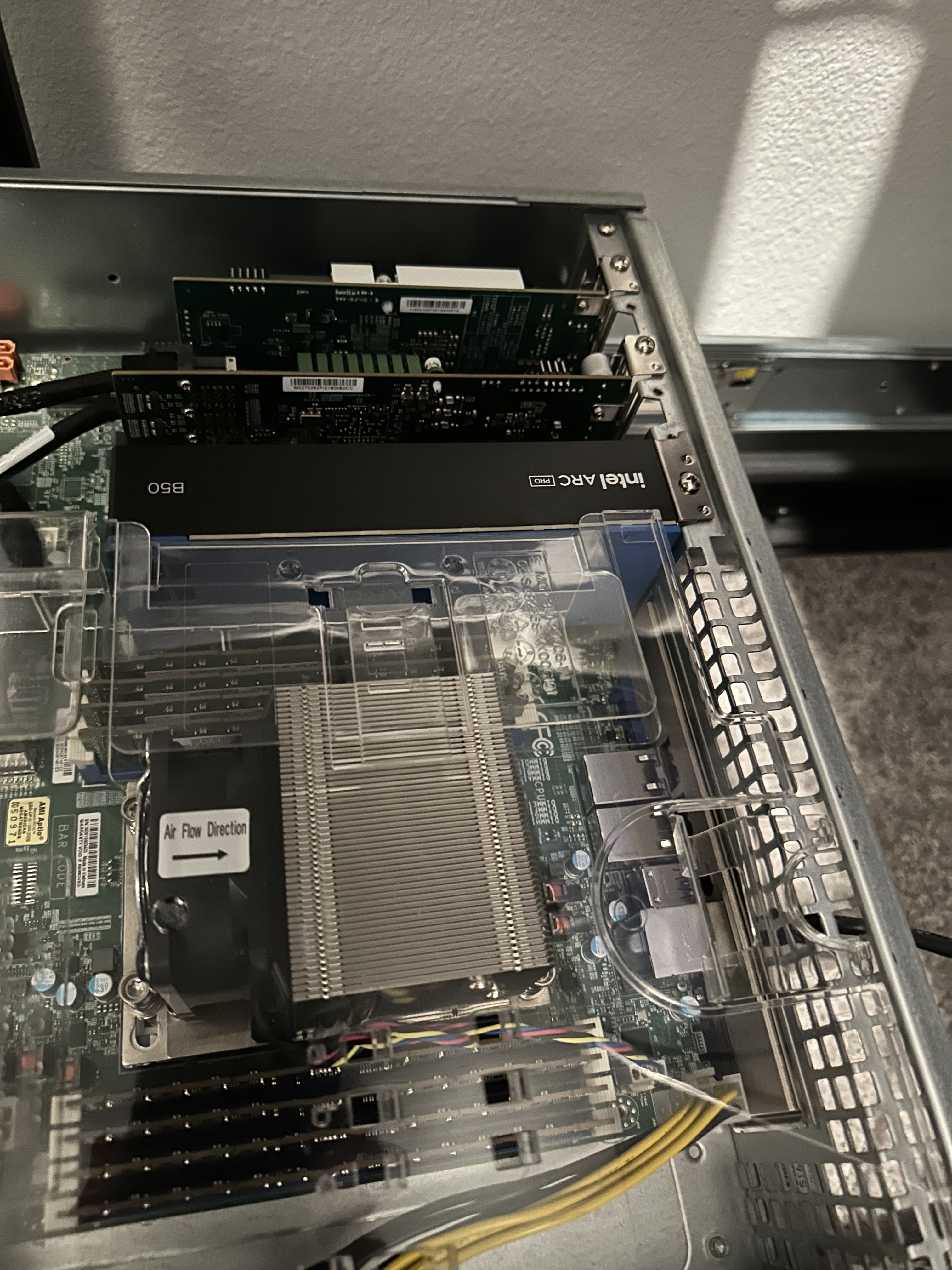
I have 3 Arc B50’s due in about 1-2 weeks time and will be adding them to my 3 ASUS EPYC Milan servers that currently run a corporate KVM/OpenNebula stack.
I plan on using these cards with SR-IOV to provide GPU acceleration for an Unreal Engine build farm, so keen to follow on here and will share my learnings as well.
Yea mine came on saturday. Been really busy with work so i have not had much time to tinker with it. I tried passing it through to a windows 11 vm on an esxi host and i got code 43 when i installed the drivers. Also tried passing it through to an arch vm with 6.17 kernel and my vm freezes. SR-IOV is supposed to be enabled on linux hosts with kernel 6.17 so im gonna rip it out of my server and try it in my arch workstation this weekend.
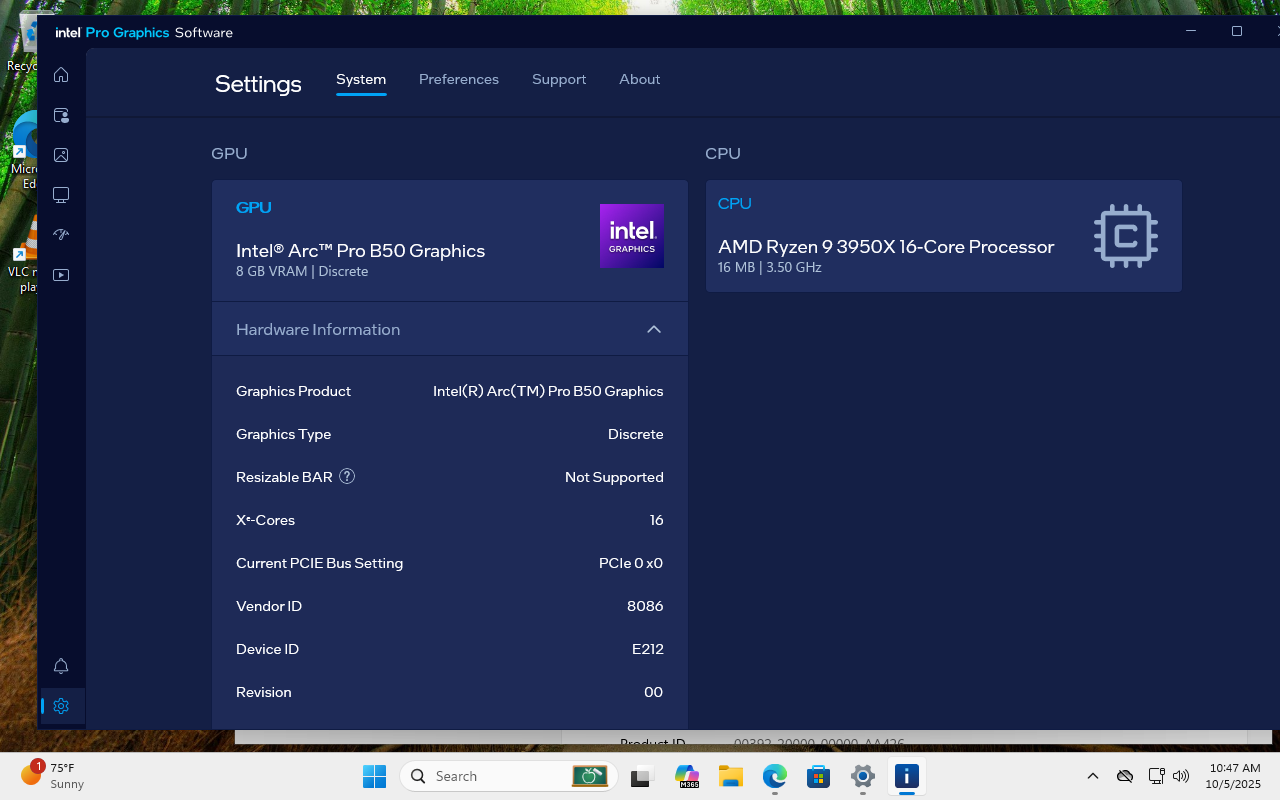
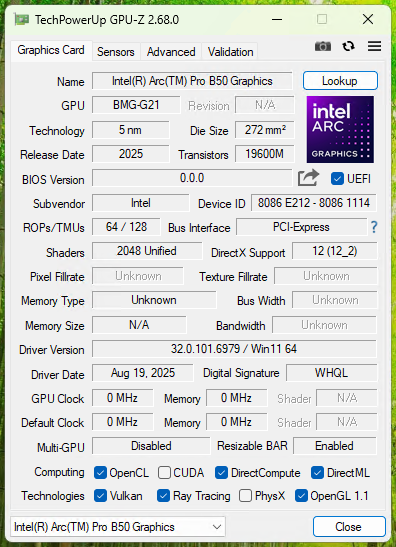
I received my Arc Pro B50 this week and finally had some time to play with it. I’ve got it in an X570 system running Ubuntu 24.04 and mainline kernel 6.17. I created a VF and a spun up a new Windows 11 (25H2) VM in virt-manager with it attached. Once Windows was booted I installed the Q3.25 driver (32.0.101.6979) and… it works? Here’s the Geekbench GPU score, which seems about right. Unfortunately it doesn’t look like video encode/decode is working; I see high CPU utilization and the GPU perf view in Task Manager shows 0% video decode and processing. We’ll see what kernel 6.18-rc and the Q4.25 driver bring, but this is a heck of an encouraging start!
Other notes: I cannot get the host stable when booted into Windows. The display goes dark and as far as I can tell it’s kernel-panicking. I was able to capture “Stop code: VIDEO_TDR_FAILURE (0x116) What failed: igdkmdnd64.sys” using another GPU for display out. Speaking of which, I also seem to hit a major snag when I bifurcate the PEG IOU. It will still boot to Linux with it set to x8x4x4 or x8x8 but I completely lose display out. Disabling SR-IOV doesn’t help but I didn’t troubleshoot any further than that. I suspect Intel support won’t be too keen to work with me to fix this on AM4.
lspci -v showing PF and VF:
0e:00.0 VGA compatible controller: Intel Corporation Device e212 (prog-if 00 [VGA controller])
	Subsystem: Intel Corporation Device 1114
	Flags: bus master, fast devsel, latency 0, IRQ 255, IOMMU group 31
	Memory at 7e0c000000 (64-bit, prefetchable) [size=16M]
	Memory at 7400000000 (64-bit, prefetchable) [size=16G]
	Expansion ROM at fc000000 [disabled] [size=2M]
	Capabilities: [40] Vendor Specific Information: Len=0c <?>
	Capabilities: [70] Express Endpoint, MSI 00
	Capabilities: [ac] MSI: Enable+ Count=1/1 Maskable+ 64bit+
	Capabilities: [d0] Power Management version 3
	Capabilities: [100] Alternative Routing-ID Interpretation (ARI)
	Capabilities: [110] Null
	Capabilities: [200] Address Translation Service (ATS)
	Capabilities: [420] Physical Resizable BAR
	Capabilities: [220] Virtual Resizable BAR
	Capabilities: [320] Single Root I/O Virtualization (SR-IOV)
	Capabilities: [400] Latency Tolerance Reporting
	Kernel driver in use: xe
	Kernel modules: xe

0e:00.1 VGA compatible controller: Intel Corporation Device e212 (prog-if 00 [VGA controller])
	Subsystem: Intel Corporation Device 1114
	Flags: bus master, fast devsel, latency 0, IRQ 301, IOMMU group 51
	Memory at 7e00000000 (64-bit, prefetchable) [disabled] [size=16M]
	Memory at 7800000000 (64-bit, prefetchable) [virtual] [size=8G]
	Capabilities: [70] Express Endpoint, MSI 00
	Capabilities: [ac] MSI: Enable+ Count=1/1 Maskable+ 64bit+
	Capabilities: [100] Alternative Routing-ID Interpretation (ARI)
	Capabilities: [200] Address Translation Service (ATS)
	Kernel driver in use: vfio-pci
	Kernel modules: xe
BIOS is up-to-date and ReBAR is enabled. It’s my normal vfio config with iommu, etc. enabled. It could be the specific device(s) trying to share the IOU with the Arc Pro; I’ll try a few other things to see if there’s a pattern.
The same way you do for NICs, etc.: by writing to sriov_numvfs under /sys/devices
cat sriov_totalvfs says 12, so 12? Let’s see:
/sys/devices/pci0000:00/0000:00:03.1/0000:0c:00.0/0000:0d:01.0/0000:0e:00.0$ echo 0 | sudo tee sriov_numvfs
0
/sys/devices/pci0000:00/0000:00:03.1/0000:0c:00.0/0000:0d:01.0/0000:0e:00.0$ echo 11 | sudo tee sriov_numvfs
11
/sys/devices/pci0000:00/0000:00:03.1/0000:0c:00.0/0000:0d:01.0/0000:0e:00.0$ echo 0 | sudo tee sriov_numvfs
0
/sys/devices/pci0000:00/0000:00:03.1/0000:0c:00.0/0000:0d:01.0/0000:0e:00.0$ echo 12 | sudo tee sriov_numvfs
12
/sys/devices/pci0000:00/0000:00:03.1/0000:0c:00.0/0000:0d:01.0/0000:0e:00.0$ echo 0 | sudo tee sriov_numvfs
0
/sys/devices/pci0000:00/0000:00:03.1/0000:0c:00.0/0000:0d:01.0/0000:0e:00.0$ echo 13 | sudo tee sriov_numvfs
13
tee: 'sriov_numvfs': Numerical result out of range
So i’m two servers down installing the arc B50’s and on my HWE kernel 6.14 - the B50 isn’t supported which is to be expected.
On the 6.17 kerel from Ubuntu’s kernel repo I can get the B50 to be recognized, but yeah no SR-IOV joy.
I know my servers support SR-IOV - they are ASUS RS700-E11-RS12U’s and my Mellanox ConnectX-4 25G NIC’s are showing SR-IOV support and VF’s from lspci - but no joy on tthe B50
I’ve put in a support email to ASUS, but no real joy as of yet. I also can’t find anywhere in the BIOS to forcibly set the PCIE link speed on these ASUS systems which is incredibly frustrating.
I stopped using the mainline “repository” because the build server would frequently stop working for months at a time. I build them myself from the mainline-crack git repo; the end result is probably very close to those. So I don’t think the kernel is the problem.
When I was playing with the B50 in Windows the installer also did a firmware update. Did you do that?
Well today was a rabbit hole of other L1T forum threads on AMI BIOS editing for PCIe Link Speed Setting among other things and while i’ve found out some more info i’m still stuck at the basic issue of no SR-IOV support and a 2.5GT/s link speed.
My ASUS bios does not display any PCIE slot/lane config, so i can’t forcibly set a lane width or speed other than via the EFI vars editor, so i am a bit stuck now and I think the next step(s) is to get some newer servers to try
You mean the PCIE showing only x1? I think that is a documented bug in the [linux] monitoring software in the Intel GPU’s. I have an A770 in a dual boot… winblows shows the correct x4 PCIE