You have to get to a working operating system with the card recognized (I did in linux booting with the kernel flag amdgpu.runpm=0) then use a modified amdvbflash (for linux I used the one linked above) to flash the card.
Later the card will work, somewhat… keep in mind that video support is minimal and the DP isn’t really up to snuff so:
- use a decent MiniDP → HDMI adapter (many might not work and the MiniDP itself might not play nice with your monitor)
- probably no digital audio out
- the aforementioned MiniDP connector isn’t exactly “heavy duty” so be gentle and don’t fiddle around it more than you need to
- you might end up booting “black” and have it headless until the system finish booting (the best solution is to buy a REALLY CHEAP, possibly passive, GPU and hook it as “BIOS” default video output - I use a Radeon WX2100, a “small” 1 slot cards but even an ancient GTX 740 will do).
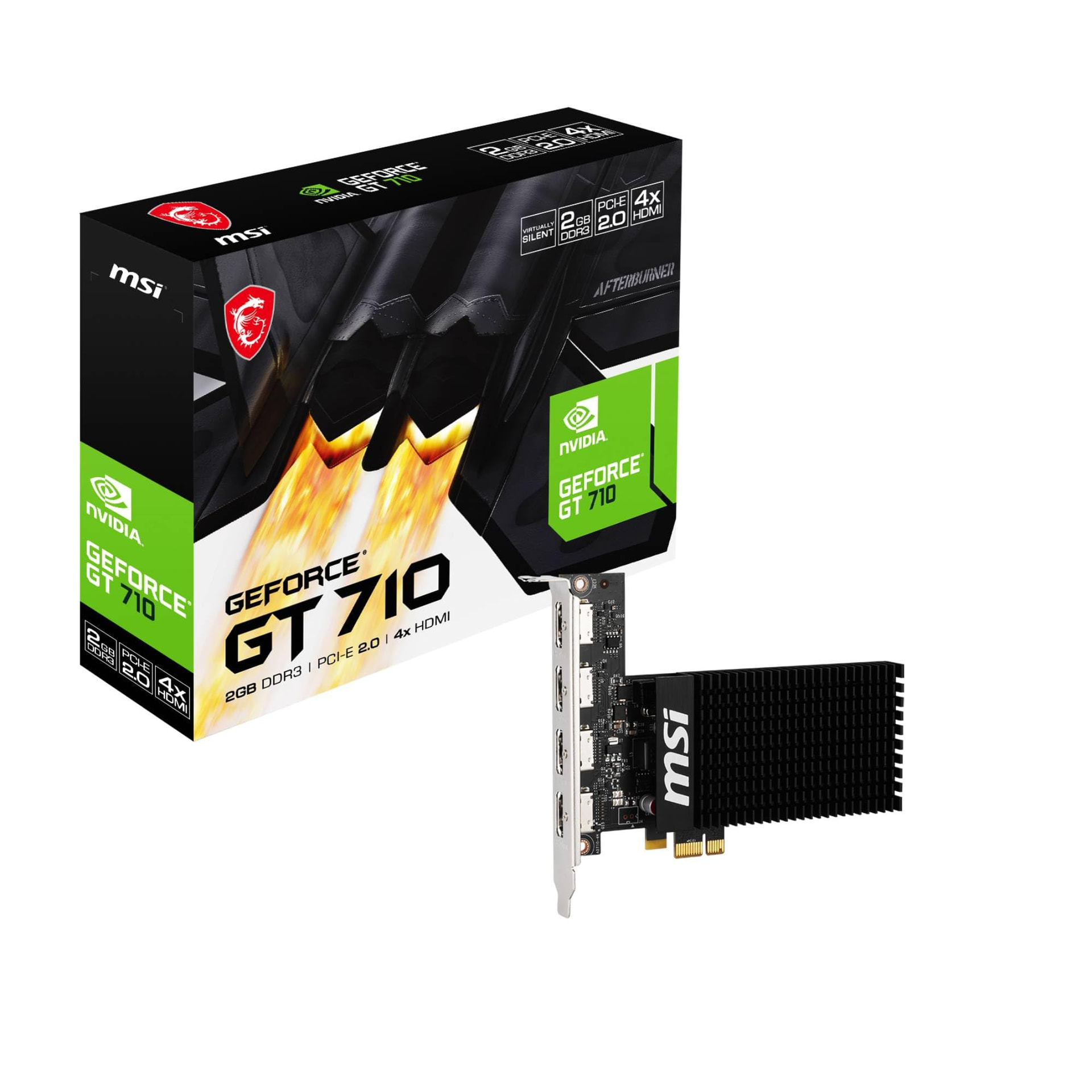
EDIT: You might want to use a MSi GTX 710 if you’re able to find one, it’s a single slot GPU with a single PCIe lane, perfect for normal PCs that are starved for PCIe and have those 1x connectors that are often left unpopulated.
(if you have a DB15 monitor you can try an AST2400… those are really cheap on aliexpress and should be UEFI compatible)