Part of the uncertainty comes from the fact that I am not sure if I will be able to consistently use the computer because of university. So I am concerned that I will not fully take advantage of it
I tried to make a build with a mini itx system for a cheap portable system, but then I realized that the price of the portable system would come close to the current build.
For most of my life, I have been using a laptop so I was thinking of upgrading to a computer that can have 20 chrome tabs open and be able to run lots of programs at the same time.
Is the power supply overkill for my build?
I would prefer a modular one to keep cables at a minimum.
Does having a higher wattage result in a better overclock
I have also heard to spend more on a better power supply and a case so that I do not have to buy a new one every time I choose to upgrade
If the power supply is overkill, are there any better alternatives
General things
Budget
preferably less than $2,000 with a monitor included
Where do you live, currency
USA, $$$
Is there a retailer you prefer?
Just one with reliable returns
Also I am going to be in the area of a microcenter next week
but the most I can take home is probably the size of a backpack because I am traveling by bus
Do you need or already have peripherals?
I already have headphones, a mouse, and I might reuse a old acer mechanical keyboard
What will you be using your Glorious computer for? Gaming? Rendering? Mix of both? Or is this a home media PC or Steam Box?
I plan on using it as a gaming machine and possibly a editing machine
Do you overclock or want to get into overclocking?
I do want to get into overclocking
Do you plan on going for custom water-cooling now, or in the future?
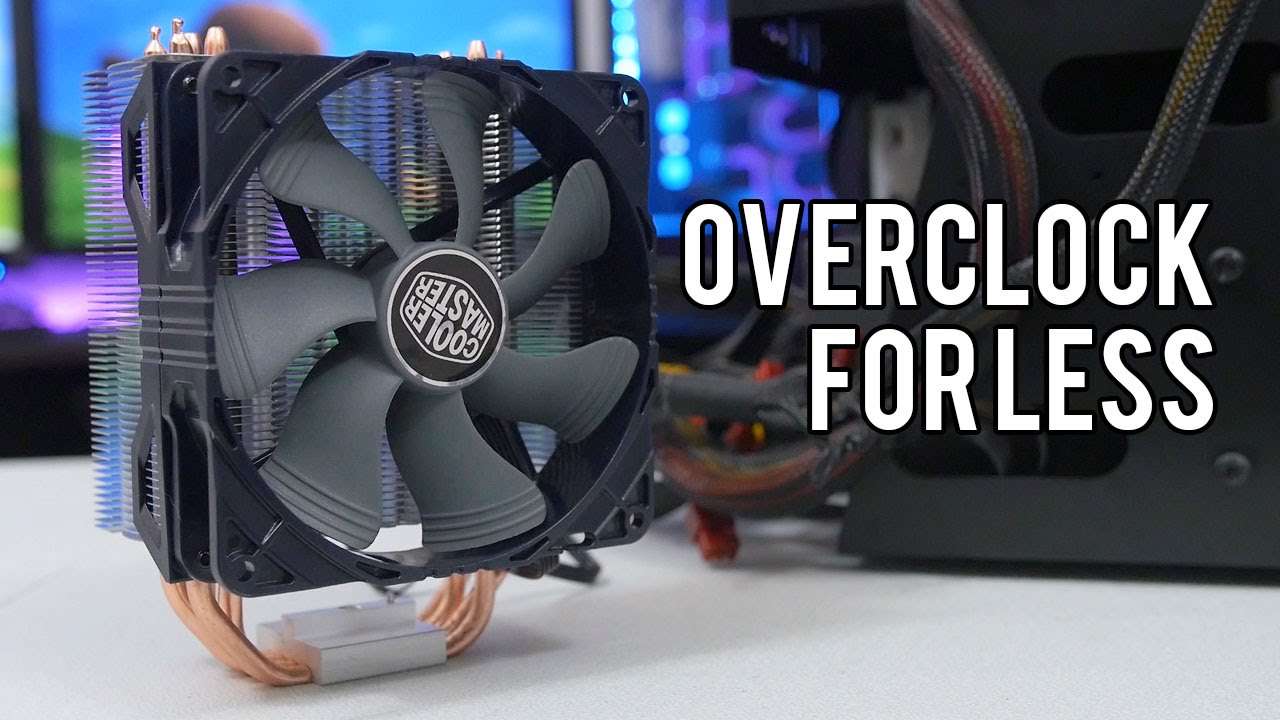
I am going to stick with air cooling
Operating System
I have a laptop with a ssd with windows 7 installed, so I might reuse it
I am thinking as an alternative to buy a windows key from kinguin
There are a couple windows xp professional on a old laptop.
is it even possible to reuse the product key on xp for win7 or win 10
Also I do plan on installing linux on another drive
Gaming
What kind of settings do you like or what FPS do you want to play at?
I plan on playing at a average fps higher than 100
What resolution will you be playing at? //or would like to play at.
either 1080 or 1440
although realistically it will be at 1080
What kind of games do you like to play?
fps and Nintendo (emulated)
What specific game will you be playing (if you really only play one)
in terms of most to least
Tf2, Overwatch, Rivals of Aether, Dolphin emulator, CS:GO
[details=If you Render or Edit things]
What application do you use to render? (very important)
I am not sure but I do plan to use either of these to edit
DaVinchi or lightworks
Do you render movies or just Photoshop pictures
probably both [/details]
If you don't have peripherals
What kind of keyboard do you prefer? Mechanical, scissor, membrane, etc.
I currently use a laptop keyboard and I have a very old Acer 6311-K keyboard that I might reuse so some suggestions for mechanicals would be nice
What size monitor are you looking for, and what resolution? Screen type (IPS, S-IPS, TN, etc.) ,hertz (60, 120, etc.)
noted
for question on custom water cooling, no I am not going to do a custom loop, I was thinking of aircooling
Also is there any good cases that you would recommend besides the deep cool? I hoping for a case that looked like the fractal or a nzxt h440.
Also is the issue with the voltage regulator built on to the cpu a still a problem now, I remember Wendell mentioning something like that in the Skylake video?
Define S no window, it’ll be even quieter than the windowed version, or ya NZXT makes some good ones, don’t know any of those by name
or the HAF XB EVO is pretty much the best case ever
and if you aren’t going to do a custom loop, why a window?
pretty sure X99 and Z170 had the regulator moved off the die or something, but it’s not really going to matter, most you’re probably going to hit is 4.5ghz on either chip
I got the motherboard, cpu, ram, and hard drive from Microcenter, still have to order the case, cpu cooler, psu, and graphics card.
I got lucky and found the Motherboard to be open box with all of components in the clearance shelf for $159
Question is there any way to check the motherboard without a power supply? Because the Microcenter motherboard came with a sticker stating that there was a repair order sent from the store and was open box.
Took some photos of the cpu connection and motherboard
Personally I always follow the no bullshit approach. May case does not have a window, my tower is standing on the ground and I don’t give a single fuck about what color my GPU is.
I do care about noise. So my case always has to be somewhat sound cancelling. I am using a Nanoxia Deep Silence 5 and I am very impressed by that thing. Other than that I like the Corsair cases. I never had a fractal but they also look sturdy and capable of keeping the noise inside.
I am a sucker for Noctua coolers because they are very quiet, have excellent performance and the best mounting system. There is no disappointing Noctua cooler, just buy the one that fits the purpose and you are done.
That being said if you want to oc your chip, something like an H110 might be for you.
PSU: lots of options. 80+ Gold or better from a good brand.
I am a bit weary with AIO so I want to start with air before moving up to water. Do you by any chance have any noctua suggestions that are quiet, perform well, and are cheap?
Is there any way to check if a open box motherboard is broken on the pins I have photos, but I am not sure if the pins are bent
Noctuas are not cheap. Water is not cheap. That is just the way it is.
But it would make absolutely no sense to buy a Z170 A and a K CPU and then cheap out on cooling.