Hey, I think I intially have covered my homelab here, but I have added some more hardware so thought I might want to revisit it again since I have made some major changes since the last writeup/blog I did
Firstly, I managed to get my first 24/7 cluster up & running, with a setup that I don’t have to shut down every night to go to sleep

The cluster is my primary production environment, running mostly old intel core & one AMD fx6300 to provide a third node since I had that sitting around. Also yes, all of the machines have running video acceleration, either intel onboard or an dedicated card. Though the dedicated cards are so old that they are basically useless.
The cluster has 3 nodes at the moment, with a total memory of 48GB split between the three nodes (20+20+8), and all of them have been upgraded to run SSD’s as their local storage pools. The primary working machines got RAID-Z1 of 3 drives of 480GB SATA3 ssd’s from gigabyte.

Got these about the time the SSD & Ram prices started to hike so i guess I was lucky. The third node has a 1TB samsung SATA3 SSD.
ATM, I am mostly running my own Wazuh-instance for to try out how screwed up my setup is & learning how to do mitigations. I am using the Nginx proxy manager to expose the services to the internet & tailscale for my primary VPN setup. And I couple of weeks ago I also did add an immich VM to the cluster to store my photoes somewhere else than google.
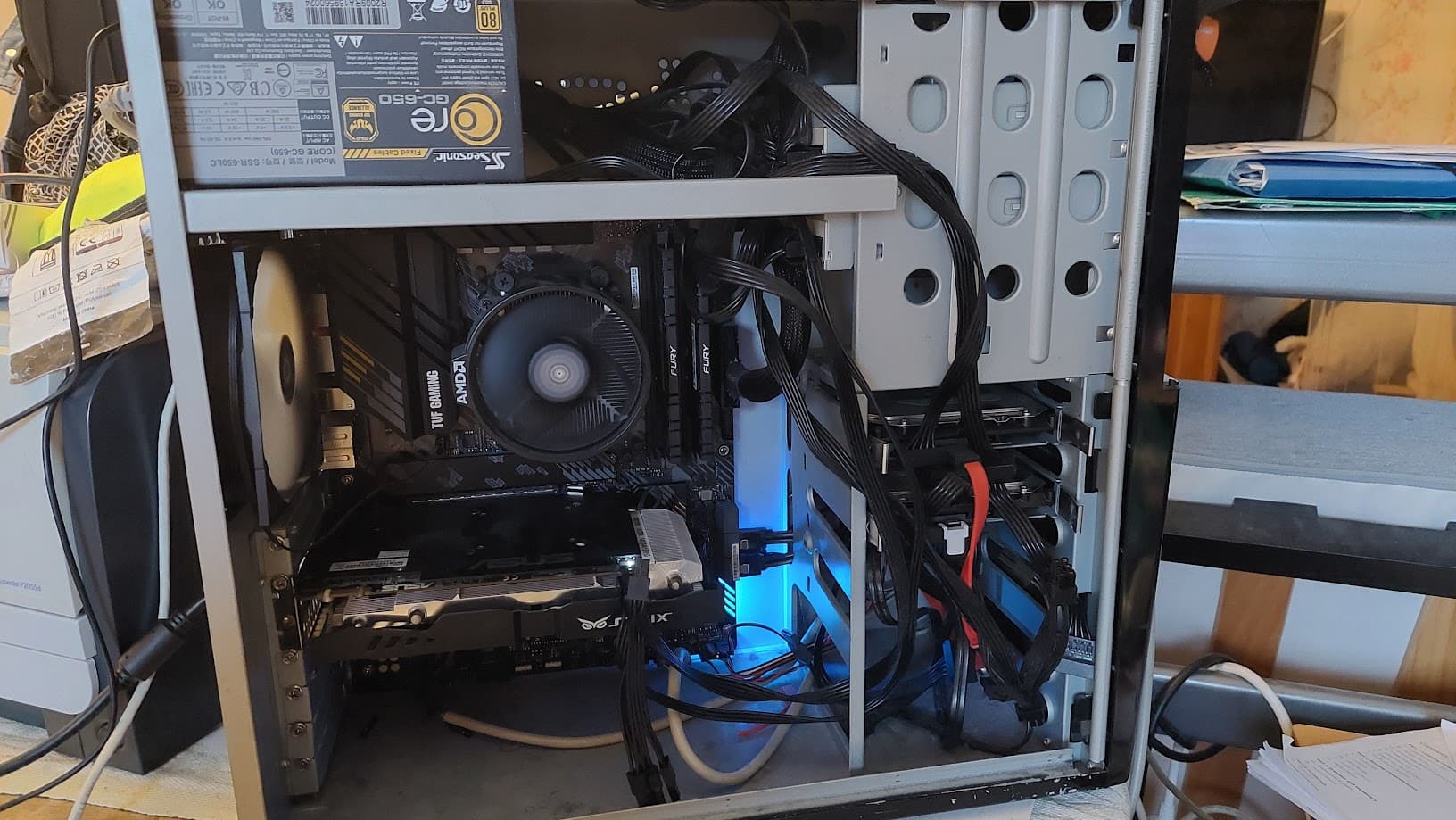
I am still running my nas, although it is online when i need rather than constantly. And I have been mooving some of the services off it to the cluster. But I am still running my nextcloud & PBS on that machine as VM’s on top of Truenas scale. I am also using the truenas ollama & open web ui app in combination with the GTX 960 2GB I have installed there to run some local LLM’s, but anything larger than 8B parameters is a lost cause at this point.
I also did upgrade my lab networking, so running completely ubiquiti. I got a Unifi Cloud gateway Ultra a while ago, and that has helped me to setup some VLAN’s & detection of malicious things. And I have even started to move some of my internet IoT-devices to a couple of vendor specific VLAN’s I might want to limit properly to allow only the IOT setup to function, nothing else.
For my secondary backup, I have still my IBM X3550 M3 running PVE to hypervise a Truenas scale VM that has the HBA-RAID card that I use for the disk self & backing up my nas.
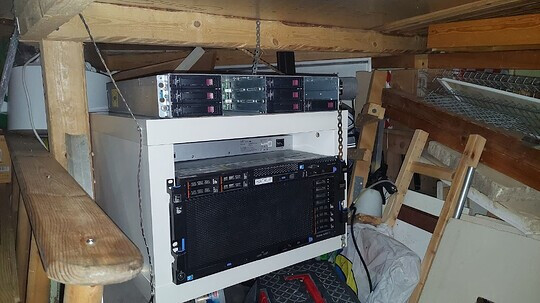
And then, I still do have my old X3850 X5, which is running my windows lab, so AD with local DNS in their own VLAN & couple of domain-joined Windows client VM’s as well.
I have been thinking of expanding my lab into stronger remote gaming & stronger LLM’s, but never gotten to pull the trigger on GPU’s to add. Most of my kit is really old, so might not even be able to get most use out of PCIe 4.0 gpu’s & newer especially if the GPU does not suport the full PCIe x16 slot. Especially figuring out the X3850 X5’s extra power delivery has been a pain, but I have figured out that the connectors in the server chassis are standard PCIe suplemental 6- and 8-pin connectors.
I was playing around of mounting an radeon HD 6870 but I found out that is more or less useless. I have been thinking of the use case if I am travelling or staying over at my GF’s place, it would be nice if I don’t have to do a ton of work to move my full setup over there for the few days. And I would maybe like to see GPU accelerated VM’s in my lab too, since those VM’s do not like at all running only on a software GPU…
Currently still have about 1,5 years on my bachelors degree & 3,5 in total to graduate, so I would prefer to be absolutely sure that I am byuing the right thing for my use case & that I am not paying for e-waste. And even if I did end up getting something nice, I might have fun figuring out where it would be the best localted
Thanks for taking the interest