And, if you need fans, check out these great ones from Arctic:
Thanks guys!
Test focus: Whether the motherboard correctly enforces DDR5 thermal throttling behavior per JEDEC specification, with additional observation under XMP/EXPO where applicable.
Platform
CPU
Motherboard
JEDEC Throttling
XMP / EXPO Throttling
Notes
WRX90
TR PRO 9995WX
ASRock WRX90 WS Evo (TR7000 launch)
Yes
NT
WRX90
TR PRO 9995WX
ASRock WRX90 WS Evo (11/2025)
Yes
NT
WRX90
TR PRO 7995WX
ASRock WRX90 WS Evo (11/2025)
Yes
Yes
WRX90
TR PRO 7975WX
ASRock WRX90 WS Evo (11/2025)
Yes
Yes
WRX90
TR PRO 9995WX
ASUS WRX90 Sage SE (BIOS 1203)
No*
No
Inconsistent behavior
WRX90
TR PRO 7975WX
ASUS WRX90 Sage SE (BIOS 1203)
YES
NT
TRX50
TR 9970X
ASRock TRX50 WS
Yes
Yes
TRX50
TR 9980X
ASRock TRX50 WS
Yes
Yes
TRX50
TR 9980X
Gigabyte TRX50 AI TOPS
Yes
NT
TRX50
TR 9970X
Gigabyte TRX50 AI TOPS
Yes
NT
TRX50
TR 7980X
Gigabyte TRX50 AI TOPS
Yes
NT
TRX50
TR 9970X
Gigabyte TRX50 Aero D (rev 1.2)
Yes
Yes
TRX50
TR 9980X
Gigabyte TRX50 Aero D (rev 1.2)
Yes
NT
TRX50
TR 9980X
ASUS TRX50 Sage WiFi
No
No
TRX50
TR 9970X
ASUS TRX50 Sage “A”
No
No
Footnotes & Testing Notes
***** ASUS WRX90 Sage SE behavior was non-deterministic.
During testing, DDR5 thermal throttling was occasionally observed; however, this behavior did not persist across system resets. Throttling behavior appeared to vary depending on system state and may be influenced by whether IPMI was enabled. Mostly it did not work. Results could not be reproduced reliably, despite approximately two days of focused testing on BOTH Asus WRX90 boards under test.
Additional Context & Caveats
To ensure fairness in testing, a brand-new ASUS TRX50 Sage-A WiFi (“A” revision) motherboard was purchased from Micro Center (thanks to supporters and readers) to rule out degradation or “used bowling shoes” effects from earlier hardware.
Results from two different Gigabyte TRX50 boards were consistent and compliant with expected DDR5 throttling behavior.
Threadripper 7000-series processors appear largely unaffected in this dataset, even on ASUS platforms.
The only Threadripper PRO 9000-series CPU tested was the 96-core 9995WX. It is possible that this behavior could manifest differently on lower-core-count PRO CPUs, or across additional motherboard vendors.
While AGESA-level causes cannot be fully ruled out without broader CPU coverage, the issue appears more likely to occur on ASUS platforms than on non-ASUS platforms, particularly on WRX90.
Confidence Statement
Testing confidence is higher on TRX50 than WRX90, but across both platforms, improper or inconsistent DDR5 thermal throttling behavior was observed far more frequently on ASUS motherboards than on ASRock or Gigabyte. Additional Threadripper PRO 9000-series CPUs would be valuable to further isolate whether this behavior is vendor-specific or rooted in AMD AGESA behavior under certain conditions.
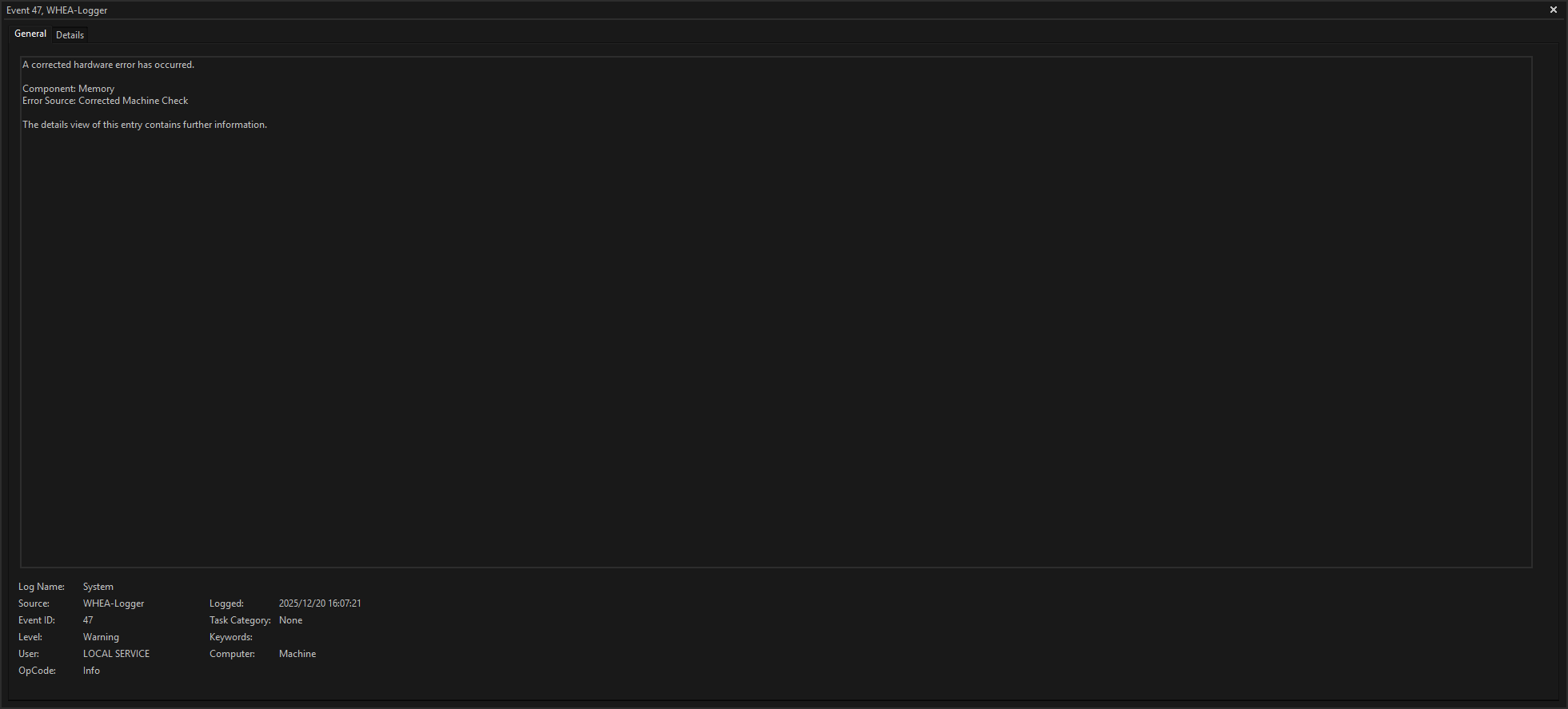
Uh … okay. I have been running a Threadripper 7960X for over a year now on a ASUS TRX50 Wifi (non A) motherboard with 128GB of ECC RAM … do I need to be concerned?
I have been looking at the temps in HW64 - RAM hover between 50 - 57° C under load … I have turned of XMP (from 6000 back to 4800) and temps are a little lower below 50° C … system was always very stable but I have noticed those weird booting time differences from time to time.
There is not really any good place for additional fans - can’t I configure those tiny VRM fans to be turning all the time a little to blow some air around them?
I have an interesting anecdote. I’ve rebuilt my system a couple times now but I’ve used the same CPU (7800x3d)/Mobo (Gigabyte Aorus Elite AX X670)/RAM (2x32GB G.Skill Ripjaws S5) combo in each iteration. Up until my most recent rebuild, I’ve had persistent intermittent stability issues that would crash my machine into needing a hard reboot. I couldn’t figure out what was going on (Different PSUs, different GPU, Different cases, undo all RAM/CPU OC including XMP), so I just made sure I was always on the latest BIOS, hoping a fix would come eventually. Anyway, the latest rebuild of my machine is what fixed the issue…And I think I know why now that I watched your latest video on RAM cooling. I changed my CPU cooler from the Phantom Spirit 120 SE to the Jiushark Diamond JF13K cooler. This CPU cooler is a top down style cooler, but its two 120mm fans wide and it overhangs the DDR5 area, putting direct airflow over the DIMMs. It was a PITA to install but my computer has never been more stable.
if the temps are hot enough, sure. we’ve seen some mini pc makers go from no heatsinks to heatsinks or contact pads with the case. its something I look for in mini pc setups. we have also seen multiple fans added to a mini pc when it was “oops, ram too hot” coming back from testing
I had 3, one SPD Hub and two others, I think TS0 and TS1.
I can’t check atm. as I’m missing my CPU for now, as I thought that might be the culprit that was faulty, will probably get a new one back in a few weeks.
I built my Thread ripper pro (7985WX 64 core) workstation last year on the ASROCK WRX90 WS EVO motherboard, with 256GB of Kinston ram and with water cooling for the CPU and NVMe drive.
I had intended to water cool the ram as well and erroneously purchased 8 alphacool DDR5-RAM blocks and 2 of the corresponding water blocks, but they are intended for desktop memory and not the server memory.
I would like to try and modify those blocks (likely with a dremel tool).
Has anybody had any success with modifying blocks for DDR5 desktop memory to use with server memory and if so, how did you do it, and how well did it work?
I had a recent thread about a Beelink GTR7 my dad was having issues with. Besides the newest bios and updates, I also printed a stand for it. It has the revised bottom plate with fan holes it it.
I recently purchased a Strix Halo Mini PC from GMKtec, I wanted to place it horizontal and it has venting on the big flat metal plate, what is the bottom of the case.
I just went to Home Depot and purchased thicker square rubber feet so it is elevated a few millimeters for proper air circulation.
Seems to be working well but I wan’t to monitor the ram temps as this device has 128GB of Unified RAM.
Going to install Hardware Info under Windows and try running some memory testing for extended periods to see what it logs.
I have been having crashes on my desktop when playing certain games (CKIII, Victoria III, Halo Infinite) but not others (Halo MCC, Surviving Mars).
My initial thoughts were that it was something to do with Pop!_OS 22.04 being behind the times and still using X11 or the fact that I am using Sunshine to stream to my laptop, though I have more recently been considering that it might be caused by overheating particularly with my GPU. Psensor has not thrown up any hints as I can’t access it when my computer completely locks up and the temperatures look acceptable the rest of the time.
The suggestion that DDR5 overheating may be the culprit is interesting and has me wondering how to test the possibility. If anyone knows of a guide to checking temperatures or memory errors on Linux I would greatly appreciate being pointed it’s direction.
(I know RAS Daemon was mentioned in today’s videos but whilst I am happy-ish with the command line I am not with compiling from source!)
I assume that going into the nature of the crashes I have been experiencing would be off topic. If it is of interest I can create a thread requesting tech support and describing them in more detail.
PC Specs:
CPU = 7800X3D
MB = Gigabyte B650 Gaiming
RAM = 32 GB
GPU = RX 7800XT