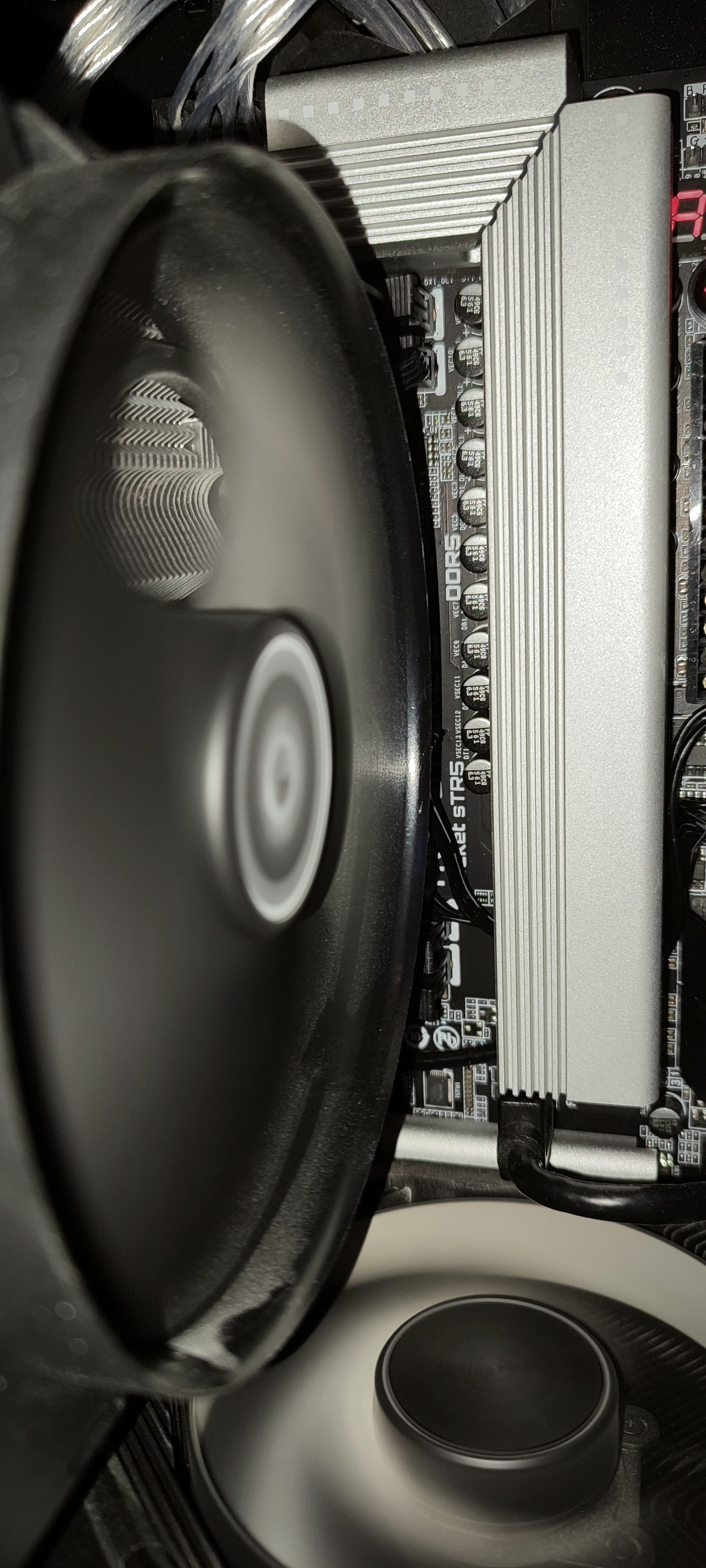
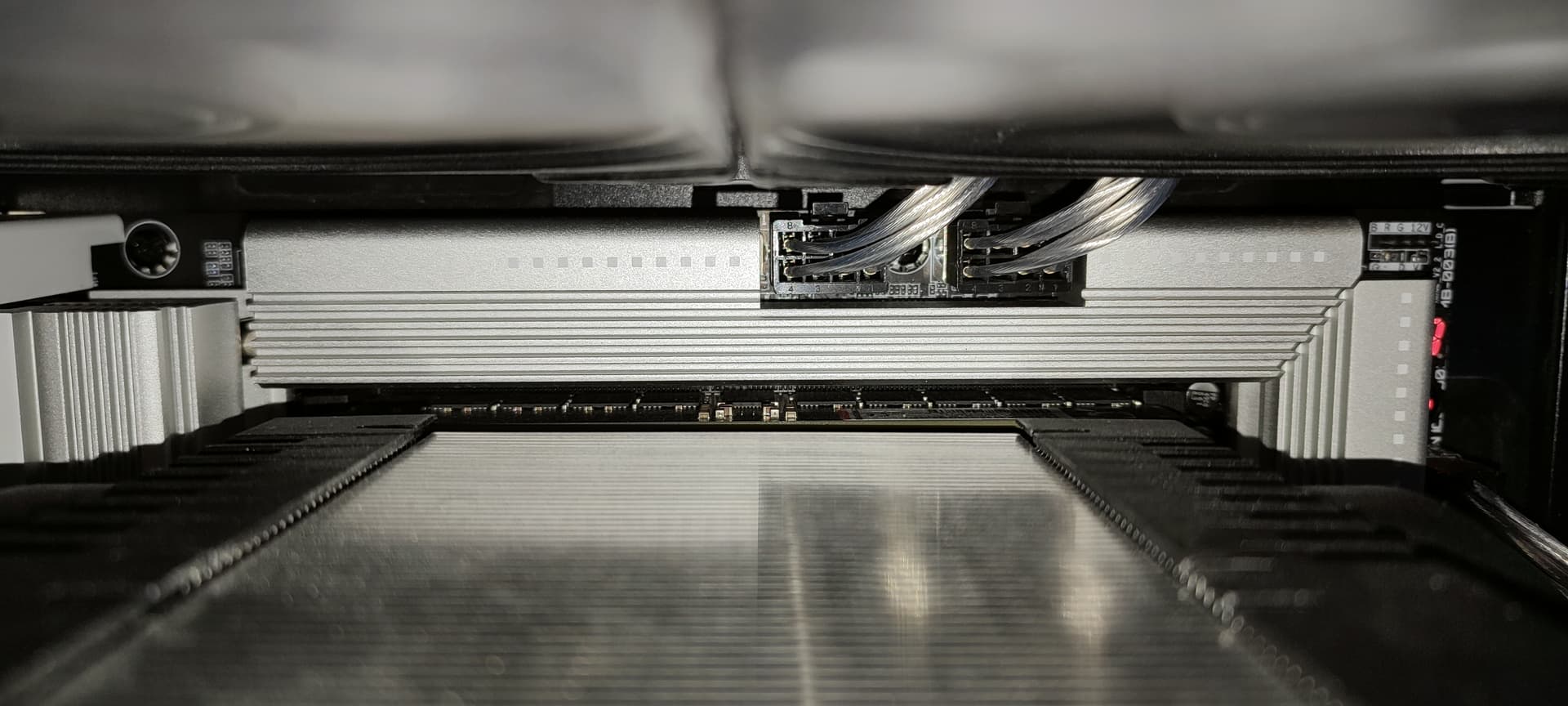
Recently my relatively new (about 3 months old) TR system has been spewing erros here and there and I have no idea what they mean or what component could be defective.
HWiNFO64 informs me of a WHEA error.
Checking Event Viewer tells me:
Can someone tell me if this is the CPU, motherboard or RAM failing?
In case it matters this is my system:
TR 9960X Stock
Gigabyte TRX50 Aero D Rev 1.2 BIOS: FA3e
128GB RAM G.Skill 6000MT/s CL30 EXPO
Nv 3080 Ti
Intel Arc Pro B50 EVGA SuperNOVA 1000 G6
W11 LTSC
I cannot reproduce a situation in whose these errors happen.
They happen randomly.
Your power supply might be struggling with this. Not because 1kw isn’t enough on paper, it’s borderline, but because the spiky nature of these components. A voltage dropping very, very slightly due to load can cause the sorts of errors that your enterprise gear can deal with (but would probably result in a bsod if you weren’t using threadripper and ECC memory).
Tell us more about your PSU (i.e., actual model). You really should have an ATX 3.0 or higher specification PSU for this system. Transient response for high excursion power events is critical for systems of this type.
Updated start post with the PSU + link to manufactuerer.
It’d be weird if it’s the PSU though, does this TR 9960X suck that much more power than a TR 3960X?
I had the PSU running my previous TR 3960X system just fine…
Can’t really check that for now though unless I get a new one…
Since this is used, have you checked to see if the previous owner enabled any form of overclocking in the bios?
If you (or previous owner) poked any OC or power settings, these chips can pull a tremendous amount of power. Easily way our of spec for that PSU. If it looks like bios settings may have been changed I’d be tempted to do a reset to defaults and see if the problems resolve.
It’s not used, I bought it brand new.
There has been no overclock done.
Sorry to confuse with the “relatively new” part. I was just saying with that that it’s not that old yet
Update: I let Memtest5 0.13.1 with 1usmus’ config run overnight and just this morning I got a WHEA uncorrectable error happen and was greeted by a BSOD when I came into the room.
Seems like underclocking is the next step yes.
Kinda annoying that you can only configure the first 2 CCDs with this board.
If you aren’t pushing much else in the system (and MemTest won’t be) I’d RMA the chip at this point.
Your PSU should be plenty, MemTest won’t be pushing the GPU at all or anything else. Its not like this is a top end thread ripper either.
If the chip can’t run memtest properly on a 1000W PSU and keeps getting L3 cache failures, its junk.
I’d put dummy user mode on, stop fucking about and just RMA it. At the very least, initiate the process with your reseller or direct with AMD as appropriate - sooner rather than later so there’s a paper trail of when this sort of stuff started.
Sometimes parts are faulty. It happens.
Underclocking might help, but all that will prove is that it doesn’t run at rated frequency, and is still faulty.
Building PCs isnt/shouldn’t be that hard and L3 cache is internal to the CPU.
If I push the memory with Memtest5 on the EXPO profile I can generate the errors it seems, found that out just now.
The temps of the modules rise until around 76C according to HWiNFO64.
Sadly this board is horrible in terms of space with the ARTIC Freezer 4U-M, there is no space left, tha I can see, to put a small fan anywhere near the RAM modules.
With new year just happening and retailers being closed for the rest of the week I can only initiate the RMA next week.
For now I reduced the memory down to something easier and for the short test, in which the EXPO profile would throws errors, it’s not showing any errors.