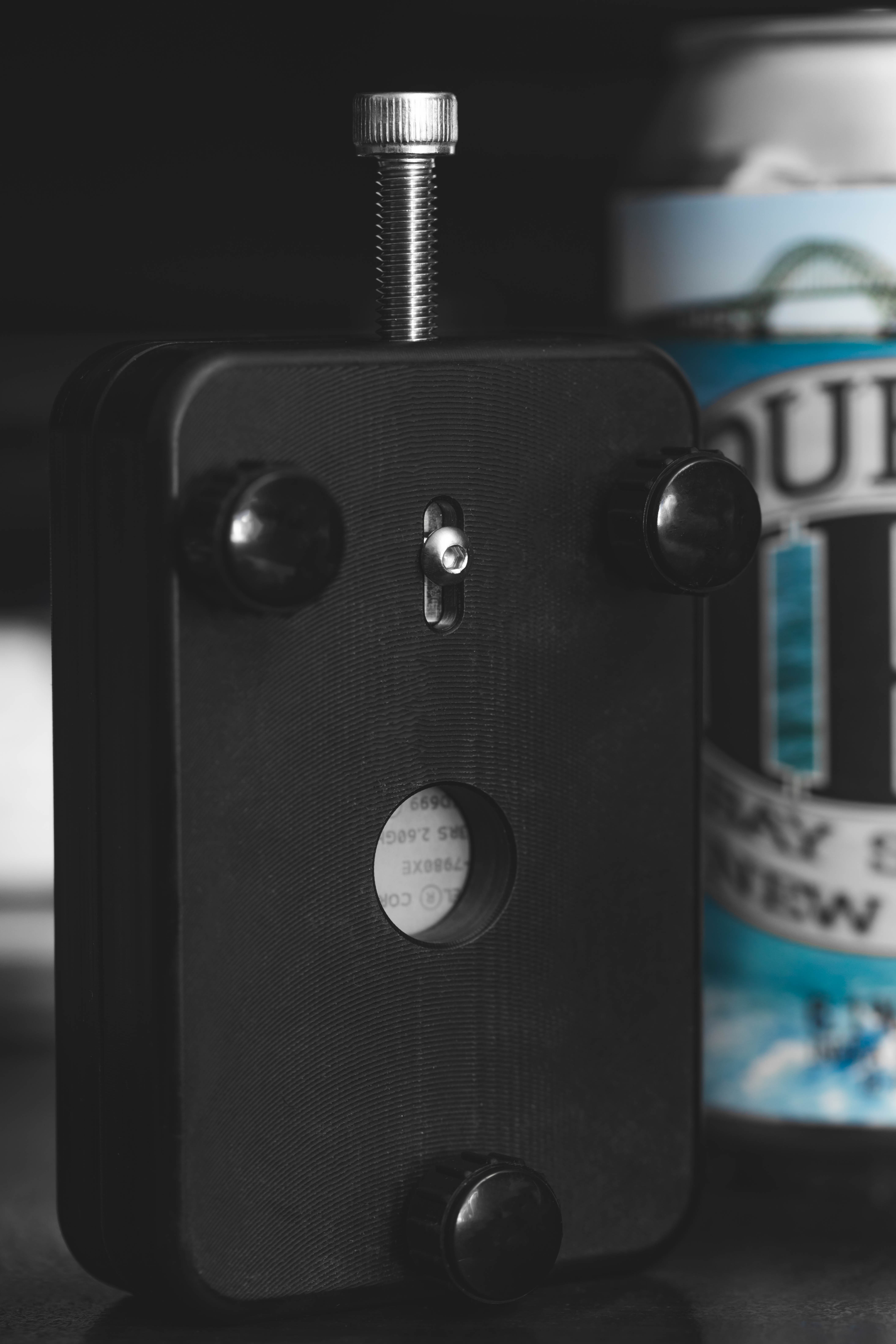
Fooooooooound it!!!
3 Likes
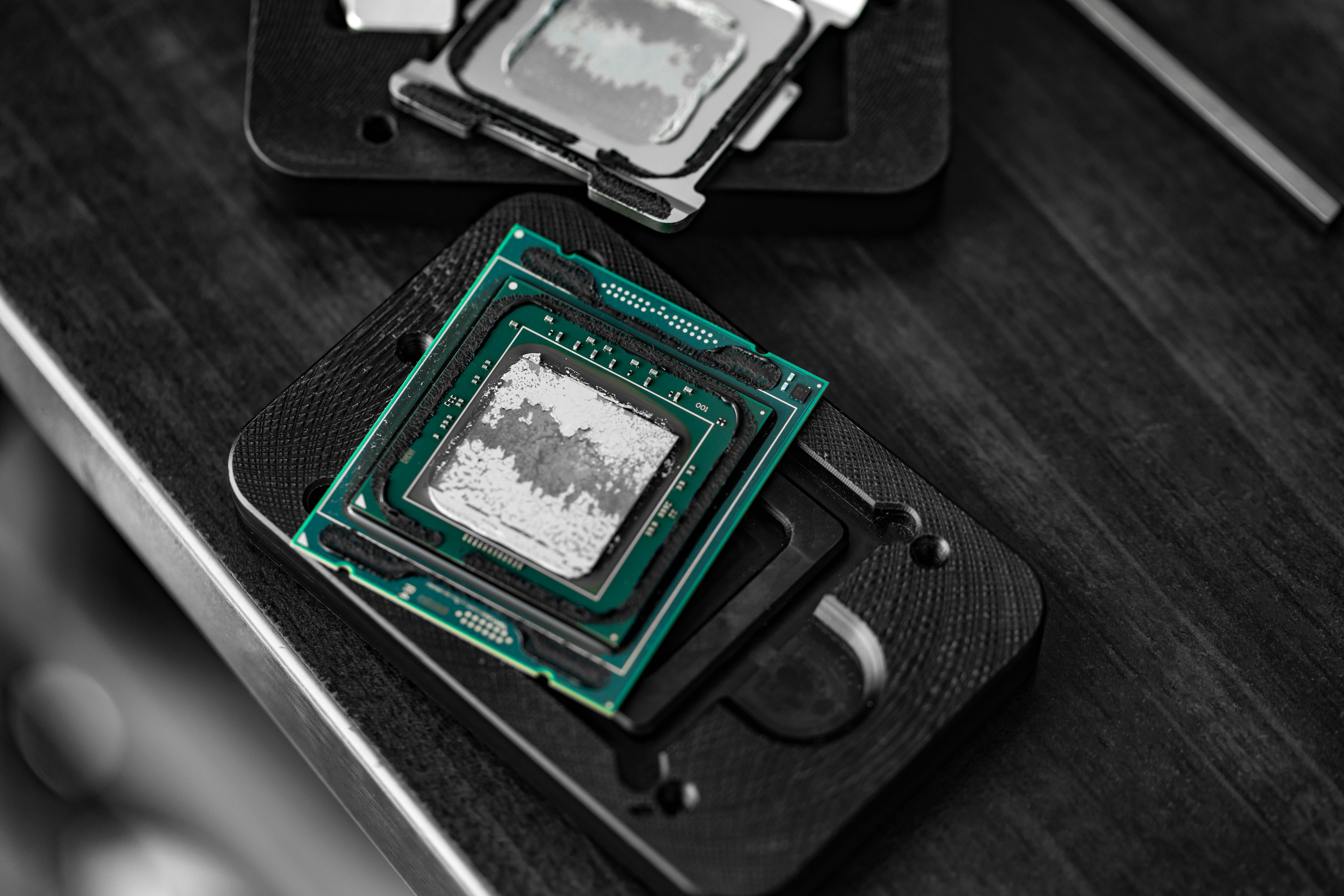
SHINY DIE:

RE-LID:

1 Like
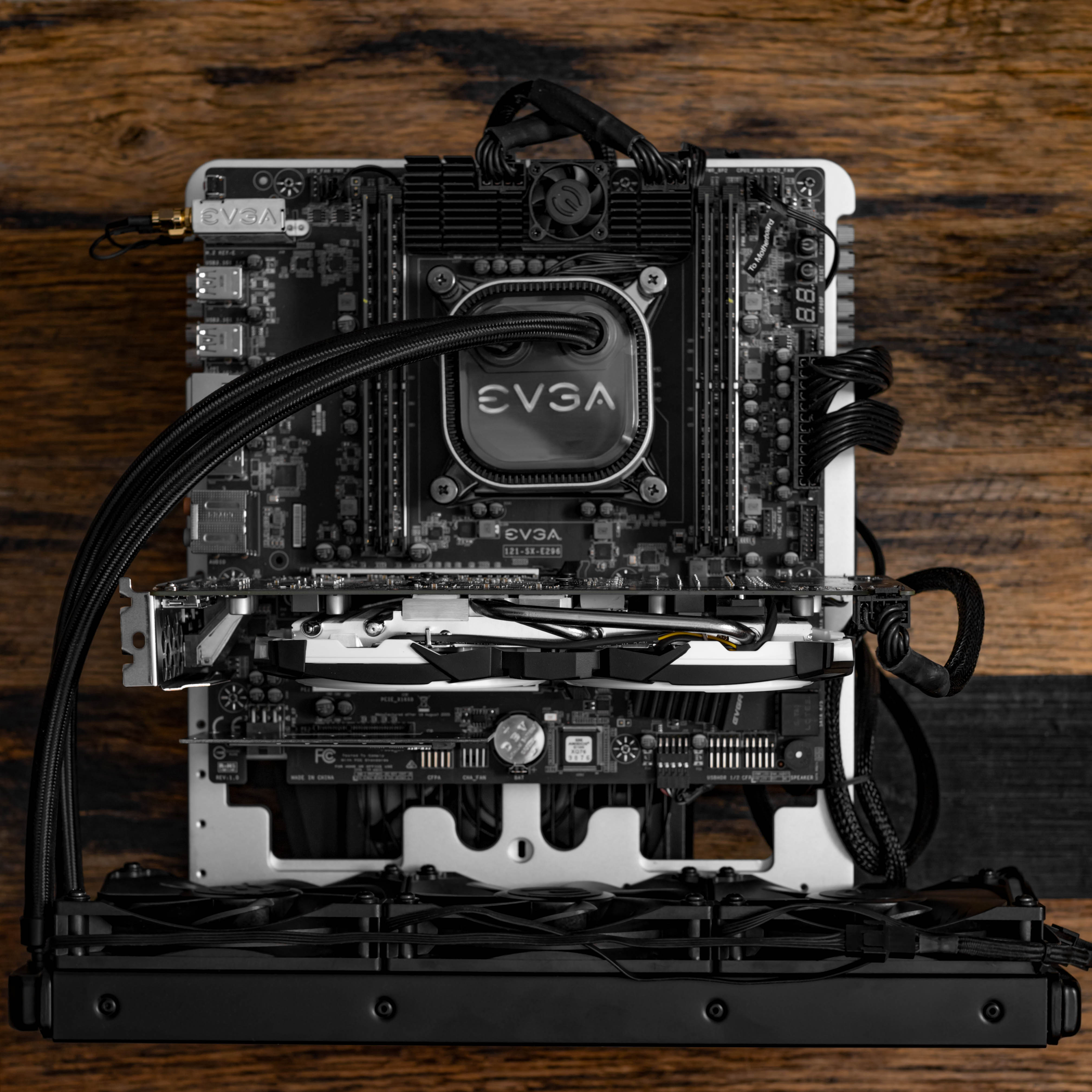
This is the thing I use to do the thing. (Answering a question I get often)

An extremely simple setup of a Godox AD200 Pro bounced off the ceiling. Sometimes I use a translucent reflector if I require more diffusion than bouncing allows, but that’s pretty much it for all of the shots I post here.
6 Likes
Docker Project #23nd: MediaCMS

Came across MediaCMS when I was looking to host a couple of videos. Normally I would just use FileRun or NextCloud, but that gets cumbersome when it’s more than one video. Not especially worth it when the content of said videos is often super dumb, lol. I originally found YouPHPTube, but on top of having a bunch of paid add-ons for functionality, I could hear @HardwareTracker yelling at me for using PHP. So https://den.wtf was born using MediaCMS.
MediaCMS is a pretty faithful Youtube clone with a familiar layout, controls, and multiple transcode profiles. It uses Django, Celery and Python3 on the backend and React + Webpack on the frontend. It is, of course, Docker friendly. The project is both polished and rough. From the front end you can’t tell that it’s only 3 months old, but the backend is bare. Administration is handled by Django and there isn’t much there for now.
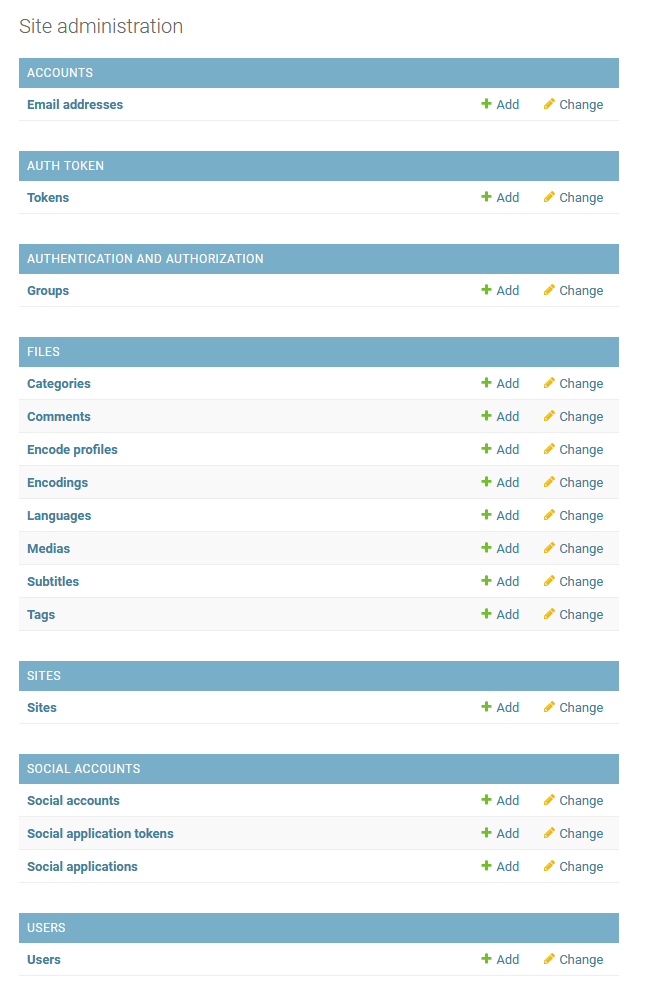
The rest is handled by picking and choosing variables from the settings file and copying them to localsettings.py to override defaults.
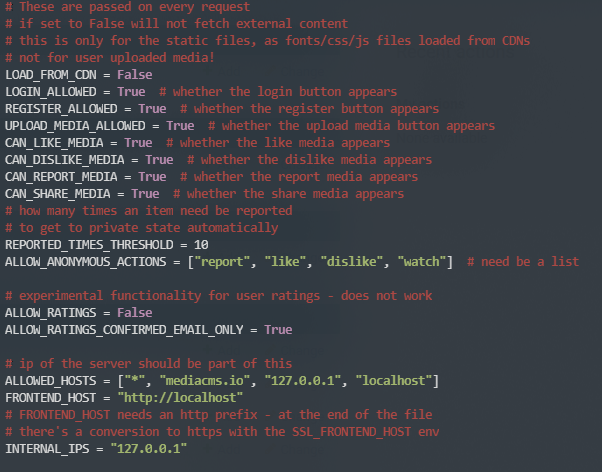
A bit inelegant, but easy enough to follow. At the rate it’s developing, I’m sure this will be integrated into the UI soon. The developers answer questions and issues within 24 hours from what I’ve seen, and are taking and implementing feature requests rapidly. There are minor langue barriers in the documentations, but there’s enough context around them to figure it out.
FFMPEG does the heavy lifting in the background when it comes to transcode and whew… it will take anything and everything you throw at it.
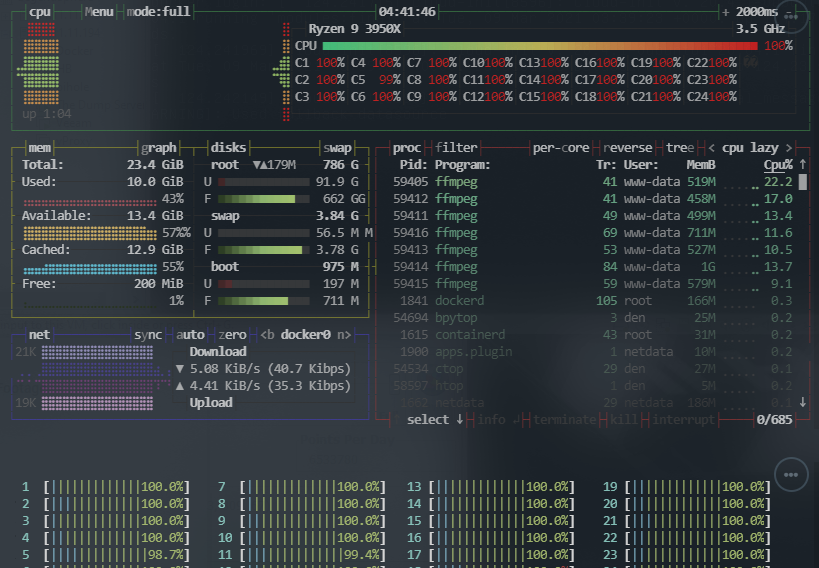

In this case, my Docker VM has 24 threads and 24GB of RAM. After uploading a video, it absolutely chews through transcode and is available in a few formats and resolutions shortly after. One thing that impresses me is how little buffering there is. Scrubbing was instant in browser and on mobile. There was a fraction of a second of buffering sometimes on my Android phone, but my iPhone was flawless.
I should mention that you don’t need 24 cores and 24 gigs of RAM, it will simply take what you give it. The official recommendations are “For a small to medium installation, with a few hours of video uploaded daily, and a few hundreds of active daily users viewing content, 4GB Ram / 2-4 CPUs as minimum is ok. For a larger installation with many hours of video uploaded daily, consider adding more CPUs and more Ram.”
So far it’s been an awesome experience. Only bummer is that the videos don’t embed just by pasting the link a al Youtube, but you can expose the .mp4. Not ideal for preventing hotlinking, but it works.
3 Likes
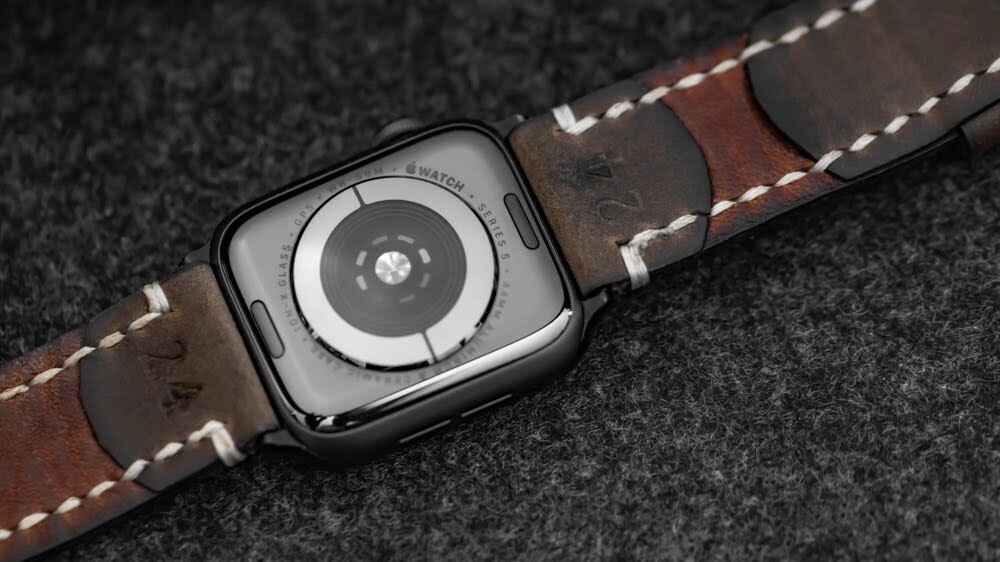
I’ll start with my Apple Watch. I admit I thought it was silly when they announced it. I staunchly refused its existence… until I didn’t. Curiosity got the better of me and I bought one. I have a number of uses for it, so let’s break them down.
- Scheduling - Apple’s launch of the watch was lost on me, as I had already decided it was just a cash grab, but their pitch of complications at a glance always stuck in the back of my mind. How often do you think about the time it takes to remove your phone from your pocket and glance at it? How long does it take you to refocus? Do you get distracted by other notifications and taken off task? What about situations where you simply cannot take out your phone? These are questions that were answered in a week. The watch streamlined my focus. Given the amount of older people I interact with in a day, this also improves my image with them. When you’re looking at your phone, it’s clear you are not focusing on the person in front of you. A gentle haptic nudge and a quick glance has replaced the entire song-and-dance of pulling out my phone.
- Communication - This lines up with scheduling in terms of focus and respect, so I won’t repeat those aspects. My flow of communication and information has drastically improved with the Apple Watch. I don’t mean I sit there attempting to scribble on a two inch screen. What I mean is that incoming communications do not break my attention. A lot of my text messages do not require a response from me, but I do need to know the information presented by them. When I have people on-site, I am quickly made aware of arrivals, departures, problems, or schedule changes. I don’t need to stop what I’m doing and interact with my phone to get this information. Even in a meeting, glancing down for a fraction of a second can save me from going through 15 notifications once the meeting is over. Phone calls are one thing I never thought I would handle on-wrist, but this too has found its way into my streamlined day. Most of my phone calls are under a minute and only serve as small information dumps. A LOT of them happen when I’m getting dressed in the morning or trying to escape the house. Handling this without fumbling to put the phone on speaker is an incredible time and focus saver. Many people only factor in the time it takes during an interruption, but never the time it takes to get back on task. Cut out around 80% of those small time wasters, and you’ve recovered a good amount of your day and reduced a likely measurable amount of stress.
- Health and Health Metrics - I am admittedly an analytics addict. If it can be measured, I want to comb through the data. What better subject is there than your own body? Over the years, the Apple Watch has gone from a glorified step counter, to personal analytics paradise. I know myself physically better than ever before. Apple Healthkit is the most robust head-to-toe profiling tool there is. It is also surprisingly open. There are many apps that can report to and pull from HealthKit data. This tight integration means that you get the whole picture rather than small puzzle pieces. Together these pieces mean A LOT. I’ve been able to make correlations between my exercise and sleep that not even my doctor noticed. I don’t use the watch for sleep data collection. I use a Withings under mattress device. Withings’ entire ecosystem can read from and share with any Healthkit device, so you can see the whole story, not just disjointed paragraphs. The Apple Watch is extremely capable when it comes to detecting irregularities. It tracks your heart, blood oxygen levels, the way you walk (in conjunction with iPhone sensors), and fall detection. It is powerful. Does this present security concerns? I’m sure it does, but for me, this information has been too great for my overall life to not make that sacrifice. I’ll also say it has improved the lives of my family and friends, since I am a known terrible influence and 80% of my circle of friends and family have one. It gets interesting because you can motivate and be motivated by them thanks to activity sharing in the Fitness app. It’s definitely fun going cycling with a group of people and seeing the differences in how our bodies handle it. It took 2 years, but I also sold my doctor on the apple watch.
I’ve also grown quite fond of the look. Given it has become the only watch I wear, accessorizing it has been important. I have tons of custom watch straps and exotic buckles.
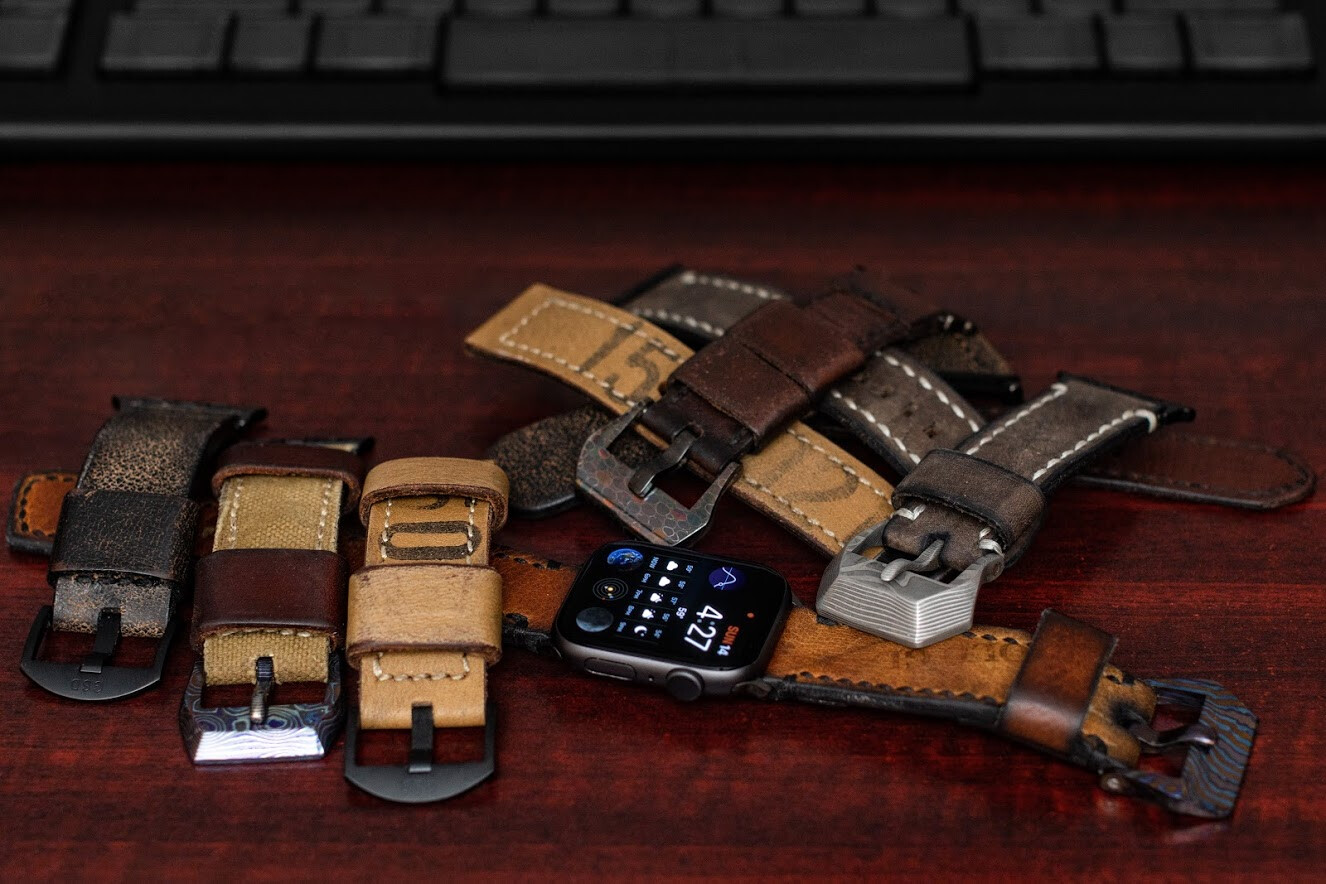
Damascus, Timascus, ZircuTi, Dragonskin Damascus, and soon Meteorite!
A few tools that have my attention at the moment:
Tabby is something I’ve used for a long time, but it was named Termius. I had a mild panic attack when I went to re-install it the other day and could not find it. Terminus is also the name of a commercial product that does something similar, so they renamed to Tabby. Whew. So glad it still exists. It’s both functional and good looking.
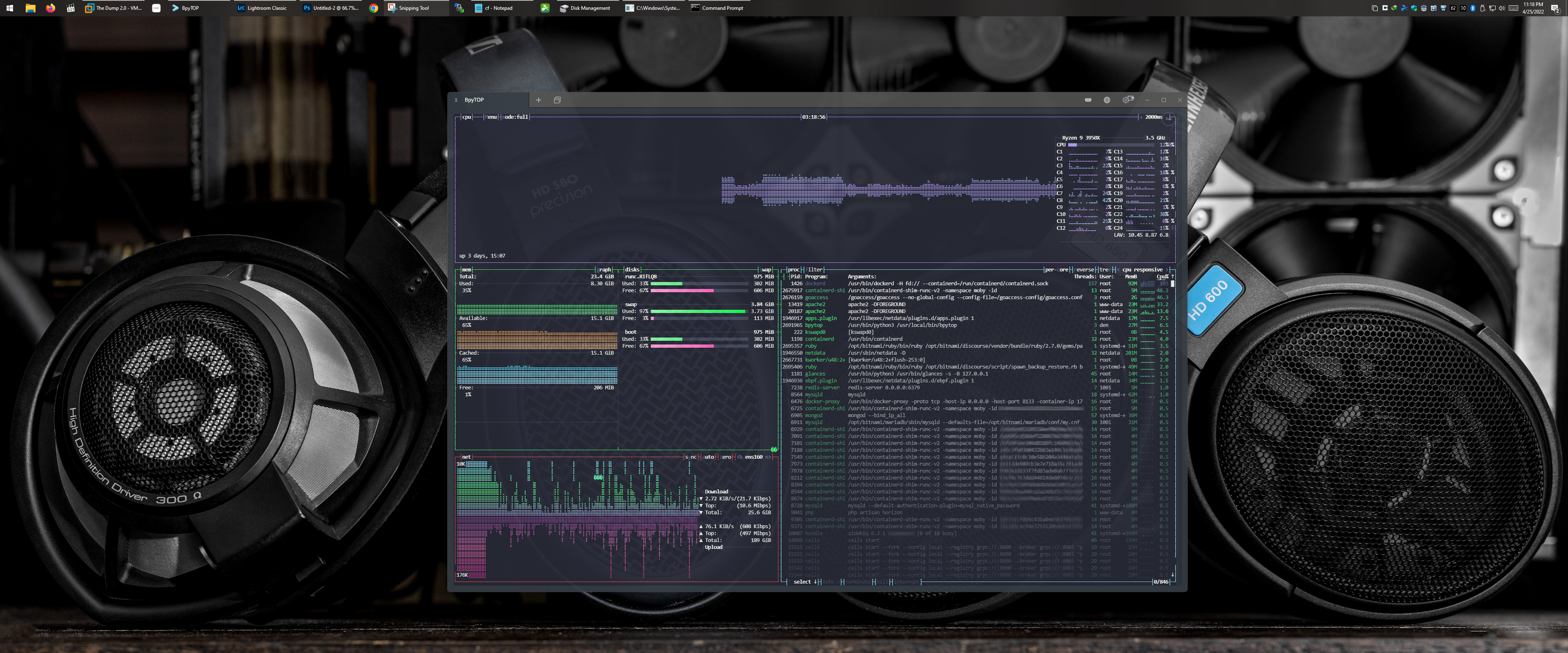
FireZone is yet another Wireguard web interface. They work on it regularly and it gets new features all the time. SSO is nice and it makes setting up all of my devices a simple affair. I’m sure there are some that do it better, but shinning a light on this one because I’m happy with it. It works best on an Ubuntu server VM, but they are working on containerization.
2 Likes

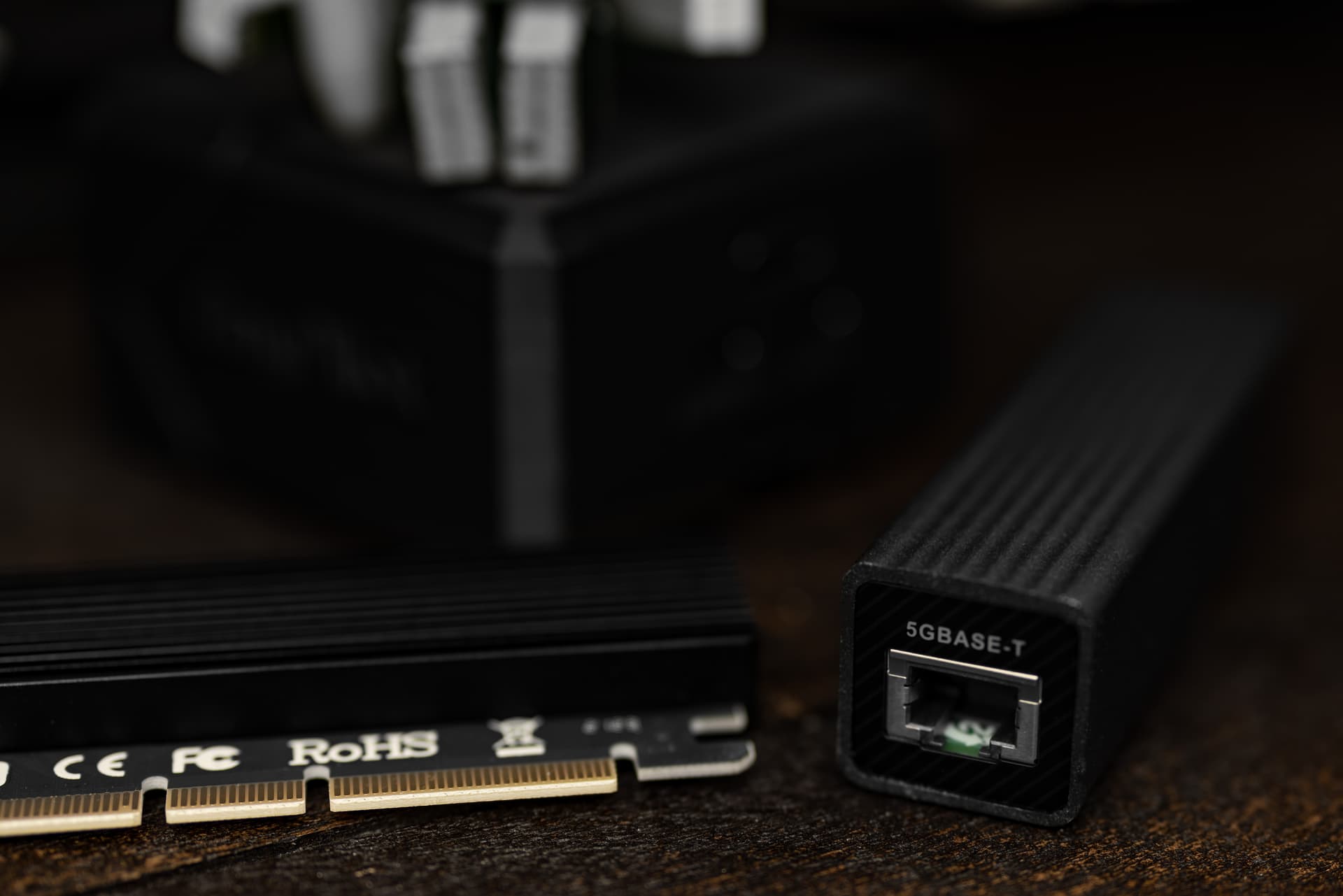
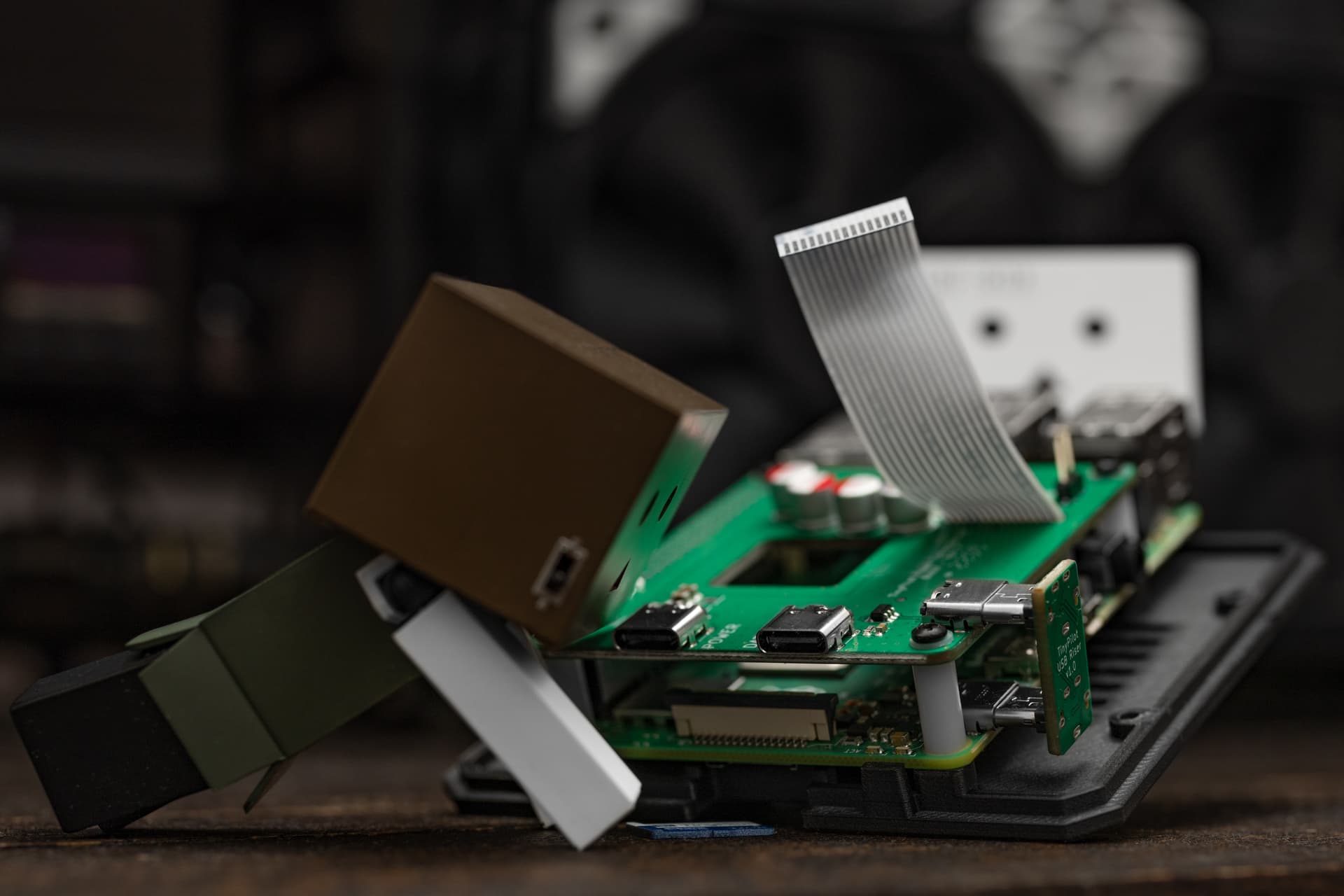
Some iPerfing of the 5Gbps QNAP NIC I bought earlier. With capture being done with the TinyPilot I also got today.
1 Like
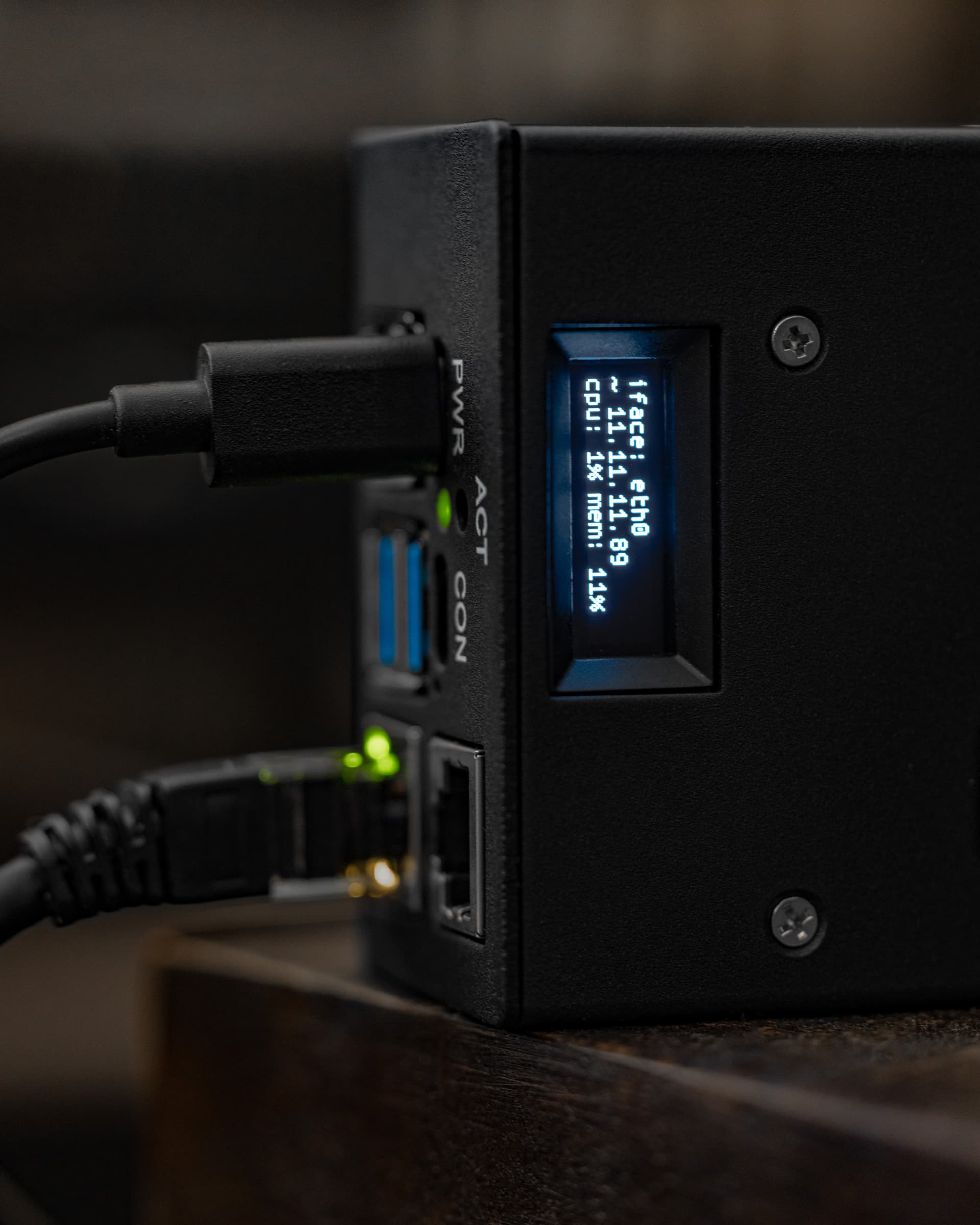
I picked up the PiKVM So I could compare it to the TinyPilot. One will be a general purpose troubleshooting tool, and the other will be a permanent install.
Right off the bat, the build quality of the PiKVM is excellent. Solid metal case that supports a diagnostic OLED… amazing.
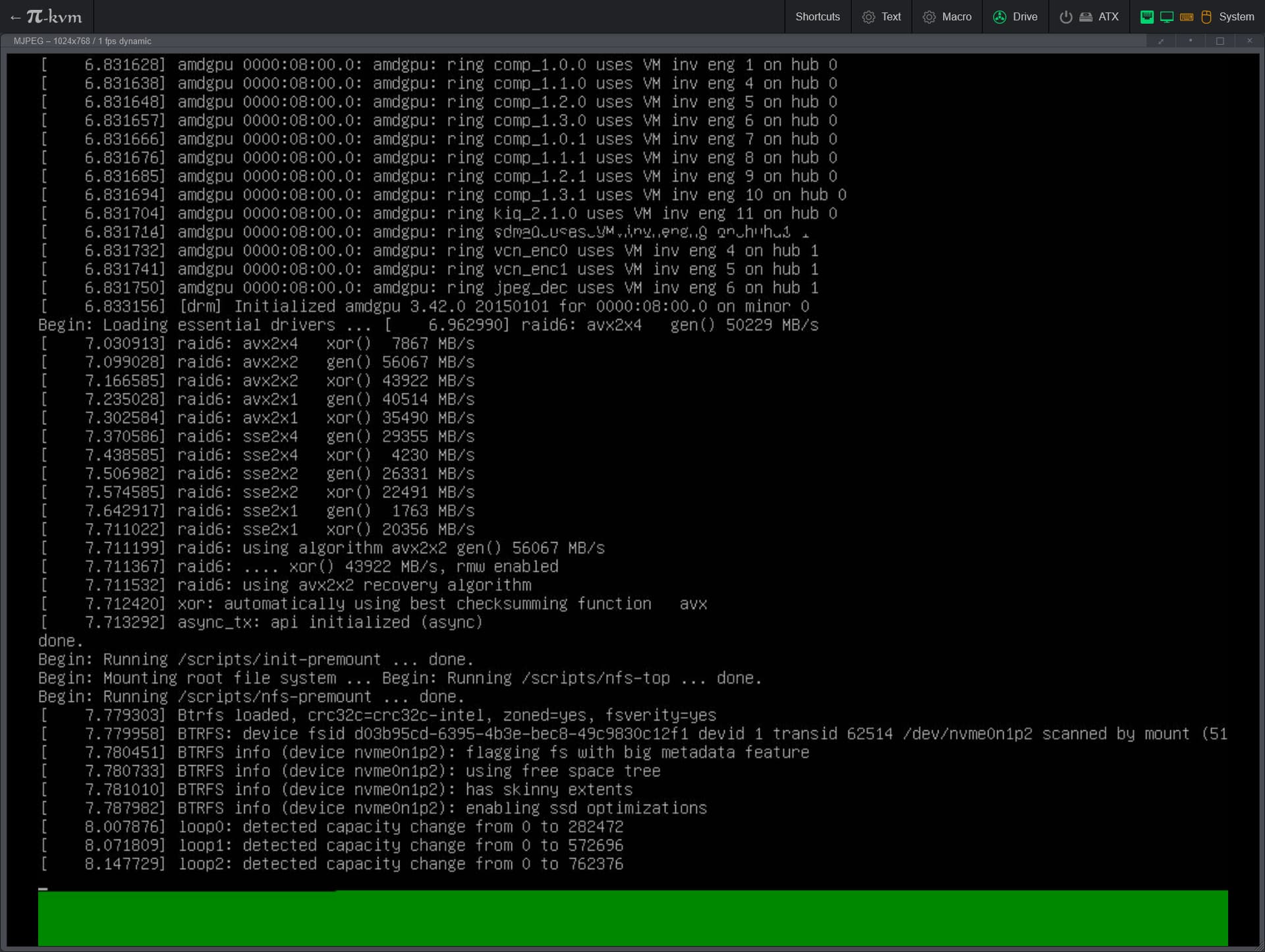
The interface is also awesome. I appreciate the native dark more compared to the TinyPilot.
I’ll do a full write-up if anyone’s interested.
4 Likes
Please do!
3 Likes
Will do!
2 Likes
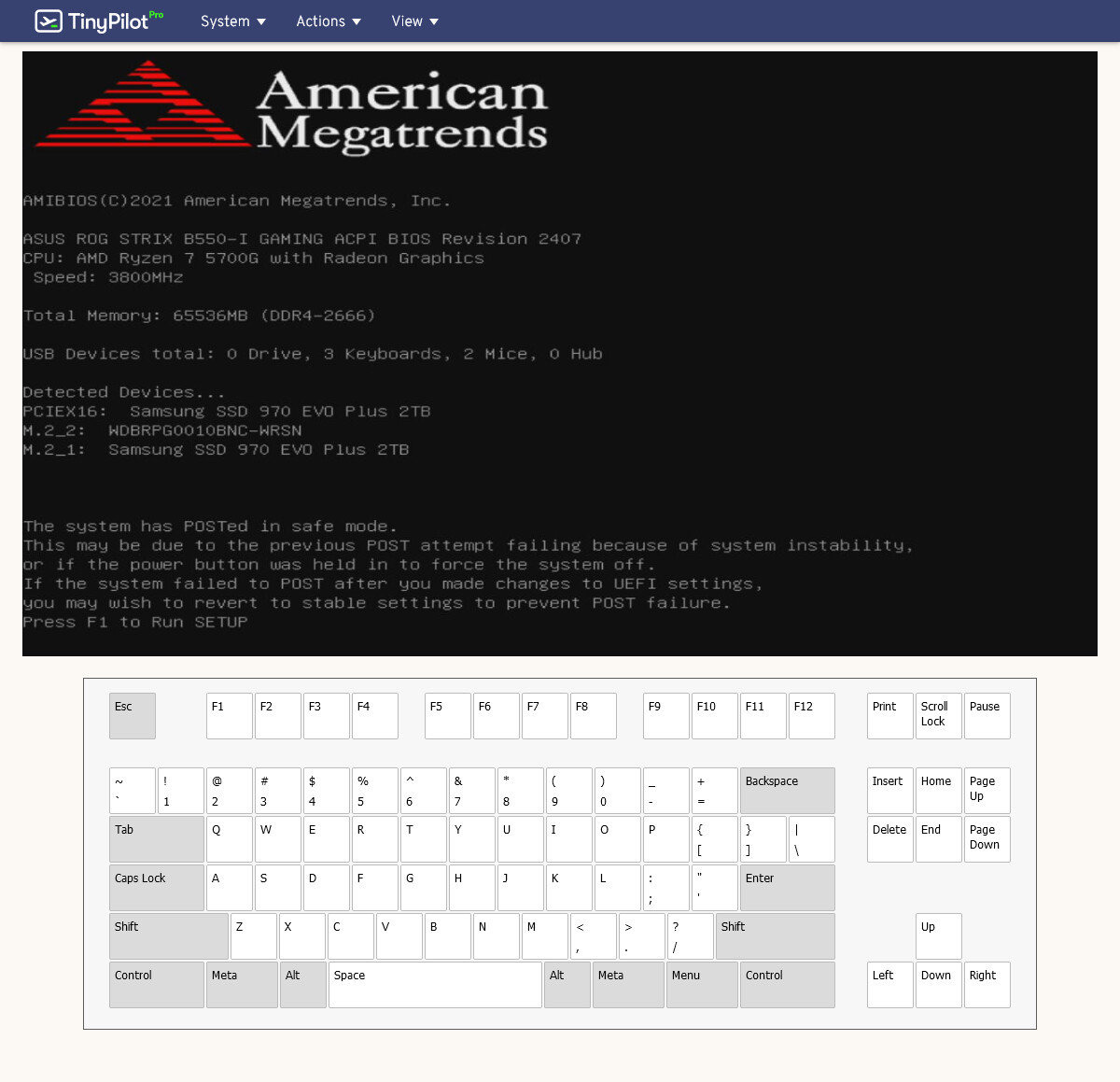
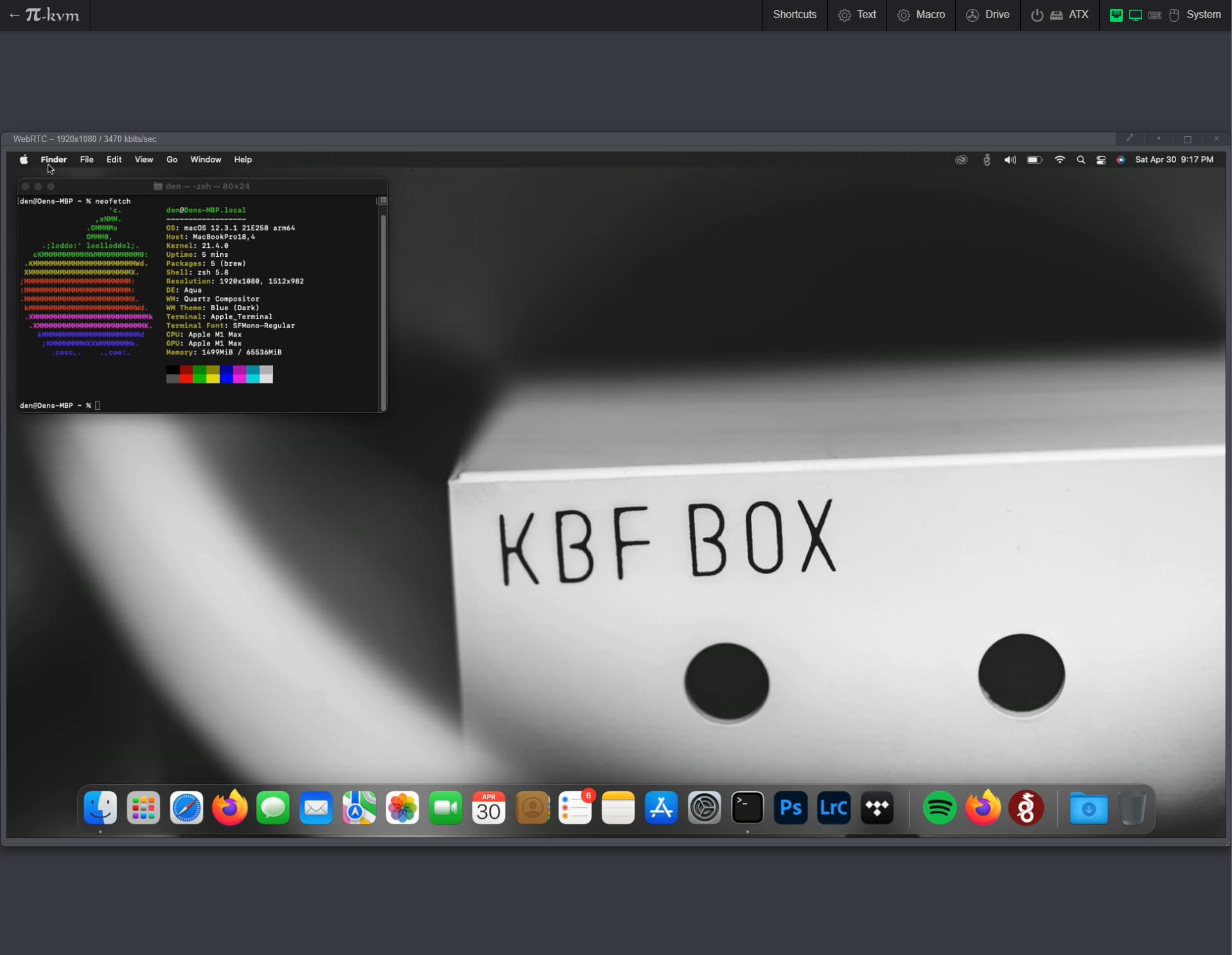
It’s actually pretty nice using the PiKVM w/ my MacBook. Apple’s multiple security requirements can’t get in the way of this method. I’ll continue to use Splashtop in most situations, but this is a nice fallback if some update breaks it.
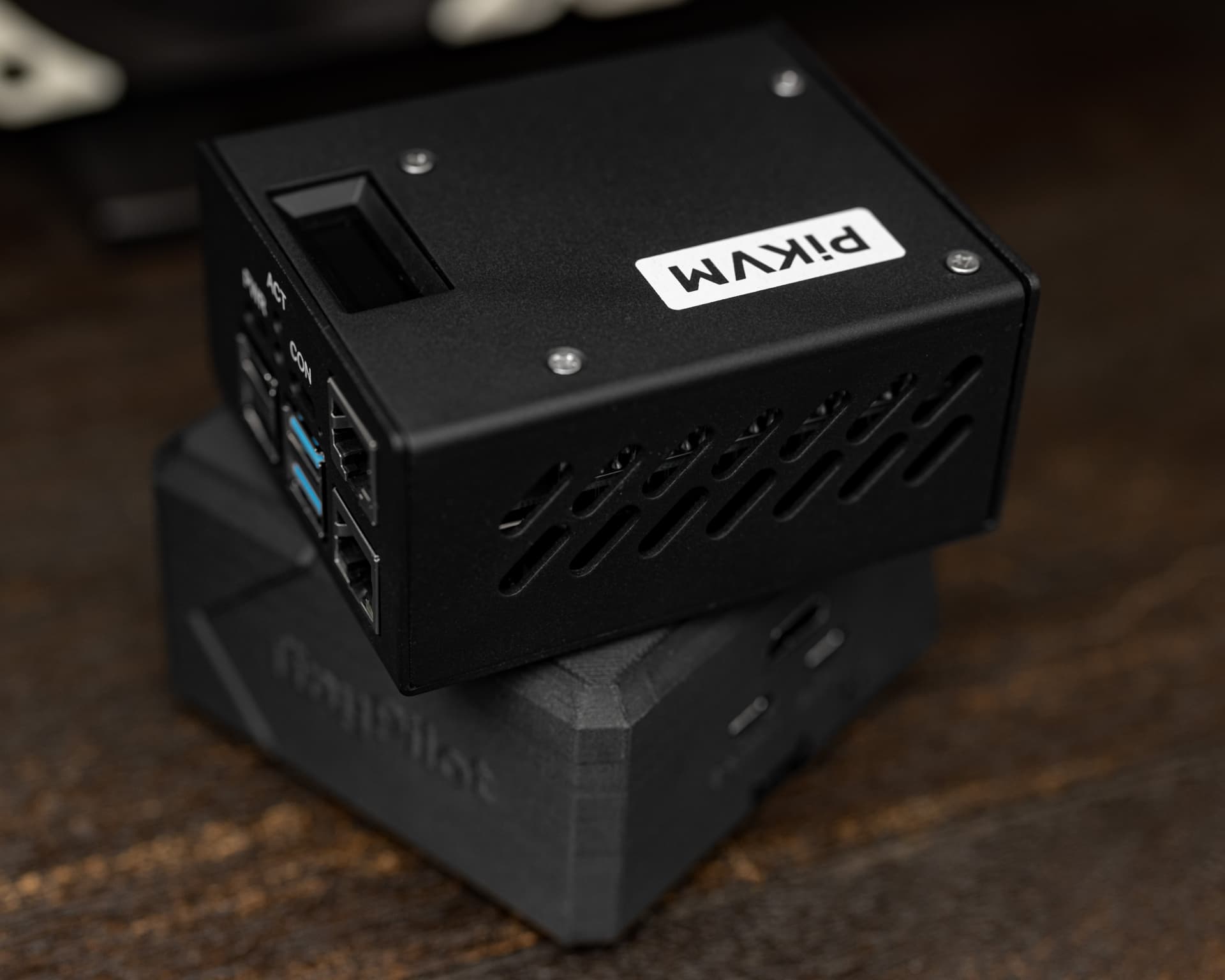
Both the PiKVM and TinyPilot work, but the TinyPilot seems to lose video occasionally (only with the Mac). I’ll investigate that more in depth tomorrow. One thing I wish both of them supported is custom display resolutions. I know this is likely down to the capture hardware being designed for video resolutions, but man would I love 4:3. I typically use an ultrawide with window snapping. That aspect ratio would be ideal.
3 Likes
So it looks like rather than losing video, something about waking the MacBook from sleep crashes the TinyPilot and requires a power cycle. I’m going to sift through the logs and see if there’s anything insightful there.
(In case the above video does not play)
2 Likes
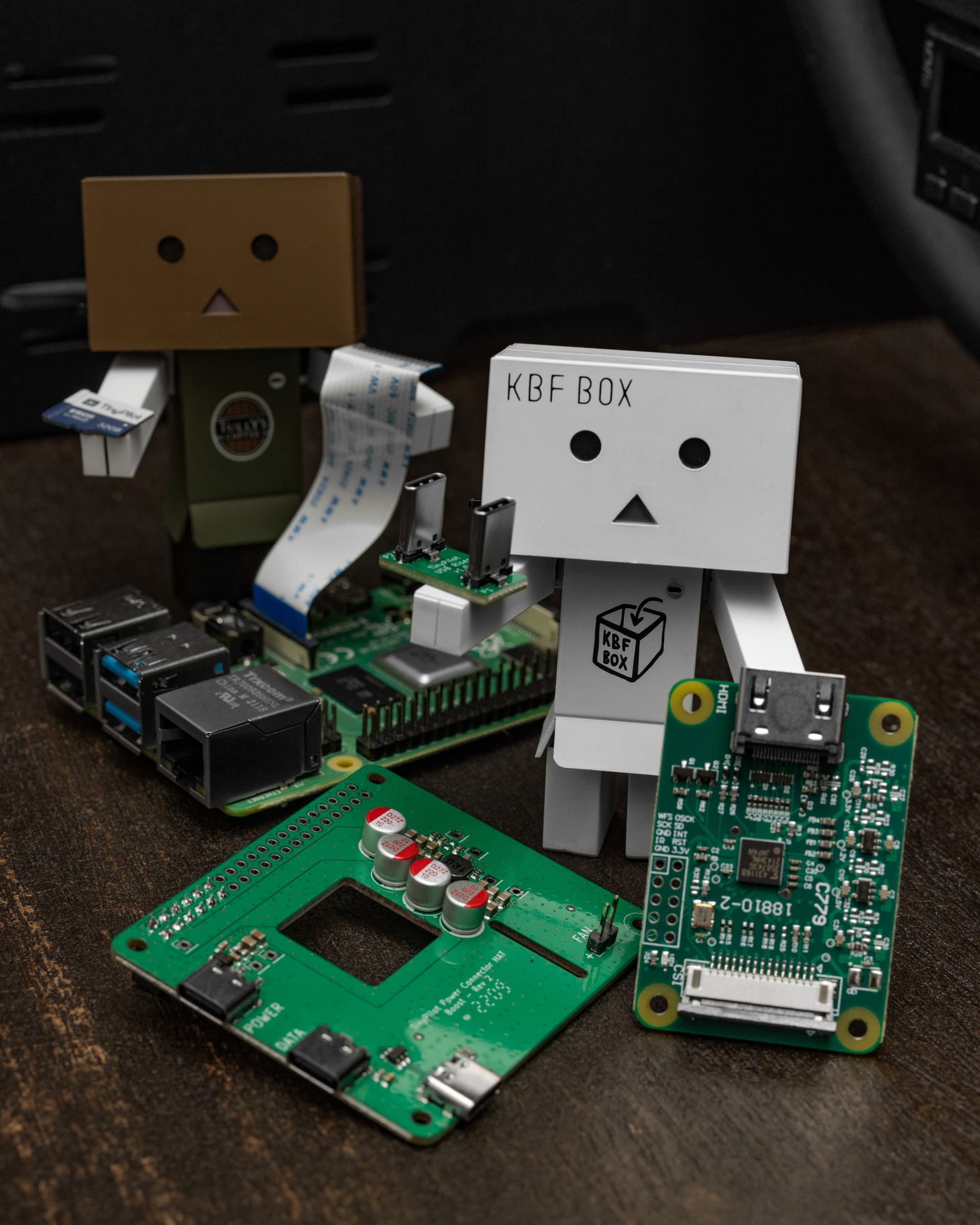
That looks like an image from a horror movie and the description is very fitting.
1 Like
You got me interested there - it has tons of features I don’t need, but with any luck will be less painful to configure than Terminator, which I’m using now. It’s so rare to find a terminal emulator supporting splits.
Yeah. It’s also just nice to use the same program on every platform so that muscle memory is as efficient as possible.