Sorry if this is a repeate but this seems not 100% related to boost so made a seperate thread.
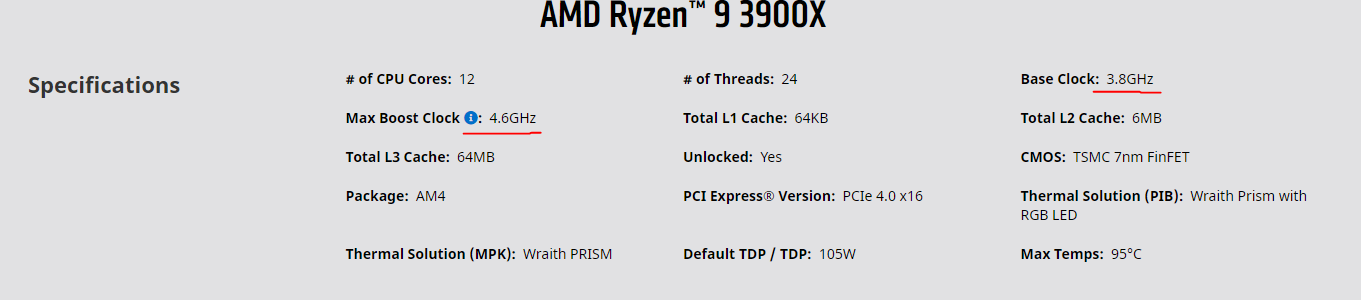
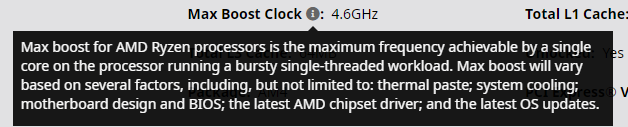
So with my on going issues I noticed that my 3900x paired with a 850 watt prime ultra PSU and a Aorus Master does not seem to operate at base clock frequency. Is this normal? I would expect that when at load the absolute minimum frequency should be 3.8ghz. In my case it seems that after running at load the cores all seem to hop around boosting to 3.8 ghz. Operating temp at this point is in the 75 C range.
Am I expecting too much when I expect it to hit 3.8ghz at the lowest under load with a stock cooler?
Hi thanks for the reply. In my case I am running Prime95 smallest fft’s to test this. And all the cores are definatly not hitting 3.8 ghz…they stay under it and on occasion a few boost up to it and then back down.
I post a image of the HWInfo when I get home.
Prime 95 is a valid way to test this correct? Are there any settings i should tinker with in the bios?
Prime95 is not considered a realistic load. If you want to see if your cooling is enough or maximum power usage of your CPU then yes, Prime95 can be used.
If you want to see how your CPU boosts in a more realistic setting. Run something like Blender/Cinebench for and extended period of time and then check clocks.
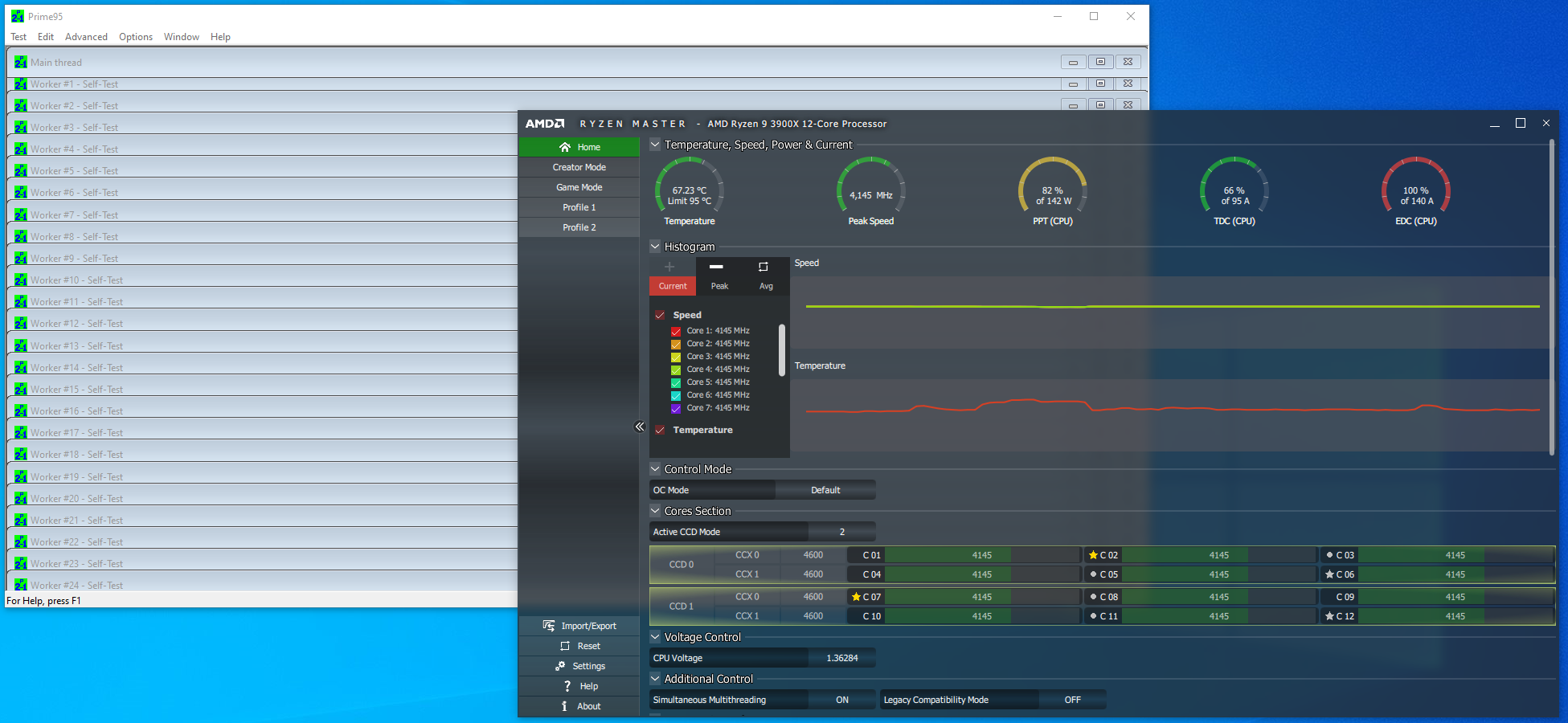
My CPU with prime95 on smallest fft’s draws 43% more power than I ever see on my CPU on other workloads.
Thanks for the response. I am aware its not realistic load test but correct me if I am wrong, shouldnt the CPU operate at the rated base clock regardless. I am pretty sure it shouldnt be thermal throttling at 75 C so I would think that 3.8 is the lowest it would go at load. I know boost would be variable but this is base clock I am talking about.
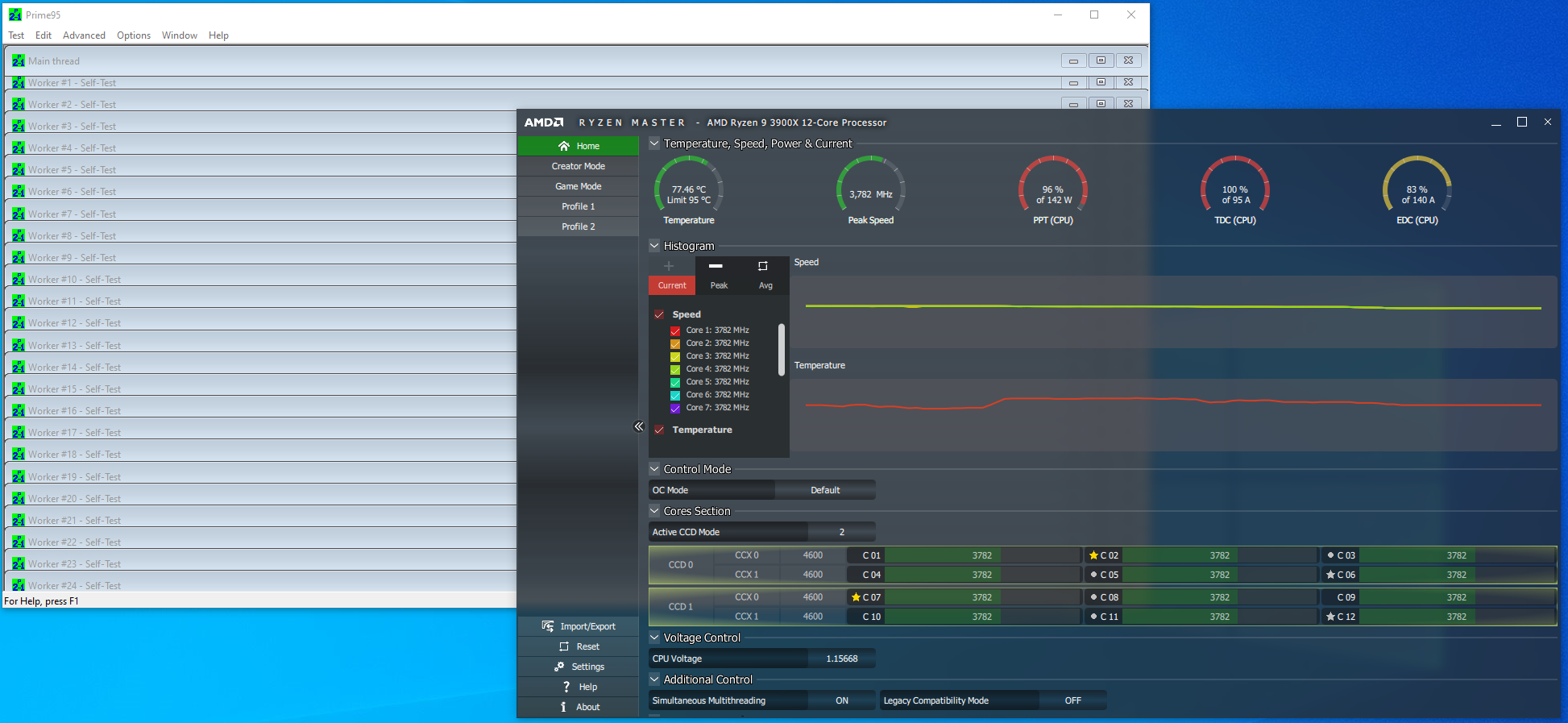
I think you are misunderstanding. I am saying my processor is not hitting 3.8. Firstly I assume you used the wrong word. The cores should not be boosting to 3.8, they should be operating at 3.8. In my case when this test is occuring the cores will operate at 3.75 with a few occasional jumps to 3.8 for a second and back to 3.75.
This is the image I sent to AMD. They want me to try the chip in another board. With that said I was not aware of the power limits playing into this.
According to the picture my TDC Is 100% and the other two being around 80%. Would every 3900x exhibit these numbers or can there be another variable like my cpu and motherboard?
Would better cooling lower any of these values, TDC seems to have a thermal component.
The fact AMD wants me to try another board after seeing this screenshot makes think this could be chip specific?
A thing to note is that prime95 was running for 10-15 minutes at this point.
TDC is the thermal design current limit imposed on your CPU by the motherboard (The amount of amps your motherboard power delivery can handle). So your motherboard is the limiting factor in the example above.
This is probably why AMD wants you to test the chip in another motherboard.
Still don’t understand why you see this as a problem. No real world workload will result in this behavior.
That basically shows the chip is doing what it’s supposed to do. Test it in cinebench and see what it clocks to. You could also increase this limit in bios.
Tdc is a current limit not a thermal one. It’s got thermal In the name but the limit is via current.
Ahh ok so all good. I’m regards to this being a mother board constraint. From everything I read these numbers are actually based off the cpu’s tdp so I am guessing the motherboard has more headroom, correct?
As for why do I see this as a problem, even in non prime95 workloads I am seeing it sit at 3755, so maybe not best test. Regardless of that the wording base clock toe indicates base speed in worst situation. Maybe my understanding is Wong. Regardless will try another board and see what happens from there.
Thanks for trying this out. I guess this is normal. Odd thing is AMD (at least their support) doesnt think so. Regardless thats gives me more confidence that this is how the processor is.