Well here was one of the issues I had. I thought about going full watercooled …
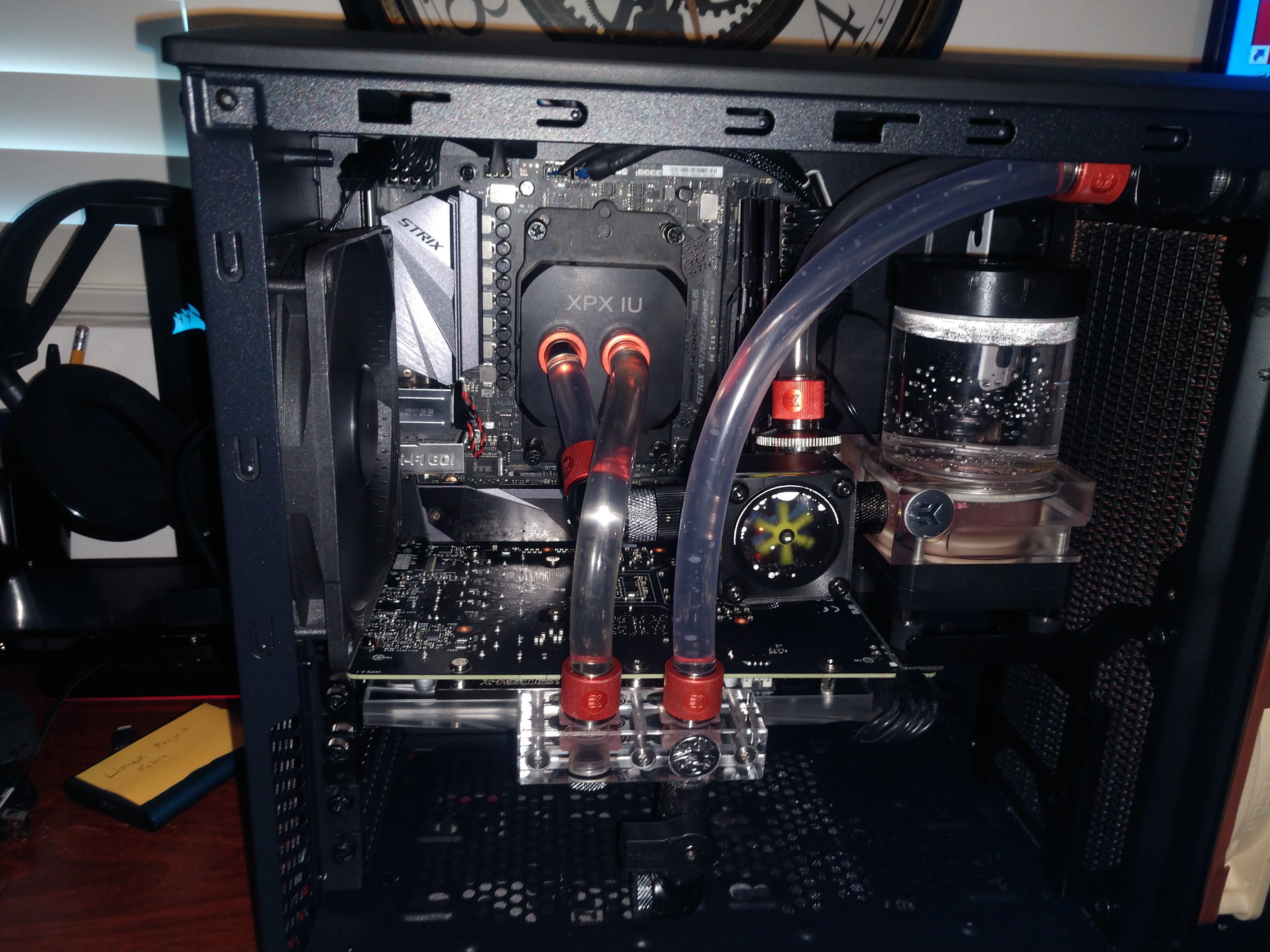
…but I decided I’d go air cooling. This led to a few issues.
The Noctua NH-D9L, Premium CPU Cooler with NF-A9 92mm Fan I had from another build was my go to for this. If I kept it facing up or down that probably would have been fine, but I wanted a front to back flow to go with cases flow. This wouldn’t be possible with the mounting suppled by Noctua, as seen here.
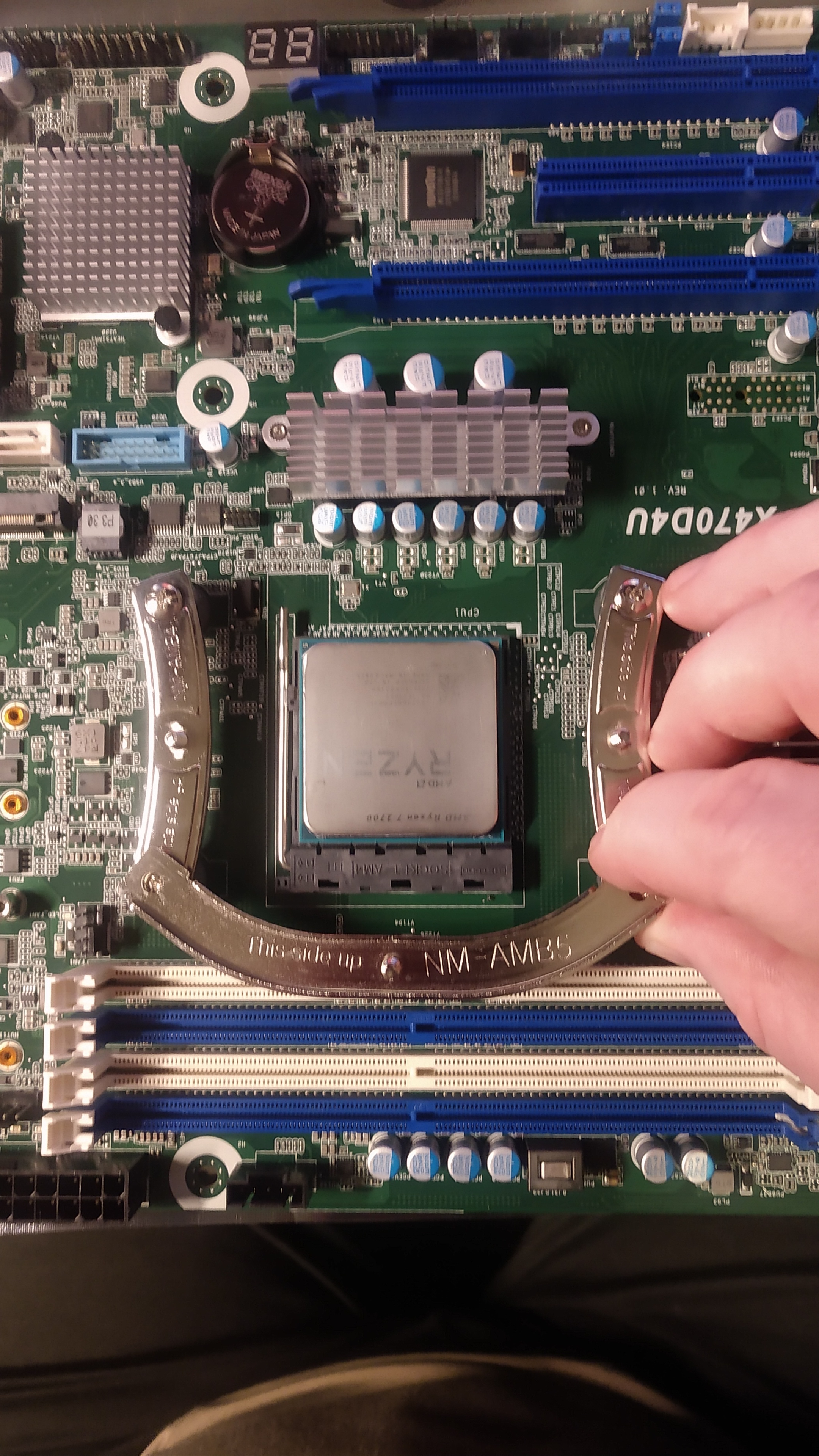
Not only did it hit there but it also hit the heat sink on the opposed side.
I also in my “parts closet” a a slightly used MSI Core Frozr L. I chose that cooler because it was “offset” to one side. After I unmounted the top plate and flipped it 180 degrees, it was just how I wanted and would clear the ram and face front to back, but then I ended up with a mounting problem as well being unable to mount it the direction I wanted.
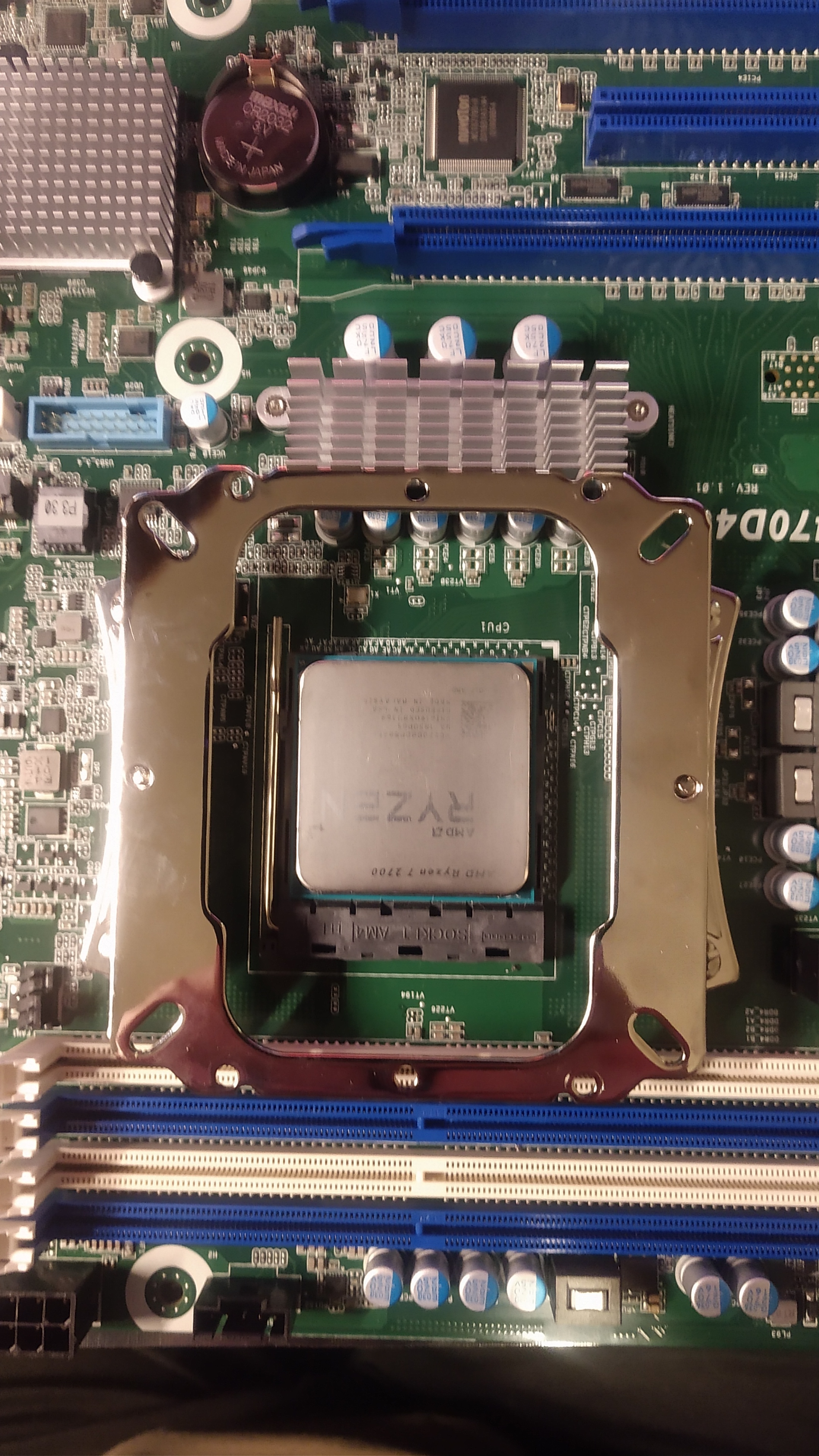
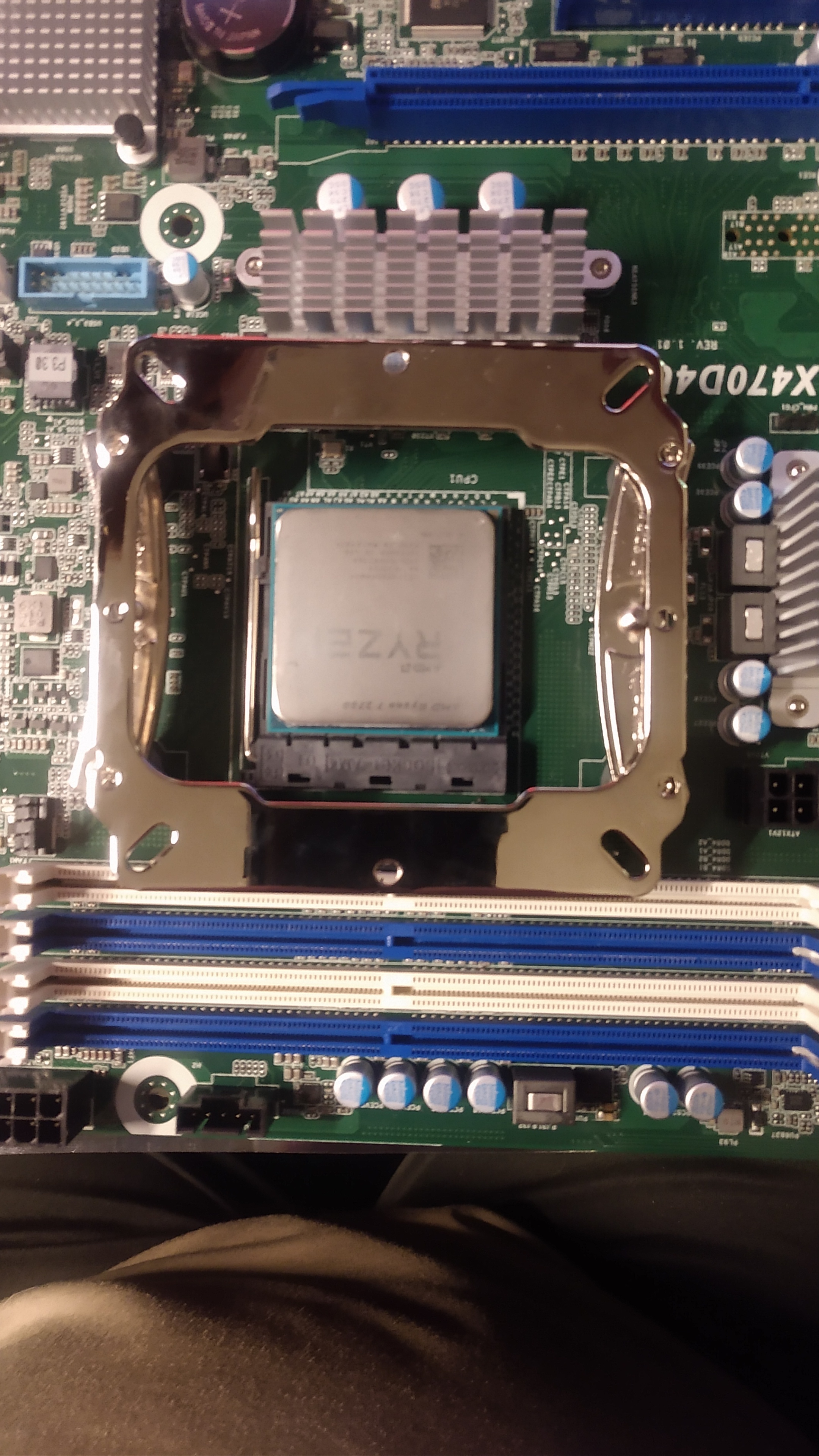
This is the problem people run into with stock ryzen coolers as well.
I needed a solution so I started to look at the two mounting kits. I discovered if I used the Noctua mounting kit on the board, and the two short ryzen adapters with the grey risers for ryzen. I had a good base that matched up with the cross-bar holder for the MSI cooler. I then removed the spring loaded screws from from the noctua cooler by removing the c-clips and attaching them up to the MSI cooler cross bar. Heres a picture of the hardware and it mounted.
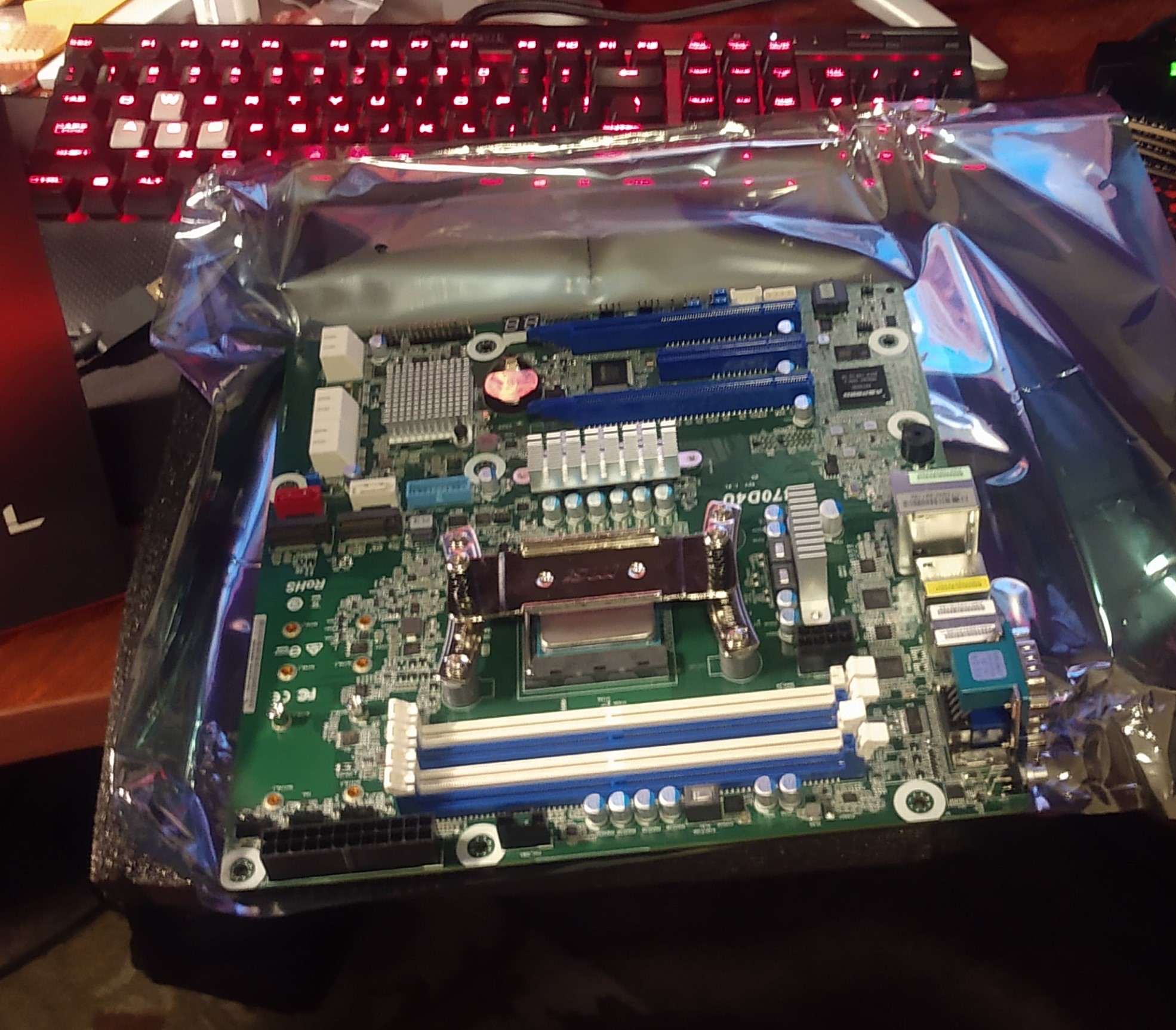
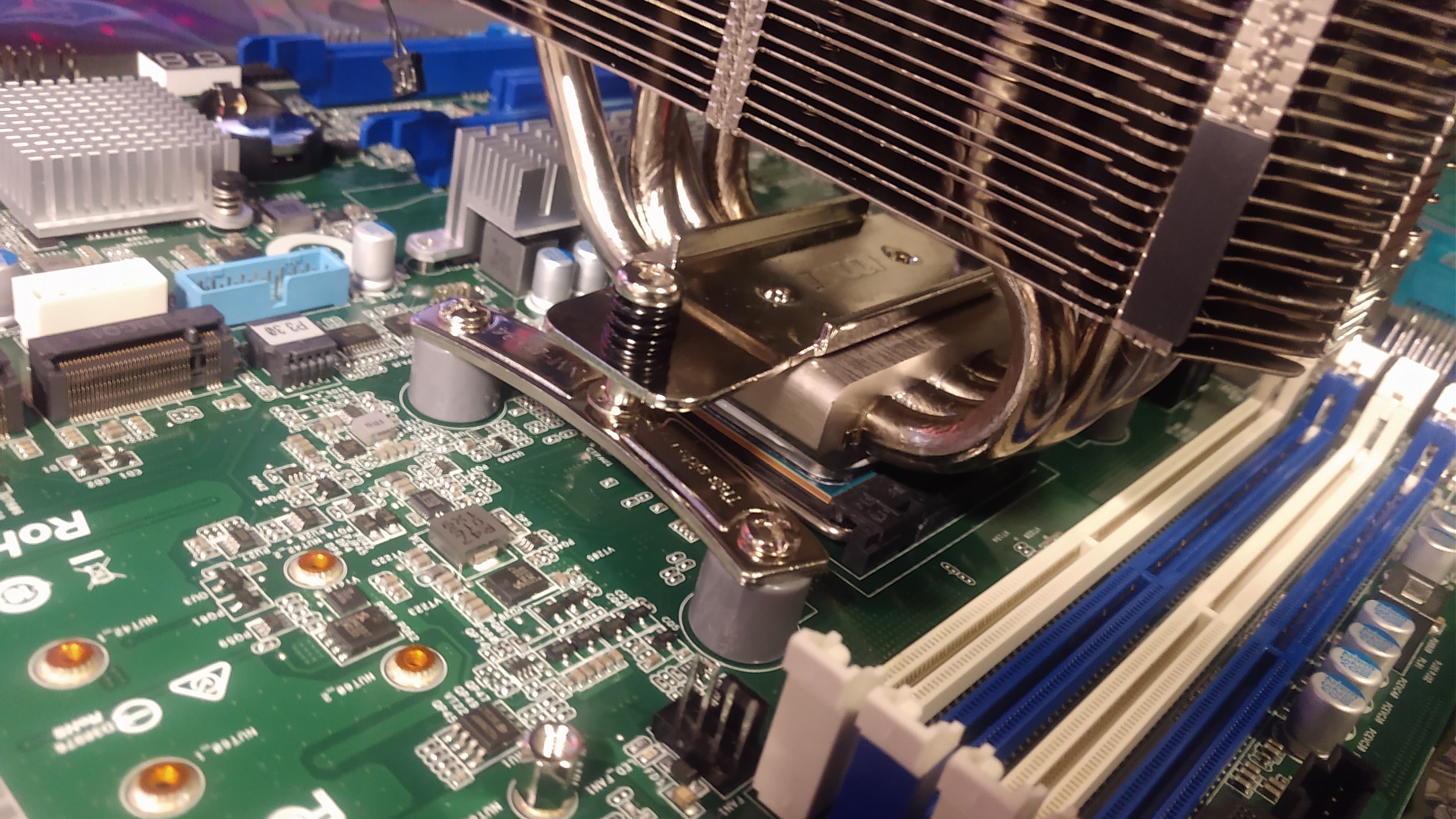
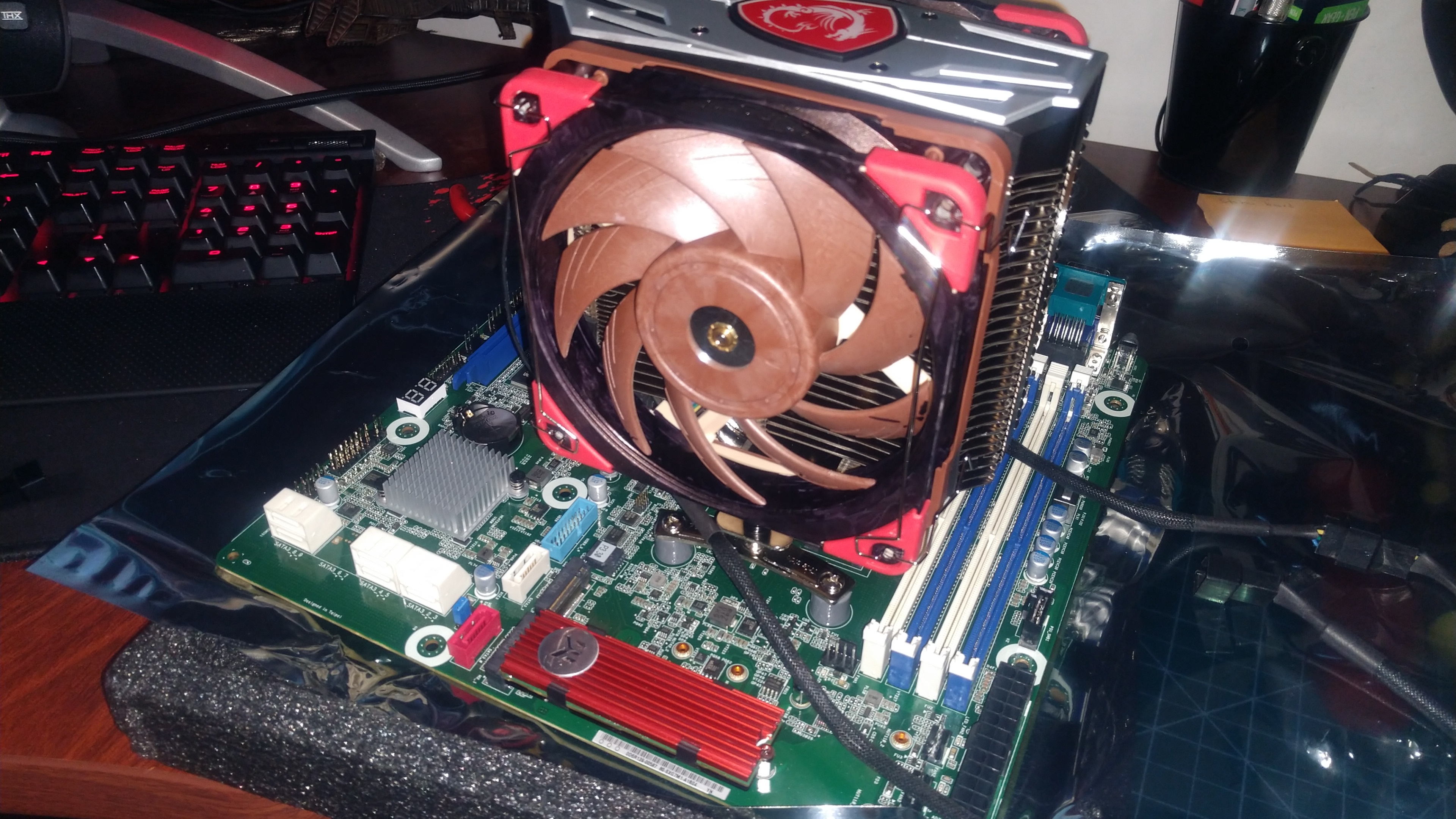
This worked out great I had good contact with the CPU and TIM was spread evenly when I removed it to check. I was using the bare sticks of Kingston ECC ram, and as long as they are installed BEFORE the cooler the clearance works fine.
@reavessm You had asked so here’s some info for ya. Hope it helps.