D@ngit! Yes, that would be bad 
Sowwy, ma bad 
D@ngit! Yes, that would be bad
Sowwy, ma bad
…I’ve been looking at too many 45drives chassis lately; forgot that others still use caddies.
For a lot of us, the power cost is part of the hobby. Think ammo for guns, gas for go-carts to race cars, breaks/tires/other consumables. Really any hobby that costs money to do and makes no profit. Hell, I don’t sit in a office next to the rack all day just because I like the noise and heat. >_>
If you really want “one big pool” I could suggest mergerfs but it has a lot of downsides. Better to treat the two pools like datasets in one big pool.
mergerfs author here. While I certainly agree there are plenty of downsides/tradeoffs to using mergerfs depending on the usecase… mind articulating them to be thorough (and so I can see if there are any takeaways that I don’t already have planned?)
(hello and welcome back, you rock)
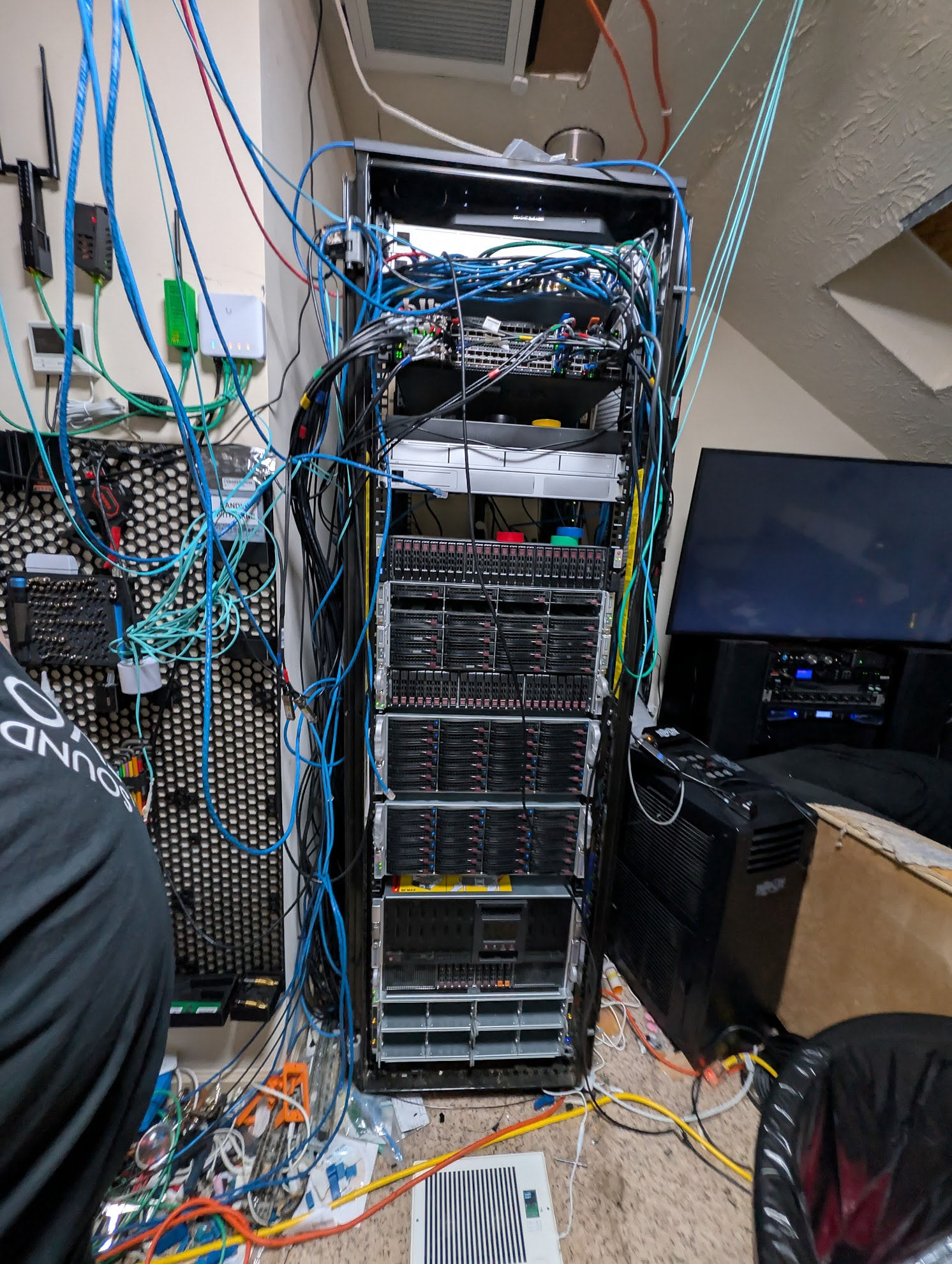
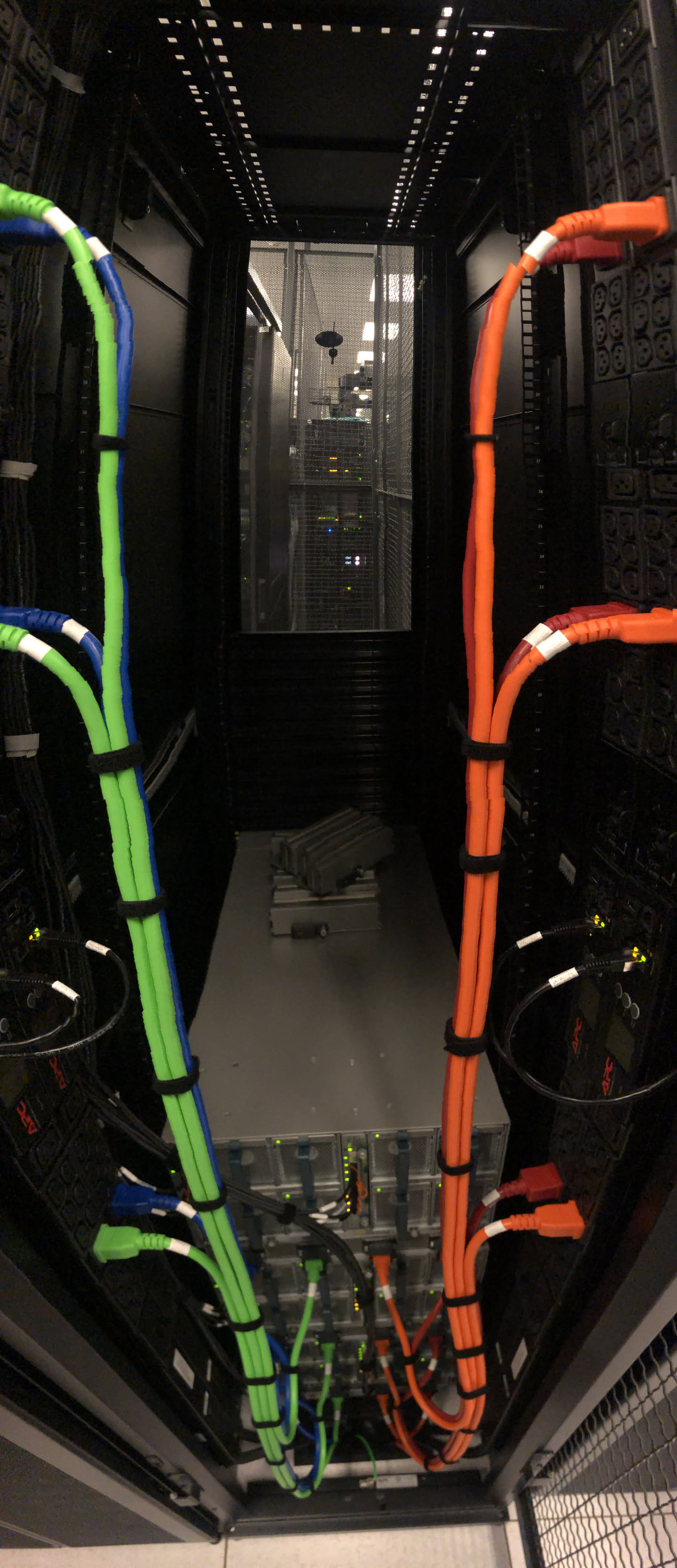
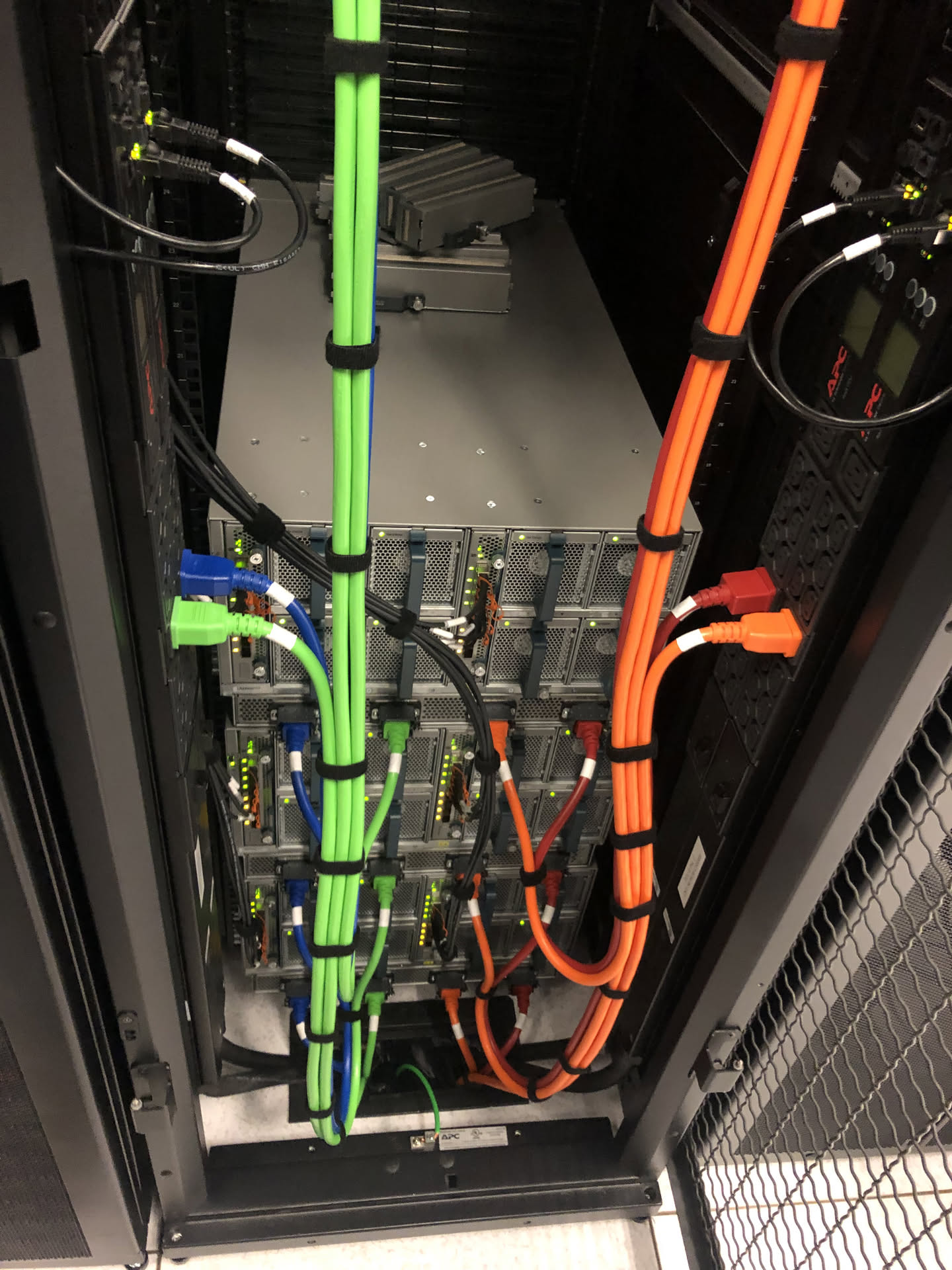
Dude! You need cable management 
(just for memes, no affiliation!)

So, can i play too?
Just went through my hoard and found the following.
Old Motherboard that takes 7th gen intel that i bought on a local market place a while ago cos it looked cool and was cheap (and it works).
2 x random Aliexpress HBAs and various cables.
6 x 4tb HDD’s, 2 sata and 4 sas and i have the correct sas cable for those.
1 x 16tb HDD’s.
3 x 3tb HDD’s.
4 x 1tb sata SSD’s
6 x 2tb sata SSD’s
9 x 480gb sata SSD’s
29 disks and 22 ports to work with…… and nothing to put all this into 
Any recommendations on how to divy this up should i go unraid or truenas Also thinking i might not use the 16tb as its so much bigger than everything else. Should save it till i can get some more.
Could i make a vdev using the 3 x 3tb and 6 x 2tb? i know i will loose 3tb accross the hdd’s but will that work, a mix of ssd and spinning rust?
My initial thought was like this
create a raid z1 with the 6 x 4tb
Create a raid z1 with the 3 x 3tb and 6 x 2tb
then use as many 480gb as i have ports left as a ssd cache? is that something i can do?
I’ve gone the “single node CEPH” route for the same goal of bringing back to use a bunch of old random disks.
Eagerly waiting for AnyRaid to mature to switch back to ZFS.
RAID6 for the 6x 4TB set, then put that in RAID1 with the single 16TB drive. I’d also recommend RAID6 for the 6x 2TB set and RAID5 for the 3x 3TB set. So you’d have 16+8+6 TB sets of effective but redundant storage. The lower capacity disks may not be worth the effort/time unless as exercise in management or sumtin’.
sorry if offtopic but instead of zfs based buddy backup, wouldn’t a encrypted syncthing share be more sane for 90% of even datahoarders?
syncthing doesn’t address hardware redundancy of flaky disks.
Unless you had a particular idea to have multiple copies on different drives.
Ah sorry I mean syncthing in zfs. Except if you mean something like if a corrupted client sends a corrupted file, which I would argue does not matter as zfs would either catch it or just evict the array - although I think that last part might be non default
Just came here to say that in my experience, it is smart (sic) to run the smart long self test regularly, like once a month, even if you don’t trust the results (you shouldn’t). When the disk self tests it will detect blocks that are bad or near failing and mark those blocks for remapping when those blocks are later written. With a bit of luck, the disk will self heal. Also, doing this makes sure you exercise the the whole disk area, to avoid build up of dust particles on an unused area of the disk that can lead to a crash.
Fun story: At the company I worked for, we only used 20G of an 80G disk (yeah it was a long time ago) and when we later wanted to repartition the disk (after having been in use for a year or two), many of them crashed (hard) because the disk built up a wall of particles just beyond the 20G limit. We learnt our lesson and ordered better (server grade) disks that had regular clean-sweep built into the firmware, but on cheap disks this probably still doesn’t happen.
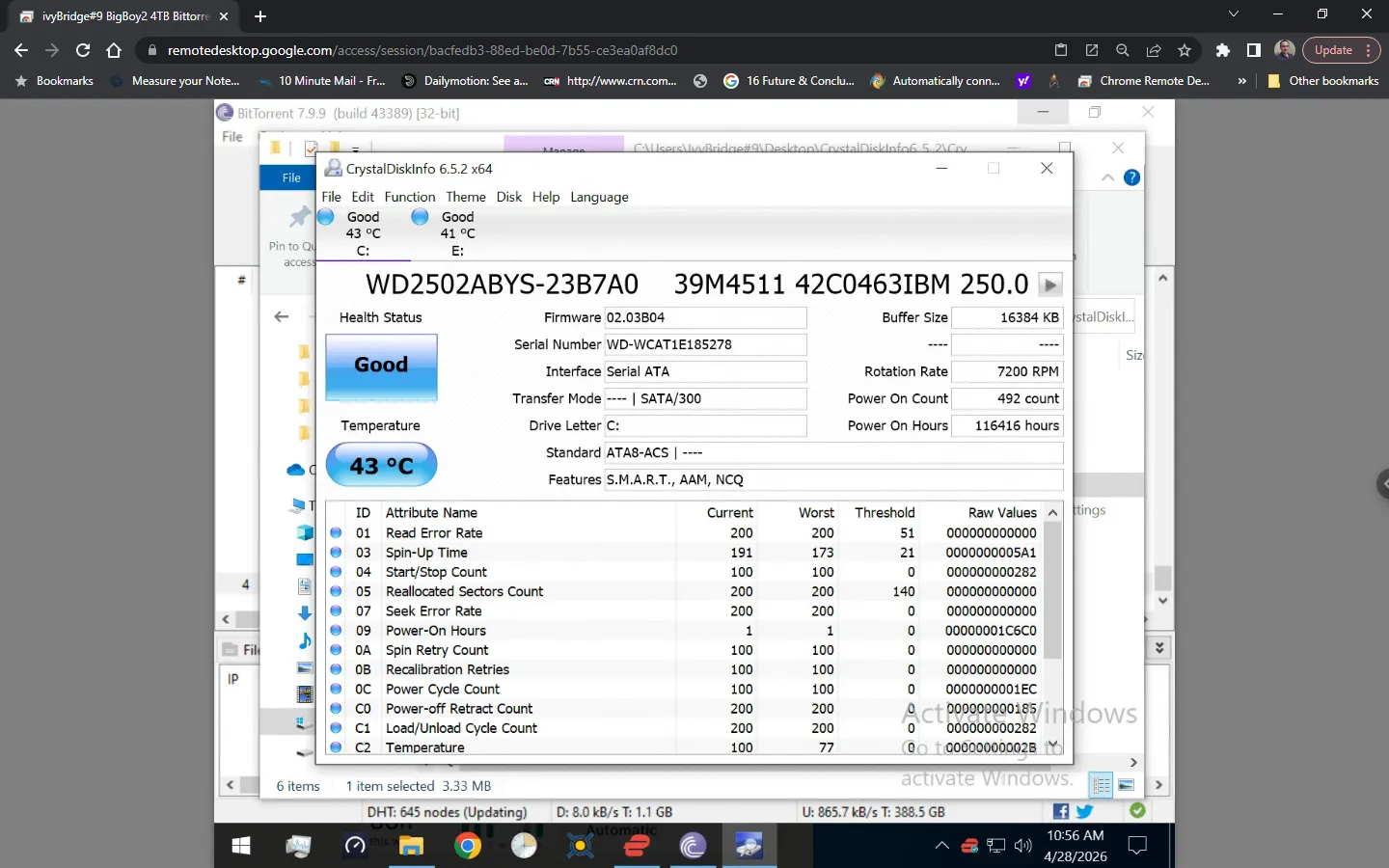
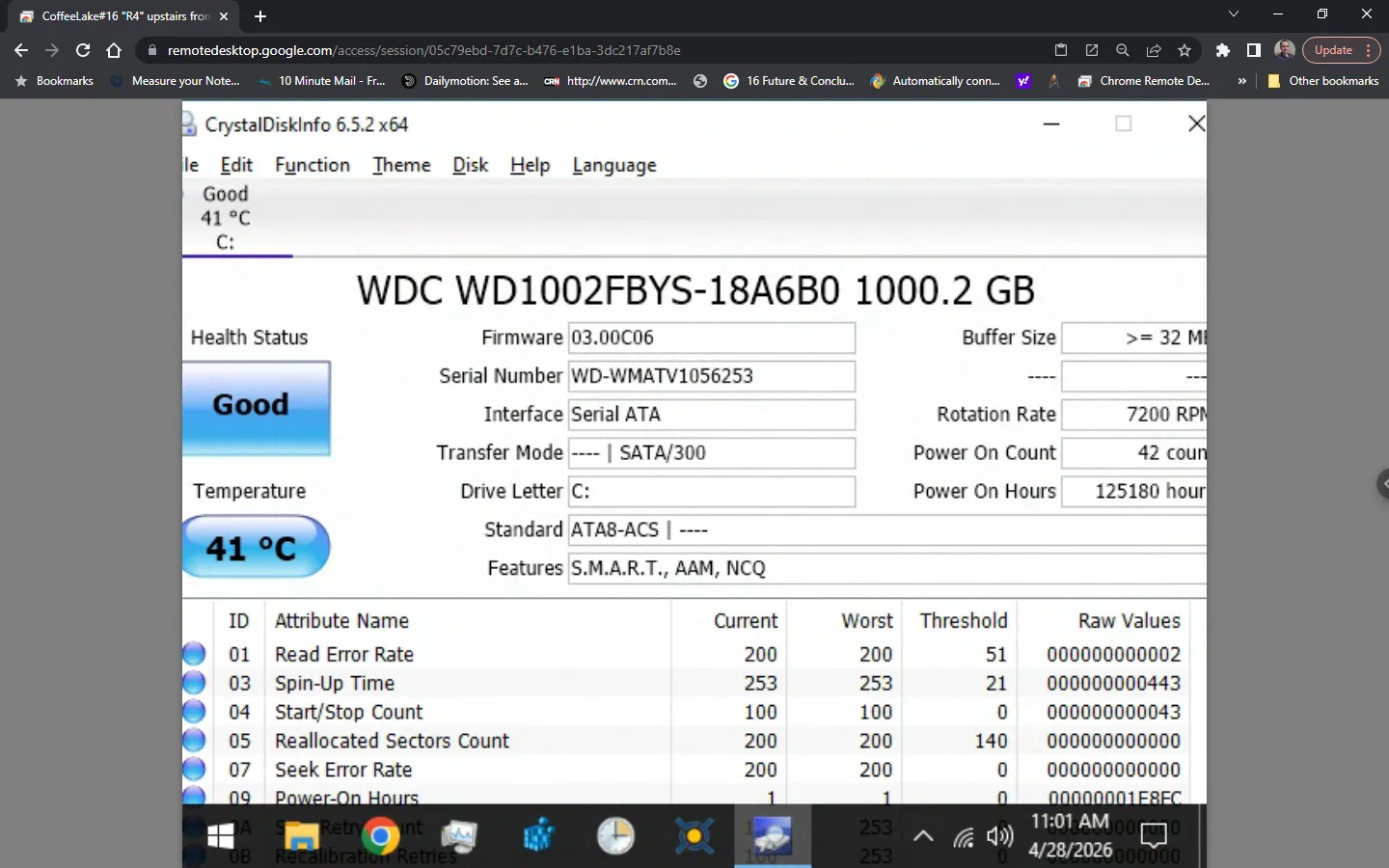
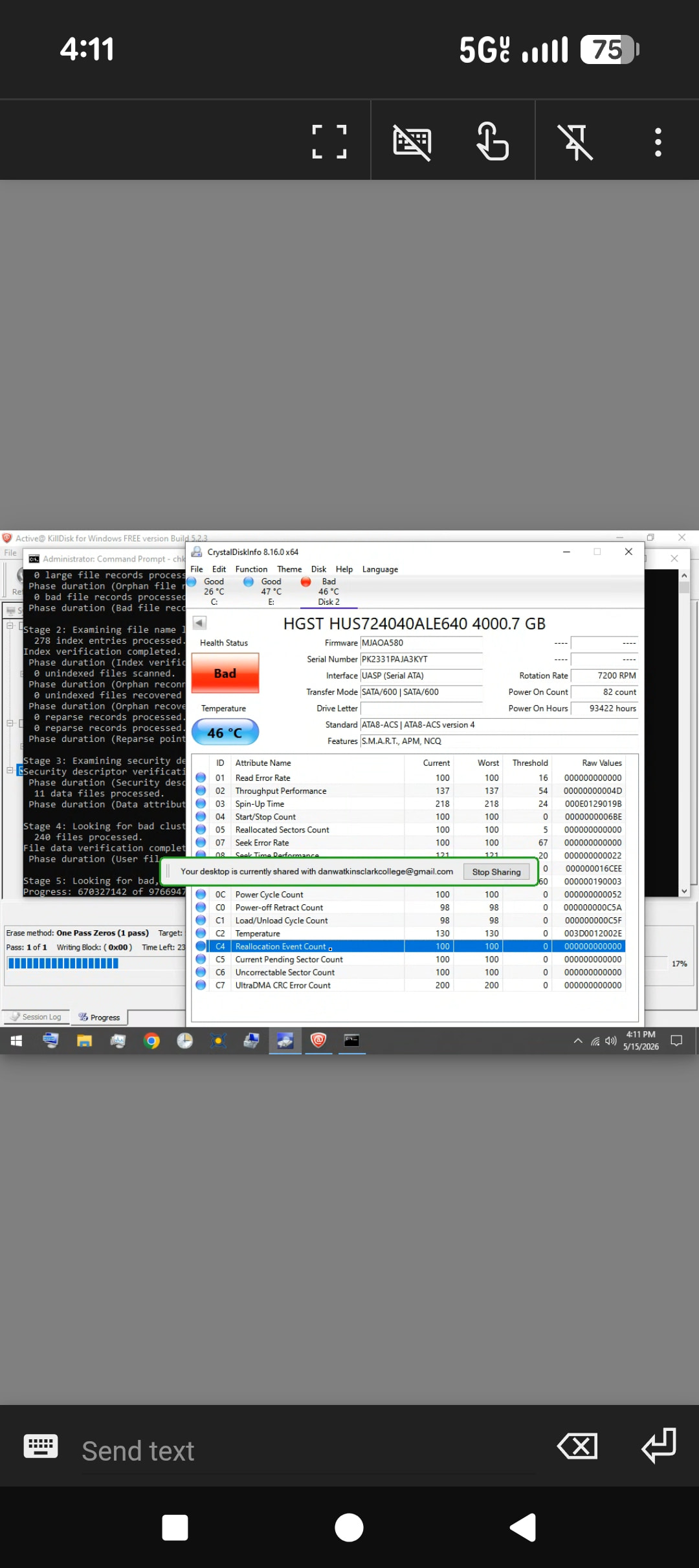
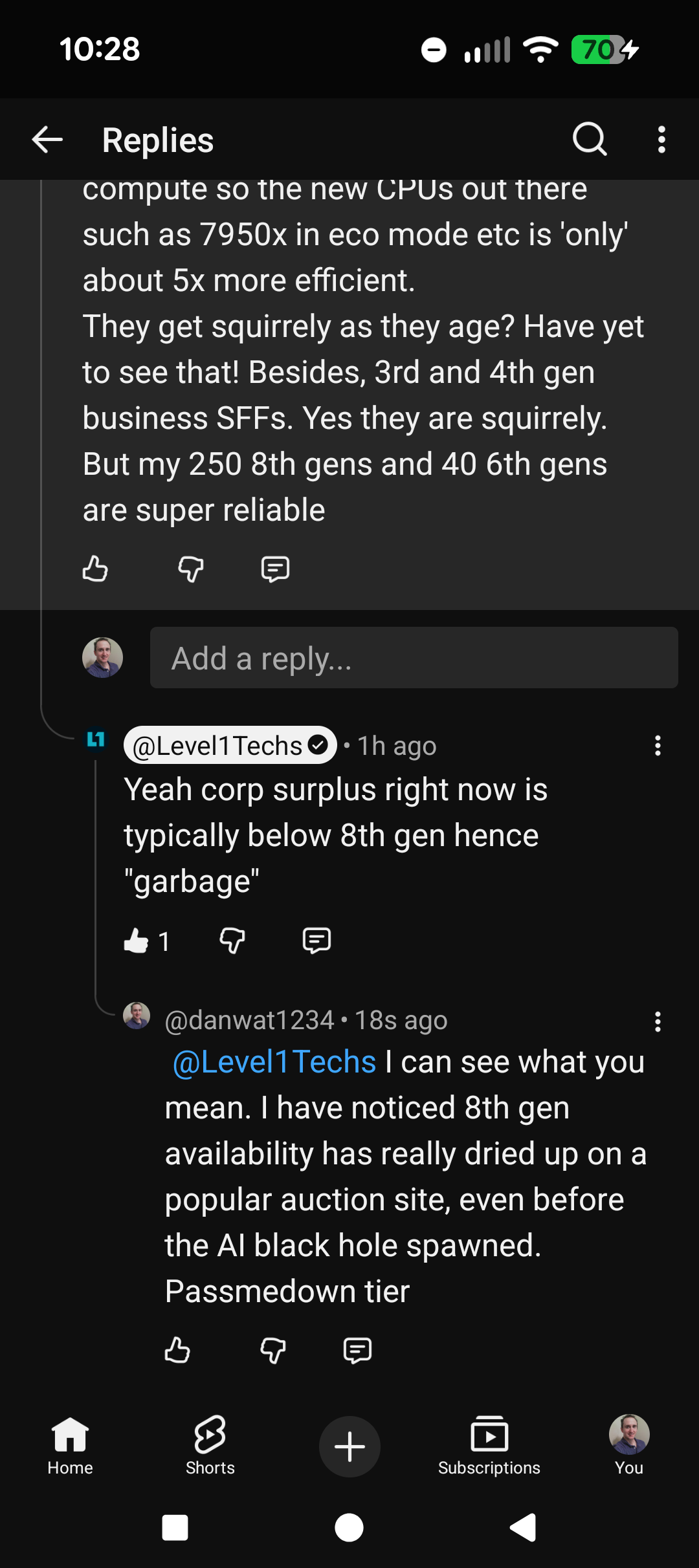
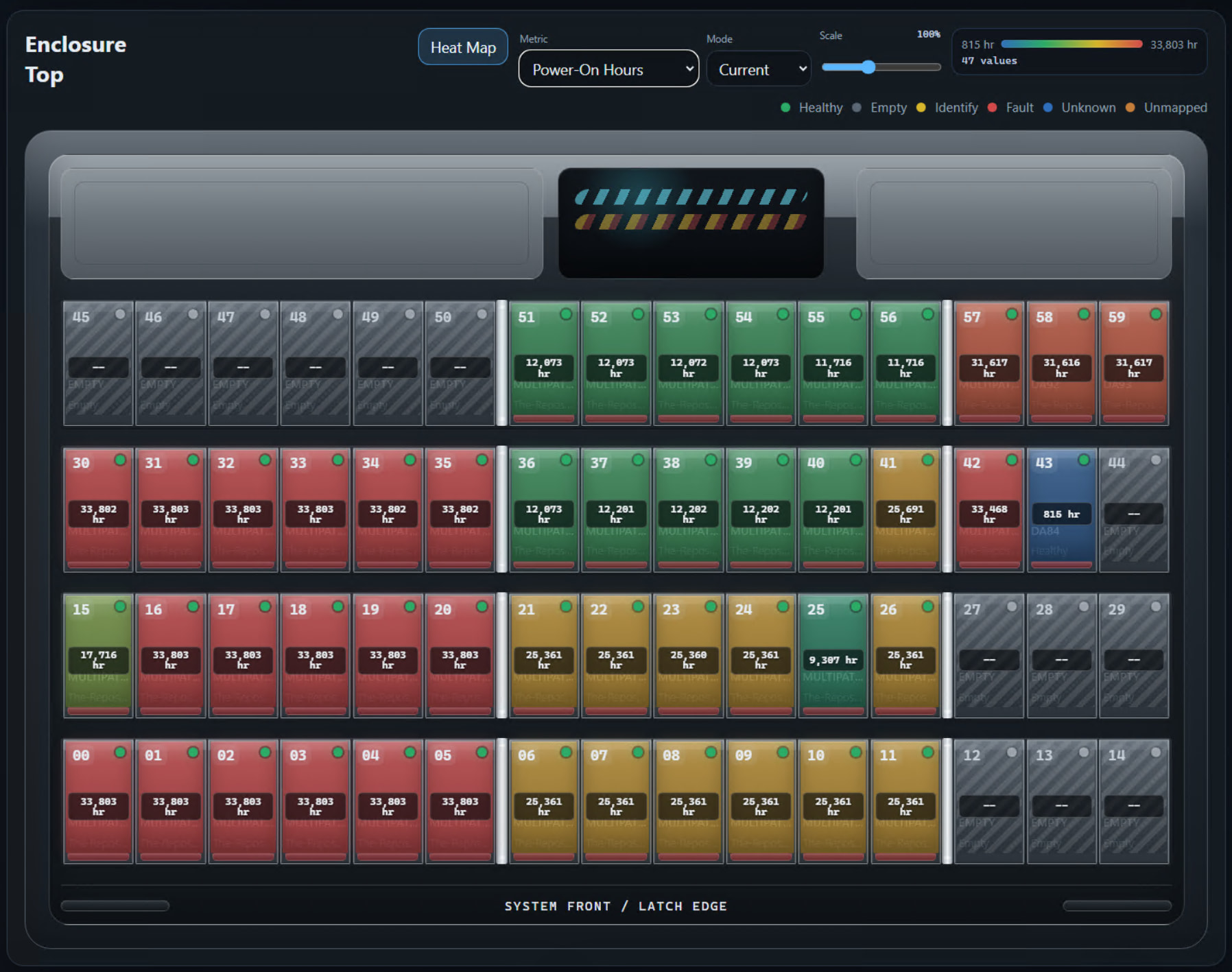
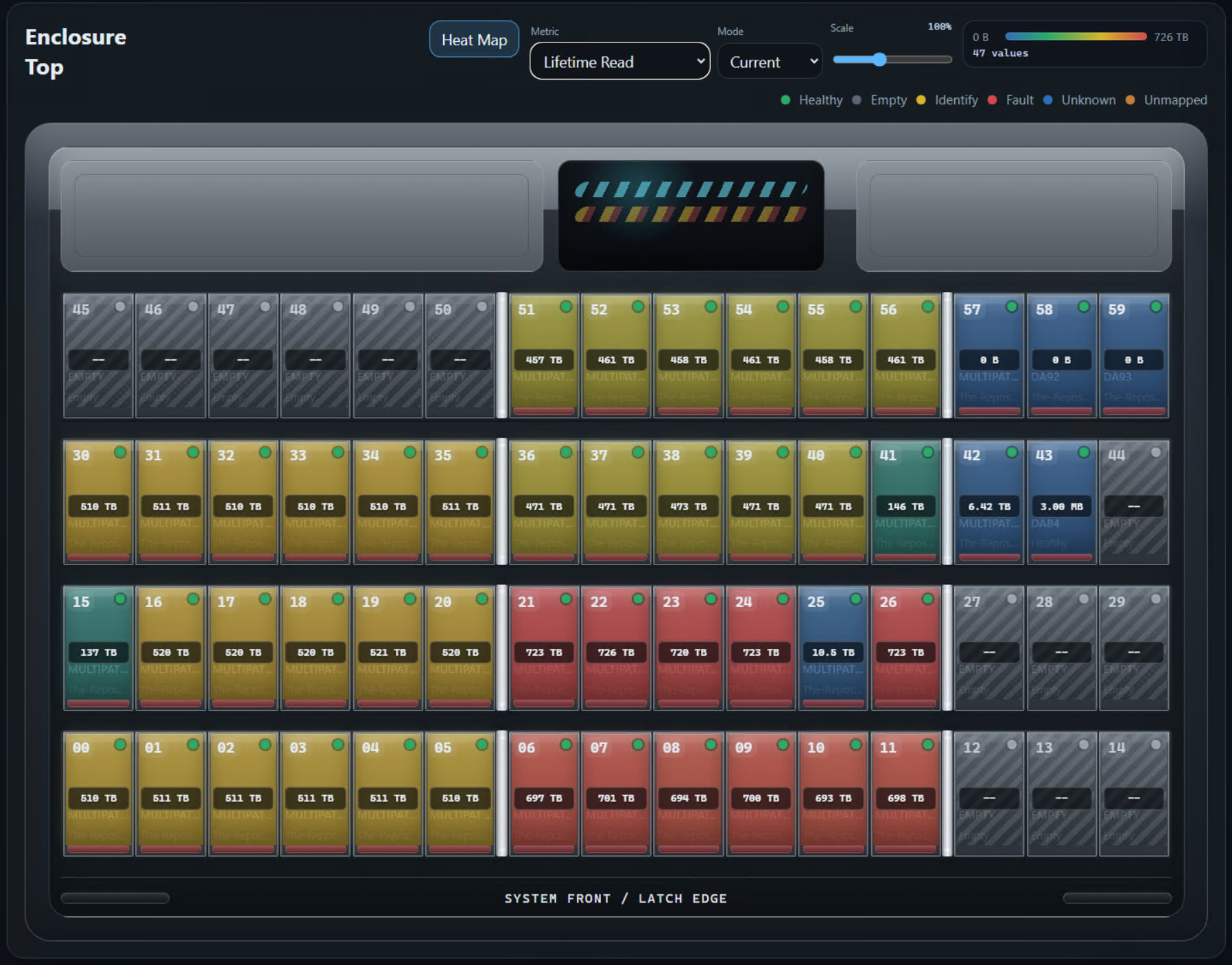
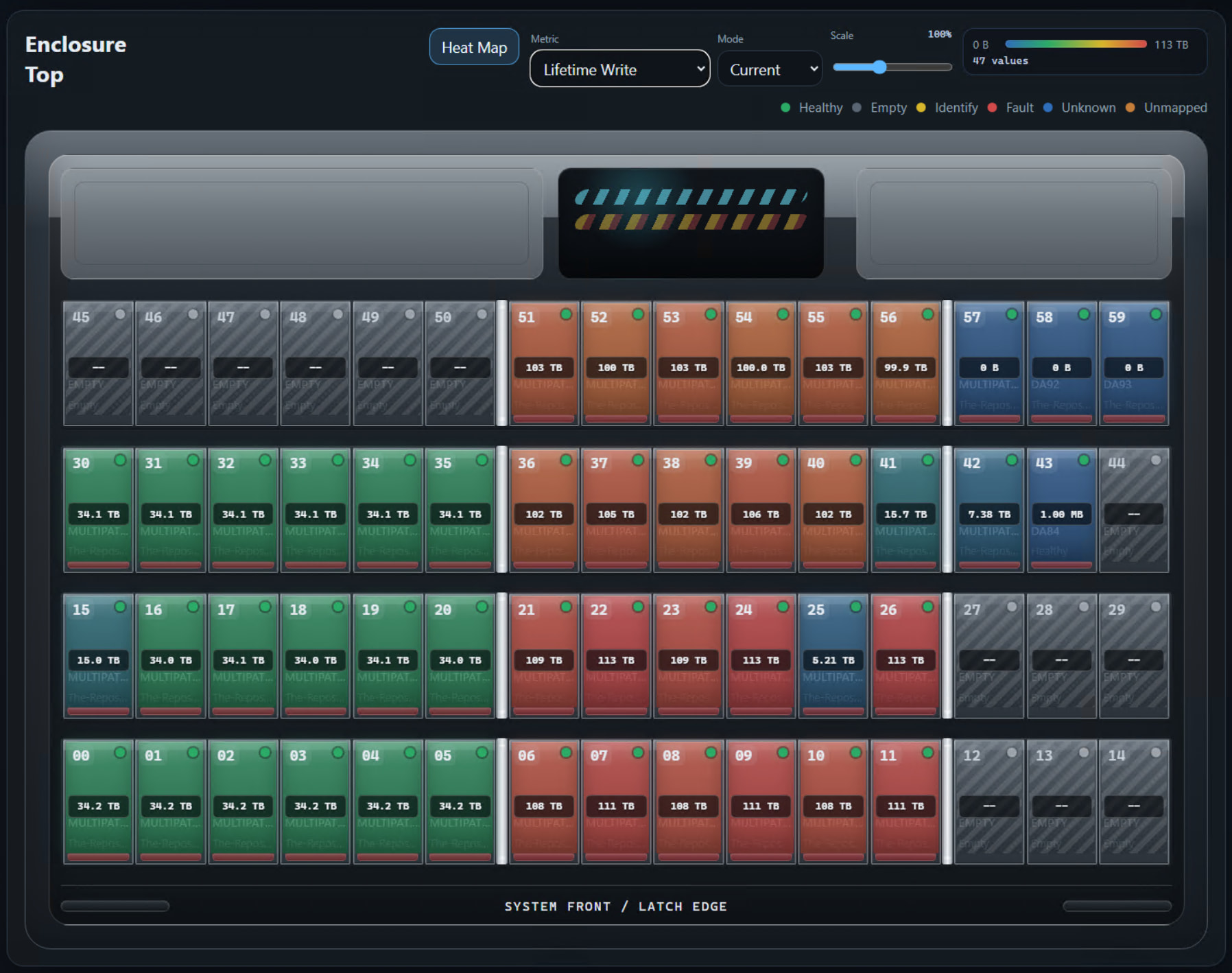
What a coincidence. I am in the process of testing my old Chia Farm hard drives 3tb and 4tb that I bought off eBay in mid-2021. Over 50 drives. WD4000FYYZ Enterprise, Hitachi 3TB and 4TB HUS724040ALE640 , and Seagate Constellation 4TB
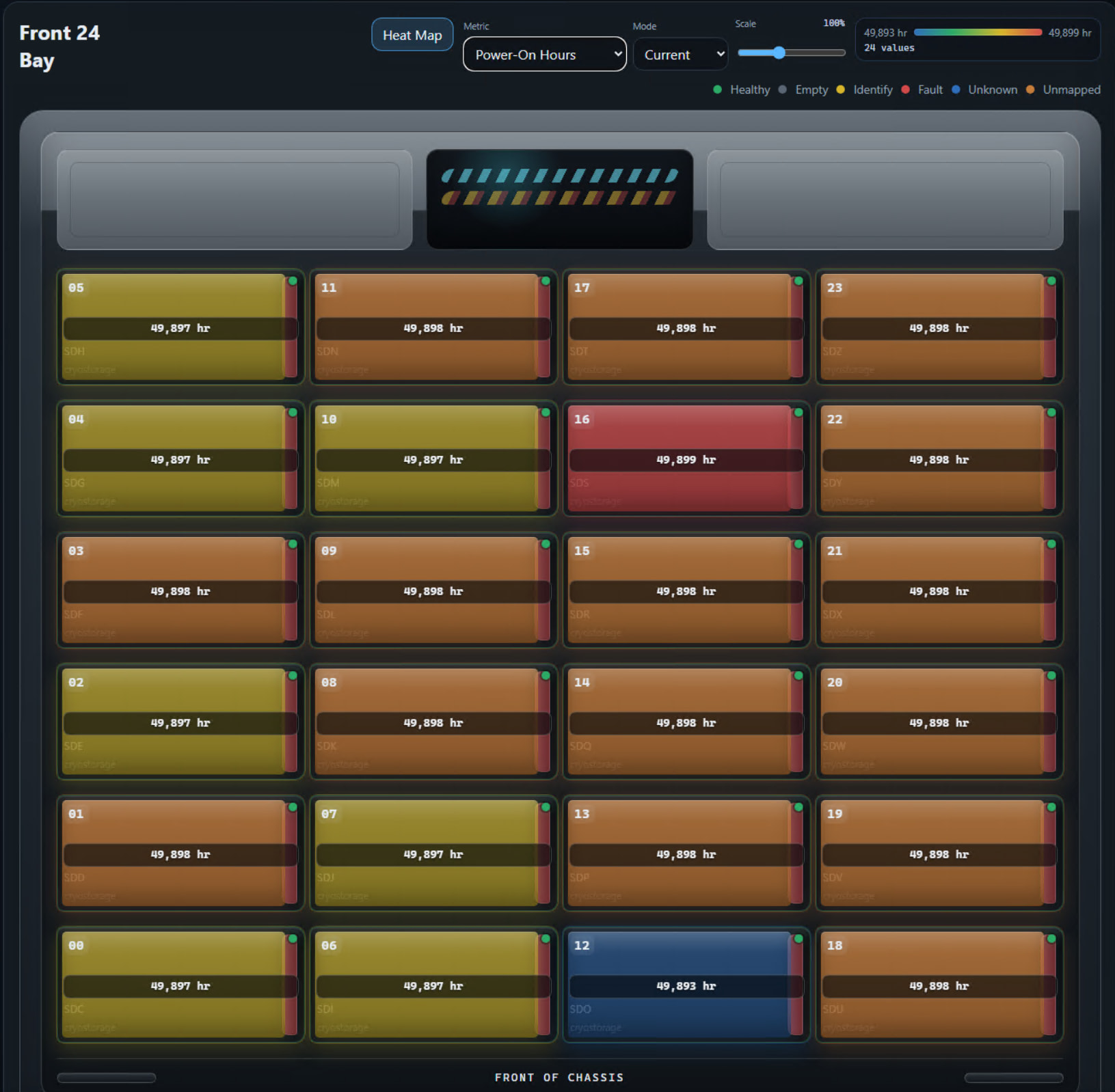
Most of them now have right around 100K hours, but low (a few hundred)Power Cycle counts. I am testing via both a full Write-surface test, via Zeroing them with Killdisk free edition, and also chkdsk /r for the read- surface test. It’s interesting that some the read error rate may be non-zero before testing but zero after.
Initial data shows the Hitachi to be most reliable, followed by Western Digital slightly less so, and much more spin-up power consumption because it spins up much quicker.
Lastly Seagate Constellation 4TB, GARBAGE! You have important data on one now back it up immediately. They all have bad sectors…
Although I do not know the history of the drives before I bought them, it sure is sus that Constellations could be all lemons as they age!
A few of the Hitachi’s have spin-up retry errors and seek error rate. However, they are testing fine and often those values are reduced or go down to zero by the time the scans are done. So even though SM ART may be flagged as bad Drive, they are working just fine. Could have just been USB dock shenanigans..
My first section of drives I only did Write Surface test, not Read. I’ll go back and do that. It’ll be interesting if issues are found or if write is sufficient. SMART long test is read.. but I am using Windows software. Taking snapshot of SMART before and after.
Video comments: 8:15 7th gen Intel is garbage tier? My BOINC farm consists mostly of 8th gen Intels, about 40 6th gens. Undervolting by 100mV or so is usually fully reliable and upps the efficiency for science compute so the new CPUs out there such as 7950x in eco mode etc is ‘only’ about 5x more efficient.
And by extension you are basically saying Intel Alder Lake e-cores are garbage too.
Edit: But I know 7th gen does not have TPM; proper requirements for Windows 11 so in that respect it is e-junk, but can bypass.
They get squirrely as they age? Have yet to see that! Besides, 3rd and 4th gen business SFFs. Yes they are squirrely. Degradation and random restarts. But my 250 8th gens and 40 6th gens are super reliable.
Edit: on my BOINC farm, I’m alerted to SMART Warning & Failure alerts via hwinfo64 playing a .mp3 thru the built-in speaker of Half-Life Black Mesa announcement system telling me there is a bad sector! https://youtu.be/eeD3lf0YnTk?si=aXhKiAXVU_TJEol1
lol, my 8T disks are so old the rolled over the hour counter, I got them back in 2016 then 2017 or 2018, the 18Ts I got ~2021? during covid when Supermicro was having issues shipping systems from component shortages.
The ebay 14Ts got abused comparativaly
oh right for the copying part, that could work.
Still as ZFS is being used, I’m assuming a snapshot send/receive will be down the line for transferring copies.
I have an old matx Fractal w 8 bays and a very old 450w PSU, beside my home server. I have gone w mirroring of the drives in the past, but I did not buy 4 new 20TB when they cost 300€. Now a used Toshiba MG10 cost 400€, and that is half the price of a new. The idea is to make a server, that mirrors the data on the primary one, which should be around 60TB when I get it sorted. I have been eyeing a B650D4U… I will look into the software too.
Toshinbas MG10s are not so noisy, but perhaps there are others?
I have orderd a HBA. Speaking of those, since I got a 9300-i8 SAS, and the spinning rust cant max out the bandwidth, and I read somewhere that as its serial, it can control 60 units, so can I get a cabe that divides a channel into 8 instead of 4?