Attempting to Troubleshoot the ASRock Motherboards of Death!

This is a companion thread for this video:
What’s going on with ASRock AM5 Motherboards Killing CPUs (particularly X3D CPUs)??

Something’s going on, but it isn’t as universal/widespread a problem as the intel CPU degredation. We know the failure is ‘elevated’ and we know AMD and ASRock have been working hard on diagnosing the issue. We suspect that no real single/universal root-cause has been identified.

I have been working on this in the background for months. I thought I was on to something by looking at dead/dying ASRock Rack motherboards, but it didn’t pan out. Turns out those motherboards were not killing CPUS – it was (probably) just defective eeprom chips used for the bios.

BUT So I am testing newer ASRock AM5 motherboards and – so far so good.

Background

If you need more background, check out the reddit thread and Steve at Gamers Nexus excellent video.

This Reddit thread also has a lot of great information in it: 9000-series CPU failures/deaths megathread #3 : r/ASRock

Thanks, Steve!

What Did You Find?

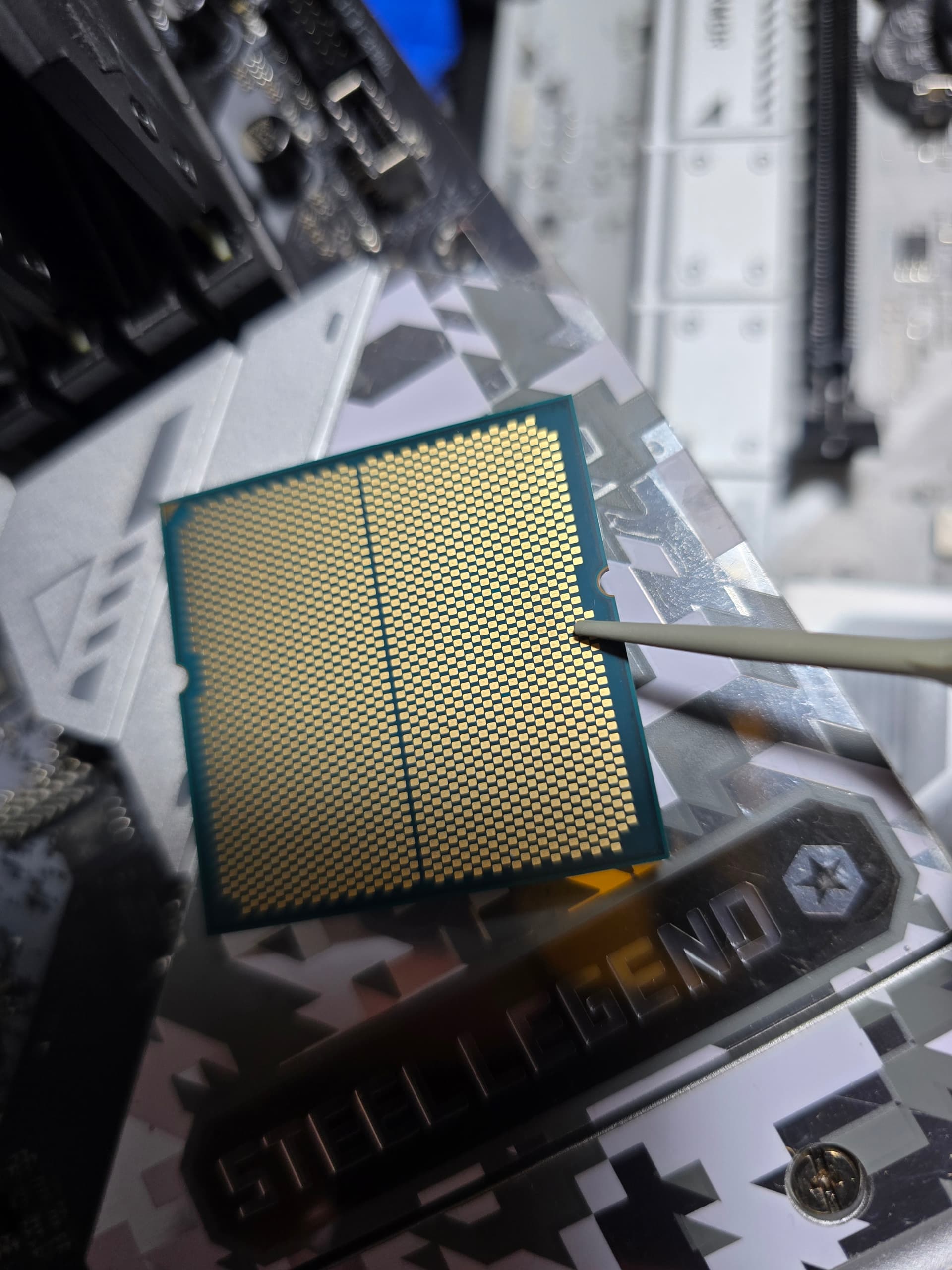
Of the boards and cpus we got from viewers and supporters, we mostly got 7800x3d and 9800x3d CPUs, with one or two 7950X CPUs. The discoloration is in different places on our test CPUs, and they present with different symptoms.

What boards did you focus on?

The B850I Lightning Wifi
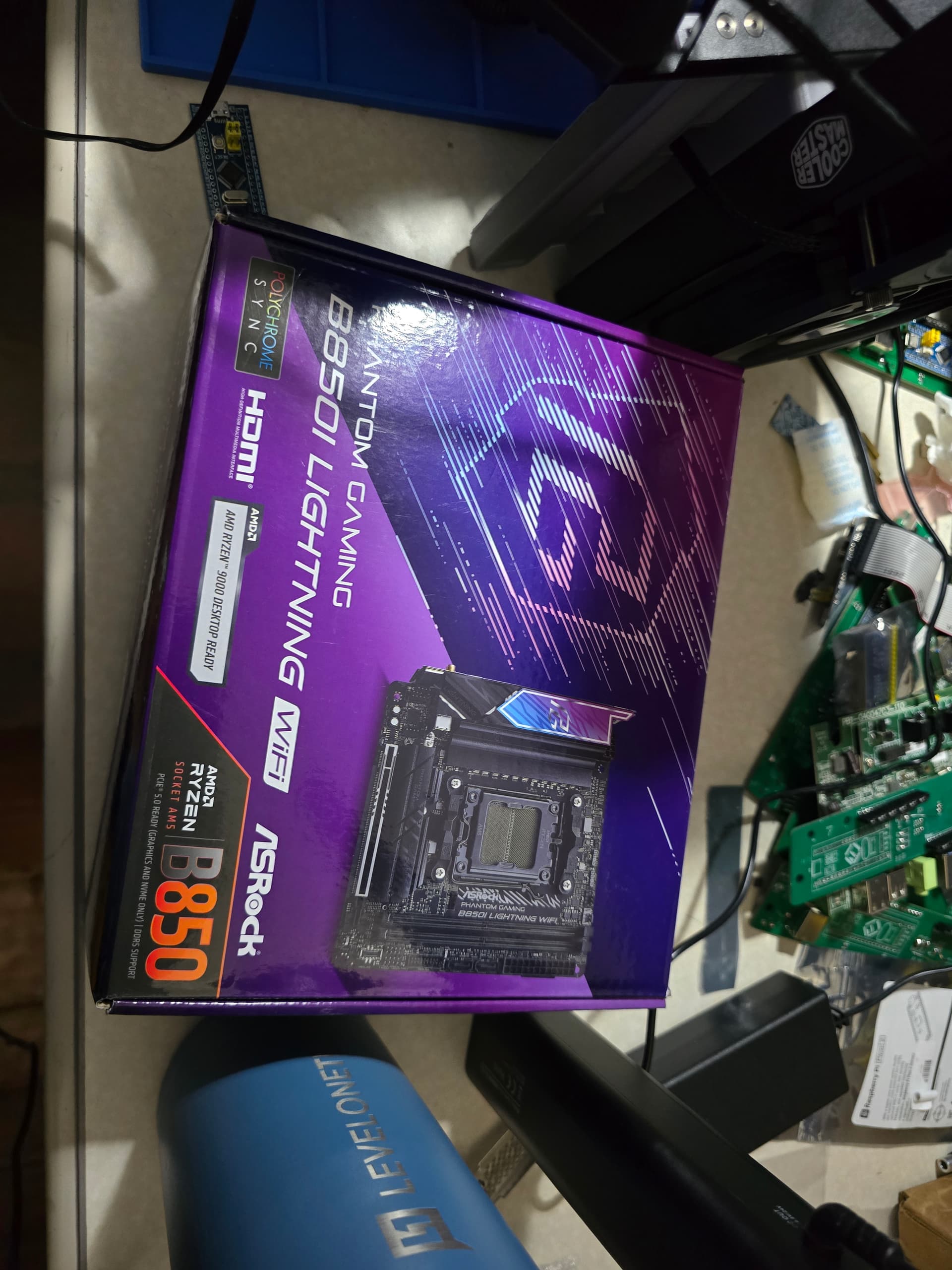
… this board did not murder any CPUs, despite our best efforts! :frowning:

The x670E steel legend

While this board has not murdered any cpus, it is oddly flaky in unexpected ways. We observed some minor discoloration on the CPU when we got it in from the end user. Cleaning the discoloration has not resolved the flakiness on this board. We aren’t sure it is related.
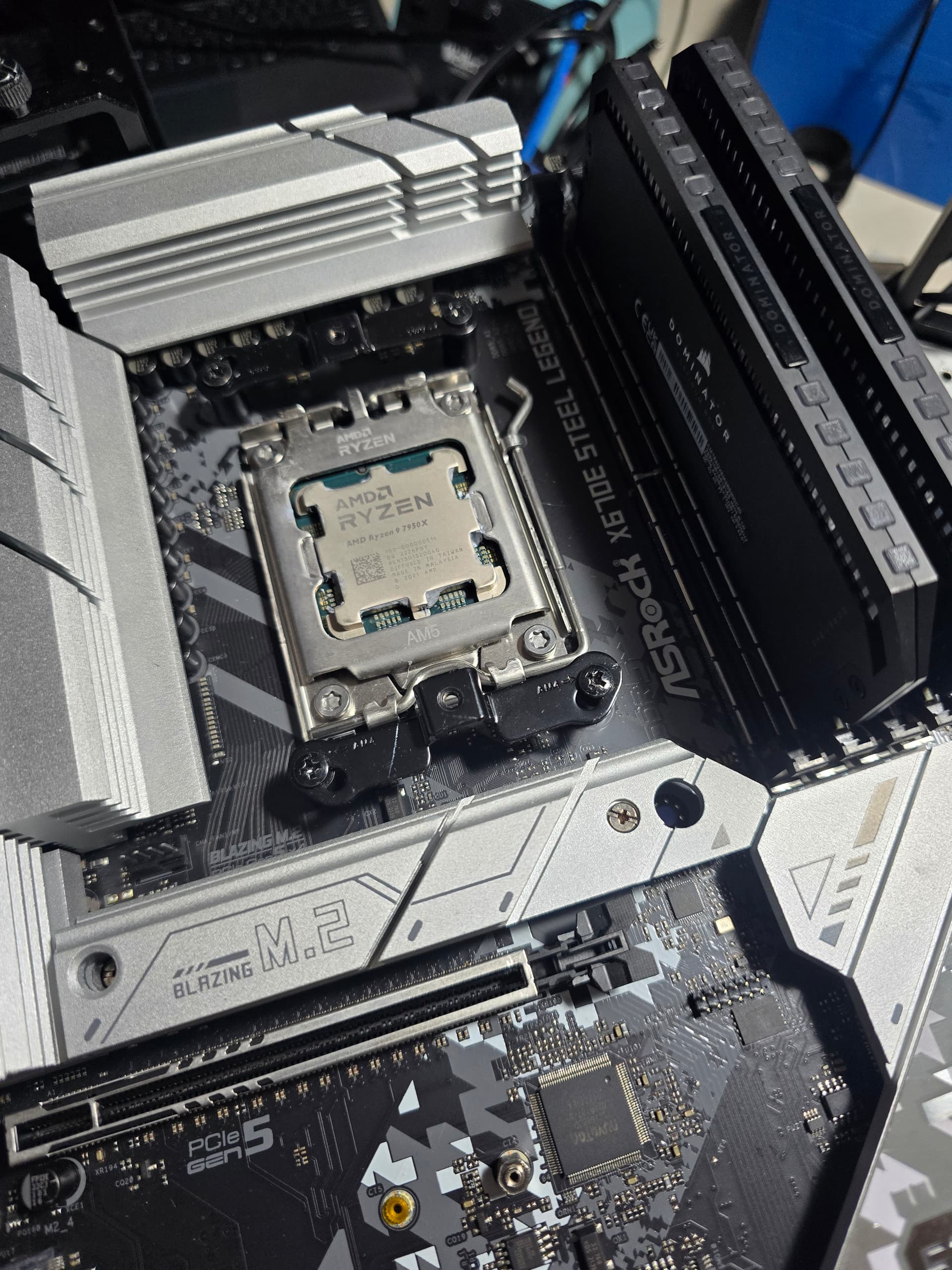
We replaced the socket on another motherboard that for sure killed a CPU. It hasn’t killed again.

The other two boards appeared to have damaged sockets. We do not believe the sockets were damaged from factory. It may have been cpu misalignment during installation, or possibly excessive heatsink pressure (though we doubt that).

You know who you are – If you’d like to be @'d here as a thank you, I’ll be glad to. Two of our RMA experiences were done “secret shopper” style and I am not ready to give that away just yet– but we were able to get boards and CPUs replaced in a 1-2 week timeframe for the CPUs and board we elected to have replaced. (remember, we opted NOT to have one board replaced and just swapped the socket ourselves).

What’s the Hetzner Deal?

So the B650D4U boards I got to take a look at had a bad bios chip. Can the bad bios chip load bad control code onto the VRM and fry a CPU? I really REALLY thought that would be the smoking gun! But I don’t think that’s it anymore.

You can do field-replacement bios chips, sure, BUT there are areas of the bios chip that are not field reprogrammed. Typically this contains mac addresses for all the nics, uuid stuff, and may contain things that seed the RNG, pluton security processor… who knows.

Field replacement of the bios chips to repair these motherboards would have required having a tool to replace the MAC address or manually set it. Which… is fine… but commercial customers would probably rather do a board swap, or swap boards in batches. I believe this is why we saw wholesale board replacement.

I did side-by-side comparisons of before/after B650D4U server class boards for clues as to what might be happening in asrock consumer boards, but imho this is a pretty strong dead end.

Interestingly, we DID recover a board that would not post by replacing the bios chip. We were able to read the original bios with a programmer, and then programmed the image into the replacement chip. It still would not post. We used bios flashback with the replacement chip and the board has been working fine to this day, no issues.

This was the B850I Lightning Wifi that was in our “torture rack.” The CPU was fine, no discoloration, but the board did not post.

Lately I think ASRock has added more layers of integrity checking/checksum verification to try to detect corruption. Maybe that’s what happened here? I’m really not sure. If the BIOS bails on integrity checking fails then that might save more CPUs assuming that is connected to the root cause.

Grumble.

So yeah, bit of a nothing burger, but what’s next?

Safe Boards?

Our testing is currently focused on these three boards:
https://www.asrock.com/mb/AMD/X870%20Taichi%20Creator/index.asp

The Live Mixer X870
https://www.asrock.com/mb/AMD/X870%20LiveMixer%20WiFi/index.asp

X860 Nova Wifi
https://pg.asrock.com/mb/AMD/X870%20Nova%20WiFi/index.asp

… time will tell! But these are at least newer board designs.
6 Likes

I have an AsRock Phantom Gaming Rip Tide B650E with a 9800X3D since Aug 2024 (with a 7800X3D from August 2024 til December 2024) and have not had any issues. I do keep my bios regularly updated. I also run 85C tjmax and -15 all core PBO since install on 9800X3D as well as XMP G.Skill Trident Z Neo RGB 6000 MT CL 30 - 32 GB. Going to be installing my NEW Alphacool Core GPU water block for my 9070XT and putting the Alphacool Eisblock XPX Aurora back on the CPU this week after finally getting the new water block after trying to figure all the tariff crap.

1 Like

I have a 9700X in an ASRock X870 Pro RS WiFi. I had been using some minor manual OC settings, but since the GN video came out I’ve been running very vanilla - I turned off the TDP to 105W, I have PBO and ECO Mode set to Auto - just about everything is Auto except RAM. I have 4x16GB sticks using XMP1 6000 CL 30. The other thing I’ve done is keep the BIOS up to date - currently v. 3.50. Running Pop!_OS 24.04 current Beta. I’ve had no problems, but since the news of issues, I’m a bit paranoid.

Thanks for reporting.
I have been building PCs for 30 years now and last year I had my first real Motherboard failure since the old Socket 7 times.

It was the Asrock A620i lightning wifi which I used in my NAS.
I chose that board for the low idle consumption when running 24/7. The CPU was Ryzen 7600X in combinarion with 32GB Gskill DDR5 6000. I did not even run it at Expo speed. I think I used 5200 for power and stability reasons.

Bought the board in January and failed in May. Sounds like the Bios corruption you’re reporting.
I first thought the CPU is dead because it was not booting anymore. I got a replacement which has been working since then.
I currently have three AM5 (2x Gigabyte and the Asrock) and the Asrock is definately the worse experience of the bunch.

This was found after restarting after an update.

I literally just thought of this: what about the PSU?

It’s incredibly strange that both Wendell and Gamers Nexus were unable to reproduce this issue on “confirmed murderer” boards, so what if there’s something else involved?

If you go on amazon and search for a PSU you will find a lot of sketchy options on the lower end of the price spectrum, so maybe a low quality PSU combined with something particular about power delivery and distribution in AsRock motherboards is causing this?

1 Like

Ahoy!
Could this be in any way related to windows? Are there any reports of dead cpus using linux?

My 9800x3d has been running for a year in the asrock x870 pro rs without issues. Always using linux, it suspends/sleeps multiple times a day nearly every day since new. TjMax 85C pbo -30.

How is it so hot with that wattage and load? Not enough thermal paste?

Is there any correlation between ambient temperature and the likelihood of failing/dying AM5 CPUs? I guess the numbers are too small to analyze for correlation, but maybe it’s possible to rule that in or out based on trend?

Suggestion: Leave Youtube videos running on repeat on the ASROCK mobo based systems.

I have a 9950X3D on an ASROCK mobo with factory BIOS and it was working the last time I turned it on but the thing with it is that it is giving me so much anxiety. Like,

  1. Do I take out the CPU and put it in a Gigabyte Force mobo? That would definitely make me feel better. But what if the very act of removing the CPU somehow ends up being the end of it? Like what if the CPU has been so used to whatever voltage shenanigans of the ASROCK mobo and the moment it gets something different in a different mobo, it just dies?

  2. Do I pretend to not care and keep using the PC that way? That could be a potential $800+ mistake (I bought the CPU early on when it was expensive and very much in demand).

  3. I’m not happy with the mobo in terms of RAM OC. I can only get it to 7600C36 on the 2DPC mobo. I have the ASROCK B850M-X V2.0 1DPC mobo that I’m confident will allow me to push the RAM past 8000 MT/s but what if that mobo kills the CPU on the first boot?

I keep thinking about why exactly AMD is completely silent on this issue? Do even they have no idea what’s causing the failures? Did ASROCK and AMD have a falling out of some sort and this is AMD’s way of punishing them by not helping them in troubleshooting the root cause? I think it is unfair for ASROCK to take all the blame, regardless of their part in the recurrence of this issue. It is AMD’s platform first and foremost. They laid down the specs. They have the technical know how to ultimately determine what went wrong when a CPU literally has burn marks on a specific set of pins.

So my question is, WHY IS AMD SUSPICIOUSLY AND LOUDLY SILENT about this issue? Is this something they are trying to sweep under the rug? Do their Zen 5 CPUs have an inherent flaw that is somehow being exposed earlier by ASROCK mobos and could possibly mean thousands of CPU failures on other AM5 mobos few years down the road?

Do I take out the CPU and put it in a Gigabyte Force mobo?

I would highly recommend you avoid Gigabyte products. They used to have some of the best hardware in the industry but they dropped the ball so much it’s somewhere underground below the mantle at this point. Look up Gigabyte motherboard issues (one of which I personally experienced for myself with my old 5800X: motherboard suddenly stopped working, not turning on let alone POSTing), self-combusting Gigabyte PSUs and so on.

MSI seems to be fairly ok these days (I have an MSI mobo and it’s perfectly ok, my brother’s cheaper last gen one… it works but it’s got some weird problems… YMMV), as well as ASUS (the latter is infamous for terrible customer service, particularly lately).

what if the very act of removing the CPU somehow ends up being the end of it? Like what if the CPU has been so used to whatever voltage shenanigans of the ASROCK mobo and the moment it gets something different in a different mobo, it just dies?

AFAIK that’s not a thing that happens. The worst it could happen is electromagnetic discharge but watch LTT’s video collab with ElectroBOOM. They literally try and fail to kill PC hardware with electromagnetic discharge.

Even if you physically drop the CPU in the process, it’s very likely to survive.

Do I pretend to not care and keep using the PC that way?

I personally wouldn’t, but evaluate your options. If you can try to RMA your asrock motherboard under the pretest of malfunction (lie if you have to), and insist that you don’t want it repaired but refunded. This usually works.

why exactly AMD is completely silent on this issue?

very likely that they don’t have an answer

1 Like

I always spread the thermal paste. Temps are normally in the high 30’s and lose 40’s. This only happens if I have to restart cause of an update.

Not that it means much of anything but I have had no problems with my 7800X3D in my Asrock X670E PG Lightning motherboard. I bought them in August 2023 and for better or worse I have not updated the motherboard BIOS since I first built it. I an not sure what the batch number on my CPU is.

I’m about to use a 8700G on a B650M PG Riptide, and thank goodness the Hertzner issue was BIOS chips because I was beginning to suspect a design flaw, when in fact it’s just the BIOS chip.

I hope to get a 8700G soon, but getting CL28 64GB 6000MT/s RAM is now completely out of my budget.

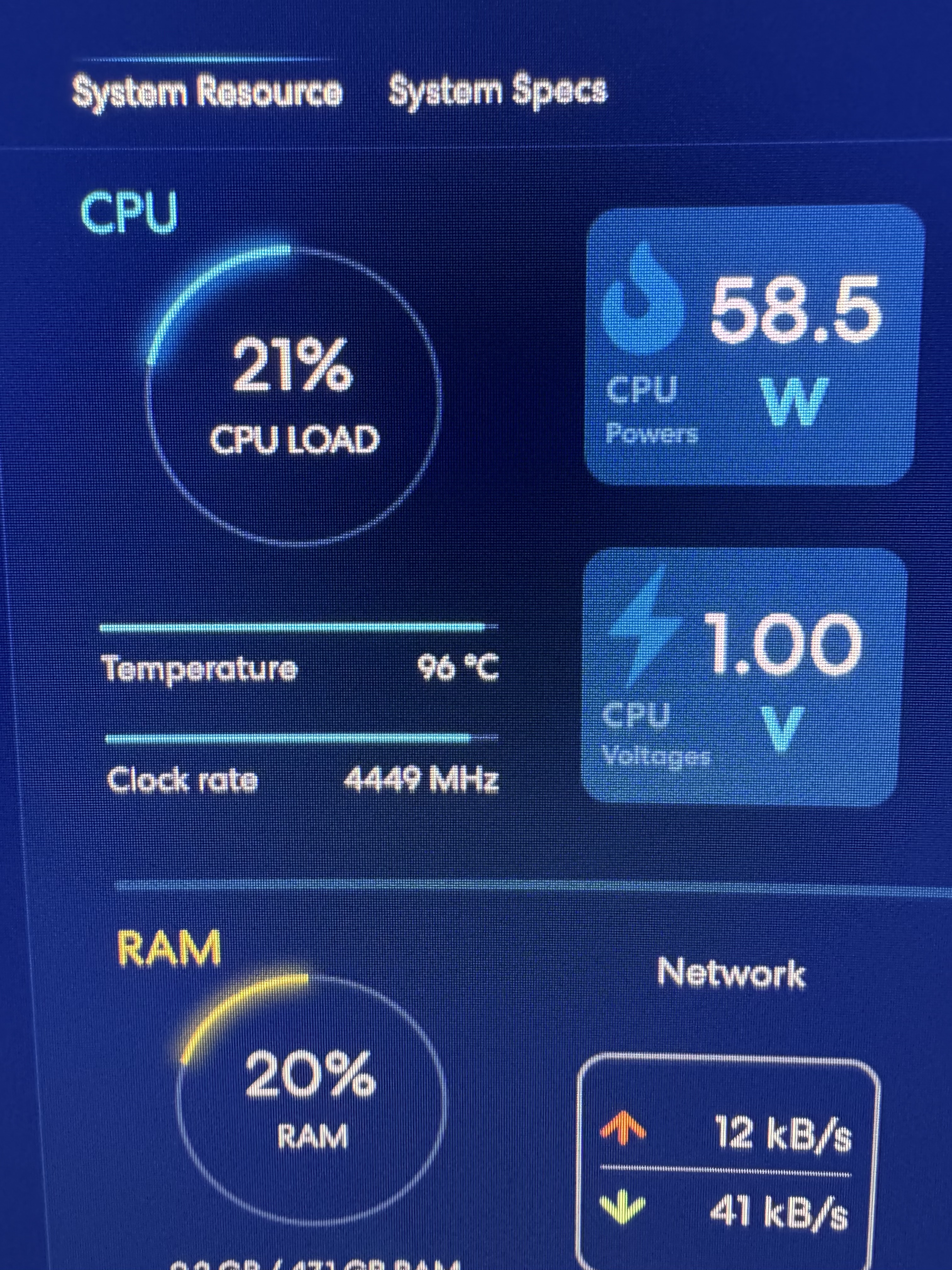
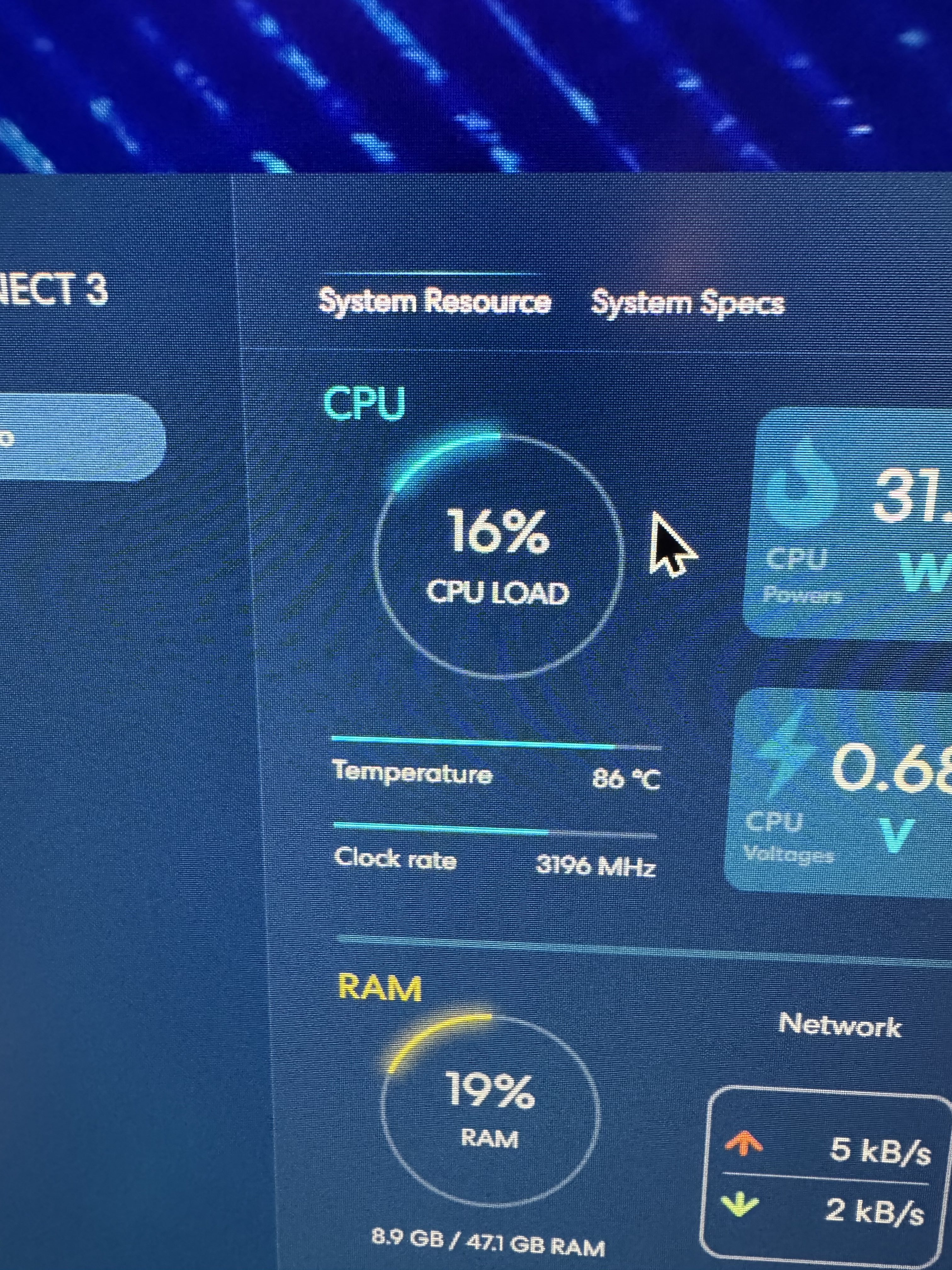
Here’s a new that just happened after updating the bios.

I don’t think that is anything to worry about. It probably just means that the area close to the themal sensor got really hot or who knows what temperature sensor that software is polling. Use Speedfan or CoreTemp or QuickCPU or OCCT etc. to verify.

Yeah it´s still uncertain what the actual cause of the issue is.
There are still reports of cpu failures but that could possible be due to some degradation maybe.
When this whole debacle became in the news in March i already made a topic about it,
to see if any users up here do suffer from similar issues.
But we did not really came to any conclusions i guess whatever the issue turned out to be.
Asrock probably has to stay silent about it.

that sounds like normal behaviour, windows does a lot of work after patches. I do not see any relation with the topic…

With all the builds I’ve done, this is the first time I’ve seen that happen. Thank you advising.

I’m thinking the same thing, psu! I just built a 9800x3d ASRock system and used a good psu and made sure the uefi was up to date. Time will tell… 8 )