Dear Diary. Me again. Still having issues. I keep thinking I’m past the issue, but it keeps popping up again.
I can’t pinpoint what the issue is, but it is still happening where the drive speeds drop down to 70MB/s. It seems almost like an on/off switch.
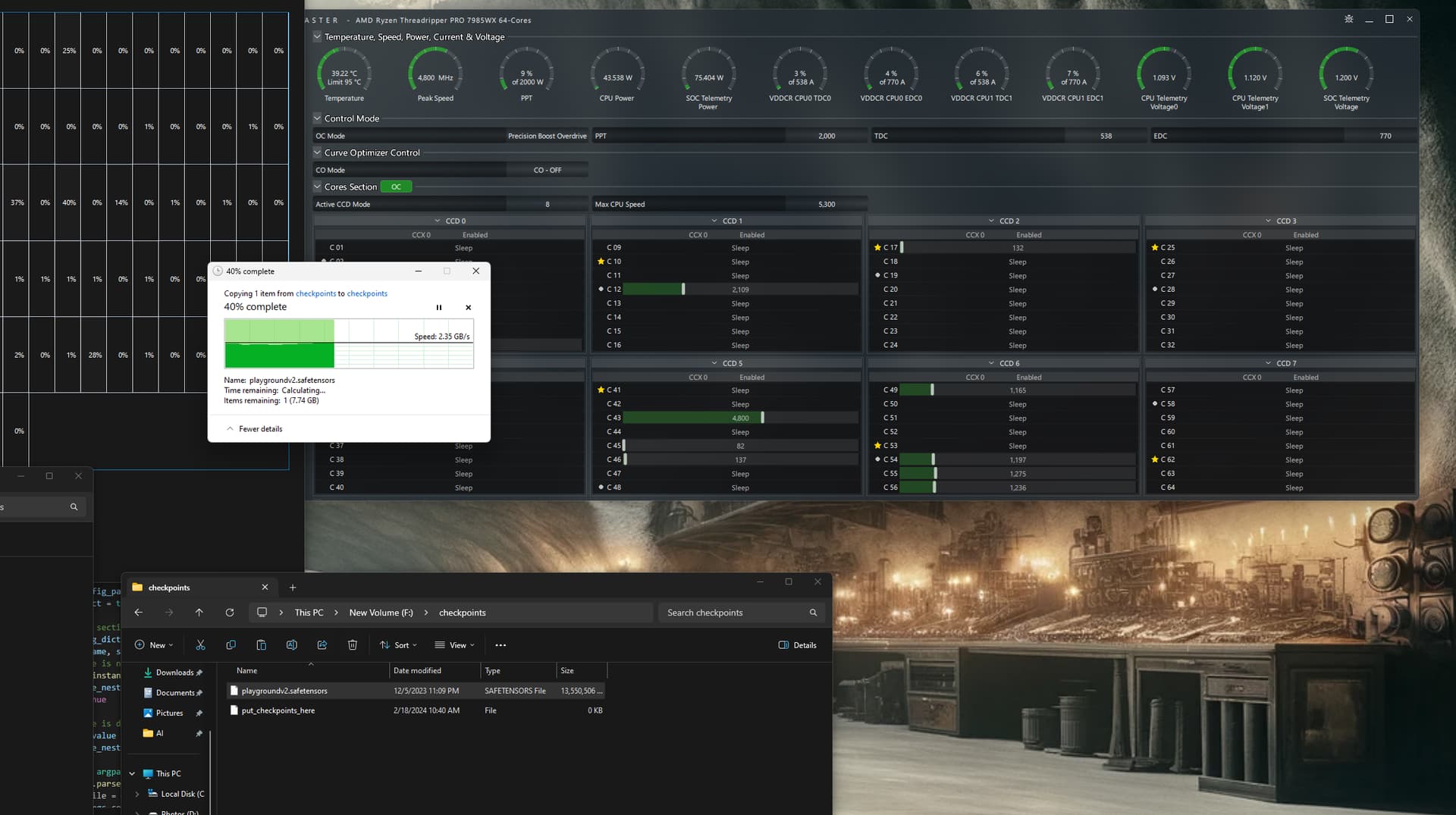
Right now, a good example is that I turn on the machine, it allows file transfers around 2500MB/s, and then I launch WSL2, and the transfer speeds go back down to 70MBs. There are a whole bunch of apps that have an immediate effect on the speed. WSL2 is just one of many.
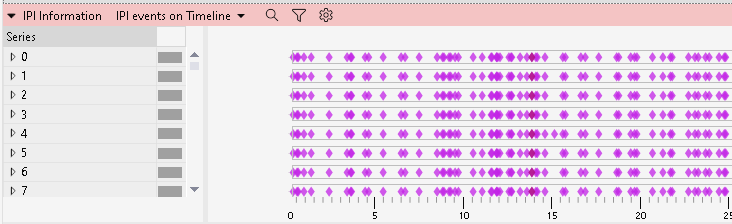
I started running Windows Performance Recorder and Windows Performance Analyzer trying to find some information. And what I found was very interesting - As I was looking at the active IO time for my file transfers and then dividing them by the size of what was transferred - it showed that my 70MB/s transfers were actually transferring at 3800MB/s but only in a small, short bursts at a time. I then looked at my regular file transfer speeds of about 2500MB/s (before I opened any apps) and noticed that there were fewer weird spikes in my file transfers and more constant communication. Lastly, I tried out crystaldiskmark and that shows extremely high and extremely constant speeds - even when my computer is in a state where my explorer file transfers are at 70MB/s.

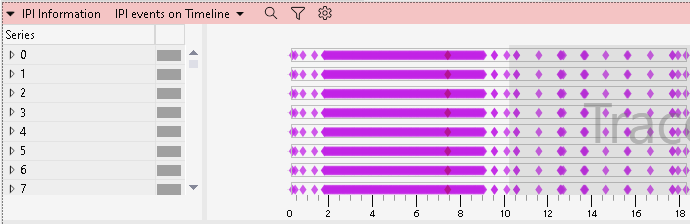
You can see in this image first a crystaldiskmark read at 12000MB/s, followed by a write of about the same rate, and then all the short spikes you see after that are a slow 70MB/s file transfer, which is accomplished through a series of very fast but short duration spurts of IO on the device.