I’ve got an IODD ST400 that is basically an ISO and VHD loader device, with an SSD inside. See: IODD ST400: When to use multiple partitions on SSD?
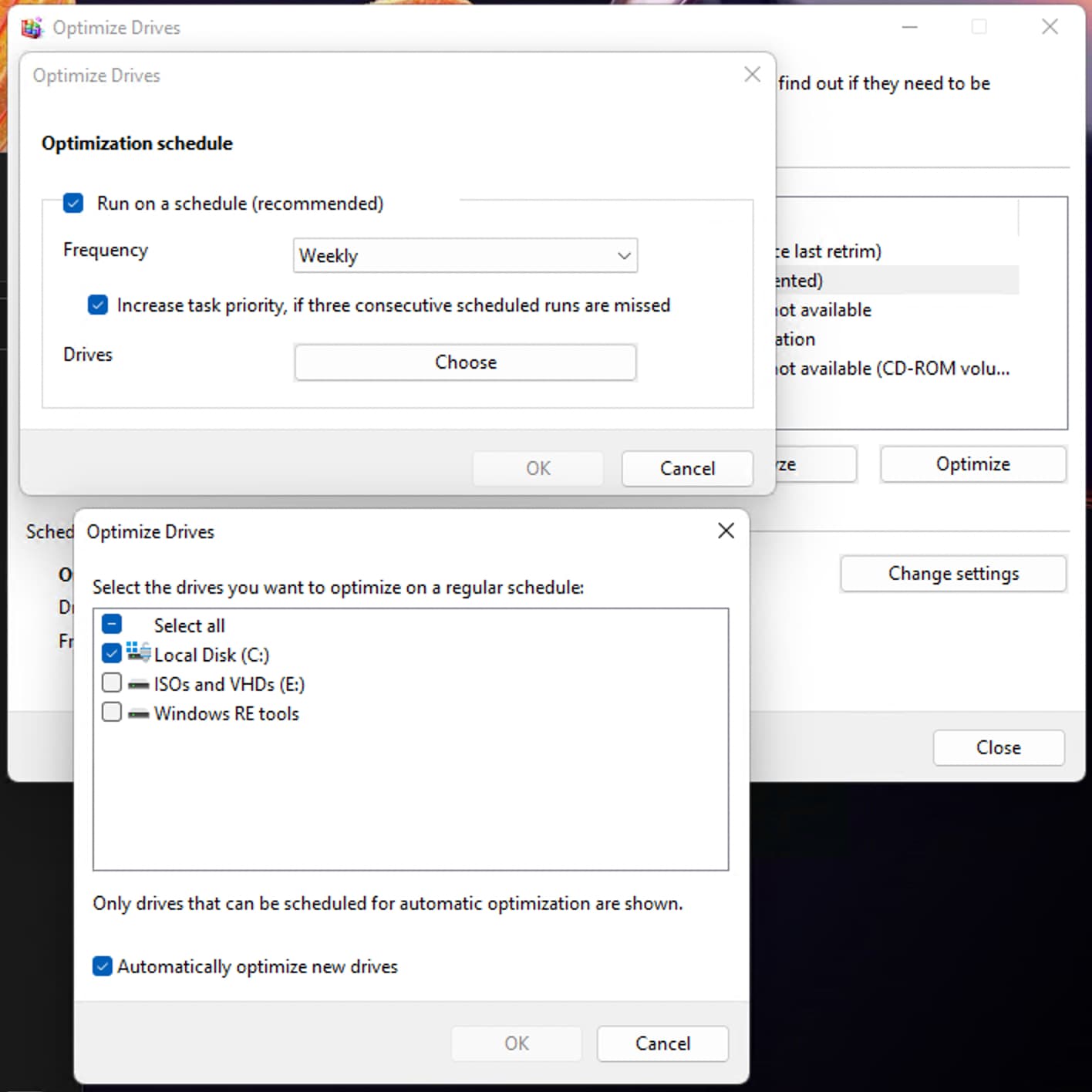
Due to the way it works, when I plug the drive into a Windows PC to load up ISO images and VHDs, it’s recognized as a mechanical HDD drive. That’s fine, except by default Windows 11 automatically wants to defrag those.
I think I’ve successfully disabled it on just the IODD device, while leaving the TRIM settings for my laptop’s SSD intact. Does this look right?