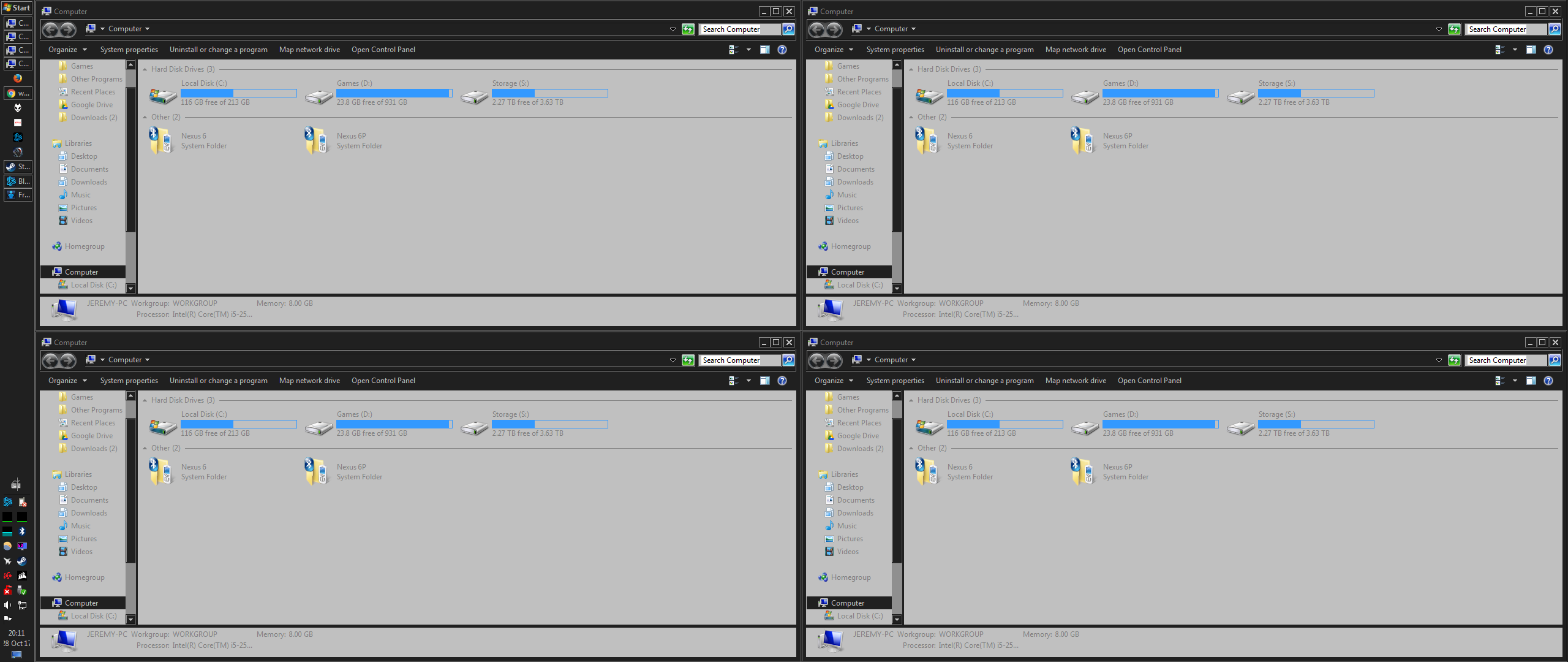
I discovered a nifty little feature (if it worked) that automatically arranges open windows side by side or stacked, by right-clicking on the taskbar. The problem I have is that the “side by side” option also stacks (only once) when 4 or more windows are open. So when there are exactly 4 windows open, stack and side by side are identical displaying each window in a quadrant.
The real rub here is that I have an ultra-wide monitor, so I have the horizontal real estate to actually view 4 windows side by side effectively. So is there any way to fix this issue? Is there a way to disable the stack when using the “show side by side” option? I’ve posted screenshots of expectation and what actually happens when viewing 4 windows “side by side”
expectation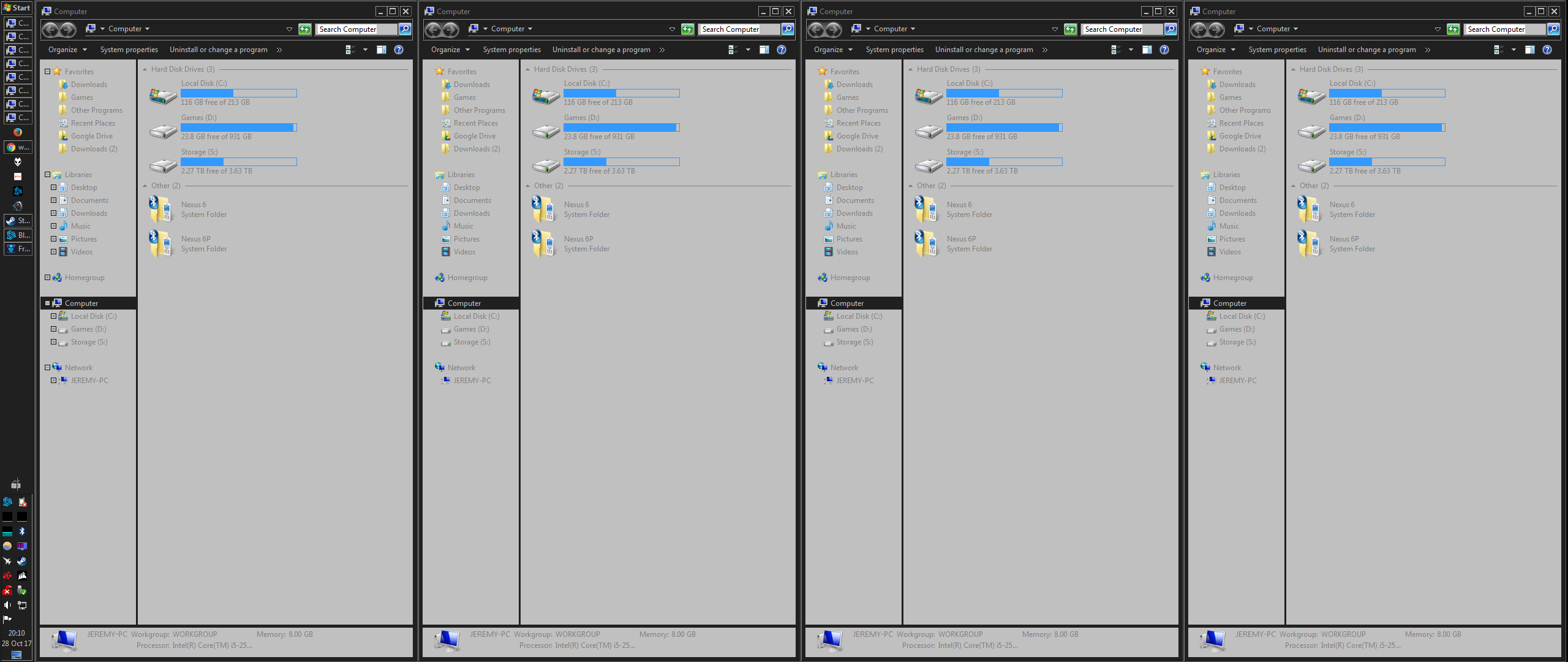
reality