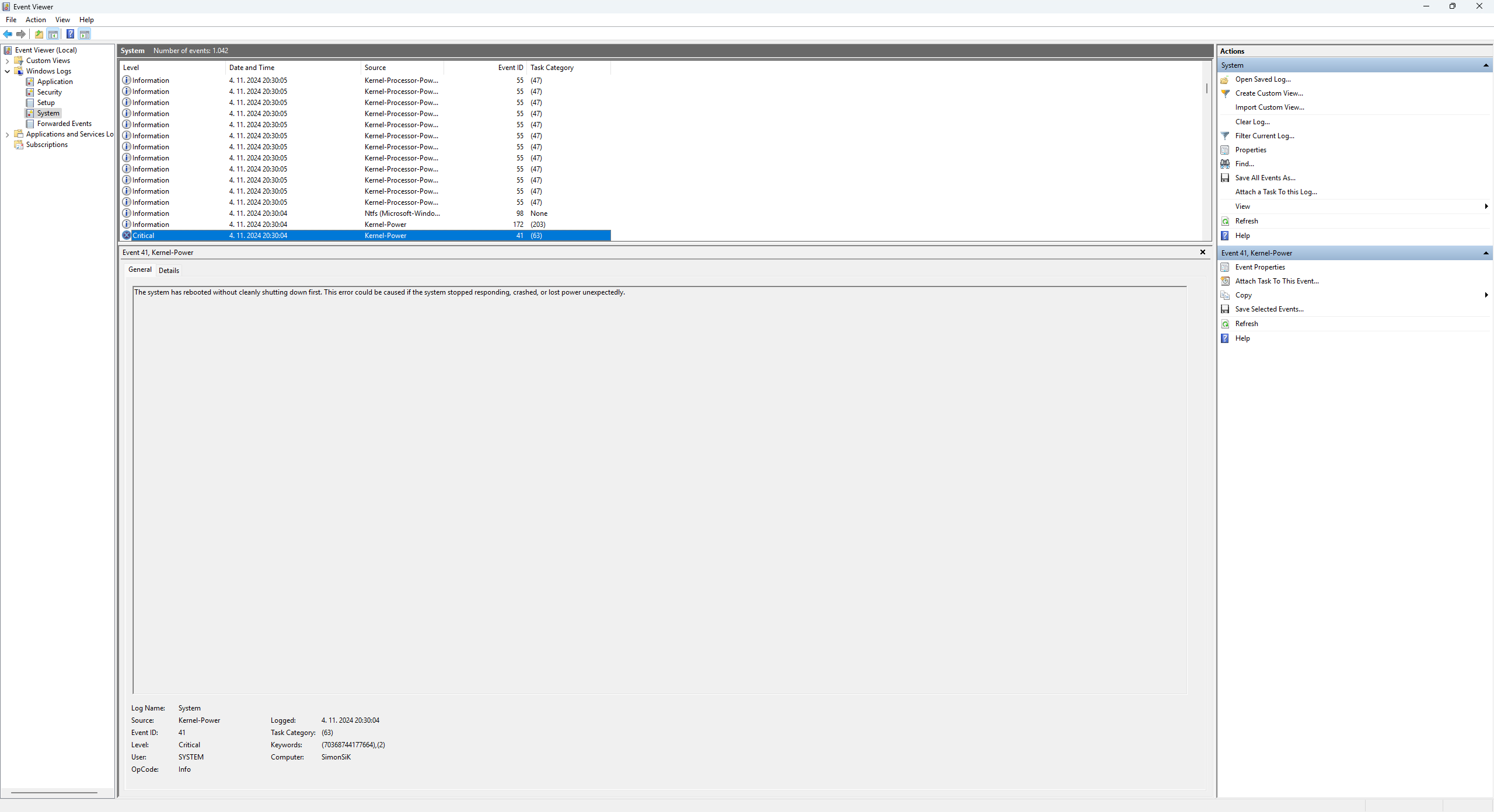
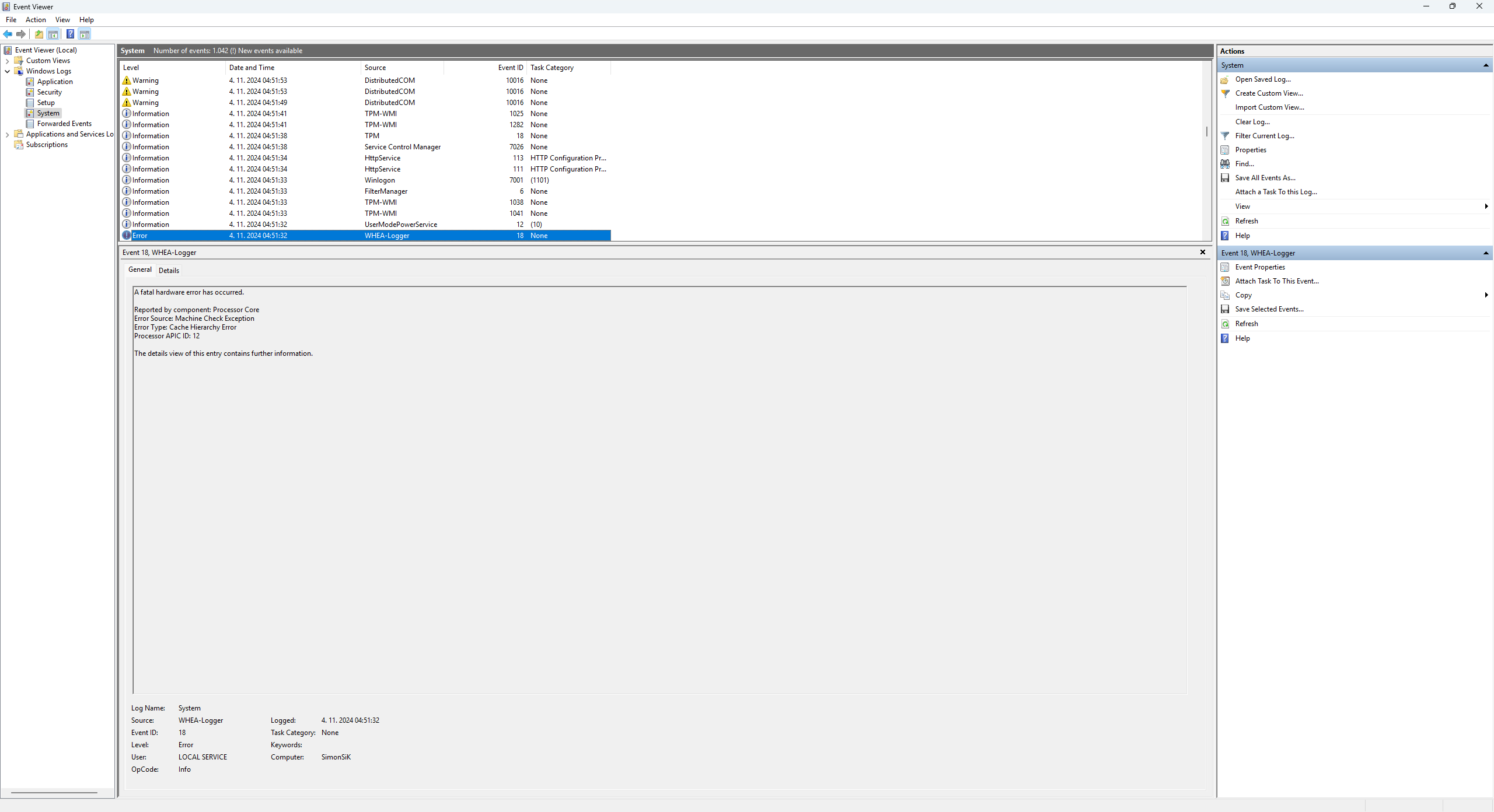
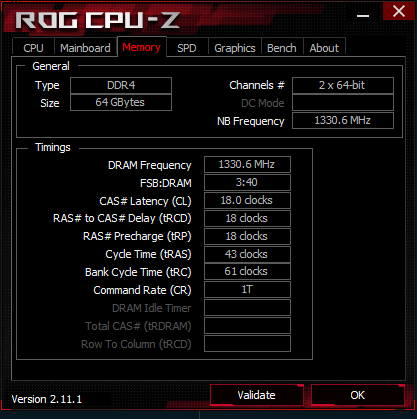
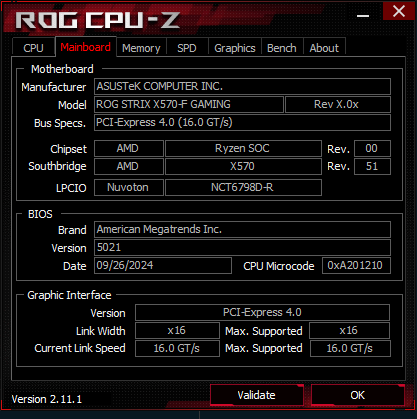
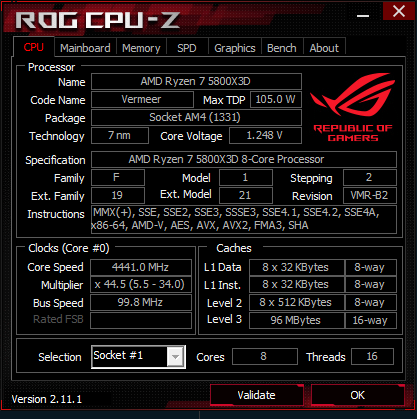
Before I formatted my PC, everything was working perfectly. I decided to do a fresh install to create clean drives and start new. However, now I’m experiencing WHEA-Logger 18 and Kernel Event ID 41 crashes. Before the format, my PC worked smoothly without any crashes.
I reset the BIOS to default settings, but the same issue persisted. I then changed my CPU to a 5800X, yet the problem remains. I also tried restoring the BIOS to its default settings again and updated to the latest BIOS version, using the normal RAM profile.
Is it always the same ACPI ID in the crashes? Are there any recurrent conditions in which the crash happens? Are you using different peripherals or connections like wifi or bluetooth?
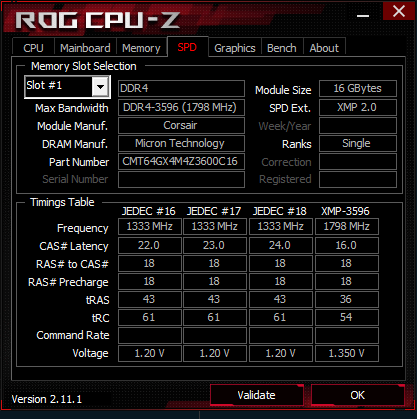
“OK, so now I ran some tests. I am facing an issue with RAM in a Windows environment, where the computer frequently crashes with WHEA-Logger 18 and Kernel Event ID 41 errors. I have performed several tests, including swapping the processor, but the issue seems to be related to the RAM. The computer crashes when all four memory modules are active, but the error does not occur when only two modules are used. I have also tested with different RAM modules, and the computer works normally, even when all four modules are in use.”
Usually different software mitigations can put under stress the system in ways it wasn’t before and make it unstable.
What you could try to do to make it stable with four sticks of RAM is taking note of the APIC ID of the core that’s giving you issues and giving it a bit more voltage using the PBO positive offset in the BIOS. This will increase the power consumption and heat output of the processor so if you don’t have enough cooling you should not do this.
If increasing the voltage to the affected cores doesn’t fix the issue there could be some other voltage you could increase, but I’m not sure about this suggestion so I’m not making one directly. Especially because PBO is fairly safe, everything else is in the danger zone.
But it’s strange to me how the system works with absolutely no problem when I use 32GB (4 sticks) of RAM, but crashes when I use 64GB (4 sticks). The difference is that the working RAM has 32GB (4 sticks), while the crashing setup has 64GB (4 sticks).
There could be issues when training for 64GB of RAM. 32GB put less stress on the IMC, especially if you’re running 8Gbit sticks in both cases. That’s because it’s double the phisical memory chips per stick of RAM.
Memory training is done by the motherboard and is probabily applying less than ideal settings for both CPUs.
Or it’s just AMD microcode updates that are giving so much issues to those. I had a 3700X that couldn’t boot 2x16GB memory at 3600MHz after a BIOS update.
I think it’s Asus at this point. I bet that if you had any other motherboard you wouldn’t have this issues. Not hating on Asus, I got a board from them too. But I’ve seen the same issues and I’m afraid it’s their defaults that don’t work.
So my Window 10x64 install went bad due to a M.2 drive that basically lost it, I’m trying to get the Corsair SSD Toolbox to diagnose that drive but that software has its own issues, more on that later. So I moved to a new drive for OS and went with Windows 11. Well all was fine for a couple weeks and now I get this WHEA-Logger 18 error at weird times, mainly when I’m not doing much, for example I just finished watching a series of YouTube vid’s and I’m snacking and decide to actually move over to File Explorer to … and bam auto-reboot. It does not happen when I have a game on or running VM’s for some work, just at idle. I have a slew of extra drives on the system M.2, SATA HD’s, SATA SSD’s, SAS SSD’s, external USB drives but those are idle during the crashes. I’ve read that it can be a bad CPU or bad motherboard, settings…
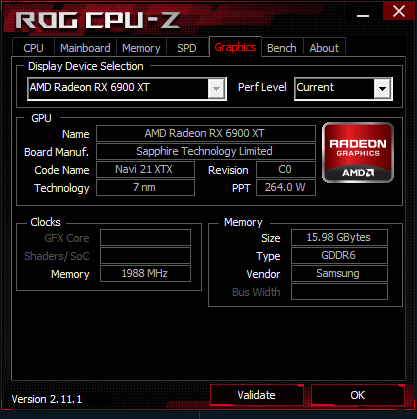
I experience exactly the same thing. Whea logger 18 especially when being idle. When I have a game running (even in background), my pc doesn’t have any issues at all. But when I have no games running and I only check mailboxes or surf the net, I get either a whea logger 18 or my screen freezes completely and I have to hard reset my pc. In the meantime I bought a new GPU and PSU and a fresh windows install, but I still get these crashes every 5-ish minutes.
To date I’m living with the issue as the solution or possible solution is to RMA the CPU with AMD but they only provide a phone number and I need to schedule that phone time as its only 9 to 5 (M-F) or less and well I work at that time…
I’ve also updated my BIOS to that latest and greatest and still same old result. Really odd it happens at idle, or when I’m watching streaming video’s online.
OK, I finally submitted the claim, was not as painful as I imagined but you should get an AMD account setup of you don’t have one already and the receipt of the purchase and system details (CPU Serial number/part#, mobo, firmware, etc.).