Like some if not many other users have, in the past few weeks I went deep down this rabbit hole to chase a unicorn: instantly (<1s) switching between multiple PCs on my monitor, with KVMs. I tried 3 different ones: Rextron PAAG-E3112B, Startech P2CDD143, and ConnectPRO UDP-12AP. All Displayport, and all take a few seconds to switch between devices: My M4 Mac Mini (base model), and my linux PC (Ryzen 9600x + RTX 3090), against my MSI monitor is 4k240.
ConnectPro’s claims of instantly switching in milliseconds is straight up false advertising, especially knowing that it would be paired with many different monitors, devices, and cables. It’s not difficult to switch monitor input with hotkeys (I use ddcutil on linux and the CLI from BetterDisplay on macOS), and none of the KVMs can switch faster than my UGreen USB switch which costed much less (~$60 on Amazon). What’s the point of having USB HID / passthrough support (to instantly switch keyboard and mice) if display switching takes much longer?
I think they would be much more popular if they actually provided switching in under 1 second (or even better if monitors added that as a feature to differentiate). Right now they’re niche for consumers and probably is mostly for specific enterprise situations.
most of the delay is because of content protection. the monitor has to re-key hdcp encryption.
with your existing monitor if you can use CRU to create the exact same monitor resolution/refresh with same subtiming settings (on every input) then it will generally switch about as fast as in my demo there.
that first demo is on an acer predator monitor which takes 5+ seconds to switch via ddc or about 1.5 va the level1techs kvm as shown there. You can save maybe 0.5s with the exact res/refresh CRU hack. hdcp still takes at least 750ms or 3/4 of a second.
I have special order (i.e. for commercial customers) kvms that have a built-in scaler in the second demo. That is true INSTANT switching but its because the kvm actually does encode/decode in the kvm. the kvm is itself an emitter of pixels! which means no hdcp rekey. Also lets you do 4x4k > 1x4k quadrant scaling like I demoed. And switching between those modes is instant.
the main cost for that is that one frame must be buffered in the kvm. thats a 16.6ms delay @ 60hz.
the other cost is the monitor can never really sleep. We never really figured that out. This is for 911, fire department, and traffic control call centers though so they dont care about monitor sleep.
Trying to make this connectpro KVM work to get instant switching has been too much work (pretty much my whole weekend). What’s the lowest switching I could even get?
I don’t like that I have another computer: a mac mini, just for one app (pixelmator pro), and need to have my apps and workflow configured for 2 OSes (using nix). I very much prefer linux and would rather not use a VM, I only prefer only one 32 inch monitor. I wish I could just instantly switch between from one app on one pc to another and back, would a good remote desktop app help?
well I mean the level1techs kvm demo in the first video is what you get without cru just having “close” to the same res/refresh. ms rdp supports remote app type functionality where you can run one app “remotely” via the rdp protocol but from mac to windows I’m not sure how that’s supported. you could try it with the ms rdp client for mac I suppose?
That sounds awesome, it should solve the problems for a lot of gamers too. Frame delay is not that bad when you are dealing with reliable framerates. I wonder how it will deal with VRR, because that means the KVM is handling the pacing right?
Scaler is the part of the screen that translate the input into the raw pixel data. Even if it is 1:1 size, that does not mean the same speed and/or color depth.
There is a lot of work that goes into smooth operation of screens - that is why the first recommendation is to make sure you computers to stop negotiating the best resolution.
For example in my Linux installation once my monitor is identified, it will always use the same mode. Still can take up to a second, but if you are comparing it to USB UGreen - then it should be fast enough.
Also some monitors try to negotiate insanity and are not compatible. For me, the LG TVs and the SteamDeck is a nightmare until I turn off “Deep colors“ HDMI enhancement.
that’s interesting. So this means that if someone puts a “”“”“HDMI splitter”“”“” that is in fact an allegedly highly illegal HDCP remover/stripper/bypass between the source device and the KVM (i.e. it’s an HDCP endpoint and then itself emits a non-encrypted stream, in my experience these devices are mostly used for compatibility reasons) and a dummy HDMI passthrough that keeps broadcasting the EDID so the source still thinks the monitor is connected, you could saw off a bunch of the delay
I have a keyboard with wired, bluetooth & wi-fi. Each input type is on a different computer, so I can toggle between them with the switch on the keyboard. I have multiple monitors though, so don’t need monitor swapping like you.
instant video switching is possible with blackmagic atem, but it is not KVM switch. maybe next step is true glitch free video switching using hardware video clock synchronization with BNC trilevel genlock with older quadro cards and some of aja products
No, let me go logging maybe it was flagged as spam.
If you’re looking for 240hz and edid those are sort of opposed to each other imho. Edid emulation in my experience is tough to do without having to buffer the whole display chain, effectively
Instant switching requires buffering which is not good for gamers
If you’re looking for 240hz and edid those are sort of opposed to each other imho. Edid emulation in my experience is tough to do without having to buffer the whole display chain, effectively
I’d want instant switching with or without whatever edid things are in question.
I have special order (i.e. for commercial customers) kvms that have a built-in scaler in the second demo. That is true INSTANT switching but its because the kvm actually does encode/decode in the kvm. the kvm is itself an emitter of pixels! which means no hdcp rekey. Also lets you do 4x4k > 1x4k quadrant scaling like I demoed. And switching between those modes is instant.
the main cost for that is that one frame must be buffered in the kvm. thats a 16.6ms delay @ 60hz.
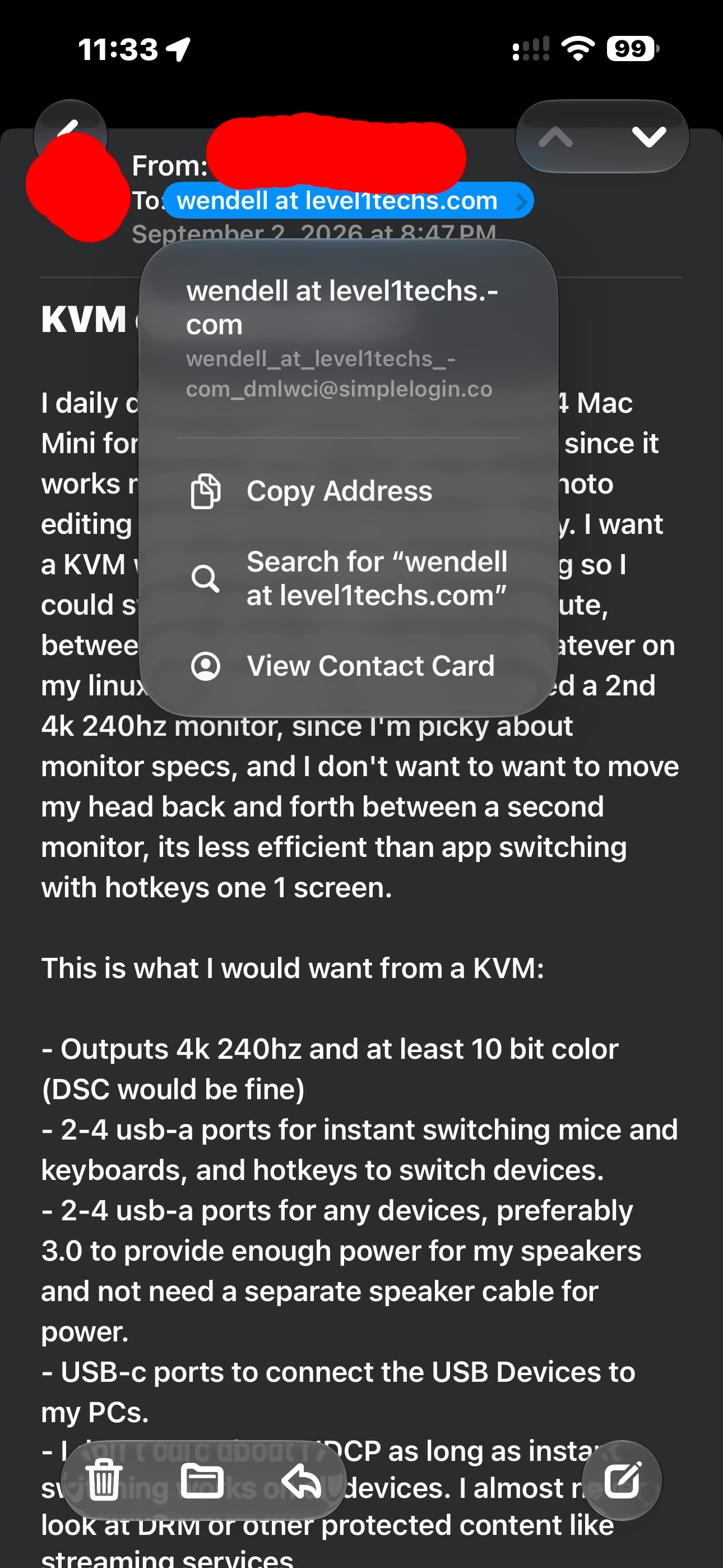
so something like this wouldn’t be possible in 240hz? I wouldn’t mind being only one frame behind. I wouldn’t use this for gaming, I just want the switching time to be fast. Pasting this from my email:
I daily drive linux (NixOS) but use an M4 Mac Mini for photo editing in Pixelmator Pro since it works much better for me than other photo editing apps like Photoshop and Affinity. I want a KVM with Instant / seamless switching so I could switch up to multiple times a minute, between the photo editing app and whatever on my linux PC. Basically I want to not need a 2nd 4k 240hz monitor, and I don’t want to want to move my head back and forth between a second monitor, its less efficient than app switching with hotkeys one 1 screen.