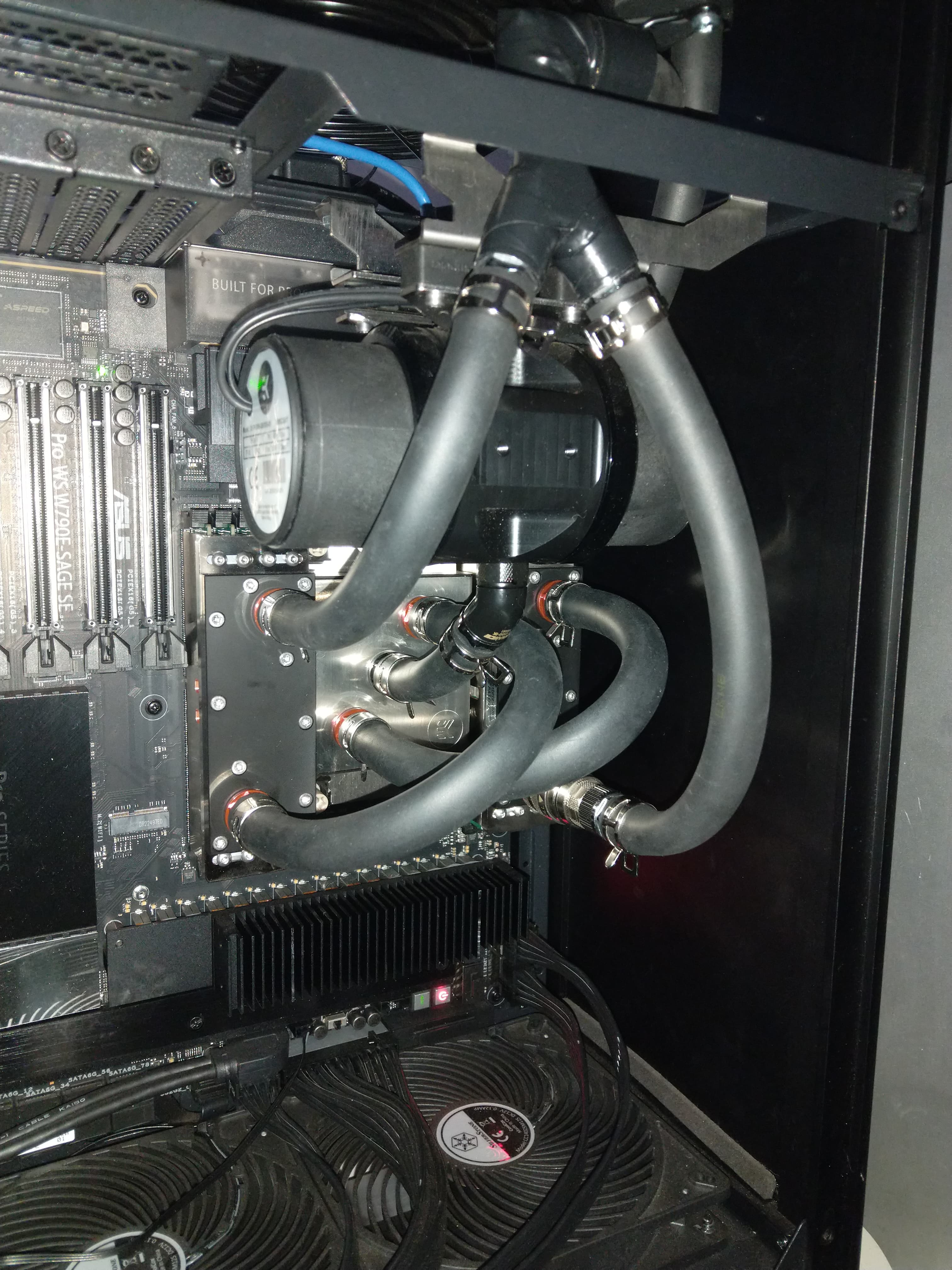
I finally got my system setup satisfactorily. I ended up having to use 0.010" thick thermal pads to get the DIMM heat spreaders together; 0.5mm was too large. Memory temperatures have gone down by more than 40C under load.


On the memory overclocking front, I’ve found out that “VCCD HV 1.14v IN /MC Voltage” needs to be increased along with VDD and VDDQ in order to gain stability during memory overclocking. I can now get all the way up to, but not including, 6000MHz on my 64GB DIMMs.
Hopefully a BIOS update will come out to improve memory performance in the future because there are so many sub-timings and options I’ve never heard of that I have no idea how to optimize exposed in the BIOS. Fingers crossed for more comprehensive preset memory overclock profiles in the future.
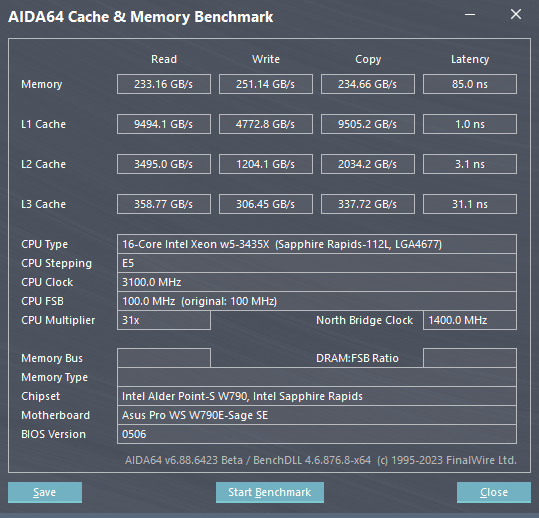
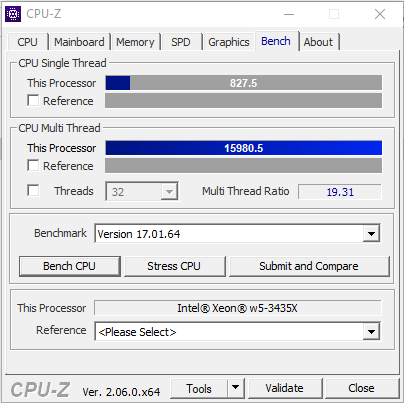
I’ve settled into DDR5-5945MHz 34-38-38-96 timings @ 1.35v. running a BLK of 104.3MHz and a per core overclock with my two favored cores running at a x49 multiplier and 80mV offset (all other cores get a +25mV bump and run a x46 multi); frequencies much higher than 5.1GHz seem to use up a lot more power than I’m willing to run. Under peak compute stress the entire system is using 600w.
Benchmarks:
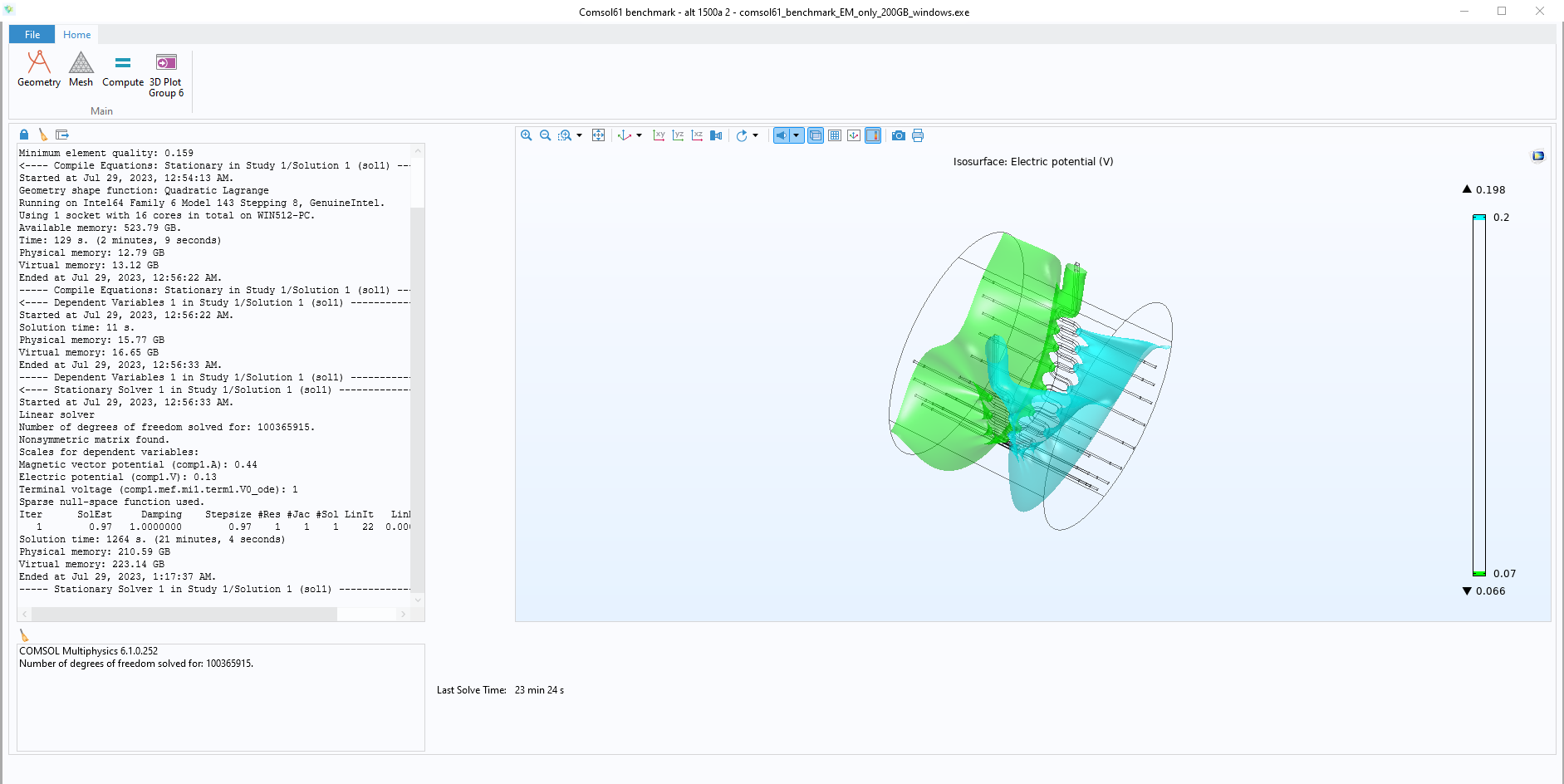
Here’s where things get interesting, I switched to Linux just to see how performance was for FEA and running the same FEA benchmark that was run on Windows previously, it performed 30% faster! The benchmark is not known to give very large discrepancies between Linux and Windows on previous architectures. I think this confirms there is something wrong with SPR-WS on Windows. The benchmark is not perfectly deterministic, but it is fairly consistent run to run.

For comparison, here are comsol benchmark runtimes on other systems:
5995wx runs 27m 3s
Dual 8173M run 26m 42s
Dual E5-2697A run 44m 0s
Overclocked W5-3435x runs 17m 10s *on Linux
Overclocked W5-3435x runs 23m 24s *on Windows