(Windows 10 Pro)
Perhaps I’m blind, but I can’t seem to find a setting that will put the volume control on the taskbar of each monitor. It just shows up on the main monitor task bar only. In fact the only thing on the ‘right’ side of the task bar of the second monitor is the clock.
Everything on the left is on both monitors: window button, task view, and my pinned applications.
I use the RDC app to connect to my work laptop, and have that full screen on my main monitor, so it’d be nice to have easy access to volume control on my secondary monitor. Instead I have to minimize my RDC app to get to the main monitor task bar.
This is mainly in scenarios where I’m wanting to switch audio inputs or outputs. Volume control I already have hot keyed to certain key combos on my keyboard.

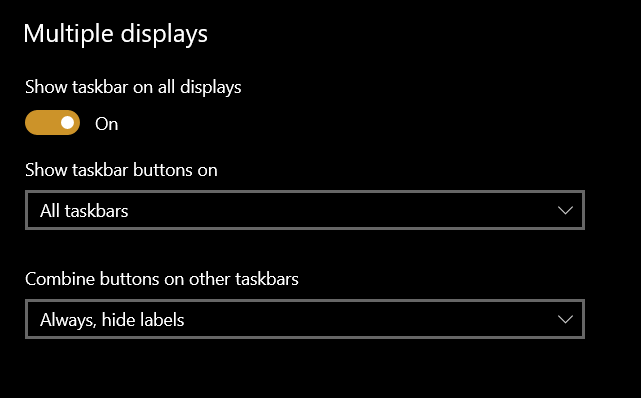
This seems to be the only relevant section…
Main monitor:

Secondary monitor: