Hey folks -
Hoping that there might be someone here that has picked up one of the new UniFi UCG-Fiber gateways that might be able to run some inter-VLAN routing tests for me. I can’t imagine that this unit for the cost has a switch chip capable of doing L3 hardware offload that’s attached to all interfaces including the SFP+ port on the LAN side. I am hoping to redo the home network and reassign inter-VLAN routing duties to a different device than is doing it now and being able to have policy-based firewalling in the mix for better network filtering and segregation would be really nice, especially for the price (assuming I can get my hands on one).
I know that this isn’t the only way to achieve what what I’m looking for, but in a lot of senses, I’m hoping to slowly move away from having N vendors of networking hardware in the home network, and I already have UniFi APs in the network. Considering alternatives is probably best for a different thread.
The tests I’m interested in are:
- VLAN to VLAN Routing on the 2.5G ports.
- VLAN to VLAN Routing on the 10G SFP+ port (router on a stick style)
- VLAN to VLAN Routing between one of the 2.5G ports and the 10G SFP+ port
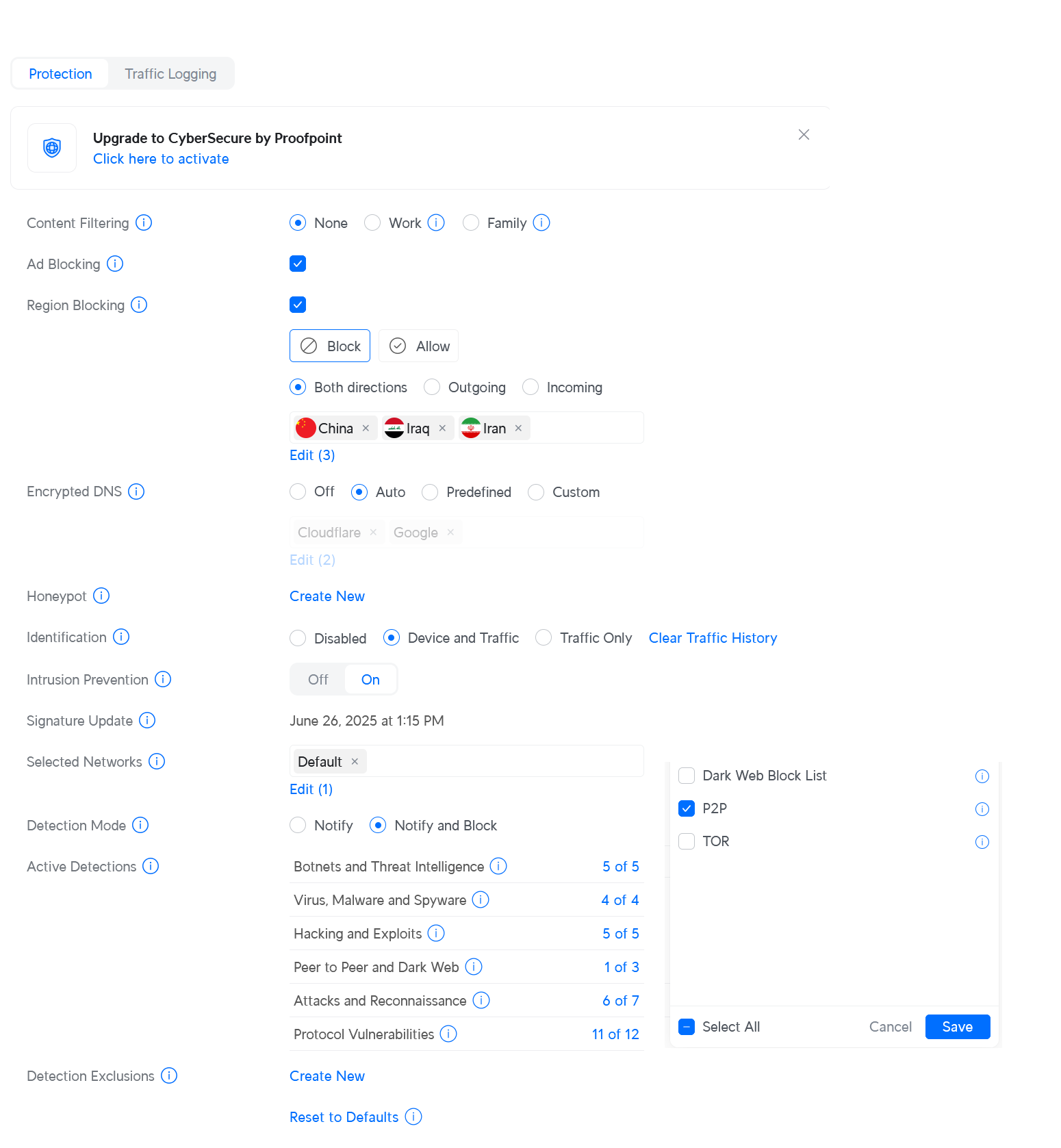
- Bonus: With and without IDS/IPS if you happen to have the license and are willing to do the extra work.
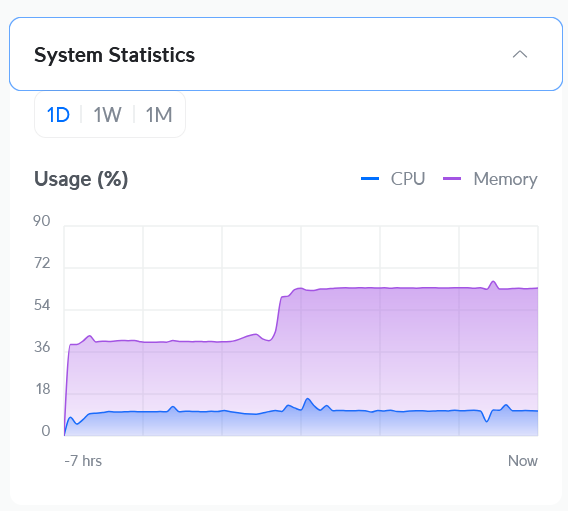
The metrics I’m interested in are throughput and CPU load on the UCG-Fiber during the tests.
I’m hoping to see reasonable throughput, in the 2.5-ish Gbit range, ideally with IDS/IPS, without pinning the CPUs to avoid packet loss or unreasonable buffering. The majority of the network in-house runs on either 1G or on WiFi 6e, so I don’t need miracles of throughput, but being able to feed a single 2.5 Gbit feed would mean that I can get wire speed on my workstations to my NAS connected at 10G.
Thanks y’all!


 Make config backups before adjusting these settings