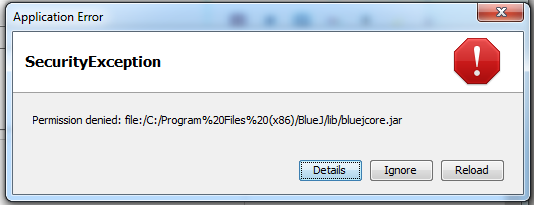
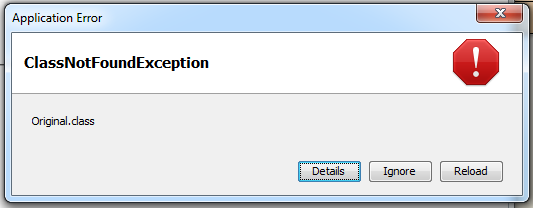
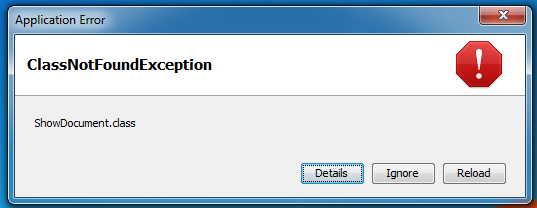
I’m unable to load an Applet I made using BlueJ, and host it, or use it from a home/local server IP as a Java web server. I tried searching for the error message, and I didn’t get any helpful results.
Let’s start at the beginning: Java Applets are kind of a dead technology, and have been for a while, so if you’re trying to learn Java you may just want to skip over them entirely.
Historically you’d indeed run them as part of a web page through a browser plugin, though none of those still work with recent browser versions (iirc Firefox has some LTS version that explicitly supports ancient stuff, so that may still work)
There used to be an applet viewer included in the JDK that was able to run them “standalone” but I assume you’d need an old JDK (JDK8 or older) for it to still be included.
It’s weird. I can open the file with Internet Explorer, and Mozilla Firefox, and load, and run the file just fine, but when it’s done with/over the web server, it just gives that error message for both browsers. I can’t figure out a way around it.
Even when I switch out of/stop using BlueJ, and run the web server through Command Prompt, it’s still the same issue/error message.
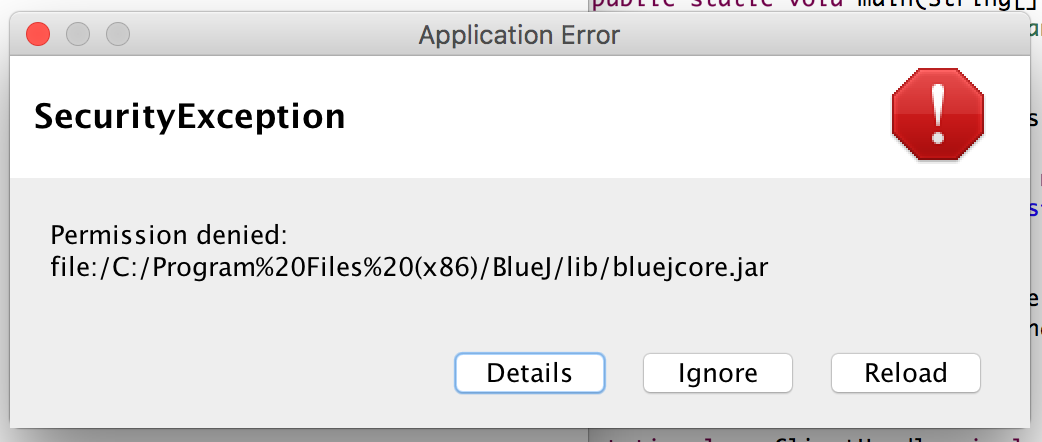
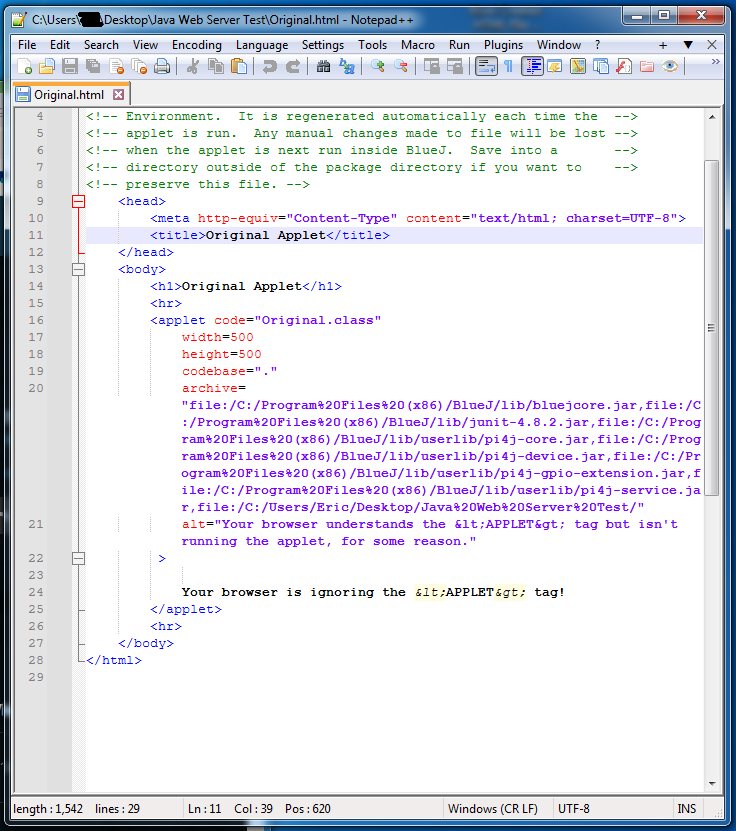
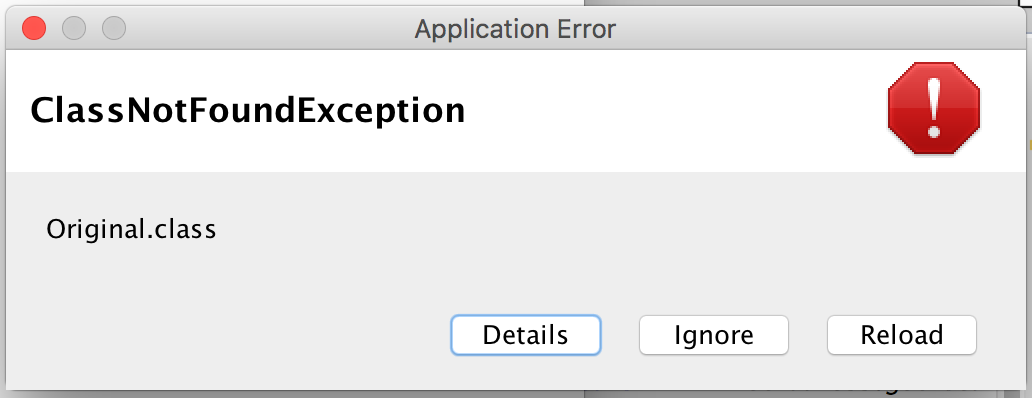
I’m getting this same message despite hosting the server on Mac OS and using the Eclipse IDE as well. Looks like it keeps reffering to a line in the HTML file, based on Windows, where the file was made in BlueJ.
Since this is a Windows path that the Mac looks for I would argue the program in the jar tries to access that file somehow. So either in you code, or maybe as in import or maybe as a dependency in the path. I would look into that. Somehow this program looks for this file and it seems like this is hardcoded somewhere because the jar should not look for a Windows path on MacOS.
The programm, the applet, tries to find that file and does not have the permissions, that’s why it does not start. But somewhere it must be mentioned when you write the code or build the jar to looks for that file. Maybe it is a default too, you somehow need to change.
Yes so the applet tries to access those files. Sorry I am not knowledgeable on the code and what ti does, but in the archive part I figure it would try to access the files listed there. It appears it does not have permission to do so. It fails with the first one, but my guess is that if you were to change the order of the files it would fail with another file path there too. I figure it does not have the permissions to access any of them, but you get the error message because it tries them in order and fails before even trying to access the second file.
Okay so I’ve done a LOT of testing. I think at this point the more likely cause from this, atleast from what I have been thinking is on the topic of .JAR file signing. I used Java’s jarsigner program included with the JDK on both the BlueJ program file .JAR’s as stated in the HTML file created by BlueJ, and my own .JAR file I created from the Applet I’m trying to run, and both result in stating that they’re both unsigned.
So… What I’m thinking… is that if I try and sign the .JAR files, and run the program again, I might get different results.
I’ve gone down the rabbit hole pretty far on this one, but I’ve still got some to go further down. Wish me luck
NOOOOOOOOOOOOOOOOOO FMLLLLLLLLLLLLLLLL
Even getting wit/going through all of the work to get the .jar file signed, it still didn’t work.
Same SecurityException Permission denied error message
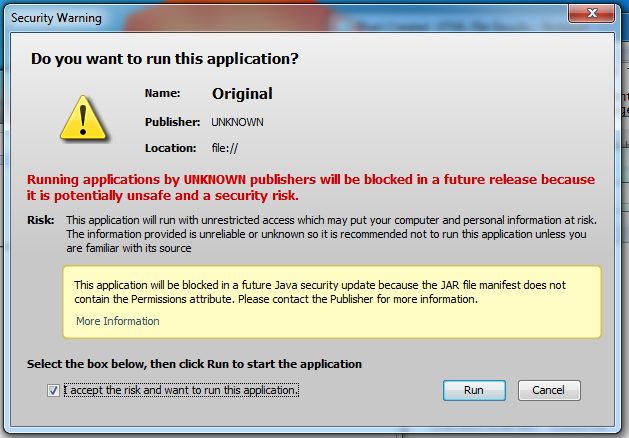
After running the file locally, I get this message:
I’m still dissecting what to do from here
edit- even adding in a “Permissions: all-permissions” line to the MANIFEST.MF file did not work out.
edit2- apparently changing the manifest file with/like this made it unsigned again.
edit3- even with adding the permissions attribute to the file, and going through all of the work of signing it again, it still doesn’t work. It gives the SecurityException Permission denied message
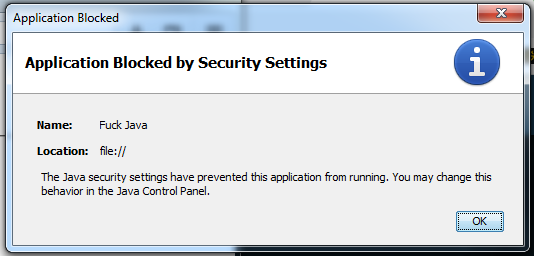
edit4- strange… I get a message:
Application Blocked
Application Blocked by Security Settings

The Java security settings have prevented this application from running. You may change this behavior in the Java Control Panel.
Despite it saying this, even when in the Java control panel, there is nothing there that I’m aware of that prevents this from running.