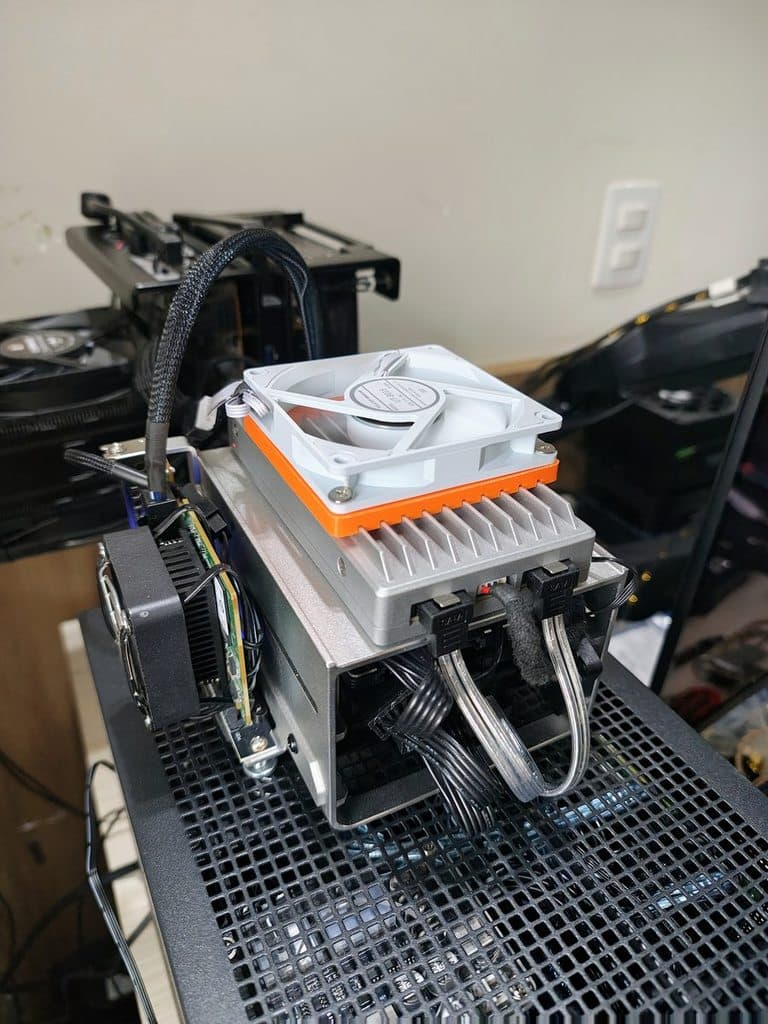
This thing supports ZFS!
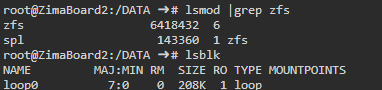
My mechanical/sata disks were sda and sdb so I used this command:
zpool create \
  -o ashift=12 \
  -O atime=off \
  -O compression=lz4 \
  -O xattr=sa \
  -O logbias=throughput \
  tank \
  mirror /dev/sda /dev/sdb
You should understand the implications of this configuration. xattr=sa stores the xattrs in the dnode, which is probably better for lots of small files.
If you want to be extra correct long-term, use by-id instead of /dev/sda//dev/sdb, but generally on reboot ZFS will use these device names anyway.
s -l /dev/disk/by-id/
# then something like:
/dev/disk/by-id/ata-ST8000...   -> /dev/sda
/dev/disk/by-id/ata-ST8000...   -> /dev/sdb
… can use that for device names instead of sda and sdb.
As this is a a backup appliance, if you prefer zero redundancay (CAUTION)
zpool create -f \
  -o ashift=12 \
  -O atime=off \
  -O compression=lz4 \
  -O xattr=sa \
  -O logbias=throughput \
  tank \
  /dev/sda /dev/sdb
As this is a replica I also don’t mind sync being disabled globally.
zfs set sync=disabled replica
Sanoid & Syncoid installation is a bit more annoying. apt isn’t available, really,
and that’s the reasoning.
Sanoid and Syncoid on ZimaOS/CasaOS
It is possible to install and configure sanoid and syncoid on CasaOS/ZimaOS. However for our stated use case of using a Zimaboard2 as a remote backup replica, with tailscale, it isn’t strictly necessary.
If you do want to do that, especially just sanoid for zfs snapshots and replica management (i.e. NAS usecase) then I would recommend setting it up in /DATA. /DATA/bin is already in the system path and /etc/ is not part of the read-only filesystem. So it can be done, without too many modifications.
sudo git clone https://github.com/jimsalterjrs/sanoid.git /DATA/sanoid
cd /DATA/sanoid
mkdir /etc/sanoid
mkdir /DATA/bin
cp sanoid.defaults.conf /etc/sanoid/
touch /etc/sanoid/sanoid.conf
Documentation:
You would, ideally, set it up on the system you want to push replicas FROM.
Typical Setup
Source (where you run syncoid):
- syncoid installed
- SSH key set up to target
- ability to run
zfs send
Target (remote replication host):
- Just ZFS
- A receiving pool (e.g.,
tank) - SSH access (key-based strongly preferred)
With Tailscale on both the Source and Target you can ssh directly from the source to the target, using the tailscale IP address.
I do not recommend setting up the Source to be able to pull from the Target via SSH because of the security implications. It is possible to configure SSH to only allow the sync command, but that’s outside the scope of this how-to.
For example, this should work from the Source system:
syncoid -r -c tank/data root@zimaboard2-host:tank/data
…and will not require Sanoid or Syncoid on the zimaboard2 since it uses built-in zfs send functionality.
Summary
| Host | Needs Syncoid? | Needs ZFS? |
|---|---|---|
| Source (push mode) |  Yes Yes |
Yes |
| Target (push mode) |  No No |
Yes |
| Source (pull mode) | No |
Yes |
| Target (pull mode) | Yes |
Yes |
Note: The overhead of ssh is significant. For faster connections, it is possible to setup direct connections such as with mbuffer and zfs send. There are some old writeups from me on how to do that on the forum, and I can revisit writeups on doing this if there is enough interest or it is unclear on what the steps would be.