Abstract
In most ITX build, M.2 SSD and on board NIC is sufficient. Normally, putting 2.5" drive adds cable which is not pleasing to manage, especially in ITX under 12 L. Here, I want to explore the possibility of putting two 905p and a 10 GbE NIC in a ITX case under 11 L, without compromising too much performance.
-
Component
- Case: Geeek M5
- MB: Asrock Z790 PG-ITX
- CPU: i5-13500
- RMA: Crucial 5600 16G x2
- Cooler: Thermalright AXP-100 Full Copper
- PSU: FSP Dagger Pro 850w
- GPU: EVGA 3060ti xc
- Two Optane 905p
- Innodisk EGPL-T101, M.2 10 GbE NIC
- Some washers and brass standoffs
- One 3.5" HDD just for fun
Introduction
- I want to build a new ITX PC, most of the component are I already have. Starting with case, Geeek M5. It’s a 10.6 L case without protrusions, configurable internal layout to support cooler height up to 50 or 65 mm, or 240 AIO, 50 or 65 mm thick GPU. I opt for 65 mm cooler clearance, two 15 mm fans for top exhaust, 25 mm fan space for two 905p. There are other ITX cases is viable for this build, e.g. S400, S450 ITX case, especially S450 ITX, it’s much easier to build, and have better cooling. I choose M5 just because I already have it.
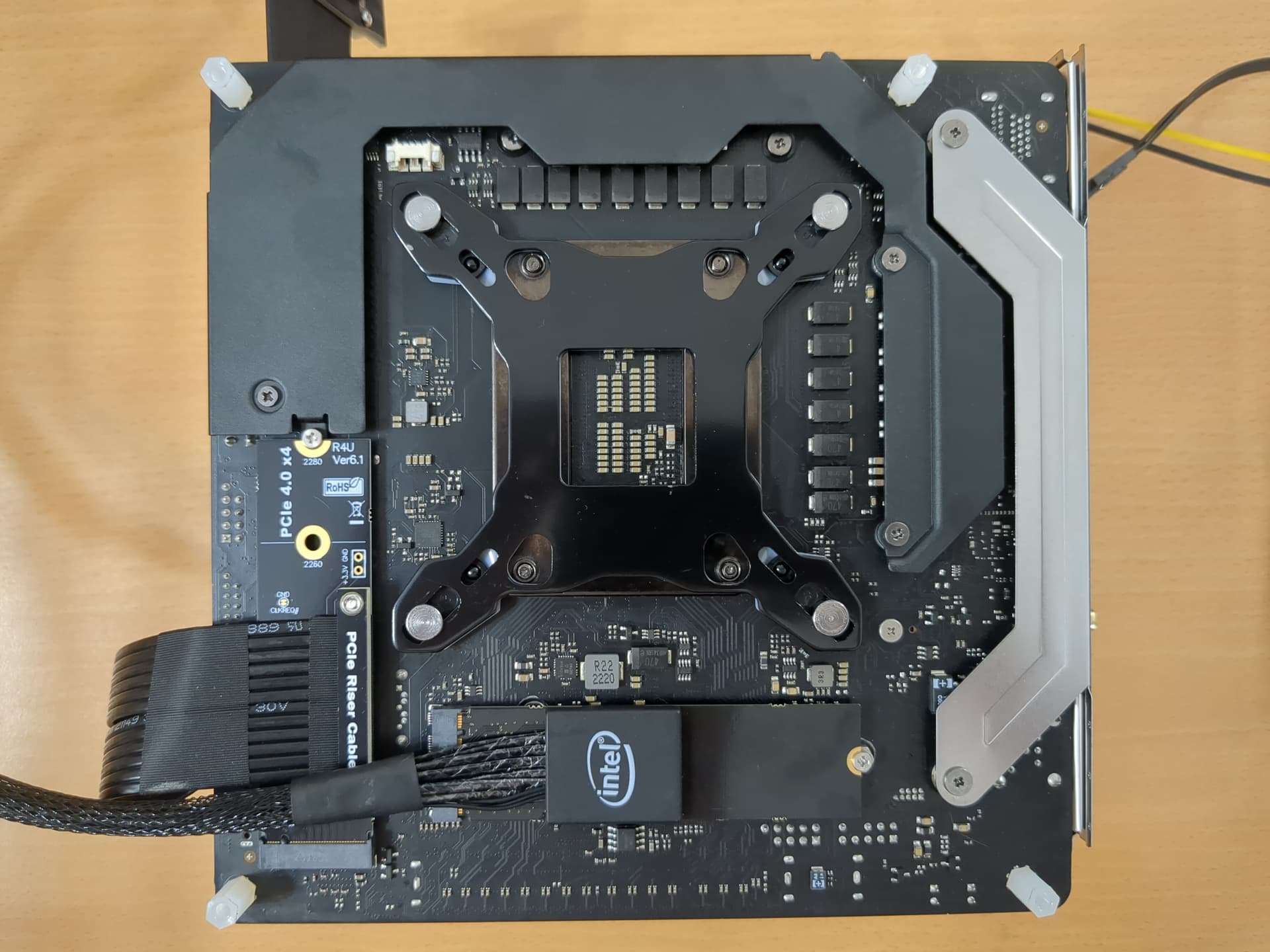
- For 10 GbE NIC, I don’t have other pcie slot for spare, instead, I choose EGPL-T101 form Innodisk, which is an M.2 2280.
- With all the component above, I need at least three M.2 slots. There are some motherboard candidate. Minisforum AR900i, decent performance for the price, four M.2, cons are poor io, and BIOS support; Gigabyte B650I, three M.2 slots, AM5 with PBO2 undervolt is easy to cool, cons are CPU cooler and M.2 clearance. Asrock Z790 PG-ITX, which is my choice, three M.2 slot, one at the front two at the back, which allows me to use two adapter without to much hassle.
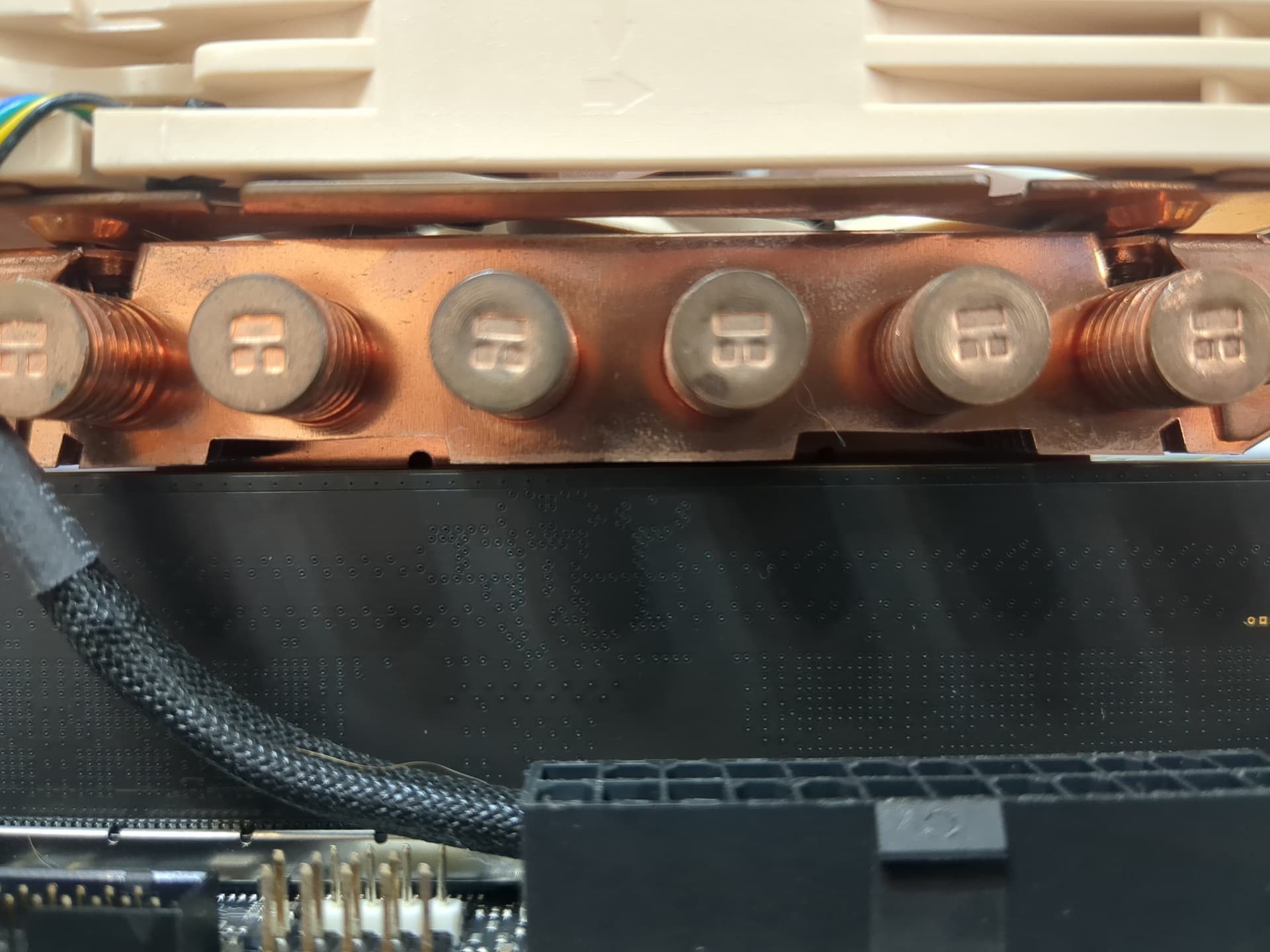
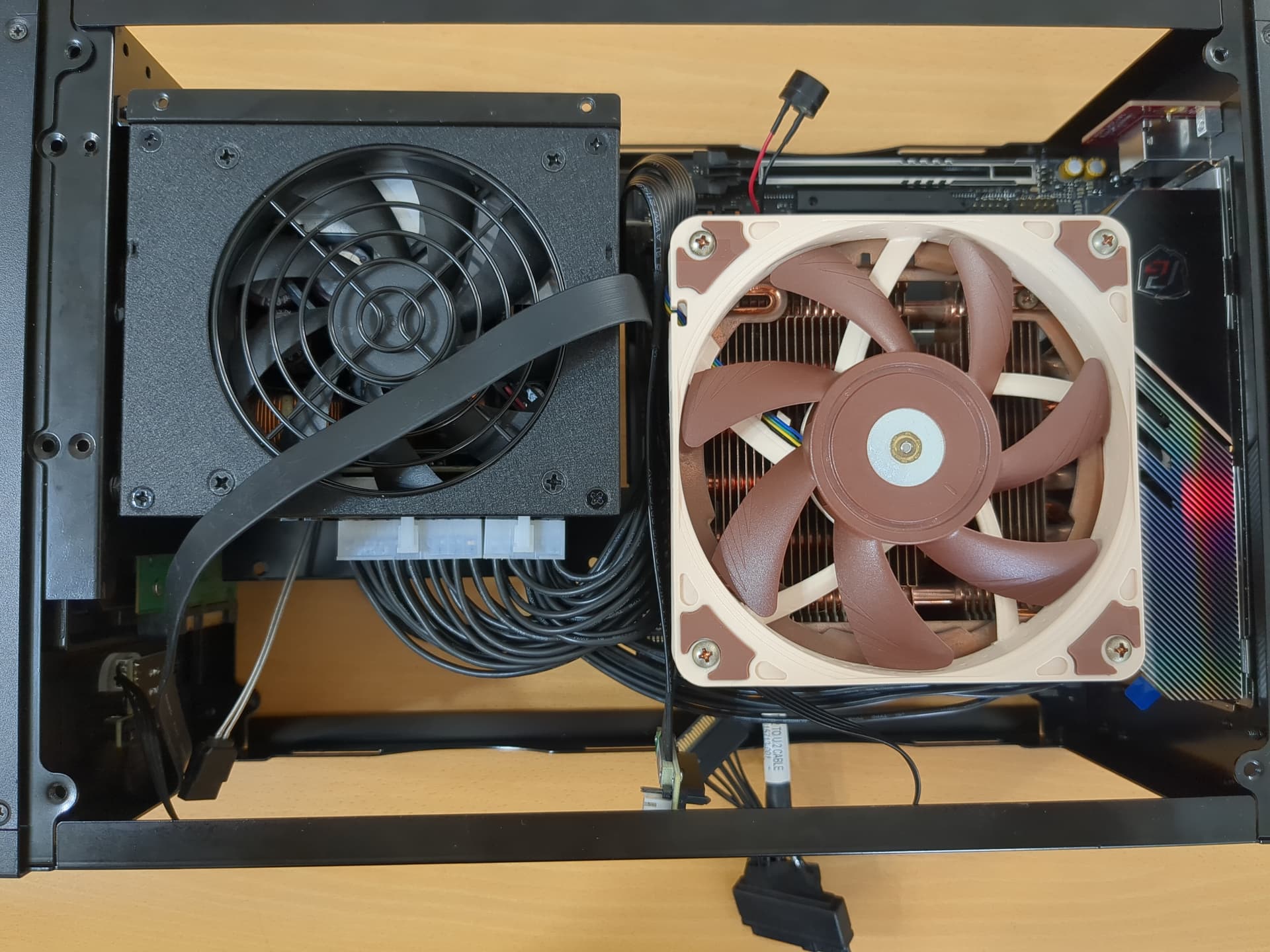
If you really want 10 GbE for your SFF PC, other alternatives are NUC 13 extreme and Mac mini. NUC 13 extreme is probably better then my choices, especially it has better front IO then Geeek M5. - Although i5-13500 is not as easy to cool as undervolted AM5, it’s still a decent budget CPU. With AXP-100 Full Copper paired with NF-A12x15, it’s able to cool 13500 at 125w load, 80 degrees Celsius at 28 degree room temperature. AXP-100 Full Copper might be the best low-profile cooler under 65 mm, and I’ve used it for a long time, as you can see from the tarnished copper. The only RAM will fit is the bare bone kit, there’s just no clearance for any RAM heatsink.
Build Process
-
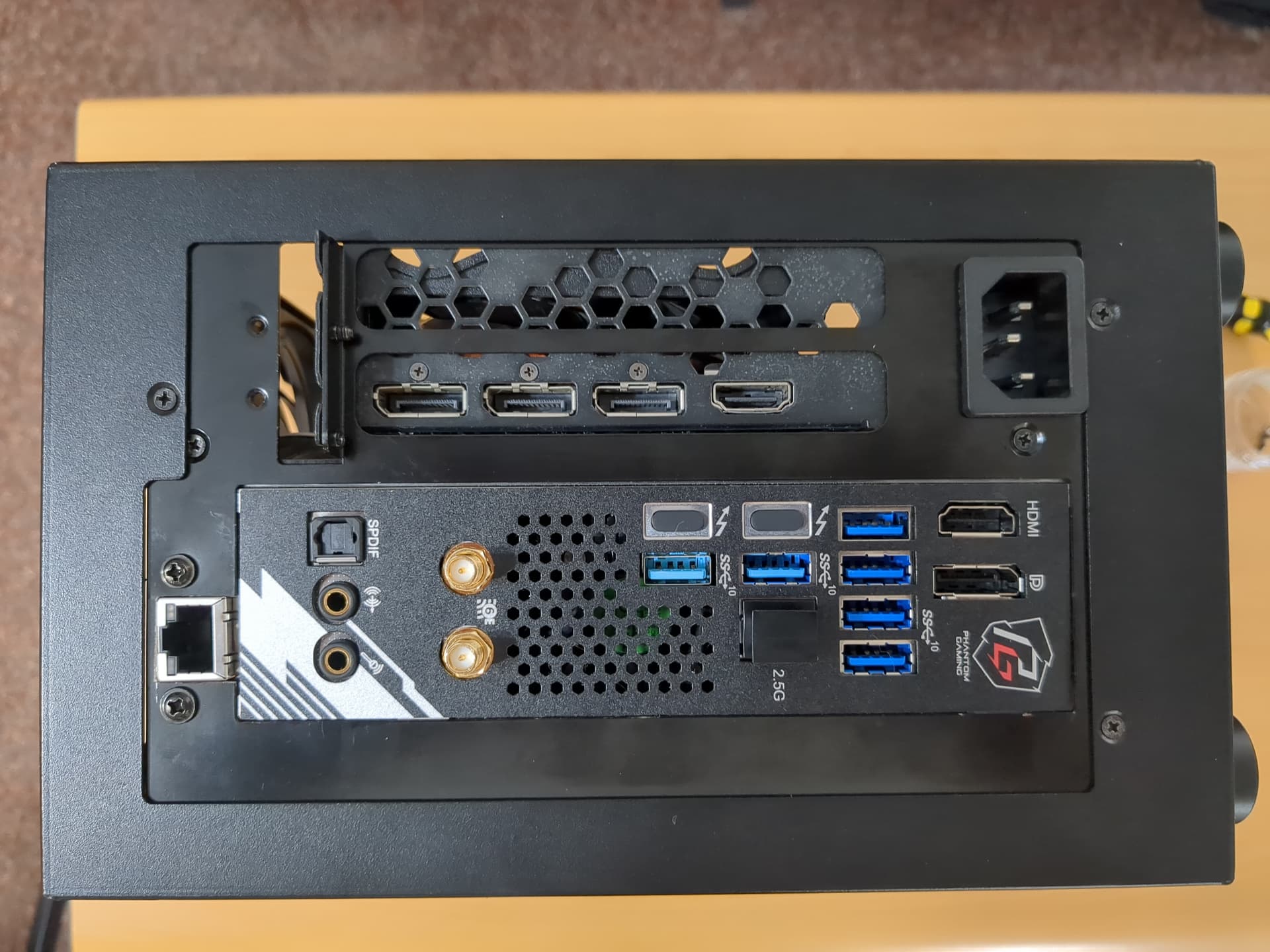
With all the component and clearance planed out, it’s time to do some manual labor. To mount the daughter board for 10 GbE NIC, I have to make a cut out at the back of the case. I just use angle grinder and drills to make the cutout according to the EGPL-T101 datasheet.
-
Although 905p is a 2.5" drive, it’s 15 mm thick, and doesn’t fit in M5 by default, we have to improvise. We can mount 905p at the top or bottom panel. The pitch of venting holes is not design for mounting 2.5" drive, but fortunately, it’s still lined up with all four holes.


We can use some washers to elevate 905p few millimeters to make clearance for U.2 plug. This will fit at 15 mm fan side, which I can use 25 mm fan for exhaust, at least on paper.
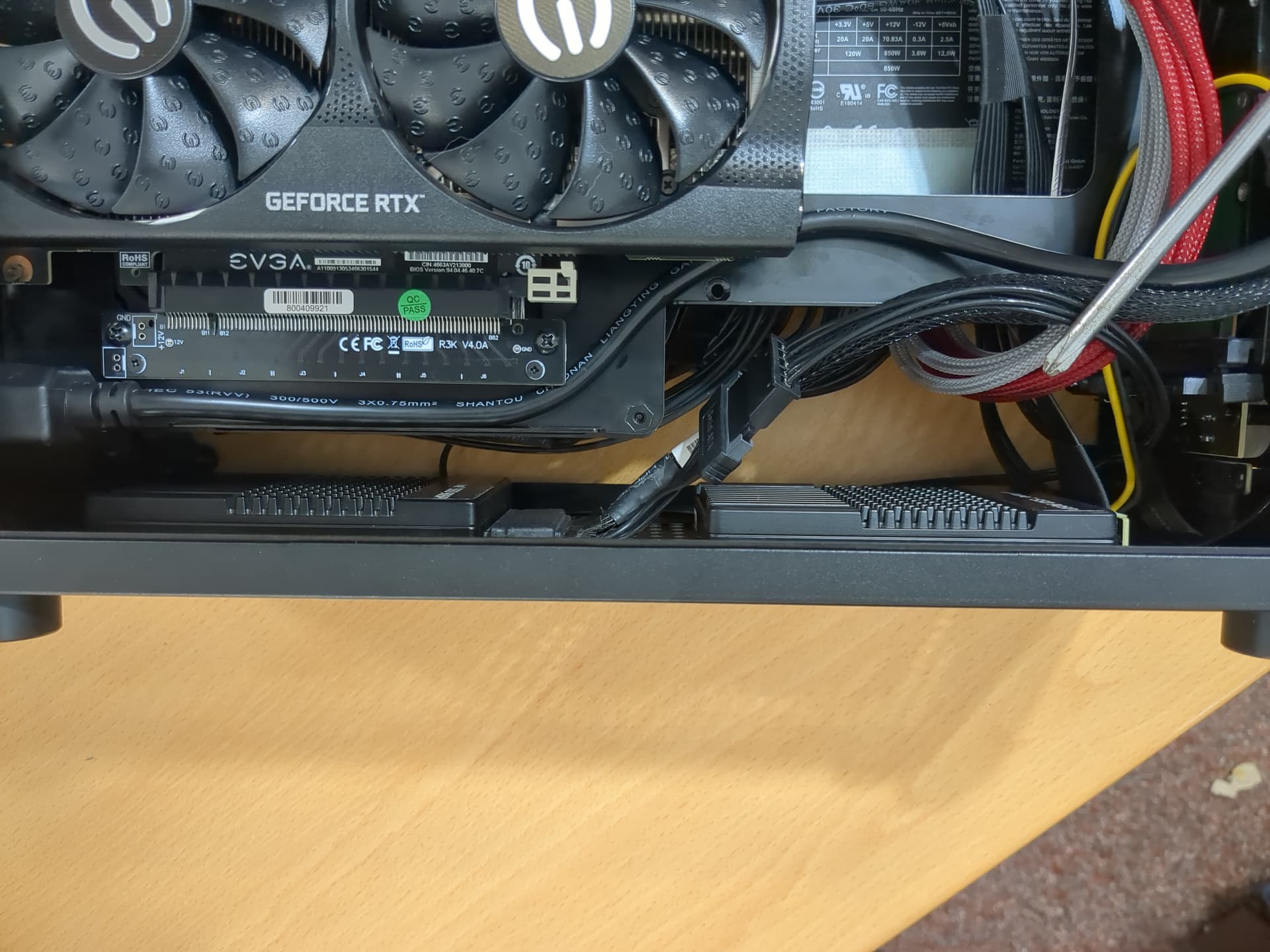
Turns out, there’s too much cable in this configuration, even with custom cable length, and the exhaust path is not efficient (block by VRM heatsink). Thus, I flip the layout, mount 905p at 25 mm fan side and use 15 mm fans for exhaust.
-
For the U.2 to M.2 cable, I only have one cable from Intel, so I bought another from adt-link.
-
With new layout, the custom cable length can be shorter, and less cable is always a plus in ITX. I made custom ATX 24 pin and CPU 8 pin cable, which save me a lot of space. The sata plug for FSP Dagger Pro is difficult to find, thus I just buy pre-build cables from online salers.
-
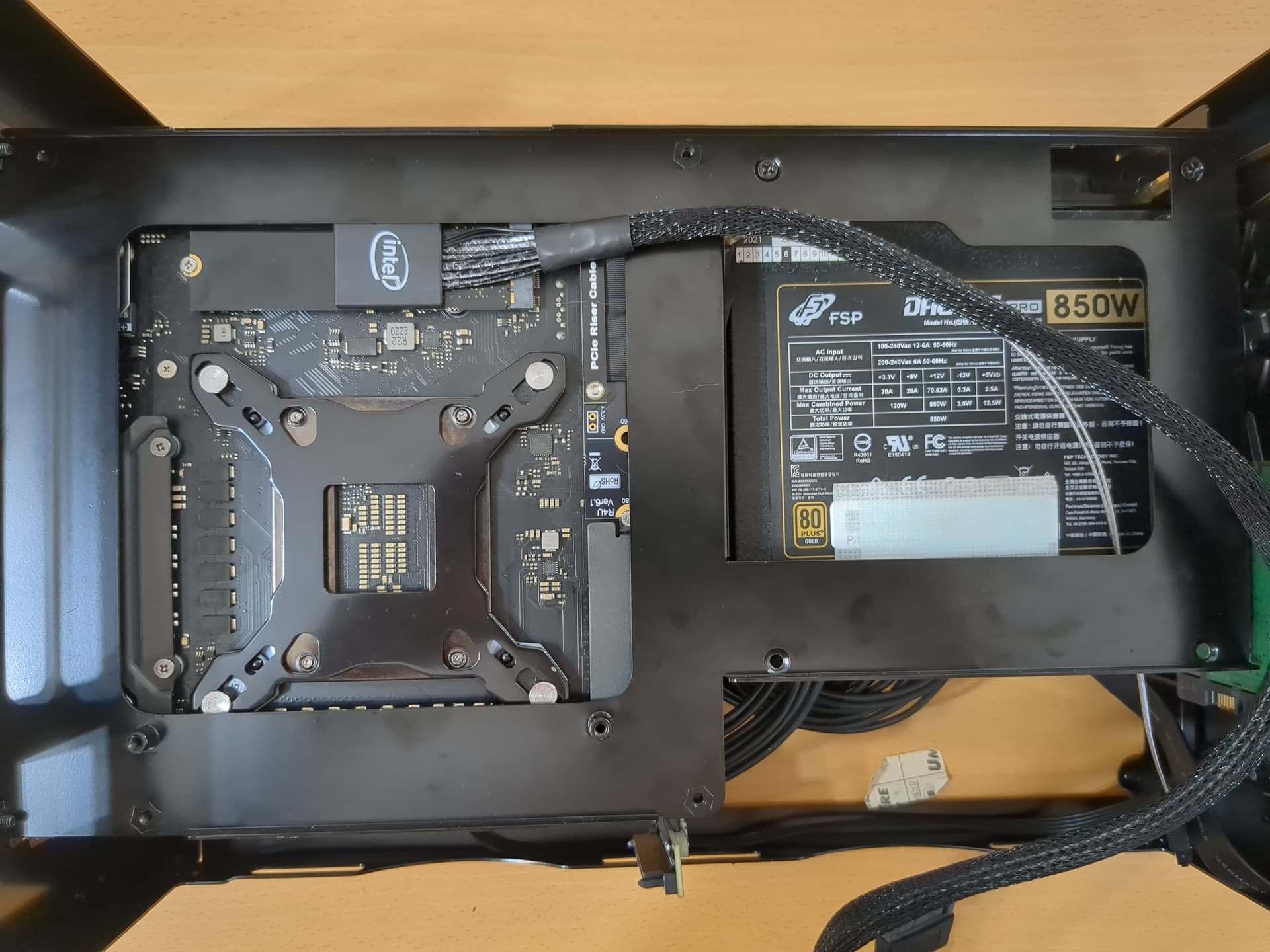
Because the original 2.5" / 3.5" drive bay is empty, I figure I could put an HDD just for fun. Also, GPU with flow through design is becoming normed. I also offset the PSU with brass standoffs. Here I’m using 3060ti xc, which is what I have and it’s perfectly okay. If I want to upgrade to bigger GPU I can, and I don’t have to re-adjust PSU again.
-
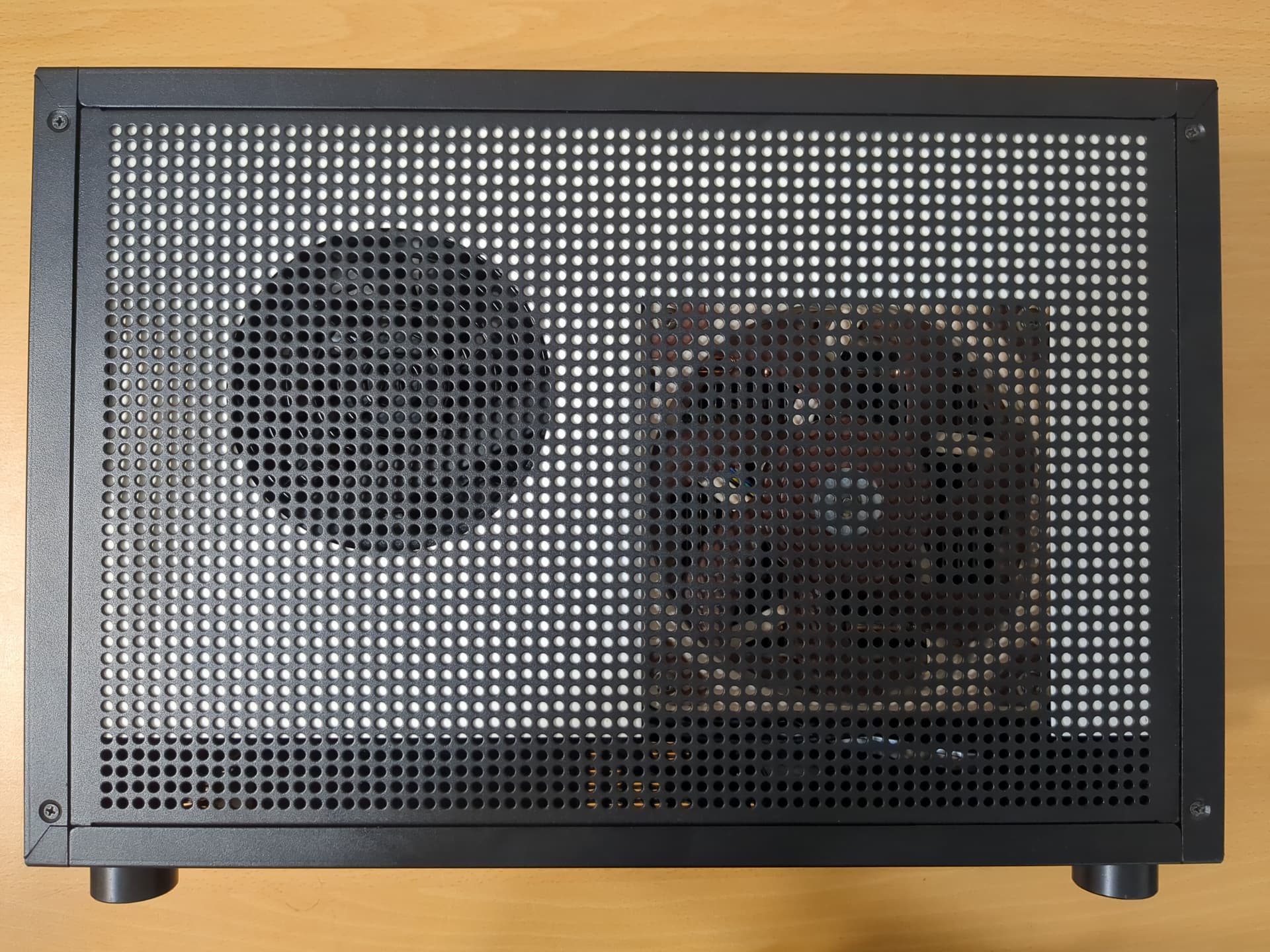
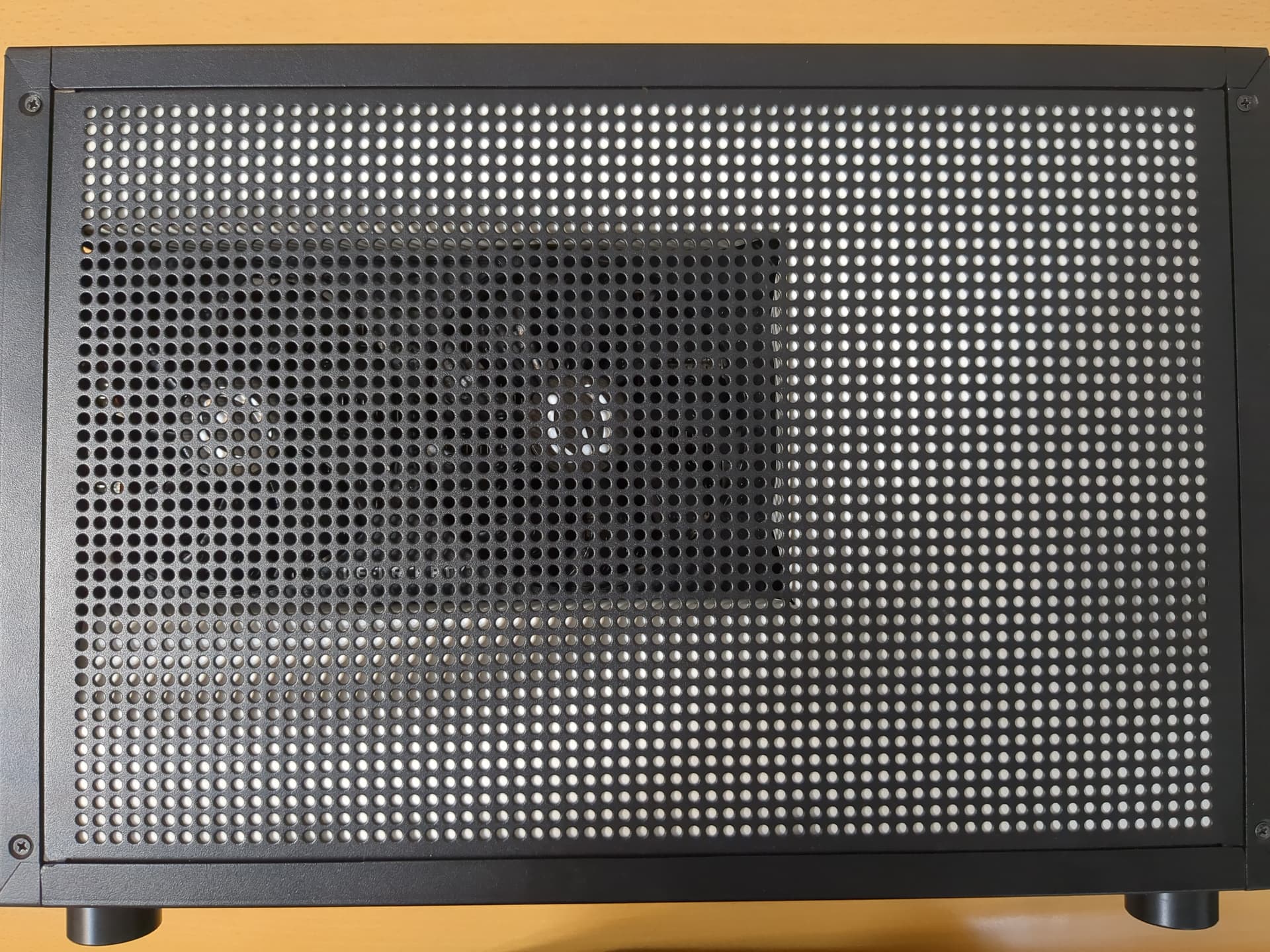
As finishing touch, I made custom fan duct with paper, stick to the side panel with magnet, and close the panel. The idea is forcing air to go through GPU, CPU, and PSU.
Result & Final thoughts
-
The result is an ITX under 11 L, with super low latency. Putting two 905p and 10 GbE NIC in a small ITX is possible, it just need some dedication and careful planing.
-
Overall, if you have money to spare, time to build, and enjoy building/crafting your own thing, it’s not a bad choice. There quickest way to get close to the computing performance and still a SFF PC might be the NUC 13 extreme. If you only need one 905p, you can actually put it at the default 2.5" bay, you just need two 5 mm m3 standoffs to offset the mounting.
-
There’s might be better cooling configuration in Geeek M5, move 905p to between motherboard and GPU, and configured for 240 AIO. But at that point, I would just go with S450 itx instead.
-
It’s a bit loud under load, but it’s a trade off. Going with 240 AIO would gives you more cooling performance and a quieter system. When playing games, the noise is low.
-
I didn’t explain every detail in my build process, e.g. build order, etc. If you have any questions, I’ll try to answer if possible.
-
My personal wish is Intel Battlemage with SR-IOV support, please Intel.