Turning my hodgepodge of machines into one homelab

AI Disclosure:
I’ll use AI to explain things and troubleshoot, but I’m writing the configs myself.


My Devember project is to turn my scattered hodgepodge of machines into one homelab I can see, trust and actually use. A DIY OPNsense forbidden router at the edge, a dashboard over everything, and my books and media served from home.

I’m studying cybersecurity at TAFE and have done web development at TAFE as well, so I want my homelab to complement and facilitate my studies and vice versa.

Most of my lab is old hardware I’ve repurposed over the last 6 months or so. I’ve only bought new stuff when I actually needed it. With the market the way it is, part of this Devember is about getting the most out of my old gear.

The plan

  1. Forbidden router. OPNsense in a VM on Proxmox, running on a fanless Minitree i5 box with six 2.5G ports. Each port gets its own zone (WAN, LAN, media, wifi) and it replaces my ISP router.

  2. Connect all my machines on the network and have them talking to each other. Everything in the right zone with fixed addresses, and I can get to it from anywhere through Tailscale without opening any ports.

  3. The dashboard. Shows all my machines and has a simple GUI I can get to from any of them. I’ll have it up on a Raspberry Pi with a touchscreen and a couple of my old Samsung phones around the flat.

  4. Books and media. Jellyfin and Calibre-Web on the server, with a new 24TB drive for media.

  5. Sharing with family. I’d like to share some of it with my family, like recipes from my mum and projects and movies with my dad and brother. They’ll get their own logins over Tailscale and only see what I share with them.

I’ll be hardening things as I go, and I’ll scan the network at the start and the end so I can see what changed.

What I’m working with for now

Workstation: Ryzen 7 9700X, Radeon AI PRO R9700
Server: i7-9700, RTX 4060 Ti, 8TB WD Red for backups, new 24TB drive for media
Testbed: i7-9700K, RX 9060 XT
Router: Minitree i5-1235U, TP-Link EAP720 access point
Raspberry Pi 3B+ with a 7" touchscreen, plus old Samsung phones and Galaxy watches
Bambu X2D for printing mounts and cases

Some of this already runs, like my backups, UPS and a local AI cluster. This Devember is about tying it all together and locking it down. Down the track I also want to set up a buddy backup with my brother so we each back up the other’s stuff, but that’ll come after Devember.

I’ll post a proper component list once everything’s up and running.

Some things may (probably) change as I go but let’s see how I go. Super excited for my first Devember!
2 Likes

I use Tailscale across two repurposed NVRs running Ubuntu Server, an OptiPlex for dev work, and a couple of cloud VMs. Splitting dev from the always-on services means tinkering doesn’t take down what the house uses. I tried Proxmox and went back to plain Ubuntu because sharing storage and networking between guests added more work than I needed. For family access, I’d decide which services they actually need, then limit access to those rather than giving everyone the same reach across the lab.

1 Like

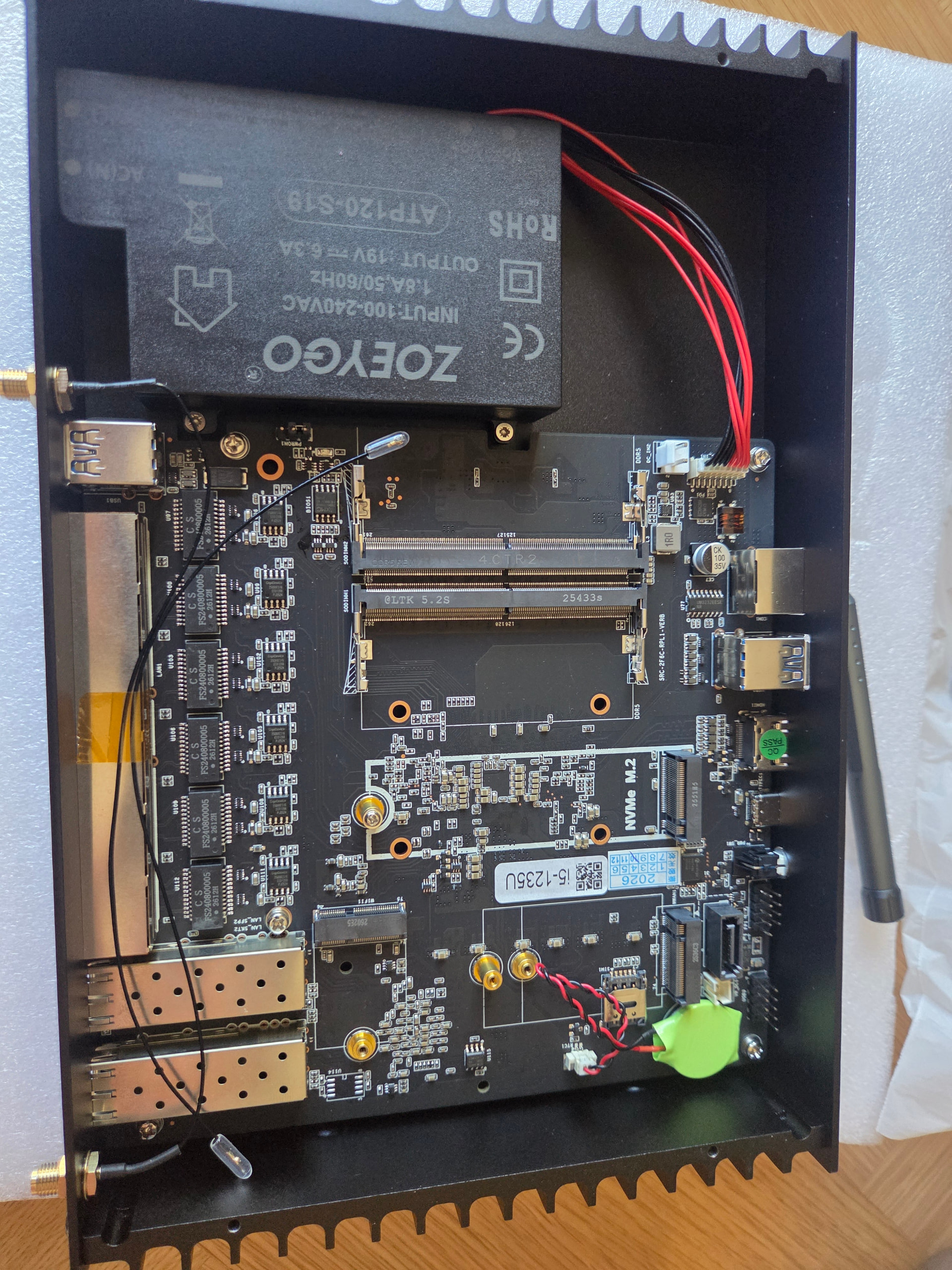
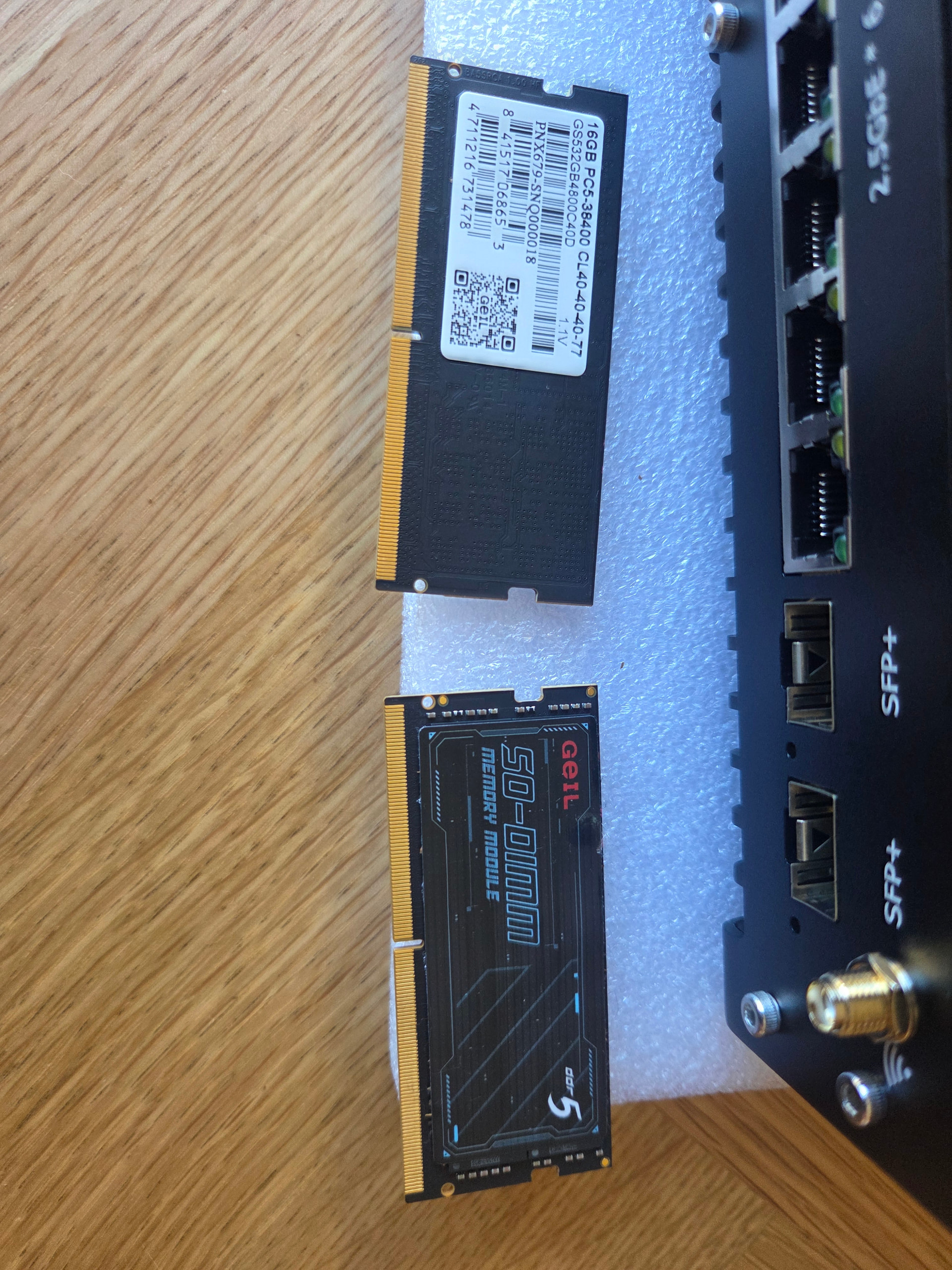
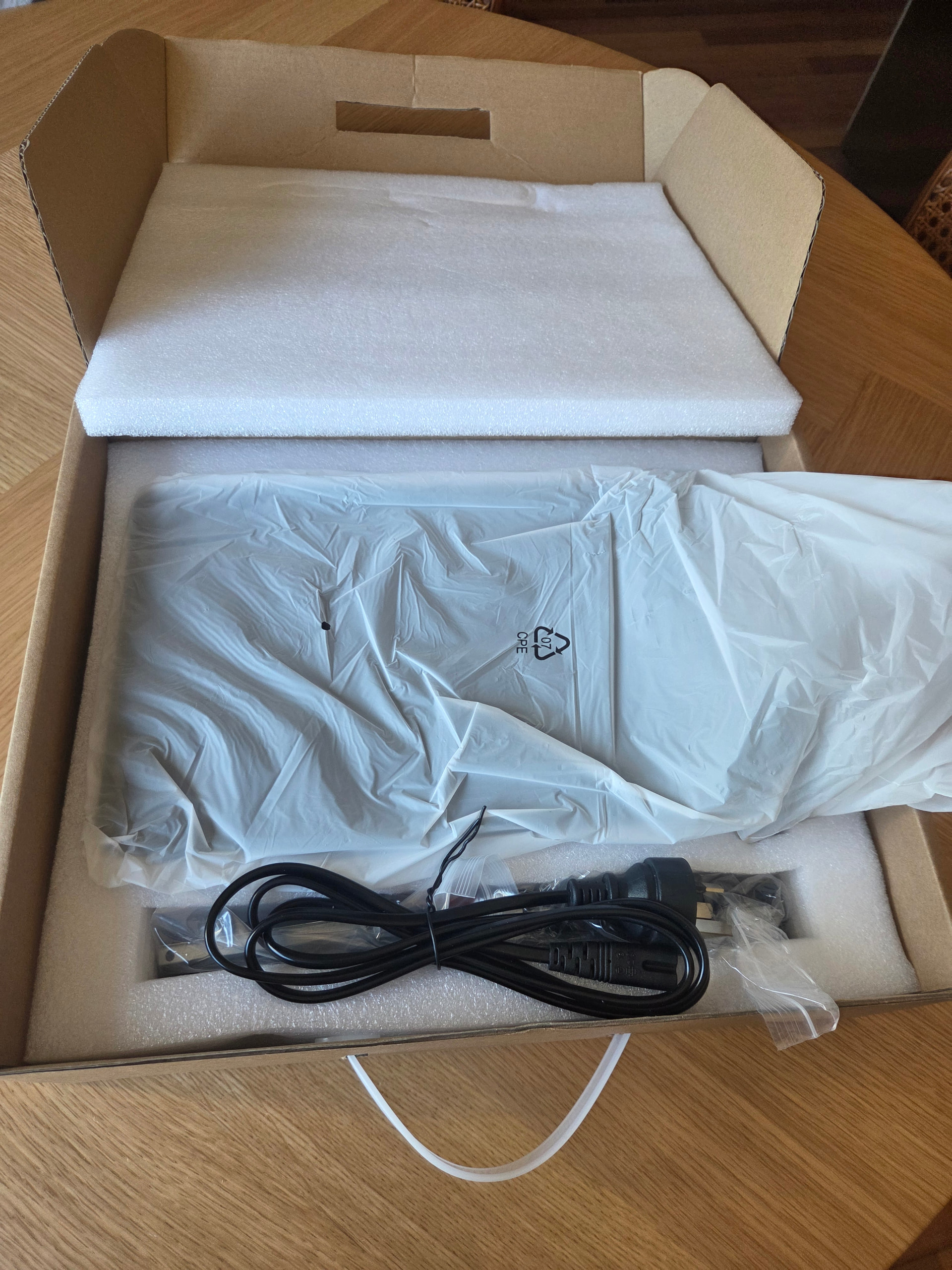
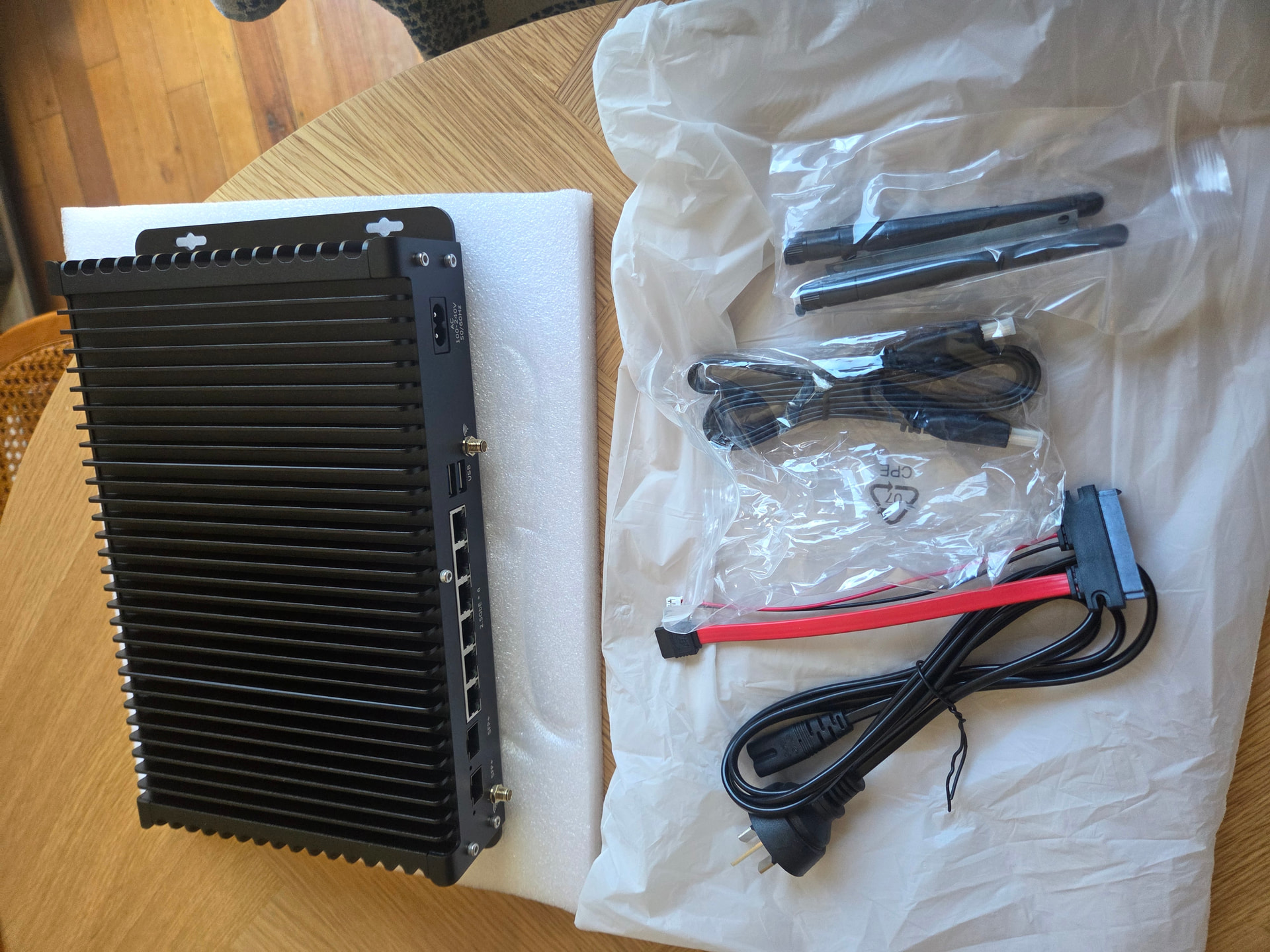
Thanks, good tips! I’m doing something similar with the split. My testbed is the box I break things on and the server is what everything else relies on. Both of those run Ubuntu, although I can dual boot the testbed with Bazzite for some gaming on the couch. Proxmox is only going on the router box with OPNsense in a VM, so hopefully I avoid most of the storage and networking headaches you ran into. And yeah, for family I’m planning to only share the server with them over Tailscale and give them their own Jellyfin logins, so they only see what they need. Just got all the bits I need for the router, so today is the unboxing. Got it from Made-in-China, so fingers crossed everything inside is what I ordered…

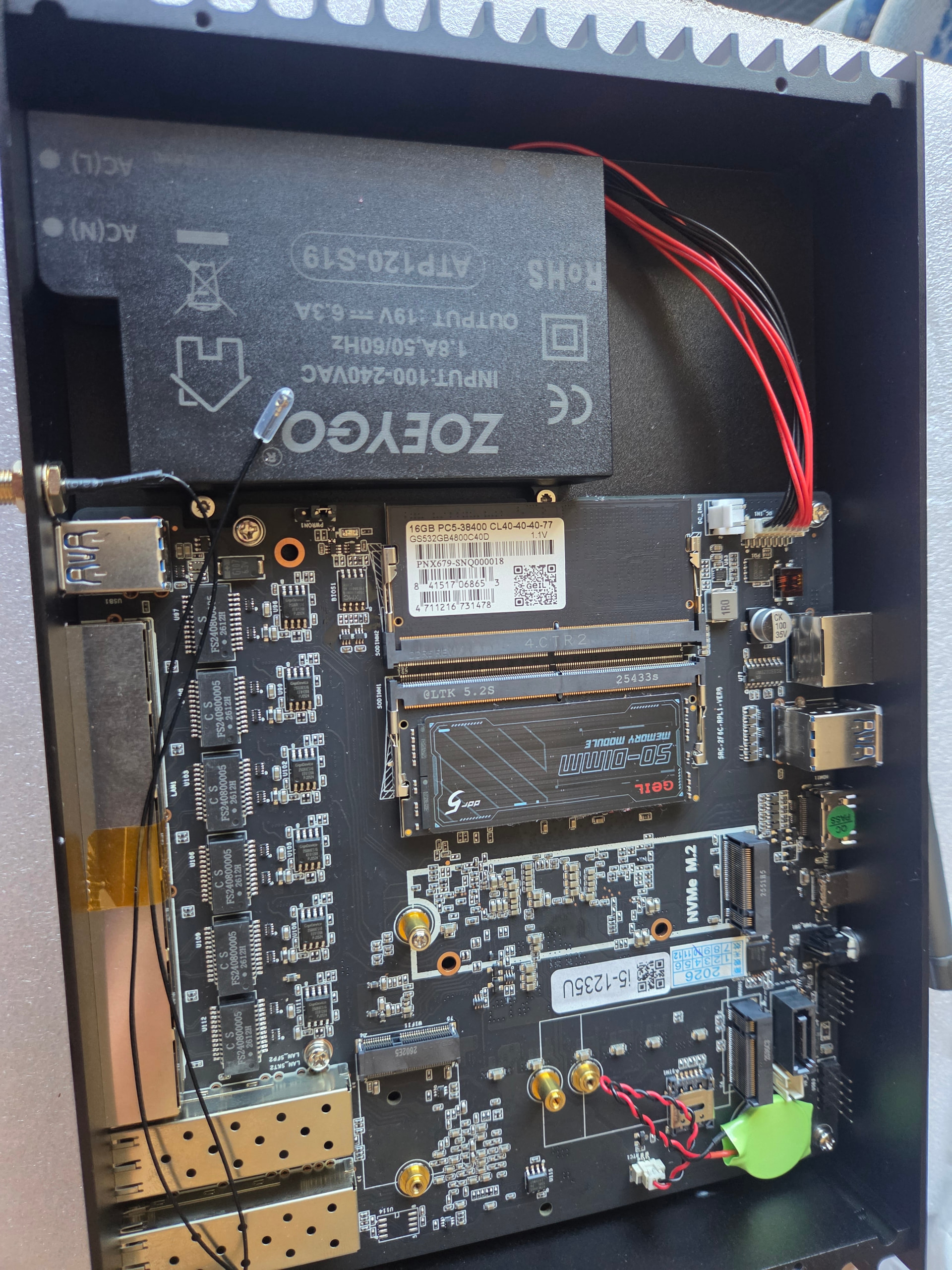
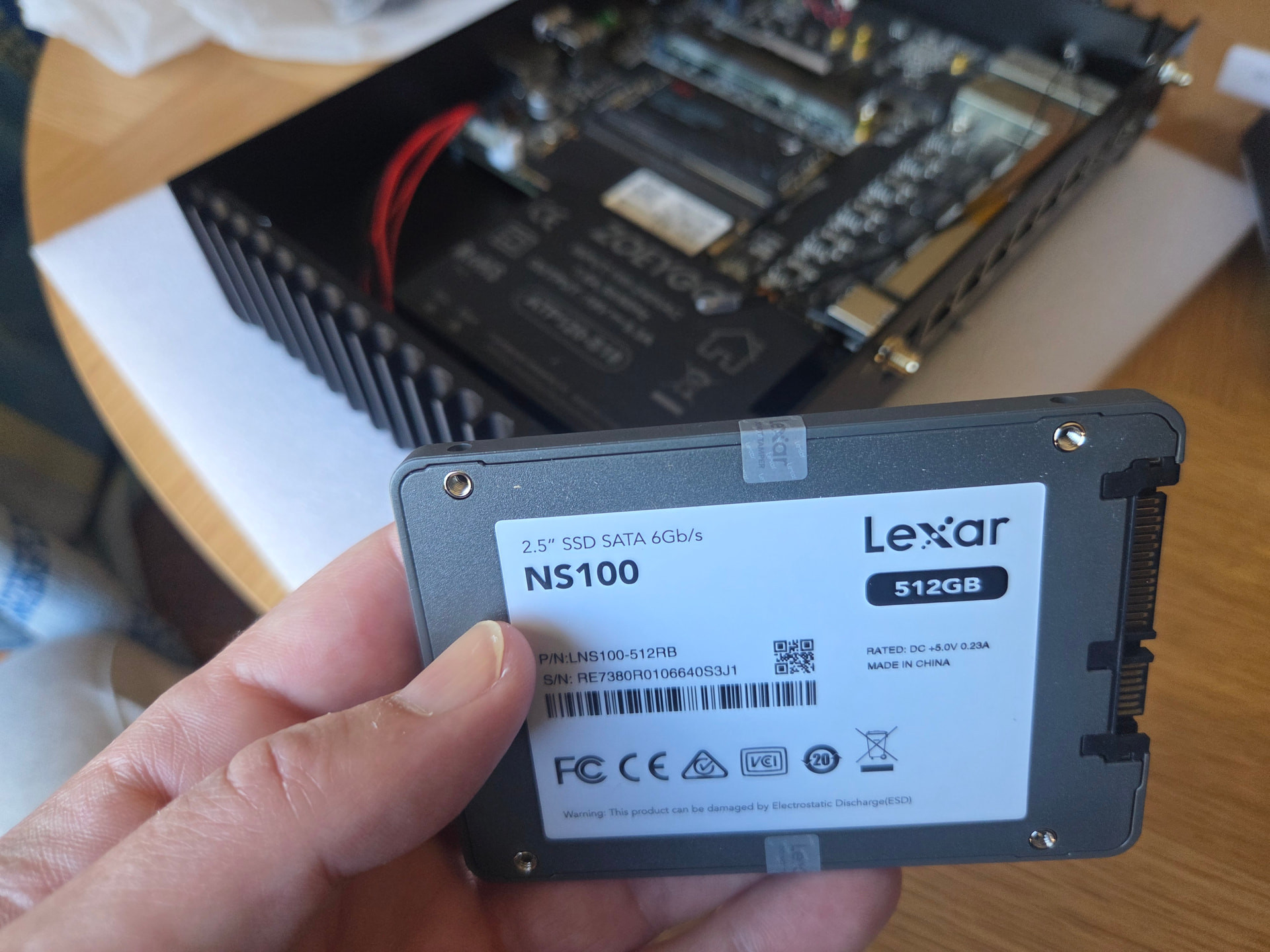
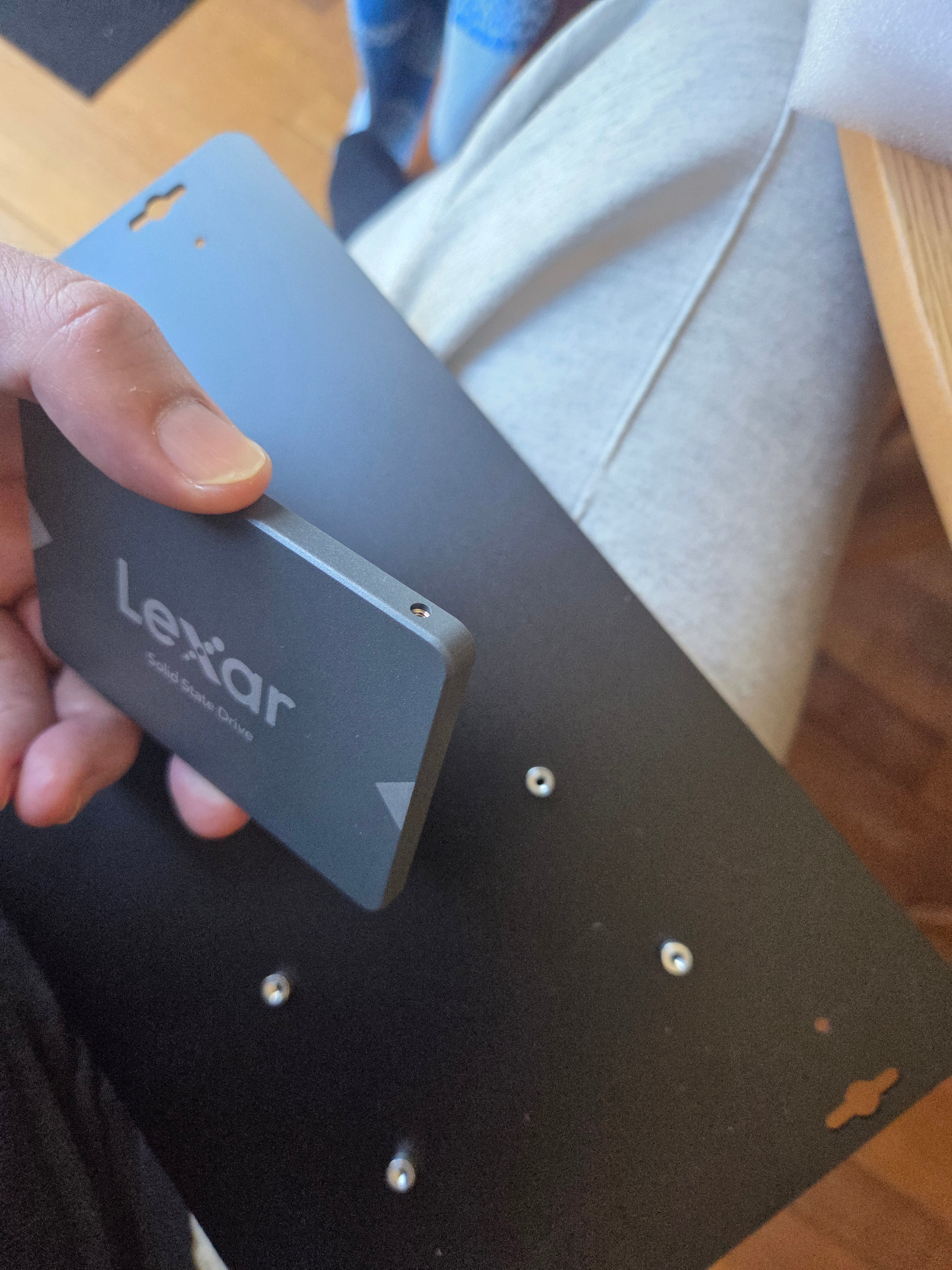
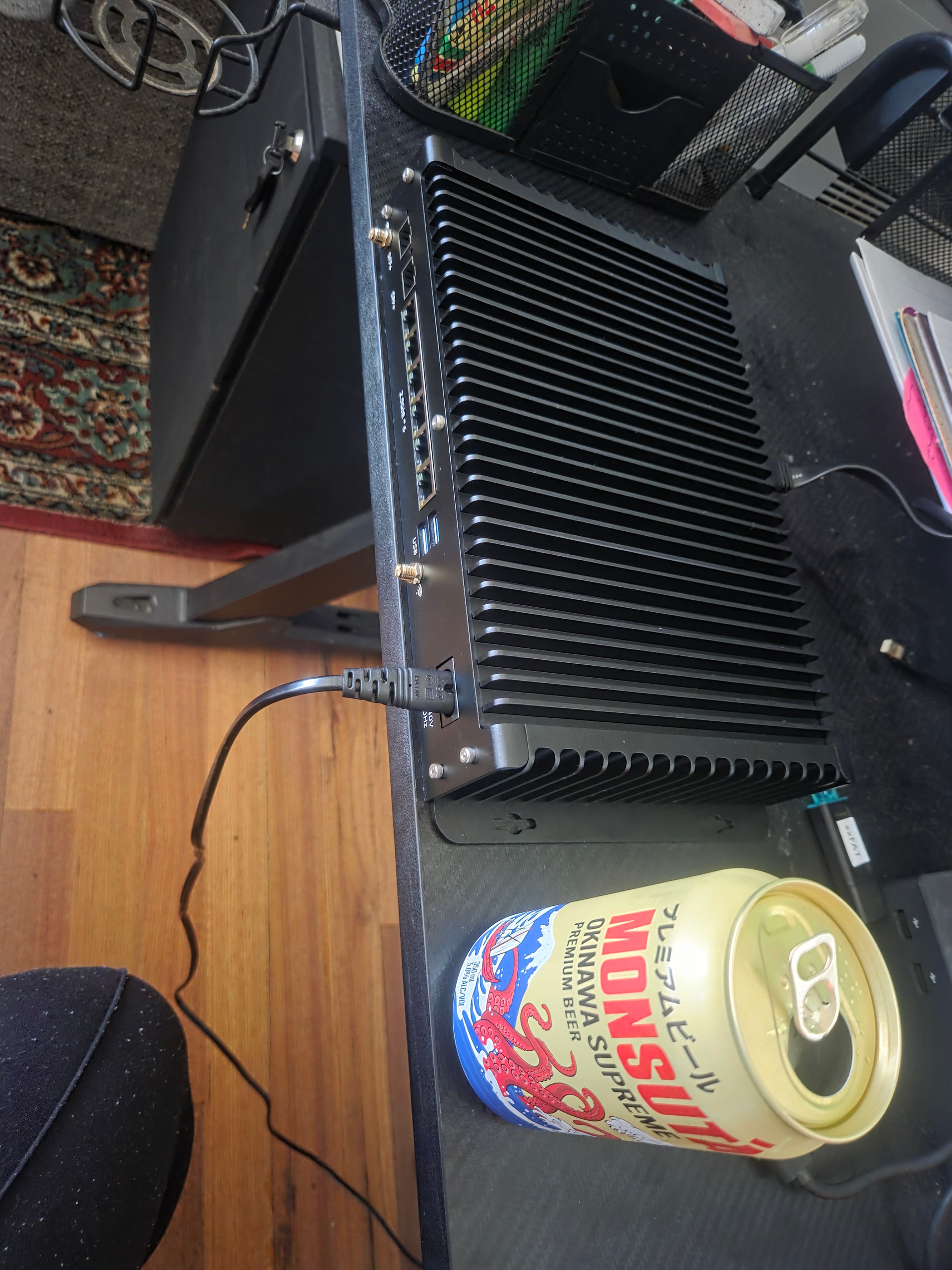
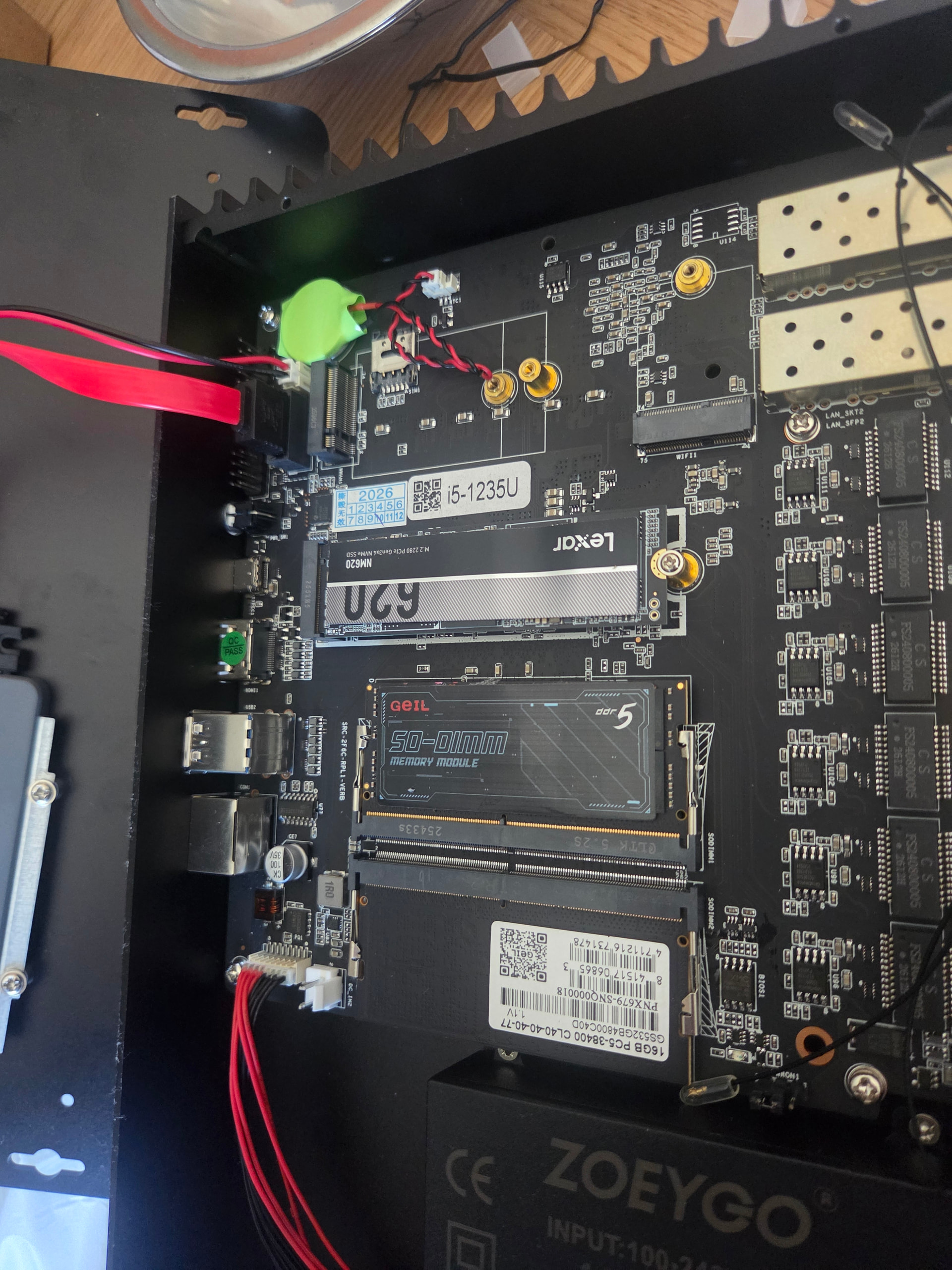
Ok so I put all my parts together for my router. Got it all in just fine:


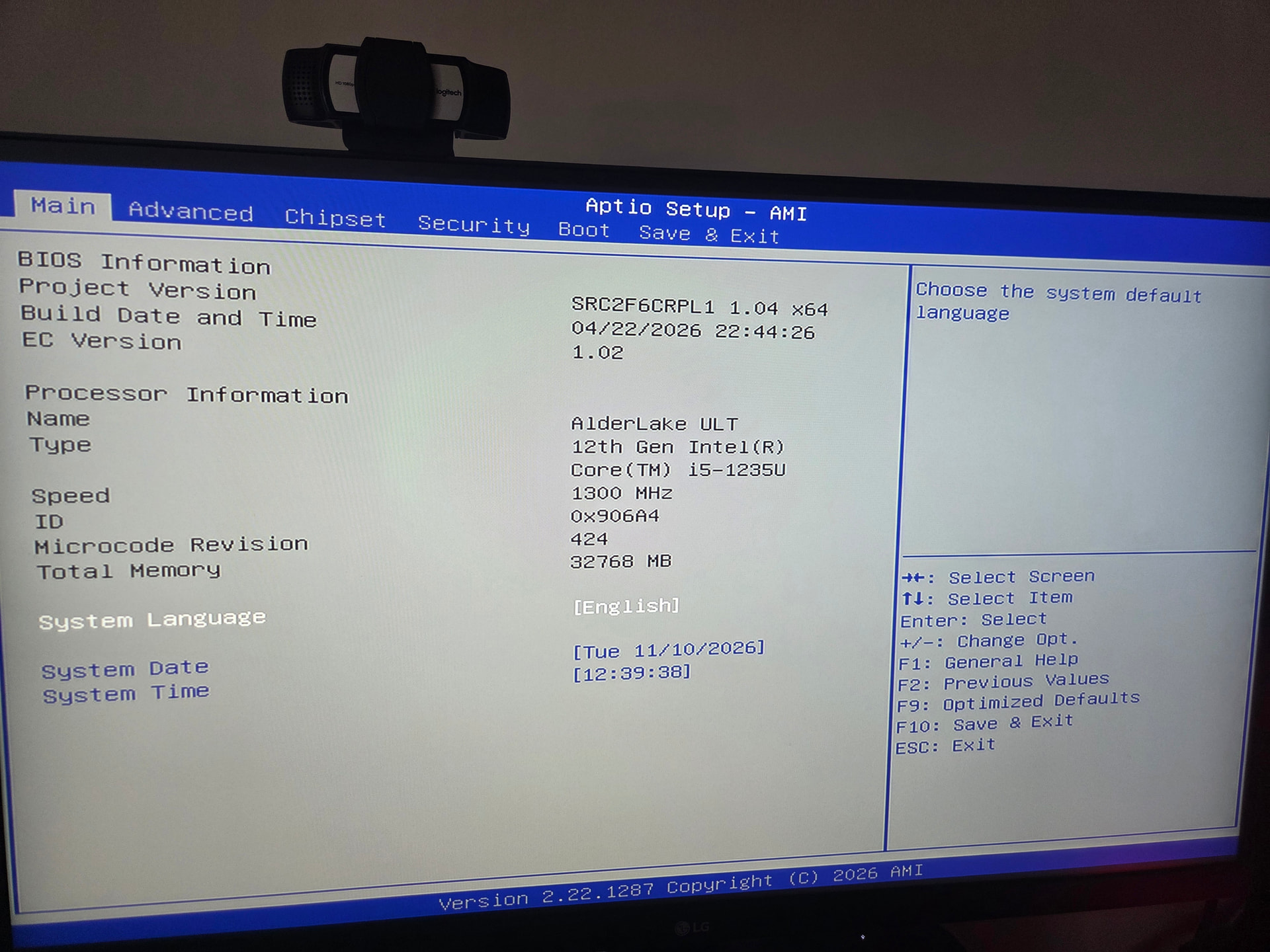
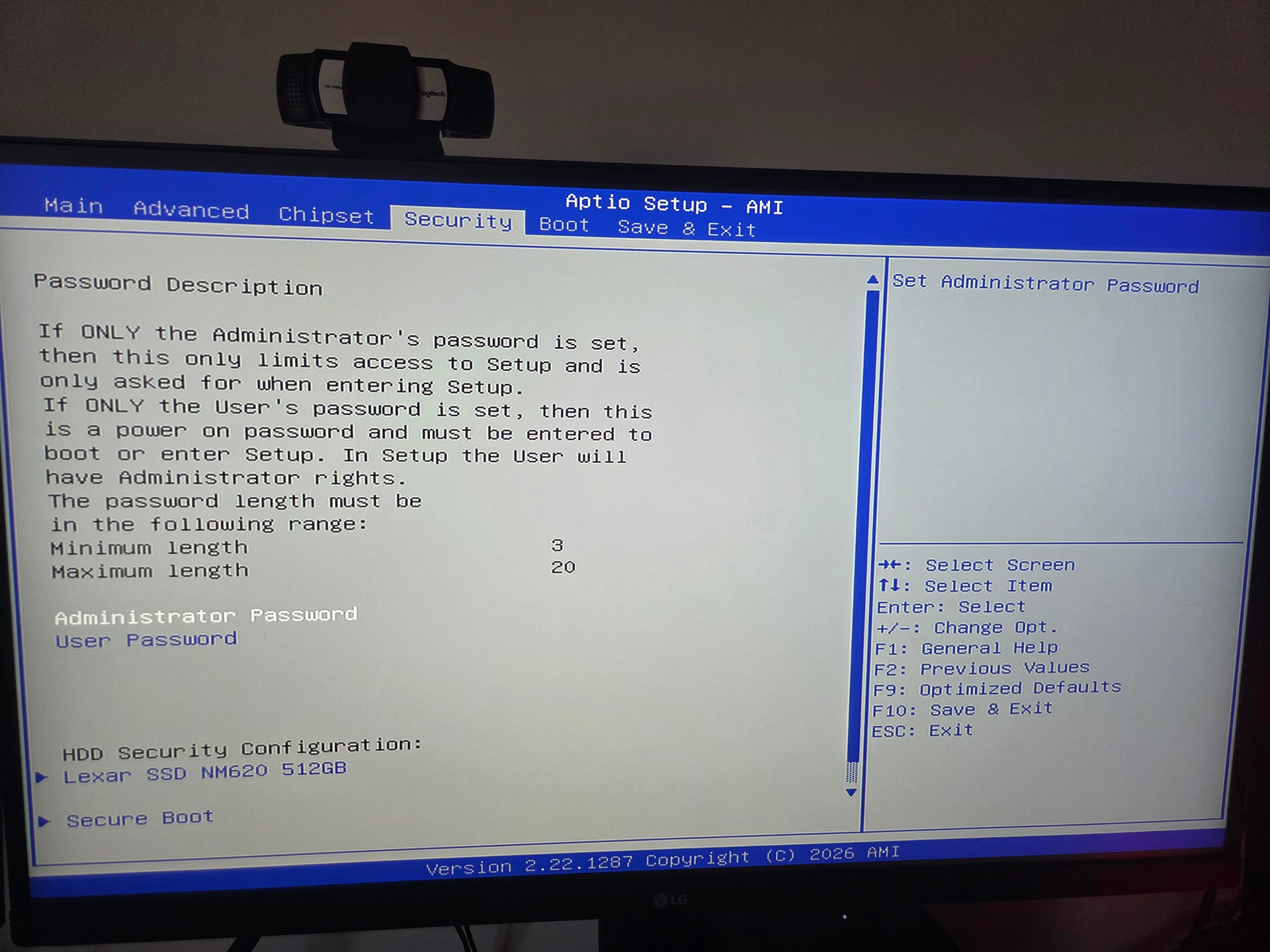
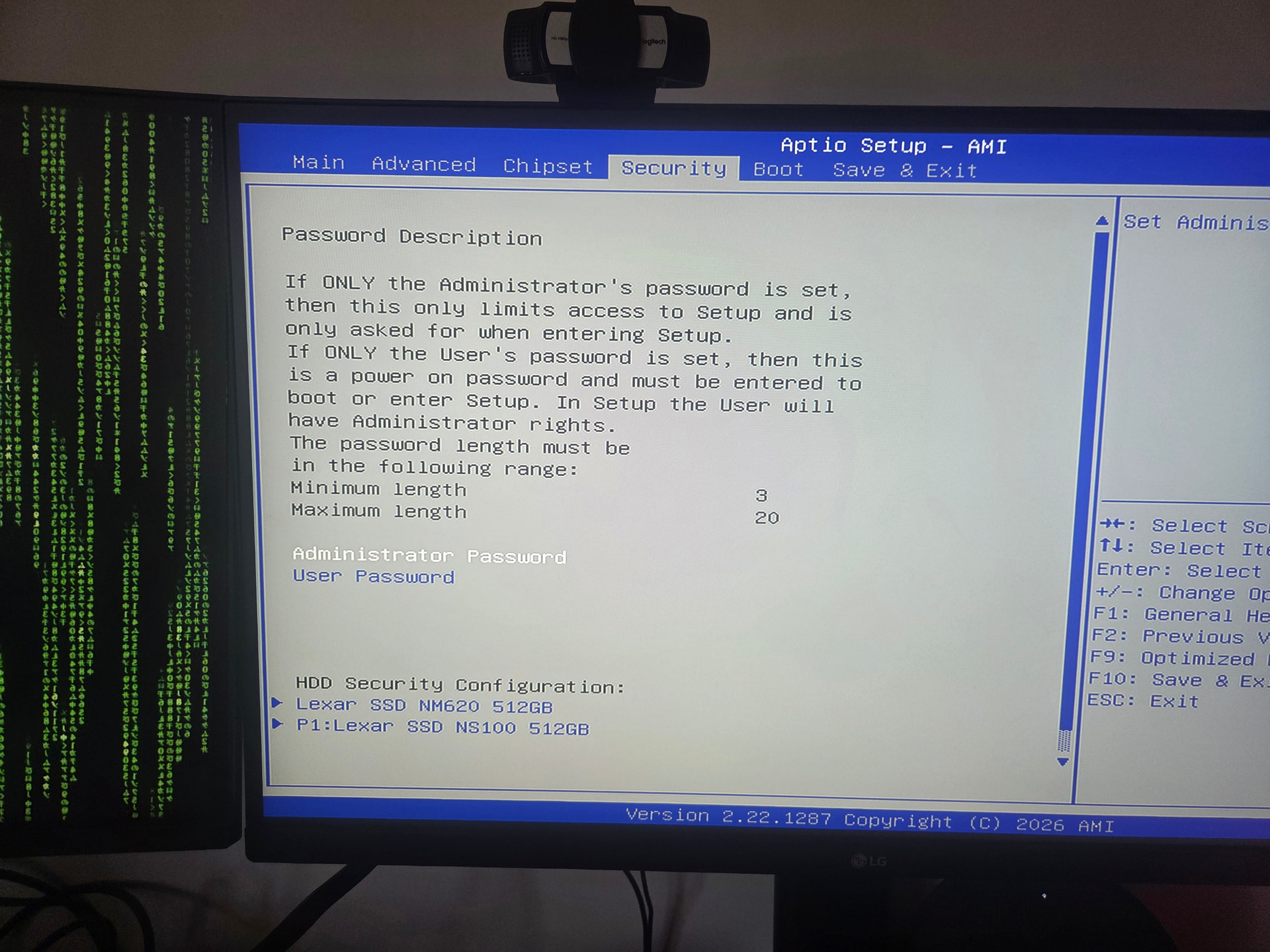
Got to Bios and everything but the SSD was looking good:


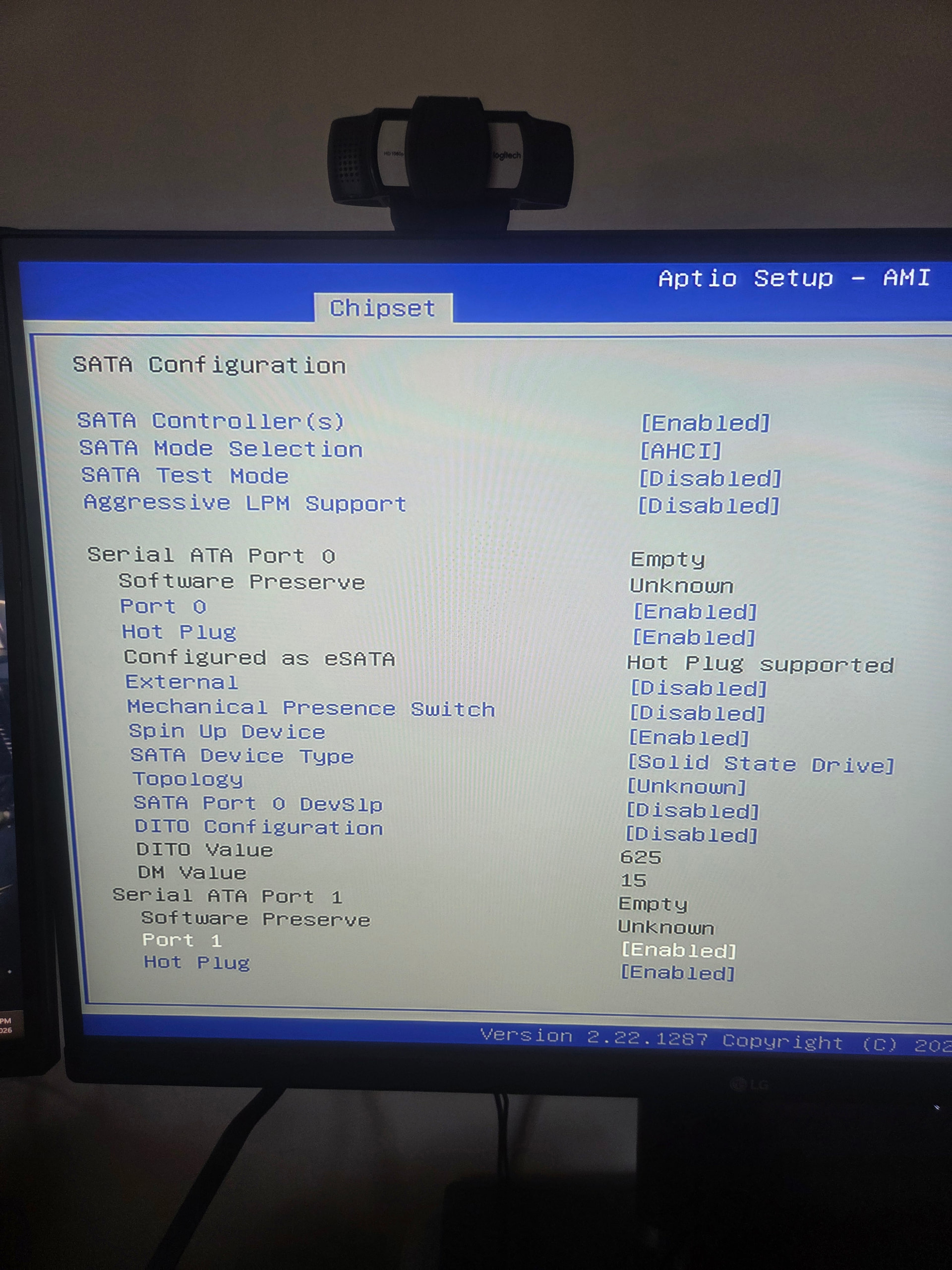
So I changed some settings but still not detecting so had another look and the cable had come lose probably when I put the lid back on and…

Success!

So now the fun part can begin, but later. It’s beer o’clock :clinking_beer_mugs:!


Pretty neat little unit actually… I’m happy with it!


I think the culprit was the little JST connecter… :face_with_monocle:

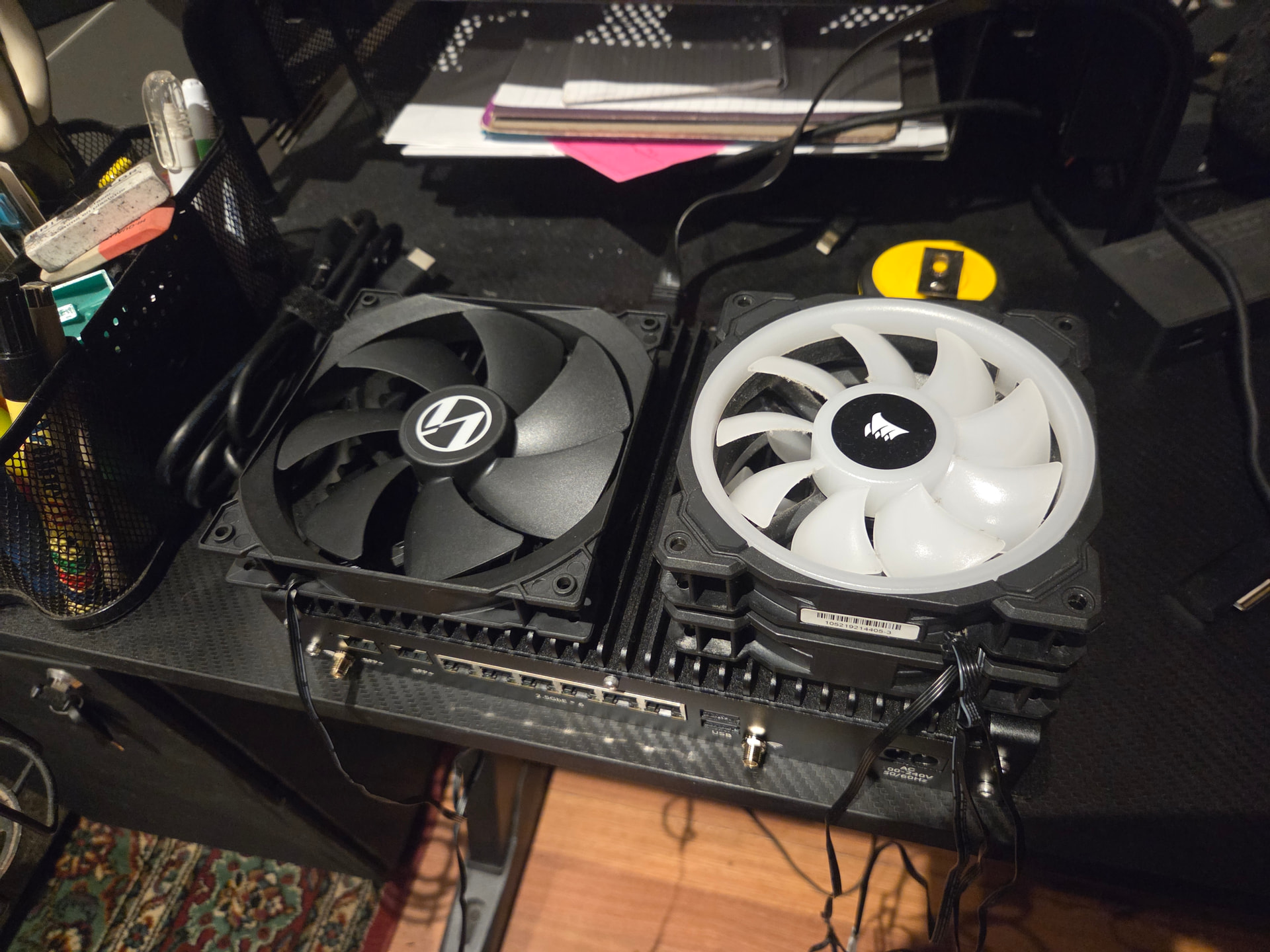
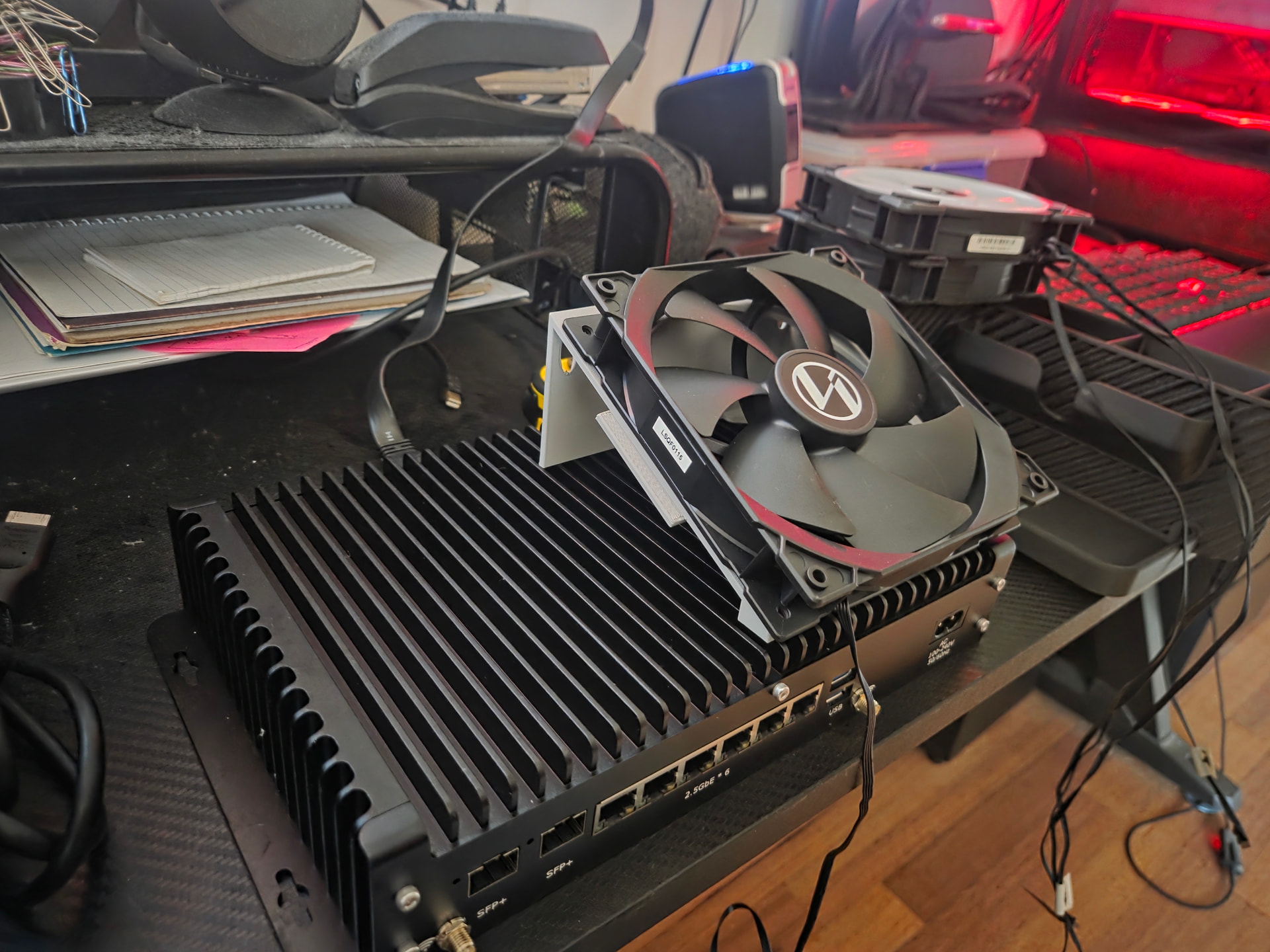
Update on the router… It runs super hot so the plan is to 3D print a little frame so I can put a couple of fans over it. I have heaps of spare fans. The router I will screw to a bookcase. I’ll leave a small gap maybe with some rubber or silicon feet so the heat doesn’t transfer to the wooden bookcase and leave a small gap to get a bit of a funnel going on the flat side and mount maybe 2x140mm fans at a 15 or 20 degree angle on the fin side. Hopefully that will make a difference: it’ll fit 2 fans so may as well:


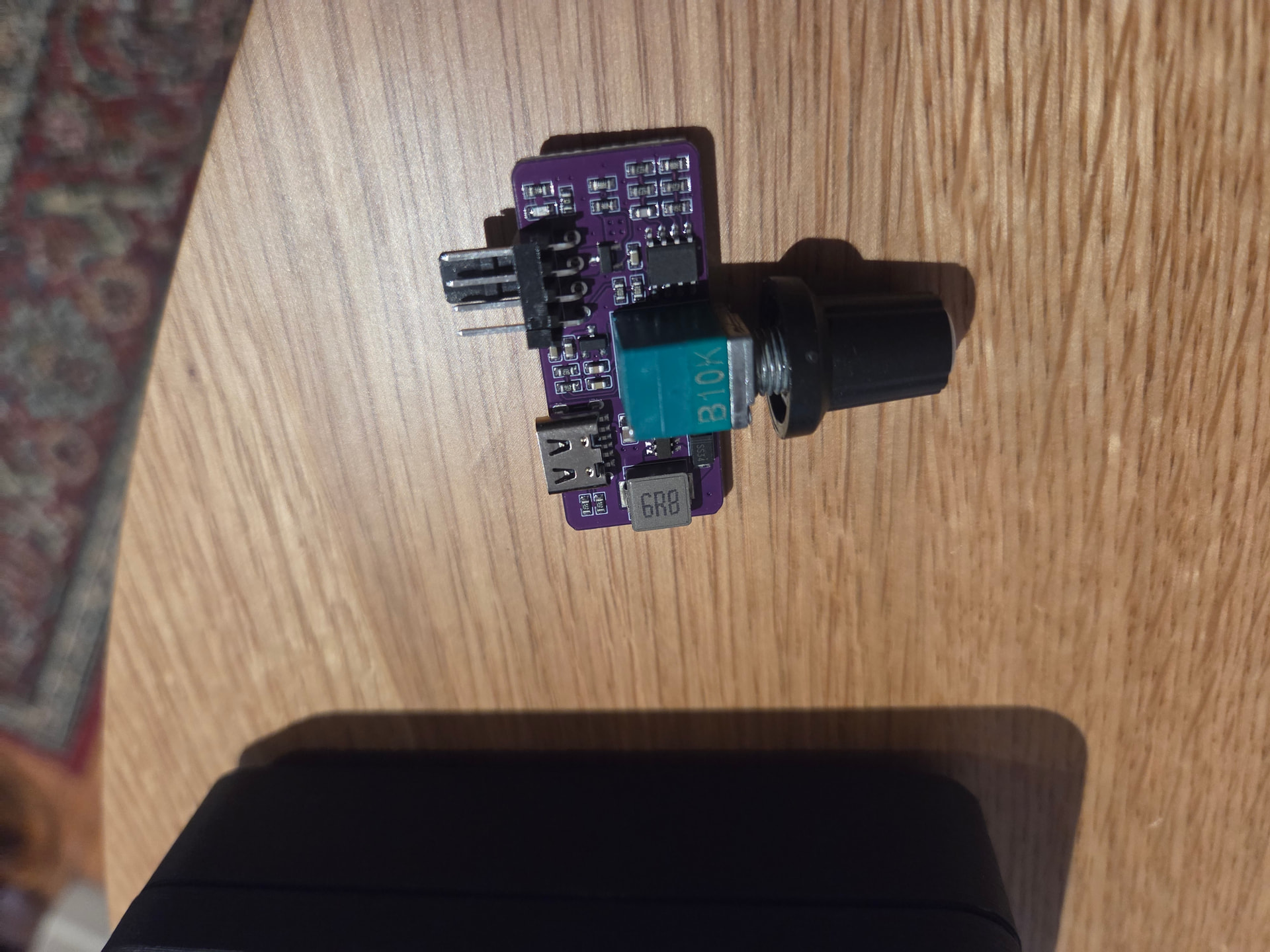
Got this little module in Ali express for like 3 bucks. So I’ll run the fans from a seperate charger… One of my thousand or so spare phone ones. I’ve even got a infrared thermometer that I can see if it makes much of a difference… It should… Just need to play around with a bracket for the 3D printer


So something like this, but with 2 fans and obviously remove the guard. Just fiddling around with it in PLA for now so I can nail down the design. But if you can imagine this horizontal like that on the wall it should wik away a fair bit of heat and I can keep the fans silent with the little controller… Should work ok