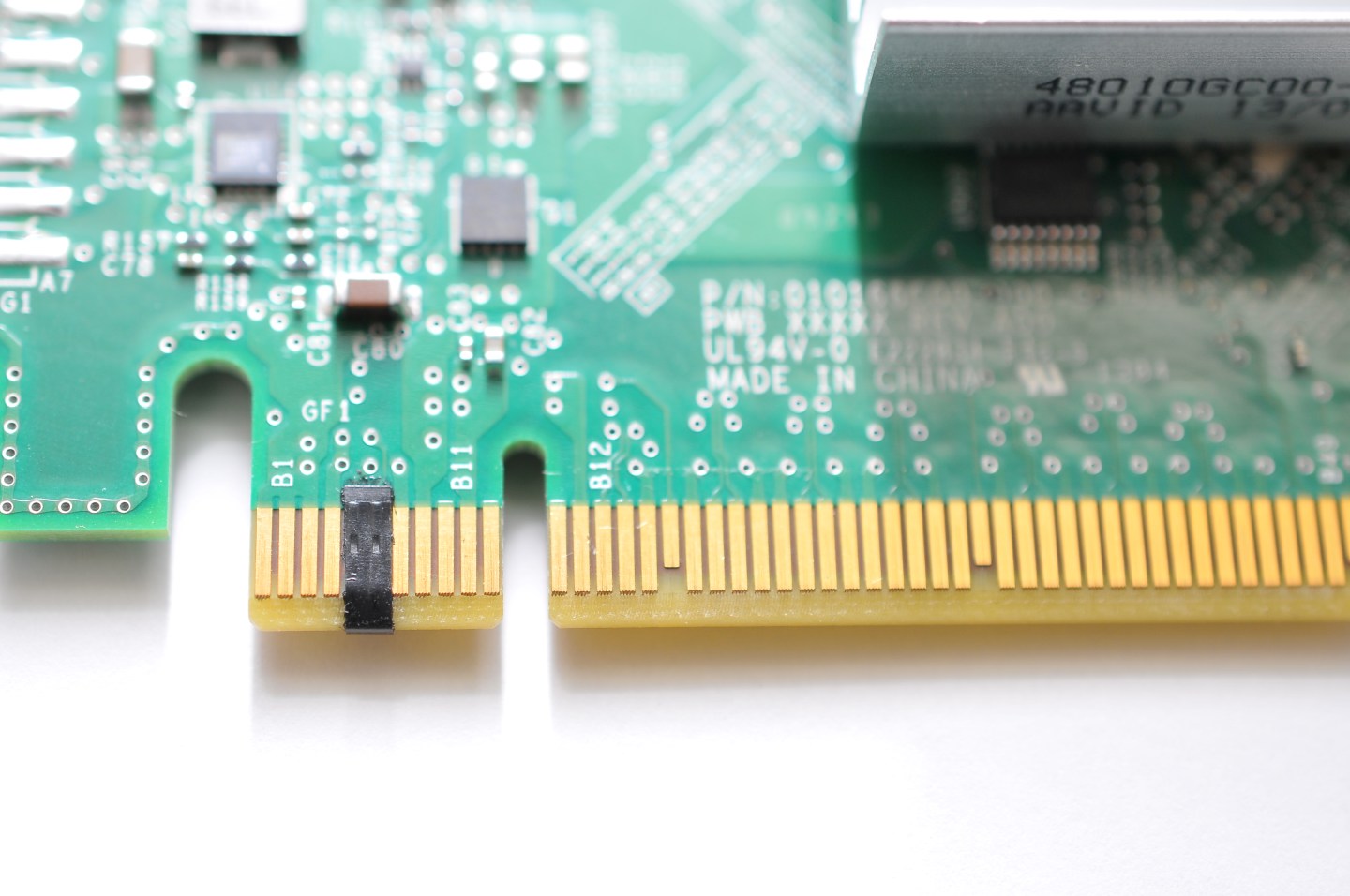
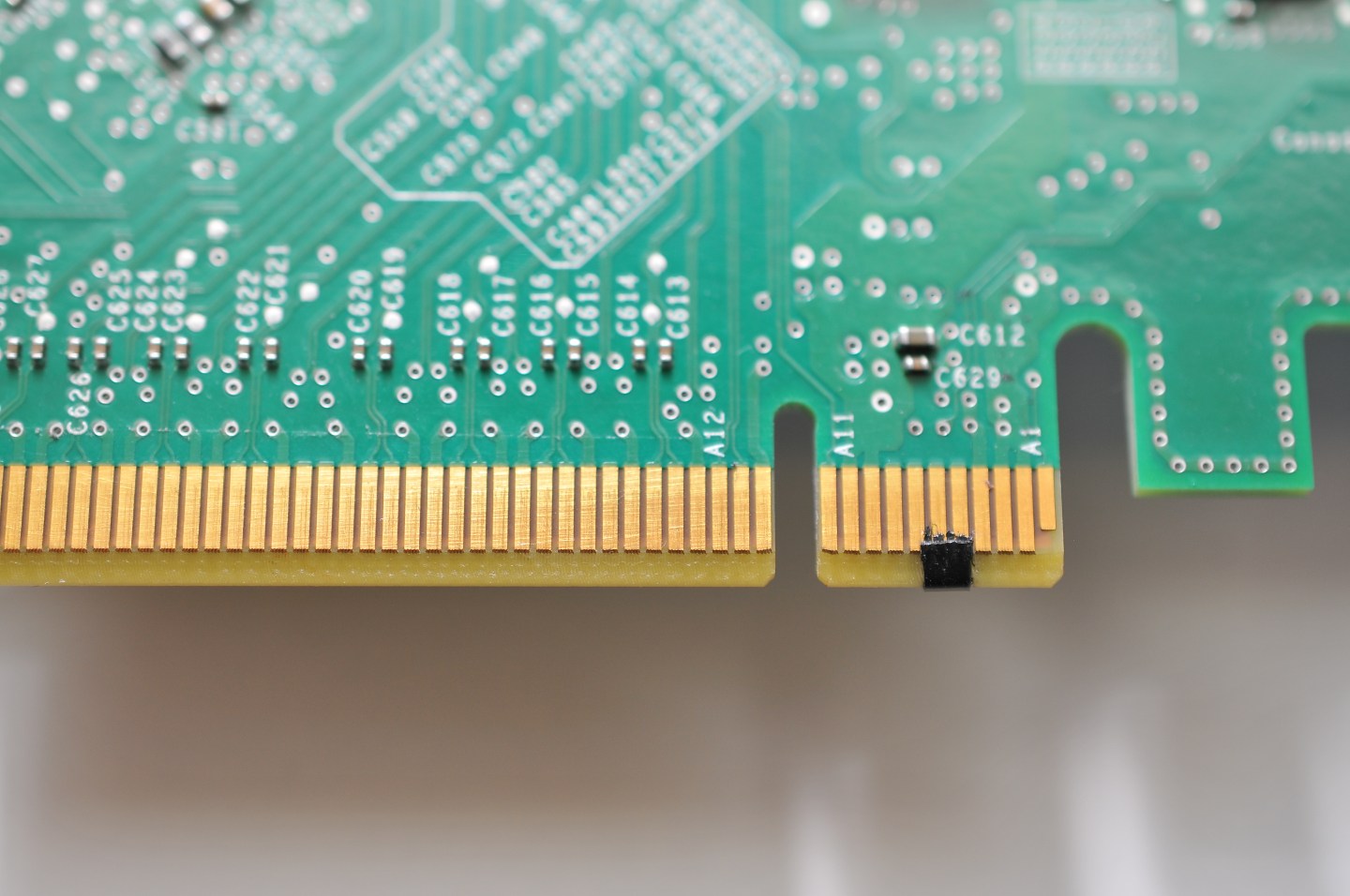
I recently came into possession of a dell optiplex that I’m trying to connect to my 10gb switch. It’s my first foray into 10gb and I ordered this : Dell CTP20 Emulex OneConnect OCe14102-U1-D 2-Port 10GbE SFP+ PCI-E 3.0 x8 CNA.
It said dell and it matches my machines pcie generation so I assumed it would be plug and play.
When I turn on the machine with the card inserted it locks up hard. The dell logo shows up and the blue line goes across. Then nothing. It will stay there forever. It has the option to press f12, I do and still nothing changes. This prevents me from getting to the bios let alone my Proxmox install.
I feel like I’m missing a step here but for the life of me I don’t know where to start looking
Try enabling or disabling CSM or legacy boot support in bios settings. Maybe it is trying to load the boot module from the card and failing
Try covering some of the pins of the pcie card with tape. This interrupts an auxiliary communication channel that could lock up the system on boot on some cards (it was originally a workaround for sas hba but it can happen on other stuff as well.
If you have a Dell Perc H310 and your computer won’t boot then you’ll need to cover PCIe pins B5 and B6. You can cover them with a thin piece of electrical tape. Thanks to Andy_Steb from AVS for sharing this tip he found.
1 Like
all my homies hate pins B5 and 6.
I taped over them and it changed nothing. I then took the card out and went into the bios which allowed me to toggle “allow legacy boot” from off to on. I couldn’t find any “csm” in the settings.
with legacy boot on, it did allow me to boot into the bios with the card inserted, but the bios listed “pcie1 empty”. I verified it was fully seated and that i was looking at the correct slot.
Are the pins still taped? If so, that’s normal that bios does not see the card, that’s the goal.
Does a linux or windows system or install cd see the card? In theory it should, the operating system can initialize the card independently.
So that should probably allow you to install proxmox. In efi mode or legacy mode.
If you need resize bar feature or some other thing that is forced off when enabling legacy boot your only hope is upgrading the card firmware (search for it, dell publishes the installers) and prey they fixed whatever firmware or efi module that was hanging the system.
Update the motherboard firmware
Is that distint from the BIOS?
1 Like
bios, uefi, board firmware are the same thing in this context
1 Like
The bios on it was 2.8 and I’ve updated it to 2.41. In conjunction with turning on “enable legacy option roms” under advanced boot options, it fired up with the nic beautifully and without hesitation. I’m mildly ashamed I didn’t think of this step. 1000 blessings upon your family!
3 Likes