So, I have an SG250X-24p that came in handy as soon as I wanted to install some unifi access points with PoE, but I seem to have some weird issues:
Management vLan 1
WiFi Vlan 666 (as all hell breaks loose if it touches the internal lan)
Configuration on Switch port:
Trunk, 1U, 666T
Configuration on AP
Management Vlan 1 (native)
WiFI Vlan 666T
Does not compute, Access point is literally dead. Any ideas? I read a lot of weird stuff between unifi and cisco.
Hi @gmservice, welcome to the forum. I changed the title of your thread to reflect the issue you are having. I also added the helpdesk tag. Whenever you have a problem, you might want to add the helpdesk tag.
It looks like you’re setting up a UniFi Access Point with a Cisco SG250X-24p switch and using VLANs to separate management and WiFi traffic. Your configuration seems mostly correct, but let’s review and address some potential issues.
Firstly, for the switch port configuration, you have set the mode to Trunk with VLAN 1 untagged (1U) for management and VLAN 666 tagged (666T) for WiFi traffic. The access point is configured with VLAN 1 as the native VLAN for management and VLAN 666 tagged for WiFi. Ensure both the switch and the AP support this VLAN tagging configuration. It’s also advisable to check if the firmware on your UniFi AP is up-to-date, as older versions might have compatibility issues.
If you’re using a UniFi Controller to manage the APs, verify that the VLAN settings for the wireless networks are correctly set. Each SSID associated with VLAN 666 should have the VLAN ID specified in the UniFi Controller settings. Double-check the trunk port configuration on the switch to ensure that the port connected to the AP is set to allow VLAN 666 tagged traffic. The “1U” designation indicates that VLAN 1 is untagged, matching your setup, but it’s crucial to confirm that the switch’s trunk port settings reflect this configuration accurately.
For the access point, ensure that VLAN 1 (native) is explicitly set as the management VLAN in the AP’s network configuration, even though it’s the default. Also, confirm that the WiFi VLAN (666) is correctly tagged. Ensure your DHCP server provides IP addresses for both VLANs (management and WiFi), as the AP needs an IP address on the management VLAN to communicate with the controller.
Since you’re using PoE, check that the AP receives sufficient power from the switch. Some APs require PoE+ (802.3at) instead of standard PoE (802.3af). Review any port security settings or VLAN restrictions on the switch that might be blocking the AP’s traffic.
To troubleshoot further, you could try a ping test to see if the AP is reachable from a device on the management VLAN. Checking the logs on both the UniFi Controller and the SG250X switch for errors or warnings can also provide valuable insights. If possible, test with a different device configured with the same VLAN setup to see if it can communicate on the network as expected.
If the issue persists, providing more details about your network setup, including router/firewall configurations, could help diagnose the problem further.
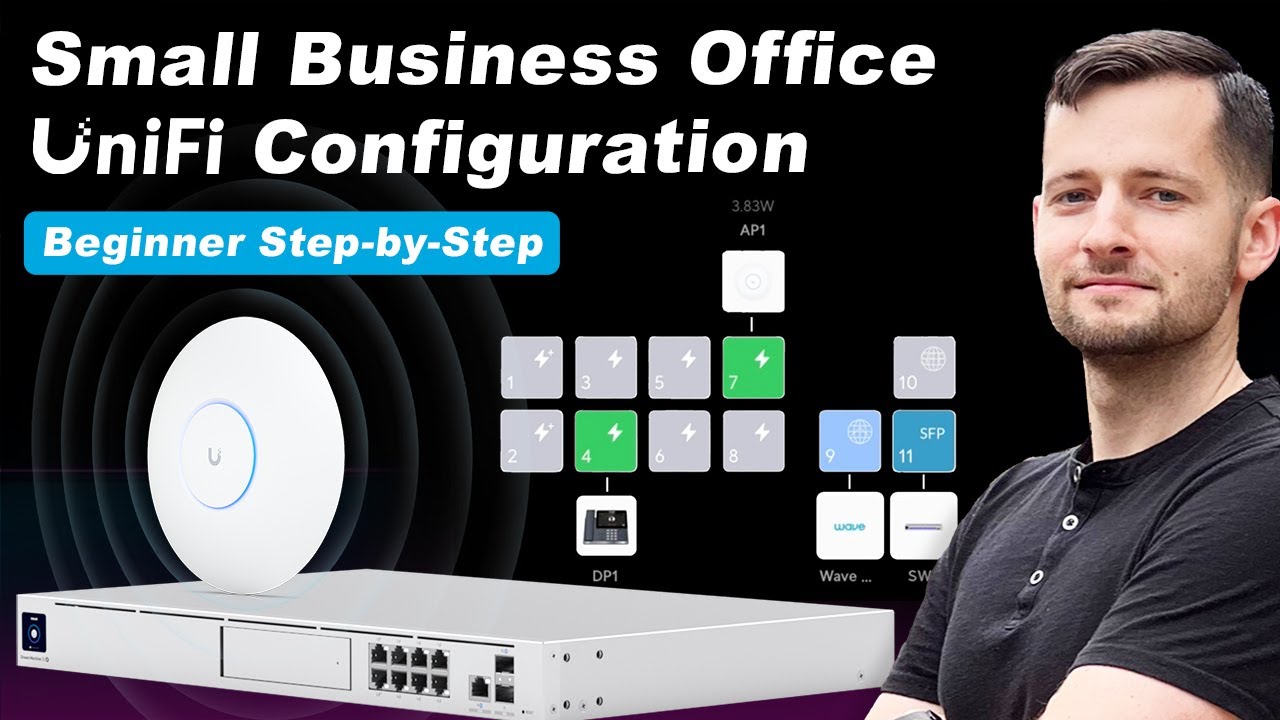
I am sharing the video I used to set up my Unifi network. I hope it will be of some use.