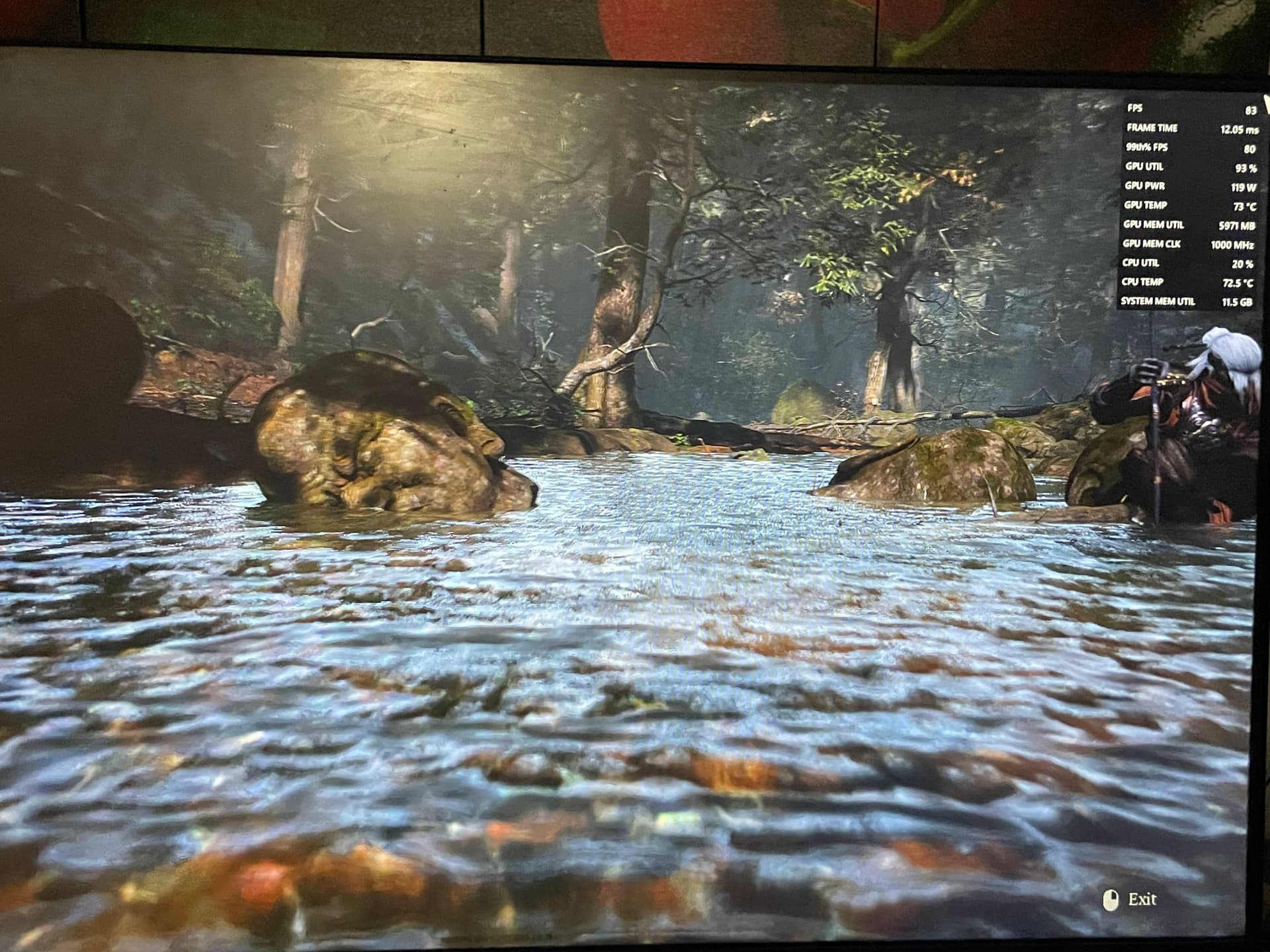
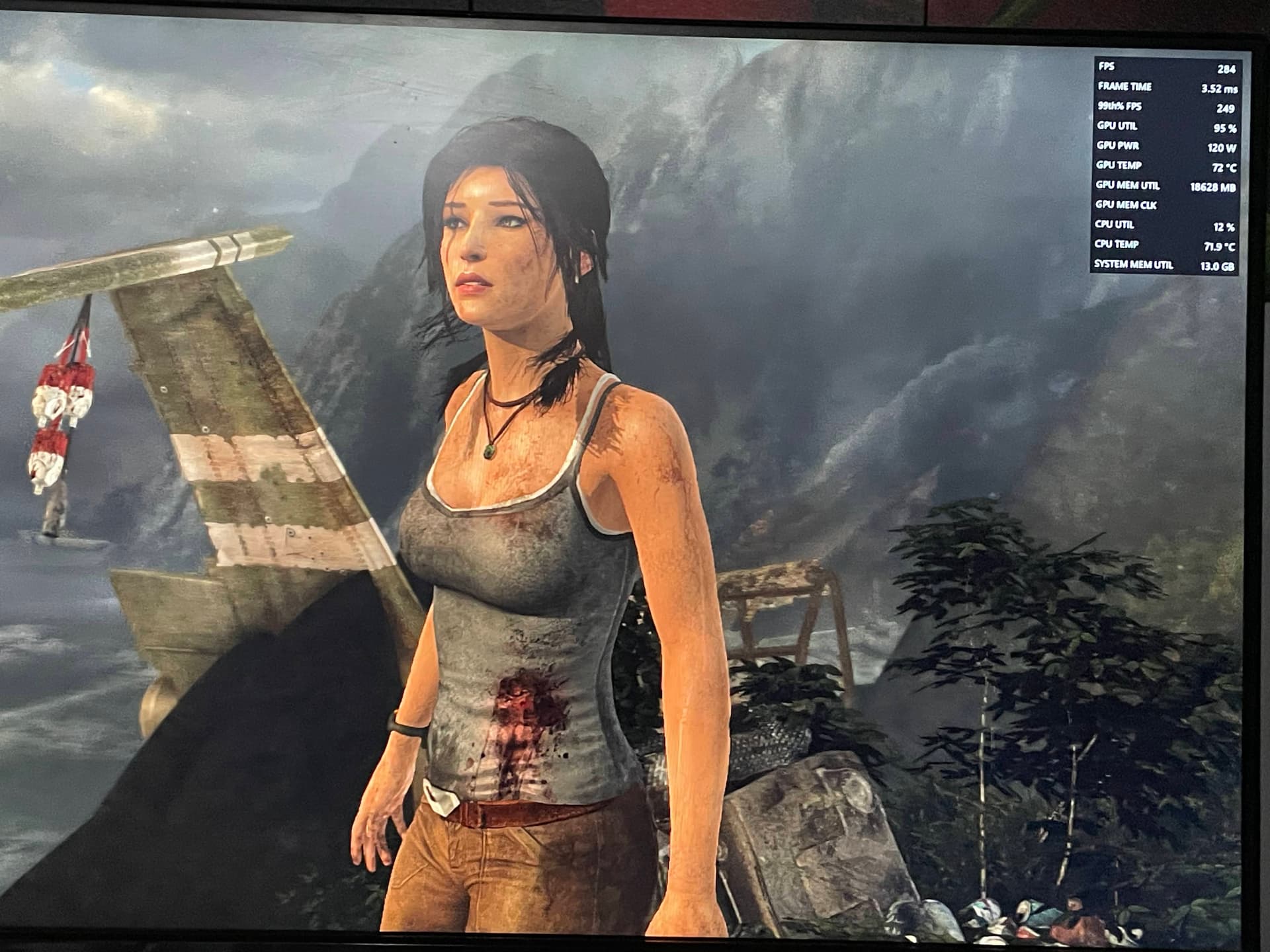
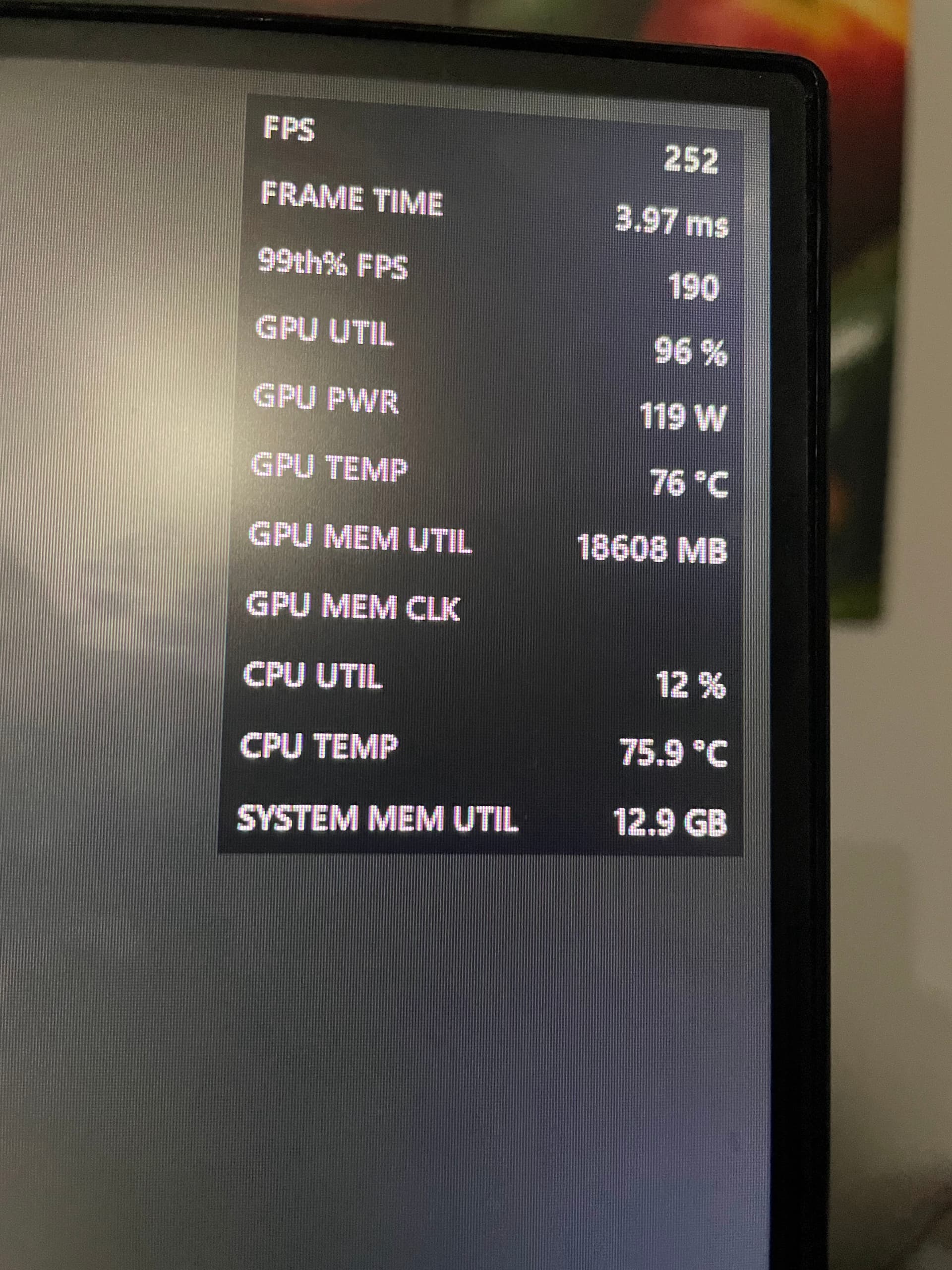
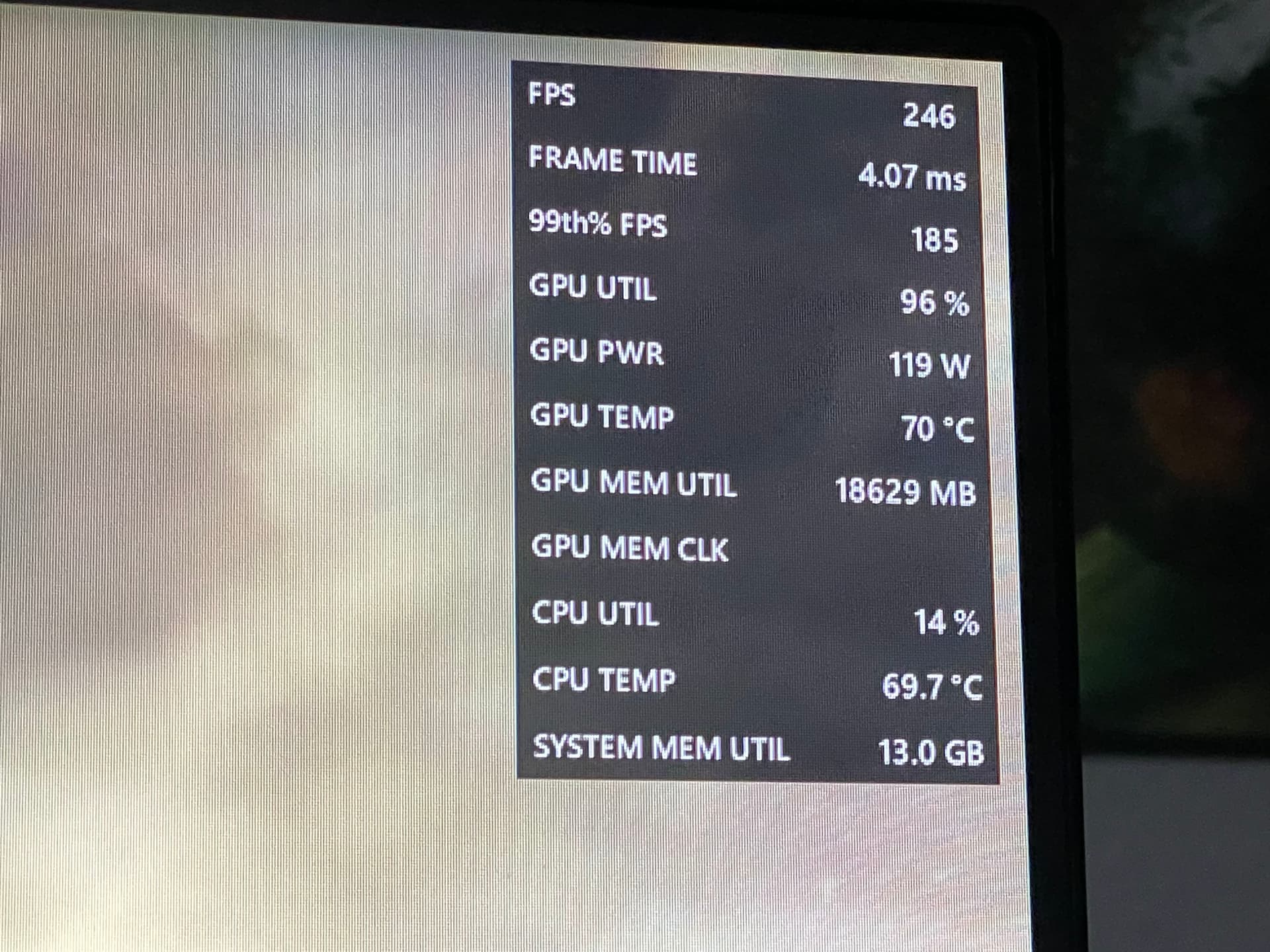
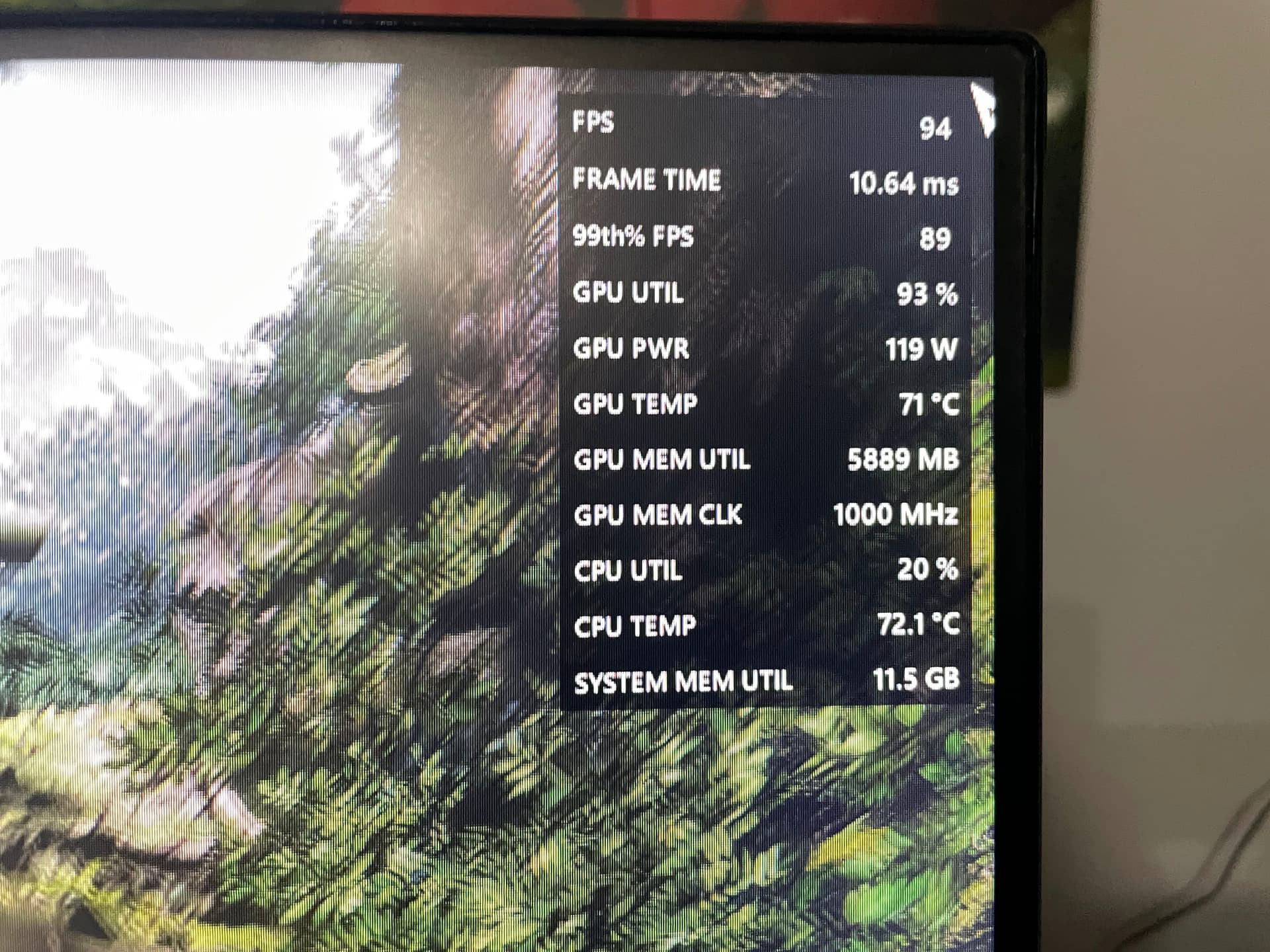
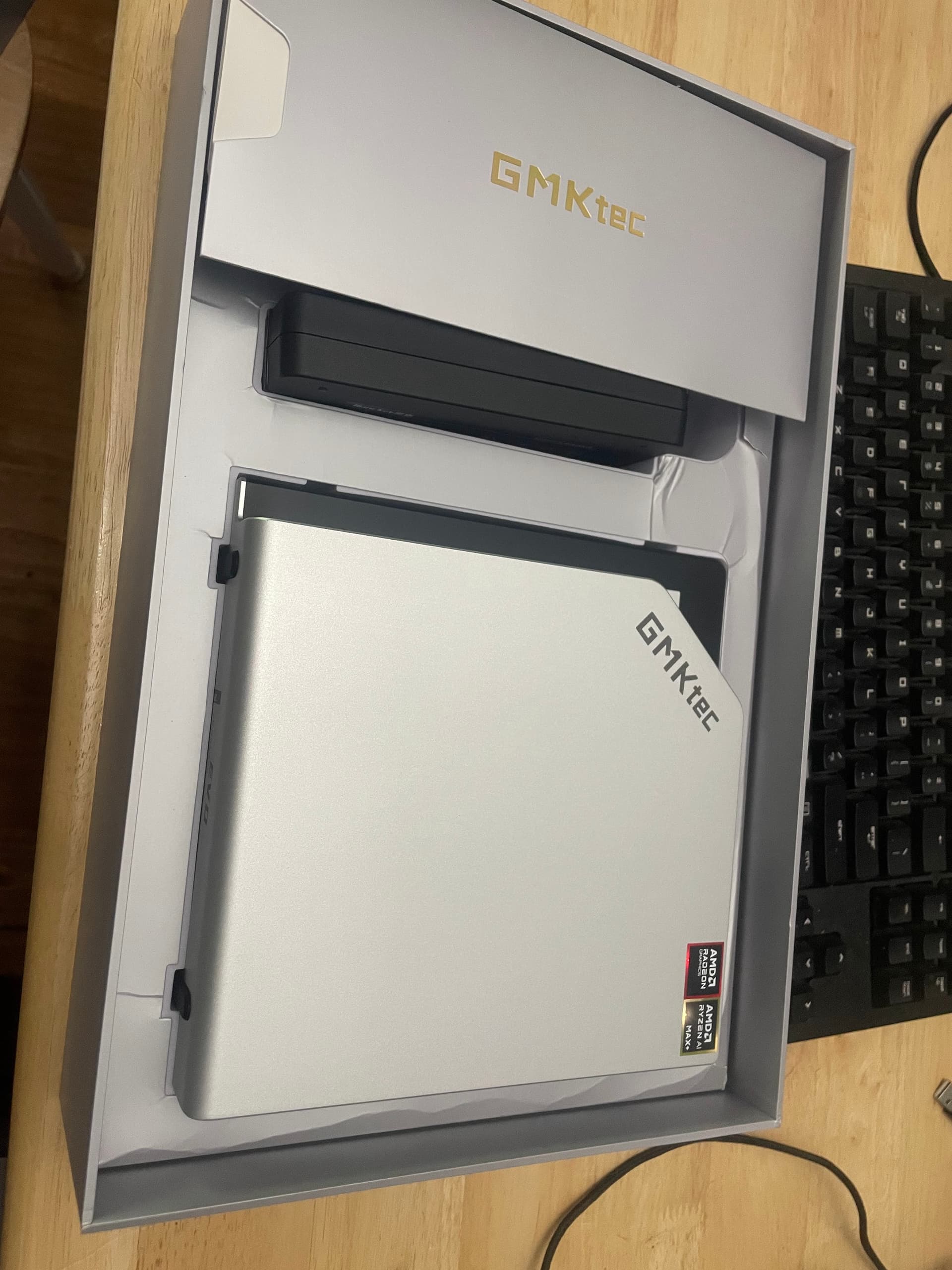
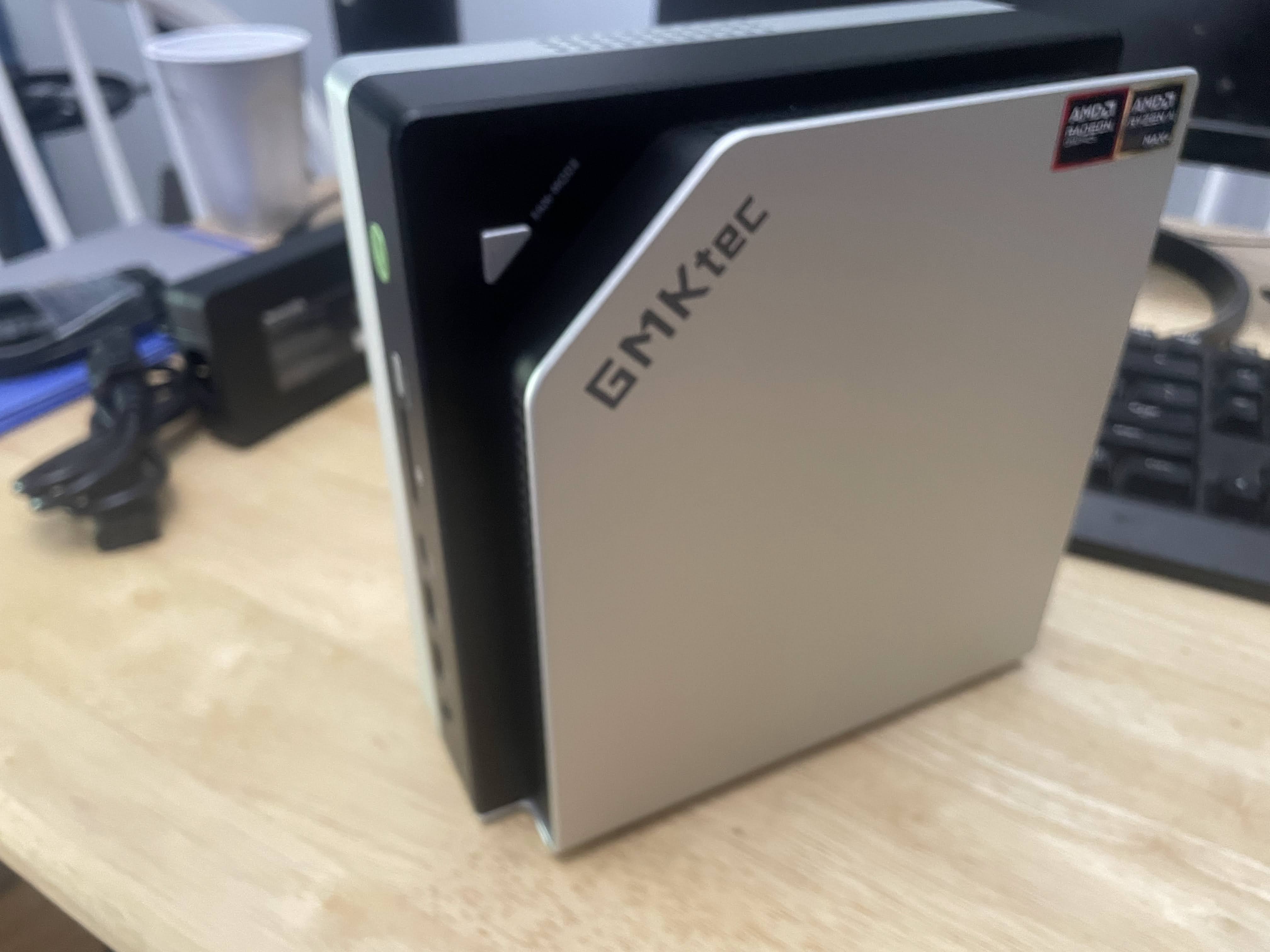
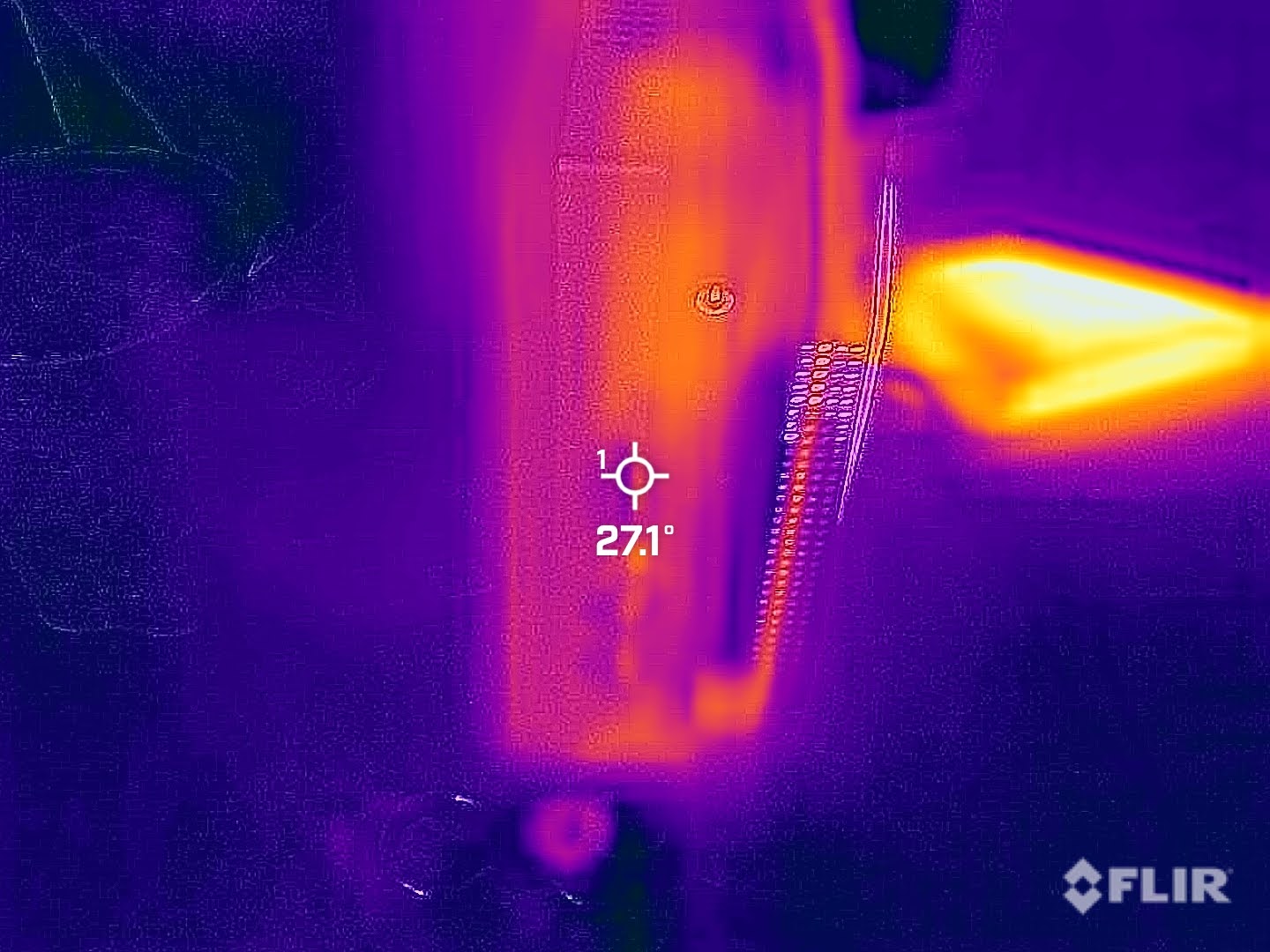
I have to say I am pleased with it, I can tell they tried to up the unboxing experience with this model but I don’t really think at this price point most people care for that kind of thing. This is not a review post but general impressions post.
Updated that bios after looking at all the Chinese forums saying that it is a must, but other than that and setting the gpu allotment to maximum and power setting to max I have done no tweaking.
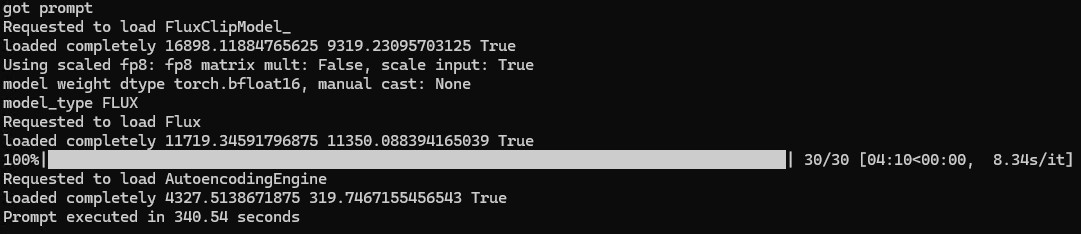
Ran all the llms I threw at it with LM studios and OLLAMA, with it feeding to openwebui on another workstation. Have it running on a reverse proxy through apache and other than adjust the timeouts it works out of the box! The age of having a plug and play LLM system is so close! It ran some games pretty well and even accidentally ran a benchmark with llms loaded up in the background!
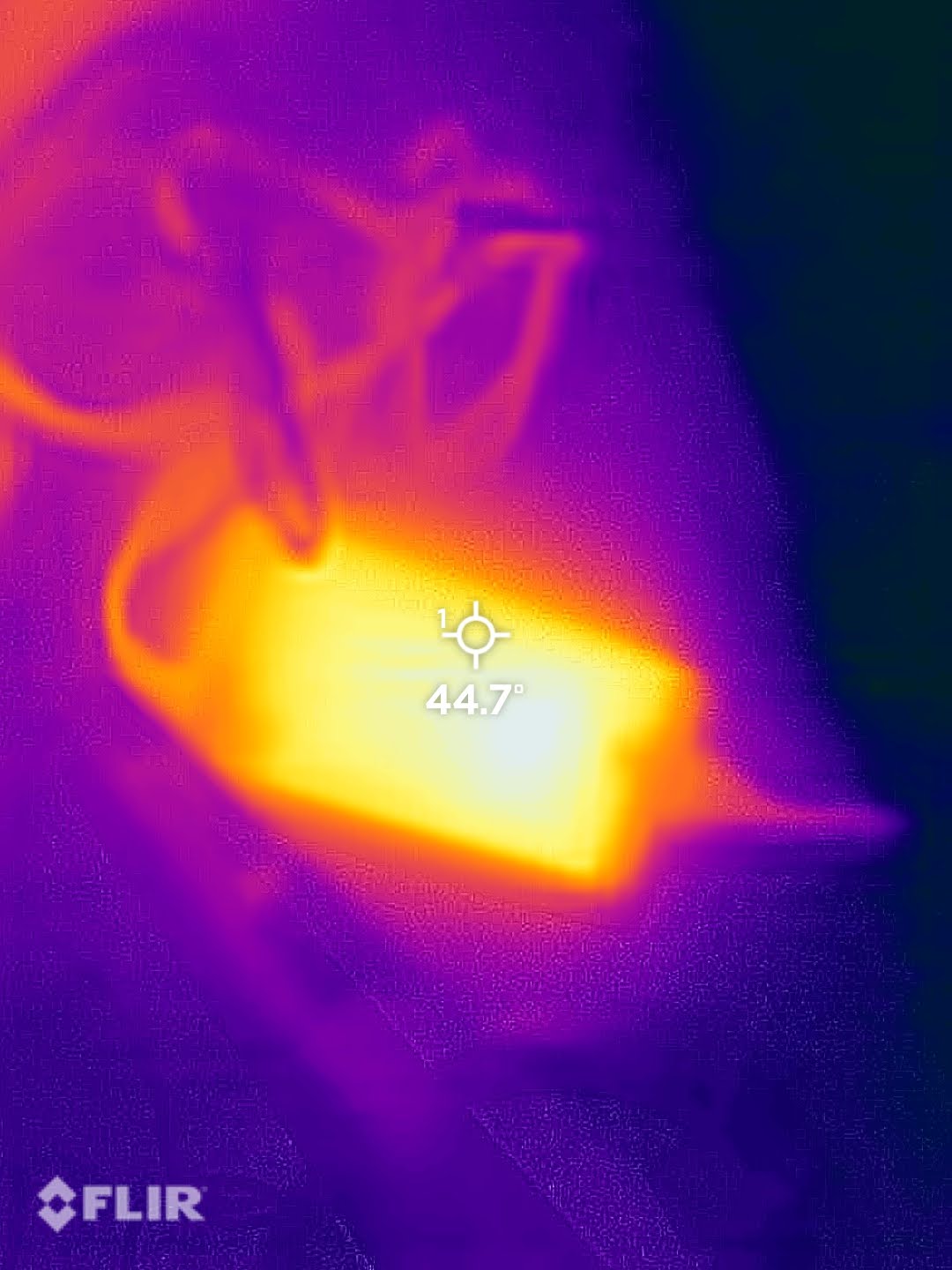
I saw people talking about concerns for thermals but it only drew 180 watts from the wall and has decently large heat sink and even in the highest power setting mode the fan is not very noticeable. I ran the Wukong benchmark on a loop for an hour and the temps didn’t budge, I don’t remember the temps but I will post some pictures I took!
My TLDR
at the $1500 USD price point purchased in 06/2025 the price to performance for a NUC that is a great all rounder that can host my local LLM and sip power it gets a thumbs up from me so far.
I’ll do a year update and see if it’s still alive, that is my only fear with a system like this.
Seeing that Lenovo (or it’s parent company) is selling a similar model (china only) but it costs double to triple even there, same with the hp variant.