I’m in the middle of planning a high-end workstation build and could use some help finalizing the memory choice. I’m based in India, so availability is always a factor, but I can try to source specific kits if there’s a clear recommendation.
Here’s the planned config so far:
CPU: AMD Ryzen™ Threadripper™ PRO 9995WX – 96C/192T
Motherboard: Asus Pro WS WRX90E-SAGE SE
GPU: NVIDIA RTX 6000 PRO Workstation (Blackwell, 96GB, 600W)
I’m aware of the RTX dumping heat around the DIMMs, so I plan to add dedicated RAM airflow (side fan or 3× mini Noctuas across DIMM banks).
My questions:
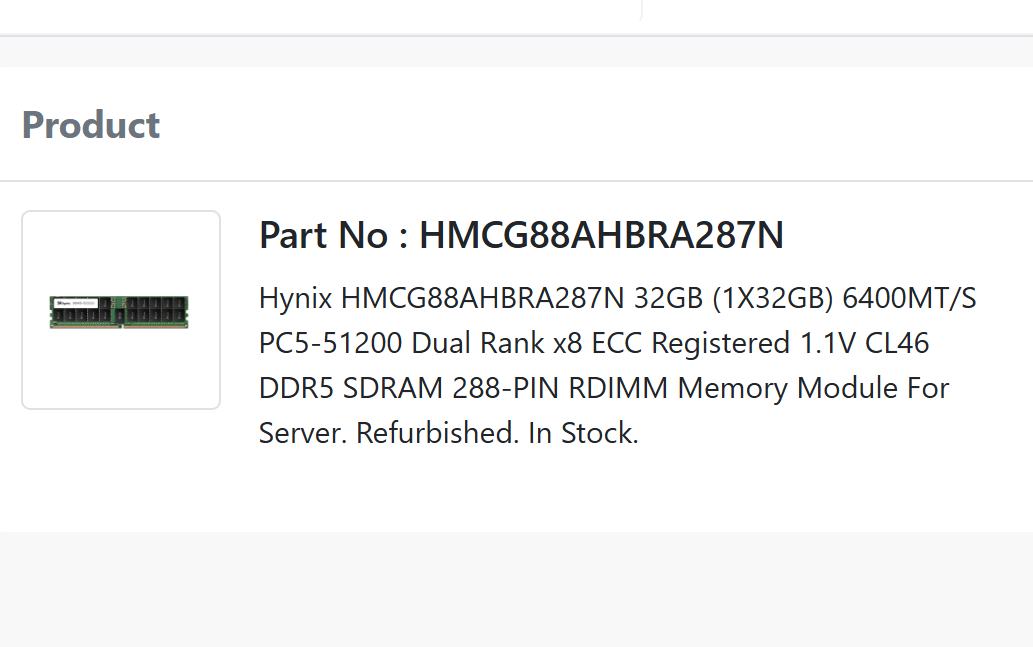
Between Samsung M321R8GA0PB2-CCP and Micron MTC40F2046S1RC64BR, which would be the safer bet for long-term stability on WRX90 + 9995WX?
Both are CL52 kits — are these basically the “best available” for this platform right now, or is there a gold-standard ECC RDIMM kit people here recommend chasing down if possible?
Has anyone noticed meaningful differences in thermals or reliability between Samsung vs Micron RDIMMs in heavy workloads (AI/ML + virtualization)?
Any tips for DIMM cooling setups with large GPUs sitting close to the RAM?
Would really value the community’s input here — especially from anyone who has hands-on with this platform. Thanks!
Neither. Stick with Hynix, preferable A-die. V-Color is a reputable vendor for TR50/WRX90 memory.
Look into V-Color.
DDR5 runs hot. You want memory with heatspreaders installed and you will most likely need dedicated cooling. Thermals under load are for the most part brand agnostic.
Put GPU in PCIe slot 2 to give yourself a little more room between the GPU and memory/CPU. Buy memory with heatspreaders installed. You could add your own but this would most likely void your warranty in the eyes of the manufacturer.
And I wouldn’t stress that much about ddr5 heat, just make sure you have a nice gentle breeze flowing across it and monitor it the first couple times you apply load.
Not sure about those specific nvme’s, I went with the T705’s (6, 2 on mb, and 4 in the asus hyper card) and they work well,
I noticed T710’s are out now. Anyone know whats new vs the 705’s other then faster?
Thanks for suggestion but hynix and v-color isnt widely available in India. So I was planning to go with ECC RDIMM 6400 MT/s JEDEC non OC from Micron on Samsung. Are you saying my current selection isnt compatible or only heating is the issue?
Planning to use fans over DIMM banks like some redditor did xD
With the massive number of issues reported I’d focus on the WRX90-Sage for stability more than DIMMs. Some of the later posts on the threads here are that recent BIOSes are actually getting to launch quality, so Asus is pretty much an entire generation behind.
If you haven’t already I’d take a look WRX90 WS Evo before committing to the Sage. There’s also MH53-G40 but Gigabyte’s boards have some even more epic fails than Asus reported here, such as frying if DIMMs are changed.
MTC40F2046S1RC64BR I get no hits for besides what seem to be old stock and Micron’s own search can’t find it either. So I’d have some questions there.
Alphacool Eisbaer Pro. Also Enermax Liqtech XTR 360. Dunno if the latter’s any good.
Personally I’d likely do a loop with Eisblock XPX Pro or Heatkiller IV Pro. You can also save 2-4+x avoiding Noctua brand tax.
The OP’s got the 6000 going right into the Hyper V, which is probably a bigger problem. I’d probably start from an 8+ slot case with Hyper V in PCIEX16(G5)_1 and the 6000 in PCIEX16(G5)_7.
See also the section on this in the mobo manual.
This is mostly OT per OP so, succinctly: SM2508 and B68S instead of E26 and B58R. So cooler controller but probably warmer NAND.
I’m in the same boat as OP, looking for an 8x64GB kit for a 9985WX WRX90.
V-color has multiple such kits, with varying CL, MTs and Voltage. It seems to be a compromise though, and I’m not sure what to optimize for. Not that it necessarily matters in real world applications, but given the price of these sticks I don’t really want to have to go back. Any suggestions?
You can optimize for amount of memory installed or latency. Pick 1. Everything in between is a sliding scale. Effort is required to optimize for latency as memory tuning will be required.
Amount is my first criteria. But then I guess once amount is fixed (8x64 in my case), when buying a kit, should I try for advertised lower latency regardless of other considerations such as V or MTs (if I understood you correctly)?
Unless you are heavily overclocking your DIMM’s that much cooling is overkill. On my box (you can find pictures if you look through my posts) I just have an air duct that is attached to a single fan on the back of my case that routes a small amount of air over the ram, never see temps above 60c.
I dropped an e-mail to micron and got some vendor list, but the lead time given for the part number i asked is about 8-9 weeks.
Never heard of this brand until recently and I am not sure if this will suit for 24x7 workloads?
I am not planning to overclock, since I am getting server grade RAMs running at native JEDEC 6400 non expo? (hoping my understanding is right) I assumed they come without heatsinks and run a little toasty, so got that 3 x mini noctua idea from a reddit post but I am not sure how can I mount that . Will check your post to get some idea thank you for advice!
Check the QSL list. I use an 8x 32GB V-Color kit but they have several 8x 64GB options also certified.
I ordered mine directly from the V-Color site, took 2 weeks to arrive to North America. Been stable, including periods of more than a week with GPUs and cores spinning. I have a big case, no special cooling is needed on the RAM for me
Is there a reason you’re using a Hyper card for the m.2? There are 4 m.2 slots onboard that are very well cooled. And there are no tradeoffs on this board, you don’t sacrifice lanes somewhere else when using these

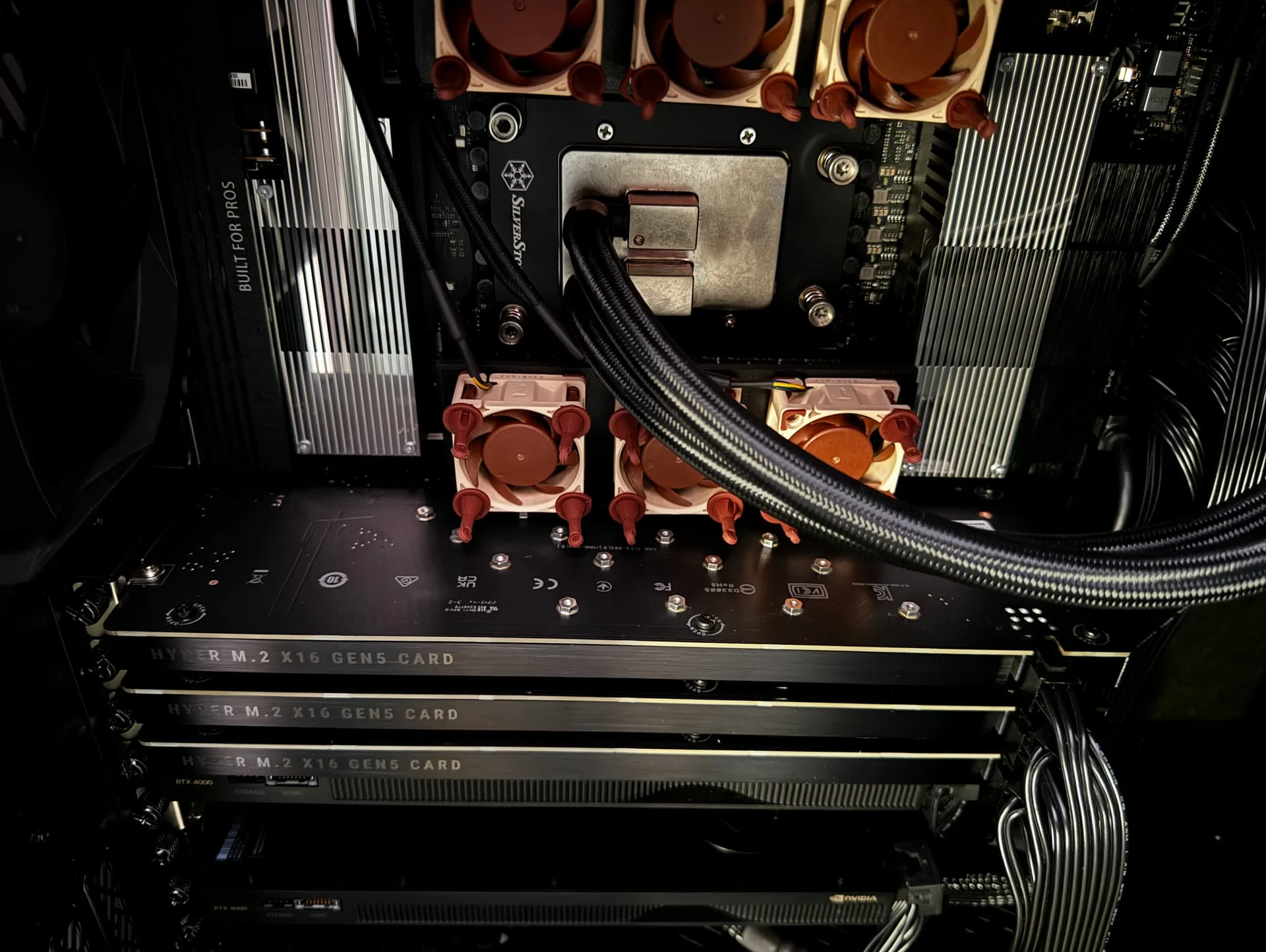
 . Will check your post to get some idea thank you for advice!