Hello, I am building my first threadripper build but it will not boot no matter what. And I feel as if I have tried every possible solution I can find does anyone know how to help?
The Motherboard is the exact same one from this Level1Tech video:
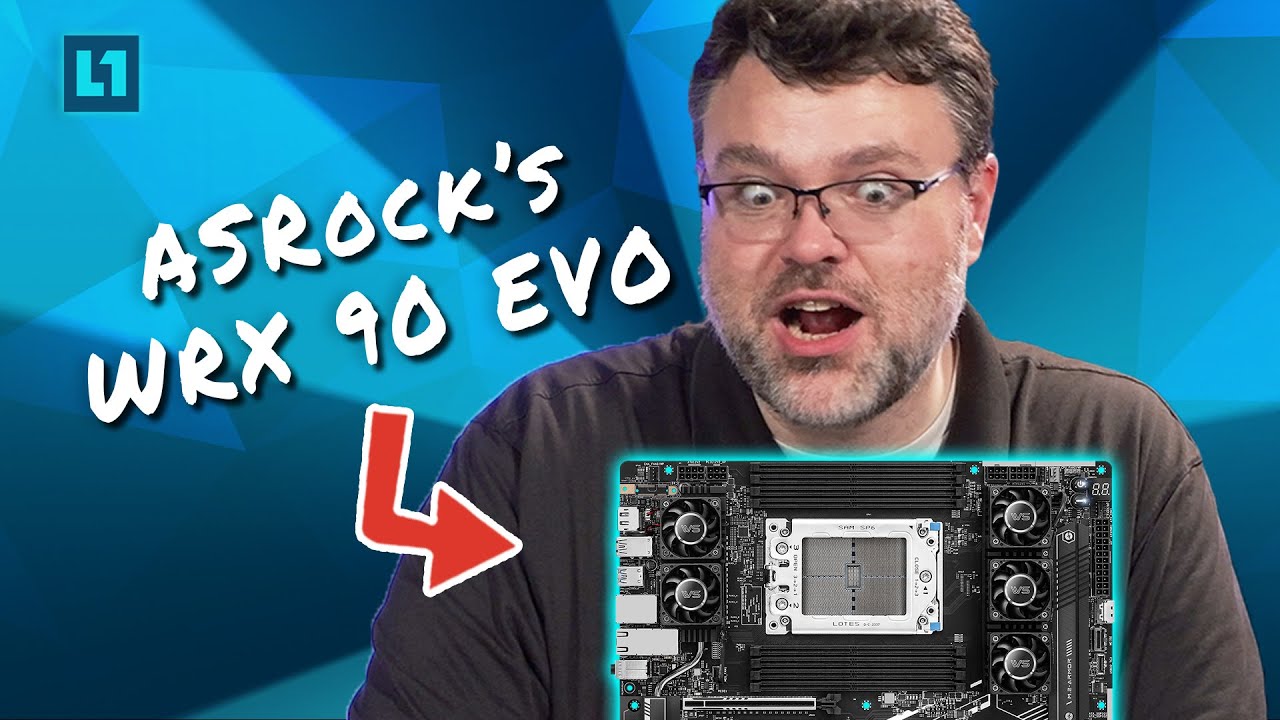
The CPU is different however. I do not understand why I have run into these issues. It seems so easy in the video.
The specs:
- CPU: AMD Ryzen Threadripper 7960X 24 Core sTR5 CPU
- Motherboard: Asrock WRX90 WS EVO
- SSD: WD_BLACK SN850X NVMe
- RAM: 8x Micron 48GB DDR5-5600 RDIMM 2Rx8 CL46
- PSU: Super Flower Leadex Platinum 8Pack Edition 2000w Fully Modular 80 Plus Platinum Power Supply
- GPU 0: INNO3D Geforce RTX 5090 X3 OC
- GPU 1: Nvidia rtx A2000
I have been working on this build for many months and I have come across many issues, none of which I seem to have 100% solved.
First off, when It came to the first boot nothing worked no matter how long I waited, so I proceeded to reset the cmos by using the provided cmos button on the motherboard, that did not solve the issue.
I then updated the BIOS via IPMI webUI which also did not solve the issue.
Next I looked at the debug codes which were giving me many errors to do with RAM and Display Adapters, so I removed all the RAM except one and tried with only the 5090 in pcie slot 1. Did not work.
Then I tried again with a different RAM stick. Still nothing.
I tried again with just the A2000 in pcie slot 1. Didn’t work either.
I tried with just a 4090 and still nothing.
I then went back to the 5090 and used it in pcie slot 2, which seem to remove the d6 error from the motherboards display and after another cmos reset things began to change.
After a long wait the peripherals would work and the post screen would appear, however if I missed the small window of opportunity Id have to wait 10 minutes before it would show up again.
Once I was finally in the BIOS I attempted to boot to a windows drive and nothing happened. The screen would just turn of for 10 minutes before the BIOS showed up again. I tried this multiple times.
I then tried using a clean ssd and a usb windows boot drive just to run into the same issue.
I then tried flashing the BIOS with a usb drive and still had the same issue where it would not boot into an OS.
Next I turned off secure boot and tried again. No change.
The BIOS only uses UEFI and has no CSM or Legacy boot.
After this I decided to turn my attention back to the hardware to figure out what the issue was.
I decided to slowly add more RAM and discovered that only half of the stick show up in the BIOS when all 8 sticks are present. This issue combined with the first pcie slot not working lead me to believe that the issue may be a memory bus issue or something related to the motherboard or cpu.
Even though I came to that conclusion I still tested the PSU, SSD, and RAM on other systems. And tested spare parts on this build with no luck.
So I asked a friend if I could borrow a identical AMD Ryzen Threadripper 7960X 24 Core sTR5 CPU, and I emailed ASROCK about a replacement motherboard and shipped my one to them.
I then took a couple week break as I waited for the motherboard to arrive.
And then here I am today trying out with the replacement parts and I still have the same issue.
I have even removed all components from the case and I am testing it without as I thought it could be short circuiting.
I then repeated all of the steps above and just before I wrote all of this I unplugged all power cables from the PSU to the Motherboard, all other cables, removed the GPUs and performed a CMOS reset with the button, Jumper pins, and I’ve held down the power button for 15-30 to drain all charge. I plan to leave it alone in this state as a desperate attempt to fix the issue.
Does anyone have any advice or can possible tell me what the issue is? I have done everything I can think of have seen online, replaced every cable, tried different peripherals, etc.
PS: I would like to note that I am aware the my PSU of choice requires electric wiring that can support up to 240V and I know that my house is capable of it.
Ill keep this updated and see how things go, if anyone can help you’d truly be a life saver, Thank you.