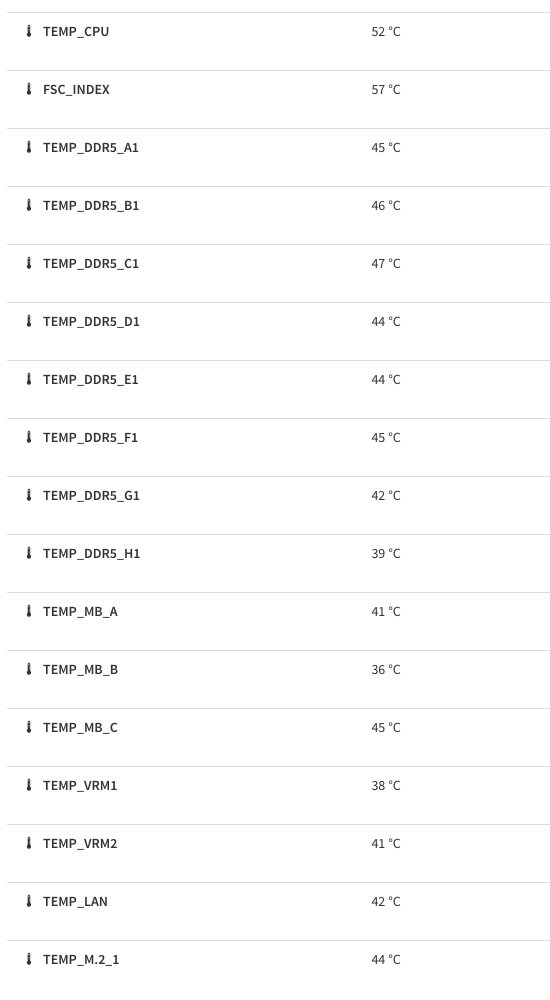
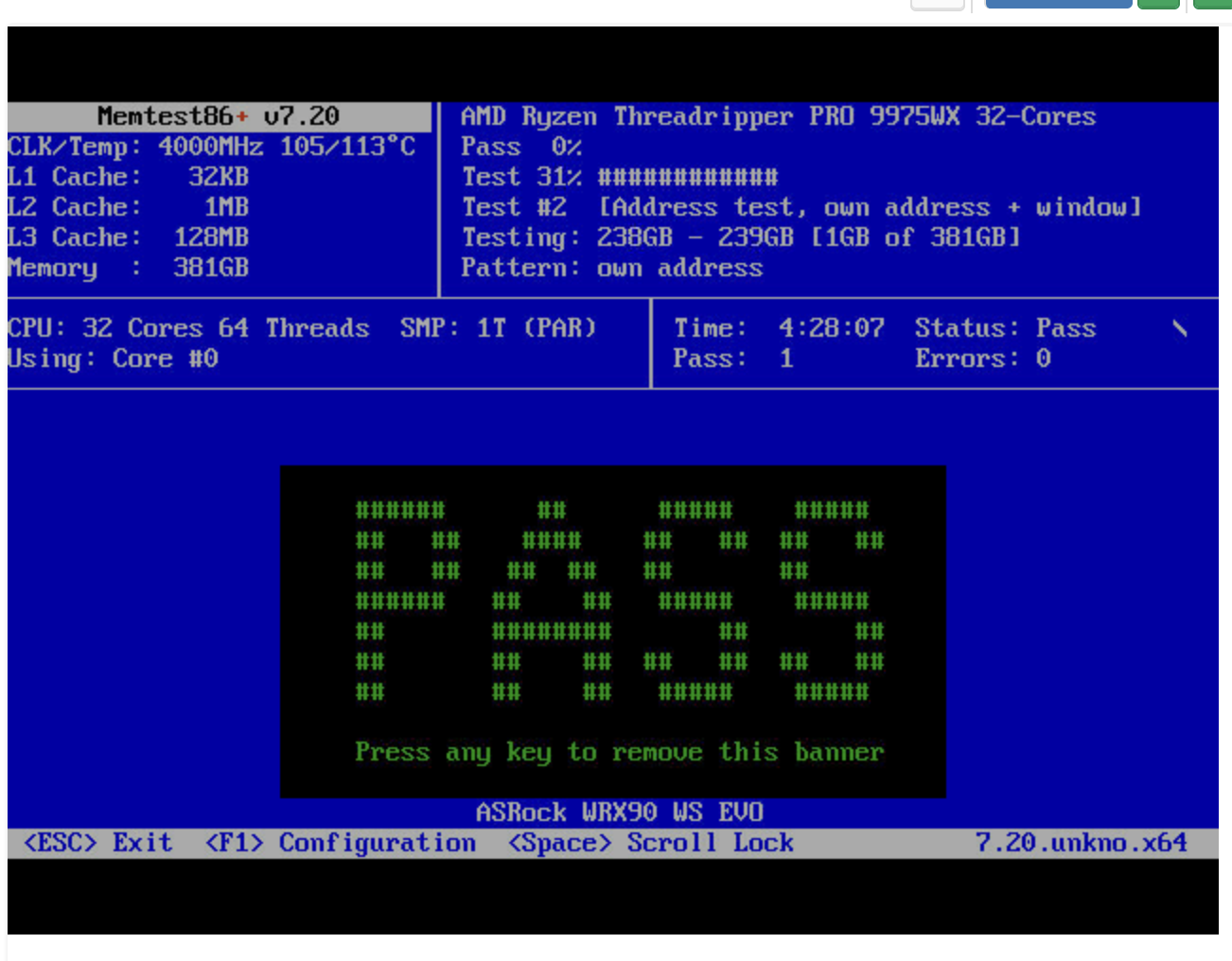
…wait is memtest86+ misreporting those temperatures as Celsius when then are really Fahrenheit? That would track between what IPMI is showing versus memtest86+.
I also added two of those Noctua 40mm using the ASUS dedicated bracket.
They finally got my RAM under 70C while building Chromium (in addition to 2x140mm fans), but the placement is suboptimal.
They’re completely silent at 5000 RPM, though.
How exactly did you mount 6 of them?
1 Like
Not as well as I’d like. Basically I tied them together with wire ties and then used some more to hang them on the ram clips. On the bottom I hung them on the CPU block bolts, which is actually a lot worse looking. Then I used four y-cables to connect them to two fan headers, also not ideal. 
There are mounting brackets if you can get it 3D printed.
https://www.thingiverse.com/thing:4973167
I have two like it for my Threadripper too. Difference is mine has two fans, but while I still have the file to print it I do not have the link where I found it. But a couple minutes of online search should yield something usable.
1 Like
Printed fan bracket has been adequate for 3495X 256GB 5600mts DDR5, and performs much better after reversing external exhaust fan to intake. Otherwise system is entirely water cooled. Will try the same solution for 9985WX w/ 256GB 7200mts 
1 Like
Oooh, that’s very nice and I think would work swimmingly for my build! Hmmm…
Well…
I’ve been doing a lot with this system lately, and having lot of fun.
I added another nvme sled card with 4x 4tb pcie 5.0 Samsung ssds, super rad.
I added a quad Intel x610 10 base-t nic, very nice. This required ordering a half to full hight pcie adapter from China that seems to be working well
Everything was right with the world…
Today, I had two nvme drives stop showing up, even at the bios level. They are the two that are connected directly to the CPU and not the chipset, and are my boot and /var partions for my hypervisor.
I’ve yet to troubleshoot, but I’m wondering if I have a broken board or CPU now!
1 Like
Ouch! Did you touch it? I recently bricked a board as well. Hope that’s not it though.
1 Like
So, I finally get back to it today and turned the system on again. It now finds the boot nvme device, phew. I’m thinking that maybe it got hot in there and needed to cool down? It definitely corrupted my filesystem metadata, but it looks like no data lost. Luckily it’s just the boot drive for the host O/S.
I was also mistaken before, I forgot that this board only has two onboard m.2 slots.
Let’s hope it doesn’t happen again, but I’m at a bit of a loss as to why it happened. Smart tests show everything is normal. Will monitor and update if something goes awry again!
2 Likes
2 Likes
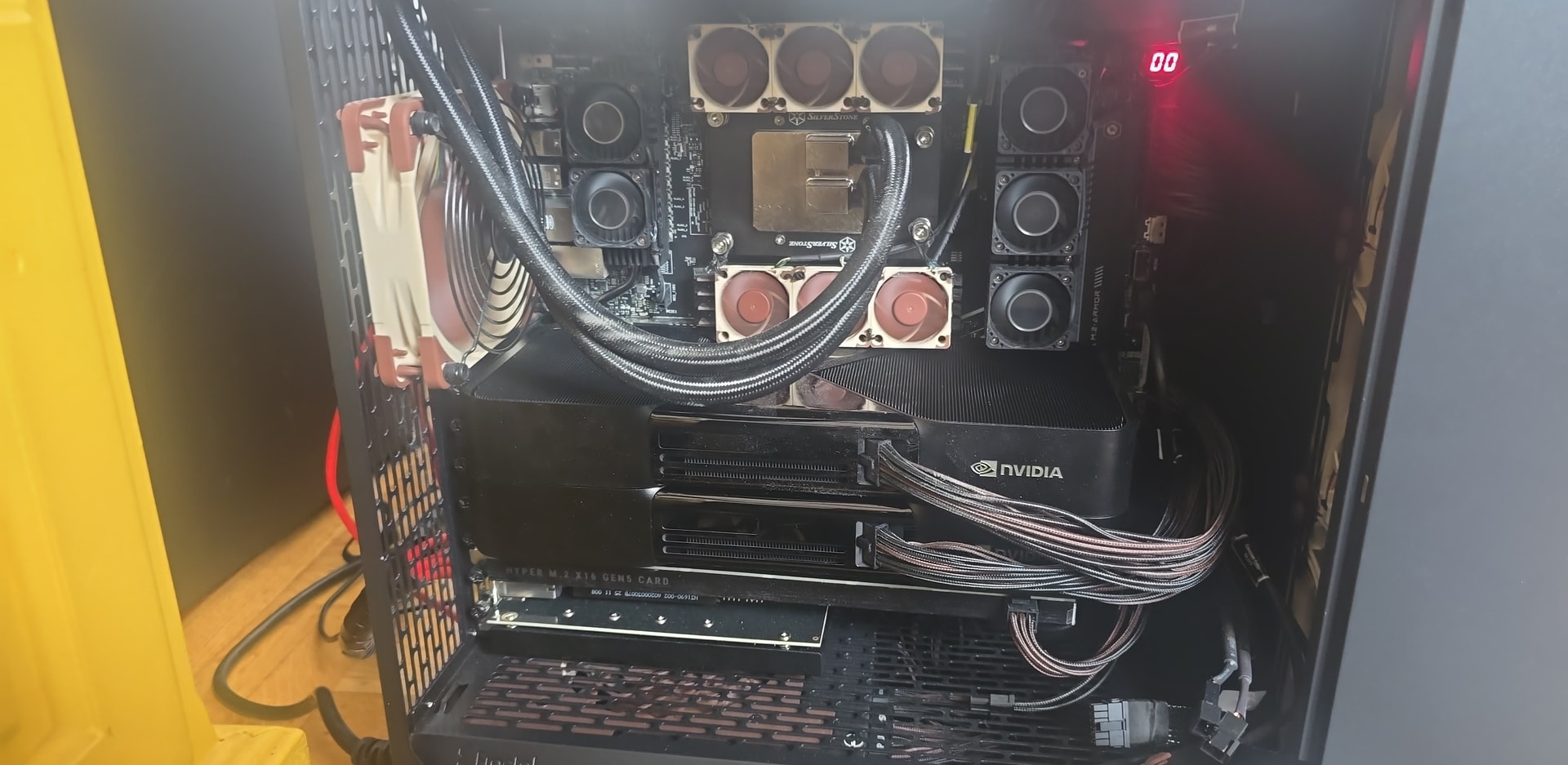
Also a 4x 10gb Intel Ethernet card.
1 Like
Have to say this looks like a nice build. How is the heat inside the case when both cards use full power? I am already having trouble with one of those, but my case does not have the best airflow.
1 Like
Thank you!
To be honest, it’s quite hot, but so far no thermal throttling issues. ram, I have it clocked lower than expo I still get ecc corrections, but it’s still quite good. It depends, but here’s an experiment I’ve been working on.
1 Like