I’ve got a 100$ v540 (dual RX 5700), can’t wait to test all my UE5 games with it
If you need to know how to set up dual GPUs, please read thread and if you have any particular issues, please let may know, I may be able to help
have the drivers been released? i have had one for 2 years with no luck. drivers were a huge pain.
yeah you flash them both to 5600m then install Rid drivers from whatr I’ve heard, I’m waiting on fans for mine
I tried this out when i first got one, will give it a shot, thanks, been a few years since giving up with that card
Hello an update that is very apropos to this thread.
Using your 2nd GPU to do the DLSS 5 unburdening your primary GPU, increasing frames significantly. Parameters can be set by the user.
So I have been doing manually the equivalent of these two utilities.
First, install DLSS 5 on games that did not come with it. You can do this manually (adding the correct reshade and addon64 or use this utility:
Then add path and instructions to do the DLSS 5 on your second GPU, or use this utility to have the additional reshade .addon:
Have fun experimenting.
so some real examples using Batman Arkham Knight. Older, yet elegant and refined game with lore and graphics that stand the test of time.
.
So the base line for the game includes DLSS5, dual 5090 RTX, the associated rig, and the Neural CoProcessor to run DLSS 5 on the 2nd GPU, also specifically running PhysX on 2nd GPU, and Lossless Scaling on 2nd GPU.
407 FPS max visuals, Physx, 4K






I don’t like things running in the background when not needed, so I make shortcuts to launch and close the Lossless Scaling with the game start/and end. An example script to render the game itself on GPU1, but do Lossless Scaling on GPU2, Physx on (inspector setup) GPU2, and DLSS5 on GPU2 (neural coprocessor)
.
Shortcut modification to launch Arkham Knight:
.
# Explicit File Execution Paths
$LSPath = “C:\Program Files\LS\LosslessScaling.exe”
$GamePath = “D:\Batman\Binaries\Win64\BatmanAK.exe”
# 1. Spawn Lossless Scaling hidden into the background tray space
Start-Process -FilePath $LSPath -WindowStyle Hidden
# 2. Safety pause to guarantee LS hook engine is listening in the tray
Start-Sleep -Seconds 5
# 3. Launch the game engine binary targeting your primary discrete hardware
$GameObject = Start-Process -FilePath $GamePath -ArgumentList “-graphicsadapter=1” -PassThru
# 4. Wait for the black screen to stabilize and the audio engine to spin up
Start-Sleep -Seconds 6
# 5. [THE BLACK SCREEN FIX]: Inject a Windows Key tap to flush the graphics pipeline
# This automates your manual fix and forces DWM to draw the frame layers instantly.
$WshShell = New-Object -ComObject WScript.Shell
$WshShell.SendKeys(“^{ESC}”) # Sends Ctrl + Esc (The native Windows global equivalent to the Win Key)
# 6. Wait a split second for the Start Menu overlay to trigger the desktop refresh, then clear it
Start-Sleep -Milliseconds 400
$WshShell.SendKeys(“^{ESC}”) # Tap it again to instantly dismiss the menu layout
# 7. Script thread blocks execution here until the game process exits
$GameObject.WaitForExit()
# 8. Cleanup Trigger: Force kill Lossless Scaling to flush system RAM pools
Stop-Process -Name “LosslessScaling” -Force
.
.
Also, I have expanded HD textures and effects and other components for better visuals such as prerequisites:
Arkham Knight community patch / fix
Arkham Knight HD Texture Pack
Arkham Knight 8K Ultra HD assorted individual mods / textures
.
.
Combined result is these settings, using 2nd GPU, 4K, is 407 FPS on the built in benchmark
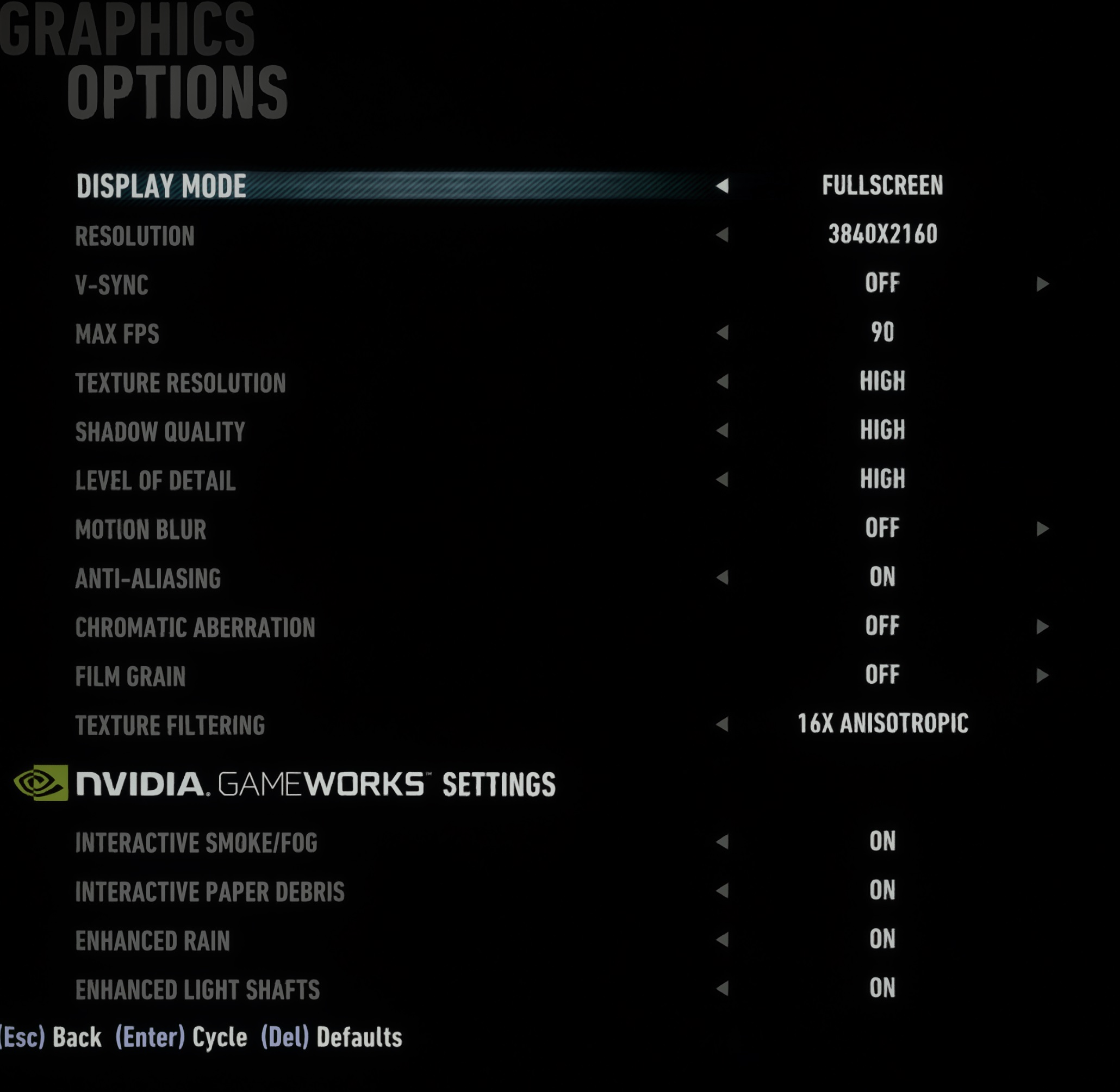
.
.
So use three utilities if you want it easy, play with sliders as you see fit:
.
Lossless Scaling
.
Neural Coprocessor, to run DLSS 5 on 2nd GPU
.
One Click DLSS 5 injection
.
OS MS Windows Server 2022 Data Center (as workstation)
Hardware:
2x 5090 RTX Gigabyte OC Edition
2x AMD 9684X Epyc (192/384 cores) 2.2GB of L3 cache , Gigabyte MZ73-LM2 Dual socket motherboard, PCIE 5.0
1.5 TB RAM DDR5 ECC LRDIMMs , 2800W psu
4x Micron 9300 Max (RAID / 64TB volume) Samsung 9100 Pro 8TB (8TB). 2x Back up drives Micron 5300 (16TB)
Asus PA32UCG-K monitor, MS Data Center 2022 & 2025 & Ubuntu, Air cooled, cool temps, small case, ultra quiet operation
yes, DLSS 5 does ok with the other cat woman versions in Batman Arkham knight:


or using Harley frame for catwoman from 1980’s

please bare in mind that this game is well over 10 years old
So now you know what to do with your second GPU 
2 Likes
please check these out, getting between 177-193 FPS, Max visuals, max ray tracing, 3840x2160, DLAA, 2 passes on DLSS 5.
I’m not saying it better or worse on the character, I’m just showing what can be done technically and how other details are enhanced.
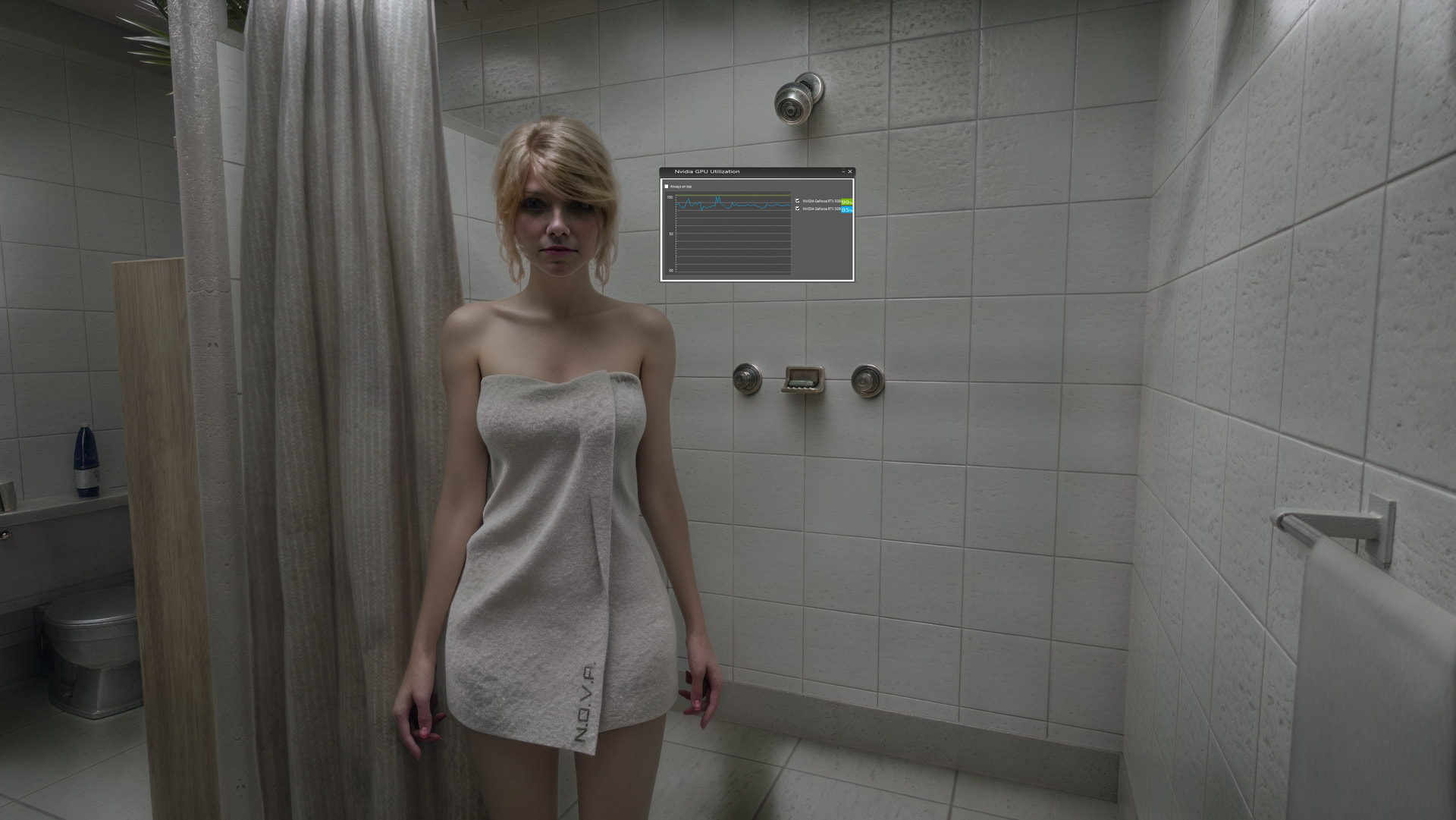
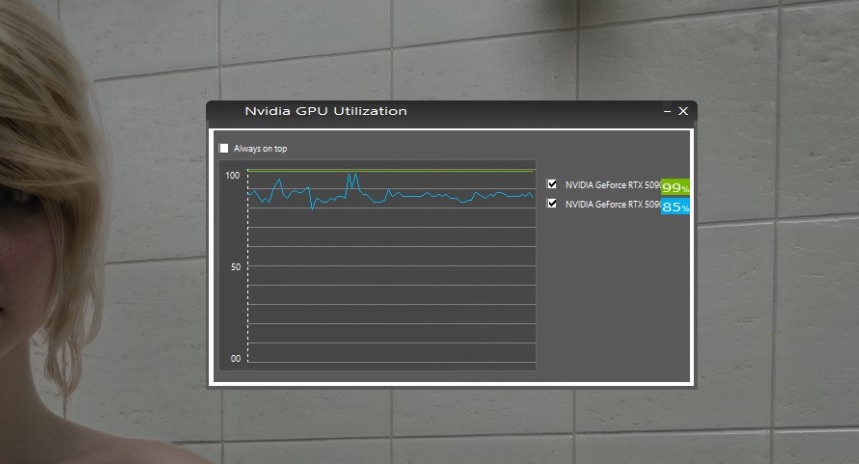
Dual 5090 RTX load in Lunar Eclipse (I did the same in batman Ak, Cyberpunk, Metro X, Chernobylite, Tomb Raider, RER, RDR2, HFW etc)
Original reference
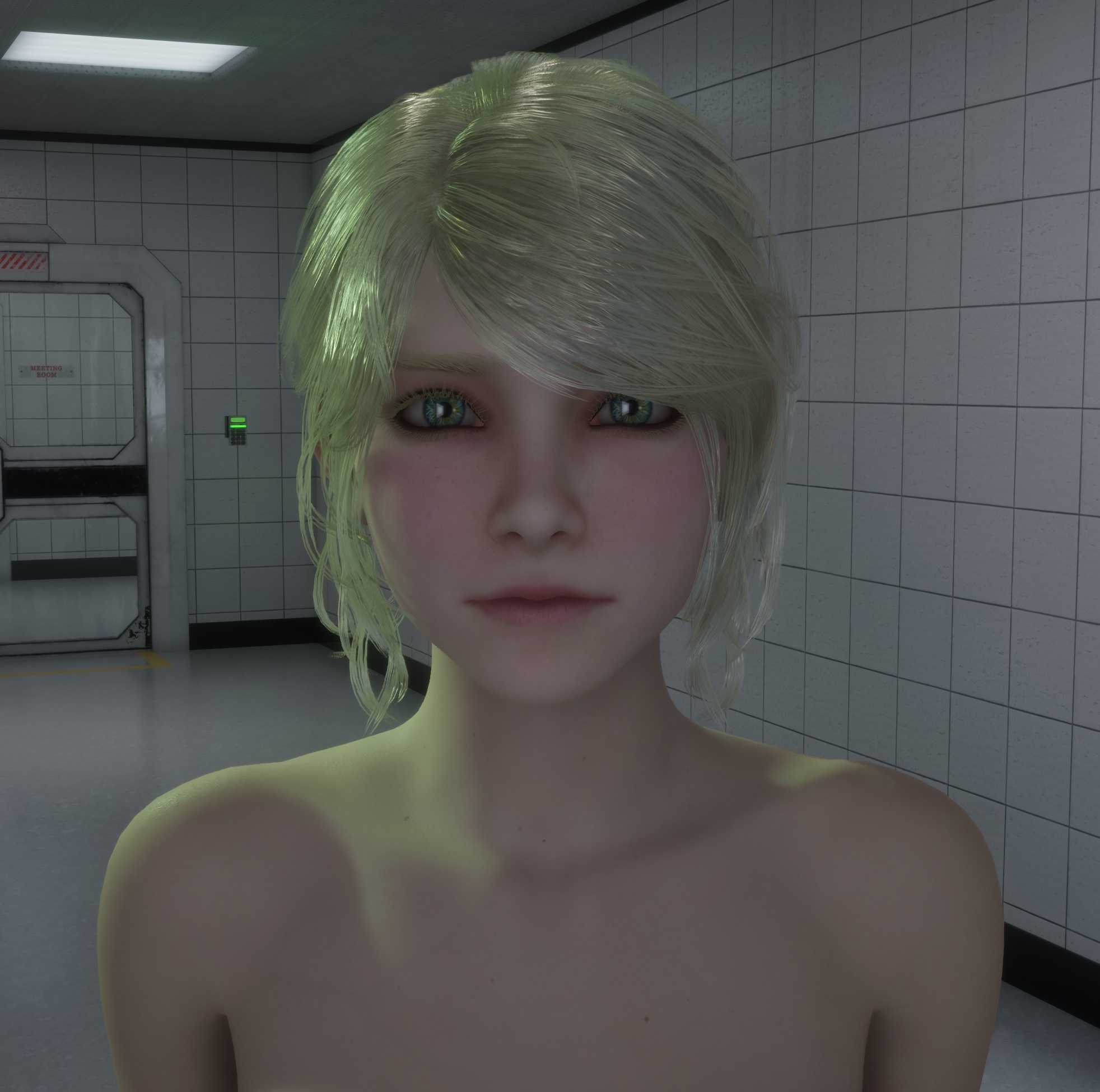
DLSS 5 Single pass:

DLSS 5 2 passes ( 177-193 FPS, Max visuals, max ray tracing, 3840x2160, DLAA, 2 passes on DLSS 5 )
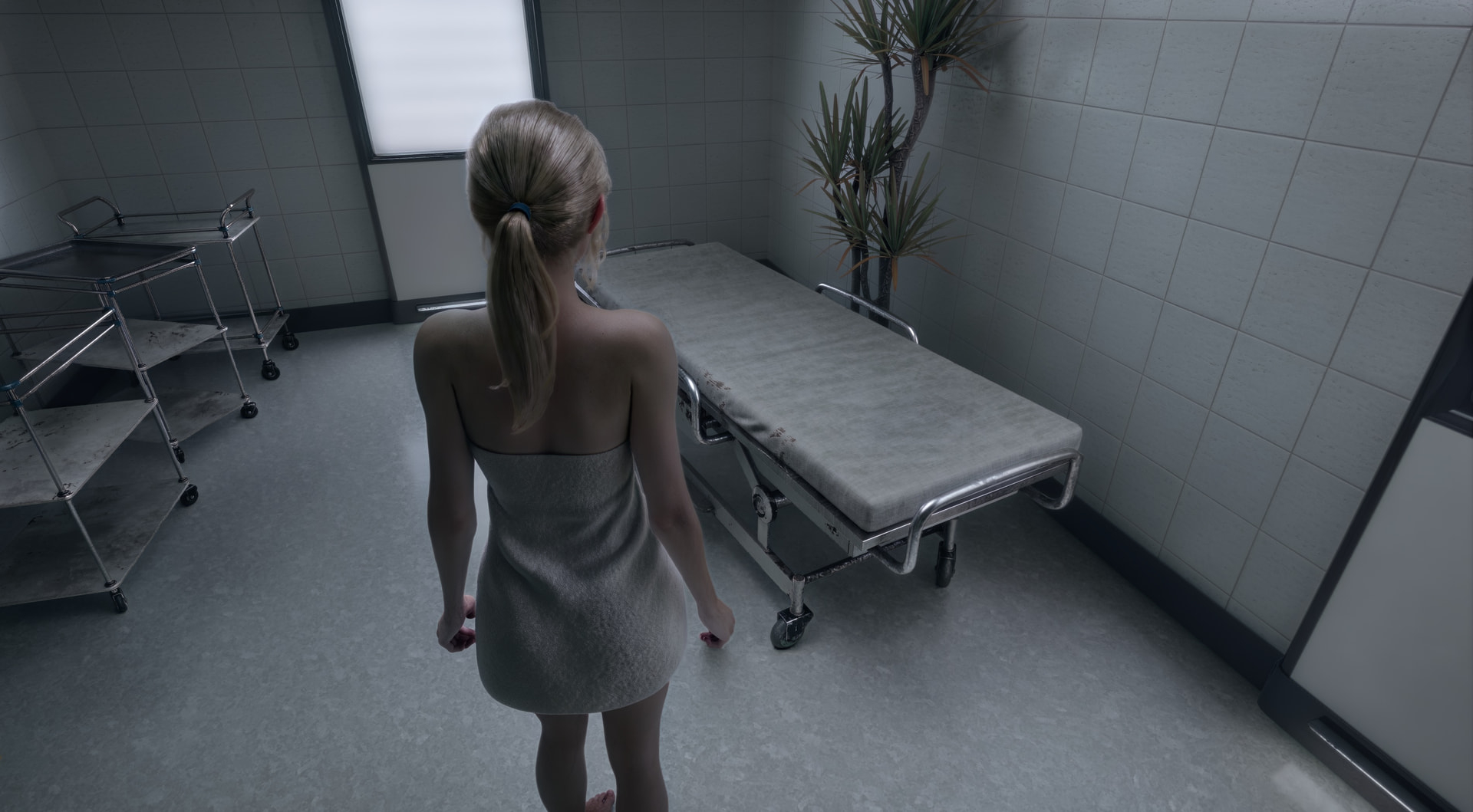

More! More !! (she said)
Dual 5090 RTX, DLSS 5, 2 passes, only DLAA, 3840 x2160, HD texture pack. Max Visuals, Path Tracing
181 FPS
CyberPunk 2077
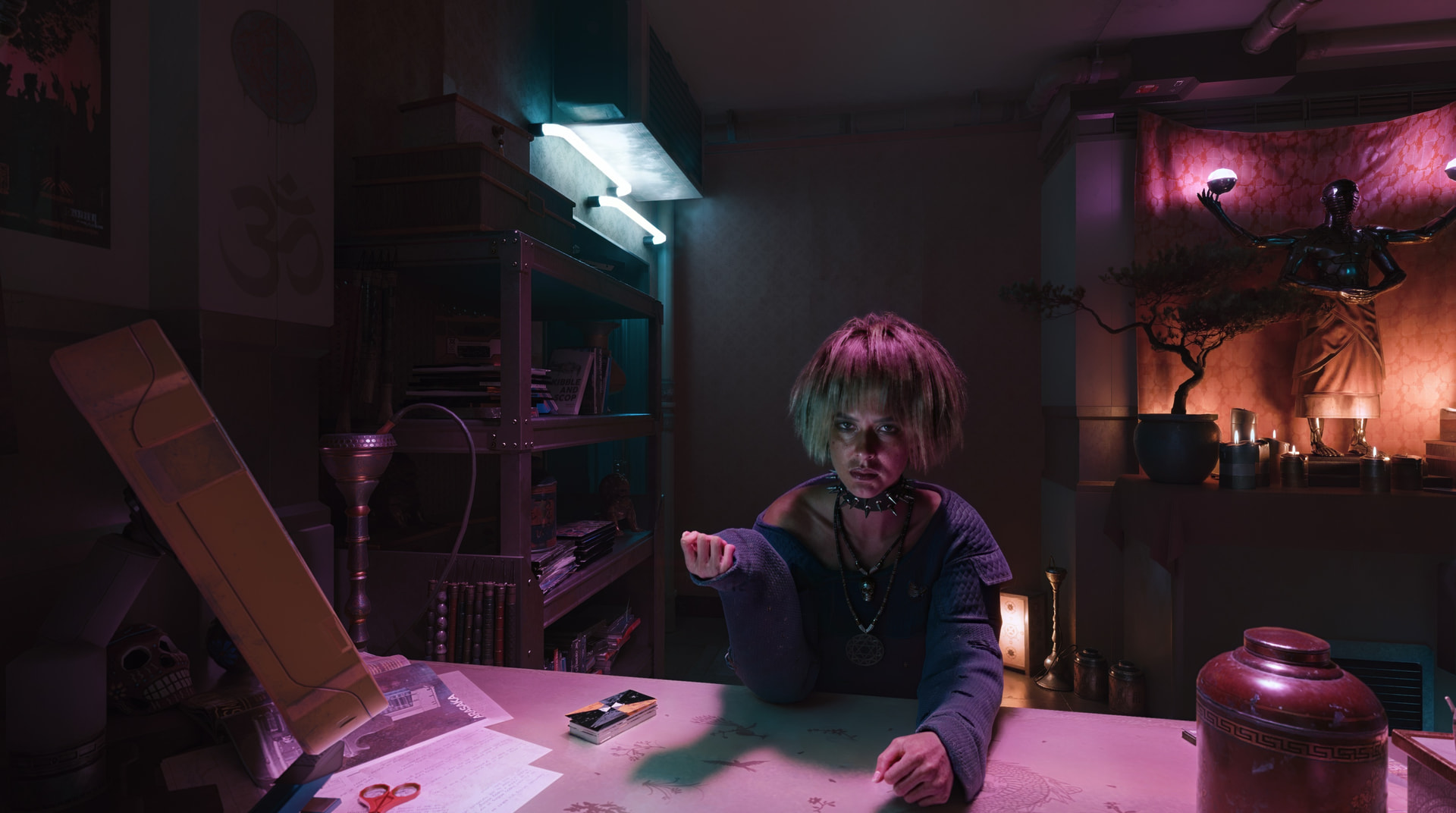
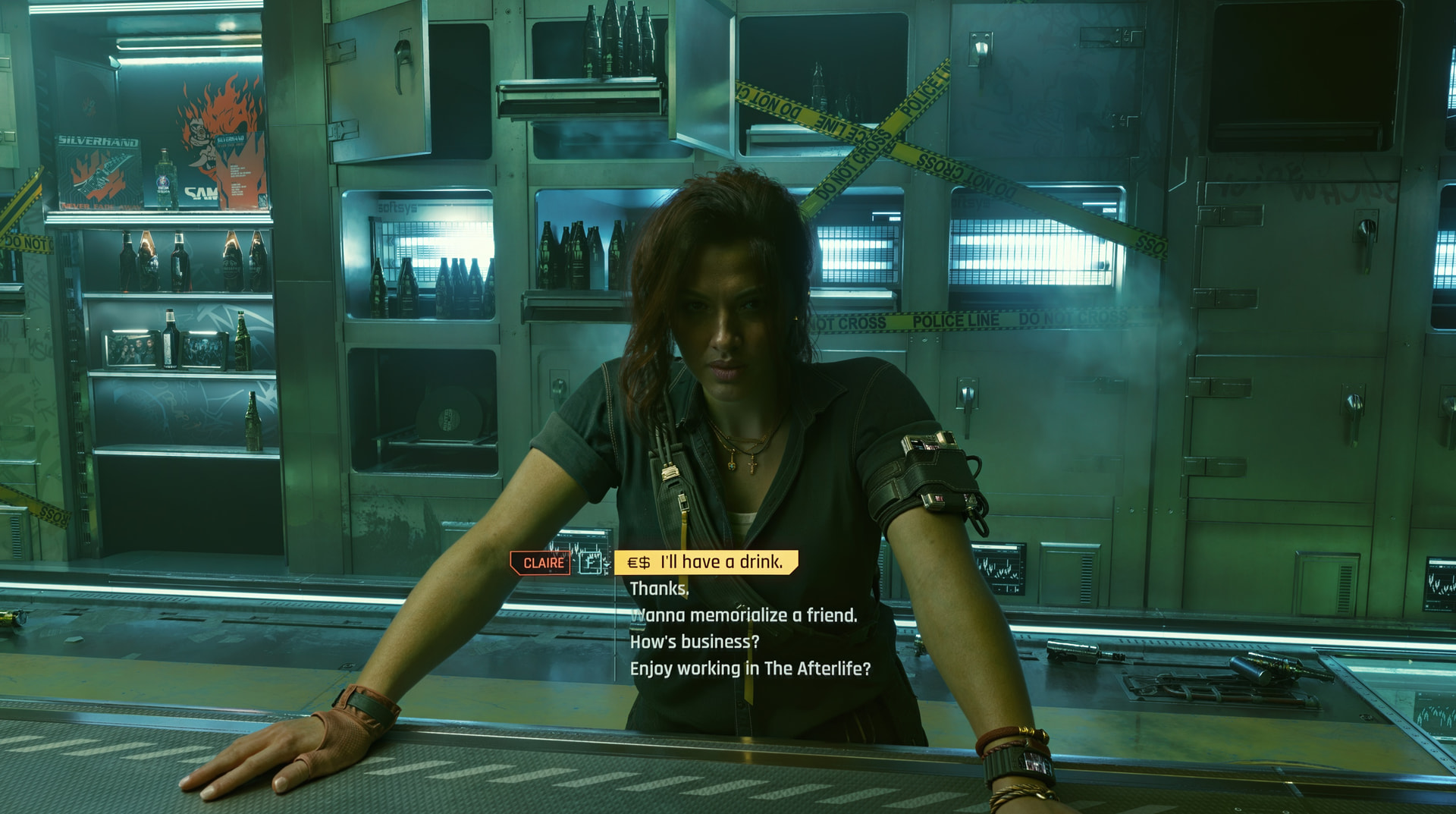


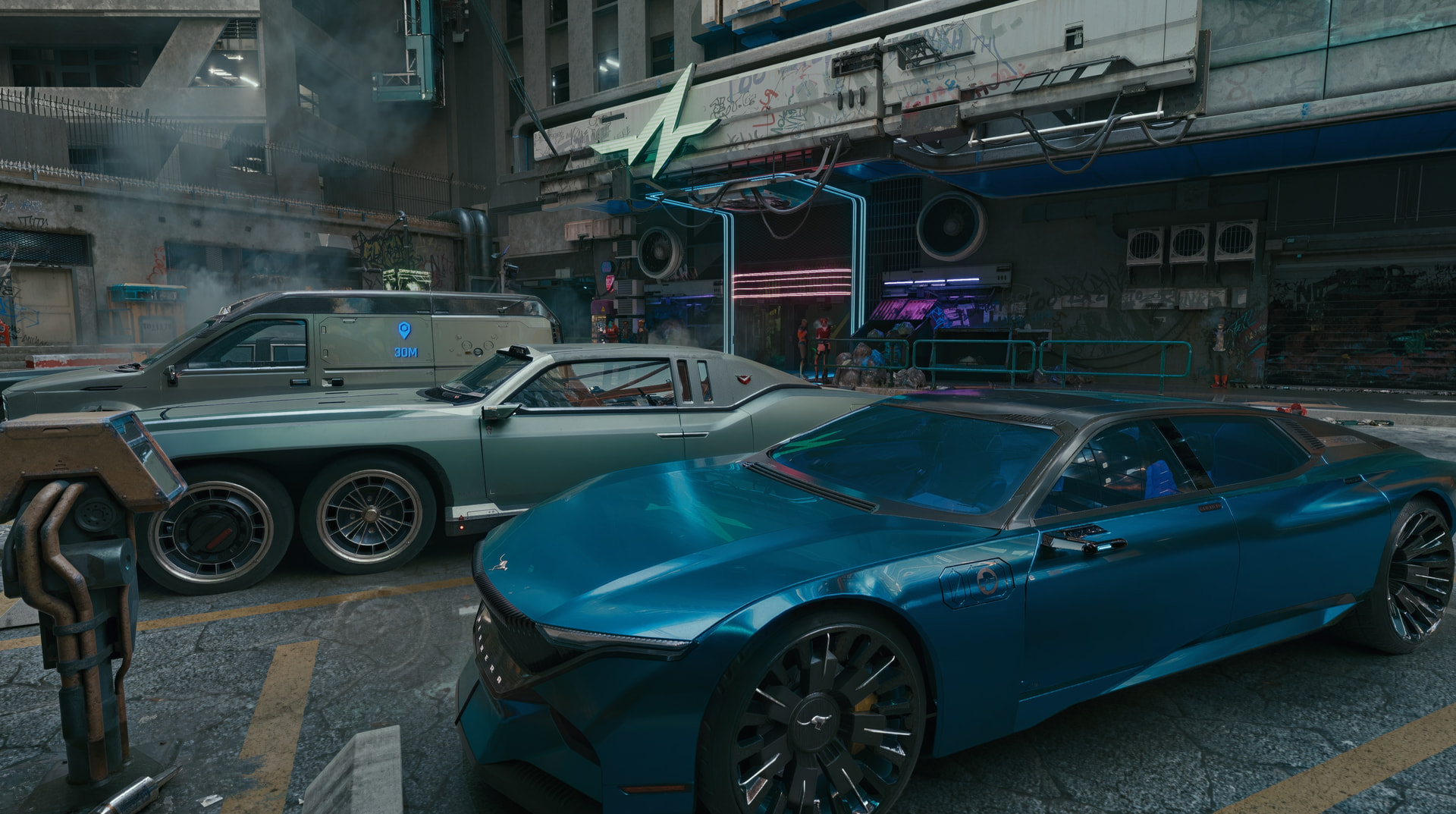
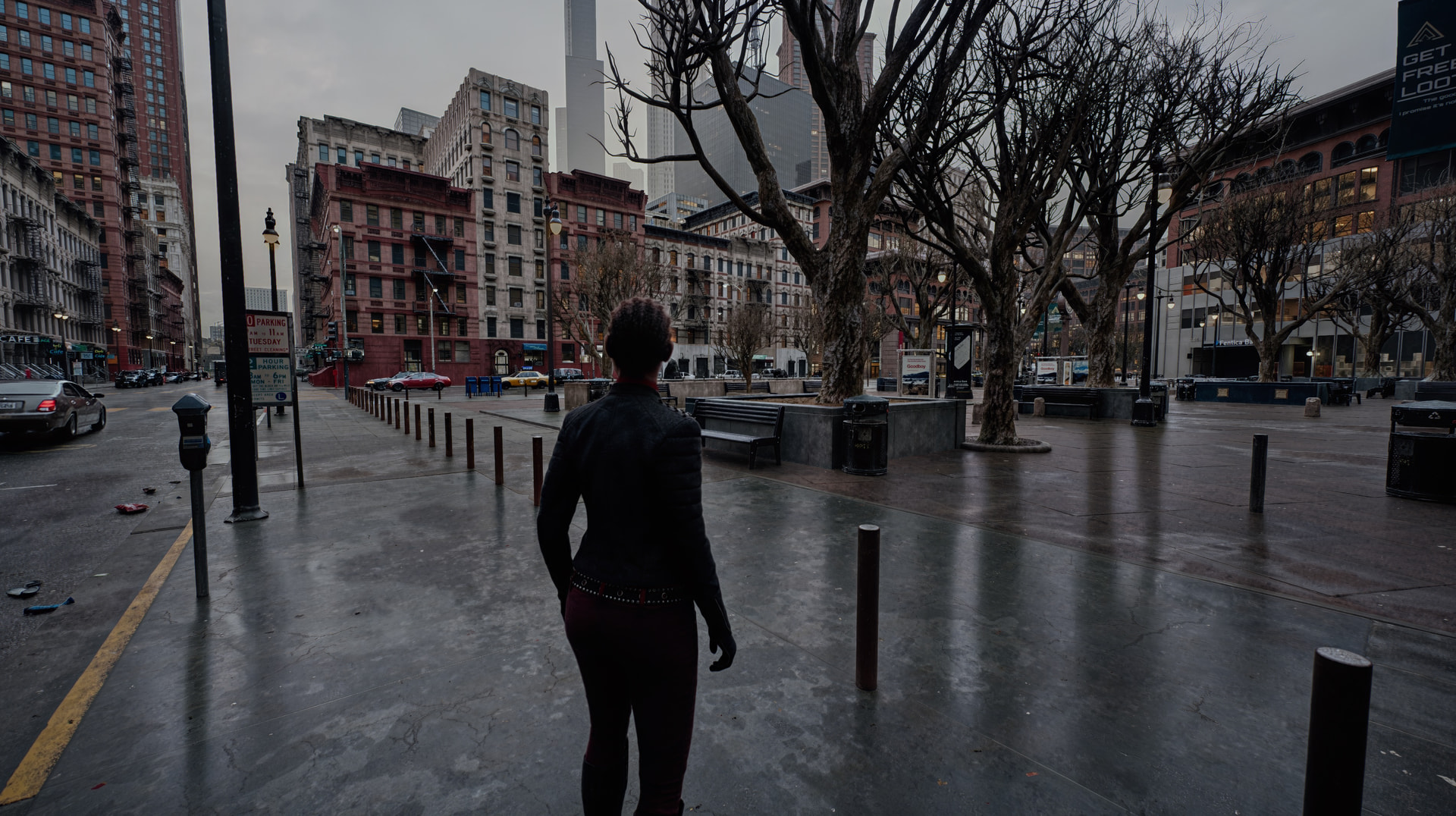
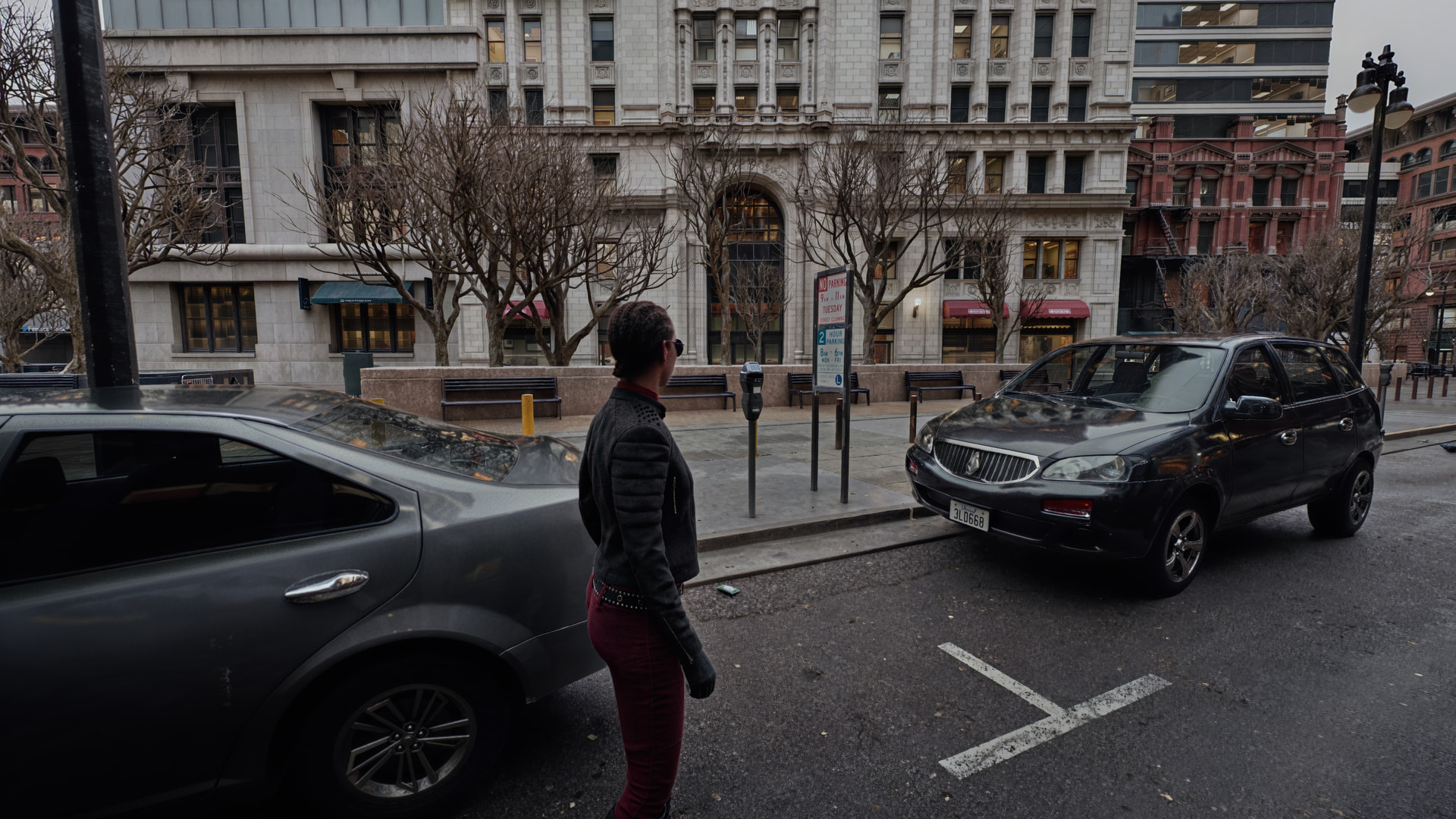
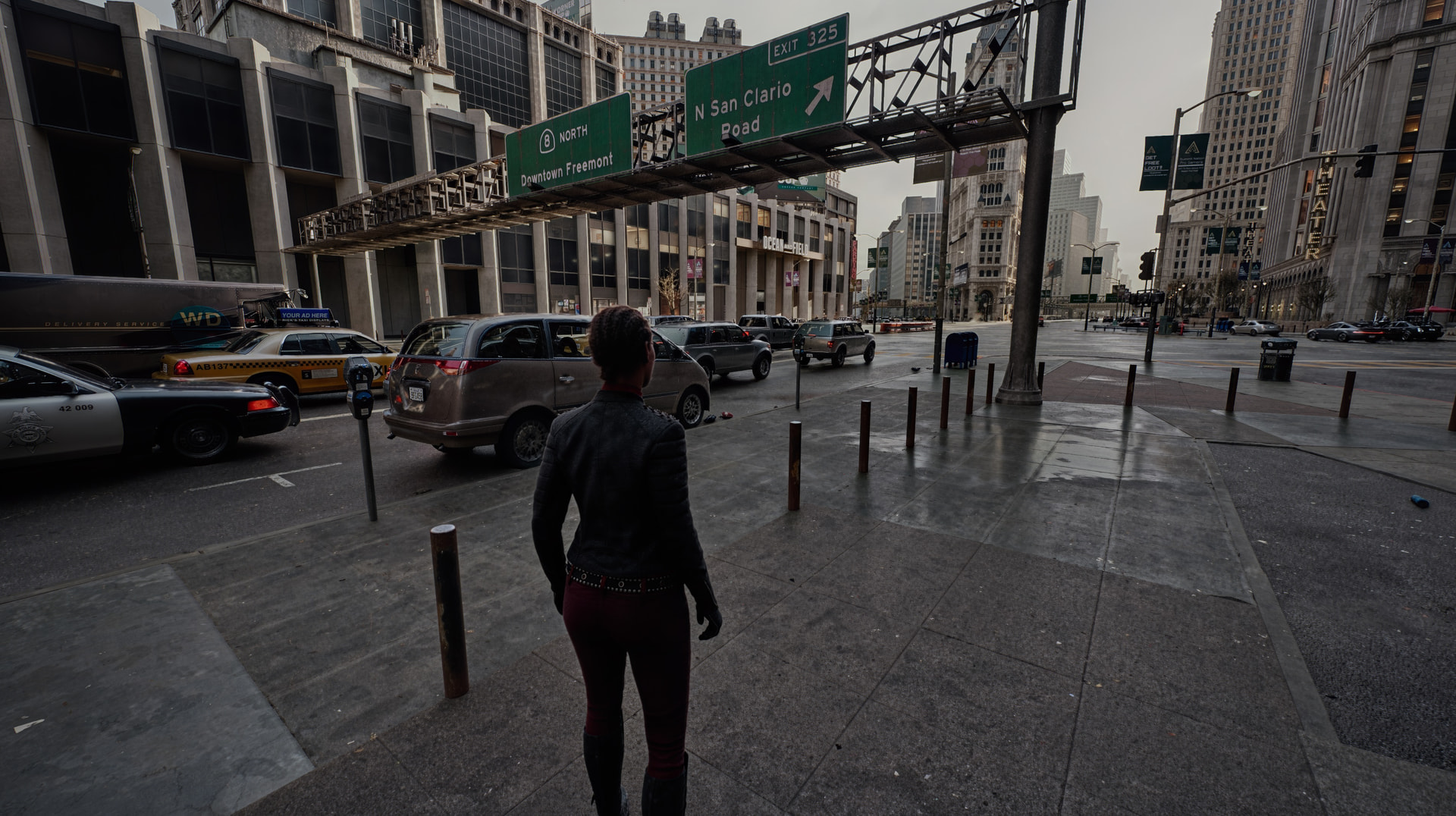

I only have one Blackwell card and another Ampere, can you please provide me a little more info:
-
Can you link me the Cyberpunk Texture pack?
-
How feasible you think is running this on a single 5090?
-
You are running this on Windows? Or is it possible to do this on Linux as well?
Thank you in advance I am curious in how far I can make use of these fidelity advancements myself.
Edit: Maybe I need to wait and hope that these nifty people who are working on DLSS5 online unlock it for Ampere too, so that the 3090 I have can run DLSS while the RTX Pro runs the game.
Hello,
- Texture packs, several to choose from are from here, search for it there and you’ll get several results, the one I chose is huge and has 4k and 8k textures, I also have additional object, vending machines, billboard, car, motorcycle, NPCs, etc texture packs: https://www.nexusmods.com
- Well, its “feasible” on just one 5090, but all combined and DLSS 5 2 passes…. you might get a 30-40 FPS best case. In order to really do this not only did I use dual 5090s, but I also have a mother bord that let’s me do 4x xGMI at 16x / 32GBs per lane / PCIe 5/6, to not have any bottlenecks. You CAN use the Ampere and Blackwell combined, pick the strongest one for the 2x passes in DLSS 5. Additionally, you WILL use at least the max power for each card in my case 625w per card, so make sure you have power for both cards and the rest of your system. If I was you, I would render the game on the 3090, and DLSS 5 on the 5090, monitor output must be on the 5090, the 3090 must be marked as primary GPU.
- I run on MS Server 2022 Data Center (as workstation and can also run in 2025 Data Center (as workstation) for my OS (modified/optimized). I have not tried this in Linux/Ubuntu because of nvidia driver limitations, but if you want to experiment with it, please report results. I use ubuntu for many LLM projects, but not for my gaming experiments
Have fun
J
2 Likes
Thank you for the input, I am not sure how I will do it. I do not have two 5090s like you do, I have an uneven pair of one RTX Pro 6000 and one RTX 3090. I do need the RTX Pro to be the primary card since I am also running a large 4K screen and the RTX 3090 would struggle too much.
I think the textures should be no problem since I have 96GB of VRAM on that card, and be a sensible first step to more fidelity.
I have heard that people are currently working on making DLSS5 work on older cards as well, as opposed to what Nvidia wants, and if they manage to do that efficiently maybe I could run that on the RTX 3090.
I am also on Linux full time, which will complicate things.
1 Like