So, I did a few updates:
I moved from a Gigabyte MZ73-LM0 motherboard to a Gigabyte MZ73-LM2 motherboard (Rev 3.0)
This was due to improvements in the motherboard, performance and stability improvements, the nvme m.2 received gen 5.0 treatment (up from Gen 4) several architectural changes and optimization
I still had to upgrade the heatsinks on the board, although (even though I replaced it with my own design) the newer board came with a copper heartsink for the LAN chip.
I also changed the m.2 nvmes from the 8tb Sabrent (gen 4) to the Samsung 8TB 9100pro nvmes for my C drive, to benefit from the GEN 5.
I also update the CPU heatsinks with some improvements I made.
Other changes beyond cable management and the recent inclusion of the 2800W Superflower PSU, include the move to gigabyte 5090s OC up from the stock nvidia Founders Edition 5090s. I was not exceptionally impressed with the cooling from nvidia, especially when the fans were not going, the nvidia FEs crept up to 50 C before the fans would kick on when doing idle tasks (non app and no gaming).
The gigabyte 5090s have a more generous cooler and stayed below 39 C at idle with the fans off (normal behavior when not using an app or gaming.
The challenge was the sheer size of the Gigabyte 5090s OC…huge challenge as of the HUGE cards compared to the nvidia FEs.
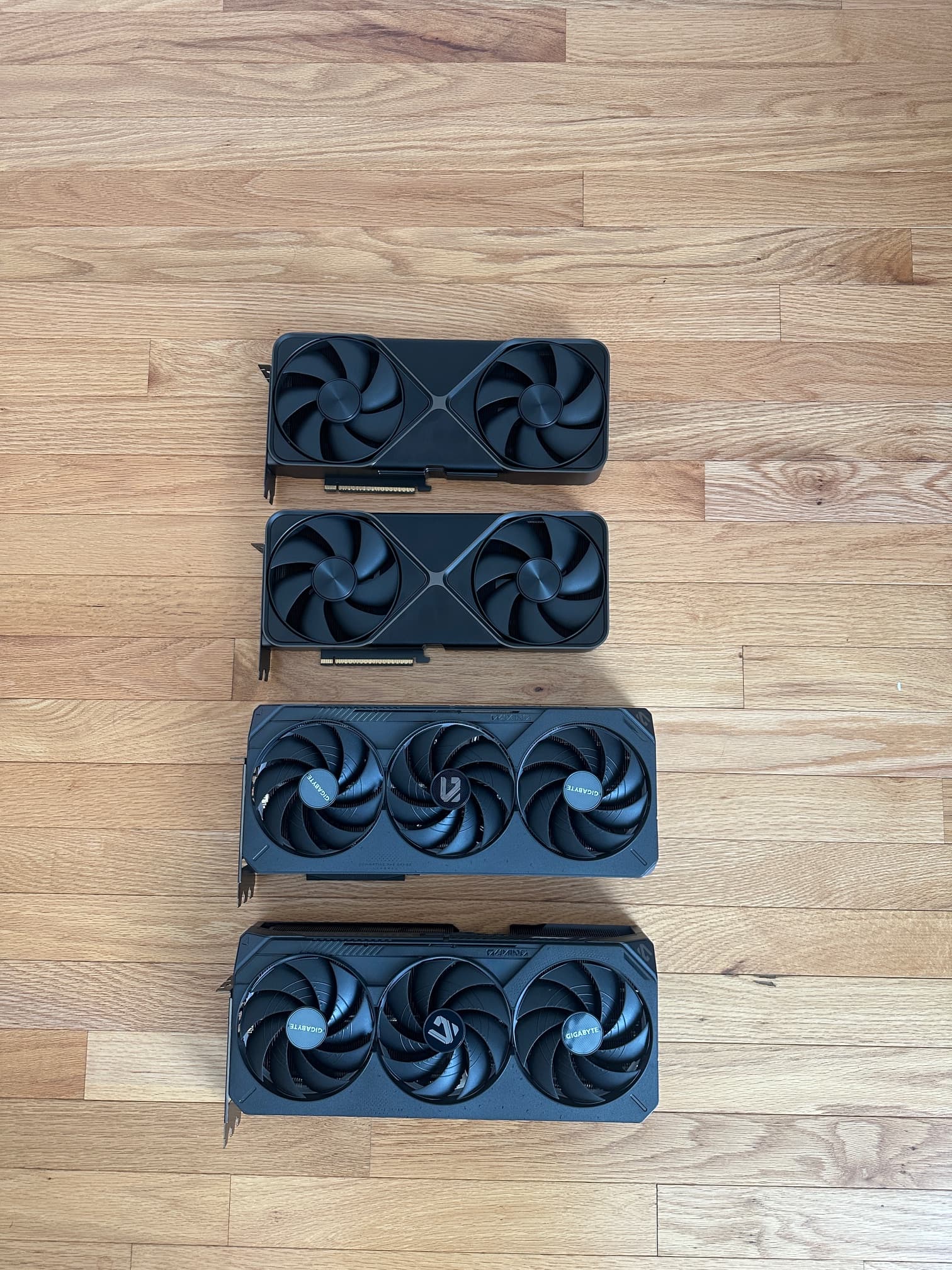
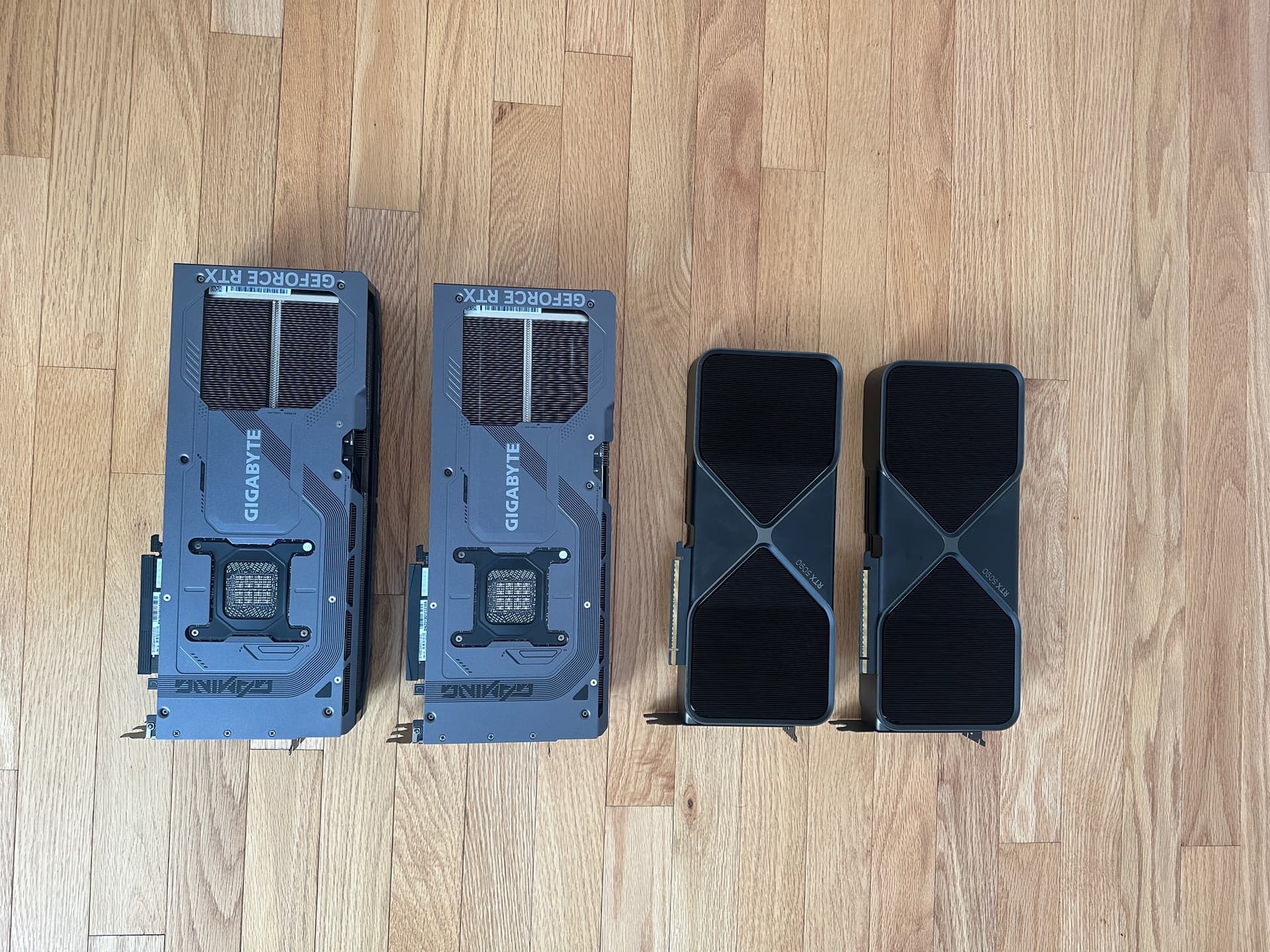
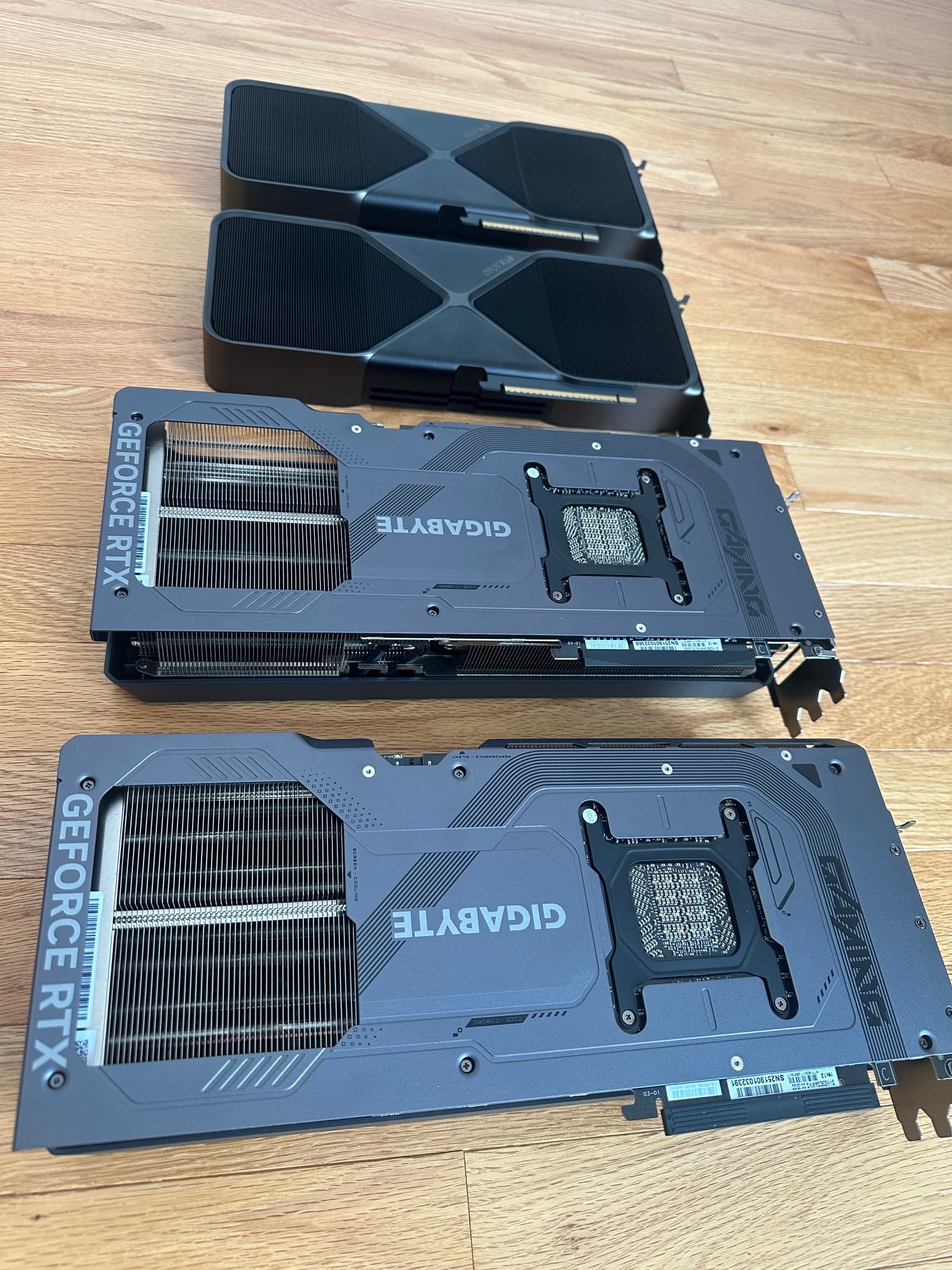
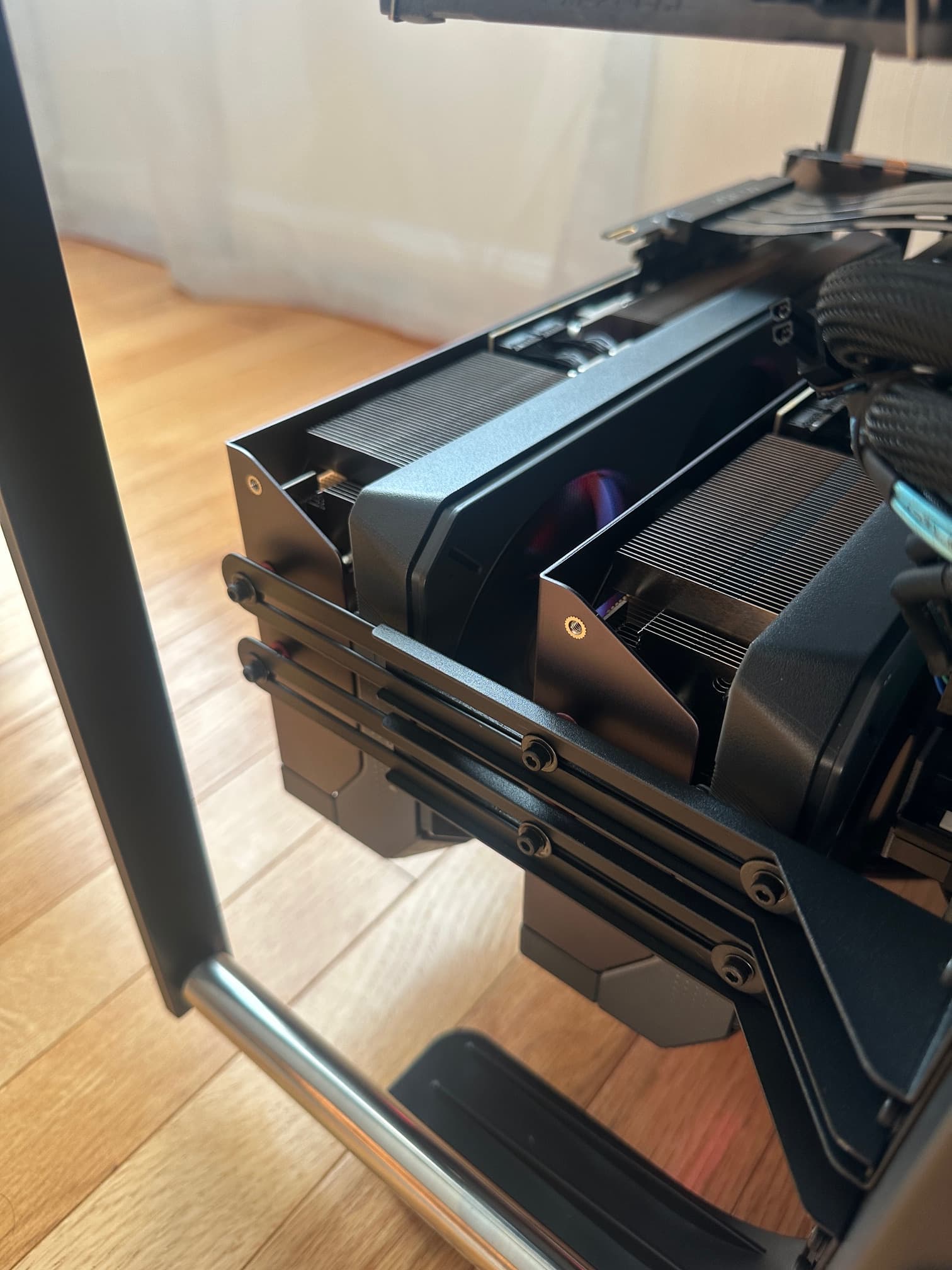
So I had to come up with a better design. I did not want the hot air from the cards blowing onto the dual CPUs and ram and I did not want the video cards to blow hot air down to the motherboard.
So this required them to be upside down to the warm air is blown away from the other components. ~ why is the standard to blow hot air into CPUs, ram and to the mother board?
So this required more vigorous bracketing:
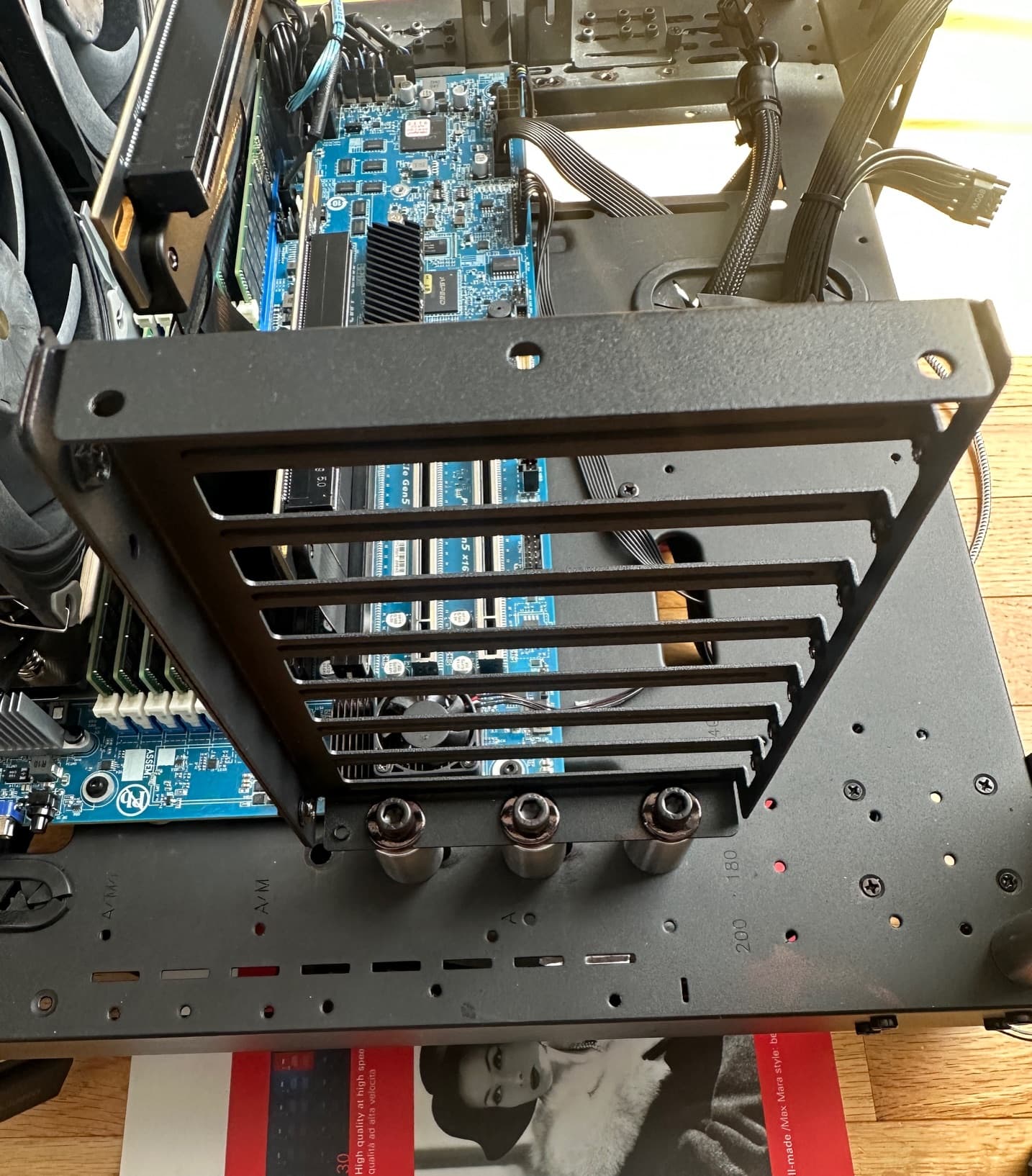
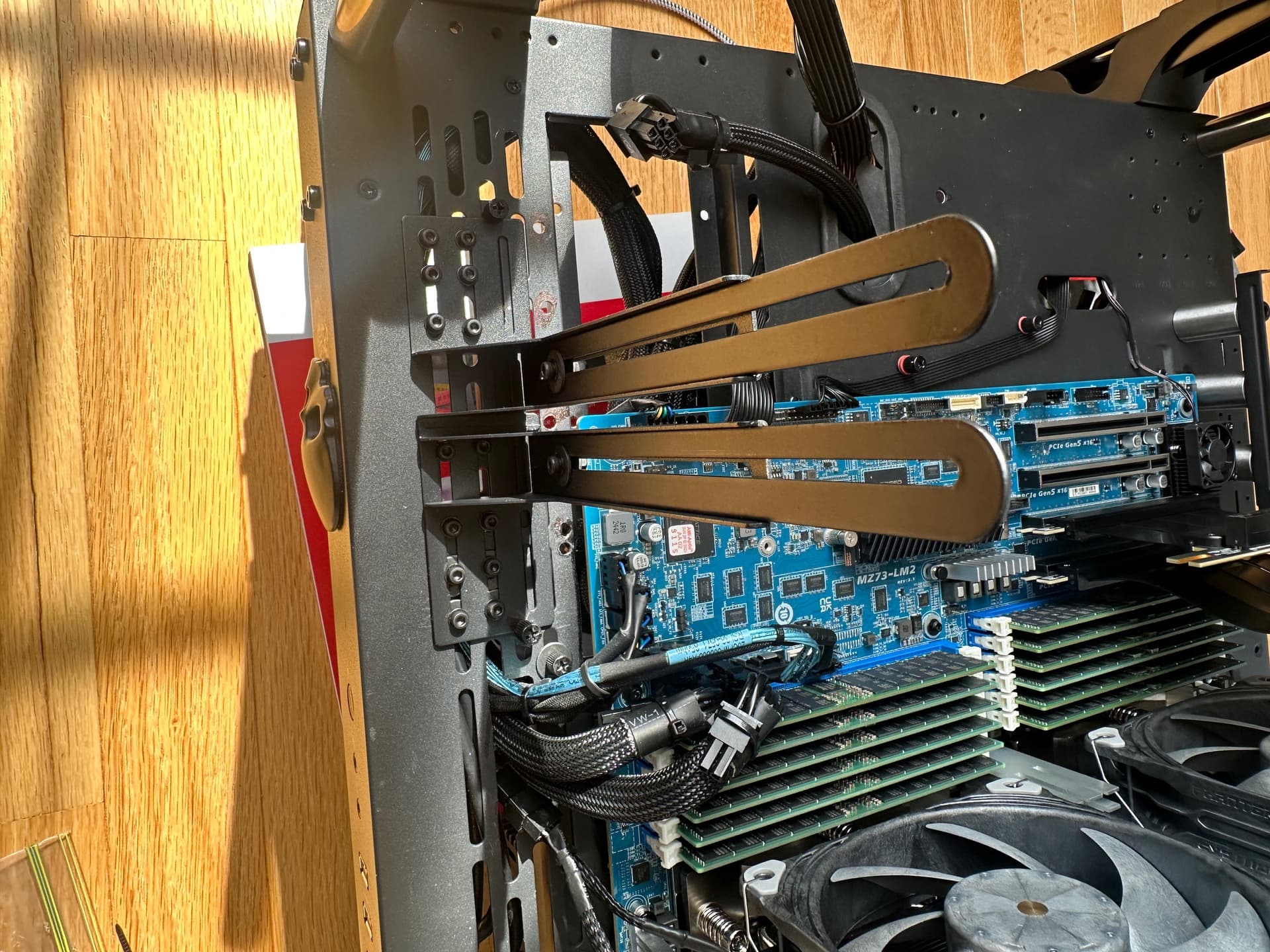
The final product runs silent (in most cases, unless a heavy gaming session, but even then its not loud)
Under load the cards peak at 68-70C, which was lower than the Founders Edition, but more importantly, when the video card fans are not going, the cards stayed around 39C in a room that is normally about 71F.

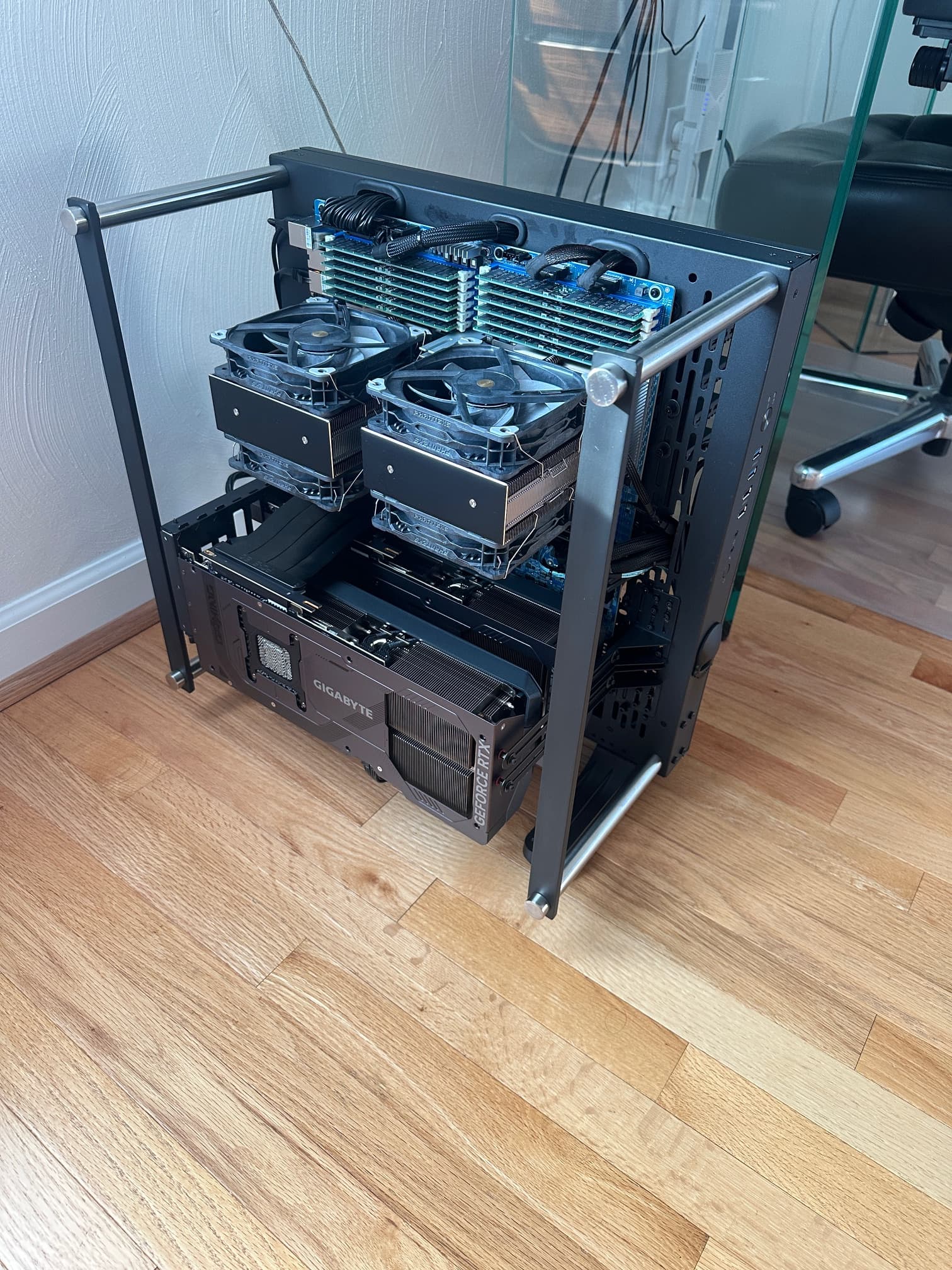


The other improvements I did in the bios such as maximizing the xGMI bandwidth, forcing 16 lanes per instance, for 32Gbs per lane, multiple optimizations in the SMU.
I also mastered my ram drive set up and the bios allows for ram surviving warm reboot.
So from one volume to the next, read and write performance increased. Here is an example of backing up the C drive volume to the D drive array.

And a few new high score benchmarks:
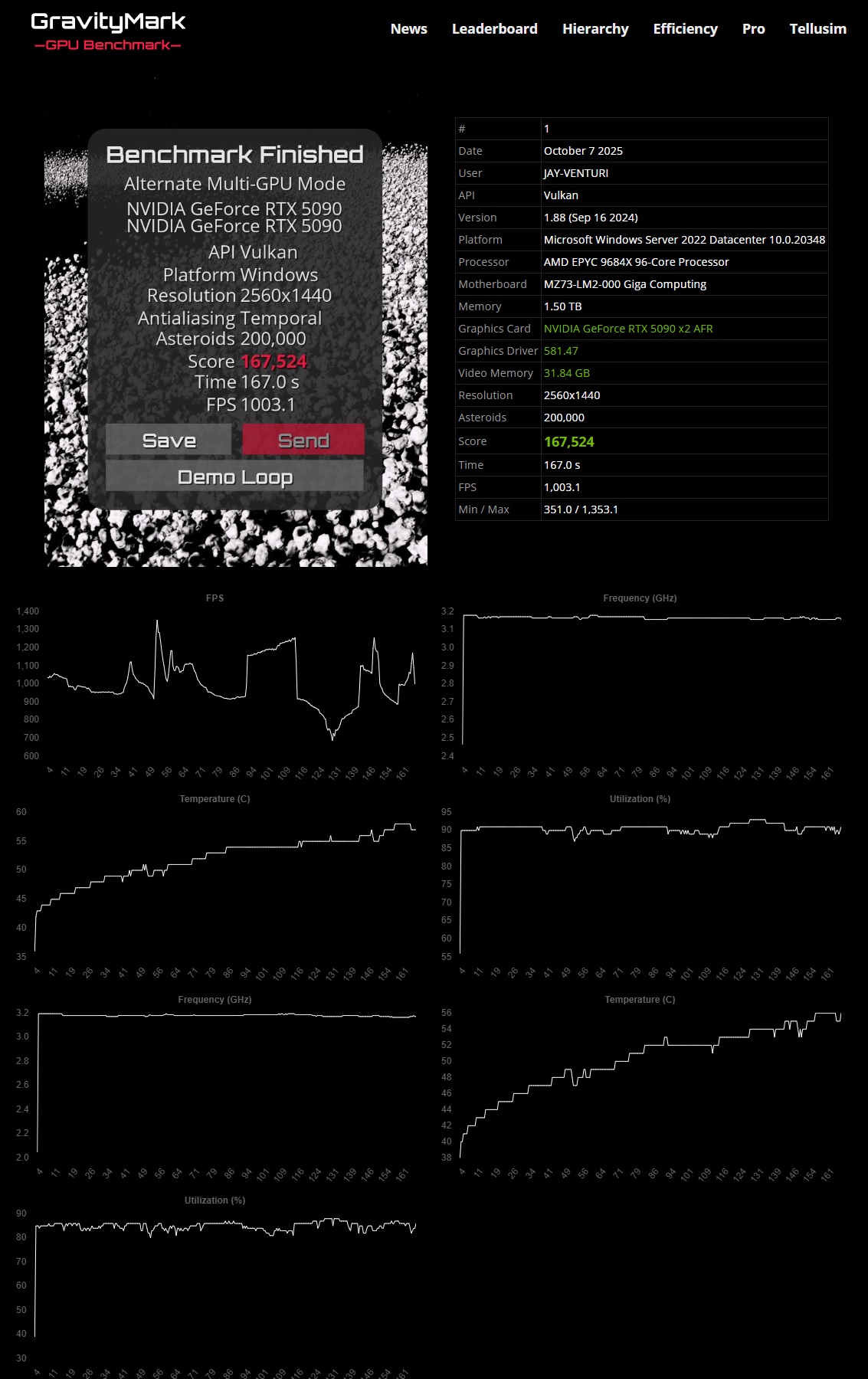
…cards never got warmer than 57’C
max frame rate went up as high as 1,353.1