Two factor authentication, or 2FA, is used to add an extra layer of security for logging into various accounts, usually for online accounts and especially for those associated with private financial information. Personally, I tried it with my Google account a while back, but it seemed like too much of a hassle, and there wasn't a lot of support at the time.
Recently, however, a friend of mine in the cyber-security team at my university encouraged me to check it out again, and I've been surprised to find support in unlikely places. I'll go over that.
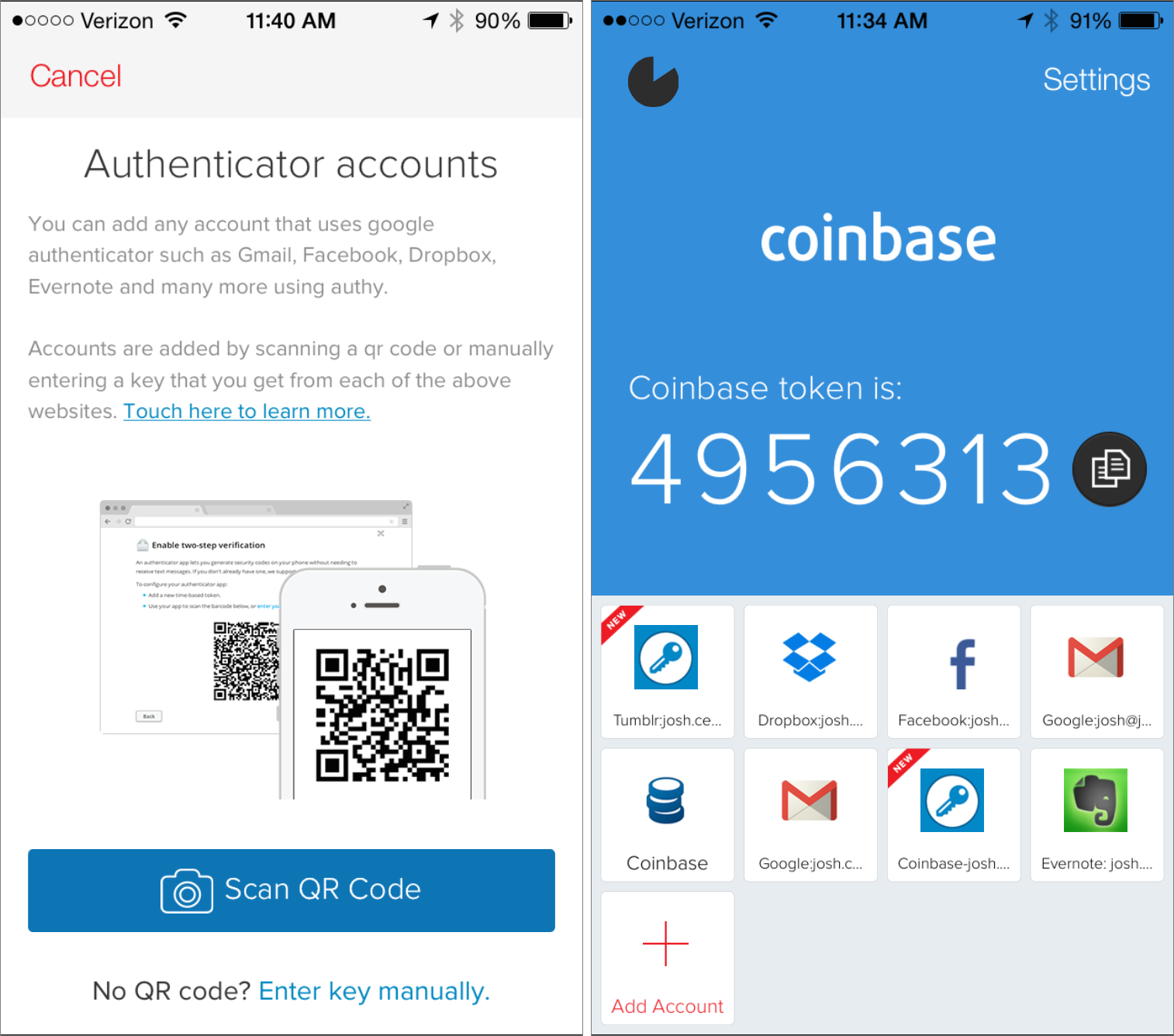
First of all, there are a couple of authentication apps you can use. I use Authy because it's not Google and I can still use it on other devices if I don't have my phone, but you can use Google Authenticator as well. Setting them up should be fairly simple, and adding new accounts is simple as well.
Most services will use barcodes to link the account, but SMS is another option, or entering in a key manually for your auth app to sync with the service. Steam requires you to use its own app, and if you lose your phone, you lose access to your account.
A list of services of those who support 2FA or not is not set in stone, but I'll drop a link below. If there is no word from a particular service you use, you can always get in contact with them and ask.
So, what about beyond that? What if you want to use 2FA with your desktop of personal server? Well, you're in luck! A little.
Linux has libpam, which has support for sshd, many of the display managers (gdm, kdm, lightdm, etc.), and some other services that require authentication, like su, sudo, useradd, etc. I just set it up for my desktop - it's fairly simple, runs via the terminal (no GUI dependence if you're on a server). It lets you make some tweaks when you run it first, and you can set it up by account. The only confusing part is figuring out how to set it up with different services. The second link should help out with that, and if you have any more questions I can try to answer them below.
Windows does not have 2FA except for the online Microsoft account. In other words, there's no 2FA for the actual log in process to your local machine. It's only when connecting to their servers and/or trying to make a change to your online account. As far as I can tell, there are no third-party services for local 2FA.
Apple has support for 2FA with iOS9 and El Capitan (OS X 10.11) through Apple ID. I don't have any Apple devices myself, so I can't report its usability or implementation.
I've also started using LastPass to try to synchronize all of my account passwords through a password manager. It's a lot more work to set up if you want to make it secure, but as long as you have your phone on hand or another device to reference the passwords and 2FA, then it's worth it for security. You can use a plugin for your browser to make it easier, though it does require a little more patience if you have a number of different devices you normally use. Using 2FA on your password manager account is, of course, highly recommended.