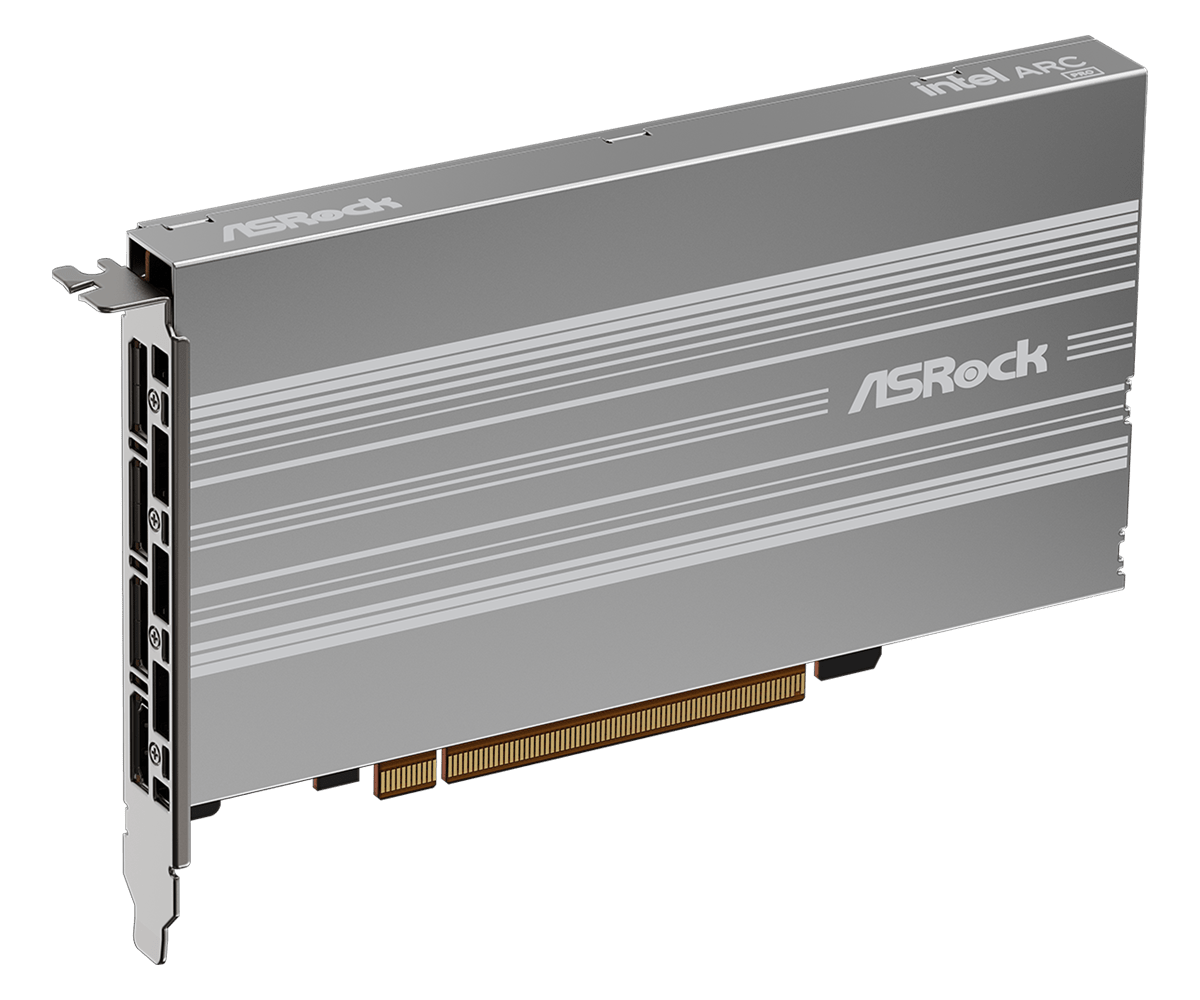
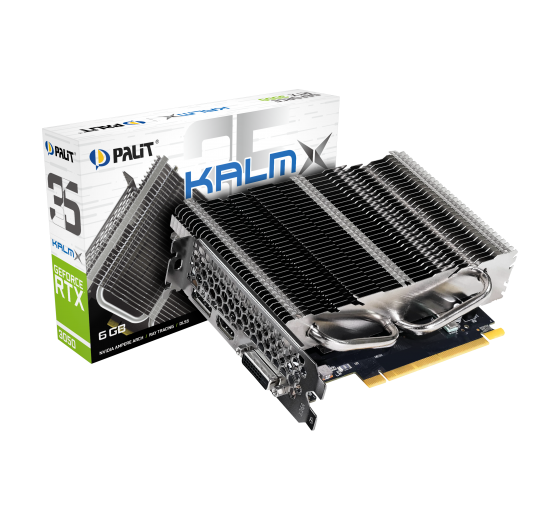
It’s crazy how long it took to get another fanless GPU that’s not the Nvidia GeForce GT 1030, GTX 1050 Ti, GTX 1650, or—more recently—RTX 3050. Look at the short list of recommendations for passive graphics cards plastered on the internet and tell me about a single one that can compete with this combination of features.
Is this finally the Holy Grail of fanless graphics cards?
No because this card expects server levels of airflow through it and will not work passively. This is about as “fanless” as an H100 i.e. it’ll throttle and/or die without ample airflow and cooling.
That’s normal for cards designed for servers. Either with radial fan (blower) or passive and relying on 12k RPM middle fan row/wall to blast air through it.
I’m honestly curious how much airflow would be required…
Like would a normal 120mm fan running at 1500+ rpm + a duct work?
Or probably a blower style fan hooked up to the end of the card.
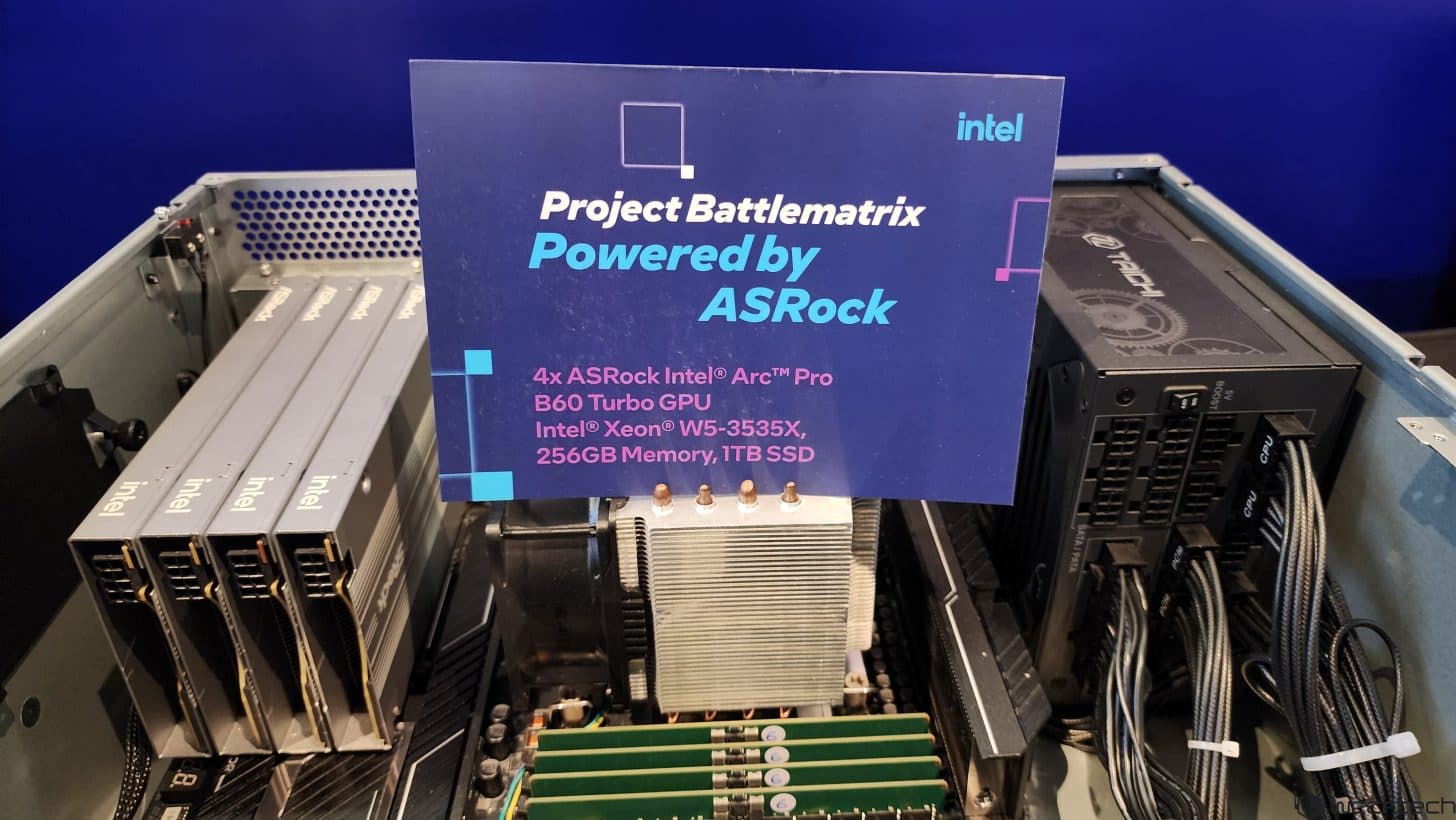
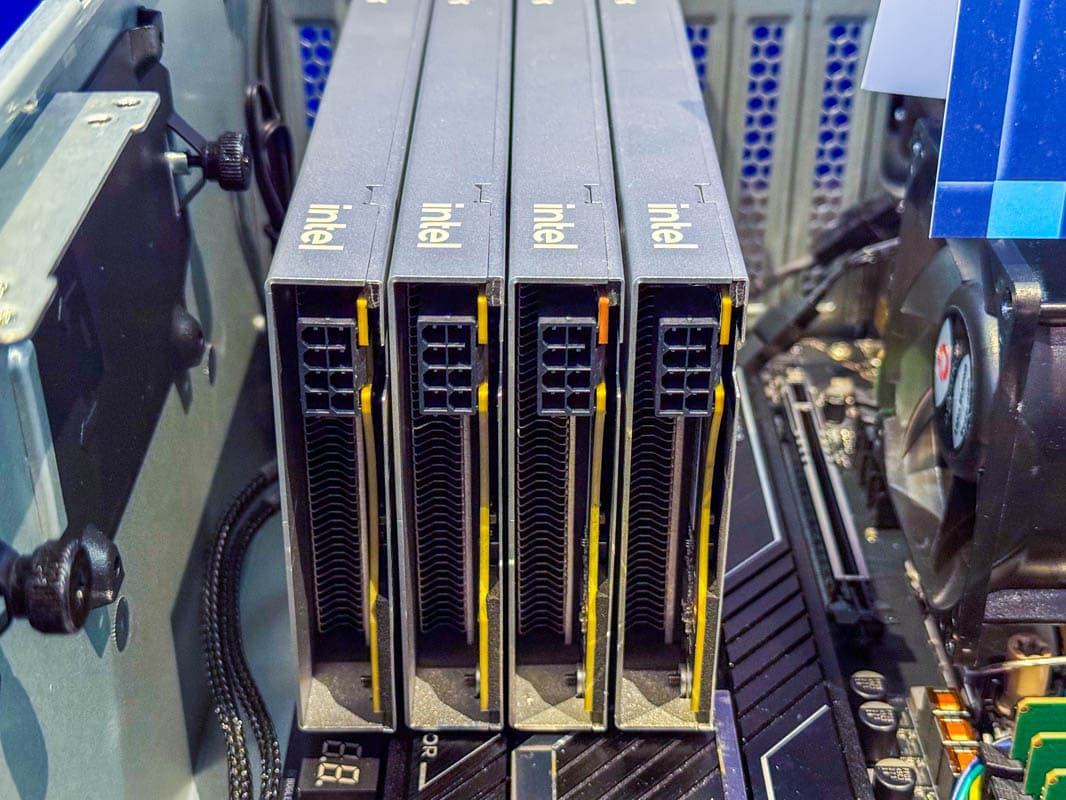
But at the same time they also don’t have any pictures of the end of the card, so aside from knowing there is an 8 pin connector over there, we don’t know what the situation is aside from “airflow go in” is ideal.
edit: I say that and then immediately find this picture, which I didn’t realize at first those were the ASRock “passive” cards:
Wow, and I’m over here refreshing the few stores that have them and fresh searching google every few days to try to find more stores in hopes of getting just one.
i have one of those (also obtained from scorptec), but they do not currently appear to have firmware support for sr-iov. the E211 firmware is still a bit older than the E212.
i’m keeping an eye on the driver packages which include firmware, and did upgrade some of the firmware on the card, but no sr-iov as yet.
great card though, i’m mostly using it for transcode which it excels at.
Me too. I am desperate for an inexpensive, current, 1 slot non-nvidia GPU that can coexist with an RTX PRO 6000 Blackwell card.
I hope someone can recommend one soon.
Well unfortunately despite sourcing what appears to be the only motherboard to PCIE-8 pin power cable for my ASUS servers they won’t even power on with the B60’s.
So without knowing the forum rules fully… if anyone is after 6 of these cards… I may be able to help out. They have all been opened so my ability to return them is low.
what do you mean by motherboard to pcie power cable? are you attempting to power the b60s from the motherboards? like a pcie slot to pcie 8 pin adapter or eps to pcie power or something?
apologies if i just completely misunderstand you.
edit: ah, i see some asus motherboards have a pcie 8pin input that is used to feed up to 250w through the primary gpu slot. i was not aware of this. from what i read, it does not seem like every card can use the extra slot juice though, could that be the issue?
edit 2: oh, i also see some have a lot of pcie slots and require additional power just for the standard 75w per slot. i now realise this is probably what you are actually talking about.
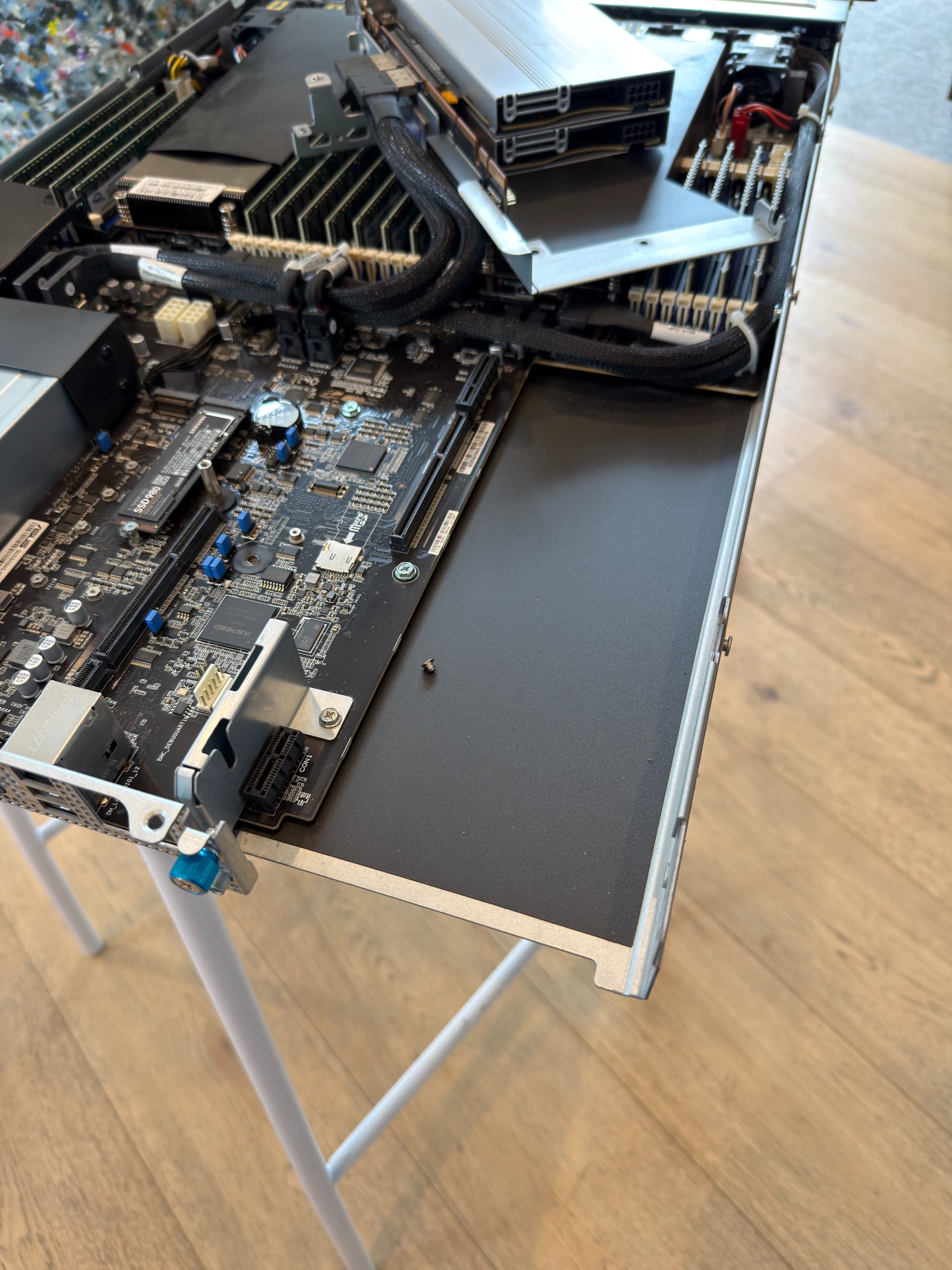
I have ASUS RS700A-E11 1U servers. The PSU doesn’t have 8 pin cables to go to the GPU’s, you need specific cables to go from the 4 x 8pin GPU power ports on the motherboard. I managed to get one of the kits (will only work for 1 GPU!!!) but with it plugged into the motherboard, I cannot power the system on.



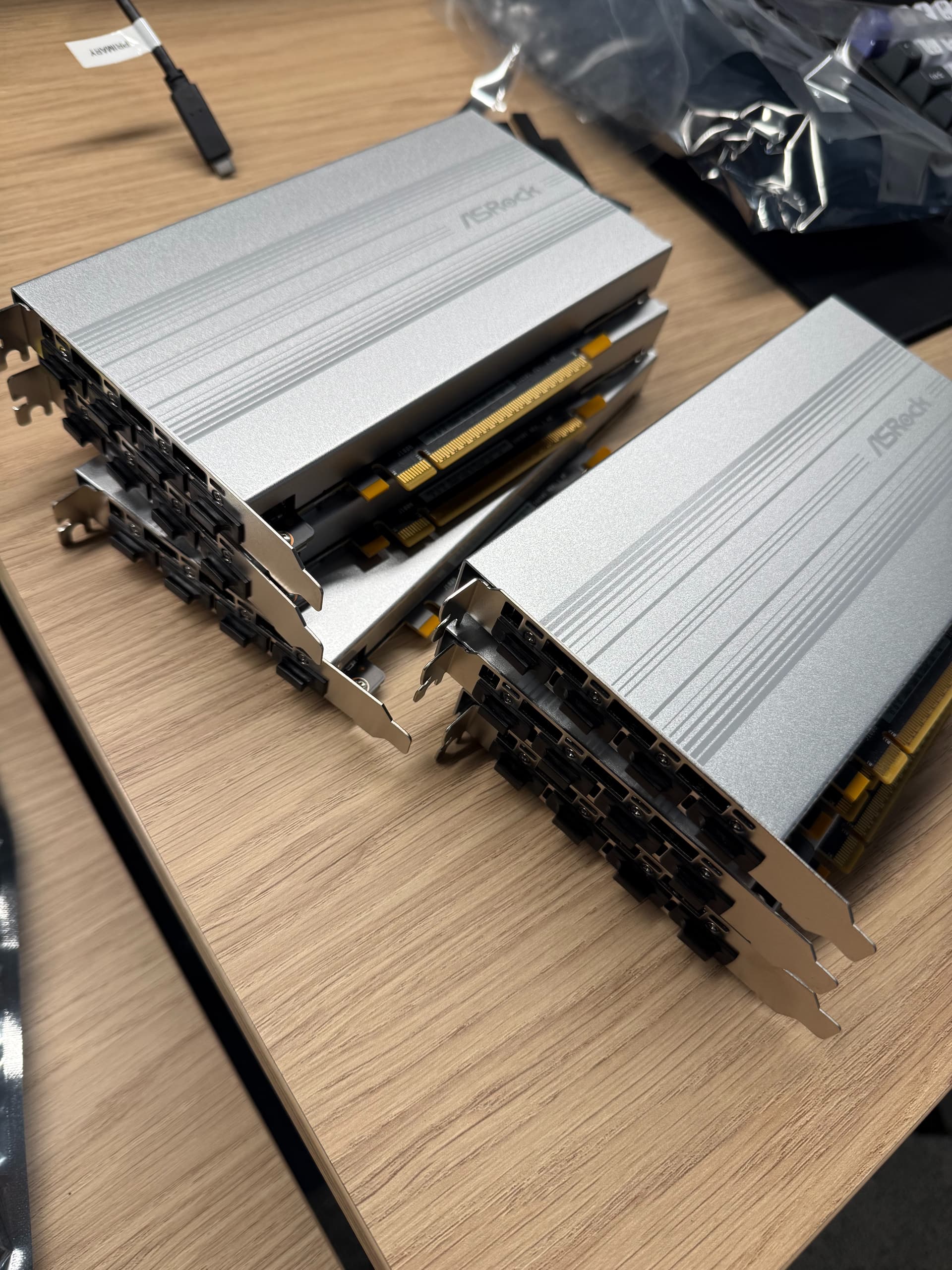
 That is quite the stack! What kind of projects are all of those for? I’m just a little jealous.