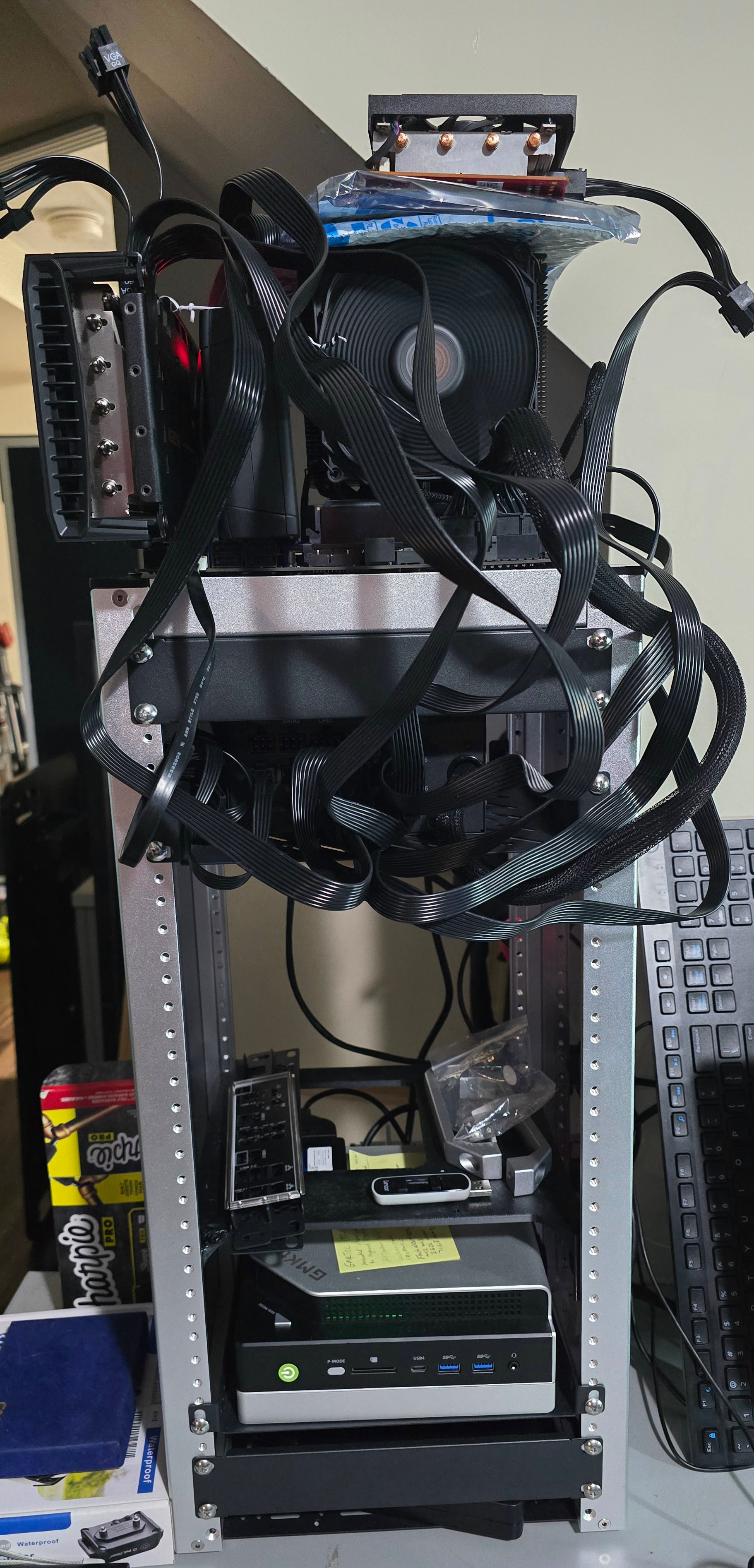
Hi all…… LONG TIME tinkerer, first time posting.
I’m a high school teacher building a local AI lab, for my own projects and so my senior students can experience hardware they otherwise wouldn’t get to use. I’ve spent a few weeks getting two machines running, and wanted to share the setup and numbers, and ask for opinions on an eGPU experiment.
Machine 1: GMKtec EVO-X2 (Strix Halo 96GB)
| APU |
| Memory |
| OS |
| Storage |
| Stack |
| Kernel args |
Lessons learned:
-
88 GiB GTT was too high. Loading a 104 GiB model with the n-gram table offloaded triggered a global kernel OOM, which killed my user systemd and dbus. At 84 GiB, a model that’s too big now fails cleanly instead.
-
The ADATA Legend 840 drops completion interrupts on its last I/O queue (QID 32, mapped to one CPU). Every I/O from that CPU stalled 30 s (
timeout, completion polled), which randomly broke mounting at boot.nvme.poll_queues=1fixed it. -
ComfyUI: removing
--cache-noneto avoid reloading models OOM-killed ComfyUI, because the extra cached copy lives in the same unified RAM. Qwen Image 2512 BF16 4-step takes about 100–130 s per image, of which only about 23 s is sampling. The rest is reloading.
Benchmarks: llama-bench with -fa on, no mmap, pp512/tg128. “MTP” means llama-server with --spec-type draft-mtp --spec-draft-n-max 3, timed on one 600-token coding prompt at temperature 0.
| Model | Backend | pp512 | tg128 | Deeper context | MTP |
|---|---|---|---|---|---|
| Qwen3.8-27B UD-Q6_K | Vulkan RADV | 400 | 10.1 | 128K: 122 / 7.2; 262K: 68 / 5.7 | 20.6 tok/s (51% accepted) |
| Qwen3.8-27B UD-Q6_K | ROCm 10.0 | 357 | 10.0 | 16K: 300 / 9.5 | 20.6 |
| Qwen3.8-27B Q8_0 | Vulkan | 464 | 7.8 | 16K: 347 / 7.5 | 17.2 |
| Qwen3.8 Flash-Next UD-IQ4_XS (n-gram table on SSD, 262K) | Vulkan RADV performance build | — | 30.1 (vs 26.7 on standard RADV) | 32K pp: 739 (vs 238) | 47.6 tok/s (77% accepted) |
Flash-Next notes:
-
Keeping the 51B n-gram table (
per_layer_token_embd.weight) on the CPU side with mmap cut GPU memory from about 84 → 55 GiB, with no speed loss. That made IQ4_XS at the full 262K context fit, using about 71–73 GiB. -
The
vulkan-radv-performancebuild is much faster at depth, but its pp512 at depth 0 is about 16 tok/s (vs about 319 on standard RADV), consistently. It looks like a bug on the first batch into an empty context. -
For MTP,
n-max3 beat 4 and 5 on both the 27B and Flash-Next.
Machine 2: Threadripper 3-GPU box
| Board / CPU | ASRock X399M Taichi (BIOS P4.03), Threadripper 2970WX |
| RAM | 64 GB DDR4-3200 (2×32, dual channel) |
| GPUs | RX 7900 XTX 24GB (power cap 272 W), RX 6750 XT 12GB (188 W), RX 5700 8GB (120 W, on a PCIe riser) |
| PSU | EVGA 1000 GQ. The caps keep worst case around 890 W. |
| BIOS | CSM off, Above 4G on, ReBAR on. All cards show full BARs (32G / 16G / 8G). |
| OS / stack | Fedora 44, kernel 7.2.15, Vulkan RADV only (mixed RDNA1/2/3 rules out ROCm in one process), llama-swap |
| Setup | pp512 | tg128 | 16K context | MTP |
|---|---|---|---|---|
| Qwen3.8-27B UD-Q4_K_XL, 7900 XTX alone | 936 | 38.9 | 730 / 36.2 | 69.5 tok/s, using 22.5 GB at 64K |
Qwen3.8-27B Q8_0, split 7900 XTX + 6750 XT (-ts 24/12) |
551 | 17.9 | 429 / 17.0 | — |
| Gemma 4 12B UD-Q4_K_XL on 6750 XT | — | 42.6 | — | — |
| Qwen3-Embedding-4B Q8 on RX 5700 | — | — | — | 2560 dims, 5.6 GB |
All three run at the same time, one per GPU, through llama-swap (68.8 and 42.7 tok/s), and both machines’ models show up in one Open WebUI instance.
Side note: a certified-refurb 7900 XTX I had earlier turned out to be faulty: no POST, code 97 / b2, and amdgpu hangs on three different boards. It was RMA’d, and the replacement works perfectly.
The question: eGPUs on Strix Halo, worth revisiting?
Before I knew the old 7900 XTX was bad, I tried eGPUs on the EVO-X2 and ran into a pile of problems:
-
7900 XTX on OCuLink (M.2 adapter in the second NVMe slot): no POST. I suspected the firmware’s automatic Resizable BAR couldn’t fit a 32 GB BAR, but the faulty card may have been the real cause.
-
7900 XTX in a Razer Core X (USB4, rear port): bolt auto-authorizing caused freezes, the link dropped about 3.5 s after power-up unless USB4 runtime PM was off, then amdgpu hung during early init. It worked twice, before the card was identified as faulty.
-
6750 XT on OCuLink failed SMU init (bus reads of
0xFFFFFFFF), but only in boots where the faulty 7900 XTX was also attached. It worked on its own in an earlier install.
Now that I have a known-good 7900 XTX, I’m considering 7900 XTX on OCuLink + 6750 XT in the Core X on the EVO-X2, to:
-
benchmark iGPU + dGPU splits, e.g. Flash-Next with hot layers on the 7900 XTX and the rest on the 8060S
-
try bigger models
-
compare against the Threadripper
Questions:
-
Has anyone run a 7900 XTX over OCuLink on a Strix Halo mini PC (EVO-X2 or similar)? Does it POST, and did you need any BIOS or firmware workarounds for the large BAR?
-
Is anyone mixing the 8060S iGPU with a dGPU in llama.cpp (Vulkan multi-device or RPC)? Is the split worth it, or does the link become the bottleneck?
-
Any experience with Thunderbolt 3 enclosures (Core X) on Strix Halo USB4 under Linux? I needed bolt masked, a delayed driver probe, and runtime PM off on the USB4 ports.
-
Or is it not worth it, and the dGPUs are better off staying in the Threadripper?
Happy to share configs or run tests if anyone’s curious. Thanks!